
The best Higgsfield alternatives give you multiple AI video models under one plan. Most let you generate; fewer let you edit. Only Vidwip AI Studio puts 16 models on a full timeline with voiceover and music in the same browser tab.
The best Higgsfield alternatives do the same thing Higgsfield does: put several AI video models behind one login, under one plan. Higgsfield built its following by running Wan, LTX and others on a single credit pool. You pick the model that fits the shot, spend credits, and get footage back.
That idea is now mainstream. Half a dozen platforms offer multi-model access, and they differ on which models they carry, how many credits a month you actually get, and what you can do after the generation finishes. Most tools stop at the downloads folder. A few go further.
This post ranks eight alternatives on model lineup, true credit value and what you can edit without leaving the platform. Every price below was pulled from the vendor’s own pricing page in October 2026.
Why multi-model access matters for AI video
A single model does one thing well. Veo 3.1 is sharp on realistic shots with audio. Seedance 2.5 handles long takes and complex references. Hailuo 3 is built for close-ups where a face has to carry the shot. Wan 3.0 fills a gap with a two-second insert or a thirty-second take from a start frame.
No single model wins every cut. The platforms that bundle several give you the right tool for each shot instead of forcing your vision to fit one model’s strengths.
The second thing that separates the field is editing. Generating a clip is step one. Getting it into a finished video — trimmed, sequenced, with a voice and music — is steps two through ten. Only some platforms hand you those steps.
1. Vidwip AI Studio
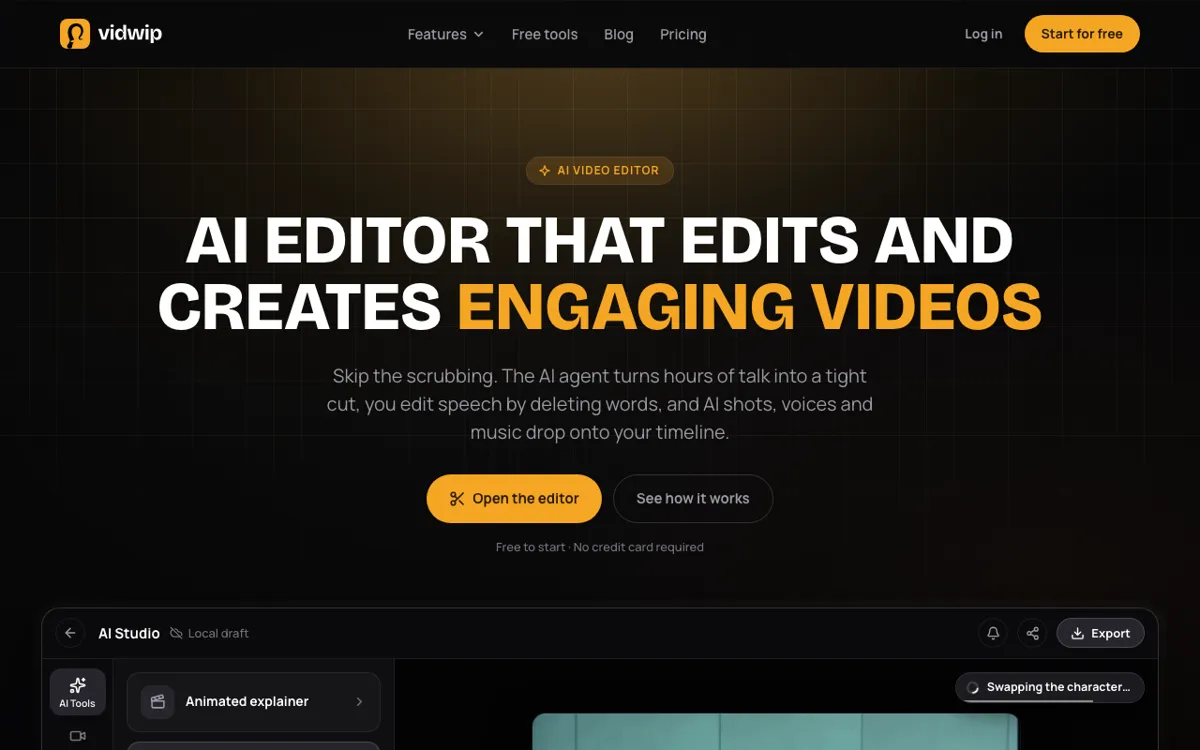 Vidwip AI Studio — generate on 16 video models from 7 vendors, then edit on the same timeline in the same browser tab.
Most multi-model platforms separate generation from editing: you prompt a clip, download it, and cut it in another tool. Vidwip AI Studio is built differently, with generation and editing in the same browser tab.
The model roster is 16 video models from 7 vendors — Google Veo 3.1, Kling 3.0 Pro, ByteDance Seedance 2.5, MiniMax Hailuo 3, Alibaba Wan 3.0, Black Forest Labs FLUX.3 Video and xAI Grok Imagine 1.5, plus 9 more. Every generation lands on the timeline as a clip you can trim, split and sequence. You re-prompt a weak shot from its own track context and the edit around it holds.
The audio layer is built in. ElevenLabs v3 speech (190+ voices, 74 languages) generates onto an audio track. ElevenLabs Music v2 composes original music from 10 to 180 seconds. Sound effects land from a description. You build the whole piece — picture, voice, music, SFX — in one browser tab, then export 1080p without installing anything.
That makes Vidwip AI Studio a different category from the other tools on this list. It is not a generation platform with basic trim tools. It is a timeline editor with AI generators inside it.
Pros
- 16 video models from 7 vendors on one credit pool, all landing on your timeline
- Full multi-track timeline editor: trim, split, ripple delete, snap, group, undo
- AI voiceover in 190+ voices and 74 languages, generated directly onto an audio track
- Original AI music and sound effects from ElevenLabs, on the same timeline
- Edit video agent turns up to 2 hours of footage into a rough cut from one brief
- No watermark on any plan, including Free
Cons
- Export ceiling is 1080p (no 4K from the editor)
- Projects save to your studio, but editing and export run in your browser tab
- Generators share the same credit pool as editing tools, so volume-heavy generation depletes credits the same way as on other platforms
- Browser-only — there is no desktop app
Best for: Creators who want to generate AI footage and build a finished video in the same session, without bouncing between a generation platform and a separate editor.
Pricing: AI video needs a paid plan. Starter: $25/month for 2,500 credits. Pro: $99/month for 10,000 credits. Enterprise: custom pricing (vidwip.com/pricing).
2. Runway
 Runway — Gen-4.5, Aleph 2.0, Seedance and more on one credit pool.
Runway is the most established name in AI video generation. Its Gen-4.5 model produces some of the cleanest output in the field, and the platform also runs Aleph 2.0, Seedance 2.0 Pro and Seedance 2.0 Fast on the same account.
Gen-4.5 costs 60 credits per 5-second clip. On the Pro plan’s 2,250 credits, that is 37 clips a month. The Max plan at $95/month (9,500 credits) brings that to 158 clips — enough for a real creative workflow.
The platform has basic in-app tools for extending, re-prompting and trimming individual clips. It is not a full timeline editor.
Pros
- Gen-4.5 output quality is among the best available in 2026
- Multiple models under one credit pool — Gen-4.5, Aleph, Seedance
- Strong commercial licence on paid tiers
- Large library of tutorials and community resources
Cons
- Free tier is only 125 one-time credits — gone after your first few clips
- No full timeline editor; assembly happens in a separate tool
- No built-in voiceover or music generation
- Max plan at $95/month is expensive for a generation-only tool
Best for: Professional creative teams and agencies who need the highest possible per-clip quality and are comfortable editing in a separate tool.
Pricing: Free: 125 one-time credits. Standard: $15/month ($12/month annually) for 625 credits. Pro: $35/month ($28 annually) for 2,250 credits. Max: $95/month ($76 annually) for 9,500 credits, one month rollover (runway.com/pricing, checked October 2026).
3. Krea
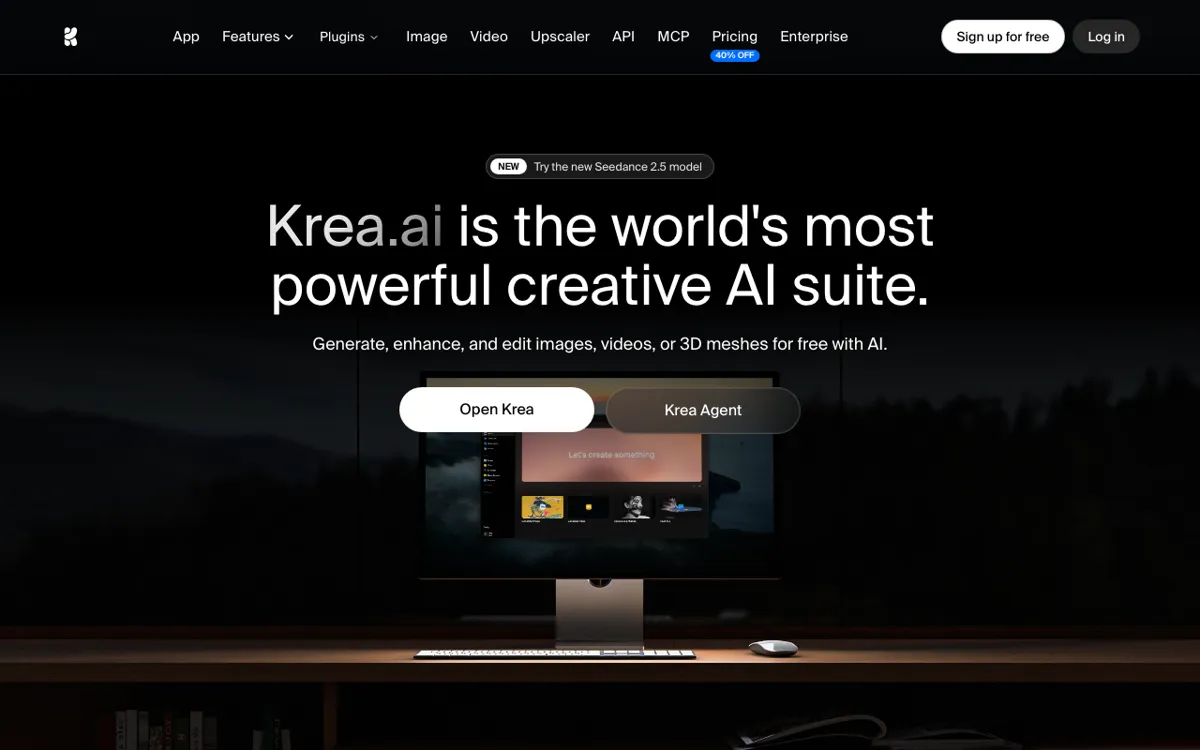 Krea — image and video generation on a shared unit pool, with a canvas for iteration.
Krea combines image and video generation on one credit pool and wraps them in a canvas interface designed for fast iteration. The video roster includes Kling 3.0, Seedance 2.0 and LTX-2.5 Pro, alongside Krea’s own models.
The Free tier gives 100 units a day — roughly 2 LTX-2.5 19B videos — which is enough to evaluate it seriously. The Pro plan’s 20,000 units a month works out to about 107 Kling 3.0 3-second clips or 83 Seedance 2.0 4-second ones.
The canvas is Krea’s differentiator. You can iterate on a generation by painting over it and regenerating, which works better for illustration and concept art than for finished footage.
Pros
- Free tier refills daily — 100 units every day, not a one-time grant
- Image and video on one pool, so the credits go to what you need that day
- Canvas interface makes iteration fast for art direction and storyboarding
- Kling 3.0 and Seedance 2.0 are among the strongest video models available
Cons
- Video concurrency is 0 on Free and 4 on Pro — not built for volume
- No built-in timeline editor, voiceover or music
- Per-generation costs are shown as approximate video counts, not credits, so the true rate is opaque
- Pro plan ($35/month) is the same price as Runway Pro for a very different use case
Best for: Artists and concept designers who want image and video generation on one canvas and care more about creative control than raw clip volume.
Pricing: Free: 100 units/day (refills daily). Pro: $35/month ($21/month billed annually) for 20,000 units. Max: $105/month ($63 annually) for 60,000 units. Business: $200/month for up to 50 seats (krea.ai/pricing, checked October 2026).
4. Luma Dream Machine
 Luma Dream Machine — Ray3.14, Kling 3.0, Veo 3.1, Seedance 2.5 and more on one credit pool.
Luma Dream Machine runs the widest model roster of any platform in this comparison. Its video generation picker includes Luma’s own Ray3.14 and Ray3.2, plus Kling 3.0 (standard and turbo), Veo 3.1, Seedance 2.5, MiniMax H3 and H3 Max, and FLUX.3 Video — all on one credit pool alongside a comparable image model lineup.
The credit math is transparent. Ray3.14 at 720p costs 20 credits per second, so a 5-second clip is 100 credits. On the Plus plan’s 10,000 credits, that is 100 Ray3.14 clips a month. Veo 3.1 at 280 credits per second is a budget item — roughly 7 clips from those same 10,000 credits.
Luma also includes ElevenLabs audio tools directly in the platform: Speech, Music and Sound Effects. That makes it the only alternative in this list (besides Vidwip) with built-in audio generation.
Pros
- Widest model roster: 10+ video models from Luma, Kuaishou, Google, ByteDance, MiniMax, Black Forest Labs
- Transparent per-second pricing so you can calculate cost before generating
- ElevenLabs Speech, Music and SFX built in
- Strong API access for developers on Pro and above
Cons
- No full timeline editor — you assemble footage outside the platform
- Premium models like Veo 3.1 burn credits fast: 7 clips from 10,000 credits
- Plus plan at $30/month has no credit rollover
- No free tier shown on the pricing page
Best for: Creators who want access to every major video model from one account and are willing to pay $30/month or more for that access.
Pricing: Plus: $30/month ($25/month annually) for 10,000 credits. Pro: $90/month ($75 annually) for 40,000 credits. Ultra: $300/month ($250 annually) for 150,000 credits (lumalabs.ai/pricing, checked October 2026).
5. LTX Studio
 LTX Studio — storyboard-first video generation from Lightricks, built on the LTX-Video model.
LTX Studio is Lightricks’ approach to AI video: you build a storyboard first, then generate each scene. The platform is built on the open LTX-Video model and runs Lightricks’ own fine-tuned versions of it, focusing on consistent characters and camera control across a multi-scene video.
The workflow is different from prompt-and-generate. You define a story, break it into scenes, populate each scene with characters and actions, and generate scene by scene. This makes LTX Studio stronger than most alternatives for narrative-driven content, and weaker for one-off clip generation.
The in-platform editor gives you scene-level control: you can re-generate a scene, adjust timing and add transitions. It is not a full multi-track timeline editor.
Pros
- Storyboard-first workflow maintains character and scene consistency
- Open LTX-Video model means faster iteration times than cloud-only models
- Scene-level regeneration without rebuilding the whole project
- Good for short-form narrative content and storyboards
Cons
- Model roster is narrower than Runway or Luma — built around LTX-Video, not a multi-vendor catalog
- Pricing page was unavailable to verify at time of writing (October 2026) — check ltx.studio for current plans
- No built-in voiceover, music or audio generation
- Character consistency requires setting up references, which adds setup time
Best for: Creators producing short narrative videos who value character consistency across scenes over per-clip volume.
Pricing: See ltx.studio for current plans. (Pricing page was not accessible to verify, October 2026.)
6. OpenArt
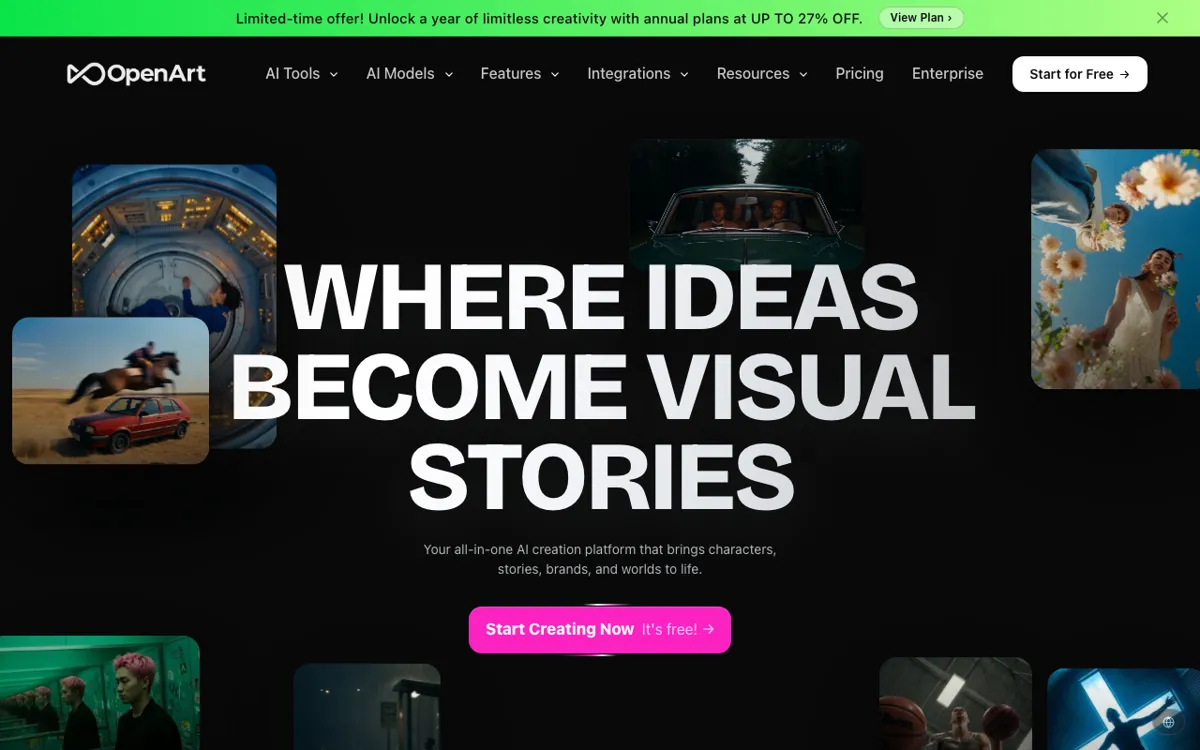 OpenArt — one of the most affordable multi-model platforms at $14/month for ~50 video generations.
OpenArt covers image and video generation across multiple models and sits at the most affordable entry point of any platform in this comparison. The Starter plan at $14/month gives 4,000 credits and roughly 50 video generations per month.
The video generation feature is called AI Video Director and supports several models. OpenArt’s broader strength is image generation — it covers more image models than most platforms here — which makes it useful when your video project starts from AI-generated stills.
A promo running at time of writing offered unlimited FLUX.3 720p video on the Wonder plan until end of October 2026. Volume-heavy workflows should check the current offer before committing.
Pros
- Cheapest multi-model entry point at $14/month
- Strong image generation roster alongside video, useful for reference-based video workflows
- 4,000 credits per month on Starter gives genuine working room
Cons
- Video model depth is shallower than Runway, Luma or Krea
- No full timeline editor, voiceover or music built in
- Credit-to-video rate is opaque — “~50 videos” is an estimate, not a firm rate
- No clear rollover; credits likely reset monthly
Best for: Budget-conscious creators who want to try several AI generation tools on one plan, especially those starting from image references.
Pricing: Starter: $14/month ($13/month annual) for 4,000 credits (~50 videos). Plus: $34/month ($27 annual) for 12,000 credits. Pro: $56/month ($44 annual) for 24,000 credits (openart.ai/pricing, checked October 2026).
7. Pika
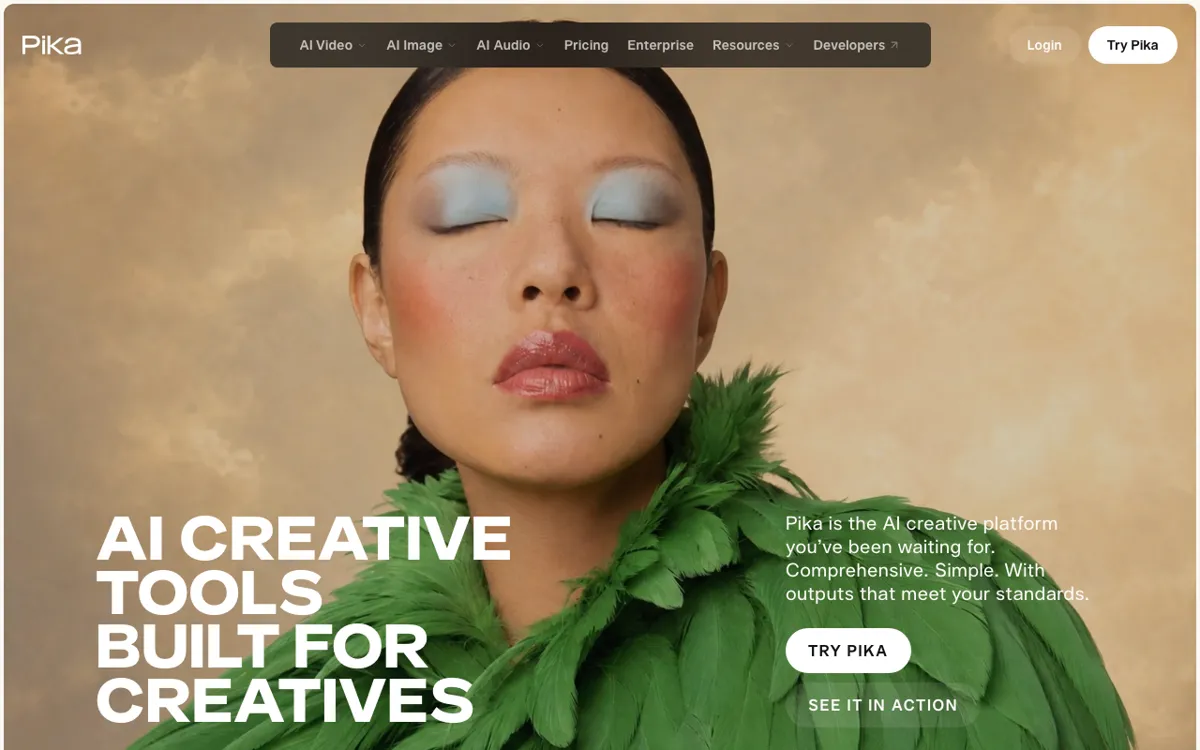 Pika — Seedance 2.5, Wan 3.0, MiniMax H3, Gemini Omni Flash and Pika 2.5 on one plan.
Pika is the most approachable multi-model platform here. Its Starter plan at $10/month is the cheapest paid entry in this comparison, and the model roster is legitimate: Seedance 2.5, MiniMax H3, Wan 3.0, Gemini Omni 1.1 Flash, Pika 2.5 and the Pikaframes image-to-video tool.
The credit math is visible. Seedance 2.5 at 720p for 5 seconds costs 122 credits, so the Starter plan’s 900 credits buys roughly 7 Seedance clips. Wan 3.0 at 33 credits per clip is a better fit for the budget tier — about 27 clips on Starter.
Pika’s interface is the most consumer-friendly of the platforms here. The tradeoff is that it is not built for high-volume production or complex post-production. There is no timeline editor, and audio generation is handled outside the platform.
Pros
- Cheapest paid multi-model plan at $10/month
- Clear per-generation credit costs published on the pricing page
- Wan 3.0 at 33 credits makes the entry plan genuinely usable
- No watermark on any paid plan
Cons
- Starter’s 900 credits runs out fast on premium models like Seedance 2.5
- No commercial licence on the Starter plan — requires Creator ($35/month) for commercial work
- No timeline editor, voiceover or music built in
- Top-up credits do not work in the iOS app or API
Best for: Beginners and casual creators who want to try multiple video models on a low monthly budget and don’t need a commercial licence.
Pricing: Free: no monthly credits (pack top-ups only). Starter: $10/month ($8 annually) for 900 credits, no commercial licence. Creator: $35/month ($28 annually) for 3,150 credits with commercial licence (pika.art/pricing, checked October 2026).
8. Freepik AI Video
 Freepik AI Video — AI video generation integrated into Freepik’s subscription alongside stock assets.
Freepik AI Video is built on Pikaso, Freepik’s AI generation engine, and available to subscribers as part of the Freepik suite alongside stock photos, vectors and templates. If you already pay for Freepik, AI video generation may be included in your plan at no extra cost.
The integration angle is the main value. You generate AI video in the same platform where you download assets, edit images and build social content. For teams that run a Freepik subscription for stock assets, extending into AI video at no additional tool cost is a genuine argument.
The model depth and generation volume are lower than standalone AI video platforms. Freepik AI Video is a complement to a stock-asset workflow, not a replacement for Runway or Luma for video-first creators.
Pros
- Zero additional cost for existing Freepik subscribers
- Integrated with stock assets, templates and Freepik’s other AI tools
- No new account or credit system to manage separately
Cons
- Model depth shallower than purpose-built AI video platforms
- Pricing page returned a server error at time of writing (October 2026) — check freepik.com for current access details
- Not a standalone video production tool; lacks timeline editor, voiceover and music
- Best used as an add-on, not a primary AI video platform
Best for: Teams already on a Freepik subscription who want to add AI video generation without paying for another platform.
Pricing: See freepik.com/plans for current access details. (Pricing page returned a server error at time of writing, October 2026.)
Higgsfield alternatives compared
| Tool | Video models | Full editor | Built-in audio | Starting paid plan |
|---|---|---|---|---|
| Vidwip AI Studio | 16 (7 vendors) | Full timeline | Speech + music + SFX | $25/mo |
| Runway | 4+ (Gen-4.5, Aleph, Seedance) | No | No | $15/mo |
| Krea | 4+ (Kling 3.0, Seedance 2.0, LTX) | Canvas only | No | $35/mo |
| Luma Dream Machine | 10+ | No | ElevenLabs | $30/mo |
| LTX Studio | LTX-Video | Scene-level | No | See site |
| OpenArt | Multiple | No | No | $14/mo |
| Pika | 6+ (Seedance, Wan, MiniMax, Gemini, Pika) | No | No | $10/mo |
| Freepik AI Video | Multiple | No | No | See site |
How to choose the right Higgsfield alternative
You want to build finished videos, not collect clips. Vidwip AI Studio is the only option here that generates directly onto a timeline. If you’re spending time downloading AI clips and hauling them into a separate editor — trimming, sequencing, adding a voice and music — that workflow collapses into one browser tab. The AI voiceover and AI dubbing products sit beside the Studio and share the same plan credits.
You prioritize per-clip quality above everything else. Runway Gen-4.5 is the pick. 60 credits per 5-second clip is not cheap, but the output is consistently polished. Budget $35/month for the Pro plan and 37 clips a month.
You want the widest model roster on one account. Luma Dream Machine runs the most third-party models — Kling, Veo, Seedance, MiniMax, FLUX — and Luma’s own Ray models. The $30/month Plus plan gives 10,000 credits and transparent per-second rates so you know exactly what each model costs before you generate.
You’re on a tight budget. Pika Starter at $10/month is the cheapest paid entry. Wan 3.0 at 33 credits per clip gives you 27 clips from 900 monthly credits. You’ll need the $35/month Creator plan for commercial use.
You’re already paying for Freepik. Check whether your current Freepik plan includes Pikaso AI Video access before signing up for a separate platform. You may already have it.
The core question any Higgsfield alternative has to answer is: after the generation, then what? Most platforms stop at the download, and a few add some trim controls.
Vidwip AI Studio hands you a full timeline, a voice and a music track to go with the footage you just generated. Start at app.vidwip.com, on plans from $25 a month, with no watermark.