
Runway's 125-credit free tier runs out in two clips, and there's no timeline editor to take you from generation to finished video. The nine alternatives here give you more clips per dollar, better camera control, or both.
Runway built its reputation on Gen-4 and kept it with Gen-4.5. The output is genuinely excellent. The problem is the business model, and it’s why so many creators now compare Runway alternatives.
The free tier gives you 125 credits — two Gen-4.5 clips and they’re gone. The Standard plan at $15/month hands you 625 credits, which is 10 clips. That is ten shots for an entire month of video work.
There is also no timeline editor. You generate clips and download them, then cut in a separate tool, then come back to generate the next shot.
These two things — low clip volume and no editing — are why people search for Runway alternatives. Every tool in this list fixes at least one of them.
TL;DR — quick picks
| Tool | Best for | Starting paid plan |
|---|---|---|
| Vidwip AI Studio | Generate on 16 models, edit on a full timeline in one tab | $25/mo |
| Kling AI | Best motion physics and camera control | Check kling.ai |
| Luma Dream Machine | Widest model roster, transparent per-second pricing | $30/mo |
| Pika | Cheapest entry; Wan 3.0 makes 900 credits go far | $10/mo |
| Hailuo AI | Realistic close-ups and faces; MiniMax H3 | $9.99/mo |
| Dreamina | Seedance 2.5 with 30-second clips and CapCut integration | Check site |
| Krea | Free tier refills 100 units every day | $35/mo |
| PixVerse | Multi-model (V6, Seedance, MiniMax, Flux) on one plan | Check site |
| LTX Studio | Storyboard-first; character consistency across scenes | Check site |
What to look for in a Runway alternative
Runway sets the baseline: output quality is high, the credit-per-clip rate is what you’re trying to beat, and you’ll assemble footage somewhere else.
The alternatives split into three groups.
Generation-only platforms (Kling, Luma, Pika, Hailuo, Dreamina, Krea, PixVerse, LTX) give you more clips per dollar, a different model’s strengths, or both. You still download and cut elsewhere.
Studio platforms (Vidwip) put the generator inside a timeline editor. You prompt a shot, it lands on your timeline, you trim it and generate the next one. The whole piece — video, voice, music — is in one browser tab.
The four dimensions that separate them:
- Output quality — motion realism, physics, prompt adherence, and how well each model handles camera movement
- Camera control — whether you can specify lens, movement, angle, and not just describe the scene
- Credit value — true cost per 5-second clip on each plan, not just the headline credit number
- Post-generation tools — what you can do after the clip is generated without opening another app
1. Vidwip AI Studio
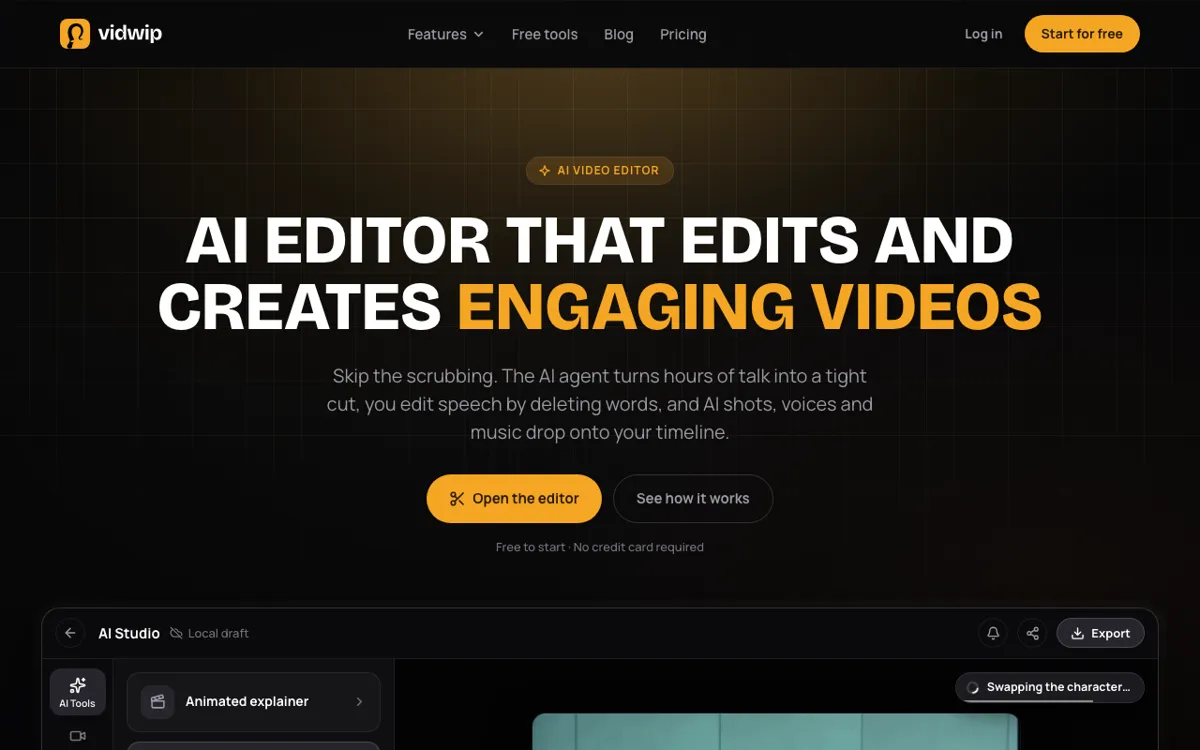 Vidwip AI Studio — generate on 16 models from 7 vendors, then cut on the same timeline in the same browser tab.
Every other tool on this list is a generation platform. Vidwip AI Studio is a browser timeline editor with AI generators inside it.
The video model roster is 16 models from 7 vendors — Veo 3.1, Kling 3.0, Seedance 2.5, Hailuo 3, Wan 3.0, FLUX.3 Video, Grok Imagine 1.5, plus 9 more. Every generation lands on the timeline as a clip you can trim, split and sequence. You re-prompt a weak shot from its track context without losing the edit around it.
The audio layer is native. ElevenLabs v3 speech in 190+ voices and 74 languages generates onto an audio track. ElevenLabs Music v2 composes original music. Sound effects land from a description. You build picture, voice, music and SFX in one tab and export 1080p without installing anything.
That makes the Vidwip AI Studio comparison to Runway a category shift, not just a price comparison. Runway is a generation platform. Vidwip is a production environment.
Pros
- 16 video models from 7 vendors on one credit pool, all landing on the timeline
- Full multi-track editor: trim, split, ripple-delete, snap, undo, group tracks
- AI voiceover in 190+ voices and 74 languages, generated directly to an audio track
- AI music and sound effects from ElevenLabs on the same timeline
- Edit agent turns up to 2 hours of footage into a rough cut from one brief
- No watermark on any plan, including Free
Cons
- Export ceiling is 1080p — no 4K from the timeline editor
- Browser-only: no desktop app, no mobile app
- Shares a credit pool between generation and editing tools, so heavy generation depletes the same credits as voiceover
Best for: Creators who want to generate a shot, build the cut, add voice and music, and export a finished video in one session.
Pricing: AI video needs a paid plan. Starter: $25/month for 2,500 credits. Pro: $99/month for 10,000 credits. Enterprise: custom (vidwip.com/pricing).
2. Kling AI
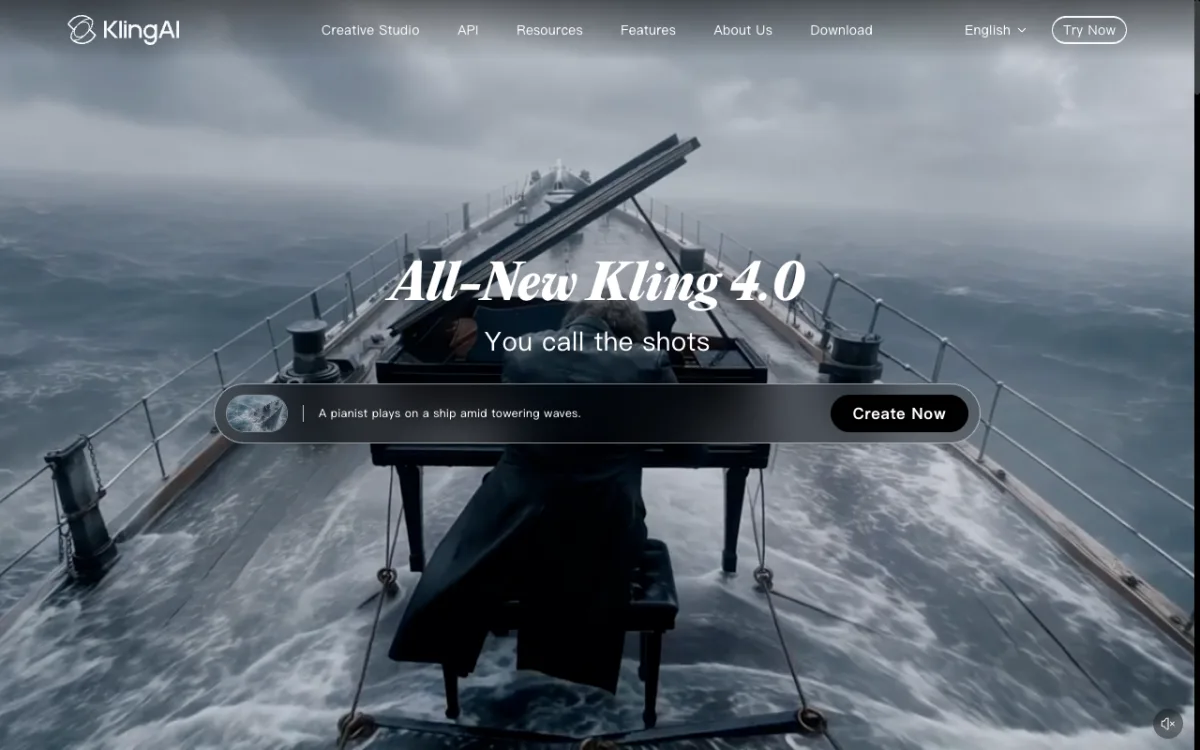 Kling AI — Kling 4.0 with cinematic camera control from Kuaishou.
Kling AI by Kuaishou ships the best motion physics of any standalone model in this comparison. Kling 4.0, the current version, headlines its camera control: you specify lens, movement, angle and trajectory rather than just describing the scene and hoping.
The output on complex physical interactions — cloth, water, crowd scenes — consistently outperforms Runway Gen-4.5. Kling also supports clips up to 10 seconds, where Runway stops at 5 for most outputs.
The global site is at klingai.com. The Chinese domestic version is at a separate domain. Pricing is credit-based and rendered client-side, so it varies by region — check kling.ai directly for current plan prices.
Pros
- Kling 4.0 motion physics are among the strongest available in 2026
- Camera control goes deeper than most competitors: lens, movement, arc and trajectory
- Up to 10-second clips at full quality
- Image-to-video and reference image support on all plans
Cons
- Pricing page is client-side rendered and couldn’t be verified for USD — may show regional prices
- No built-in timeline editor; you download and cut elsewhere
- The Chinese domestic version and global version are separate products, which can cause confusion
Best for: Creators and film teams who prioritize motion quality and camera control above all else.
Pricing: Pricing varies by region — check klingai.com for current plans (October 2026).
3. Luma Dream Machine
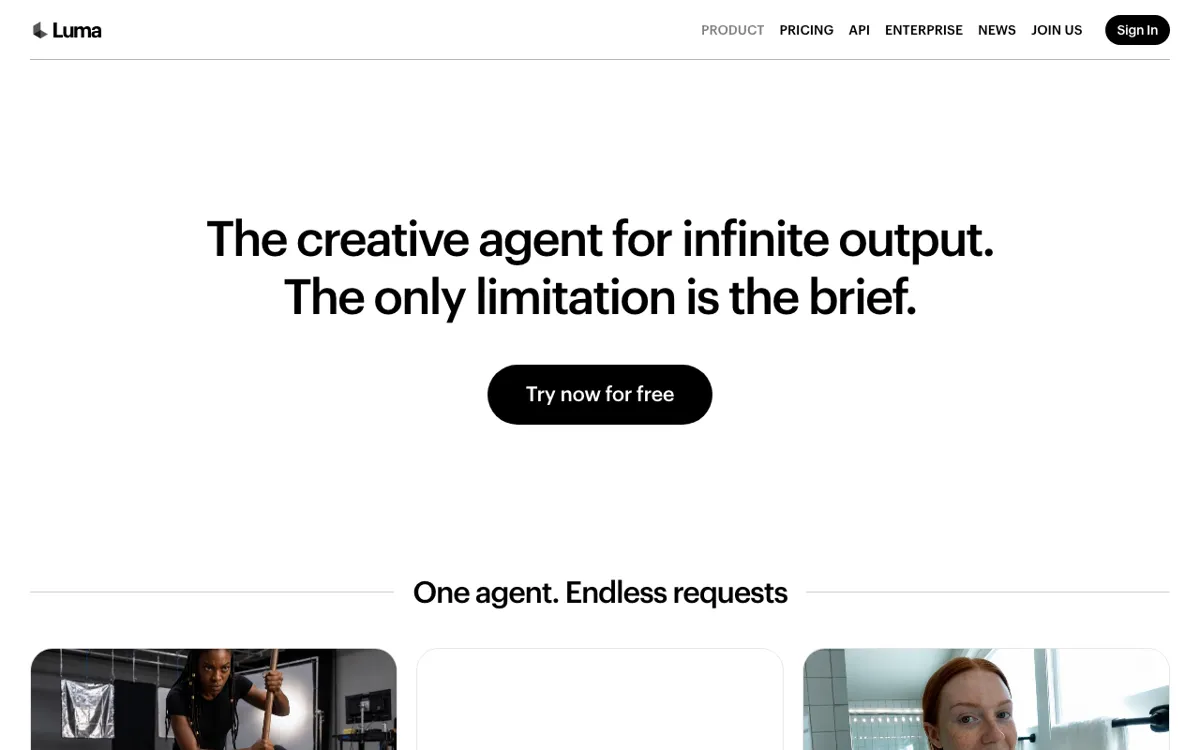 Luma Dream Machine — Ray3.14, Kling 3.0, Veo 3.1, Seedance 2.5, MiniMax H3 and more on one credit pool.
Luma Dream Machine runs the widest third-party model roster of any platform here. The generation picker includes Luma’s own Ray3.14 and Ray3.2, plus Kling 3.0, Veo 3.1, Seedance 2.5, MiniMax H3 and H3 Max, and FLUX.3 Video — all on one credit pool alongside a comparable image generation lineup.
The pricing is transparent. Ray3.14 at 720p costs 20 credits per second — 100 credits for a 5-second clip. On the Plus plan’s 10,000 credits, that is 100 Ray3.14 clips per month. Veo 3.1 at 280 credits per second is expensive: roughly 7 clips from those same 10,000 credits. The per-second rates are published so you can calculate before generating.
Luma also includes ElevenLabs audio tools: Speech, Music and Sound Effects. That makes it the only pure generation platform here with built-in audio generation.
Pros
- Widest model roster: 10+ video models including Luma, Kuaishou, Google, ByteDance, MiniMax
- Transparent per-second pricing published on the plan page
- ElevenLabs Speech, Music and SFX built in — a step beyond Runway’s generation-only model
- Strong API access for developers on Pro and above
Cons
- No full timeline editor — you assemble in a separate tool
- Premium models like Veo 3.1 eat credits fast: 7 clips from 10,000 credits
- Plus plan at $30/month has no credit rollover
- No free tier on the current pricing page
Best for: Creators who want access to every major video model from one account and are willing to pay $30/month for that breadth.
Pricing: Plus: $30/month ($25/month annually) for 10,000 credits. Pro: $90/month ($75 annually) for 40,000 credits. Ultra: $300/month ($250 annually) for 150,000 credits (lumalabs.ai/pricing, checked October 2026).
4. Pika
 Pika — Seedance 2.5, MiniMax H3, Wan 3.0 and Pika 2.5 on one plan from $10/month.
Pika is the most accessible multi-model entry point in this comparison. The Starter plan at $10/month gives 900 credits and a genuine model roster: Seedance 2.5, MiniMax H3, Wan 3.0, Gemini Omni 1.1 Flash and Pika 2.5.
The credit math is clear. Seedance 2.5 at 5 seconds costs 122 credits — about 7 clips on Starter. Wan 3.0 at 33 credits per clip gives you 27 clips from 900 monthly credits. The budget plan is genuinely usable if you pick the right model.
The free tier provides no monthly credits. You top up with credit packs instead. Starter is $10/month, but commercial use requires the Creator plan at $35/month.
Pros
- Cheapest paid multi-model plan at $10/month
- Per-generation credit costs published on the pricing page
- Wan 3.0 at 33 credits makes the Starter plan usable for real work
- No watermark on any paid plan
Cons
- No commercial licence on Starter — requires Creator ($35/month) for commercial work
- No timeline editor, voiceover or music
- Free tier has no monthly credits — pack top-ups only
- Top-up credits don’t work in the iOS app or API
Best for: Creators on a tight budget who want multi-model access without a $30–$35/month commitment.
Pricing: Free: no monthly credits, pack top-ups only. Starter: $10/month ($8 annually) for 900 credits. Creator: $35/month ($28 annually) for 3,150 credits, commercial licence included (pika.art/pricing, checked October 2026).
5. Hailuo AI
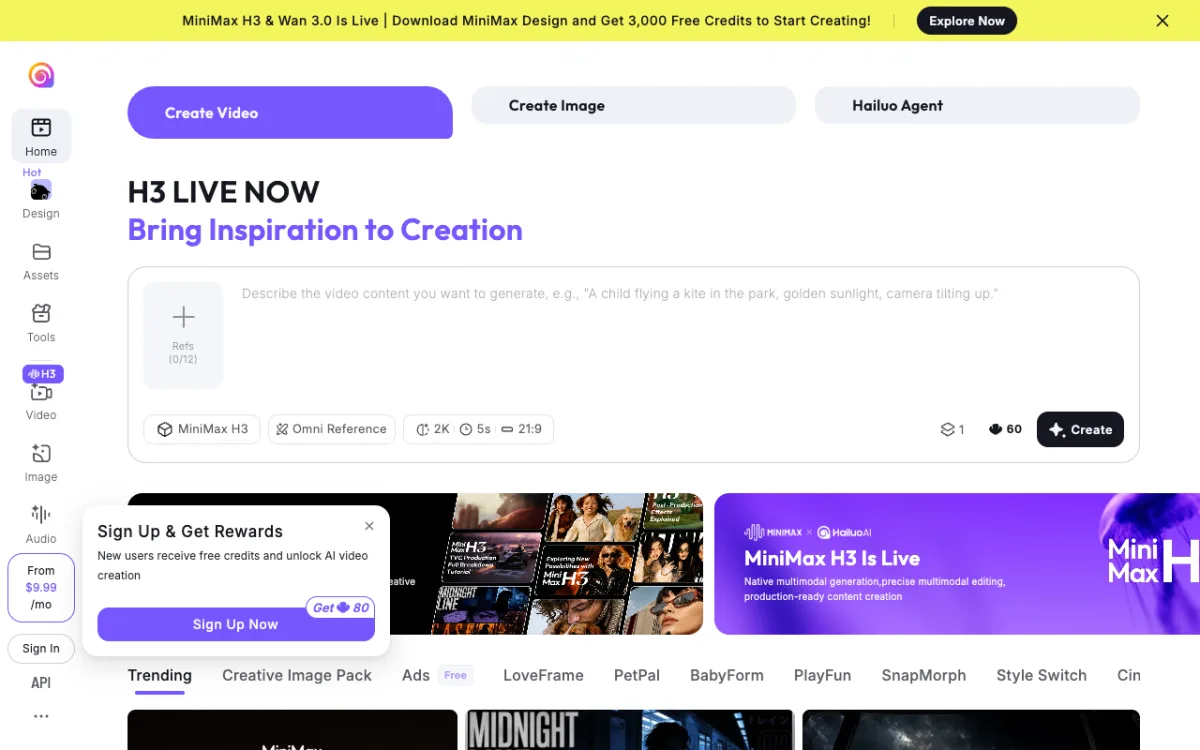 Hailuo AI — MiniMax H3 at 2K resolution, from $9.99/month with 3,000 credits on sign-up.
Hailuo AI is the standalone platform for MiniMax’s video models. MiniMax H3 is the flagship: it handles realistic human close-ups and facial expressions better than most models, including Runway Gen-4.5, and produces 2K output at 5 seconds for 60 credits.
The sign-up offer at time of writing included 3,000 free credits on account creation. Paid plans start from $9.99/month, which makes it one of the cheapest entry points for a serious video generation model.
The interface is a clean web app — “Create Video”, “Create Image”, and a Hailuo Agent tab. There is no timeline editor, but the platform lets you use image and video references (up to 12 per generation on H3) for consistent results across clips.
Pros
- MiniMax H3 is among the best models for photorealistic human footage and close-ups
- 2K resolution at 5 seconds for 60 credits — strong value for the output quality
- 3,000 free credits on sign-up, confirmed at time of writing
- Up to 12 image and video references per generation on H3
Cons
- No full timeline editor — generates into a gallery, not a cut
- Pricing page on the main site loaded in Chinese during automated testing; USD pricing confirmed at $9.99/month starting from the in-app popup
- No built-in voiceover or music generation
Best for: Creators producing realistic human-facing video — ads, storytelling, close-up narrative shots — where face quality is the priority.
Pricing: From $9.99/month (confirmed in-app, October 2026). Check hailuoai.video for current plan tiers.
6. Dreamina
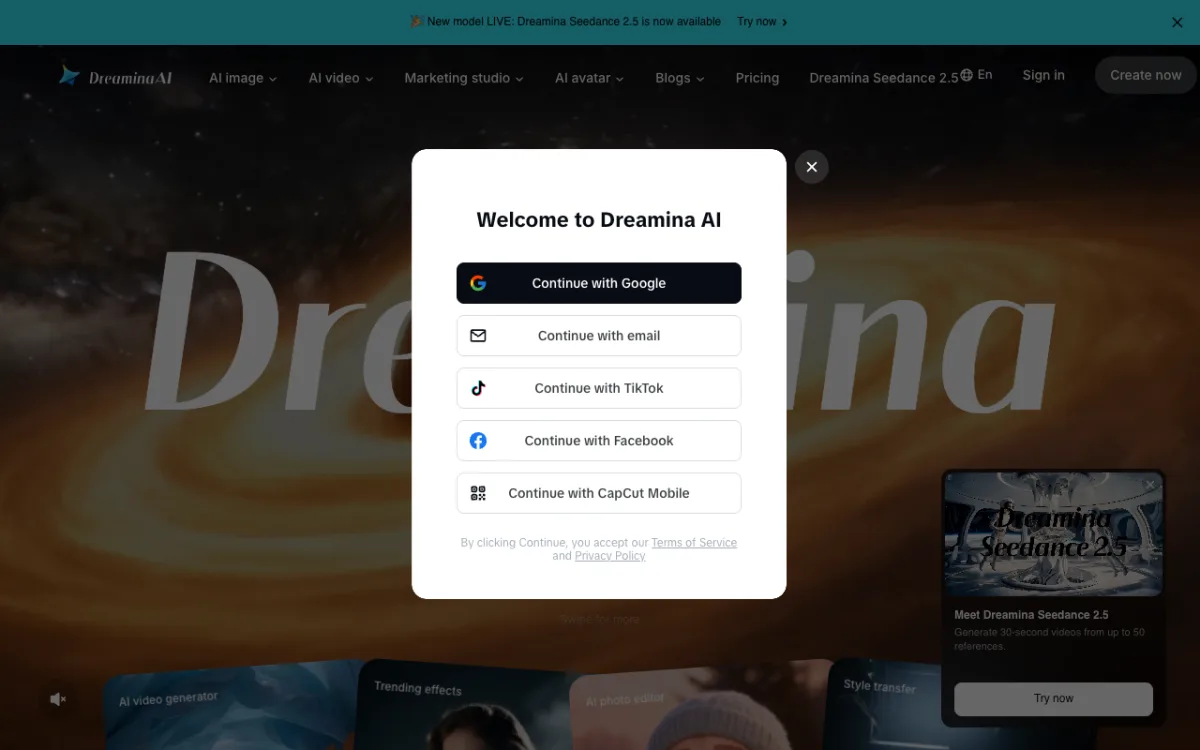 Dreamina — Seedance 2.5 from ByteDance, 30-second clips from up to 50 references.
Dreamina is ByteDance’s standalone AI generation platform, separate from CapCut but using the same account. It runs Seedance 2.5 as its current flagship — the same Seedance engine available on Pika and Luma, but with direct access from ByteDance and up to 30-second outputs with 50 image references per generation.
The 30-second clip length is a meaningful differentiator. Runway caps most models at 5 seconds. Kling extends to 10. Dreamina’s 30-second Seedance 2.5 clips are useful for music videos, ads and short narrative scenes where the edit benefit of a longer single take is real.
The CapCut integration is a secondary argument. If you already use CapCut for editing, Dreamina clips sit in the same ecosystem and the transition from generation to cut is shorter.
Pros
- 30-second clip length on Seedance 2.5, well beyond what most platforms allow
- Up to 50 image references per generation on Seedance 2.5
- CapCut ecosystem integration for creators already in that workflow
- AI image, AI avatar and marketing studio tools alongside video generation
Cons
- Pricing page at dreamina.capcut.com/pricing returned 404 — check the site directly for current plans
- No full timeline editor within Dreamina itself; the CapCut connection requires switching apps
- Requires a CapCut/ByteDance account
- Regional pricing may apply depending on your location
Best for: Creators who need longer clips and are comfortable in the CapCut ecosystem.
Pricing: Check dreamina.capcut.com for current plans. A free tier with limited credits exists. (Pricing page was not accessible for automated verification, October 2026.)
7. Krea
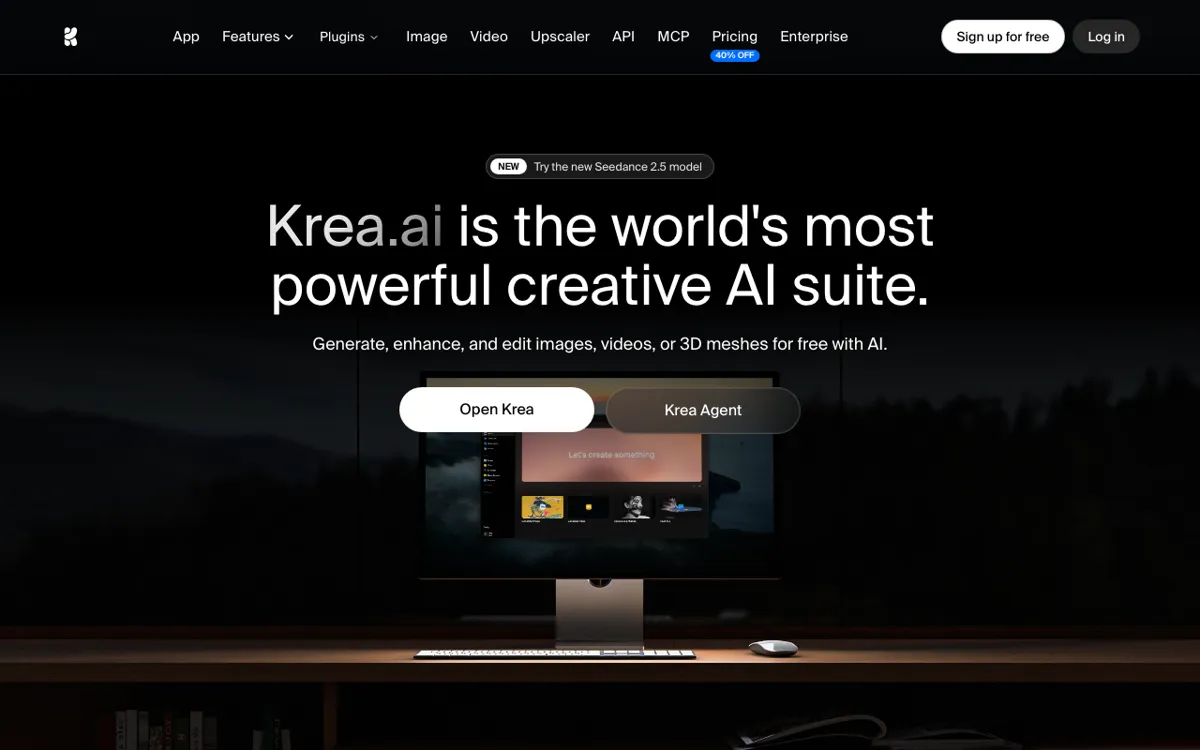 Krea — free tier refills 100 units every day; Pro plan at $35/month gives 20,000 units.
Krea runs image and video generation on one credit pool inside a canvas interface designed for fast iteration. The video roster includes Kling 3.0, Seedance 2.0 and LTX-2.5 Pro alongside Krea’s own models.
The standout is the free tier. Most free tiers are one-time grants that vanish after your first session. Krea’s free tier refills 100 units every day — enough for 1–2 real video generations per day, every day, at no cost. If you want to evaluate the Kling 3.0 or Seedance 2.0 output quality without committing to a plan, Krea is the lowest-friction option.
The canvas lets you iterate on a generation by painting over it and regenerating specific areas. It is more useful for concept art and storyboarding than for finished footage.
Pros
- Free tier refills 100 units every day — the strongest free option for sustained experimentation
- Kling 3.0 and Seedance 2.0 are top-tier models for motion quality
- Image and video on one pool; credits go to what you need
- Canvas iteration is fast for art direction and reference-based generation
Cons
- No built-in timeline editor, voiceover or music
- Free tier has 0 concurrent video generations — only 1 at a time, sequentially
- Per-generation costs shown as approximate video counts, not exact credits
- Pro at $35/month is the same price as Runway Pro, which has different strengths
Best for: Creators who want to iterate daily across video models without paying, or artists and concept designers who need image and video generation on one canvas.
Pricing: Free: 100 units/day (refills daily). Pro: $35/month ($21/month billed annually) for 20,000 units. Max: $105/month ($63 annually) for 60,000 units (krea.ai/pricing, checked October 2026).
8. PixVerse
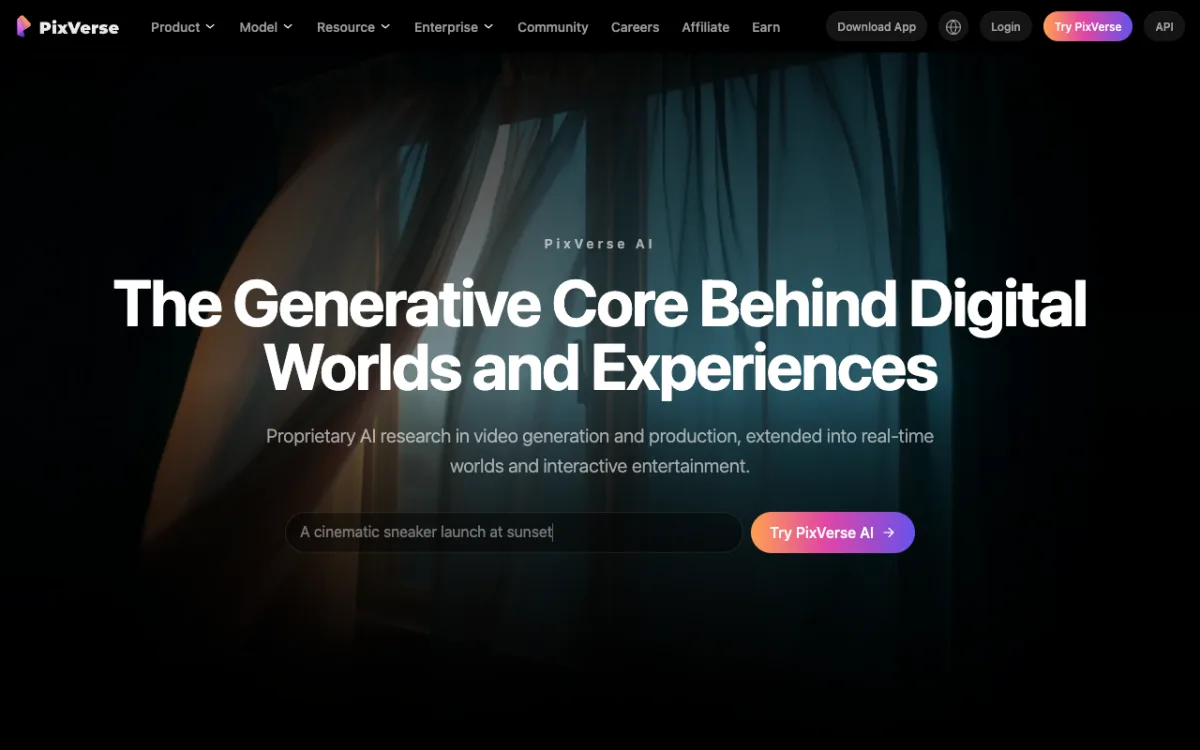 PixVerse — PixVerse V6, Seedance 2.5, MiniMax H3 and Flux 3 on web and mobile.
PixVerse runs its own V6 and R2 models alongside third-party access to Seedance 2.5, MiniMax H3 and Flux 3, plus a suite of tools — Ad Master, Director Shots, Promo Mix, Sound Effect Generator, Magic Extend and Video Expand.
PixVerse V6 handles dynamic scenes and motion well and is used by creators across short-form advertising and social content. The platform also has iOS and Android apps, which Runway, Luma and most others don’t offer in a form built for content production.
The pricing page at /pricing returned a 404 during testing. PixVerse uses an internal credit system accessible after creating an account.
Pros
- PixVerse V6 and R2 as proprietary models, alongside multi-model third-party access
- Mobile app available on iOS and Android — useful for creators who edit on mobile
- Ad Master and Promo Mix tools aimed at marketing teams
- Magic Extend for extending existing clips
Cons
- Pricing page was inaccessible for verification (404 at /pricing, October 2026) — check pixverse.ai after signing in
- No full timeline editor; in-platform tools are limited to clip-level operations
- Less community presence than Runway or Kling for tutorials and inspiration
Best for: Marketing and advertising teams who want proprietary models alongside multi-model access and a mobile app.
Pricing: Check pixverse.ai for current plans. (Pricing page was not accessible for automated verification, October 2026.)
9. LTX Studio
 LTX Studio — storyboard-first video generation from Lightricks, built on the open LTX-Video model.
LTX Studio is Lightricks’ answer to the one-shot generation problem: instead of prompting individual clips, you build a storyboard first, then generate each scene. The platform is built on the open-source LTX-Video model, with Lightricks’ own fine-tuned versions focused on character consistency and camera coherence across a multi-scene video.
The approach differs from everything else on this list. You define a story, break it into scenes, assign characters and actions, then generate scene by scene. Characters stay consistent because you reference them from the storyboard, not from a separate image you manually re-paste per clip.
The in-platform editor gives you scene-level control: re-generate a scene, adjust timing, add transitions. It is not a full multi-track timeline editor, but it goes significantly further than the trim-and-download approach most platforms offer.
Pros
- Storyboard-first workflow maintains character and scene consistency across a full short
- Open LTX-Video base means faster iteration times than cloud-only models
- Scene-level regeneration without rebuilding the whole project
- Better than most alternatives for narrative content with recurring characters
Cons
- Model depth is narrower — built around LTX-Video rather than a multi-vendor catalog
- Pricing page was not accessible for verification at time of writing — check ltx.studio
- No built-in voiceover, music or audio generation
- Character setup requires reference images and takes setup time per project
Best for: Creators building short narrative content who care about character consistency across scenes over raw clip volume.
Pricing: See ltx.studio for current plans. (Pricing page was not accessible to verify at time of writing, October 2026.)
Runway alternatives compared
| Tool | Video models | Full editor | Built-in audio | Starting paid plan |
|---|---|---|---|---|
| Vidwip AI Studio | 16 (7 vendors) | Full timeline | Speech + music + SFX | $25/mo |
| Kling AI | Kling 4.0 + | No | No | Check site |
| Luma Dream Machine | 10+ | No | ElevenLabs | $30/mo |
| Pika | 6+ (Seedance, Wan, MiniMax, Gemini, Pika) | No | No | $10/mo |
| Hailuo AI | MiniMax H3 | No | No | $9.99/mo |
| Dreamina | Seedance 2.5 | Partial | No | Check site |
| Krea | Kling 3.0, Seedance 2.0, LTX | Canvas only | No | $35/mo |
| PixVerse | PixVerse V6/R2, Seedance, MiniMax, Flux | No | No | Check site |
| LTX Studio | LTX-Video | Scene-level | No | Check site |
How to choose the right Runway alternative
You want to generate and edit in the same session. Vidwip AI Studio is the only platform here that puts generation directly on a timeline. You prompt a clip, it lands as a track, you trim it, prompt the next shot, and sequence them. The AI voiceover and AI music tools sit on the same timeline under the same plan. Try it at app.vidwip.com, on plans from $25 a month.
You prioritize raw motion quality above everything else. Kling 4.0 is the pick. The camera control goes deeper than any competitor, and the physics on complex scenes — cloth, crowds, water — are reliably strong. Budget for whatever the current Kling plan costs and accept you’ll be editing elsewhere.
You want the widest model roster. Luma Dream Machine runs more third-party models than any platform in this list — Kling, Veo, Seedance, MiniMax, FLUX, and Luma’s own Ray models. The Plus plan at $30/month gives 10,000 credits and transparent per-second rates so you know what each model costs before you generate.
You’re on a tight budget. Pika Starter at $10/month is the cheapest paid entry. Wan 3.0 at 33 credits per clip gives you 27 clips from 900 monthly credits. For free, Krea’s 100 daily units let you iterate on Kling 3.0 every day without paying.
You need longer clips. Dreamina Seedance 2.5 supports 30-second outputs with up to 50 image references. Most other platforms cap at 5–10 seconds. If you need a sustained shot for a music video or ad, Dreamina has the longest native output of any tool here.
You need realistic human close-ups. MiniMax H3 on Hailuo AI is the specialist pick. The model was built for face-forward footage, and the output quality on human close-ups beats Runway Gen-4.5 on most test shots. Sign up at hailuoai.video and use the 3,000 free credits to verify.
Most people leave Runway because the credit math doesn’t work for their volume. Once you spend your 625 Standard credits in week one, you’re waiting for the next month or paying for more.
The tools on this list all solve a different version of that problem. More credits, better model fit, or both.
If you want to turn AI footage into a finished video without a separate editor, Vidwip AI Studio is the only platform here that makes that possible in a single browser tab. Start at app.vidwip.com.