
The best Kling AI alternative depends on what Kling falls short on for you. Runway and Veo 3 beat it on realism and physics. Hailuo costs less for quick clips. Vidwip runs Kling 3.0, Veo 3.1, Seedance 2.5 and Hailuo 3 on one credit balance, so you get all four without switching accounts.
Kling AI alternatives are worth a look because Kling built its reputation on one thing: realistic human motion and longer clips. The 1.6, 2.0 and 3.0 models handle complex body movement better than most early alternatives could. But Kling’s credit system charges you even when a generation fails, queue times at peak hours can kill creative momentum, and the model is one option — you can’t switch to Veo for physics or Seedance for a long promotional take without a separate account.
That’s what most people mean when they search for Kling AI alternatives: a different model for a specific shot, a cheaper per-clip rate, or a platform that doesn’t hold failed renders against your balance.
This post covers eight tools ranked on the dimensions that actually matter for realistic AI video in 2026 — motion physics, lip-synced speech, queue speed, and true cost per second of finished output. Every price was pulled from the vendor’s own pricing page or a verified comparison tracker in October 2026.
TL;DR: quick picks
- Multi-model access: Vidwip AI Studio — Kling 3.0, Veo 3.1, Seedance 2.5 and Hailuo 3 on one plan
- Best realism and physics: Google Veo 3 — native lip-synced speech included
- Best creative control: Runway Gen-4.5 — professional camera direction
- Best value: Hailuo AI — fast clips from $9.99/month
- Best for cinematic B-roll: Luma Dream Machine — Ray3.14 with camera presets
- Best for social effects: Pika 2.2 — Pikaffects and instant lip-sync
- Best long-clip value: Vidu Q3 — up to 16 seconds with native audio
- Best free/self-hosted: Wan Video — open-weight, no per-clip fees
What to look for in a Kling AI alternative
Kling alternatives split into three groups. Model-specific platforms (Runway, Luma, Pika, Hailuo, Vidu, Wan) each offer one or two models. Multi-model platforms (Vidwip, Luma Dream Machine) let you pick from several. Google Veo sits alone as the only tool in this comparison that generates native dialogue.
Four things separate the field:
- Physics and realism. Cloth simulation, water, hair, and rigid-body collisions. Veo 3 leads. Runway Gen-4.5 is second. Kling 3.0 is competitive on human motion but weaker on environmental physics.
- Lip-synced speech. Kling is silent by default. Veo 3 generates speech in the same pass. Pika adds near-real-time lip-sync from a still image. Vidwip scripts and voices narration in 74 languages.
- Queue times. Hailuo, Pika and Luma typically return clips in under two minutes. Veo 3 can take longer at peak. Runway queues scale with plan tier.
- True cost per second. Credit-per-clip figures hide the real rate. At Runway’s Standard plan, Gen-4.5 runs 60 credits per 5-second clip — 12 credits per second. At Hailuo’s $9.99/month entry, the per-second cost is roughly half that.
1. Vidwip AI Studio
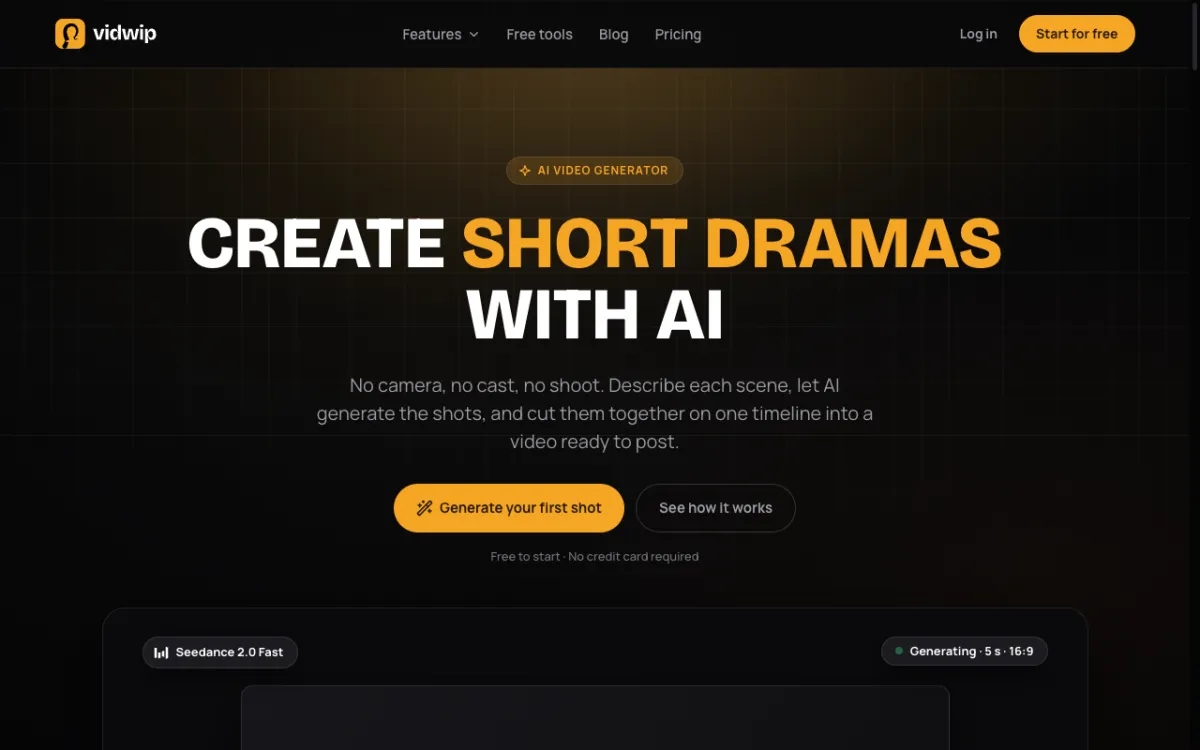 Vidwip AI Studio — generate on 16 models including Kling 3.0, Veo 3.1, Seedance 2.5 and Hailuo 3, then cut your clips on the same timeline.
Most Kling alternatives give you one model or a handful. Vidwip AI Studio takes a different approach: 16 video models from 7 vendors on a single credit pool, all landing on a multi-track timeline editor inside your browser.
The model roster includes Google Veo 3.1, Kling 3.0, ByteDance Seedance 2.5, MiniMax Hailuo 3, Alibaba Wan 3.0, Black Forest Labs FLUX.3 Video, and xAI Grok Imagine 1.5. Each generated clip drops directly onto the timeline. You trim, split and sequence without leaving the tab.
The audio layer is built in. The AI Video Voiceover tool writes narration from what’s on screen and voices it in 190+ voices across 74 languages — a direct answer to Kling’s silent-by-default output. For Kling-style realistic shots, you pick Kling 3.0. For physics-heavy clips, you switch to Veo 3.1. One credit pool, one account.
Pros
- Kling 3.0, Veo 3.1, Seedance 2.5 and Hailuo 3 on one subscription — no separate accounts
- Full multi-track timeline: trim, split, ripple delete, undo, all in the browser
- AI voiceover in 190+ voices and 74 languages, generated onto an audio track
- AI music, sound effects and subtitles built into the same editor
- No watermark on any plan, including Free
Cons
- Export ceiling is 1080p — no 4K from the timeline editor
- Browser-only; there is no desktop app
- Credits are shared across generation and editing, so heavy volume depletes the pool the same way it does on standalone tools
Best for: Creators who want to generate AI footage across multiple models and cut it into a finished video — with voice and music — in one session.
Pricing: AI video needs a paid plan. Starter: $25/month for 2,500 credits. Pro: $99/month for 10,000 credits. Enterprise: custom (vidwip.com/pricing).
2. Runway
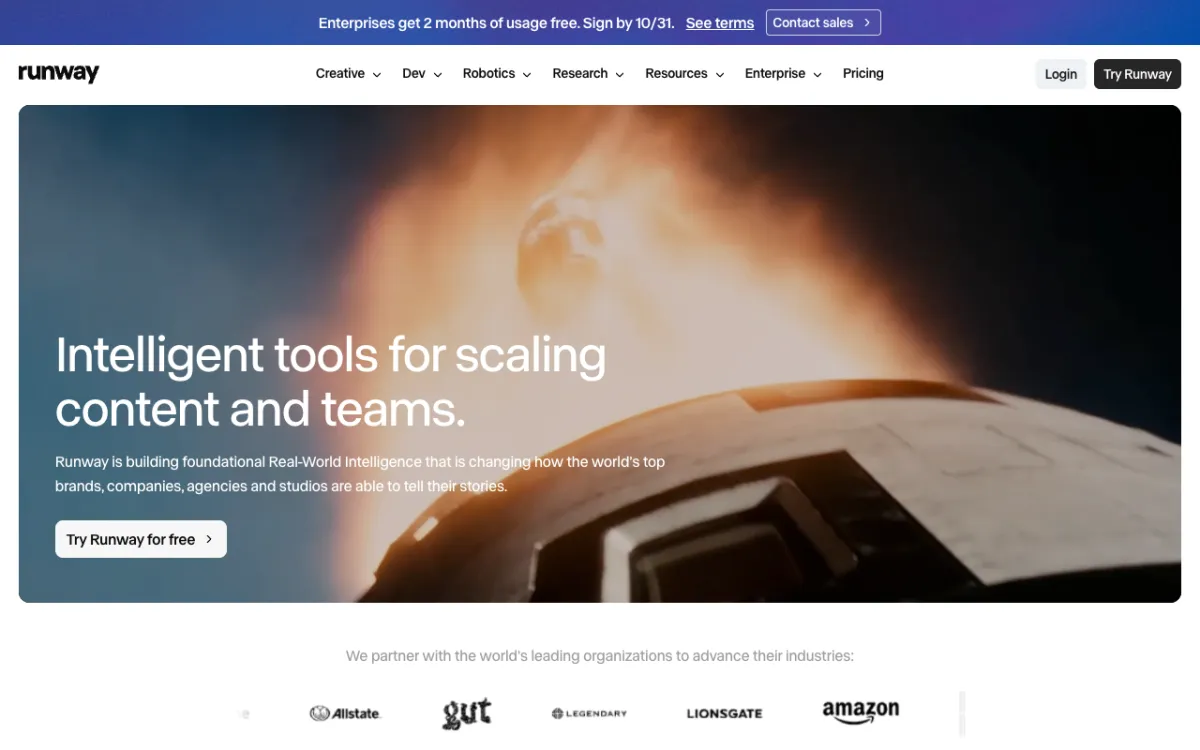 Runway — Gen-4.5 and Aleph 2.0 on one credit pool, with the industry’s strongest camera control tools.
Runway is the most established name in AI video generation. Its Gen-4.5 model is among the most consistently photorealistic options in 2026, especially on live-action footage with controlled camera moves. The platform also runs Seedance 2.0 Fast and Aleph 2.0 — an in-video editing model that adjusts objects, lighting and style from text prompts.
Motion Brush is Runway’s sharpest differentiator. You paint over a still image or a frame and describe the motion you want — camera orbit, object slide, character movement. The result is directorial control that most prompt-only tools can’t match.
Gen-4.5 costs 60 credits per 5-second clip on the Standard plan’s 625 credits — about 10 clips a month. The Pro plan (2,250 credits) gives roughly 37 clips at that rate. Failed generations return half their credits, which is better than Kling’s no-refund default.
Pros
- Gen-4.5 output quality is among the cleanest available for live-action shots
- Motion Brush and Aleph 2.0 for directorial control inside the platform
- Partial credit refund on failed generations
- Strong commercial licence on all paid tiers
- Large tutorial library and active community
Cons
- Free tier is 125 one-time credits — used up after a few 4K clips
- No built-in timeline editor, voiceover or music
- Max plan at $95/month is expensive for a generation-only tool
- Aleph 2.0 model is image-to-video only; no native text-to-video on that model
Best for: Professional creative teams who need the highest per-clip quality, camera-directed motion control, and plan to edit in a separate tool.
Pricing: Free: 125 one-time credits. Standard: $15/month ($12/month billed annually) for 625 credits. Pro: $35/month ($28 annually) for 2,250 credits. Max: $95/month ($76 annually) for 9,500 credits with one month rollover (runway.com/pricing, checked October 2026).
3. Google Veo 3
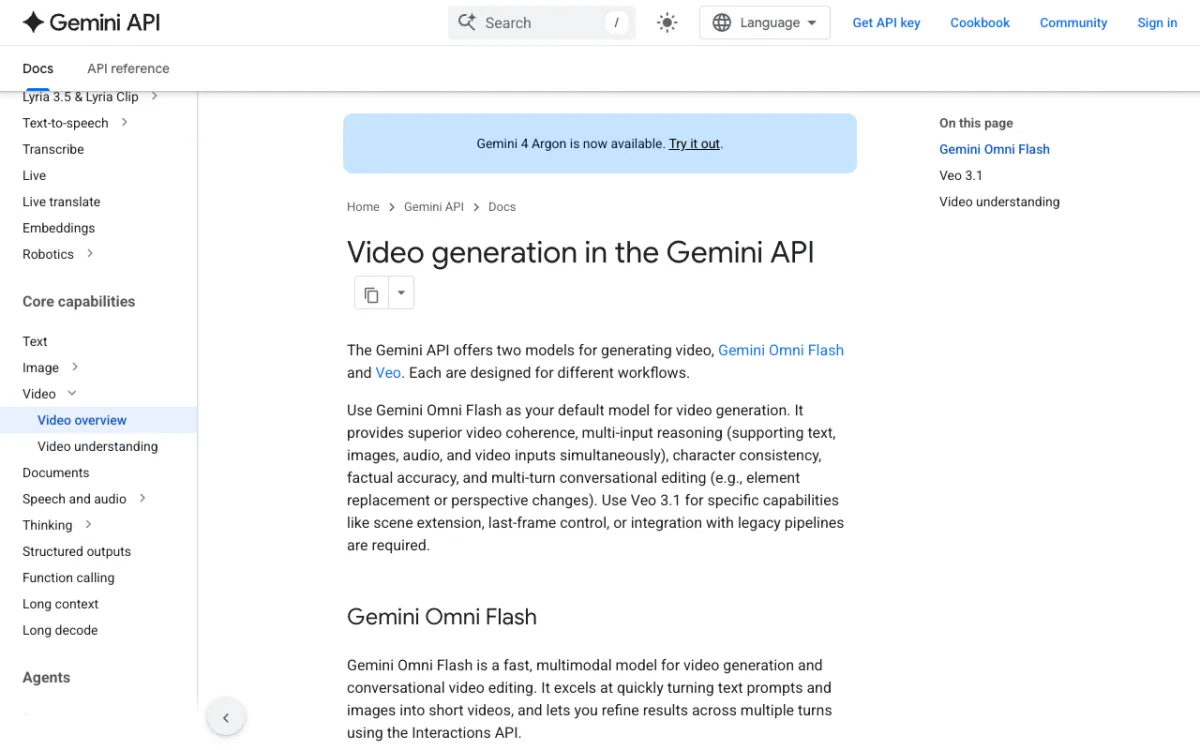 Google Veo 3 — the only model in this comparison that generates synchronized dialogue, sound effects and ambient audio natively.
Google Veo 3 is the only Kling alternative in this list that generates speech and sound in the same pass as the video. You describe the scene and dialogue together in a single prompt — “a barista explains the espresso shot process, café ambience, light clink of cups” — and the model produces visuals, voiced dialogue and sound effects aligned to the action.
Physics accuracy is where Veo 3 most clearly beats Kling. Cloth movement, water simulation, hair, and rigid-body collisions are more convincing than on any other model in this comparison. If your shot needs a wave cresting, fabric catching wind, or an object spilling, Veo 3 is the strongest pick.
The main friction point is access. Veo 3 runs inside Google AI Pro ($19.99/month) and AI Ultra ($99.99/month), through Google Flow and the Gemini app, and via the Gemini API. You don’t get a standalone video-generation interface; you work within Google’s ecosystem. Vidwip runs Veo 3.1 as one of its 16 models, which is an option if you want Veo access on a broader creative platform without paying Google’s tier price separately.
Pros
- Native lip-synced speech and sound effects — the only model here with this capability
- Best-in-class physics for cloth, water, hair and rigid-body scenes
- Consistent character and environment across longer takes
- Veo 3.1 available through Vidwip AI Studio without a Google AI subscription
Cons
- No standalone consumer app — requires a Google AI Pro or Ultra plan, or API access
- Higher tiers are expensive for volume generation
- Not designed as a multi-shot editor; assembly requires another tool
- Prompts require more specificity to get the speech timing right
Best for: Creators who need realistic physics or native dialogue audio, and who are comfortable within Google’s product ecosystem or willing to access Veo 3.1 through a multi-model platform.
Pricing: In Google Flow and the Gemini app with Google AI Pro: $19.99/month, or Google AI Ultra: $99.99/month. API pricing: from $0.05 per second (Veo 3.1 Lite, 720p) to $0.40 per second (Standard, 1080p) and $0.60 at 4K (per Gemini API pricing, checked October 2026).
4. Hailuo AI
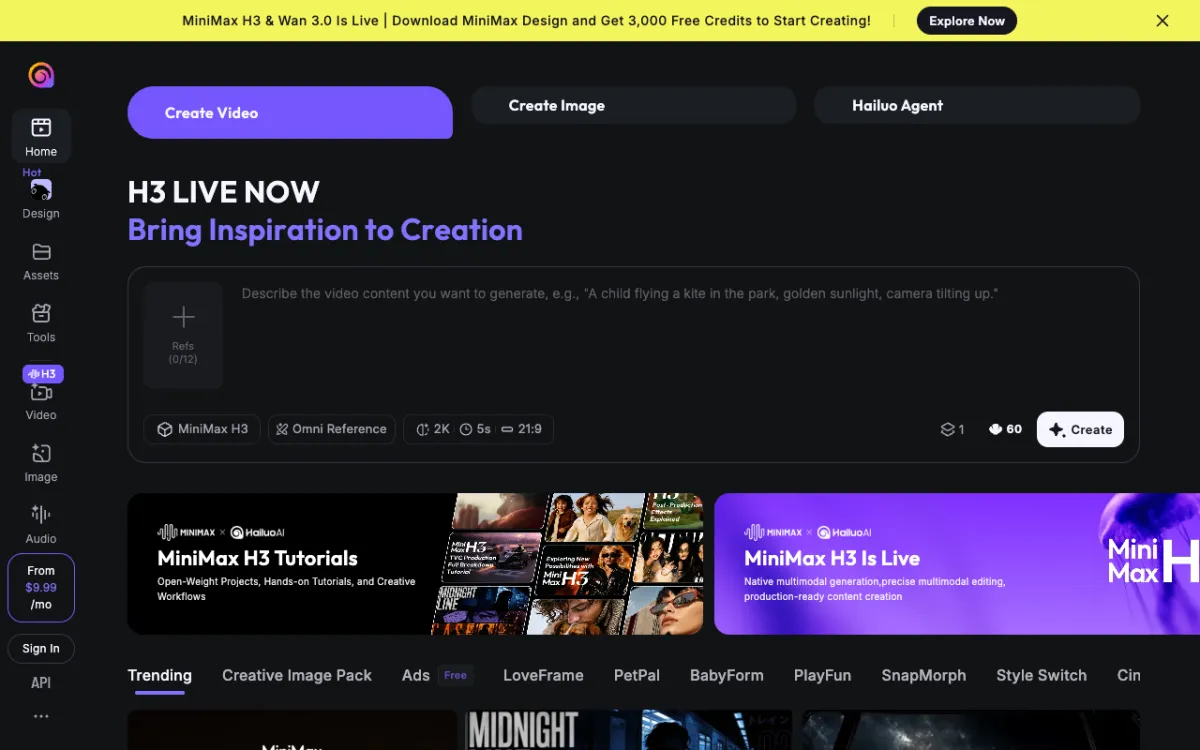 Hailuo AI by MiniMax — fast 1080p clips with Director Mode camera presets, starting at $9.99/month.
Hailuo AI (built by MiniMax, whose Hailuo 3 model also runs in Vidwip AI Studio) is the budget pick for fast AI video. Clips typically return in under two minutes. The output at 1080p is sharp by default, and the 2.3 update improved character motion and scene consistency.
Director Mode is Hailuo’s strongest differentiator over Kling at this price point. You describe camera behavior — zoom, pan, orbit, push-in — alongside the scene prompt, and Hailuo follows it more reliably than a plain text description would on most other tools. This makes it practical for product reveals, walkthroughs, or anything where the camera has to tell part of the story.
The weak point is English-language pricing transparency. Hailuo’s consumer pricing page is hard to confirm from outside China. Multiple comparison trackers show paid plans starting around $9.99/month, with the API running about $0.045 per second at 768p — but verify directly at their pricing page before committing.
Pros
- Among the fastest turnaround in this comparison — typical clips in under two minutes
- Director Mode for prompt-based camera control (zoom, orbit, pan, push-in)
- Strong stylized output for anime, ink-wash and illustrated looks
- Hailuo 3 model is also accessible through Vidwip AI Studio on one credit pool
Cons
- English-language pricing is hard to verify; billing complaints exist in English-language forums
- Weaker than Runway or Veo 3 on photorealistic live-action
- No built-in editor, voiceover or music
Best for: Creators who prioritize speed and camera control for short social clips, and who want the lowest paid entry point in this comparison.
Pricing: Free trial credits available. Paid plans from approximately $9.99/month. API approximately $0.045/second at 768p (from multiple public trackers, October 2026 — verify at hailuoai.video as prices vary by region).
5. Luma Dream Machine
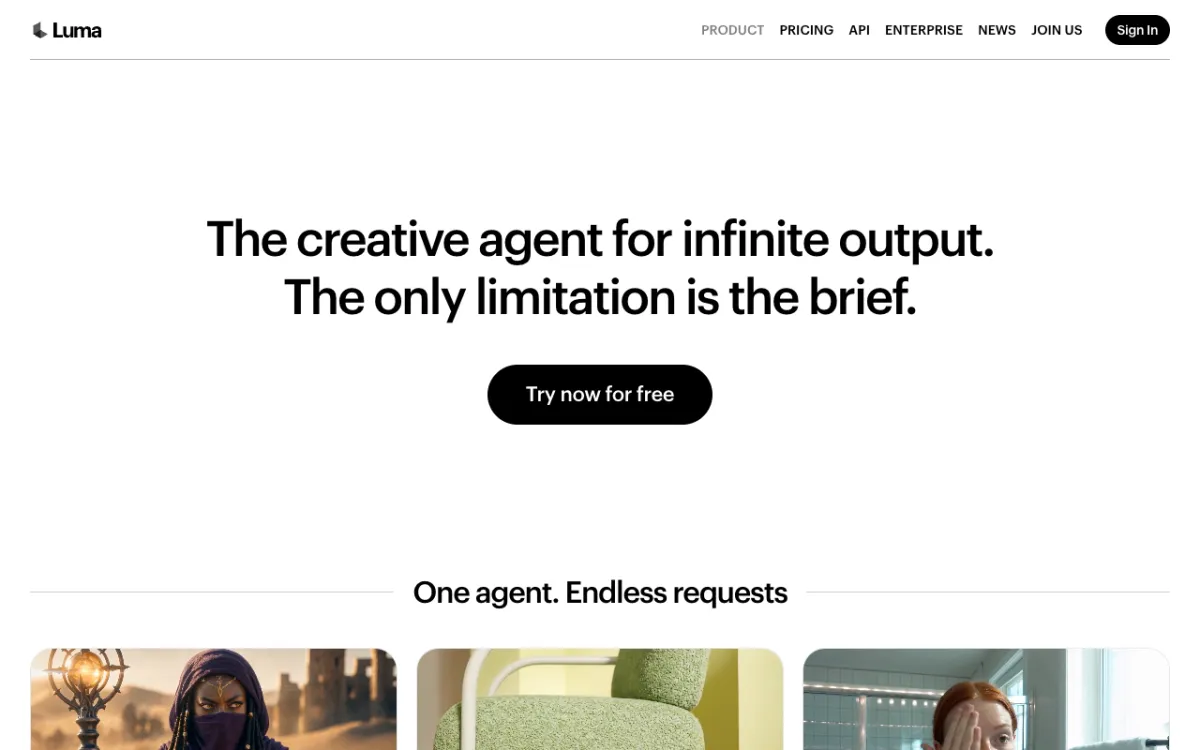 Luma Dream Machine — Ray3.14, Kling 3.0, Veo 3.1, Seedance 2.5 and MiniMax H3 on one credit pool, with ElevenLabs audio tools built in.
Luma Dream Machine competes with Vidwip on model breadth. Its roster includes Luma’s own Ray3.14 and Ray3.2, Kling 3.0, Veo 3.1, Seedance 2.5, MiniMax H3 and FLUX.3 Video. That is the widest model lineup of any platform in this list, with Kling 3.0 among them.
Ray3.14 is Luma’s flagship model and produces a distinctive warm, soft, cinematic look that’s harder to get from a cold prompt on most other tools. Start-and-end keyframes let you set the first and last frame of a shot, then let the model fill the motion in between — a workflow that suits B-roll and atmospheric cuts better than it does action sequences.
Luma also includes ElevenLabs speech, music and sound effects in its platform — the one other tool (besides Vidwip) in this comparison with built-in audio generation. This makes it a reasonable end-to-end option if you want a finished piece without bouncing between tools.
The credit math for premium models is unforgiving. Veo 3.1 at 280 credits per second means 7 five-second clips from the Plus plan’s 10,000 credits. Ray3.14 at 20 credits per second is 100 clips. Plan your model mix before committing to a tier.
Pros
- Widest model roster: Kling 3.0, Veo 3.1, Seedance 2.5, Ray3.14, MiniMax H3 and more
- Start-and-end keyframe control for predictable motion
- ElevenLabs Speech, Music and SFX built in
- Ray3.14 cinematic look is distinctive and consistent
- Kling 3.0 accessible on Luma without a separate Kling account
Cons
- No free tier on the pricing page — Plus starts at $30/month
- Premium models like Veo 3.1 burn credits fast
- No full timeline editor; assembly requires a separate tool
- Plus plan’s 10,000 credits have no rollover
Best for: Creators who want access to multiple top-tier models including Kling 3.0, prefer the cinematic Ray3.14 look for atmospheric B-roll, and need audio tools in the same platform.
Pricing: Plus: $30/month ($25/month billed annually) for 10,000 credits. Pro: $90/month ($75 annually) for 40,000 credits. Ultra: $300/month ($250 annually) for 150,000 credits (lumalabs.ai/pricing, checked October 2026).
6. Pika 2.2
 Pika 2.2 — Pikaffects for visual effects, near-real-time lip-sync, and Seedance 2.5 on one platform.
Pika 2.2 is the most beginner-friendly Kling alternative for social video. The interface is built for fast iteration — enter a prompt, get a clip, try another — and Pikaffects add visual transformations that have no equivalent on Kling: explode, inflate, squish, melt, or lightning-strike any object in frame.
Lip-sync is a real Pika feature: you upload a still image and a text prompt, and Pika 2.2 animates a talking head in near-real-time. It is not deep-fake quality, but it is fast and surprisingly clean for short social clips. Kling has no equivalent.
Pika also runs Seedance 2.5 on its platform — 122 credits per 5-second clip. On the Creator plan’s 3,150 credits, that is 25 Seedance clips a month at 720p. This access to Seedance 2.5 is a meaningful advantage for creators who want both model quality and Pika’s effect library.
The ceiling is realism. Pika’s output at its best is glossy and high-contrast rather than grounded. For anything that needs to look like real footage, Runway or Veo 3 are better.
Pros
- Pikaffects (explode, inflate, dissolve, etc.) have no equivalent on Kling
- Near-real-time lip-sync from a still image
- Seedance 2.5 available as a model on the same credit pool
- Beginner-friendly interface with very fast iteration loops
- Free plan available (with watermarks)
Cons
- Output quality is glossy, not grounded — not ideal for realistic live-action
- Free plan caps at 480p and adds watermarks
- Starter plan (900 credits) is thin — about 7 Seedance 2.5 clips
- No built-in timeline editor or music generation
Best for: Social media creators who need expressive visual effects, quick lip-sync animations, and fast creative iteration at a low entry price.
Pricing: Free (watermarked, 480p). Starter: $10/month ($8 billed annually) for 900 credits. Creator: $35/month ($28 annually) for 3,150 credits. Fancy: $95/month ($76 annually) for 8,550 credits (pika.art/pricing, checked October 2026).
7. Vidu Q3
 Vidu Q3 — clips up to 16 seconds with native audio generation, starting at approximately $8/month.
Vidu Q3 punches above its price on two dimensions: clip length and native audio. Most models in this comparison cap out at 8–10 seconds per generation. Vidu Q3 generates up to 16 seconds per clip, which is meaningful for promotional content that needs a setup and a payoff without a cut.
Multi-reference consistency is Vidu’s sharpest differentiator. You can pass a reference image and a short video clip alongside your text prompt, and Vidu holds the character’s appearance, outfit and environment consistent across several shots. For serialized content — an animated series, a product walkthrough across scenes — this reduces the number of retakes.
Native audio is built in: you describe the scene and Vidu generates ambient sound alongside the footage. It is not lip-synced dialogue at the level of Veo 3, but for background audio and ambience it works without a separate audio pass.
Pros
- Clips up to 16 seconds — the longest in this comparison
- Multi-reference consistency across character and scene across shots
- Native ambient audio generation in the same pass
- Free tier available for evaluation
- Lowest paid entry price in this comparison
Cons
- Pricing page is region-gated — exact US pricing varies; verify at vidu.io/pricing
- Audio is ambient rather than lip-synced dialogue
- Smaller community and fewer tutorials than Runway or Pika
- No built-in editor, voiceover or music beyond the clip’s native audio
Best for: Creators who need the longest clip length in this comparison, multi-shot character consistency, or ambient audio baked in, at the lowest entry price.
Pricing: Free tier available. Paid plans from approximately $8/month (pricing varies by region; verify at vidu.io/pricing, checked October 2026 via multiple public pricing trackers).
8. Wan Video
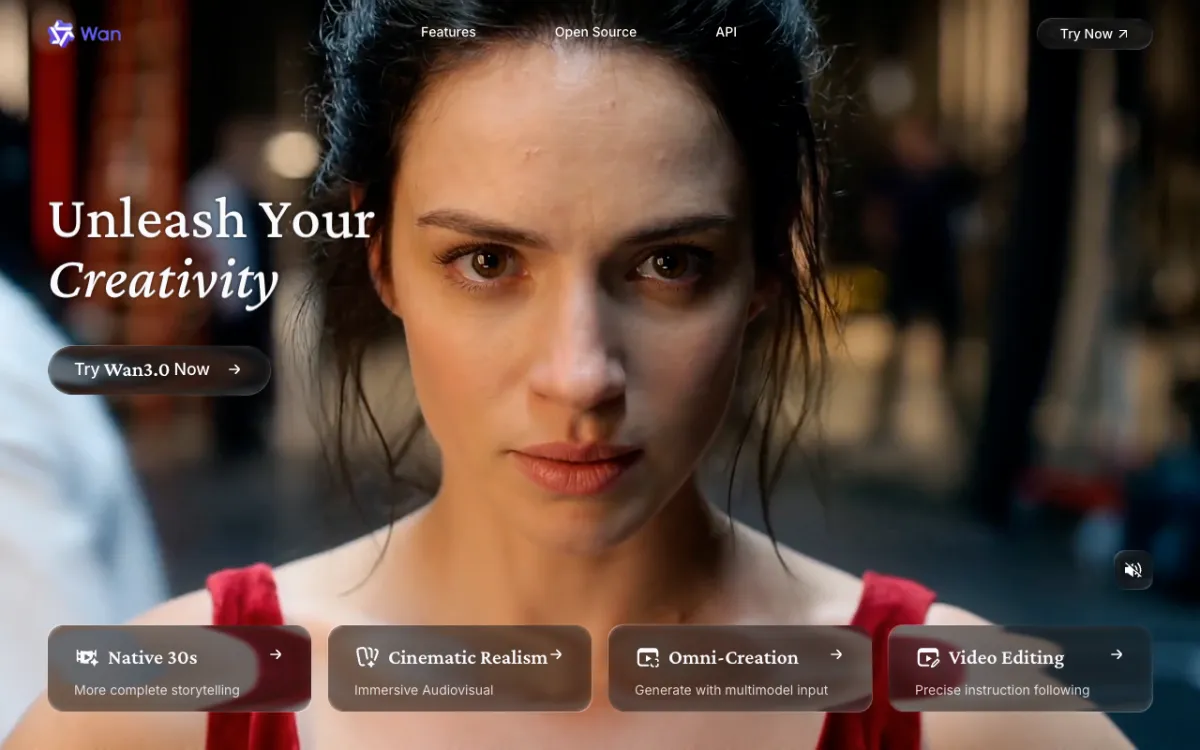 Wan Video by Alibaba — open-weight text-to-video and image-to-video with no per-clip fees.
Wan Video is Alibaba’s open-weight video generation model, currently at Wan 2.2 and Wan 2.7. It is the only Kling alternative in this list that you can run locally, on your own hardware, with no per-clip charge and no cloud queue.
Output quality on Wan 2.7 is competitive with mid-tier hosted models — fluid motion, reasonable prompt adherence, solid image-to-video consistency. It leads open-weight benchmarks in 2026. The trade-off is setup: you need ComfyUI, Automatic1111 or similar, plus a GPU with at least 8 GB of VRAM for the smaller model or 20+ GB for the larger one.
For teams with existing GPU infrastructure — game studios, VFX houses, anyone who already runs Stable Diffusion locally — Wan removes the per-clip cost entirely. A 30-second clip that would cost several dollars on a hosted platform costs hardware electricity instead.
The Wan 3.0 model also runs as one of the 16 models in Vidwip AI Studio, so you can access it hosted without the setup overhead.
Pros
- Free to use; costs are hardware and electricity only
- No per-clip fees, no cloud queue, no data sent to a third party
- Wan 2.7 leads open-weight quality benchmarks in 2026
- Strong community of fine-tunes and extensions (via ComfyUI and HuggingFace)
- Wan 3.0 also available hosted through Vidwip AI Studio
Cons
- Requires a capable GPU (8 GB for Wan 2.2 smaller model, 20+ GB for Wan 2.7)
- Setup takes time — ComfyUI, model weights, dependencies
- No built-in hosted interface; not suitable for non-technical users
- Output quality below hosted frontier models like Veo 3.1 or Runway Gen-4.5
Best for: Technical creators, studios and researchers who want no per-clip cost, full control over outputs, and no dependency on a third-party cloud service.
Pricing: Free and open-source. Hardware costs only (via wan.video and GitHub).
Kling AI alternatives compared
| Tool | Best for | Free tier | Starting price | Lip-synced speech | Physics quality | Max clip length |
|---|---|---|---|---|---|---|
| Vidwip AI Studio | Multi-model + editing | Paid plans only | $25/mo | Yes, with Veo 3.1 | Veo 3.1 or Kling 3.0 on-demand | Per-model |
| Runway | Creative control | 125 credits (one-time) | $12/mo (annual) | No | High (Gen-4.5) | 16s (Gen-4.5) |
| Google Veo 3 | Native speech + physics | No (paid Google AI plan) | $19.99/mo | Yes — native | Best in class | ~8s (standard) |
| Hailuo AI | Budget + camera control | Trial credits | ~$9.99/mo | No | Good | 6s |
| Luma Dream Machine | Wide model roster | No free tier | $25/mo (annual) | Via ElevenLabs | Veo 3.1 on-demand | Per-model |
| Pika 2.2 | Social effects + lip-sync | Yes (watermarked) | $8/mo (annual) | Near-real-time from image | Moderate | 10s |
| Vidu Q3 | Long clips + consistency | Yes | ~$8/mo | Ambient audio only | Good | 16s |
| Wan Video | Open-source / local | Free | Hardware costs | No | Good (2.7) | Variable |
How to choose the right tool
- You need the most realistic physics or lip-synced dialogue. Choose Google Veo 3. Nothing else in this comparison generates speech and visuals together.
- You want Kling 3.0 without a Kling account, plus other models. Vidwip AI Studio and Luma Dream Machine both run Kling 3.0 on the same credit pool as Veo 3.1 and Seedance 2.5.
- You need directorial camera control. Runway Motion Brush or Hailuo Director Mode. Runway is more precise; Hailuo is cheaper.
- You create mostly for social media and want effects. Pika 2.2. The Pikaffects library and lip-sync feature are built for short-form.
- You want the longest clips at the lowest hosted price. Vidu Q3 — up to 16 seconds from approximately $8/month.
- You have GPU hardware and want no per-clip fees. Wan Video. Free, open-weight, runs locally.
- You want to generate and edit in the same tool. Vidwip AI Studio — the only platform in this comparison with a full multi-track timeline editor built in alongside the generation tools.
Final verdict
Kling AI is a strong model for human motion and long clips, but it is one model on one platform. The best Kling AI alternatives give you what Kling doesn’t: native audio (Veo 3), camera direction (Runway, Hailuo), social effects (Pika), long-clip value (Vidu), or no per-clip cost at all (Wan).
If you find yourself switching between tools to get different model strengths — Kling for motion, Veo for physics, Seedance for long takes — Vidwip AI Studio puts those models on one timeline, one credit pool, and one browser tab. It also adds the voiceover, music and editing steps that most generation platforms leave out.
The AI Video Generator picks from 16 models per shot. If a Kling 3.0 clip needs a narrated voice over it, AI Video Voiceover scripts and voices it in 74 languages without leaving the editor. That’s a meaningfully different category from a Kling alternative — it’s the full production pipeline.
Check the comparison table before picking a plan. The cheapest tool for your use case depends on which model you actually use most and how many clips you need per month. A Starter plan on Vidwip ($25/month, 2,500 credits) buys more across 16 models than a single-model subscription at the same price. See the full breakdown at vidwip.com/pricing.
Read next: 8 Best Higgsfield Alternatives for Multi-Model AI Video in 2026 — a similar comparison focused on platforms that bundle AI video models under one plan.