
Sora's app closed in April 2026 and its API in September. Veo 3.1, Kling 3.0 Pro and Hailuo 3 now lead on native audio and clip length. Vidwip AI Video Generator runs all three on one credit pool alongside 13 other models.
OpenAI shut down Sora’s consumer app in April 2026 and its API in September, so anyone who relied on it now needs Sora alternatives. If you built a workflow around it, or were waiting to try it, the options you’re comparing now are the ones this post ranks.
The comparison uses the four dimensions Sora made relevant: clip length, motion realism, native sound, and true cost per second of finished footage. Those are what separate the field in 2026.
TL;DR
| Tool | Best for | Max clip | Native sound | Starting price |
|---|---|---|---|---|
| Vidwip AI Video Generator | 16 models on one timeline | 30 s | Yes (14/16 models) | From $25/mo |
| Runway | Highest per-clip quality | ~10 s | No | $15/mo |
| Kling AI | Filmic look, long clips | 15 s | Yes | See klingai.com |
| Google Veo 3.1 | Realistic physics + lip sync | 8 s | Yes | $0.40/s (API) |
| Luma Dream Machine | Wide model roster | ~10 s | Via ElevenLabs | $30/mo |
| Hailuo AI | Close-ups, 2K resolution | 15 s | Yes | See hailuoai.video |
| Pika | Budget multi-model entry | 5 s | Varies | $10/mo |
| Krea AI | Creative iteration + Kling access | 5 s | Varies | Free (100 units/day) |
Every price below was checked against the vendor’s own pricing page in October 2026.
What Sora stood for — and what fills that gap
Sora’s reputation came from two things: the longest clips of any model at launch (up to 20 seconds), and, later, native audio generation that matched the picture. That second feature — sound the model creates itself from the prompt — is what most alternatives still struggle to match.
The field has caught up. Veo 3.1, Kling 3.0 Pro, Hailuo 3, Seedance 2.5 and Wan 3.0 all generate sound with the shot. Motion realism is now competitive across the top five platforms. What still separates the tools is clip length, cost per second, and what you can do with the footage once it lands.
1. Vidwip AI Video Generator
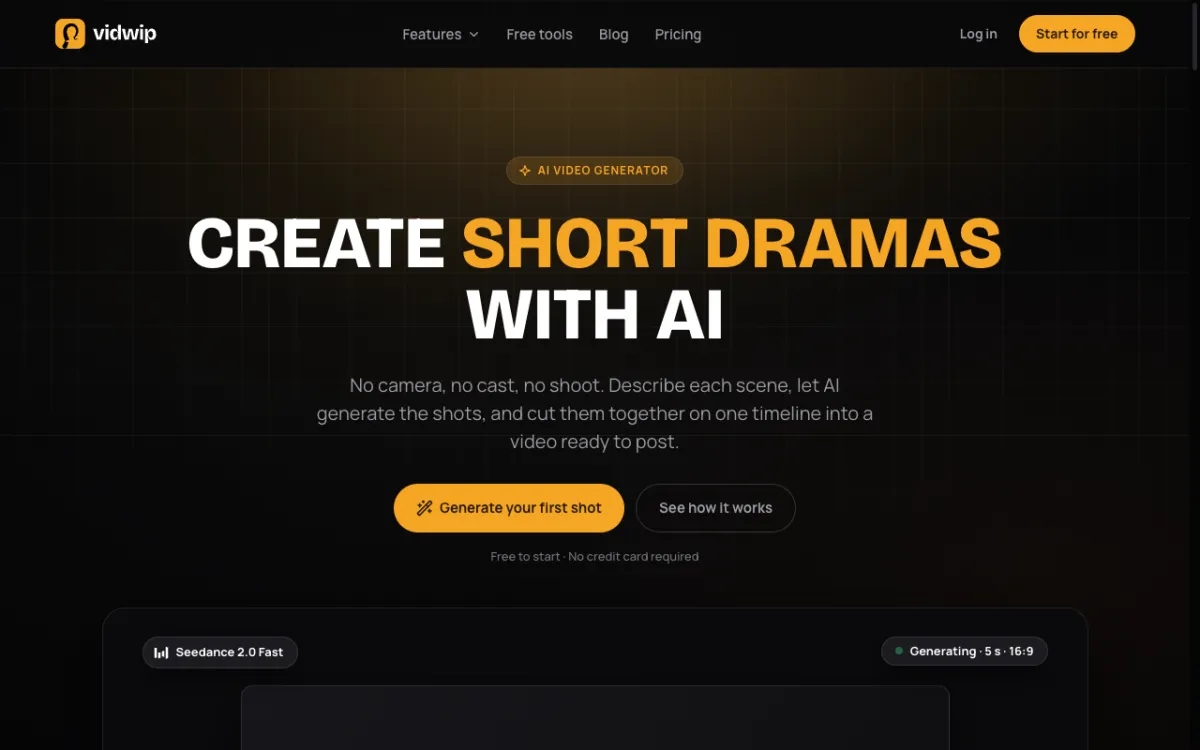 Vidwip AI Video Generator — 16 models from 7 vendors, every shot on your timeline.
Most Sora alternatives stop at the generation step. You prompt a clip, download it, and go find an editor. Vidwip AI Video Generator is different: the shot drops onto your timeline in the same browser tab where you prompted it.
The model roster covers the gap Sora left. Veo 3.1 for lip-synced speech, Kling 3.0 Pro for filmic depth, Hailuo 3 for close-ups in 2K, Seedance 2.5 and Wan 3.0 for long takes up to 30 seconds — all 16 models in one picker, on one credit pool. You try a prompt on one model, switch to another without re-uploading or re-entering the prompt, and keep the take that holds up in the cut.
On 14 of the 16 models, the shot arrives with its own sound. You skip the stock audio search entirely. For shots that need a specific voice, AI Video Voiceover generates ElevenLabs v3 narration in 190+ voices directly onto the same timeline.
The editing layer is a full multi-track timeline — trim, split, ripple delete and snap — not a basic preview tool. You build picture, voice, music and sound effects in one browser tab and export up to 1080p without installing anything.
Pros
- 16 video models from 7 vendors (Veo 3.1, Kling 3.0 Pro, Seedance 2.5, Hailuo 3, Wan 3.0 and more) on one credit pool
- Shots land on a full multi-track timeline — no downloading, no external editor
- 14 of 16 models generate native sound with the picture
- Clips from 1 second up to 30 seconds depending on the model
- ElevenLabs v3 speech (190+ voices, 74 languages), music and SFX on the same timeline
- No watermark on any plan, including Free
Cons
- Export ceiling is 1080p (models output 720p to 2K; no 4K from the editor)
- One generation per run — no batch of variations in a single prompt
- Browser-only; there is no desktop app
- AI Studio project state saves, but the timeline itself lives in the open browser tab
Best for: Creators who want the models that replaced Sora and the editing tools to build a finished video in the same session.
Pricing: AI video needs a paid plan. Starter: $25/month for 2,500 credits. Pro: $99/month for 10,000 credits. Enterprise: custom (vidwip.com/pricing).
2. Runway
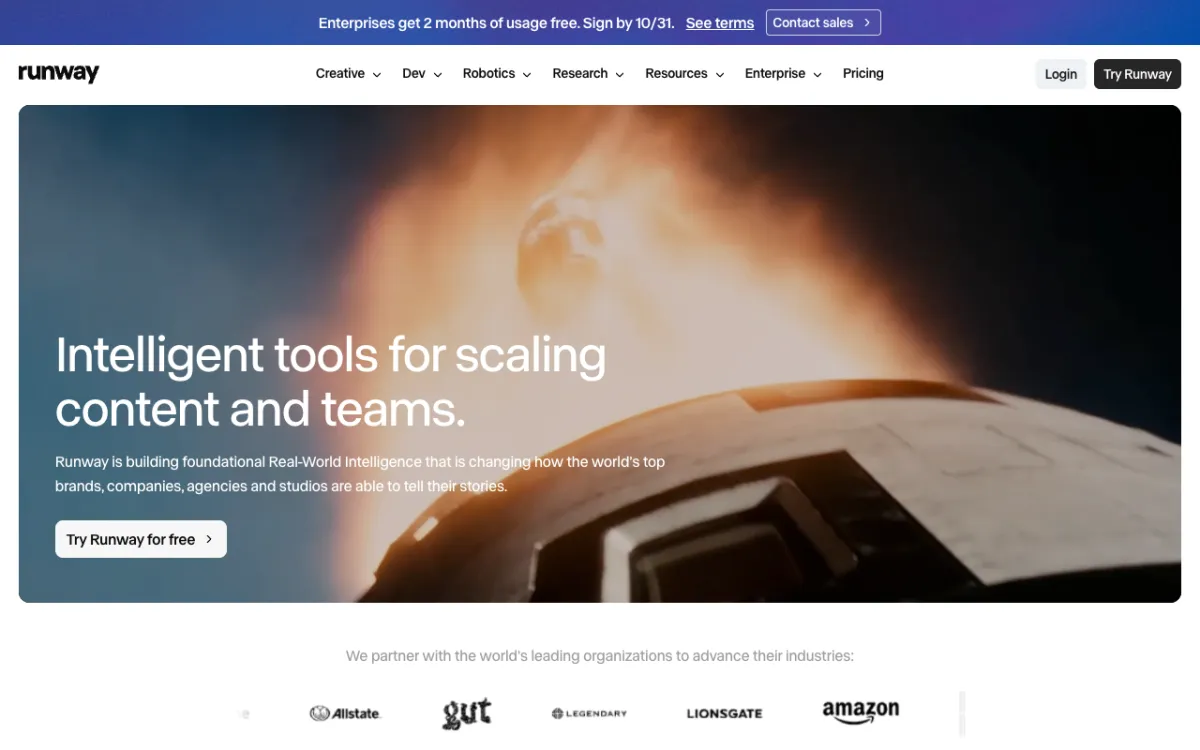 Runway — Gen-4.5, Aleph 2.0 and Seedance on one professional account.
Runway is the most established name in AI video generation. Its Gen-4.5 model sits at the top of what’s available for pure output quality, and the Standard plan at $15/month is the most affordable dedicated entry for that quality tier.
The math is straightforward. Gen-4.5 costs 60 credits per 5-second clip. On Standard’s 625 credits, that is 10 clips a month at roughly $1.44 each. The Pro plan’s 2,250 credits brings that to 37 clips, and Max at 9,500 credits covers 158.
The tradeoff is audio. Gen-4.5 is silent. Runway has no native audio generation built into the clip — you add sound in a separate tool. For a Sora replacement where the audio tracks are the whole point of the shot, that gap matters.
Pros
- Gen-4.5 output quality is among the best available in 2026
- Standard at $15/month is the cheapest entry for this quality tier
- Multiple models on one account — Gen-4.5, Aleph 2.0, Seedance
- Strong commercial licence on paid plans
- Large community and tutorials
Cons
- Gen-4.5 is silent — no native audio generation
- Free tier is 125 one-time credits: gone in one or two clips
- No full timeline editor; assembly happens in a separate tool
- Max at $95/month is expensive for generation only
Best for: Professional creative teams and agencies who prioritise per-clip output quality and handle audio separately.
Pricing: Free: 125 one-time credits. Standard: $15/month ($12 annually) for 625 credits. Pro: $35/month ($28 annually) for 2,250 credits. Max: $95/month ($76 annually) for 9,500 credits (runway.com/pricing, checked October 2026).
3. Kling AI
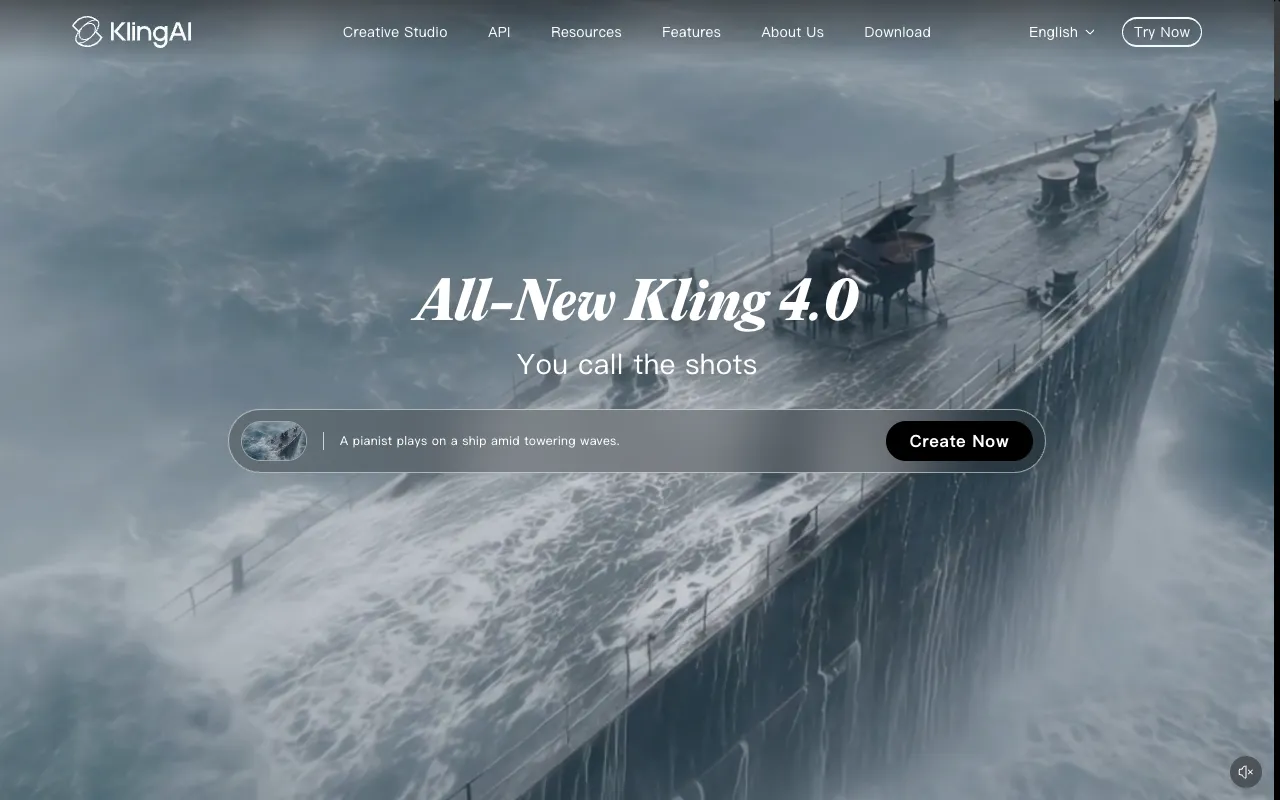 Kling AI — Kling 3.0 Pro, up to 15 seconds, with native sound.
Kling AI from Kuaishou is the model most cited alongside Sora for cinematic output. Kling 3.0 Pro generates filmic depth, strong lighting and realistic camera moves in clips up to 15 seconds with native sound — well past Veo’s 8-second ceiling.
The model also accepts start and end frames, which matters for product and character consistency across a multi-clip edit. Kling O1 reasons about the prompt before generating, which helps on shots with complex action that other models miss. The model roster is narrower than Luma or Vidwip — Kling is primarily a platform for accessing Kuaishou’s own models rather than a multi-vendor catalog.
Kling’s pricing page renders dynamically and was not verifiable by automated check at time of writing. Check klingai.com directly for current plan prices. Kling 3.0 is also available on Krea AI’s Pro plan (see tool 8) if you want a confirmed credit rate.
Pros
- Kling 3.0 Pro clips up to 15 seconds with native sound — longest among the natively-audio models
- Start and end frames for consistent subject identity across shots
- Kling O1 thinks before generating, which improves complex action
- 9:16 output for short-form content
Cons
- Narrower model roster than Runway, Luma or Vidwip — focused on Kuaishou’s own models
- Pricing page requires a browser-rendered check (not available via static fetch)
- No timeline editor; footage assembly happens outside the platform
- No built-in voiceover or music layer
Best for: Creators who need 10–15 second cinematic clips with native sound and strong subject consistency.
Pricing: See klingai.com for current plans. Kling 3.0 access is also included on Krea AI’s Pro plan at $35/month (checked October 2026).
4. Google Veo 3.1
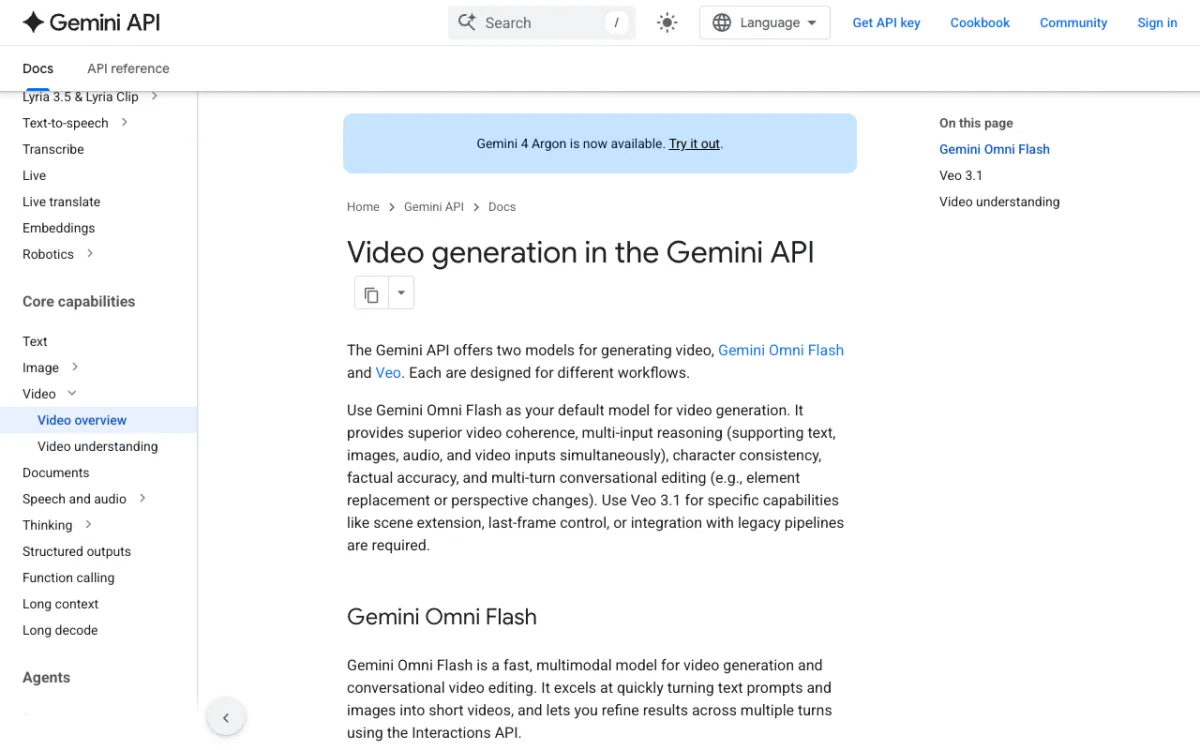 Google Veo 3.1 — 1080p shots with lip-synced speech, via the Gemini API and Google AI Studio.
Google Veo 3.1 is the closest technical replacement for what Sora was aiming at: realistic physics, 1080p output, and native audio that includes lip-synced speech. The model makes the audio itself from what you describe — it is not a speech synthesis layer bolted on after the fact.
Access comes through the Gemini API, Google AI Studio, Google Flow and the Gemini app. The API publishes direct pricing: Standard variant costs $0.40 per second at 720p and 1080p, or $0.60 per second at 4K. The Fast variant costs $0.10 per second. The Lite variant costs $0.05 per second at 720p. There is no free tier on the API — you pay per second of successful generation.
Clips run 4, 6 or 8 seconds. That is shorter than Kling 3.0 Pro’s 15 seconds and well short of Wan 3.0’s 30 seconds. For shots where the priority is realism and audio over length, Veo 3.1 is the model to use.
Pros
- Lip-synced speech the model generates itself — no separate TTS layer
- 1080p output, with 4K available on Standard variant
- Start and end frames for motion control
- Direct API access with published per-second pricing
- Available across multiple platforms (Luma, Vidwip, Google AI Studio)
Cons
- Maximum 8 seconds per clip — shorter than most alternatives
- No free API tier; you pay per second of output
- API-only access for automated workflows — consumer apps require a Gemini subscription
- Not ideal for long-form b-roll or establishing shots
Best for: Developers and creators who need the most realistic short clips with native lip-synced speech and a clear per-second cost.
Pricing: API — Veo 3.1 Standard: $0.40/s (720p–1080p), $0.60/s (4K). Veo 3.1 Fast: $0.10/s (720p). No free API tier. Consumer access via Gemini app (ai.google.dev/gemini-api/docs/pricing, checked October 2026).
5. Luma Dream Machine
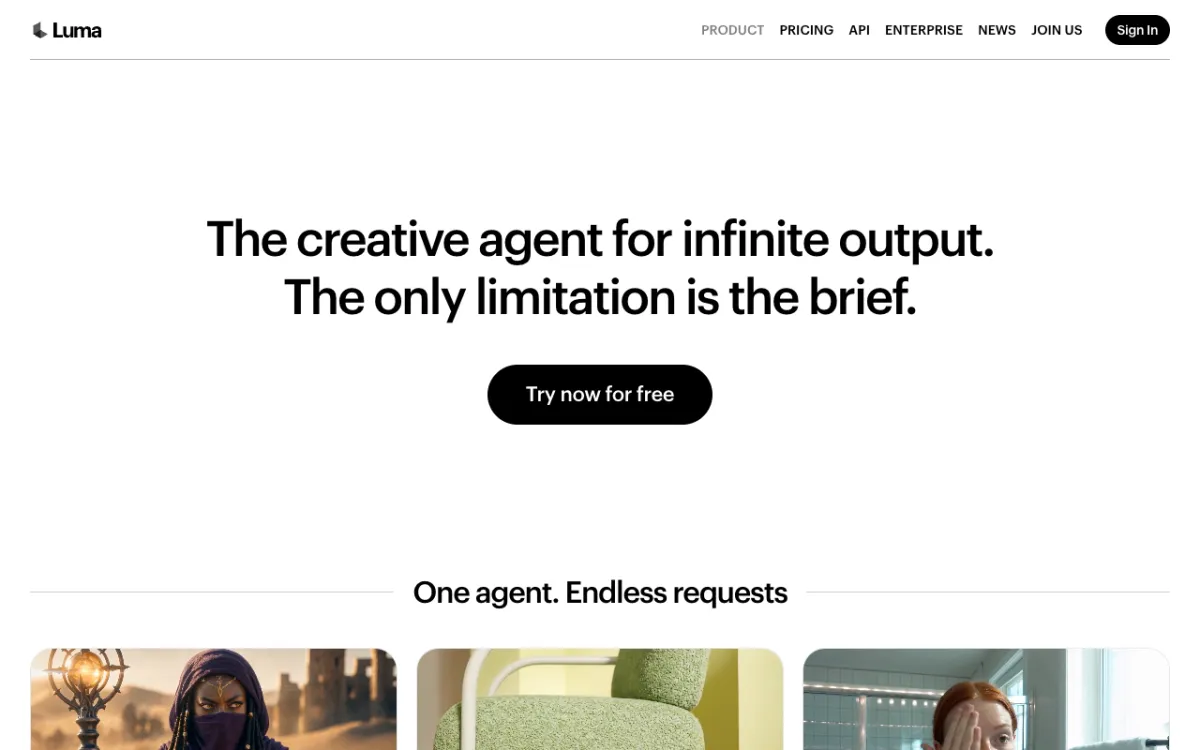 Luma Dream Machine — Ray3.14, Veo 3.1, Kling 3.0, Seedance 2.5 and MiniMax H3 on one credit pool.
Luma Dream Machine runs the widest model roster of any standalone platform in this comparison. The video picker includes Luma’s own Ray3.14 and Ray3.2, plus Kling 3.0, Veo 3.1, Seedance 2.5 and MiniMax H3 — all on one credit pool alongside an image model lineup.
Luma also includes ElevenLabs audio tools directly in the platform: Speech, Music and Sound Effects. That makes it one of the few platforms besides Vidwip with built-in audio generation, though the audio is a separate workflow rather than baked into the shot the model makes.
The credit math is transparent. Ray3.14 at 720p costs 20 credits per second, so the Plus plan’s 10,000 credits buys 100 five-second Ray3.14 clips. Veo 3.1 at 280 credits per second costs $0.84 per second on Plus — more expensive than accessing Veo’s API directly at $0.40 per second, but bundled under a single subscription rather than a pay-per-second API bill.
Pros
- Widest model roster: Luma’s own models plus Kling 3.0, Veo 3.1, Seedance 2.5 and MiniMax H3
- Transparent per-second credit rates published on the pricing page
- ElevenLabs Speech, Music and SFX built into the platform
- Strong API access for developers on Pro and above
Cons
- No full timeline editor — footage assembly happens outside the platform
- Premium models like Veo 3.1 (280 cr/s at Plus = $0.84/s) cost more than direct API access
- Plus plan at $30/month has no credit rollover
- No free tier with a stated credit amount
Best for: Creators who want access to every major video model — including Kling, Veo and Seedance — under one monthly subscription.
Pricing: Plus: $30/month ($25 annually) for 10,000 credits. Pro: $90/month ($75 annually) for 40,000 credits. Ultra: $300/month ($250 annually) for 150,000 credits (lumalabs.ai/pricing, checked October 2026).
6. Hailuo AI
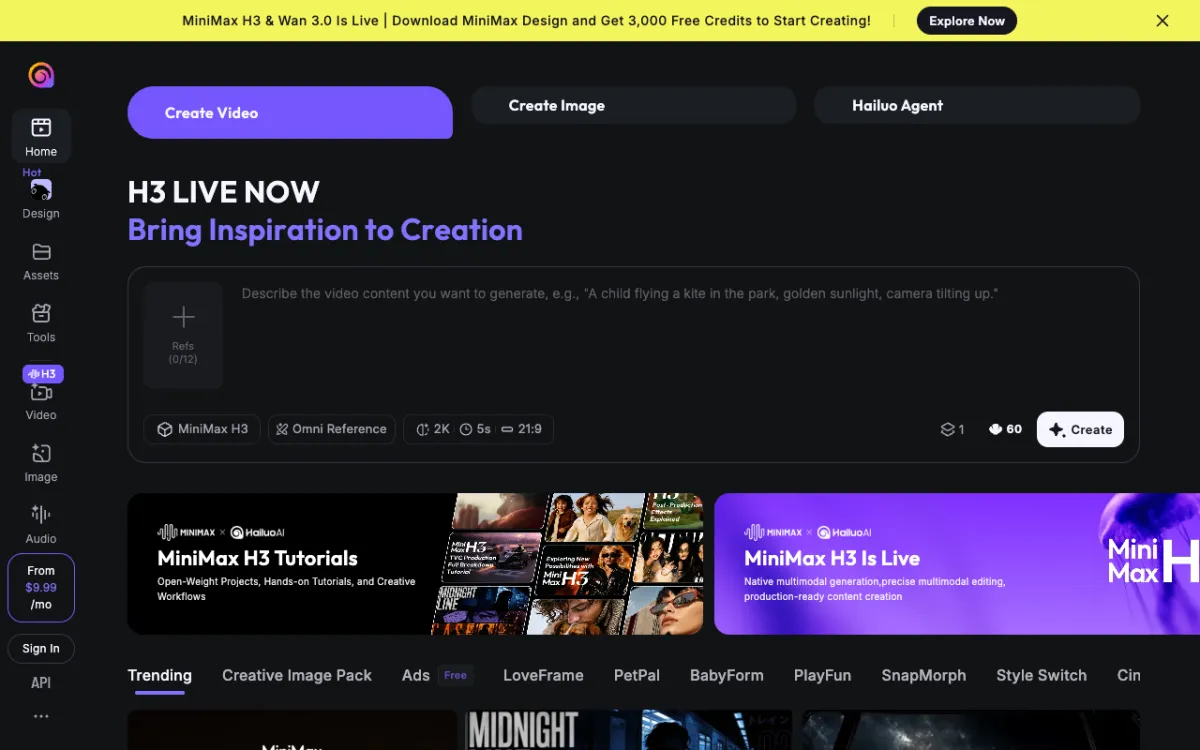 Hailuo AI — MiniMax H3, 2K resolution, 5 to 15 seconds with native sound.
Hailuo AI is MiniMax’s consumer-facing platform for its H3 model, which generates at 2K resolution — the highest native output resolution of any model on this list. The target is shots where a face or subject has to carry the frame: close-ups, portraits, emotive performances. H3 generates sound with the picture in clips of 5 to 15 seconds.
For shots built around a product or a person, H3’s resolution and subject stability make it the strongest single-model choice on close-ups. The tradeoff is that H3 is narrower in motion range than Kling 3.0 Pro or Veo 3.1 for shots with complex camera moves or physics.
Hailuo’s own platform pricing page renders dynamically and was not verifiable by automated check at time of writing. Check hailuoai.video directly for current plans. MiniMax H3 is also available on Luma Dream Machine and via Vidwip’s AI Video Generator.
Pros
- 2K resolution — highest native output on this list
- Clips up to 15 seconds with native sound
- Strong subject identity and expressive performance in close-ups
- Start and end frames for motion direction
Cons
- Narrower motion range than Kling 3.0 Pro for complex camera work
- Platform pricing requires a browser-rendered check
- No built-in timeline editor, voiceover or music generation
- H3 Max variant is silent (768p); choose H3 for sound
Best for: Creators who need high-resolution close-ups with native audio — product shots, portrait-style footage and emotive performances.
Pricing: See hailuoai.video for current plans. MiniMax H3 is also available on Luma Dream Machine’s Plus plan ($30/month) and via Vidwip AI Video Generator. (Checked October 2026.)
7. Pika
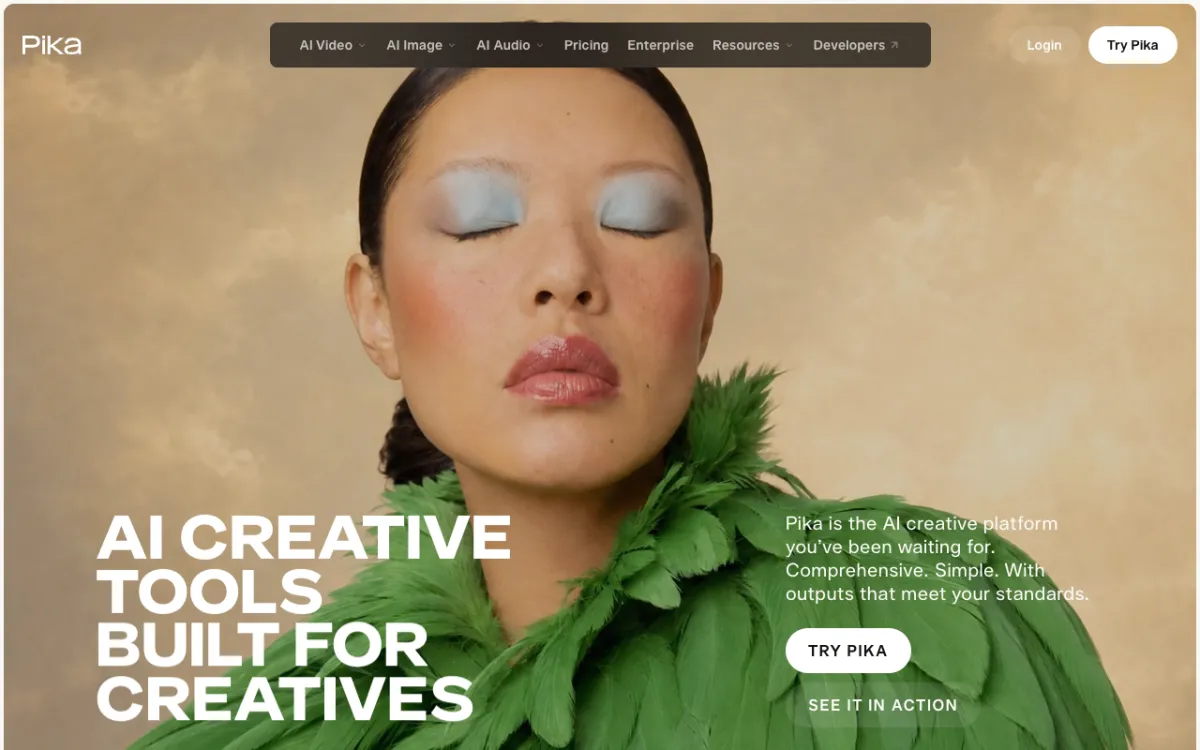 Pika — Seedance 2.5, Wan 3.0, MiniMax H3 and Pika 2.5 on a $10/month starter plan.
Pika is the most affordable paid entry in this comparison. The Starter plan at $10/month gives 900 credits — the budget question is which model fits those credits.
Seedance 2.5 at 122 credits per 5-second clip runs to roughly 7 clips on Starter. Wan 3.0 at 33 credits per clip gives roughly 27 clips — enough to actually iterate. For creators who want to try the native-audio models without committing to a $30+ subscription, Pika Starter gives meaningful access to Wan 3.0 and MiniMax H3.
The catch: Starter comes with no commercial licence. You need Creator at $35/month for commercial work. Pika is also a generation-only platform — no timeline editor, audio generation or voiceover layer.
Pros
- $10/month Starter is the cheapest paid multi-model plan
- Wan 3.0 at 33 credits gives 27 clips on Starter — real working room at low cost
- Seedance 2.5, MiniMax H3 and Pika 2.5 all available on Starter
- Clear per-generation credit costs published on the pricing page
Cons
- No commercial licence on the $10/month Starter plan
- Seedance 2.5 (122 credits/clip) burns Starter’s 900 credits fast
- No timeline editor, voiceover or music generation
- Free plan gives 0 monthly credits — top-up packs only
Best for: Beginners and casual creators who want to try native-audio video models on the lowest possible monthly budget.
Pricing: Free: 0 monthly credits (pack top-ups only). Starter: $10/month ($8 annually) for 900 credits, no commercial licence. Creator: $35/month ($28 annually) for 3,150 credits with commercial licence (pika.art/pricing, checked October 2026).
8. Krea AI
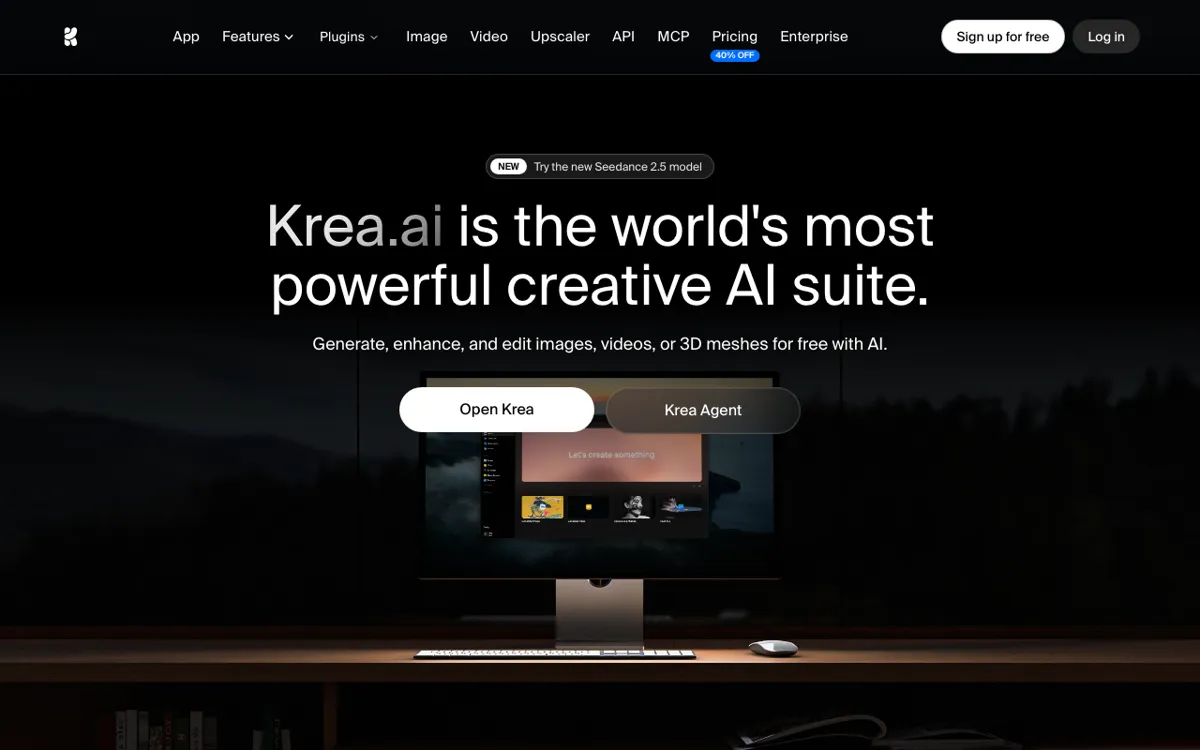 Krea AI — Kling 3.0, Veo 3.1, Seedance 2.5 and more on a daily-refill free tier.
Krea AI combines image and video generation on one credit pool, with Kling 3.0, Veo 3.1 and Seedance 2.5 available on the Pro plan. The free tier gives 100 units per day — not a one-time grant but a daily refill. That is enough for 1–2 Kling 3.0 3-second clips every day, making Krea the best free way to access Kling’s quality tier.
The canvas interface is Krea’s differentiator. You can paint over a generation and regenerate, iterate on framing, and build image-to-video sequences from AI-generated stills. The interface is built for art direction and concept development rather than finished production footage.
At Pro ($35/month for 20,000 units), Kling 3.0 at roughly 187 units per 3-second clip costs around $0.11 per second — cheaper than accessing Kling through Krea or running Gen-4.5 on Runway.
Pros
- Free tier refills daily — 100 units every day, not a one-time grant
- Kling 3.0, Veo 3.1 and Seedance 2.5 on one plan
- Canvas interface for fast iteration on image and video
- Kling 3.0 at Pro works out to roughly $0.11/s — solid value for that quality tier
Cons
- Clip lengths cap at 5 seconds for most models on Krea
- Per-generation costs shown as approximate video counts, not a published credit rate
- No built-in timeline editor, voiceover or music generation
- Pro plan at $35/month is the same price as Runway Pro for a narrower use case
Best for: Artists and concept creators who want daily-refill free access to Kling 3.0 and a canvas to iterate on before committing to a paid generation.
Pricing: Free: 100 units/day (refills daily). Pro: $35/month ($21 annually) for 20,000 units. Max: $105/month ($63 annually) for 60,000 units (krea.ai/pricing, checked October 2026).
Sora alternatives compared
| Tool | Max clip | Native sound | Motion quality | Cost per 5 s (cheapest plan) | Free tier |
|---|---|---|---|---|---|
| Vidwip AI Video Generator | 30 s | Yes (14/16 models) | Veo 3.1 / Kling 3.0 Pro / Hailuo 3 | Not published | Paid plans only |
| Runway | ~10 s | No | Gen-4.5 (best-in-class) | ~$1.44 (Standard) | 125 one-time credits |
| Kling AI | 15 s | Yes | Kling 3.0 Pro (filmic) | See klingai.com | See klingai.com |
| Google Veo 3.1 | 8 s | Yes (lip-synced speech) | Veo 3.1 (realistic physics) | $2.00 (API Standard) | None (API) |
| Luma Dream Machine | ~10 s | Via ElevenLabs integration | Ray3.14 / Veo 3.1 | ~$0.30 (Ray3.14, Plus) | Unspecified trial |
| Hailuo AI | 15 s | Yes | H3 (2K close-ups) | See hailuoai.video | See hailuoai.video |
| Pika | 5 s | Varies by model | Seedance 2.5 / MiniMax H3 | ~$1.35 (Seedance 2.5, Starter) | 0 monthly credits |
| Krea AI | 5 s | Varies | Kling 3.0 / Veo 3.1 | ~$0.33 (Kling 3.0 3 s, Pro) | 100 units/day (refills) |
How to choose the right Sora alternative
If native audio is the priority: Veo 3.1 is the only model that generates lip-synced speech. Kling 3.0 Pro, Hailuo 3 and Wan 3.0 also generate ambient and environmental audio with the shot. Runway is the one model on this list that does not.
If clip length matters: Wan 3.0 and Seedance 2.5 reach 30 seconds. Kling 3.0 Pro and Hailuo 3 go to 15 seconds. Veo 3.1 caps at 8 seconds. If you are cutting b-roll or long establishing shots, Veo is not the right model.
If you want the models and the editor in one place: Vidwip AI Video Generator runs 16 models including Veo 3.1, Kling 3.0 Pro and Hailuo 3 on a full timeline editor. You generate, trim, add voiceover and export without switching tabs or downloading anything.
If budget is the first constraint: Pika Starter at $10/month is the cheapest paid entry. Krea’s daily-refill free tier is the best no-cost way to try Kling 3.0. Vidwip starts at $25 a month.
If you want the highest output quality and handle audio separately: Runway Gen-4.5 at $15/month Standard is the best pure quality-per-dollar entry. Pair it with a separate audio generation tool or editor.
What replaced Sora’s role
Sora tried to do one thing at launch: generate video that looked like it could have been filmed. The model roster in 2026 has fragmented that goal across specialists. Veo 3.1 owns realistic physics and lip-synced speech. Kling 3.0 Pro owns filmic depth for scripted-looking footage. Hailuo 3 owns high-resolution close-ups.
No single model is “the new Sora.” But the combination — especially when accessed through a platform that lets you pick the right model per shot — covers everything Sora was trying to do, and then some.
For posts that compare these video models against each other in more detail, see 8 Best Higgsfield Alternatives for Multi-Model AI Video in 2026 and the Vidwip AI Video Generator product page for the current model roster with specs.