
Kling AI 3.0 is the closest match to Vidu's reference-image character lock. PixVerse V6 wins on anime style. For a different angle — running one prompt across 16 models to find the one that handles your scene best — Vidwip AI Video Generator lets you do that from a single account, on plans from $25 a month.
Vidu AI built its reputation on two things: locking a character’s face across multiple shots and generating clean anime-style clips without a reference image. The best Vidu AI alternatives need to match both.
Both are hard to match.
Vidu’s domain moved from vidu.studio to vidu.com in 2026, and its model lineup now covers Q3, Q4, and an Agent tier. But the $10/month entry plan gives only 800 credits — and character-consistent generation is expensive.
Other tools have caught up, and some have passed Vidu on specific dimensions. This post ranks seven alternatives on reference-image consistency, anime style range, and what a five-second clip actually costs — with every price checked on the vendor’s own site in October 2026.
TL;DR: quick picks
- Best for testing multiple models before committing: Vidwip AI Video Generator — run one prompt on 16 models, including Kling 3.0 and Seedance 2.5, on plans from $25 a month
- Closest to Vidu’s character lock: Kling AI — reference-image consistency on 3.0 with native audio
- Best anime style: PixVerse V6 — dedicated anime mode, the strongest stylized output in this list
- Best cinematic quality: Seedance 2.5 — real-film motion and native audio
- Most accessible entry: Kling Standard or Pika Starter, both $10/month
- Best for fast social clips: Hailuo AI — MiniMax H3, quick generation
- Best creative platform: Luma AI — Master Reference Assets for multi-shot consistency
1. Vidwip AI Video Generator
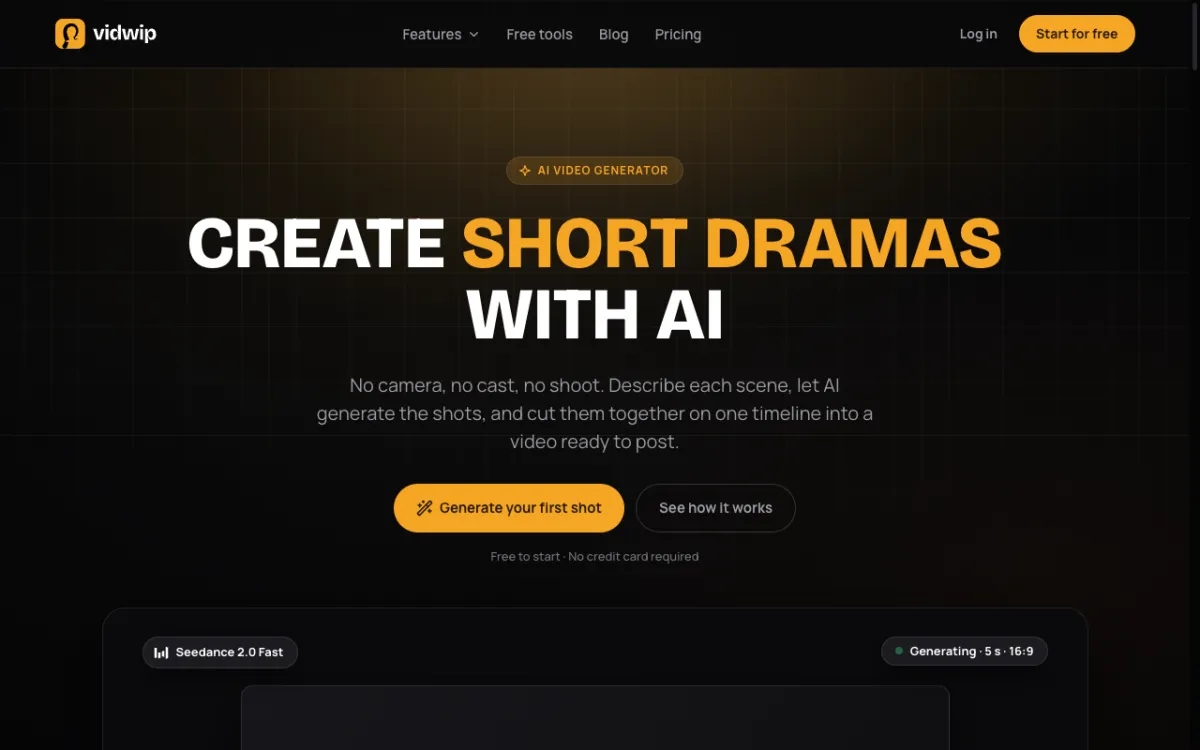 Vidwip AI Video Generator — pick from 16 models including Kling 3.0, Seedance 2.5 and Hailuo 3
Vidu locks you into one model. Vidwip AI Video Generator runs the same prompt on 16 different models and drops every clip on a shared timeline, so you can compare them side by side.
This is a different angle from Vidu’s character-consistency pitch. Vidwip doesn’t have a dedicated anime character mode. What it does have is access to the models in this list — Kling 3.0, Seedance 2.5, Hailuo 3, Veo 3.1, Wan 3.0, FLUX.3 Video, Grok Imagine 1.5 — under one account, without subscribing to each one separately.
You describe a scene. You pick a model or try two side by side. The clip lands on the AI Studio timeline, where you can cut, voice, and export it without leaving the app. Fourteen of the 16 models generate sound alongside the picture.
Shots run from 1 to 30 seconds. You can do 16:9 for YouTube, 9:16 for TikTok and Reels, 1:1, or other shapes.
Pros
- 16 models in one account — no app-hopping between Kling, Seedance, and Hailuo
- Try the same prompt on two models to pick the better output before spending more credits
- 14/16 models generate native audio with the video
- Every clip lands on the AI Studio timeline, ready to cut and export
Cons
- No dedicated character-consistency feature across shots (Kling’s reference-image mode, for instance)
- No anime-specific style selector
- Per-shot credit rates are not published on the pricing page
Best for: creators who want to test which model handles a specific scene best before committing a full campaign’s worth of clips to one tool
Pricing: AI video needs a paid plan. Starter $25/month (2,500 credits), Pro $99/month (10,000 credits).
2. Kling AI
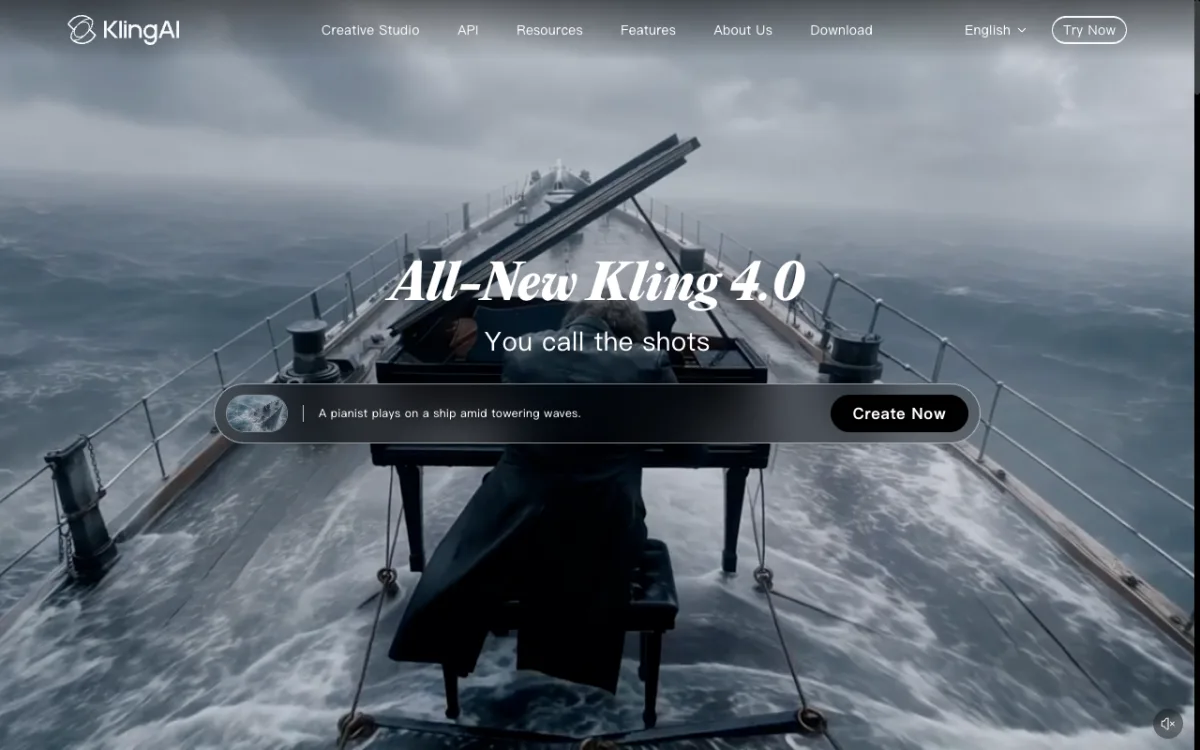 Kling AI{rel=“nofollow noopener”} — reference-image character lock and native audio on Video 3.0
Kling 3.0 is the most direct replacement for Vidu’s headline feature. Its reference-image-to-video mode takes a photo of a person or object and generates clips where that subject stays recognizable across shots — which is exactly what Vidu’s character consistency does.
The Omni model adds native audio generation: sound made alongside the picture in the same inference pass, not stitched on after. Camera control lets you specify dolly, orbit, tilt, and pan moves on top of the content.
The free tier gives 66 credits per day, which expire after 24 hours whether you use them or not. Free clips are watermarked at 360–540p. Paid plans start at $10/month.
On the Standard plan, a 5-second 1080p clip with native audio costs about 60 credits (12 credits/second). That’s roughly $0.91 at the Standard rate — or about 10 clips per month on the 660-credit plan.
Pros
- Reference-image character consistency is the strongest in this list
- Native audio on Video 3.0 Omni — sound generated with the picture
- Dedicated anime mode on paid plans
- Camera control (dolly, orbit, tilt) for cinematic moves
Cons
- Free-tier credits expire after 24 hours, making unused credits worthless
- 660 credits/month on Standard is enough for about 10 five-second clips at 1080p with audio
- API pricing at $13.44/minute is among the most expensive in the market (per PixVerse’s published comparison, October 2026)
Best for: creators who need the same face, subject, or character across multiple shots — and who need anime or stylized output with real camera motion
Pricing: Free (66 cr/day, 24h expiry, watermarked). Standard $10/month (660 cr), Pro $37/month (3,000 cr), Premier $92/month (8,000 cr). Prices checked October 2026.
3. Hailuo AI
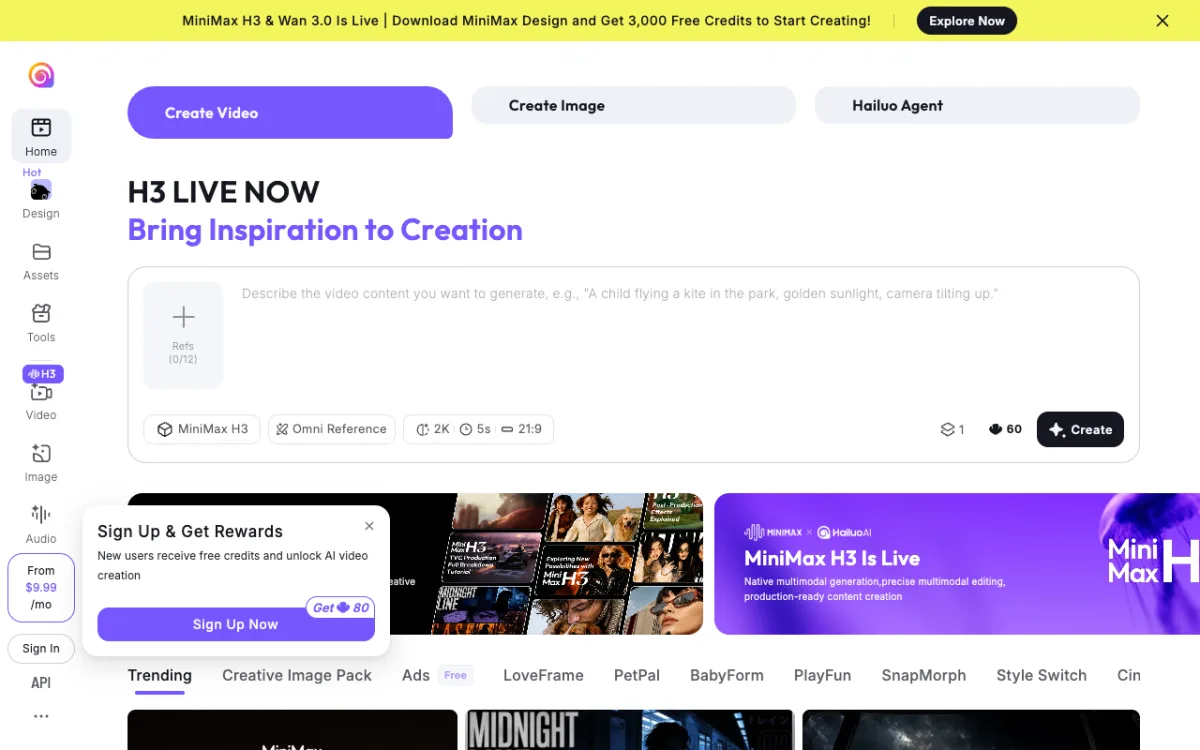 Hailuo AI{rel=“nofollow noopener”} — MiniMax-powered, fast generation for social-first clips
Hailuo AI runs on MiniMax’s video model and positions itself as the fast option. Clips generate quickly — social-first content is the play, not long-form or precision character work.
The I2V Director feature gives camera control on image-to-video: you upload a photo and set a camera move — push in, orbit, pull back. The model follows it. Audio generation is built in.
For the international audience, access is through hailuoai.video. The main hailuoai.com domain serves a Chinese-language interface.
Pricing sources conflict — Hailuo’s pricing page blocked direct fetch in our research. Third-party sources report a Standard plan at $14.99/month for 1,000 credits, with promo prices observed at $7.99 in June 2026. Those promo prices may have reverted. Treat the Standard figure as a floor until you verify in-app.
Pros
- Fast generation times — better for iteration than waiting
- I2V Director for camera control on image-to-video
- Audio generation built in
- MiniMax H3 model is widely used across third-party platforms
Cons
- No dedicated character-consistency feature
- Pricing page blocked direct verification — third-party-reported figures only
- Standard at $14.99/month is 50% more than Kling or Pika’s entry tier for fewer confirmed credits
Best for: quick social-first clips where fast generation matters more than precise character control
Pricing: Free (daily limited). Standard ~$14.99/month (1,000 cr, per third-party sources — verify in-app; checked October 2026).
4. PixVerse
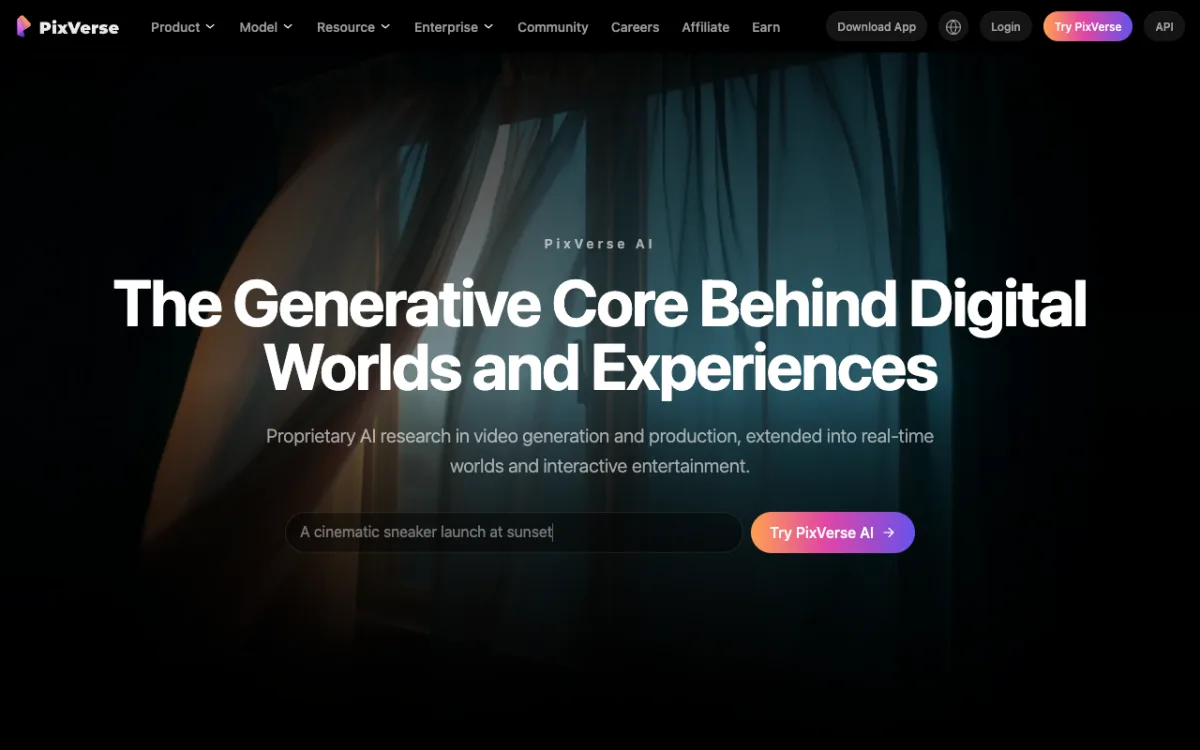 PixVerse{rel=“nofollow noopener”} — V6 model, best dedicated anime and stylized output in this list
PixVerse V6 is the anime generator in this list. It has a dedicated anime mode — not just a style slider, but a mode built for clean lines, cel-shaded characters, and stylized motion. Reference image support carries a subject’s visual style into the output.
PixVerse is also the most transparent on API costs. Their homepage publishes a per-minute comparison chart: PixVerse V6 at $4.80/min versus Kling at $13.44/min and Veo 3.1 at $24/min (October 2026). For studios doing volume work, that delta matters.
The free tier gives 90 credits on sign-up plus 60 credits per day with a daily reset. Consumer subscription pricing couldn’t be confirmed from a primary source — their pricing page returned a 404. Third-party sources report a Standard tier around $10/month for ~1,200 credits.
Pros
- Best anime and stylized output in this list — dedicated V6 anime mode
- Reference image support for carrying a character’s look across shots
- API at $4.80/min is 65% cheaper than Kling’s API rate
- Actively updated — latest news dated October 9, 2026, V6 is current
Cons
- Consumer subscription pricing page returned 404 — third-party-reported figures only
- No native audio generation (unlike Kling 3.0 Omni or Hailuo)
- Free 60 credits/day is enough for roughly one short clip per day
Best for: anime-style and heavily stylized video where cel-shading and clean character lines matter more than photorealism
Pricing: Free (90 credits on sign-up + 60 cr/day). ~$10/month standard (third-party reported; consumer pricing page unavailable; API at $4.80/min from PixVerse homepage, checked October 2026).
5. Seedance
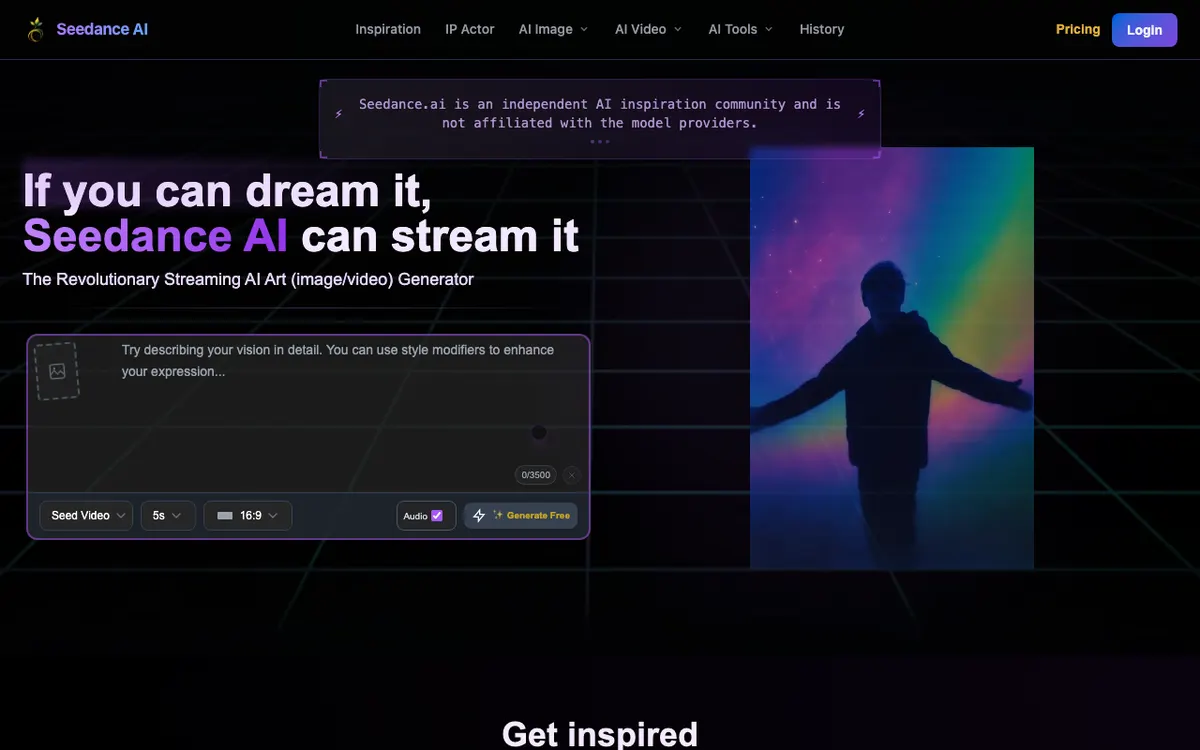 Seedance{rel=“nofollow noopener”} — ByteDance’s cinematic generator, available directly and through Pika and Luma
Seedance 2.5 is the cinematic model. ByteDance built it to look filmed rather than generated — motion has weight, lighting behaves, and noise reads as film grain rather than artifact.
Native audio comes built in. Sound is generated alongside the video in the same pass, which Seedance 2.0 introduced and 2.5 improved on.
Seedance is available directly at seedance.ai and through platforms that resell it — Pika, Luma, and API services like fal.ai. API pricing via fal.ai for Seedance 2.0 is ~$0.24/second (standard quality). On Pika’s Starter plan, a 5-second Seedance 2.5 clip costs 122 credits, about $1.36.
Direct subscription pricing sources conflict. Third-party sites report an entry plan at ~$19.90/month, but the official pricing page blocked direct verification. Treat that figure as approximate until you check in-app.
Pros
- Cinematic motion quality — looks filmed more than any other model in this list
- Native audio generated with the picture
- Available through multiple platforms (Pika, Luma, fal.ai) — you may already have access
- High output quality at 720p–1080p
Cons
- No dedicated character-consistency mode across shots
- No anime-specific style filter
- Direct subscription pricing couldn’t be verified from a primary source (page blocked)
- Entry at ~$19.90/month is pricier than Kling or Pika if those estimates hold
Best for: short-form content where the clip needs to look like it was actually filmed — commercials, product showcases, cinematic B-roll
Pricing: ~$19.90/month entry (third-party reported; pricing page blocked direct fetch, October 2026). API via fal.ai: ~$0.24/s (Seedance 2.0 standard). Via Pika Starter: ~$1.36 per 5s clip.
6. Pika
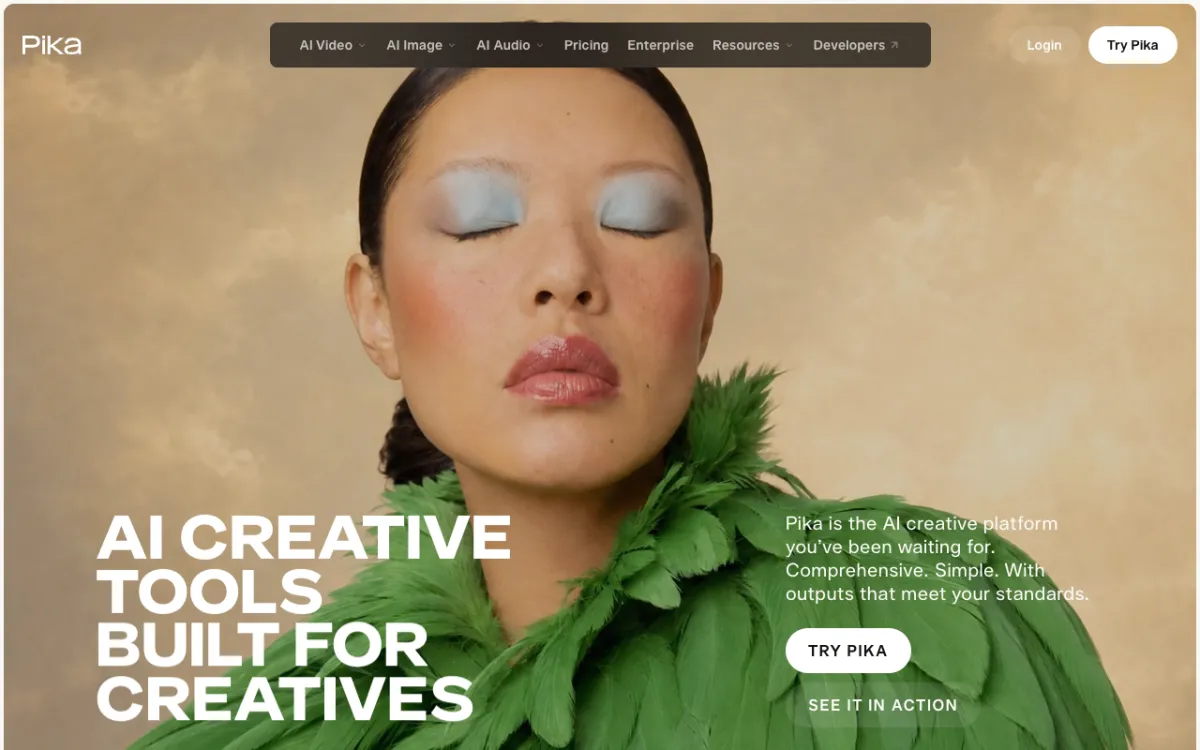 Pika{rel=“nofollow noopener”} — $10/month Starter plan with Seedance 2.5 and Wan 3.0
Pika started as an AI video generator and has evolved into a multi-model platform. Its flagship generator is now Seedance 2.5 — Pika’s own model is secondary to the hosted ones. It also runs Wan 3.0, Nano Banana 2 for images, and GPT Image 2.5.
The $10/month Starter plan gives 900 credits per month and no watermark on any plan — including the free tier. Commercial use requires the $35/month Creator plan.
On Starter, a 5-second Seedance 2.5 clip at 720p costs 122 credits ($1.36). A 5-second Wan 3.0 clip at 720p costs 33 credits ($0.37). Wan 3.0 is one of the stronger anime and stylized models — so Pika is actually a reasonable way to access anime-quality output at a low credit cost.
The free tier gives zero subscription credits. You top up to try anything, with top-up packs starting at 60 credits for $1.
Pros
- Starter at $10/month is the most accessible entry in this list (with Kling)
- No watermark on any plan, including free
- Access to Seedance 2.5 and Wan 3.0 on one account
- Wan 3.0’s 33-credit per-clip cost is the cheapest stylized-video option here
Cons
- Free tier has zero subscription credits — top-ups required to try anything
- No native audio generation (unlike Seedance standalone or Kling 3.0)
- Commercial use locked behind $35/month Creator plan
- No dedicated character-consistency feature
Best for: creators who want to access Seedance 2.5 quality or anime-style Wan 3.0 clips at the lowest subscription entry price
Pricing: Free ($0, top-ups only). Starter $10/month (900 cr). Creator $35/month (3,150 cr, commercial use). Fancy $95/month (8,550 cr). Prices checked directly from pika.art, October 2026. Credits do not roll over.
7. Luma AI
 Luma AI{rel=“nofollow noopener”} — Master Reference Assets for character consistency, hosts Kling 3.0 and Seedance 2.0
Luma was Dream Machine. It has since repositioned as a multi-model creative platform with what it calls Creative Agents — a workspace that holds context across generations, supports collaboration, and hosts a range of models including its own Ray3.2, plus Kling 3.0, Seedance 2.0, Veo 3.1, and more.
The character-consistency feature is called Master Reference Assets. You upload a reference — a person, a product, a style — and Luma keeps it consistent across generations in a project. This is the most explicit attempt in this list to replicate Vidu’s multi-shot character lock.
There is no free tier. The Plus plan starts at $30/month for 10,000 credits, checked directly from lumalabs.ai in October 2026. Ray3.2 at 1080p costs 400 credits per 5 seconds, about $1.20 per clip on Plus. Luma’s Pro plan at $90/month gives 40,000 credits and four times the Agents usage.
Because Luma hosts Kling 3.0 and Seedance 2.0 alongside Ray3.2, you can also run those models from the same workspace — though for casual Kling or Seedance access, a direct account is cheaper.
Pros
- Master Reference Assets — the most developed character/subject consistency system in this list after Kling
- Hosts Kling 3.0, Seedance 2.0, Veo 3.1 on one platform
- Collaborative workspace, shared projects, pro export (EXR)
- 10,000 credits/month on Plus covers substantial volume
Cons
- No free tier — $30/month is the entry price, 3x Kling or Pika’s entry
- Credits expire each billing cycle with no rollover
- Pro at $90/month to get meaningful Agents usage
- For casual Kling or Seedance access, a direct account at those platforms is cheaper
Best for: creative teams and professionals who need character consistency across a full project, collaborative features, and multi-model access in one workspace
Pricing: Plus $30/month (10,000 cr). Pro $90/month (40,000 cr). Ultra $300/month (150,000 cr). Annual billing saves up to 20%. No free plan. Prices checked from lumalabs.ai, October 2026.
Comparison: Vidu AI alternatives side by side
| Tool | Character consistency | Anime style | Free tier | Entry paid | Est. 5s clip |
|---|---|---|---|---|---|
| Vidwip AI Video Generator | Via Kling/Wan models | Via Wan 3.0 and Kling | Paid plans only | $25/mo | Not published |
| Kling AI | Reference-image lock | Dedicated anime mode | 66 cr/day (24h expiry) | $10/mo | ~$0.91–$2.00 |
| Hailuo AI | Limited | Stylized modes | Daily limited | ~$14.99/mo | Varies |
| PixVerse | Reference image support | Best anime in list | 60 cr/day | ~$10/mo | ~$4.80/min API |
| Seedance | Motion consistency | No dedicated mode | Via platforms | ~$19.90/mo | ~$1.36 (via Pika) |
| Pika | Via Seedance/Wan | Via Wan 3.0 | Top-up only | $10/mo | ~$1.36 (Seedance 2.5) |
| Luma AI | Master Reference Assets | No dedicated mode | None | $30/mo | ~$1.20 (Ray3.2 1080p) |
Prices checked October 2026. Seedance and Hailuo pricing from third-party sources — verify in-app before budgeting.
How to choose
You need the same face across multiple shots. Kling 3.0’s reference-image mode is the clearest match for Vidu’s character lock. Luma’s Master Reference Assets is the alternative if you need collaborative features on top.
You want anime-style output. PixVerse V6 is the pick. It has the cleanest cel-shaded anime output of any tool here, and its API rate is the lowest for volume work. Wan 3.0 via Pika is a cheaper second option.
You want cinematic, film-like quality. Seedance 2.5 wins on realistic motion. Access it through Pika at $10/month rather than Seedance direct, where pricing sources conflict.
You want to test before committing. Vidwip AI Video Generator runs one prompt on Kling, Seedance, Hailuo, and 13 other models from a single account. You see what each model does with your scene before you subscribe to any of them. Free to start.
You want the cheapest per-clip cost. Pika Starter at $10/month gives Wan 3.0 clips at ~$0.37 each. PixVerse’s free tier gives 60 credits per day. Kling’s free tier gives 66 credits per day, though they expire at 24 hours.
If you want to dig deeper into what AI video tools can do for short-form content, our guide to AI video voiceover generators covers how to add narration after generation. And if you’re building product clips alongside creative shots, AI UGC tools handle the product-ad side of the equation.
Final verdict
Kling 3.0 is the closest direct replacement for Vidu — it matches character consistency and adds native audio and camera control that Vidu lacks. If anime-style output is the priority over character lock, PixVerse V6 is the choice. For cinematic quality, Seedance 2.5 accessed via Pika Starter ($10/month) is the value call.
For something different — testing a scene across every leading model before picking one — try Vidwip AI Video Generator. It keeps Kling, Seedance, Hailuo, and thirteen others in one place. Free to start, no credit card.