
Vidwip leads for video dubbing: it clones each speaker into 29 languages at $2.40 per finished minute, or up to 94 on its Advanced engine. ElevenLabs wins on voice library depth. Murf AI suits studio narration work. Descript fits teams who edit and voice in one place.
A good AI video voiceover generator picks a voice, reads your footage, writes the narration, and hands you a polished file in minutes. That is where every tool in this list starts — but they diverge fast on voice count, language coverage, sync accuracy, and what a minute of output actually costs you.
Four tools made the cut. Each covers a distinct use case.
What to look for in an AI video voiceover generator
Voice realism separates tools instantly. The best generators in 2026 sound like a person, not a text reader.
Language coverage matters if you publish to more than one market. A 50-language library is table stakes; 90+ lets you localize at scale without a second tool.
Sync accuracy — how well the generated audio fits the original video’s timing — is what splits dubbing tools from narration tools. Narration drops new audio over a silent recording. Dubbing replaces existing speech, frame for frame.
True cost per minute is rarely the headline price. Always check whether the plan’s credit allowance survives a full month of your actual volume.
1. Vidwip AI Video Dubbing
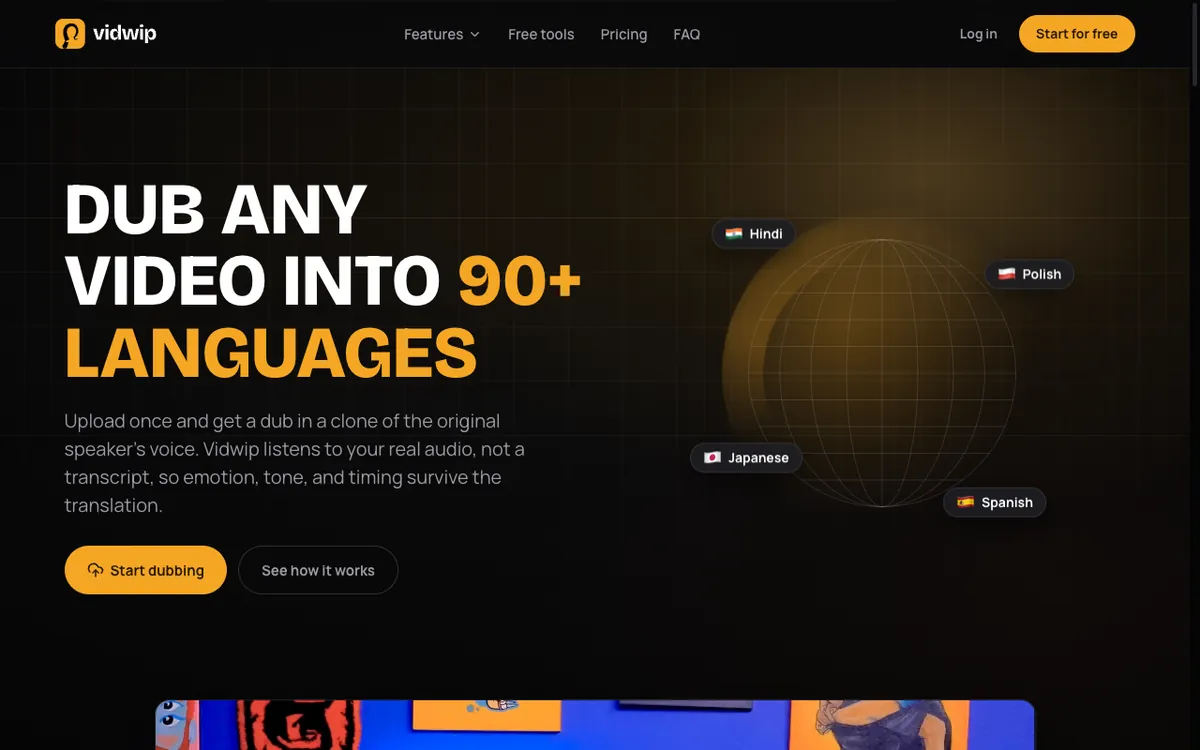 Vidwip AI Video Dubbing — upload a video, pick a language, get a dub in each speaker’s own voice in minutes.
Vidwip is an AI Video Dubbing tool built for teams that need to reach audiences in multiple languages without re-recording anything. You upload an MP4, MOV, WebM, or audio file (up to 2 GB), pick a target language, and the AI transcribes the original, translates the script, and re-voices the footage in a clone of each speaker’s own voice.
Your picture is left as it was, only the audio changes, and no tier adds a watermark. Most renders finish in under 5 minutes.
Vidwip also ships AI Audio Dubbing for podcast episodes and audio tracks — the same engine, no video layer to process, so it’s faster for pure audio workflows.
Pros
- Up to 94 languages on the Advanced engine, 29 on the default — the widest coverage on this list
- Clones each speaker’s own voice, so there is no voice casting step
- Several target languages in one run: up to 5 on Starter, 10 on Pro, 1 on Free
- Free to start, no credit card required
- Handles video and audio files up to 2 GB, or paste a link
Cons
- Video dubbing v2 (higher sync accuracy) costs 600 credits per minute ($6.00) — useful for premium output but it adds up fast
- Not a standalone text-to-speech or narration tool; designed for dubbing existing footage
- No script editing: translation and voicing run in one pass
Best for: SaaS teams, course creators, and global marketers who need accurate dubbing across many languages at a predictable per-minute price.
Pricing: Free to start (no card) · Starter $25/month (2,500 credits, ~10.4 min v1) · Pro $99/month (10,000 credits, ~42 min v1). Video dubbing v1 costs 240 credits per minute ($2.40/min, checked October 2026).
2. ElevenLabs
 ElevenLabs — deep voice library, API-first, strong for standalone voice generation.
ElevenLabs is the most technically capable voice generation platform on this list. Its strength is the voice library: thousands of pre-made voices plus instant and professional cloning. You can design a voice from scratch by adjusting age, gender, and tone sliders.
Its Dubbing Studio product accepts video and audio uploads and generates lip-synced dubbed output. The API gives developers per-minute pricing down to the call.
Pros
- Largest voice library of any platform — thousands of pre-made voices plus cloning
- Strongest voice realism, particularly for expressive narration
- API access from Starter plan ($6/month)
- Dubbing Studio with visual timeline for manual timing adjustments
- 29+ languages on the consumer product; wider coverage via API
Cons
- Dubbing Studio requires manual work for complex timing — not the fastest path for large batches
- Free plan adds a watermark and limits you to 10,000 credits/month
- Language coverage is narrower than Vidwip (29+ vs. up to 94)
- Pricing at scale is credit-based; bulk dubbing can become expensive quickly
Best for: Voice-first creators, developers building TTS pipelines, and teams that need expressive narration with custom voice clones.
Pricing: Free ($0, 10,000 credits/month, watermark) · Starter $6/month (30,000 credits, commercial license, no watermark) · Creator $11/month (121,000 credits) · Pro $99/month (600,000 credits). Checked September 2026.
3. Murf AI
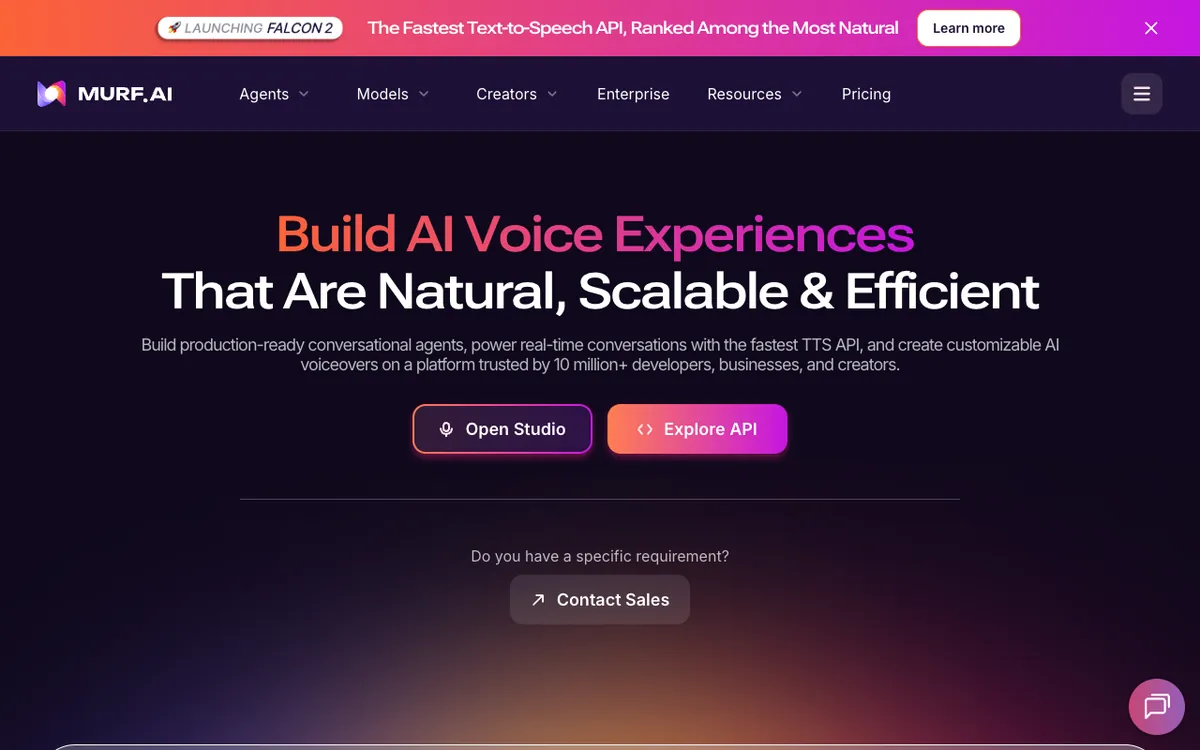 Murf AI — script-to-narration with a timeline editor, aimed at business voiceover.
Murf AI is built for narration, not dubbing. You write or paste a script, pick a voice from 200+ options in 30+ languages, and adjust emphasis and pacing on a drag-and-drop timeline. The result is a clean narration file you layer into your video editor.
Murf also offers a voice changer and background noise removal, making it useful for teams that record rough audio and want to clean it up before publishing.
Pros
- Clean narration workflow — script in, audio out, no video processing overhead
- Timeline editor for emphasis, pauses, and pitch fine-tuning
- Voice changer and noise removal for recorded audio cleanup
- Team collaboration on the Business plan
- Well-suited for presentations, e-learning, and marketing narration
Cons
- Not a dubbing tool — it does not sync to existing video timing automatically
- 30+ languages trails Vidwip, and ElevenLabs has far more voices
- Free plan prevents downloads entirely; you can only preview
- Pricing jumps significantly from Creator to Business
Best for: E-learning teams, marketing agencies, and solo creators who script their narration and want a dedicated studio workflow rather than automated dubbing.
Pricing: Free (preview only, no downloads) · Creator $29/month or $19/month (annual), 24 hours voice generation/year · Business $99/month or $66/month (annual), 96 hours/year, team seats. Checked September 2026.
4. Descript
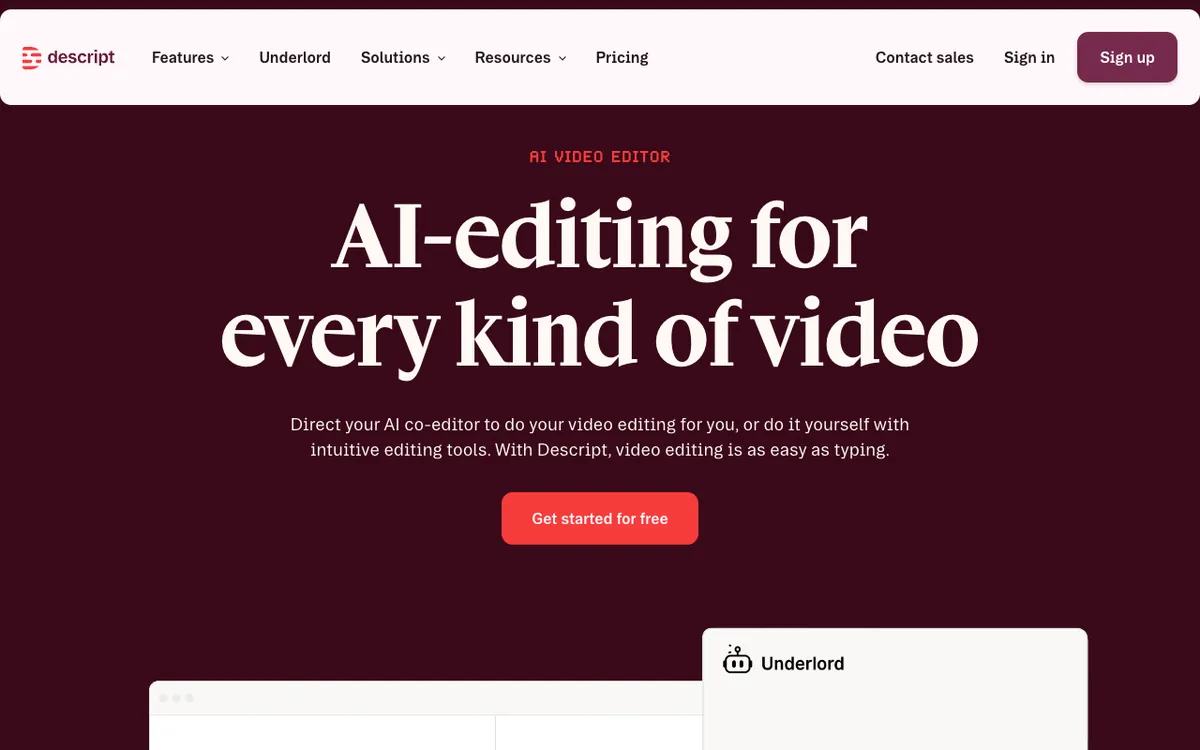 Descript — edit video as a transcript, then overdub any line without re-recording.
Descript is a video editor first and a voiceover tool second. Its Overdub feature lets you type a correction and Descript regenerates that line in your own cloned voice — useful for fixing mistakes without a re-record session. The Business plan adds translate and dub in 30+ languages.
The transcript-based editing model is the standout feature: cut words from the text and the video cuts accordingly.
Pros
- Transcript-based editing collapses the gap between editing and scripting
- Overdub voice cloning for fixing individual lines without a mic
- Business plan adds translation and dubbing in 30+ languages
- Free tier available with no card required
- 4K export on Creator plan and above
Cons
- Dubbing is a Business-only feature ($50/month annual or $65/month monthly)
- Language coverage for dubbing tops at 30+ — narrower than Vidwip’s 94
- AI credits are separate from media hours; real monthly cost can be hard to predict
- Not the right tool for high-volume batch dubbing across many languages
Best for: Content teams that edit and voice their videos in one place, and creators who want to fix recorded narration without a mic setup.
Pricing: Free (limited AI credits, watermark) · Hobbyist $16/month (annual) or $24/month (monthly), 10 media hours · Creator $24/month (annual) or $35/month (monthly), 30 media hours, 4K export · Business $50/month (annual) or $65/month (monthly), dubbing in 30+ languages. Checked September 2026.
How they compare
| Tool | Voices | Languages | Min. paid price | Video dubbing | 4K export |
|---|---|---|---|---|---|
| Vidwip | Clones each speaker | 29 (v1), 94 (v2) | $25/month | Yes, synced | 1080p |
| ElevenLabs | Thousands | 29+ | $6/month | Yes (Dubbing Studio) | Yes |
| Murf AI | 200+ | 30+ | $29/month | No — narration only | No |
| Descript | Custom clone | 30+ | $16/month | Business only ($50+) | Yes (Creator+) |
All prices checked September 2026 against each vendor’s pricing page.
How to choose
You need to dub existing video into multiple languages — use Vidwip AI Video Dubbing. It’s the only tool here that does full multi-language sync at up to 94 languages without a manual step per language.
You want custom voice cloning or API access — use ElevenLabs. The voice library depth and developer tooling are unmatched, and the Starter plan at $6/month is the cheapest entry on the list.
You script narration for presentations or e-learning — use Murf AI. The timeline editor and emphasis controls are built for exactly that workflow.
You already edit video in Descript — stay there. Overdub handles line fixes without leaving the app, and the Business plan adds dubbing if you need it.
Pair any dubbing output with Vidwip’s AI Audio Dubbing if you also distribute a podcast version of your content — it runs the same engine against the audio track directly, which is faster than processing full video.
If budget is the deciding constraint, the free AI video voiceover tools ranking names each free tier’s ceiling. For translating a voiceover instead of writing one, Vidwip’s AI video dubbing re-voices the same take in up to 94 languages, and the free dubbing tool covers short clips at no cost.
And once the tool is chosen, the script does more for the result than the voice does. AI video voiceover: the complete guide covers writing narration for the ear, scripting against picture, and what to normalise the finished mix to before upload.
See also the Vidwip pricing breakdown if you’re calculating per-minute cost across a content volume.