
Vidwip AI Demo Polisher writes and voices the narration for you from what you click, at $0.60 per finished minute. Descript is the best all-round editor for screen recordings by transcript, ScreenPal is the cheapest full editor at $4 a month, and Loom wins for quick async video. Tella and Screen Studio make the most polished demos, ScreenFlow is the Mac one-time buy, and OBS Studio is free.
The best Camtasia alternatives record your screen and get you to a finished tutorial, training video or product demo with less work or less money. Camtasia is still a strong screen recorder and editor. But it’s priced in yearly plans, and the AI voice features most teams now want start at $249 a year.
Newer tools now chip away at it from every side. Descript edits by transcript, Loom and Tella share by link, Screen Studio auto-zooms on every click, and AI can now write and voice the narration for you.
This list ranks eight Camtasia alternatives on four things: screen capture, editing depth, AI voice and the real US price. Every price comes from the vendor’s own pricing page, checked October 2026.
Why people look for Camtasia alternatives
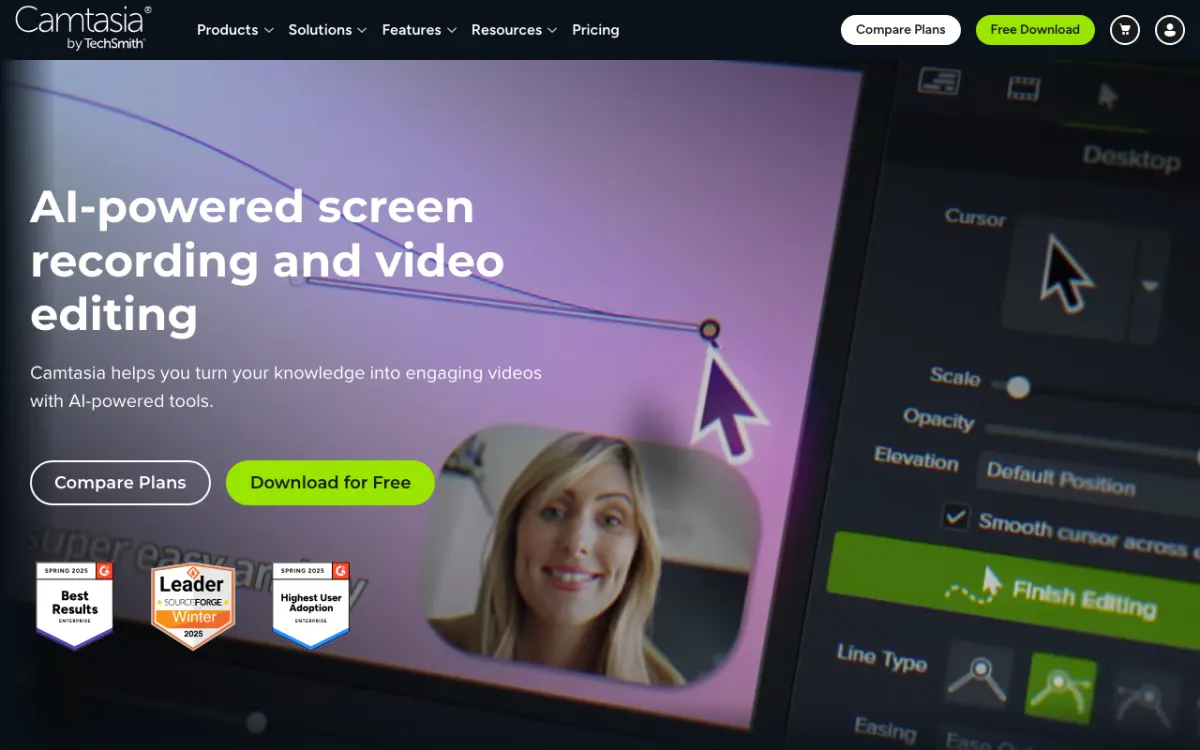 Camtasia: TechSmith’s screen recorder and editor, the tool every option below is measured against.
Camtasia does a lot right. It records screen, camera, system audio and mic as separate layers, adds cursor effects and callouts in a few clicks, and edits speech as text through Audiate.
Three things push people to look elsewhere.
Price. Camtasia’s US plans are yearly only. Starter is $39 a year but watermarks Editor exports, Essentials is $179.88, Create is $249 and Pro is $599, per TechSmith’s store (checked October 2026).
AI sits on the upper tiers. Voiceover generation in 200+ voices and script generation start on Create. Dubbing, script translation and avatars need the $599 Pro plan.
Fit. Camtasia is a desktop editor first. If you want a share link in ten seconds, a Mac-native polish pass, or a demo you never have to narrate yourself, a specialist wins.
What to look for in a Camtasia alternative
- Capture. Screen, webcam, mic and system audio. Check the max recording length on free plans.
- Editing depth. Timeline, transcript editing, callouts, zooms, cursor effects.
- AI voice. Can it voice a script, or even write one, so you don’t have to record narration?
- Sharing. A link, an embed, or an MP4 for your LMS or help center.
- Real price. Yearly vs monthly, per user vs flat, and what the free plan actually exports.
1. Vidwip AI Demo Polisher
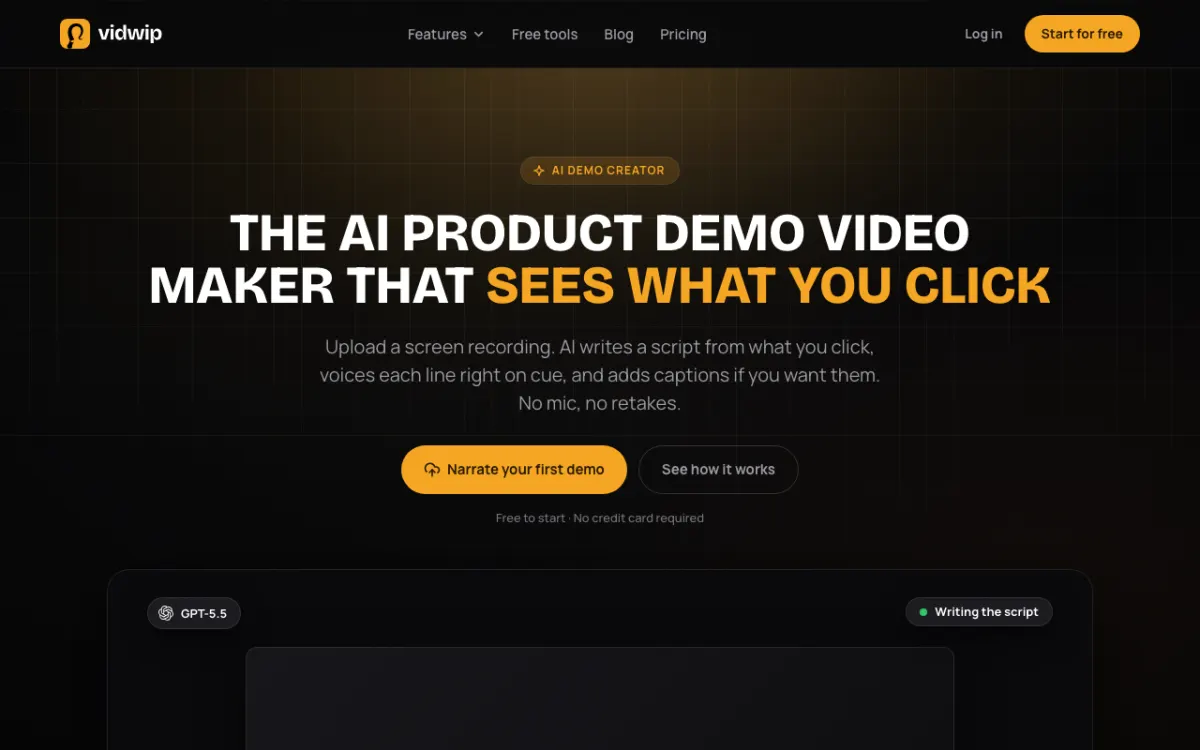 Vidwip AI Demo Polisher: upload a raw screen recording, get back a narrated demo.
Vidwip AI Demo Polisher turns a raw screen recording into a narrated demo, with the script and voice written for you, at $0.60 per finished minute. It’s for the part of Camtasia work most people dread: writing the narration, recording it, and dragging audio into place.
Here’s the mechanism. Vidwip finds the moments your screen changes, the AI agent compares each frame with the one before, and it writes a line for each click or panel worth narrating. Each line is then voiced on its own and fitted to its moment, so the voice keeps pace with the screen.
You steer it before you generate. Pick one of 11 intents, such as Product demo, Onboarding, Sales pitch or Bug reproduction, then add up to 2,000 characters of instructions for names, an intro and a sign-off.
Choose from 190+ voices native to 23 languages; any of them can speak all 74. Add optional word-synced captions, pick 16:9, 1:1 or 9:16, and you get one MP4, a public share link and an iframe embed.
Be clear on the limits. It’s not a screen recorder: you record with any of the tools below, then upload. The script is read-only once rendered, and the narration replaces the original audio.
Pros
- Writes the script from what’s on screen, so you never draft one
- No mic and no retakes: 190+ voices across 74 languages
- Narration timed to each click, with optional captions
- 11 intents reshape one recording for different audiences
- Share link and iframe embed, no login to watch
- $0.60 per finished minute, and free to start with no credit card
Cons
- No built-in screen recorder: you upload MP4, MOV or WebM up to 2 GB and 30 minutes
- Script can’t be edited after rendering; you re-render with new instructions
- Original audio is replaced, not mixed
- No callouts, quizzes or timeline editing
- Free demos carry a small Vidwip badge
Best for: SaaS teams who already record their screen and want a narrated product demo, onboarding video or release update without writing or voicing it.
Pricing: Free to start, no credit card. Starter $25/month (2,500 credits). Pro $99/month (10,000 credits). Enterprise custom. A finished demo minute costs 60 credits, or $0.60 (vidwip.com/pricing).
2. Descript
 Descript: screen recorder plus an editor that cuts video when you delete words.
Descript is a screen recorder and transcript-based video editor for tutorials, demos and podcasts, from $16 a month billed annually. It’s the best all-round Camtasia alternative if you narrate your own recordings and hate scrubbing a timeline.
You record screen, webcam and mic in the browser or the desktop app. Then you edit the transcript like a doc, and the video follows.
Its AI agent, Underlord, handles filler-word removal, Studio Sound cleanup and rough cuts. Stock AI voices and custom voice clones let you fix a flubbed line without re-recording it.
Pros
- Free screen recorder for screen, webcam and mic
- Edit video by editing the transcript
- AI voices and voice clones to fix lines without a retake
- Studio Sound cleans up a laptop mic
- 4K export on Creator and above
Cons
- Media hours and AI credits are both metered
- Free plan exports 720p with a watermark
- Fewer cursor effects and callouts than Camtasia
- Per-seat pricing on Creator and Business
Best for: Creators and product teams who narrate their own screen recordings and want to edit speech like text.
Pricing: Free (1 media hour, 720p, watermark). Hobbyist $16/month billed annually ($24 monthly) with 10 media hours. Creator $24/month annually ($35 monthly) with 30 hours and 4K. Business $50/month annually ($65 monthly) (descript.com/pricing, checked October 2026).
3. ScreenPal
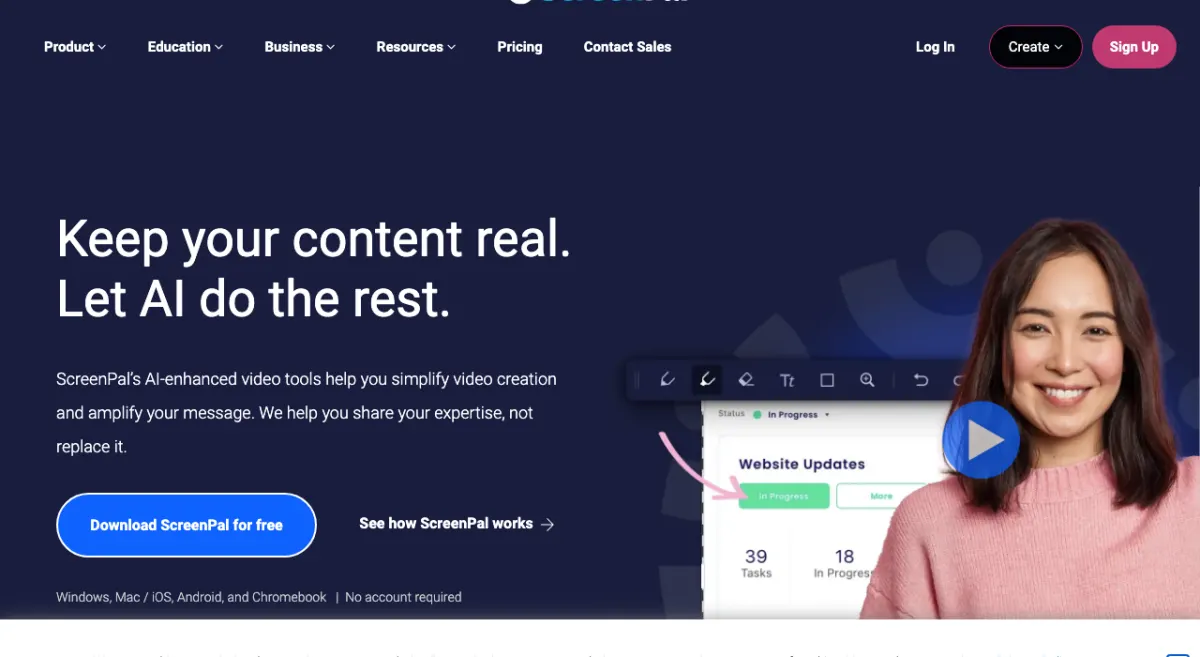 ScreenPal: the tool formerly called Screencast-O-Matic, with a full editor from $4 a month.
ScreenPal is a screen recorder, video editor and hosting platform for educators and teams, from $4 a month billed annually. It’s the cheapest Camtasia alternative that still gives you a real editor.
It runs on Windows, Mac, iOS, Android and Chromebook. You can draw and annotate while recording, then trim, add overlays and zoom in the editor.
The Max plan adds the AI layer: auto-captions, text-based editing, filler-word removal and AI text-to-speech narration. Quizzes and polls make it a natural fit for classrooms.
Pros
- Full video editor on the $4 Deluxe plan
- Runs on Chromebook, which Camtasia doesn’t
- AI text-to-speech narration and text-based editing on Max
- Built-in video hosting, quizzes and polls
- Free plan, no account needed to start recording
Cons
- Free plan caps recordings at 15 minutes and 10 hosted videos
- AI features sit on the $10 Max plan
- The editor is lighter than Camtasia’s for complex tutorials
- Team Business needs at least 3 users
Best for: Teachers, trainers and small teams who want screen recording and editing on a tight budget.
Pricing: Free (15-minute recordings). Deluxe $4/month paid annually. Max $10/month paid annually. Team Business $8/user/month paid annually, minimum 3 users. Monthly billing is also offered (screenpal.com/plans, checked October 2026).
4. Loom
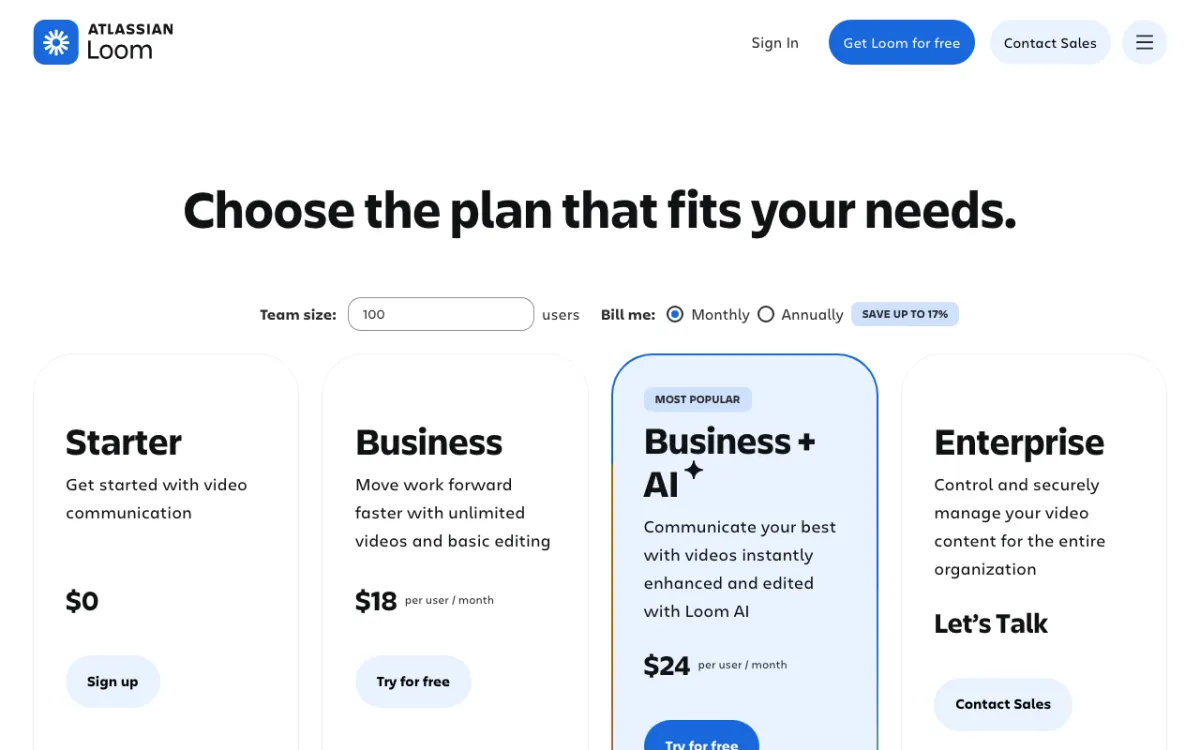 Loom: Atlassian’s async video recorder, priced per user.
Loom is an async video messaging tool from Atlassian for quick screen recordings shared by link, from $15 per user per month billed annually. It replaces Camtasia when the video is a message, not a production.
You hit record from the desktop app or Chrome extension, talk through your screen, and a link is ready the moment you stop. Viewers comment and react on the video.
Business + AI adds edit by transcript, filler-word and silence removal, auto titles, chapters and summaries. There’s no AI voiceover: the voice is always yours.
Pros
- Fastest record-to-link workflow in this list
- Comments and emoji reactions on every video
- Transcriptions in 50+ languages, even on the free plan
- Transcript editing and filler-word removal on Business + AI
- Part of Atlassian, alongside Jira and Confluence
Cons
- Free plan: 25 videos, 5-minute recordings, 720p
- Basic waveform editing only on Business
- No callouts, cursor effects or multi-track timeline
- No AI voice narration
Best for: Remote teams sending walkthroughs, bug reports and code reviews by link.
Pricing: Starter free. Business $15/user/month billed annually ($18 monthly). Business + AI $20/user/month billed annually ($24 monthly). Enterprise custom (loom.com/pricing, checked October 2026).
5. Tella
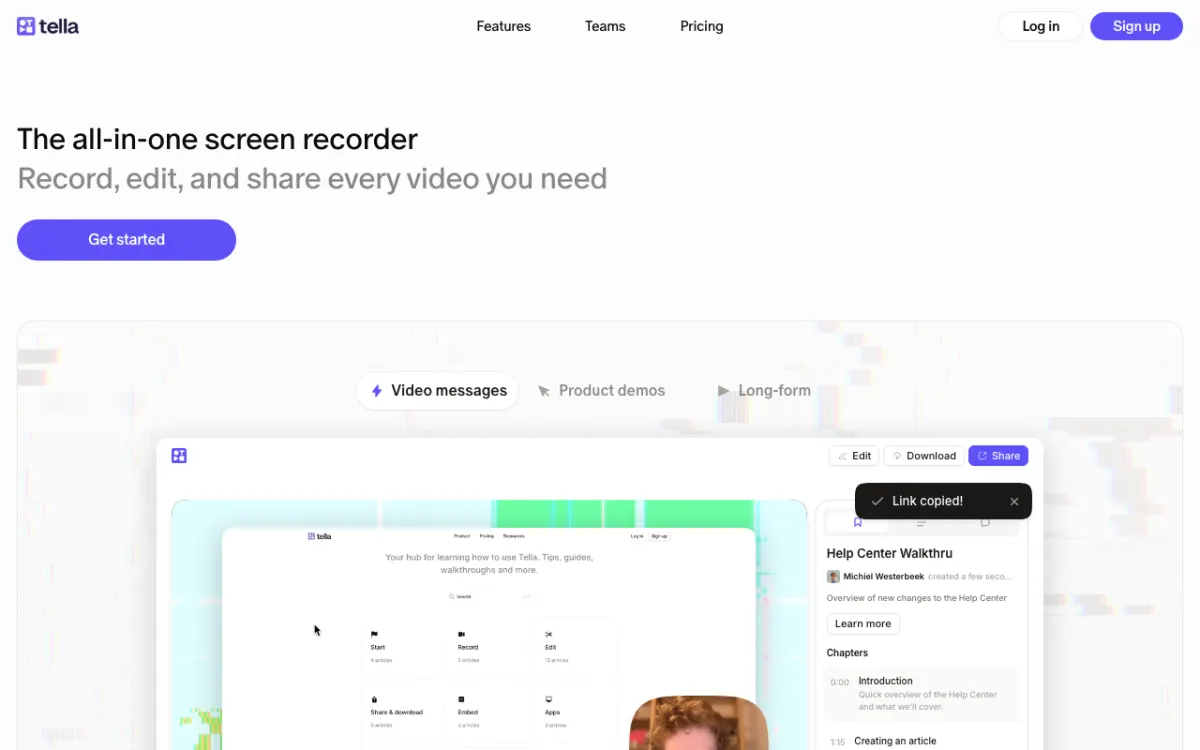 Tella: browser screen recorder with clip-based editing and 4K export.
Tella is a browser-based screen recorder for product demos, tutorials and video messages, from $13 per user per month billed annually. It sits between Loom and Camtasia: polished enough for a landing page, fast enough for a Tuesday update.
You record in clips, so a flubbed section is one clip to redo, not a whole take. A built-in teleprompter keeps you on script.
Tella adds layouts, backgrounds, zooms and subtitles automatically. You can also delete mistakes, filler words and silences from the transcript, which covers 106 languages.
Pros
- Clip-based recording, so retakes are cheap
- Teleprompter built in
- 4K export on every paid plan, 60 FPS on Premium
- Edit by transcript to cut mistakes, filler words and silences
- Up to 6 hours per clip
- Share pages with chapters and analytics
Cons
- No free plan, only a 7-day trial of Pro
- Removing Tella branding needs the $19 Premium plan
- Lighter editor than Camtasia for long training videos
- No AI voiceover listed
Best for: Founders and product marketers who record demos on camera and want them to look designed.
Pricing: Pro $13/user/month billed annually. Premium $19/user/month billed annually. Enterprise custom. 7-day free trial, no credit card. Monthly prices weren’t shown on the page when checked (tella.com/pricing, checked October 2026).
6. Screen Studio
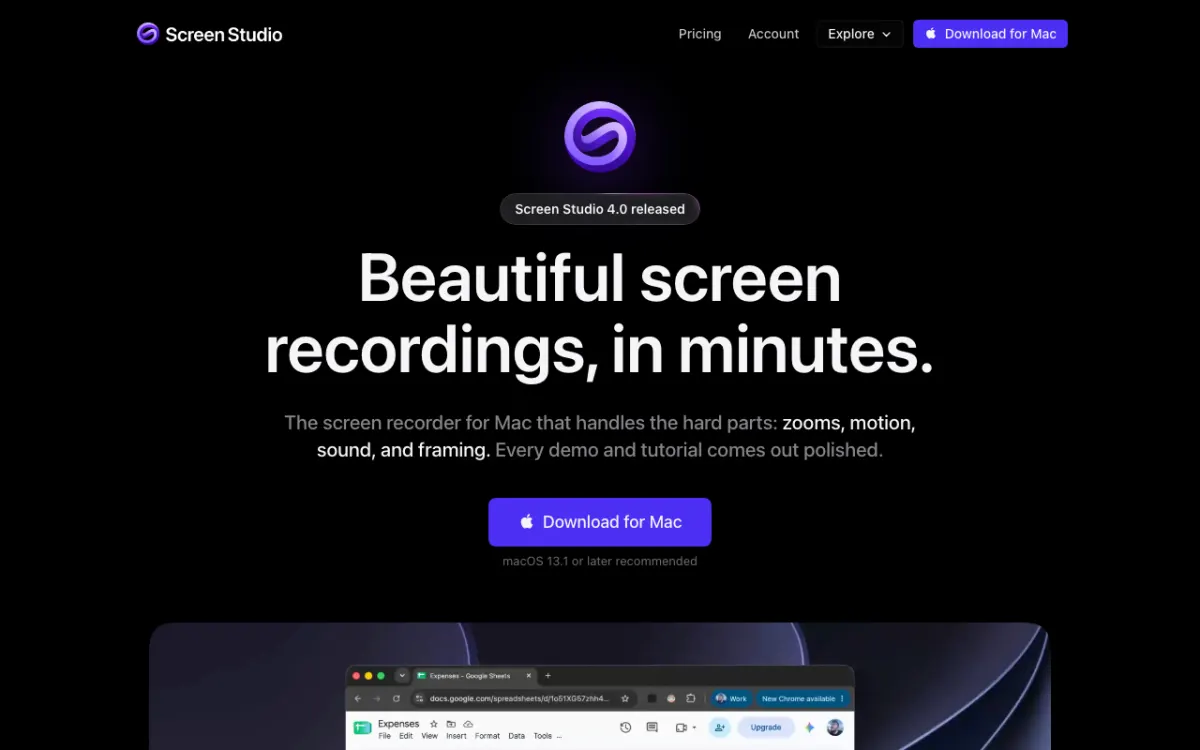 Screen Studio: Mac recorder that auto-zooms on your clicks and smooths the cursor.
Screen Studio is a macOS screen recorder that adds automatic zooms, smooth cursor motion and framing to every recording, from $9 a month billed yearly. It’s the fastest way to make a product demo look like a designer edited it.
You record as normal. Screen Studio zooms in on clicks, smooths the cursor path, adds motion blur and puts the capture on a clean background.
Version 4.0 adds transcript editing that cuts filler words and pauses, captions, camera layouts and 9:16 switching. Recordings and most AI features run locally on your Mac.
Pros
- Auto zoom and cursor smoothing with zero editing
- Switch between 16:9, 1:1 and 9:16 with zooms re-fitted
- Transcript editing and captions
- iPhone and iPad recording with device frames
- Exports MP4 up to 4K, GIFs and share links
Cons
- macOS only, with no Windows version planned soon
- No quizzes, SCORM or LMS features
- No AI voice narration
- Monthly billing is $29, over 3x the yearly rate
Best for: SaaS founders and designers on a Mac who want slick launch videos and feature demos.
Pricing: $9/month billed yearly, or $29 monthly. 40% off for students and educators (screen.studio, checked October 2026).
7. ScreenFlow
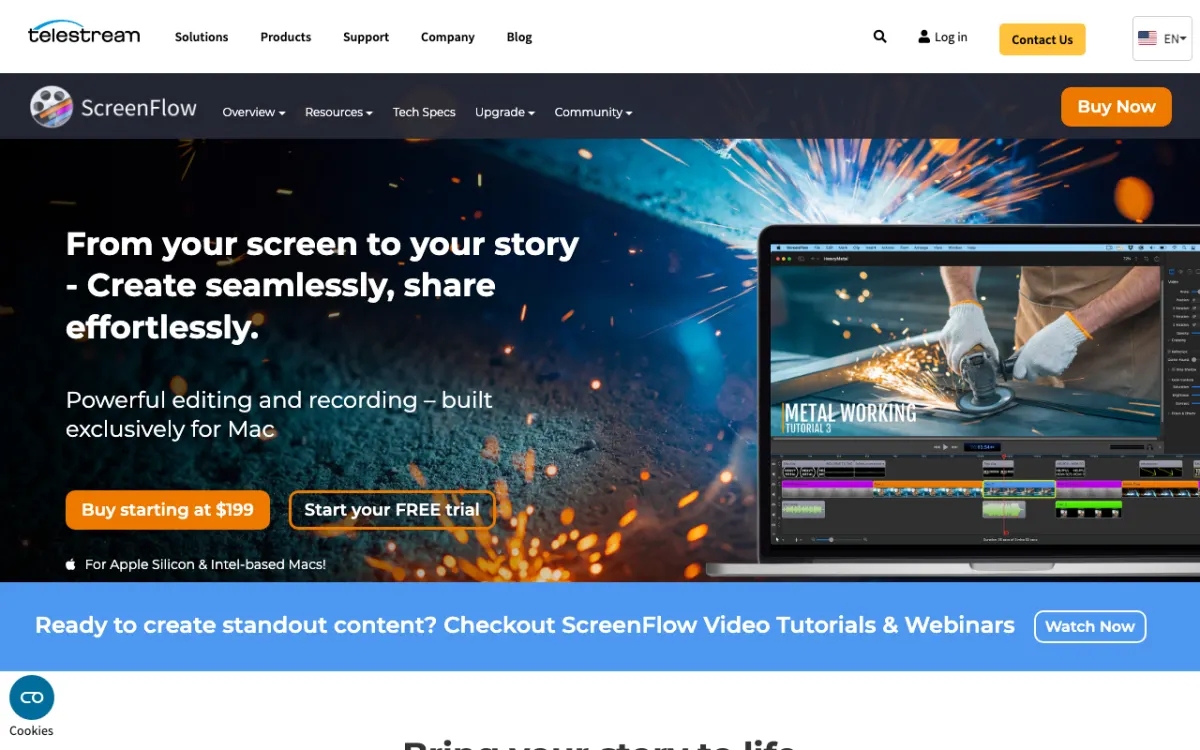 ScreenFlow: Telestream’s Mac-only recorder and multi-track editor, sold as a one-time purchase.
ScreenFlow is a Mac screen recorder and multi-track video editor for software tutorials, for a one-time $199. It’s the closest feature-for-feature Camtasia alternative on a Mac, without the yearly bill.
You record screen, camera and mic in sync, including your iPhone or iPad screen. The editor has transitions, text and video animations, annotations and multi-channel audio.
Styles and templates speed up a tutorial series. The caption editor handles ADA-compliant subtitles, and exports cover MP4, ProRes, GIF and animated PNG.
Pros
- One-time $199, no subscription
- Full multi-track editor with animations and annotations
- iOS screen recording for app demos
- Caption editor with burn-in or soft subtitles
- Optional stock media library with millions of assets
Cons
- Mac only
- No AI voice, script or transcript editing
- Upgrades to future major versions cost extra
- Stock media is a separate $99 yearly subscription
Best for: Mac users who make long software tutorials and want to own their editor outright.
Pricing: ScreenFlow $199 one-time. Super Pak $275 with a first year of stock media. Free trial available (telestream.net/screenflow, checked October 2026).
8. OBS Studio
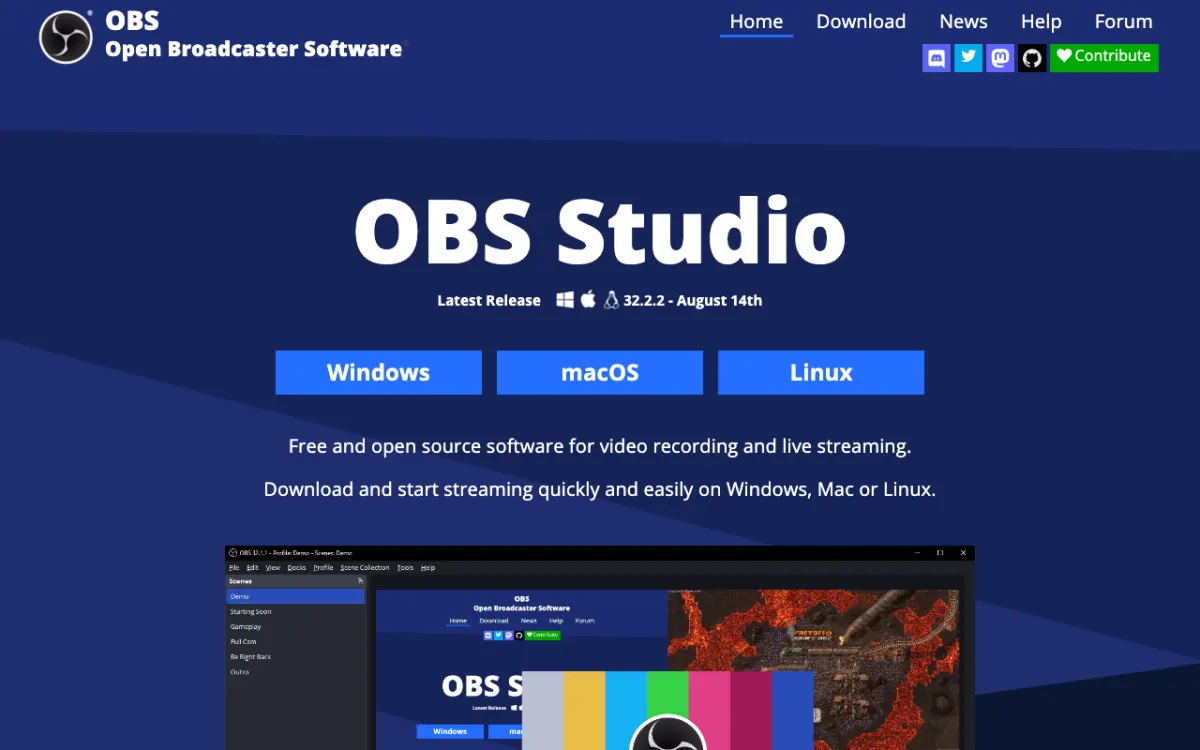 OBS Studio: the free, open-source recorder behind most livestreams.
OBS Studio is free, open-source software for screen recording and live streaming on Windows, macOS and Linux. It’s the best free Camtasia alternative for capture, as long as you edit somewhere else.
You build scenes from sources: screens, windows, webcams, images, text and browser panels. An audio mixer applies noise suppression and gain per source.
Recording quality is excellent and there are no limits. But OBS has no editor, no captions and no AI, so a polished tutorial needs a second tool.
Pros
- Free with no watermark, time limit or account
- Windows, macOS and Linux
- Scene composition with multiple sources and layouts
- Per-source audio filters and VST plugins
- Huge plugin and scripting ecosystem
Cons
- No editing at all
- Steep setup for beginners
- No captions, transcripts or AI voice
- No hosting or share links
Best for: Technical creators and streamers who want free, high-quality capture and already have an editor.
Pricing: Free and open source. Latest release 32.2.2 (obsproject.com, checked October 2026).
Camtasia alternatives compared
| Tool | Platform | Editing | AI voice narration | Free option | Starting paid price (US) |
|---|---|---|---|---|---|
| Camtasia (baseline) | Windows, Mac | Full timeline + Audiate text editing | 200+ voices, Create plan and up | Free trial | $39/yr (watermark), $179.88/yr |
| Vidwip AI Demo Polisher | Browser (upload) | AI script + timing | 190+ voices, 74 languages, script written for you | Free to start, no card | $25/mo or $0.60/finished min |
| Descript | Browser, Windows, Mac | Transcript + timeline | Stock voices + clones | 1 hr, 720p, watermark | $16/mo (annual) |
| ScreenPal | Windows, Mac, iOS, Android, Chromebook | Full editor | TTS on Max | 15-min recordings | $4/mo (annual) |
| Loom | Desktop, Chrome | Waveform; transcript on Business + AI | No | 25 videos, 5 min | $15/user/mo (annual) |
| Tella | Browser | Clips, layouts + transcript | No | 7-day Pro trial | $13/user/mo (annual) |
| Screen Studio | Mac | Auto zoom + transcript | No | None listed | $9/mo (yearly) |
| ScreenFlow | Mac | Full multi-track | No | Free trial | $199 one-time |
| OBS Studio | Windows, Mac, Linux | None | No | Fully free | Free |
All prices are US prices from vendor pricing pages, checked October 2026.
How to choose the right Camtasia alternative
You don’t want to narrate at all. Record with any tool on this list, then upload to Vidwip AI Demo Polisher. It writes and voices the script from what you click.
You narrate your own tutorials and want faster edits. Descript. Delete words to cut video, and fix a line with an AI voice instead of a retake.
You’re on a budget or a Chromebook. ScreenPal. A real editor for $4 a month, with AI narration on the $10 Max plan.
Your videos are messages, not productions. Loom for teams on Atlassian, Tella if the video also needs to look good on a landing page.
You’re on a Mac and want polish. Screen Studio for auto-zoom launch videos, ScreenFlow for long tutorials you’d rather pay for once.
You need free capture. OBS Studio. Pair it with any editor, or upload the recording to Vidwip and skip the narration.
For more on this space, see our guides to AI product demo video makers, creating a software demo with AI, Descript alternatives and the AI product demo playbook.
Final verdict
Camtasia is still the most complete screen-first editor for training teams, especially if you publish to an LMS. But most people use one slice of it, and a specialist wins that slice for less.
If the slow part is the narration, start with Vidwip. Upload a recording and get a scripted, voiced demo back at $0.60 per finished minute, free to start with no credit card.
Descript is the best all-round editor, and ScreenPal is the budget pick. Loom and Tella own fast sharing, Screen Studio and ScreenFlow own the Mac, and OBS Studio is free capture.