
Vidwip is the fastest path from a raw screen recording to a narrated demo at $0.60 per finished minute. Clueso and Guidde suit documentation-heavy teams, Synthesia and HeyGen only make sense when you want a presenter on camera, and Descript is for people who want to edit every frame by hand.
A product demo used to mean a script, a microphone, three takes, and an editor. In 2026, an AI product demo video maker collapses that into one upload: you hand it a screen recording, it writes the narration, voices it, and hands back a share-ready file.
The catch is that “product demo video maker” now covers three completely different kinds of tool, and they are not interchangeable. Pick the wrong category and you spend a week fighting a workflow that was never built for your use case.
This ranking covers six tools that produce an actual video file you can post, embed, or send. Every price below was checked live in September 2026, and every tool is scored on the three things that decide whether you ship: script generation, voice quality, and what a finished minute really costs.
TL;DR
| Tool | One-line verdict | From |
|---|---|---|
| Vidwip AI Demo Polisher | Fastest raw-recording-to-narrated-demo path, priced per finished minute | $0.60/min |
| Clueso | Best when every demo also needs a written help-center article | $40/mo |
| Guidde | Best for high-volume internal how-to libraries, priced per seat | Free · $29/mo |
| Synthesia | Best avatar platform for training and compliance content | Free · $29/mo |
| HeyGen | Best avatar tool for multilingual marketing clips | Free · $29/mo |
| Descript | Best when you want manual control over every cut | Free · $35/mo |
Skip the avatar tools if your demo is a software walkthrough. A buyer wants to see the product, not a presenter standing beside it.
What to look for in an AI product demo video maker
Three archetypes exist, and the first decision is which one you are actually shopping for.
Screen-record-led tools take footage of your real product and add AI narration, zooms, and captions. Vidwip, Clueso, and Guidde live here. This is the right category for software demos, feature announcements, and onboarding walkthroughs.
Avatar-led tools generate a synthetic presenter reading a script. Synthesia and HeyGen own this space. Strong for training, weak for showing a UI.
Edit-led tools give you a timeline and AI assistance on top. Descript is the reference point. Most control, most of your time.
After the archetype, four specs decide the outcome.
Script generation. Does the tool write the narration from your recording, or does it ask you to arrive with a script? That single difference is usually the whole time saving. Tools that only voice a script you wrote have moved the work, not removed it.
Voice quality. Studio-grade synthetic voices are common now; robotic ones still ship. Listen to a full 60 seconds before you commit, because artefacts show up in pacing and emphasis, not in a five-word sample.
Export ceiling. Check resolution, watermark policy, and caption support on the plan you will actually buy. Several tools cap free and entry tiers at 1080p or 720p, and watermarks are still standard on free plans.
Cost per finished minute. The headline price is rarely the real one. Divide the plan’s annual cost by the minutes it includes and the ranking changes fast — a $40/month plan capped at three hours a year works out to more per minute than a $99/month plan with a generous credit pool.
The stakes justify the diligence. Product demo videos average a 35% conversion rate, roughly double that of written product descriptions, according to Levitate Media’s 2026 video conversion roundup, and Wyzowl reports that 80% of people have downloaded or bought an app after watching a demo video.
1. Vidwip AI Demo Polisher
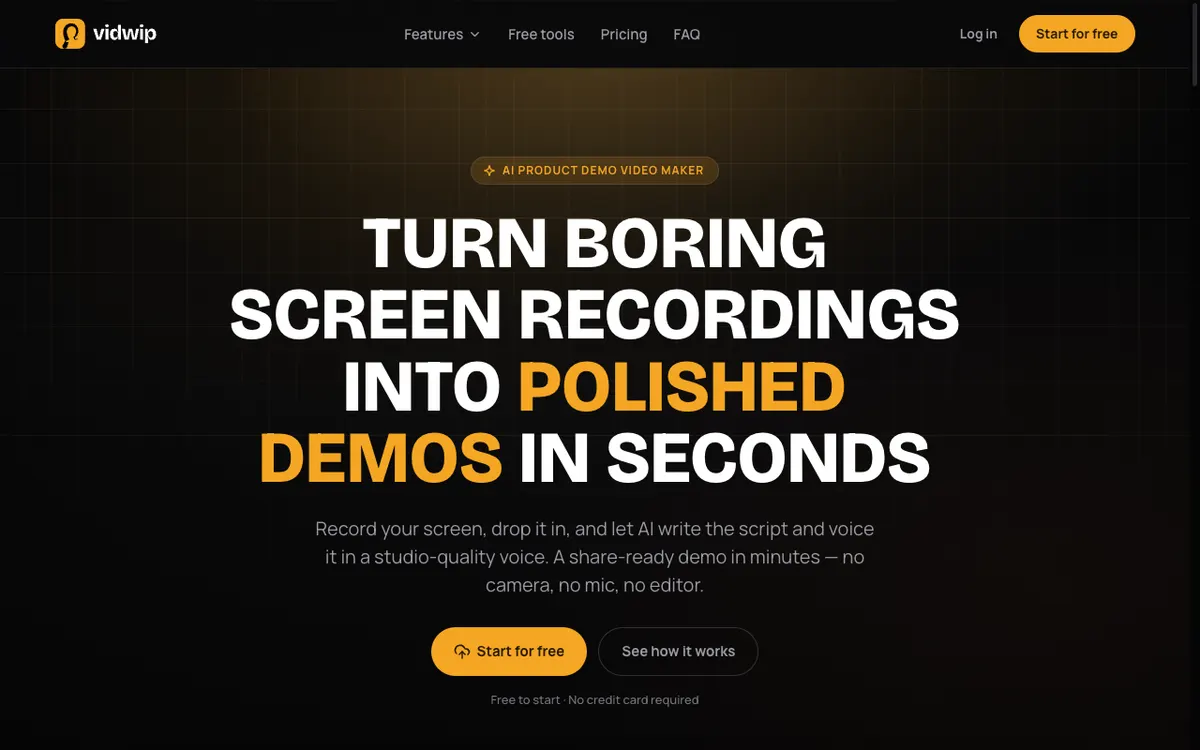 Vidwip AI Demo Polisher — drop in a raw screen recording, get back a narrated demo.
Vidwip’s AI Demo Polisher is an AI product demo video maker built around one job: turning a raw screen recording into a narrated demo without a mic, a voice actor, or an editor. The AI reads what is happening on screen, writes a scene-by-scene script, and voices it in a studio-quality voice.
You upload MP4, MOV, or WebM up to 2 GB, or paste a link. Most demos render in under 5 minutes.
You steer the script before the render with a written brief, a voice and a language. It can’t be edited line by line afterwards, so a wording fix means a new render.
Pricing is per finished minute rather than per seat, so a small team producing 40 demos a month pays the same as one person producing 40. If you need the same demo in another language, AI Video Dubbing re-voices the finished file in up to 94 languages without a reshoot.
Pros
- AI writes the narration from the recording — no script required on your end
- 190+ studio-quality voices in 74 languages
- $0.60 per finished minute, priced by output rather than by seat
- Up to 1080p export with burned-in captions
- Free to start, no credit card
- Saved templates keep the voice, music and brief for every demo
Cons
- No AI avatar or synthetic presenter — screen-recording demos only
- No line-by-line script edits; a wording fix means a new render
- No interactive click-through demo format; the output is a video file
- The free start is enough to evaluate, not to publish a series
- Free-plan renders carry a small Vidwip badge; paid plans have no watermark
Best for: Product marketers, founders, and dev-rel teams shipping software walkthroughs and feature announcements on a weekly cadence.
Pricing: Free to start (no card) · Starter $25/month (2,500 credits, ~41 min) · Pro $99/month (10,000 credits, ~166 min) · Enterprise custom. Demos cost 60 credits per minute, or $0.60 per finished minute. See full pricing or talk to us about volume.
2. Clueso
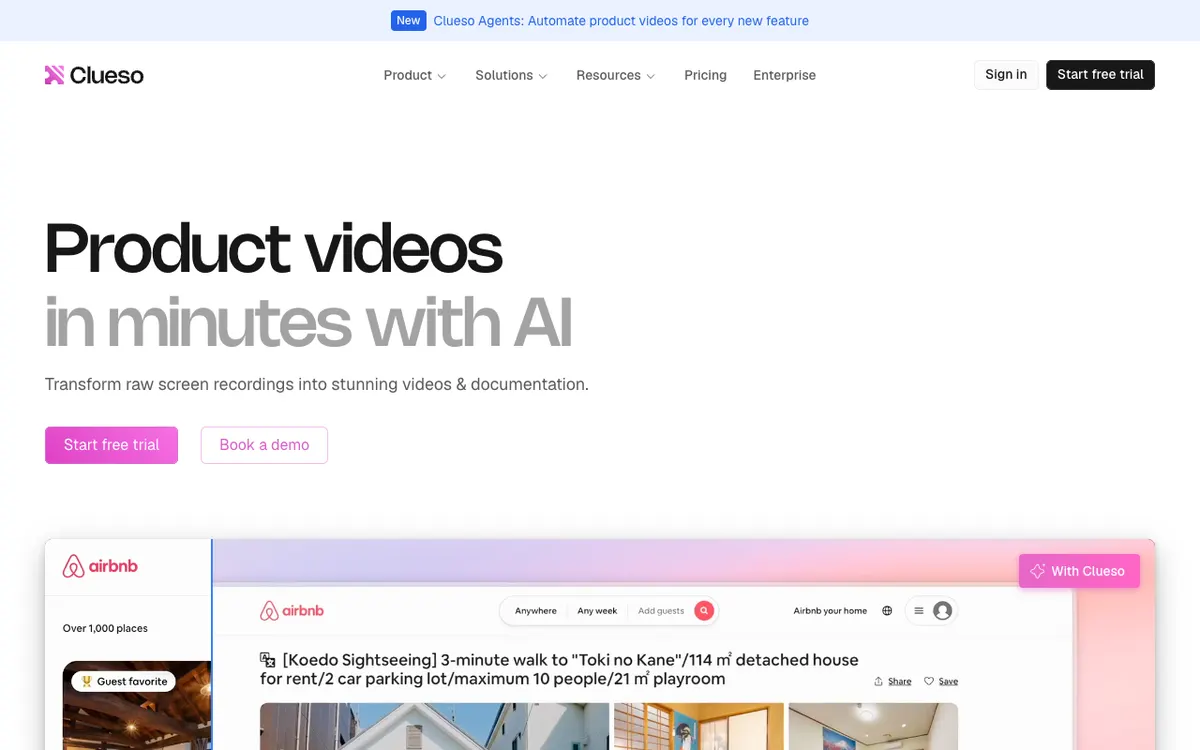 Clueso — one recording becomes both a polished video and a written article.
Clueso is a screen-record-led demo tool for teams that need documentation and video from the same capture. You record once, and Clueso produces a narrated, zoomed, captioned video plus a step-by-step written article.
That dual output is the reason to pick it. Support and customer education teams usually have to write the article anyway, and Clueso removes that second pass.
The trade-off is volume pricing. The Solo plan includes three hours of video per year and the Business plan six hours — generous per article, tight per video if you publish weekly.
Pros
- Generates a written help-center article alongside every video
- Strong automatic zooms and cursor smoothing on raw screen captures
- 4K export on Business and Enterprise plans
- 10,000+ voices on Business and Enterprise; 500+ on Free and Solo
- SOC 2 compliance, which matters for regulated buyers
Cons
- Video allowance is annual and low: 3 hours/year on Solo, 6 hours/year on Business
- Exports pause entirely once you hit the cap until the next renewal
- Free plan is limited to 1080p and 10 minutes of exports per month
- Entry price is high relative to per-minute tools if video is your main output
Best for: Customer education and support teams who publish demos and written docs together.
Pricing: Free ($0, 10 min/month, 1080p) · Solo $40/month or $32/month annual (3 hrs/year, 2K) · Business $120/month or $96/month annual (6 hrs/year, 4K) · Enterprise custom. Checked September 2026.
3. Guidde
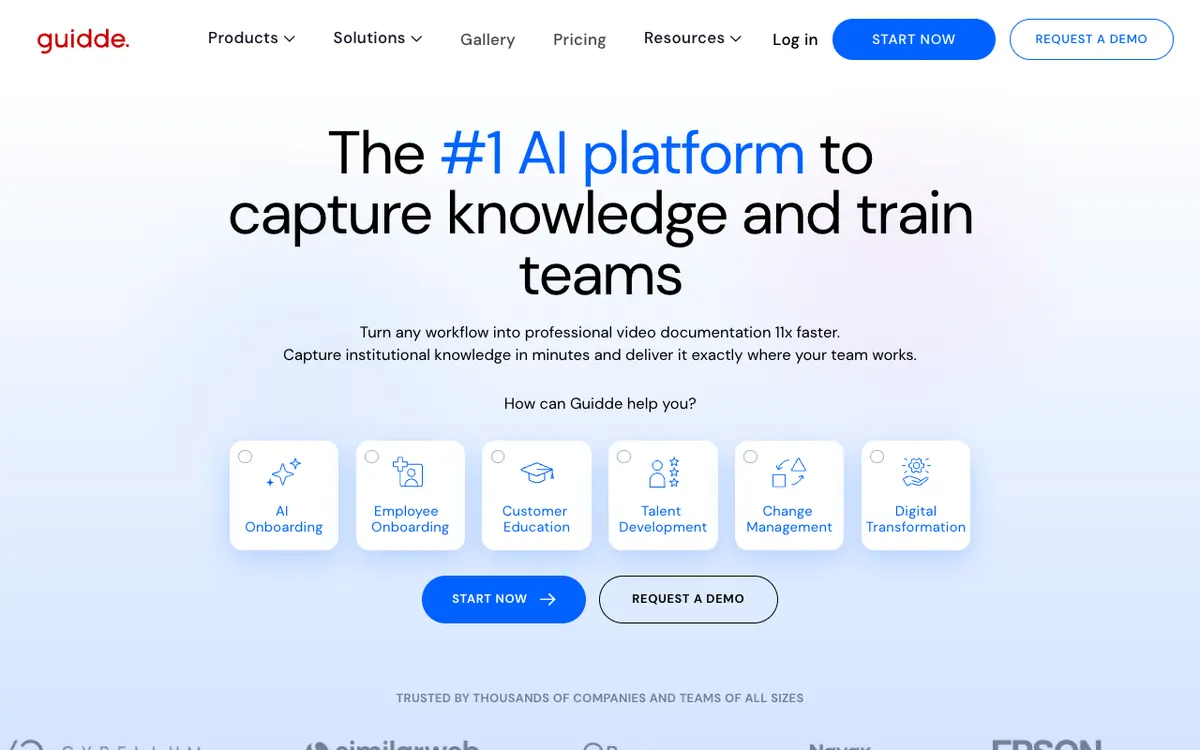 Guidde — browser-extension capture that turns any workflow into a how-to video.
Guidde is built for volume. You capture a workflow through the browser extension, and Guidde assembles it into a narrated step-by-step video with a text-to-voice track in 50+ languages.
Pricing is per creator, not per minute, which flips the economics. If one person needs to produce dozens of walkthroughs a month, a seat-based plan is cheaper than any metered tool.
The output leans documentation rather than marketing. Guidde exports to MP4, PowerPoint, PDF, and GIF, and Enterprise adds SCORM for LMS delivery — a giveaway that internal enablement, not the website hero section, is the target.
Pros
- Seat-based pricing with no per-video meter on paid plans
- Free plan allows up to 25 how-to videos
- Exports to MP4, PowerPoint, PDF, GIF, and SCORM on Enterprise
- 50+ languages for text-to-voice and automatic translation
- Viewers are free — only Admins, Content Managers, and Creators consume paid seats
Cons
- MP4 export requires an active paid subscription despite the free tier’s video allowance
- Output style is documentation-first; less polished than marketing-grade demo tools
- Browser-extension capture is less flexible than uploading arbitrary footage
- Voice library is smaller and less expressive than dedicated voiceover platforms
Best for: IT, HR, and enablement teams building large internal how-to libraries.
Pricing: Free ($0, up to 25 videos) · Pro $29/creator/month or $19 annual · Business $59/creator/month or $39 annual · Enterprise custom. Checked September 2026.
4. Synthesia
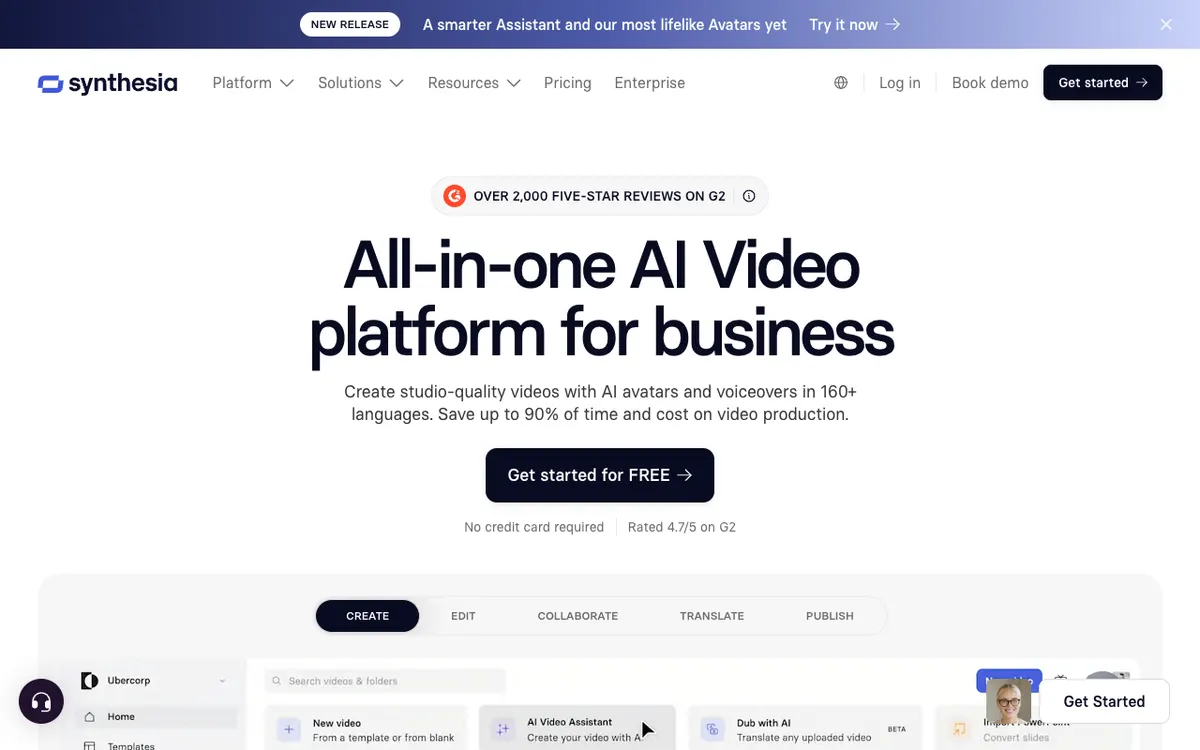 Synthesia — script in, avatar presenter out, in 160+ languages.
Synthesia is the most established avatar-led video platform, and it is genuinely excellent at what it does: turning a written script into a presenter-led video in 160+ languages and voices. It holds a 4.7/5 rating across 2,000+ reviews on G2.
For product demos specifically, understand what you are buying. Synthesia gives you a person on screen reading your words. Screen content is a supporting element you add to the scene, not the thing the AI narrates from.
That makes it a strong fit for onboarding, compliance, and training — content where a human presence increases trust and there is no interface to walk through.
Pros
- 160+ languages and voices, the broadest coverage on this list
- 125+ avatars on Starter, 180+ on Creator, 240+ on Enterprise
- Free Basic plan gives 10 minutes per month with no credit card
- Mature template library and brand kit controls
- Enterprise-grade governance and review workflows
Cons
- You arrive with a script; the AI does not narrate from your product footage
- Minutes are metered tightly — 10/month on Starter billed monthly
- Avatar-plus-slide format reads as corporate training, not product marketing
- Cost per finished minute is high: Starter works out to roughly $2.90/minute billed monthly
Best for: L&D, compliance, and enablement teams producing presenter-led training at scale.
Pricing: Basic free ($0, 10 min/month, 1,200 credits) · Starter $29/month, or $18/month annual with 120 min/year · Creator $89/month, or $64/month annual with 360 min/year · Enterprise custom. Checked September 2026.
5. HeyGen
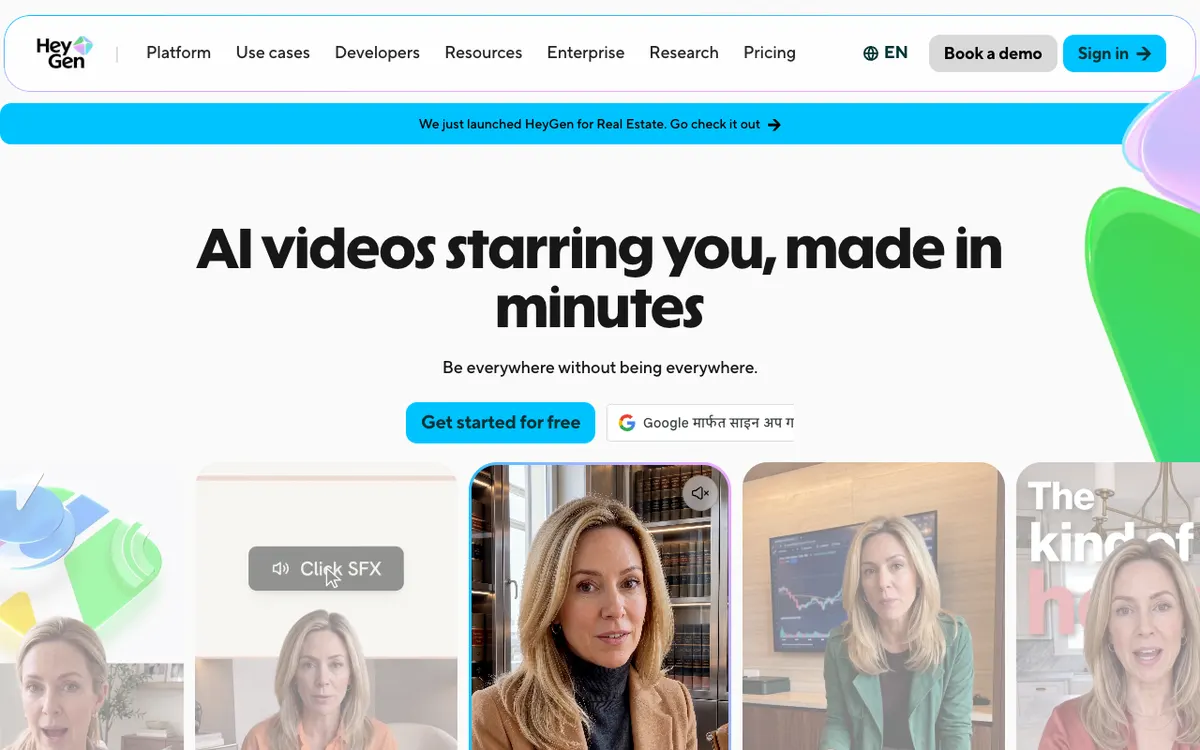 HeyGen — avatar video and translation aimed at marketing teams.
HeyGen is the marketing-flavoured answer to Synthesia. Same core idea — script to avatar — with a faster, looser interface and a stronger emphasis on multilingual repurposing across 175+ dialects.
Its credit system is the thing to read carefully. The Creator plan’s 600 monthly credits buy roughly 30 minutes at Avatar IV or V quality, or considerably more on the older Avatar III model. Quality and quantity trade directly against each other.
The free plan is a genuine trial rather than a working tier: three videos a month, one minute each, watermarked.
Pros
- 175+ dialects on Creator and above, strongest multilingual repurposing
- Custom avatar cloning included from the Creator plan
- Fast, modern interface with a shallow learning curve
- Roughly $0.97 per finished minute on Creator billed monthly at top avatar quality
- Video translation handles existing footage, not only new scripts
Cons
- Free plan is watermarked, capped at 3 videos and 1 minute each
- Credit-to-minute conversion changes with avatar model, making budgeting awkward
- Avatar output is a poor fit for interface-heavy software demos
- Business plan adds a $20/seat/month charge on top of the $149 base
Best for: Marketing teams turning one script into many localized presenter clips.
Pricing: Free ($0, 3 videos/month, 1 min each, watermarked) · Creator $29/month or $24/month annual (600 credits) · Pro from $49/month (1,000 credits) · Business $149/month plus $20/seat (1,500 credits) · Enterprise custom. Checked September 2026.
6. Descript
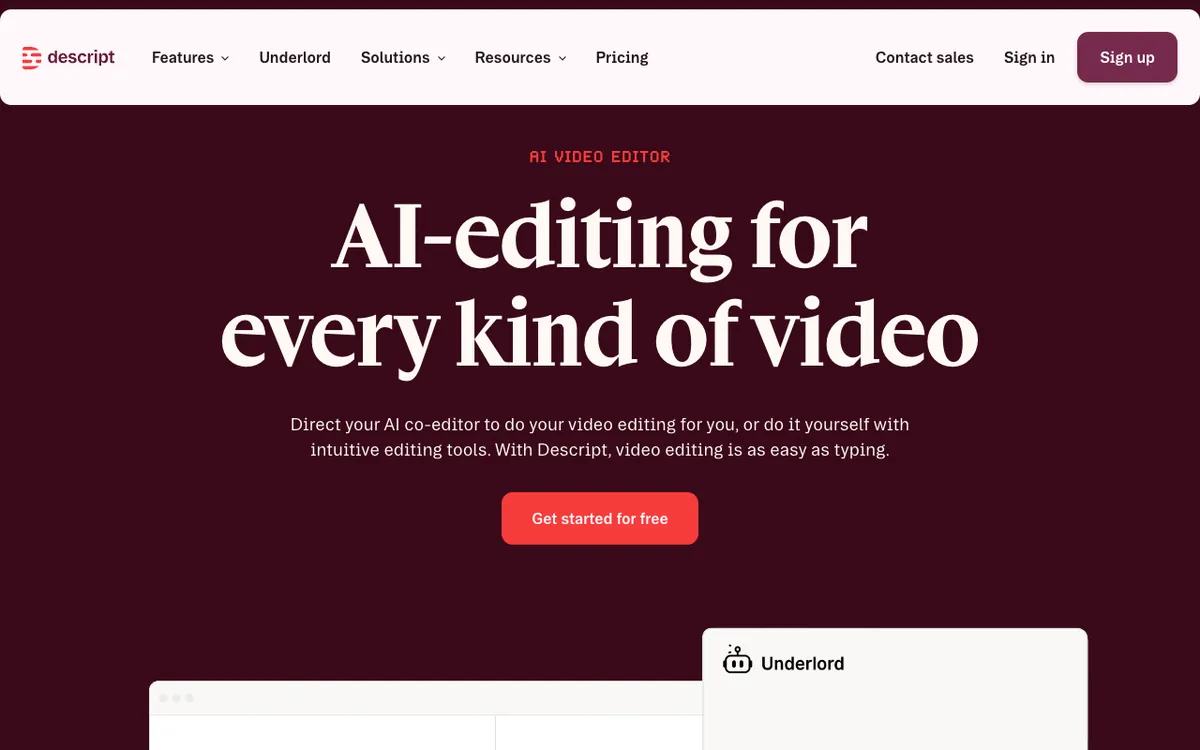 Descript — edit video as a transcript, then fix any line without re-recording.
Descript is not an automated demo generator, and that is the point. It is a full editor where the timeline is a transcript: delete a sentence in the text and the corresponding video disappears.
For demos, that model is unusually good at cleanup. Recorded a walkthrough with three “ums” and a wrong click? Delete the words, and Overdub regenerates the audio in your cloned voice.
You still do the work. Descript speeds up editing; it does not remove the editing step the way a screen-record-led generator does.
Pros
- Transcript-based editing is the fastest manual workflow for talk-heavy demos
- Overdub voice cloning fixes flubbed lines without a re-record
- Studio Sound cleans up bad microphone audio convincingly
- Transcription in 25 languages with speaker detection for 8+ participants
- Free plan gives 60 minutes of media processing per month
Cons
- No automatic script generation from screen footage — you write the narration
- Free and Hobbyist exports are watermarked and capped at 720p
- Real learning curve compared with single-upload demo tools
- AI credits are metered separately from media hours, so heavy AI use exhausts a plan early
Best for: Teams who want frame-level control and already think in terms of cuts, not prompts.
Pricing: Free ($0, 60 min media/month, 720p, watermarked) · Hobbyist $24/month or $16/month annual (10 hrs media, 400 AI credits) · Creator $35/month or $24/month annual (30 hrs media, 800 AI credits, 4K) · Business $65/month or $50/month annual (40 hrs media, 1,500 AI credits) · Enterprise custom. Checked September 2026.
How the six compare
| Tool | Archetype | Writes the script? | Languages | Free tier | Entry price | Watermark on free |
|---|---|---|---|---|---|---|
| Vidwip AI Demo Polisher | Screen-record | Yes, from your footage | 74 | Free to start, no card | $25/mo · $0.60/min | Yes, removed on paid |
| Clueso | Screen-record | Yes, plus a written article | Translation on paid tiers | 10 min/mo, 1080p | $40/mo | Not stated |
| Guidde | Screen-record | Yes, from captured steps | 50+ | Up to 25 videos | $29/creator/mo | MP4 export needs paid |
| Synthesia | Avatar | No, you supply the script | 160+ | 10 min/mo | $29/mo | Yes on Basic |
| HeyGen | Avatar | No, you supply the script | 175+ dialects | 3 videos, 1 min each | $29/mo | Yes on Free |
| Descript | Editor | No, you write it | 25 (transcription) | 60 min media/mo | $35/mo | Yes, 720p |
All prices checked September 2026 against each vendor’s own pricing page.
Cost per finished minute is where the ranking separates. At $0.60, Vidwip is the cheapest metered output on the list. HeyGen’s Creator plan lands near $0.97 at top avatar quality. Synthesia’s Starter plan sits around $2.90 billed monthly, and Clueso’s Solo plan works out to roughly $2.67 once you divide the annual cost by its three-hour allowance.
How to choose the right AI product demo video maker
Answer these in order and the shortlist writes itself.
Is the product the star, or is a presenter? If a buyer needs to see the interface, choose screen-record-led and stop considering avatars. If the message is policy, process, or training, avatars earn their place.
Do you need a written article too? If yes, Clueso does both from one capture and saves a full second pass. If no, you are paying for an output you will not use.
How many minutes per month, honestly? Under 5 minutes, every free tier works. Between 5 and 50, per-minute pricing wins — 40 minutes on Vidwip costs about $24 in credits. Above 50 with one producer, a seat-based plan like Guidde stops the meter running.
Do you ship in more than one language? Synthesia and HeyGen lead on raw language count for new scripts. For re-voicing a demo you already made, AI Video Dubbing covers up to 94 languages without rebuilding the video. Our AI video voiceover generator comparison breaks down the voice engines behind each approach.
How much editing control do you actually want? If the answer is “as little as possible”, automation wins. If you have opinions about every cut, Descript is the honest choice.
What is your budget floor? If it is zero, read our roundup of free AI video voiceover tools first — several of them handle the narration layer well enough to pair with a basic recorder. Our ranking of free AI product demo video makers covers the demo side of that same zero-budget question.
Final verdict
For software product demos, Vidwip’s AI Demo Polisher is the pick. It is the only tool here that takes a raw screen recording and returns a scripted, voiced, captioned demo without asking you to write anything, and at $0.60 per finished minute it is also the cheapest metered output on the list.
Choose Clueso if documentation and video ship together. Choose Guidde if one person needs to produce a large internal library on a flat seat price.
Choose Synthesia or HeyGen only when a presenter genuinely carries the message — training, compliance, or localized marketing clips. Choose Descript when you want to control every frame yourself.
If you are still mapping the wider category, our ranking of AI product video generators covers the marketing-video side of this space, and if your demos need accurate captions or transcripts, start with our comparison of AI video transcription tools or the free transcription options. If what you ship is software on a weekly release cycle, the best AI SaaS demo video generators narrows this field to the tools built for that pace.
The tool is the easy half. The AI product demo playbook covers what to show, what to cut, and how long a demo should run at each funnel stage.
Ready to try the fast path? Start free at app.vidwip.com — free to start, no credit card.