
Vidwip AI Studio puts transcript cuts on a browser timeline with 16 video models, AI voiceover and music built in, so you cut talk and fill the gaps in one tab. Riverside is the best Descript alternative for podcasters who record remotely, Adobe Premiere is the pick for professional editors, and Kapwing or VEED cover browser teams. Camtasia suits screen tutorials, and DaVinci Resolve is the only one-time purchase.
The best Descript alternatives let you edit video by editing its transcript, the way you’d edit a doc. Descript made that workflow popular, and in 2026 almost every serious editor has copied it. Riverside, Adobe Premiere, VEED, Kapwing, CapCut and Camtasia all cut video from text now.
So the question has changed. It isn’t “who else does text-based editing?” It’s which tool fits the job you actually do: remote podcasts, pro edits, social clips, screen tutorials or AI-heavy videos.
This list ranks nine Descript alternatives on four things: transcript editing, AI voice correction, screen recording and price per seat. Every price comes from the vendor’s own pricing page, checked October 2026.
Why people look for Descript alternatives
Descript is still a strong product. Its transcript editor is fast, Studio Sound cleans audio well, and its Underlord agent handles a lot of busywork.
Three things push people out. First, cost: Descript now meters both media hours and AI credits. Hobbyist is $16 per seat per month billed annually ($24 monthly) for 10 media hours and 400 AI credits. Creator is $24 annually ($35 monthly) for 30 hours and 800 credits, per Descript’s pricing page (checked October 2026).
Second, the free plan is thin. You get 1 media hour, a one-time grant of 100 AI credits and 720p exports with a watermark.
Third, fit. Descript is a jack of all trades. Podcasters want better remote recording. Editors want a real NLE. Social teams want speed and templates. Trainers want screen capture and SCORM. A specialist usually wins its own lane.
What to look for in a Descript alternative
- Transcript editing. Delete a word, and the audio and picture both cut. Check filler-word and silence removal too.
- AI voice correction. Can you fix a flubbed word without re-recording? Few tools match Descript here.
- Screen and remote recording. Built-in capture saves a whole app.
- Audio cleanup. Something like Studio Sound for noisy rooms.
- Price per seat. Most tools charge per editor, so a three-person team triples the bill.
1. Vidwip AI Studio
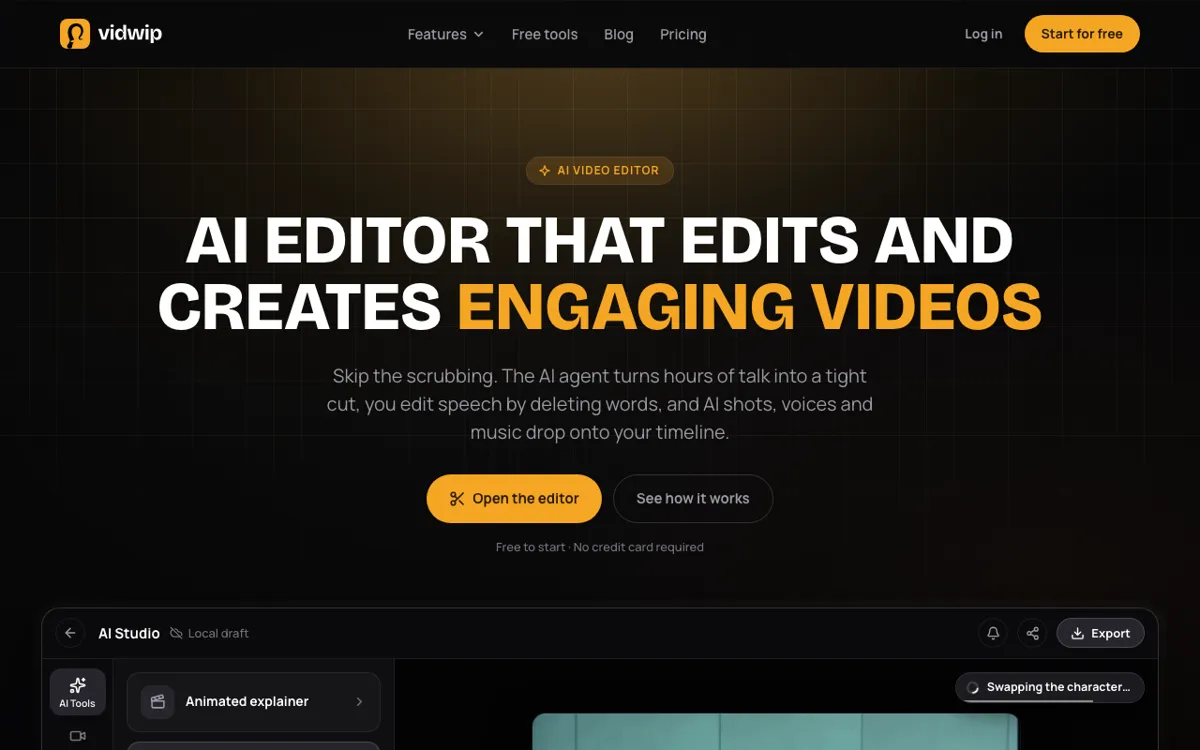 Vidwip AI Studio: a browser timeline where transcript cuts, AI shots, voice, music and subtitles land on the same tracks.
Vidwip AI Studio is a browser timeline editor with transcript editing, 16 AI video models, AI voiceover, music and subtitles built in. It’s for people who use Descript to cut talk, then go to other sites for B-roll, a voice or a music bed.
The transcript side works like this. On an audio clip, the Transcript panel shows every word ElevenLabs Scribe v2 heard, up to 30 minutes per transcript. You select words and press Delete, and that stretch leaves the audio and any linked picture.
For longer footage, Edit video reads up to 2 hours across 24 clips from one brief. It lays a rough cut on your timeline as clips you can trim.
Then you fill the gaps. Generate a shot on Veo 3.1, Kling 3.0 Pro, Seedance 2.5 or 13 other video models, and it lands on the track. AI voiceover speaks a script in 190+ voices and 74 languages, AI Music composes 10 to 180 seconds, and subtitles come in 13 looks or translated into 94 languages.
Be clear on the limits. There is no clone-your-voice word fix like Descript’s: you can change a clip’s voice to one of 190+, not regenerate a word in yours.
Projects save to your studio, so you can close the tab and reopen the cut. Editing and export still run in the browser tab, and export tops out at 1080p.
Pros
- Transcript editing that cuts the linked picture with the audio
- Edit video turns up to 2 hours of talk into a rough cut
- 16 video models generate straight onto the timeline
- AI voice, music, sound effects and subtitles in the same tab
- Remove background audio, up to 10 minutes at a time
- No watermark on export, and nothing to install
Cons
- No AI voice correction in your own cloned voice
- Studio members can reopen saved projects, but there’s no live co-editing or comments
- 1080p export ceiling, no 4K
- Screen recording captures screen and mic, without a webcam overlay
- Subtitles burn in; no SRT or VTT download
Best for: Creators and product teams who cut talking footage by transcript and then need AI shots, a voice, music and captions without leaving the tab.
Pricing: Free to start, no credit card; AI shots need a paid plan. Starter $25/month (2,500 credits). Pro $99/month (10,000 credits). Enterprise custom (vidwip.com/pricing).
2. Riverside
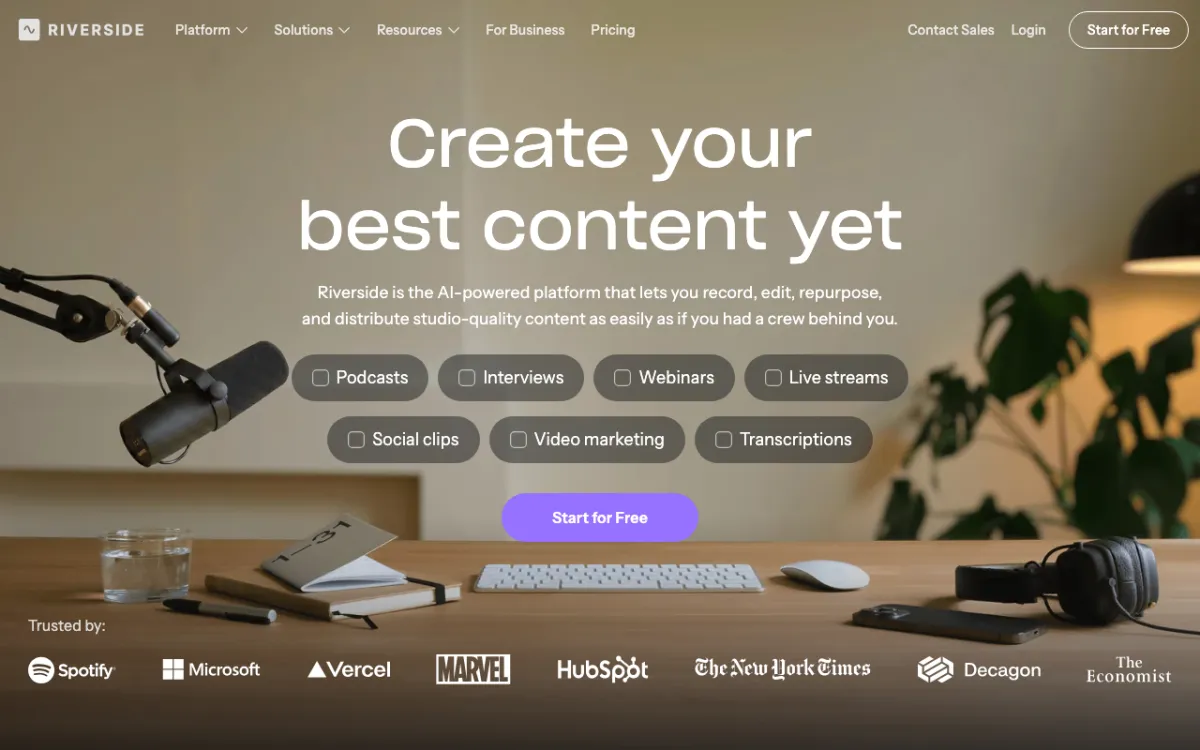 Riverside: remote recording up to 4K, then edit the session by transcript.
Riverside is a recording-first studio for podcasts and interviews, with a text-based editor built on top, from $24 a month. It’s the closest like-for-like swap if you use Descript mostly to record and clean up conversations.
Each guest records locally, so a shaky connection doesn’t wreck the file. Video goes up to 4K and audio to 48kHz.
The editor then works from the transcript. The Pro plan lists unlimited text-based editing and unlimited transcriptions, plus silence and filler-word removal, AI B-roll, eye contact correction, Magic Clips and show notes.
Pros
- Local recording per guest, up to 4K video and 48kHz audio
- Unlimited text-based editing and transcriptions on Pro
- Removes silences and filler words, and adds AI B-roll and eye contact fixes
- Magic Clips turn one episode into social cuts
- Podcast hosting and publishing on Pro, with live streaming from Grow
Cons
- No regenerate-a-word voice correction like Descript’s
- Separate-track downloads are capped: 15 hours a month on Pro
- The editor is lighter than a full NLE for complex B-roll edits
- Collaborative editing and custom roles are on the custom Business plan
Best for: Podcasters and interview shows that record remote guests and want to edit by transcript in the same place.
Pricing: Pro $24/month billed yearly ($29 monthly). Grow $34/month yearly ($39 monthly). Webinar $79/month yearly ($99 monthly). Business is custom. 14-day free trial (riverside.com/pricing, checked October 2026).
3. Adobe Premiere
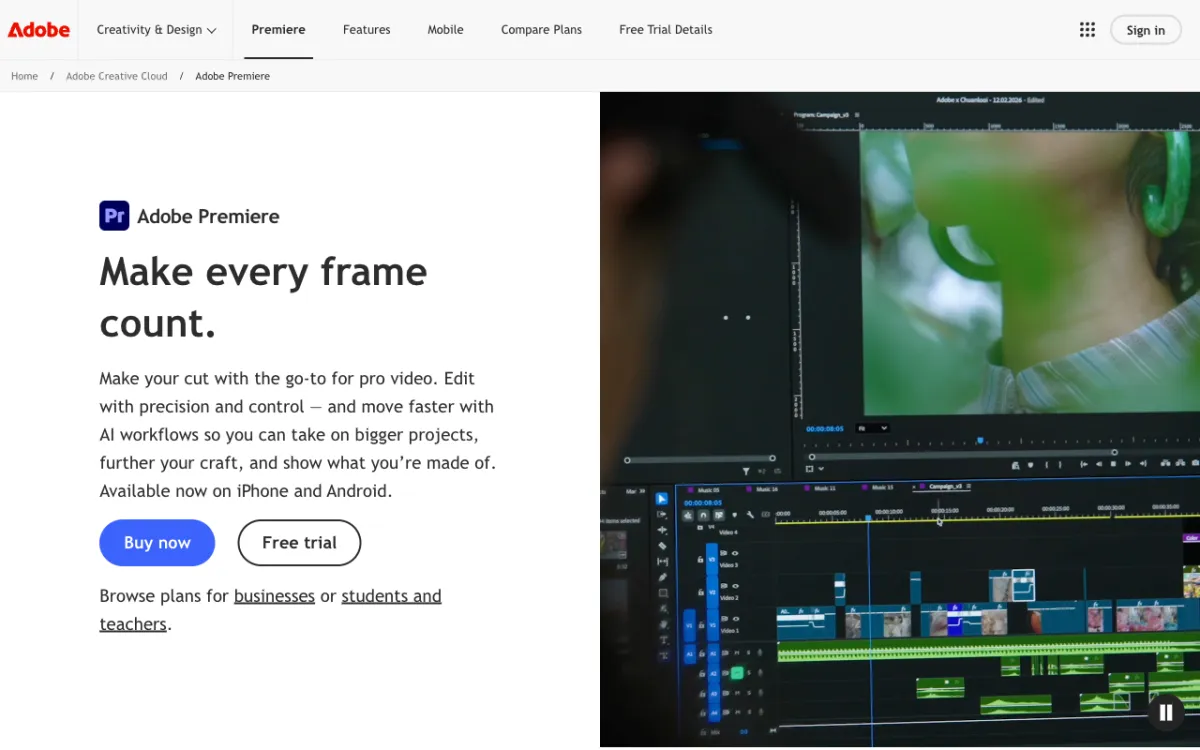 Adobe Premiere: the industry NLE, with transcript editing built in.
Adobe Premiere (formerly Premiere Pro) is a professional video editor with Text-Based Editing built in, at $22.99 a month on an annual plan. Pick it if Descript feels too light and you want transcript editing inside a full multi-track NLE.
Premiere transcribes clips on import. You can build a rough cut by copying lines from the transcript, then refine, reorder and trim clips like a text doc.
Around that you get the full Adobe toolkit. Enhance Speech cleans dialogue, Generative Extend adds frames to a clip that ends too early, and Media Intelligence searches footage by objects and framing.
Pros
- Text-Based Editing inside a full professional timeline
- Enhance Speech for noisy dialogue
- Generative Extend lengthens clips and fills ambient sound
- Works with After Effects, Audition and the rest of Creative Cloud
- Industry standard, so freelancers and agencies already know it
Cons
- Steep learning curve compared with Descript
- No free plan, only a 7-day trial
- No built-in remote recording
- No AI voice correction for flubbed words
- Desktop app, so heavy projects need a capable machine
Best for: Professional editors who want text-based editing without giving up a real NLE.
Pricing: Premiere single app $22.99/month on an annual plan, billed monthly. 7-day free trial (adobe.com/products/premiere, checked October 2026).
4. VEED
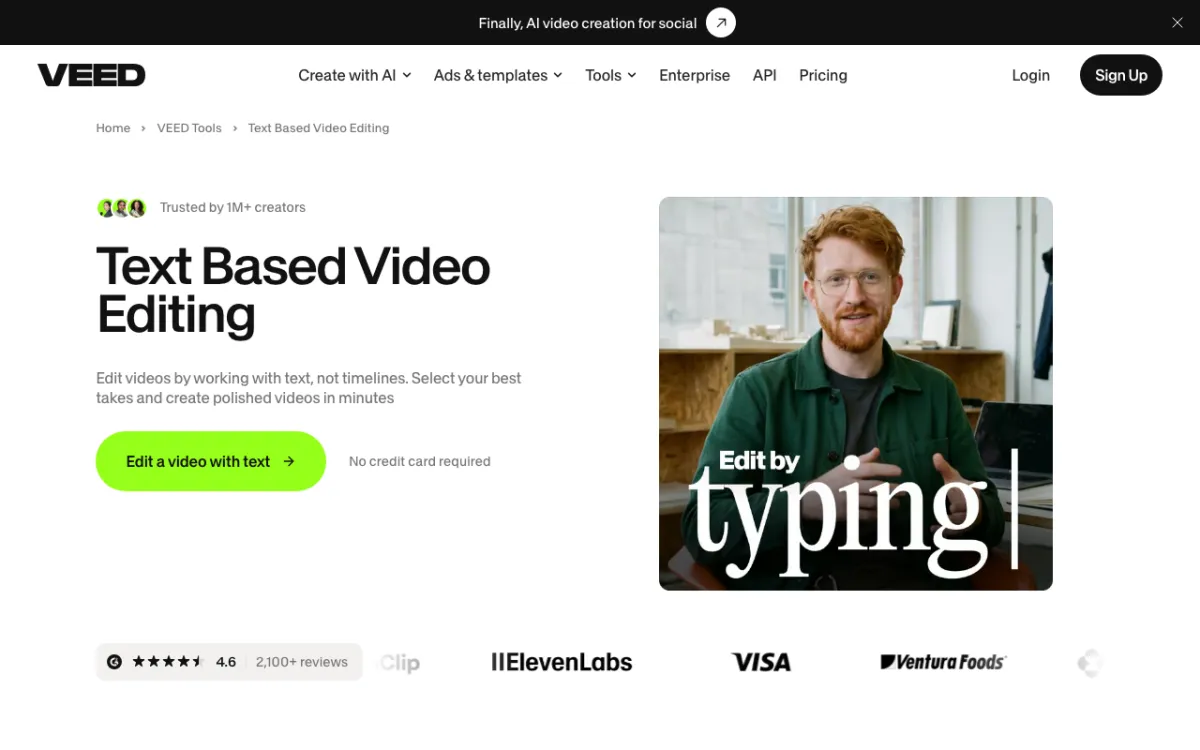 VEED: browser editor with Edit with Script, subtitles and AI voice.
VEED is a browser video editor with text-based editing, auto subtitles and AI voice, from $10 per user per month billed yearly. It’s the easiest Descript alternative to hand to a marketing team that has never opened an NLE.
You upload a video, generate the transcript and highlight text to trim. One click removes “ums” and “ahs”, and you can rearrange segments by copying and pasting text.
Text-based editing works on the free plan. Paid plans add transcript downloads in TXT, VTT and SRT, higher limits and watermark-free exports.
Pros
- Edit with Script is on the free plan
- One-click filler-word and silence removal
- Unlimited auto subtitles on paid plans, with SRT and VTT downloads
- Screen recorder, voice cleaner and voice cloning tools in the same suite
- Translate to 50+ languages on Pro and Studio
Cons
- Per-user pricing adds up for teams
- AI voice is metered in hours per year: up to 144 on Pro
- The biggest AI voice allowance (960 hours a year) needs the $35 Studio plan
- Credits do not carry over month to month
Best for: Marketing and social teams that want subtitles, quick text edits and brand kits in the browser.
Pricing: Creator $10/user/month billed yearly ($116/year). Pro $21/user/month yearly ($257/year). Studio $35/user/month yearly ($414/year). Enterprise custom. Free plan available. Monthly billing costs more, and prices vary by region (veed.io/pricing, checked October 2026).
5. Kapwing
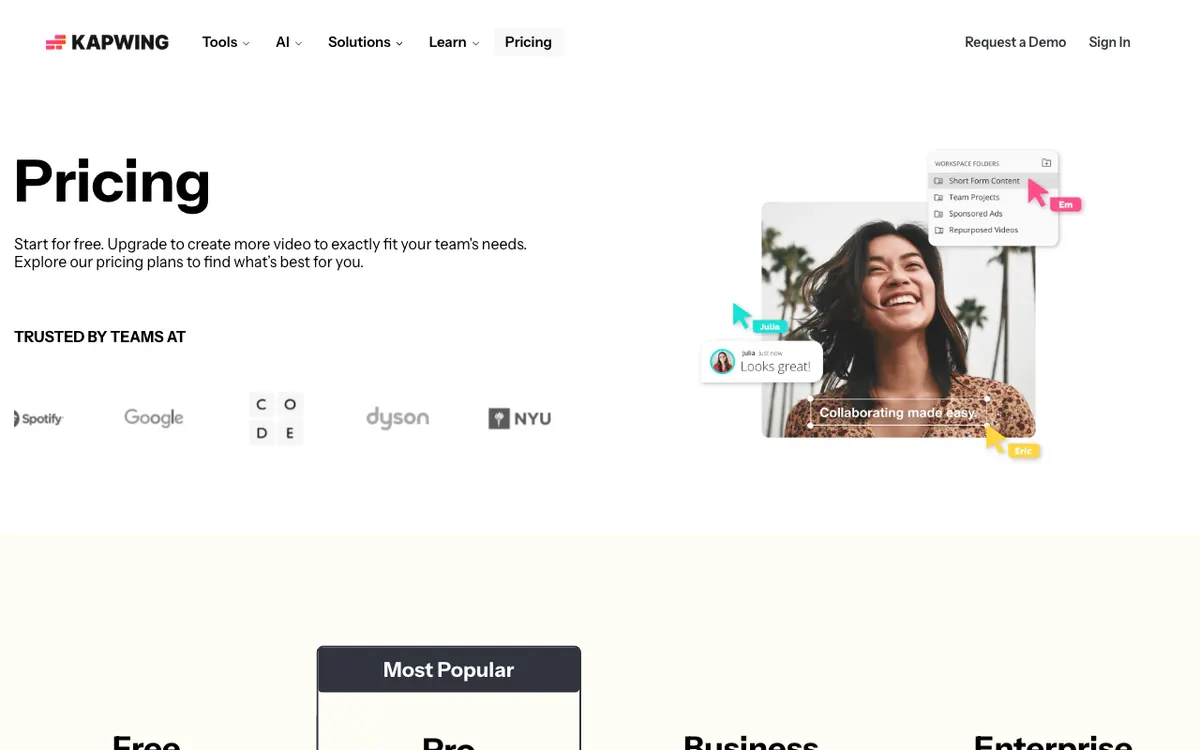 Kapwing: collaborative browser editor with Trim with Transcript and Smart Cut.
Kapwing is a collaborative browser editor with Trim with Transcript, Smart Cut and 4K export, from $16 a month. It’s the best Descript alternative for small teams that edit together in a shared workspace.
Trim with Transcript cuts video by editing text. Smart Cut removes silences automatically, and Clean Audio handles background noise.
You can record screen, camera and audio inside the editor. Pro exports in 4K without a watermark, up to 2 hours per project, and includes a shared team workspace.
Pros
- Trim with Transcript and Smart Cut silence removal
- Screen, camera and audio recording in the editor
- 4K export with no watermark on Pro
- Shared workspace built for collaboration
- Custom voice clones on Business
Cons
- Free plan exports carry a watermark, max 4 minutes at 720p
- Voice clones and lip sync are on the $50 Business plan
- Exports cap at 2 hours per project
- Credits are shared across subtitles, dubbing and AI tools
Best for: Small teams that want a shared browser workspace with transcript editing and 4K export.
Pricing: Free (10 credits, 720p, watermark). Pro $16/month (1,000 credits). Business $50/month (4,000 credits). Enterprise custom. Annual billing saves 33% (kapwing.com/pricing, checked October 2026).
6. CapCut
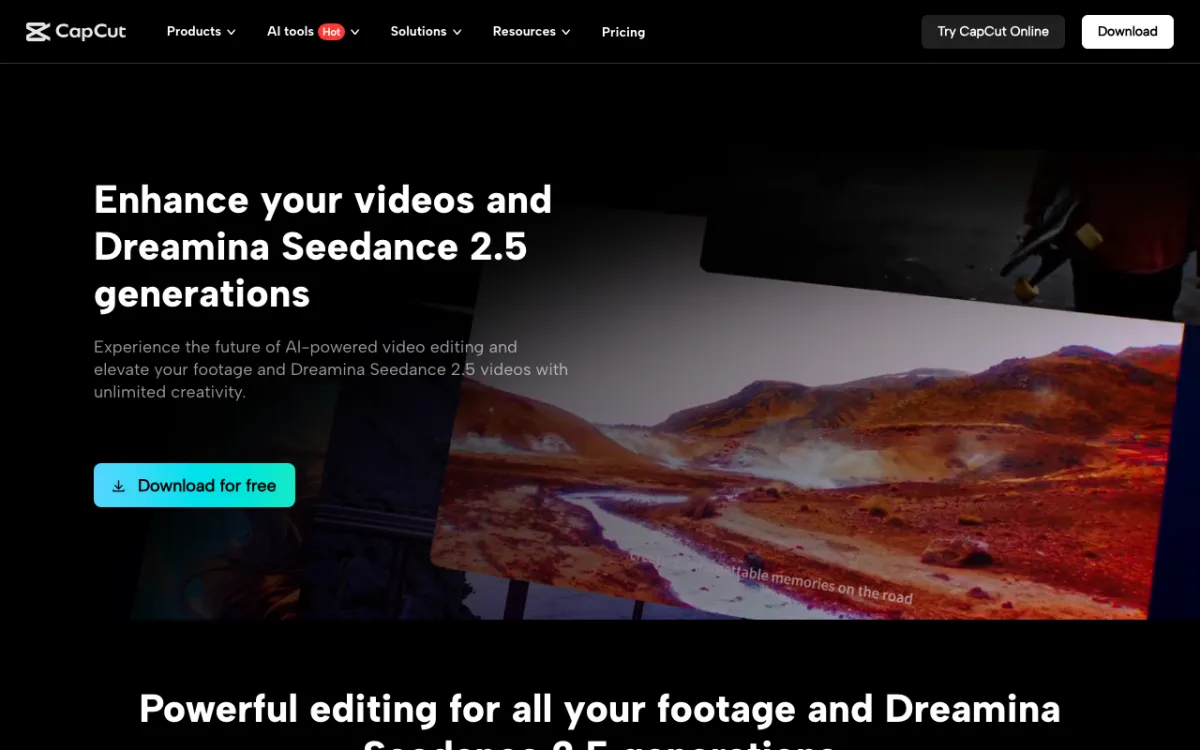 CapCut: free desktop and online editor with transcript editing and auto captions.
CapCut is a free desktop, mobile and online editor with transcript-based editing, auto captions and AI voices. Pro is listed from $14 a month. It’s the cheapest way to get text-based editing for short-form social video.
CapCut’s strength is speed for vertical content. Auto captions, templates, effects and an AI voice generator are a click away, on desktop, mobile or the web.
Its transcript editing is newer and lighter than Descript’s. It works for trimming talking-head clips, less so for a 90-minute interview.
Pros
- Free tier is generous for basic editing
- Transcript-based editing and auto captions
- Huge template and effects library for TikTok, Reels and Shorts
- Desktop, mobile and browser apps
- Pro includes 1 TB of cloud storage
Cons
- Many AI features sit behind Pro, and the split changes often
- Pricing is listed “for reference only” and varies by region
- Not built for long-form podcast editing
Best for: Creators making short-form social video on a tight budget.
Pricing: Free plan. Pro listed at $14/month or $89.99/year. Teams from $6.50 per seat per month. Final price shows after sign-in and varies by region (capcut.com/pricing, checked October 2026).
7. Async (formerly Podcastle)
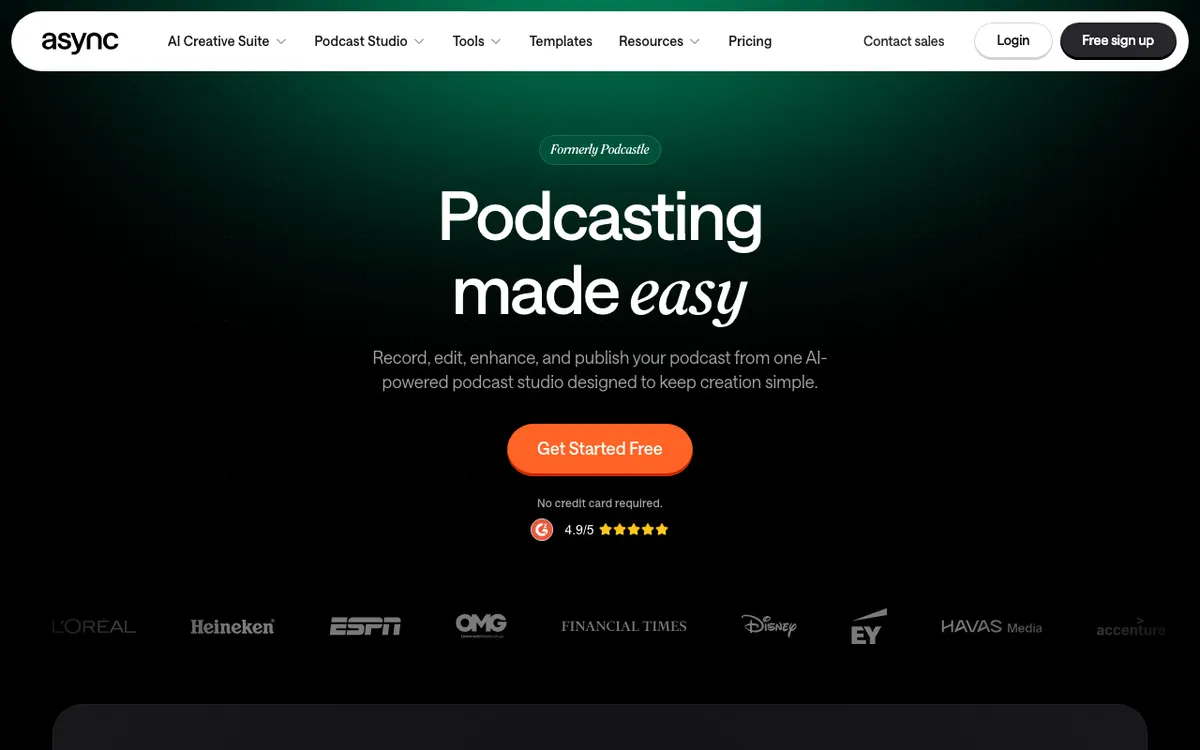 Async: the podcast studio formerly known as Podcastle, now with AI video tools.
Async, the platform formerly called Podcastle, is an AI podcast studio with remote recording, text-based editing and Magic Dust audio enhancement, from $11.99 a month on yearly billing. It’s the budget pick for audio-first podcasters.
The core is still podcasting. You record remote multitrack sessions, edit the transcript, and clean audio with Magic Dust, noise reduction and silence removal.
The 2026 rebrand added AI video and image models and a chat-based editor called Bumblebee. Text-to-speech hours come with every paid plan, which helps if you voice intros or fix lines with AI narration.
Pros
- Remote multitrack recording plus text-based editing
- Magic Dust audio enhancement on every paid plan
- Text-to-speech hours included: 2 hours on Essentials, 10 on Pro
- Chat-based editing and AI video models on one credit pool
- Cheapest paid entry in this list
Cons
- Video export tops out at Full HD on Essentials
- AI subtitles are English-only below the Teams plan
- The rebrand is recent, so the product mix is still shifting
- Video editing is lighter than Descript’s
Best for: Audio-first podcasters who want recording, transcript edits and audio cleanup for less.
Pricing: Free plan. Essentials $11.99/month on yearly billing (450 credits). Pro $23.99/month (1,200 credits). Teams $49.99 per creator per month (3,000 credits). Business custom (async.com/pricing, checked October 2026).
8. Camtasia with Audiate
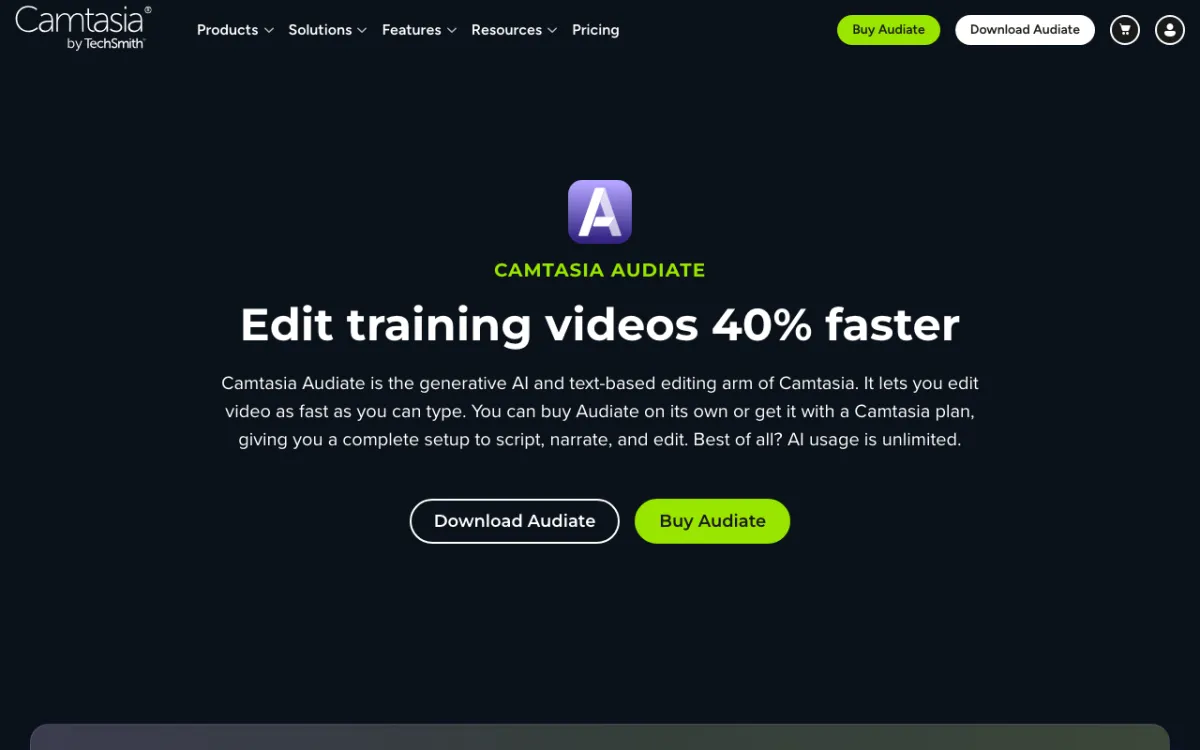 Camtasia Audiate: TechSmith’s text-based editing arm, bundled with Camtasia plans.
Camtasia is TechSmith’s screen recorder and editor, and its Audiate app adds text-based video editing, from $179.88 a year. It’s the best Descript alternative for training videos, software tutorials and course content.
Essentials bundles Camtasia Editor, Audiate and Snagit. You get unlimited 4K/60fps screen recordings, speech-to-text, text-based editing, automatic filler-word removal and unlimited captions.
The Create plan adds AI voiceover with 200+ voices and script generation. That’s useful if you’d rather replace your own narration than fix it word by word.
Pros
- Unlimited 4K/60fps screen recording with cursor effects
- Text-based editing and filler-word removal through Audiate
- Quizzes and SCORM export for learning platforms
- AI voiceover with 200+ voices on Create
- Desktop apps for macOS and Windows
Cons
- The $39 Starter plan exports from the Camtasia Editor with a watermark
- Annual billing only for individual plans
- Not built for podcasts or remote interviews
- Avatars, dubbing and translation need the $599 Pro plan
Best for: Trainers, educators and product teams who record screens and publish to an LMS.
Pricing: Starter $39/year (watermarked editor). Essentials $179.88/year. Create $249/year. Pro $599/year. 14-day money-back guarantee (techsmith.com/store/camtasia, checked October 2026).
9. DaVinci Resolve
 DaVinci Resolve 21: free pro editor, with text-based editing in the Studio version.
DaVinci Resolve is Blackmagic Design’s professional editing, color and audio suite, free to download, with text-based editing in the $295 Studio version. It’s the only Descript alternative here you can own outright with no subscription.
The free version handles most editing up to UHD at 60fps. Studio adds the DaVinci AI Neural Engine, text-based editing, Magic Mask, AI noise reduction and resolutions beyond 4K.
Fairlight, Resolve’s audio page, includes Voice Isolation for cleaning dialogue. For podcasters who also grade footage, that’s a full studio for a one-time $295.
Pros
- Free version is a full professional editor
- Studio is a one-time $295 with no seat fees
- Text-based editing, Magic Mask and AI noise reduction in Studio
- Fairlight audio tools with Voice Isolation
- Best-in-class color grading
Cons
- Text-based editing is Studio-only
- Steepest learning curve on this list
- No built-in remote recording or AI voice correction
- Needs a strong GPU for AI features
Best for: Editors who want pro tools with no subscription and are willing to learn a complex app.
Pricing: DaVinci Resolve free. DaVinci Resolve Studio $295 one-time (blackmagicdesign.com, checked October 2026).
Descript alternatives compared
| Tool | Transcript editing | AI voice correction | Screen / remote recording | Starting paid price |
|---|---|---|---|---|
| Descript (baseline) | Yes | Yes, AI voice clone | Screen + remote | $16/seat/mo (annual) |
| Vidwip AI Studio | Yes, up to 30 min per transcript | Voice change to 1 of 190+, no clone | Screen + mic | Free to start / $25/mo |
| Riverside | Yes, unlimited on Pro | No | Remote, up to 4K | $24/mo (annual) |
| Adobe Premiere | Yes | No | No | $22.99/mo (annual) |
| VEED | Yes, on free plan | Voice clone tool, separate | Screen recorder | $10/user/mo (annual) |
| Kapwing | Yes, Trim with Transcript | Voice clones on Business | Screen + camera | $16/mo |
| CapCut | Yes, transcript-based | No | Screen recorder | ~$14/mo (varies) |
| Async | Yes | TTS hours, no word fix | Remote multitrack | $11.99/mo (annual) |
| Camtasia + Audiate | Yes | AI voiceover on Create | Screen, 4K/60fps | $179.88/yr |
| DaVinci Resolve | Studio only | No | No | Free / $295 once |
All prices checked on vendor pricing pages in October 2026.
How to choose the right Descript alternative
You need more than cuts. If your edit also needs AI shots, a voiceover, a music bed and translated captions, Vidwip AI Studio puts all of it on one browser timeline. For a silent screen recording, AI Video Voiceover writes and voices the narration for you.
You record remote podcasts or interviews. Riverside. Local recording per guest at up to 4K, then unlimited text-based editing on Pro. On a tighter budget, Async gets you most of the way for $11.99 a month.
You’re a professional editor. Adobe Premiere if you live in Creative Cloud, or DaVinci Resolve Studio if you’d rather pay $295 once. Both put transcript editing inside a full NLE.
Your team edits social and marketing video in the browser. VEED for subtitles and brand kits, Kapwing for a shared workspace and 4K on Pro. CapCut if the budget is close to zero and the output is vertical.
You make training videos and screen tutorials. Camtasia with Audiate. 4K screen capture, text-based editing and SCORM export in one bundle.
For more on the pieces around editing, see our guides to AI video transcription tools, AI video voiceover, ElevenLabs alternatives and multi-model AI video platforms.
Final verdict
Descript is still the best all-rounder for editing speech like a doc, and its AI voice correction remains hard to match. But most people only use one slice of it, and a specialist beats it on that slice.
If you cut by transcript and then hunt for B-roll, a voice and music on other sites, start with Vidwip AI Studio. It’s free to start with no credit card, AI B-roll needs a paid plan, and your first 1080p cut exports without a watermark.
Podcasters should look at Riverside, and pro editors at Premiere or DaVinci Resolve. Browser teams should look at Kapwing or VEED, and trainers at Camtasia.