
DaVinci Resolve is the best free desktop Filmora alternative — full 4K timeline, no watermark, $295 one-time if you ever need Studio AI tools. Vidwip AI Studio is the pick when you want AI to do the editing for you: cut footage by transcript, make AI shots on 16 models, and export 1080p in your browser with no watermark. For the closest Filmora feel with a perpetual license, PowerDirector at $139.99 one-time or Movavi are both worth a look.
Filmora sits in a specific slot: friendlier than Premiere Pro, more capable than mobile apps, and reasonably priced at $29.99/year. So why do so many people end up searching for Filmora alternatives?
Three friction points push them to look elsewhere. The free plan watermarks every export. Some AI tools consume extra “AI credits” on top of the subscription. And the Perpetual plan is Windows-only.
This post covers eight editors that solve at least one of those problems. Every price was checked on the vendor’s own pricing page in October 2026.
Why people leave Filmora
Filmora’s current pricing: Basic $9.99/month, Advanced $29.99/year, Perpetual $49.99 one-time (Windows only). Prices from filmora.wondershare.com, checked October 2026.
The free plan watermarks exports. The Advanced annual is a good deal — but it auto-renews. And several of the newer AI features (AI music generation, advanced background removal) burn AI credits separate from the plan fee, which surprises people on their first monthly bill.
What to look for in a Filmora alternative
Five things decide whether an editor replaces Filmora or just adds friction:
- Watermark on free exports. If you want to test the tool on real footage, you need to see what the output actually looks like.
- Perpetual vs. subscription. A perpetual license costs more upfront but stops the annual renewal anxiety.
- AI editing tools. The 2026 ask is: can it cut footage based on what was said, add captions automatically, and remove backgrounds without a chroma key?
- Learning curve. Filmora’s value is that a non-editor can produce something good in under an hour. The alternative should match that.
- Export quality. 1080p is table stakes. Know whether 4K is behind a paywall.
If you’re looking at online editors specifically, our CapCut alternatives roundup covers browser and mobile options in more depth.
1. Vidwip AI Studio
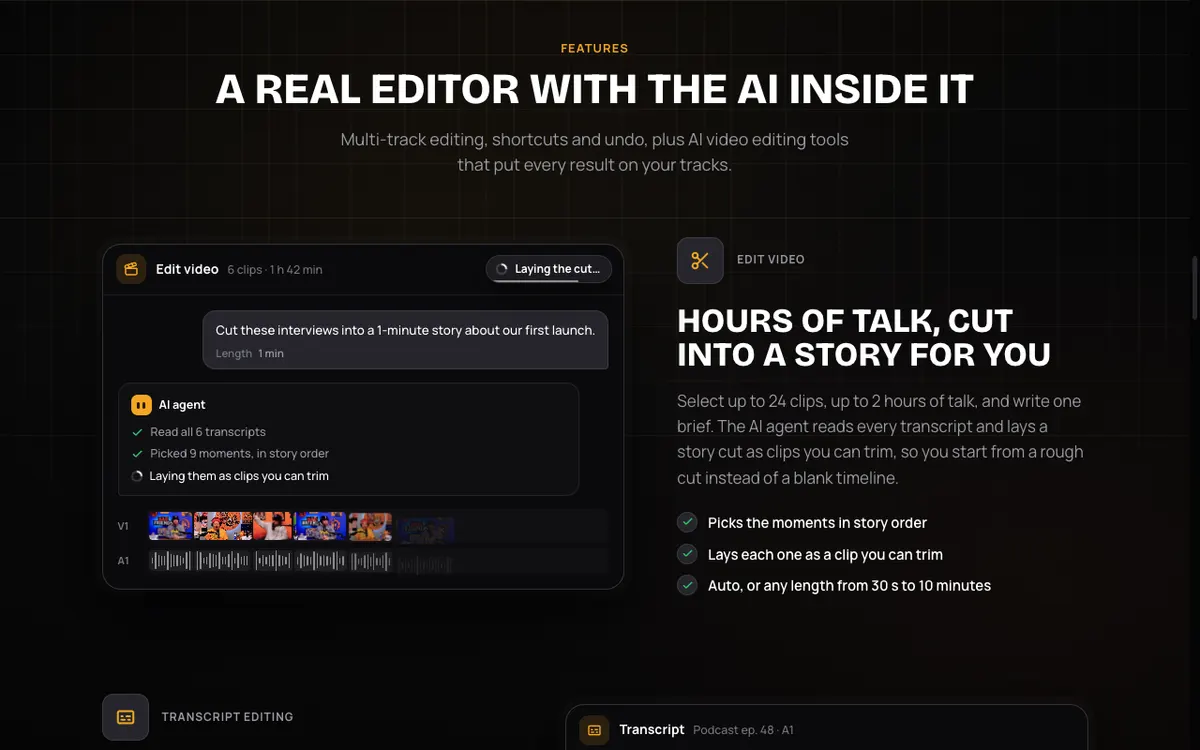 Vidwip AI Studio — cut footage by transcript, make AI shots on 16 models, and export 1080p in your browser.
Vidwip AI Studio is the pick when you want AI to do the editing work. It runs entirely in your browser — nothing to install — and gives you a timeline with video and audio tracks.
The standout feature is the AI cut. Select your clips, write one line — “a 1-minute highlight from this interview” — and AI reads the transcript of up to 2 hours of footage and lays out the edit. You can also edit video by deleting words from the transcript: cut the “ums” by selecting them in text.
When you need a shot you don’t have, describe it and AI generates it on one of 16 models (including Veo 3.1 and Kling 3.0) and drops it directly onto your timeline. Voices, music and sound effects are made the same way.
Pros
- AI cut trims footage based on what was said — no manual scrubbing
- Text editing removes words and video frames simultaneously
- 16 AI video models, plus AI voices (190+ voices, 74 languages), music and sound effects
- No watermark on any plan, including free
- Nothing to install — saves and reopens in your browser
- Export up to 1080p at 30fps
Cons
- Browser-based, not a desktop app — requires an internet connection
- No effects library, sticker packs or motion templates
- AI cut only works on footage with speech; instrumental or B-roll clips can’t be cut this way
- Export tops out at 1080p (no 4K)
Best for: Creators who edit interviews, tutorials and YouTube videos and want AI to handle the first cut and transcript-based trimming.
Pricing: Free to start, no credit card. Starter $25/month, Pro $99/month. No watermark on any plan.
2. DaVinci Resolve
 DaVinci Resolve 20 — the most capable free desktop video editor available.
DaVinci Resolve is the free Filmora alternative that professionals actually use. Editing, color grading, Fusion compositing and Fairlight audio are all in one app, for free.
The free version exports up to 4K UHD at 60fps with no watermark. That alone puts it ahead of Filmora’s free plan on every quality dimension.
The catch is the learning curve. DaVinci’s Cut and Edit pages are genuinely beginner-friendly, but Fusion and Fairlight take time to learn. And the AI features most editors want — Magic Mask, speech isolation, scene cut detection — require the paid Studio version.
Pros
- Full 4K timeline, color grading and audio mixing — all free
- No watermark on free exports
- Available on Windows, Mac and Linux
- One-time Studio upgrade (no subscription) if you ever need AI tools
- Very active community and tutorial library
Cons
- AI tools (Magic Mask, speech isolation, scene cut detection) cost extra in Studio
- Steeper learning curve than Filmora
- GPU-intensive — older machines may struggle with 4K playback
- Fusion compositing has a significant learning curve for motion graphics
Best for: Editors who want to grow into a professional tool without paying a subscription.
Pricing: Free up to 4K UHD at 60fps. DaVinci Resolve Studio $295 one-time (blackmagicdesign.com, checked October 2026).
3. CapCut
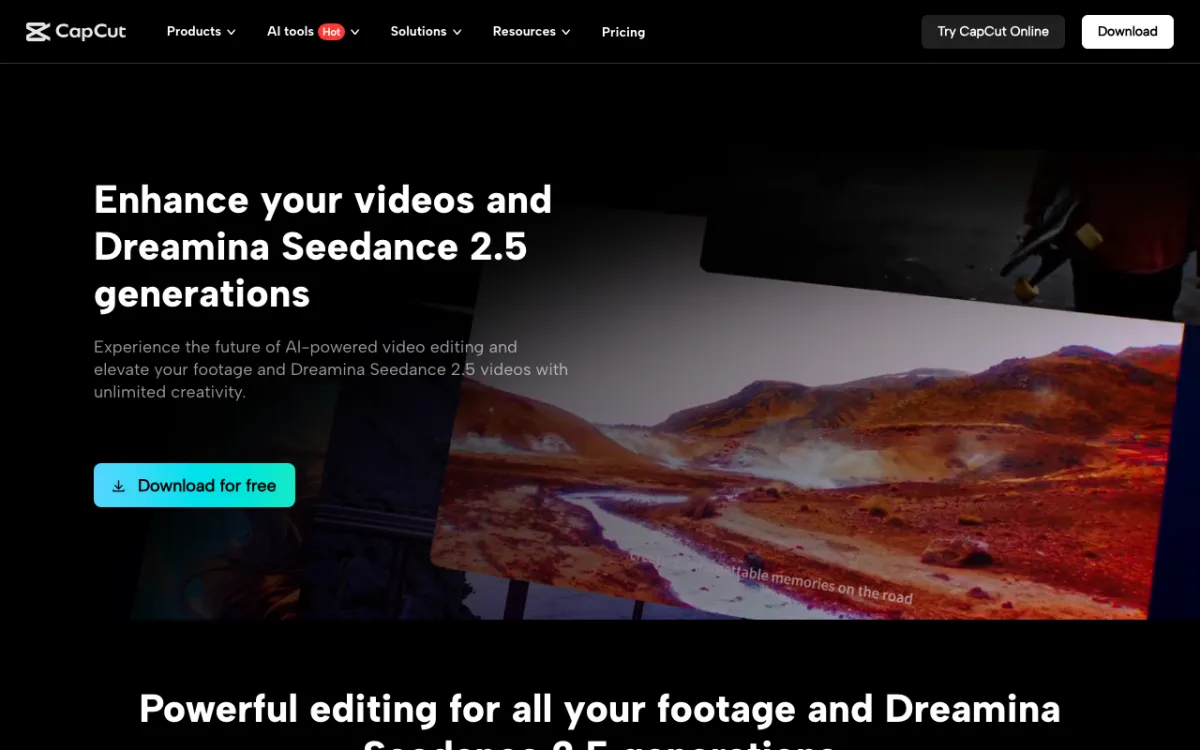 CapCut Desktop — timeline editing with AI captions, background removal and a large template library.
CapCut has the most accessible AI feature set of any free editor here. Auto-captions, background removal, text-to-speech, noise reduction and a clip-to-highlights tool all work without any extra credits or paid add-ons.
CapCut is strongest for vertical social content. Its template library and effect packs are built for TikTok, Reels and Shorts, and the timeline handles both 16:9 and 9:16 projects cleanly. It runs on Windows, Mac, browser and mobile.
The free plan covers most features. CapCut Pro ($14/month or $89.99/year) adds 4K export, more AI credits, brand kits and team collaboration. CapCut does not explicitly confirm whether free exports carry a watermark on its pricing page, so verify before relying on it for client work.
Pros
- Auto-captions, background removal and AI text-to-speech on the free plan
- Large effects, template and sticker library
- Works on Windows, Mac, browser and mobile — same project across devices
- Beginner-friendly interface, similar learning curve to Filmora
Cons
- 4K export is a Pro feature
- Watermark status on free exports is not officially confirmed
- Less suited to long-form editing than DaVinci Resolve
Best for: Creators making short-form vertical content for TikTok, Reels and Shorts who want a Filmora-style timeline with AI captions.
Pricing: Free plan available. Pro $14/month or $89.99/year (capcut.com/pricing, checked October 2026).
4. PowerDirector
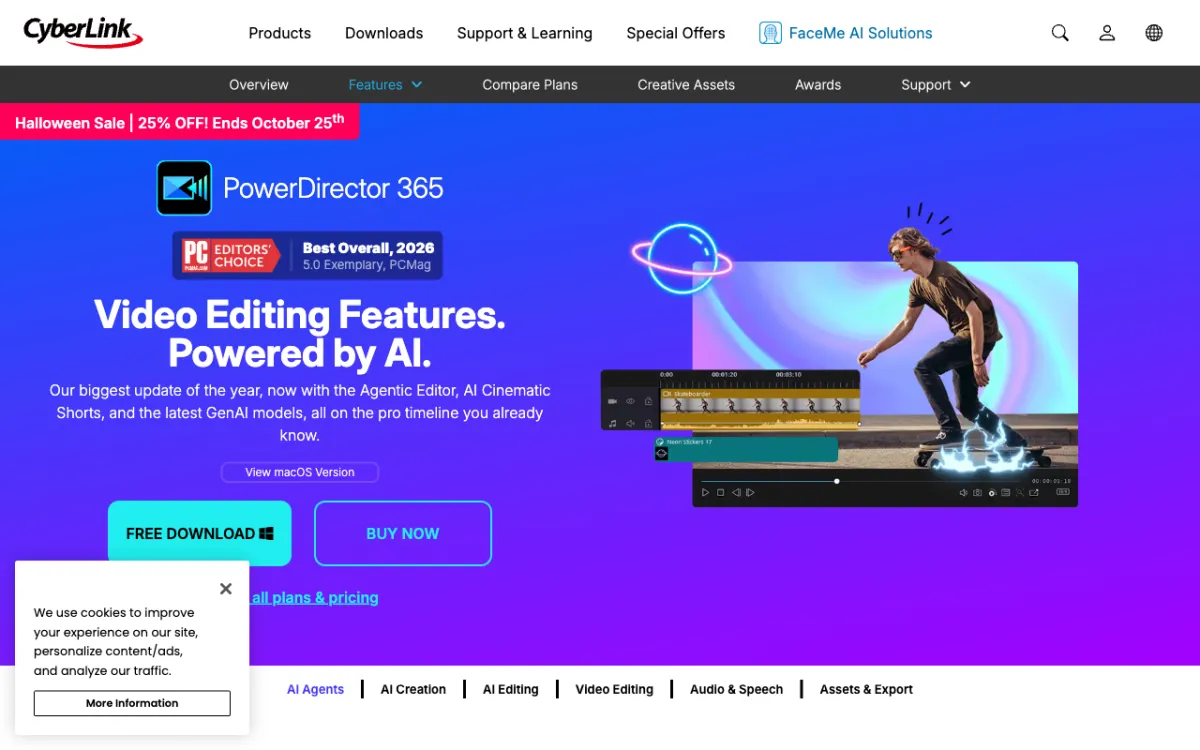 PowerDirector — a Windows desktop editor with AI tools, a large effects library and a perpetual license option.
PowerDirector is the closest alternative to Filmora in terms of feel and capability. Both run primarily on Windows, both ship with a deep library of effects, titles and transitions, and both offer AI-powered tools alongside a perpetual license option.
AI features include AI Sky Replacement, AI Style Transfer, motion tracking, and a background removal tool that doesn’t require green screen. The interface is familiar if you’ve used Filmora: a timeline at the bottom, effects panel on the left, preview on the right.
PowerDirector 365 is a subscription; PowerDirector 2027 is the one-time purchase. The 365 subscription gets ongoing updates; the 2027 perpetual gets the features that shipped with it and no more. Both include the same AI tools.
Pros
- Closest interface feel to Filmora — minimal relearning
- AI Sky Replacement, Style Transfer and background removal included
- Perpetual license option avoids annual renewal
- Free tier (365 Essential) lets you try the timeline before buying
- 4K export on paid plans
Cons
- Full-featured only on Windows (Mac version has fewer features)
- Free tier limits access to effects and exports (watermark status not confirmed)
- Annual subscription price is similar to Filmora Advanced
Best for: Windows users who want the Filmora experience without the Filmora subscription — especially if a perpetual license matters.
Pricing: PowerDirector 365 Essential is free (limited). PowerDirector 365 $59.99/year. PowerDirector 2027 (one-time) $139.99 (cyberlink.com, checked October 2026).
5. Movavi Video Editor
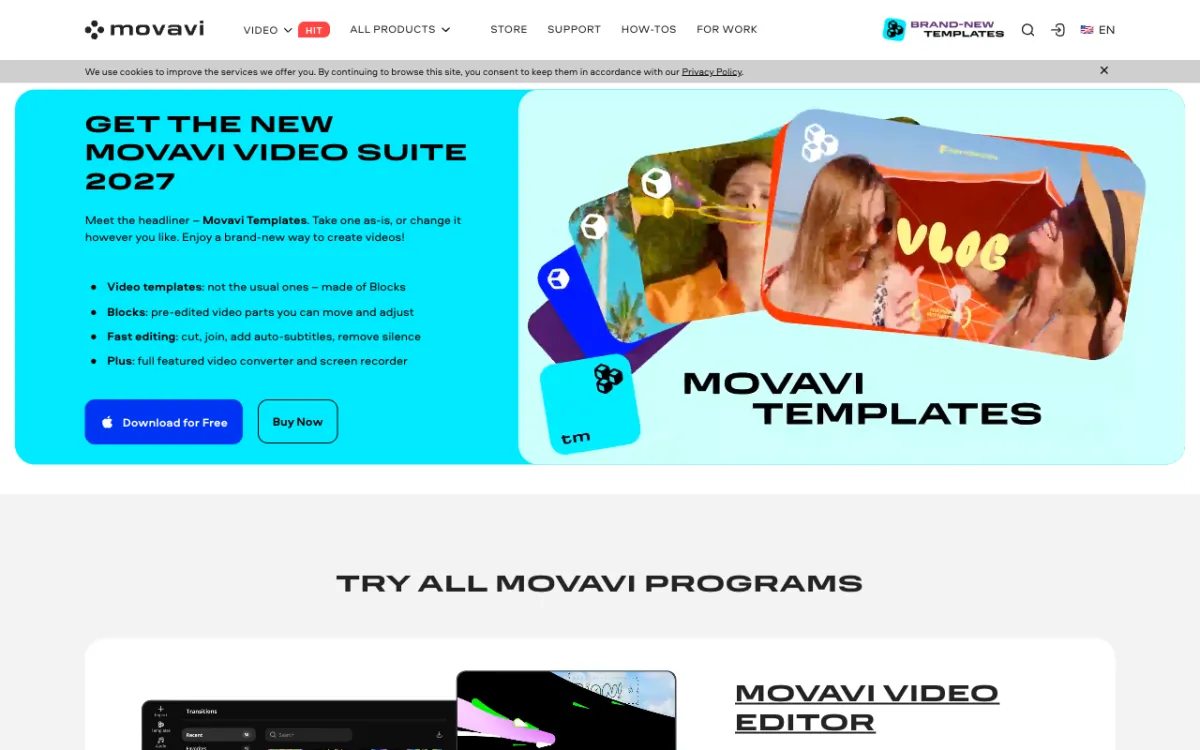 Movavi Video Editor — a clean desktop editor for Windows and Mac with a 7-day trial and a lifetime license option.
Movavi Video Editor occupies the same beginner tier as Filmora but leans harder on simplicity. The interface is clean: drag clips onto the timeline, trim, add music and captions, export. Most features are discoverable without a tutorial.
Movavi includes basic AI tools: noise removal, color correction, stabilization and a background removal feature. It does not have a deep generative AI feature set, so if AI content creation is your priority, look at Vidwip or CapCut first.
The trial adds a watermark to exports and runs for 7 days. After that, you choose between a monthly subscription, an annual plan or a lifetime license. Prices vary by region; check movavi.com for the current US price.
Pros
- Very clean, beginner-friendly interface
- Available on Windows and Mac
- Lifetime license option avoids annual renewals
- Noise removal, stabilization and color correction included
Cons
- 7-day trial only — no permanent free tier
- Trial exports carry a watermark
- Lighter AI feature set compared to CapCut or DaVinci Resolve Studio
- No browser version — desktop install required
Best for: Creators who want the simplest possible editor with a one-time purchase option on Windows or Mac.
Pricing: 7-day free trial (watermarked). Monthly, annual and lifetime plans available; prices vary by region. Check movavi.com for current US pricing (checked October 2026).
6. Adobe Premiere Elements
 Adobe Premiere Elements — a guided, one-time purchase desktop editor with AI-powered automated edits.
Adobe Premiere Elements is Adobe’s beginner-facing editor — a level below Premiere Pro and squarely in Filmora’s territory. It ships with Guided Edits: step-by-step workflows for specific projects like adding a moving overlay or making a slow-motion clip.
The AI features are practical rather than flashy. Smart Trim cuts a long video to a shorter one automatically. Auto Reframe adjusts aspect ratio for different platforms. Sky Replacement and colorization round out the set. These are genuinely useful for weekend creators, not marketing terms.
The key draw is the pricing. At $99.99 one-time, Premiere Elements does not require an ongoing subscription. You buy it once and use it as long as your OS supports it. Note: Adobe sells it as a “3-year term license,” which means continued support is guaranteed for three years but the software runs indefinitely.
Pros
- One-time $99.99 purchase — no annual renewal
- Guided Edits make complex workflows accessible to beginners
- Smart Trim, Auto Reframe and Sky Replacement included
- Available on Windows and Mac
- From a major vendor with long-term OS compatibility
Cons
- Less powerful than Premiere Pro and significantly behind on AI generative features
- Free trial only — no permanent free tier
- Not updated as frequently as subscription tools
- Cloud-based effects require an internet connection
Best for: Adobe ecosystem users who want a beginner-friendly editor with a permanent one-time purchase.
Pricing: Free trial available. One-time $99.99 (adobe.com, checked October 2026).
7. Kdenlive
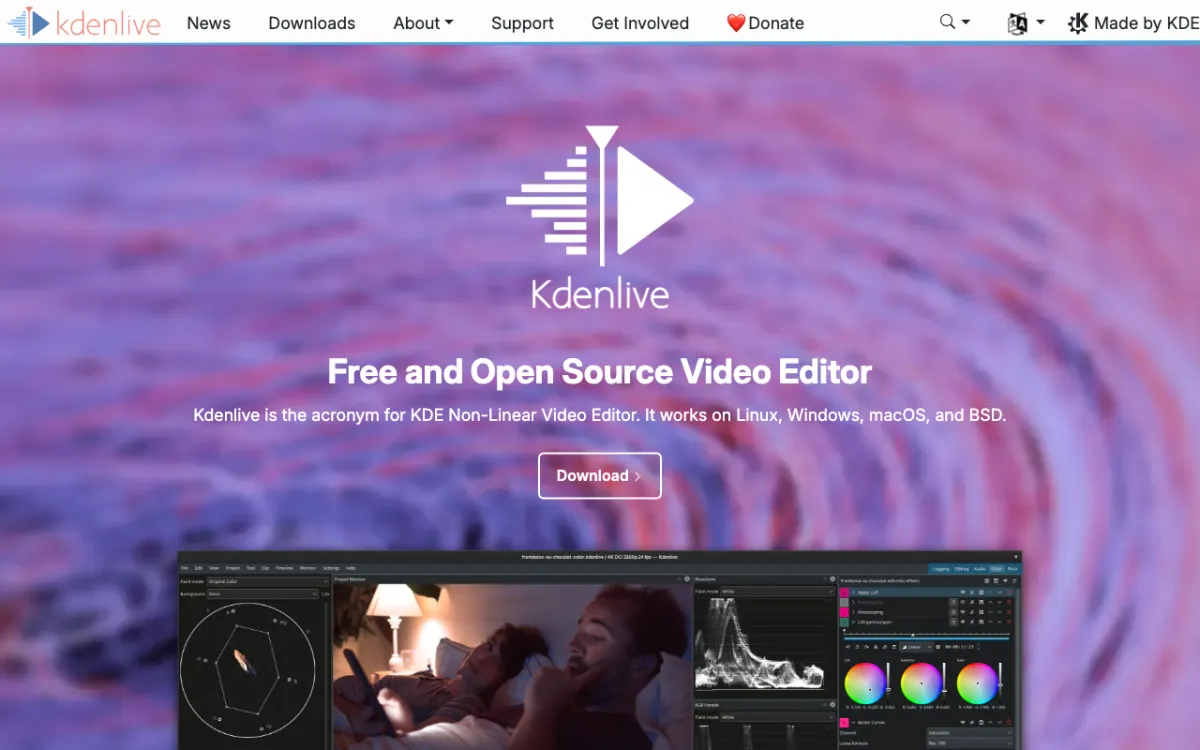 Kdenlive — a fully free, open source desktop video editor for Linux, Windows and Mac.
Kdenlive is the fully free desktop editor with no strings attached. No watermarks, no credits, no trial expiry. It is open source under the GPL, and everything it ships with is yours to use forever.
The feature set is stronger than most free editors give it credit for: multi-track timeline, keyframe animation, audio and video effects, title editor, speed control and a clip proxy system for smooth 4K editing on lower-spec hardware. No AI generative tools, but its color correction, audio normalization and chroma key are solid.
Kdenlive runs on Linux, Windows and Mac. The Linux version is most actively developed; the Mac version sometimes lags behind on new features. If you need something that works anywhere without paying anything, Kdenlive is a serious pick.
Pros
- Completely free — no watermarks, no trial, no credits
- Multi-track timeline with keyframe animation and audio effects
- Clip proxy system for smoother editing on older hardware
- Active development and large user community
- Available on Linux, Windows and Mac
Cons
- No AI editing, AI captions or generative tools
- Mac version can lag behind Linux and Windows builds
- Interface is less polished than Filmora or CapCut
- No mobile or browser version
Best for: Editors who want a capable, fully free desktop editor with no vendor lock-in and no ongoing cost.
Pricing: Free. Open source (kdenlive.org).
8. OpenShot
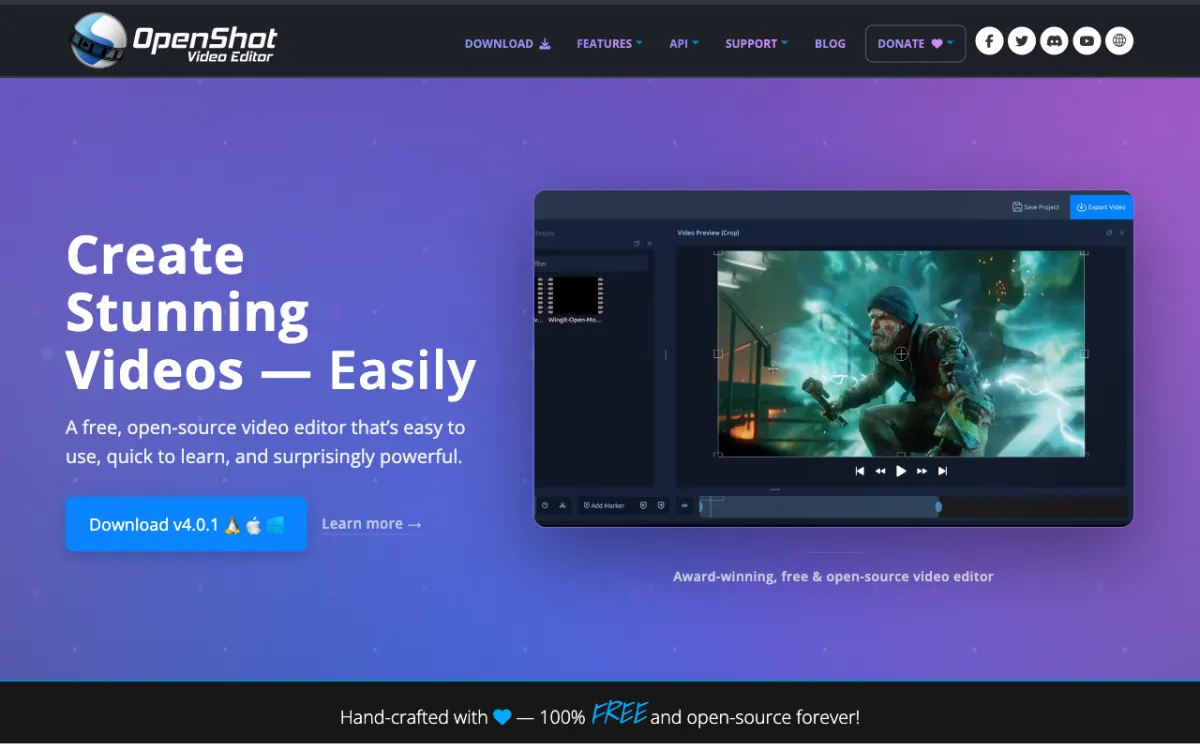 OpenShot — the simplest fully free open source video editor for Windows, Mac and Linux.
OpenShot is the simplest fully free editor here. If you’ve never used a timeline editor and want to learn without paying anything, OpenShot gets you started in under ten minutes.
The feature set is intentionally small: drag-and-drop timeline, basic transitions and effects, title templates, speed control and audio mixing. No AI tools, no advanced color grading, no motion tracking. What it does, it does reliably. Exports go up to 4K with no watermark.
OpenShot is also available in a paid version on the Microsoft Store; buying that version supports the development team, but you can always download it free from openshot.org.
Pros
- Completely free — no watermarks, no trial limits
- Simplest learning curve of any editor here
- 4K export at no cost
- Available on Windows, Mac and Linux
- Very low system requirements
Cons
- No AI tools of any kind
- Limited effects, transitions and titles compared to Filmora
- Can be slow on large projects
- Not suitable for professional-grade color grading or audio production
Best for: Total beginners who want to make their first video edit without spending money or time learning a complex interface.
Pricing: Free. Open source (openshot.org). Optional paid Microsoft Store version supports development.
How these editors compare at a glance
| Tool | Free tier | Free watermark? | Paid starting price | Perpetual option | AI editing |
|---|---|---|---|---|---|
| Vidwip AI Studio | Yes | No | $25/mo | No | Yes — AI cut, text edit, AI shots |
| DaVinci Resolve | Yes (full editor) | No | $295 one-time (Studio) | Yes | Paid (Studio) |
| CapCut | Yes | Unconfirmed | $14/mo or $89.99/yr | No | Yes — captions, BG removal |
| PowerDirector | Yes (limited) | Unconfirmed | $59.99/yr | Yes — $139.99 | Yes — Sky Replace, Style Transfer |
| Movavi | 7-day trial | Yes | Check movavi.com | Yes | Basic only |
| Premiere Elements | Trial only | No | $99.99 one-time | Yes ($99.99) | Yes — Smart Trim, Auto Reframe |
| Kdenlive | Full, free | No | Free | N/A (open source) | No |
| OpenShot | Full, free | No | Free | N/A (open source) | No |
| Filmora | Yes | Yes | $29.99/yr | Yes — $49.99 (Win only) | Yes — AI credits extra |
Prices checked on vendor pricing pages in October 2026.
How to choose the right Filmora alternative
You want the best free editor, no watermark. DaVinci Resolve. Full 4K timeline, professional-grade tools, no watermark on the free version. Steep learning curve, but every tutorial you need is on YouTube.
You want AI to edit for you. Vidwip AI Studio. Drop in your footage, describe what you want, and AI lays out the cut from the transcript. 190+ voices are right there on the same timeline, and 16 AI video models on paid plans. Free to start, no credit card.
You make short-form social content. CapCut. The template library, AI captions and vertical-first tools make it the fastest path from raw clip to posted Reel.
You want to replace Filmora exactly. PowerDirector. Same Windows-first timeline, similar effects library, same AI tools, and a perpetual license option. The closest drop-in replacement.
You want a one-time purchase. PowerDirector 2027 ($139.99), Adobe Premiere Elements ($99.99) or Filmora Perpetual ($49.99, Windows only). All three skip the annual renewal.
You want everything free, forever. Kdenlive or OpenShot. Both are open source, both export without a watermark, both run on Windows, Mac and Linux.
If you’re specifically looking at AI voiceover tools or dubbing as part of your editing workflow, the AI video dubbing tools guide covers what each tool does with your audio track.