
ElevenLabs Dubbing wins on raw voice realism at roughly $0.55 per finished minute. HeyGen is the pick when lips have to match the new language. Vidwip's AI Video Dubbing is the flat-rate pick at $2.40 per minute per language with no watermark on any tier, free included. Rask AI covers 130+ languages for volume localization, and Dubverse is the budget option if your languages are on its list of 32.
The AI video dubbing tools that win in 2026 are not the ones with the longest language lists. They are the ones where the translated voice still sounds like a person and still lands on the right frame.
Most comparison posts stop at the language count. That number is the easiest thing to inflate and the least useful thing to shop on.
So this ranking scores five tools on four things that actually change your output: voice realism, translation accuracy, timing sync, and what one finished minute genuinely costs after the credit maths. Every price below was pulled from the vendor’s own pricing page in September 2026.
How we ranked these AI video dubbing tools
Four criteria, weighted in this order.
Voice realism. Does the dub carry emotion and pacing, or does it read the translation flat? The newest models condition on the original performance instead of a plain transcript, and the gap between those two approaches is bigger than any voice-count difference.
Translation accuracy. Idiom, product names, and numbers are where machine translation breaks. A tool that lets you edit the translated script before it is voiced is worth more than one that does not.
Timing sync. Translated speech is almost never the same length as the source. Good dubbing compresses or stretches delivery so the audio still hits the cut. Visual lip sync is a separate, more expensive feature — and only some of these do it.
True cost per finished minute. Every vendor here bills per minute of source media per target language. We converted each plan into what one usable minute actually costs, then said so out loud.
This post ranks tools on paid output quality and cost. If you are shopping the free tiers instead — monthly minutes, watermarks, export resolution, and where each one stops — our companion post on free AI video dubbing tools ranks them on those limits alone. Four of these five appear in both, judged on completely different criteria.
1. ElevenLabs Dubbing — best voice realism
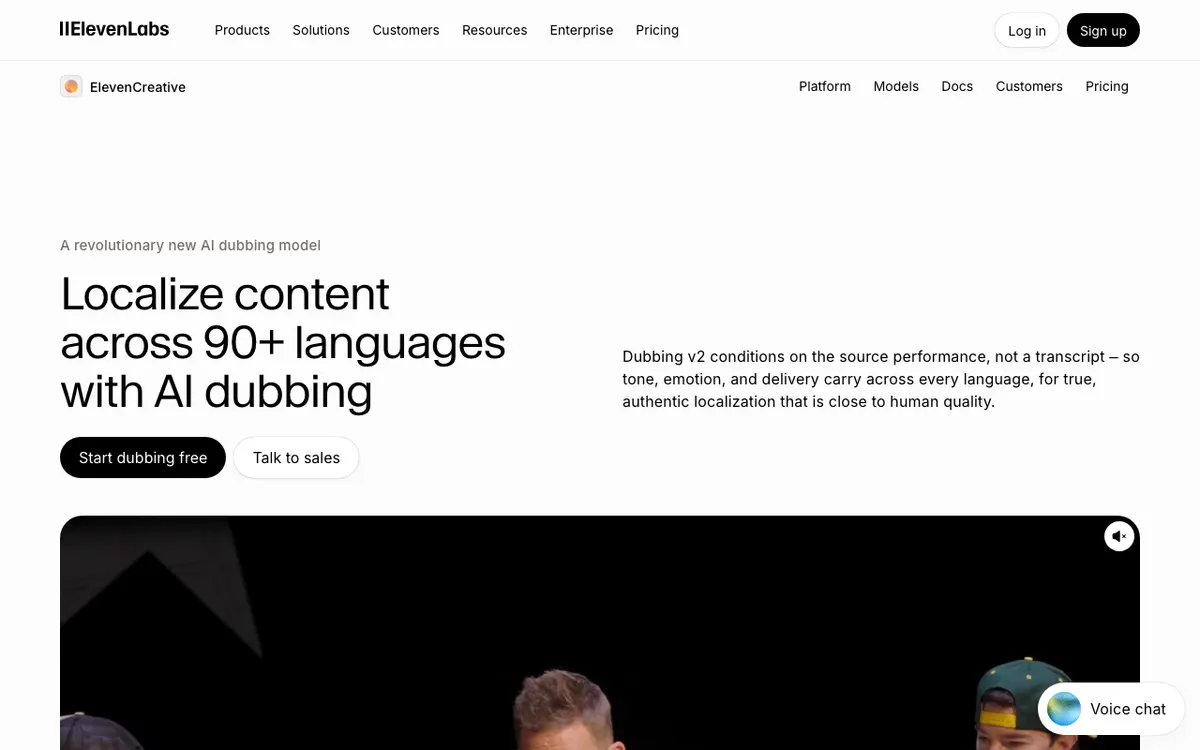 ElevenLabs — Dubbing v2 localizes across 90+ languages by listening to the original performance.
ElevenLabs Dubbing is the best AI video dubbing tool for voice quality, covering 90+ languages from roughly $0.55 per finished minute. Nothing else in this list gets closer to sounding like the original speaker actually learned the language.
The reason is architectural. Its Dubbing v2 model conditions on the source audio rather than a transcript, so tone, emotion, and delivery survive the translation instead of being re-performed from scratch by a generic voice.
The catch is control. ElevenLabs documents that v2 is “completely automatic without any option to edit the content”, and the editable Dubbing Studio path runs on the older v1 engine and is in maintenance mode. You get the better voice or the editable script — not both.
There is also no lip sync. ElevenLabs states directly in its docs that it does not offer it, which is fine for podcasts, voiceover, and screen recordings and wrong for a presenter shot head-on.
Pros
- Best-in-class voice realism; the dub carries the original delivery, not just the words
- 90+ languages, with uploads up to 2 GB and 180 minutes per file
- Cheapest realistic per-minute cost of the audio-first tools at roughly $0.55
- Outputs separate speaker tracks, which is genuinely useful in a real edit
Cons
- No lip sync at all — the mouth on screen will not match
- Dubbing v2 is fully automatic with no script editing; editing means dropping to the legacy v1 engine
- Free plan excludes commercial licensing, so any real work starts at a paid tier
- Dubbing shares one credit pool with text-to-speech and every other ElevenLabs product
Best for: Podcasts, voiceover tracks, and any footage where the speaker is off camera. Pricing: Free 10,000 credits/month. Creator $22/month for 121,000 credits (first month half price). Pro $99/month for 600,000. Dubbing costs 2,000 credits/minute automatic with watermark, 3,000 without, and 10,000 for Dubbing Studio without watermark (elevenlabs.io/pricing, checked September 2026).
2. HeyGen — best when lips have to match
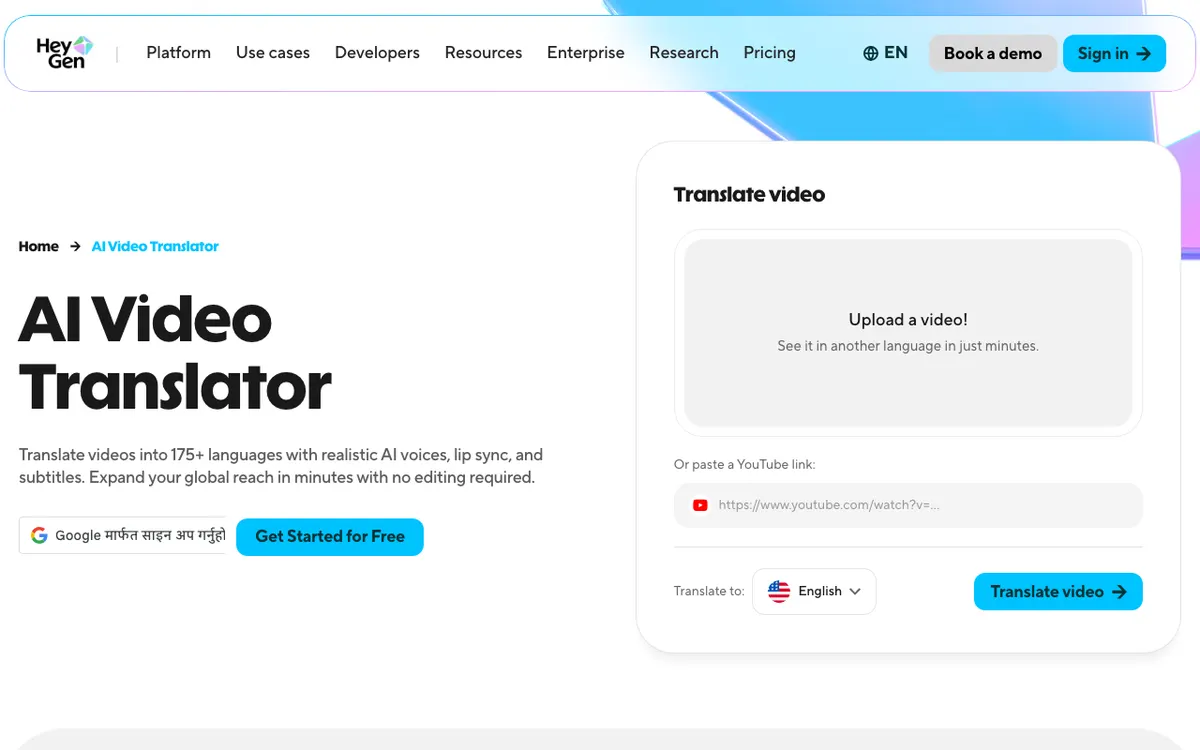 HeyGen — upload a file or paste a YouTube link and translate with lip sync.
HeyGen is the AI video dubbing tool to use when a face is on camera, translating into 175+ languages with lip sync from about $0.29 per finished minute. It is the cheapest per-minute rate in this comparison and the only one where the visual half of the illusion is solved as standard.
The credit maths is unusually clean. HeyGen’s help centre lists video translation at 6 credits per minute in Speed mode with lip sync, 10 credits per minute in Precision mode, and 4 credits per minute without lip sync. On the $29 Creator plan’s 600 credits, that is 100 lip-synced minutes a month.
Two things blunt that. The Free and Creator tiers cap translation at 30+ languages — the 175-language figure needs the $49 Pro plan or higher. And those credits are the same pool that feeds avatar video generation, so a team doing both will burn through them faster than the arithmetic suggests.
Quality-wise, HeyGen’s voices are good rather than exceptional. Against ElevenLabs on a straight listen test the difference is audible, and Precision mode exists precisely because Speed mode sometimes drifts.
Pros
- Real visual lip sync included on paid tiers, not an enterprise add-on
- Lowest effective cost per finished minute here at roughly $0.29 with lip sync
- 175+ languages and dialects on Pro and above
- Paste a YouTube link instead of uploading a file
Cons
- Free and Creator tiers are limited to 30+ translation languages
- Credits are shared with avatar generation, so dubbing capacity is not really 100 minutes if you use the rest of the product
- Voice realism trails ElevenLabs on emotive delivery
- Free plan watermarks exports and caps videos at one minute
Best for: Talking-head content, ads, and creator videos where the presenter is on screen. Pricing: Free (3 videos/month, 1 minute each, watermarked, 1080p). Creator $29/month or $24/month annually for 600 credits. Pro $49/month for 1,000 credits. Business $149/month plus $20 per seat (heygen.com/pricing, checked September 2026).
3. Vidwip — best for a flat per-minute rate, no watermark anywhere
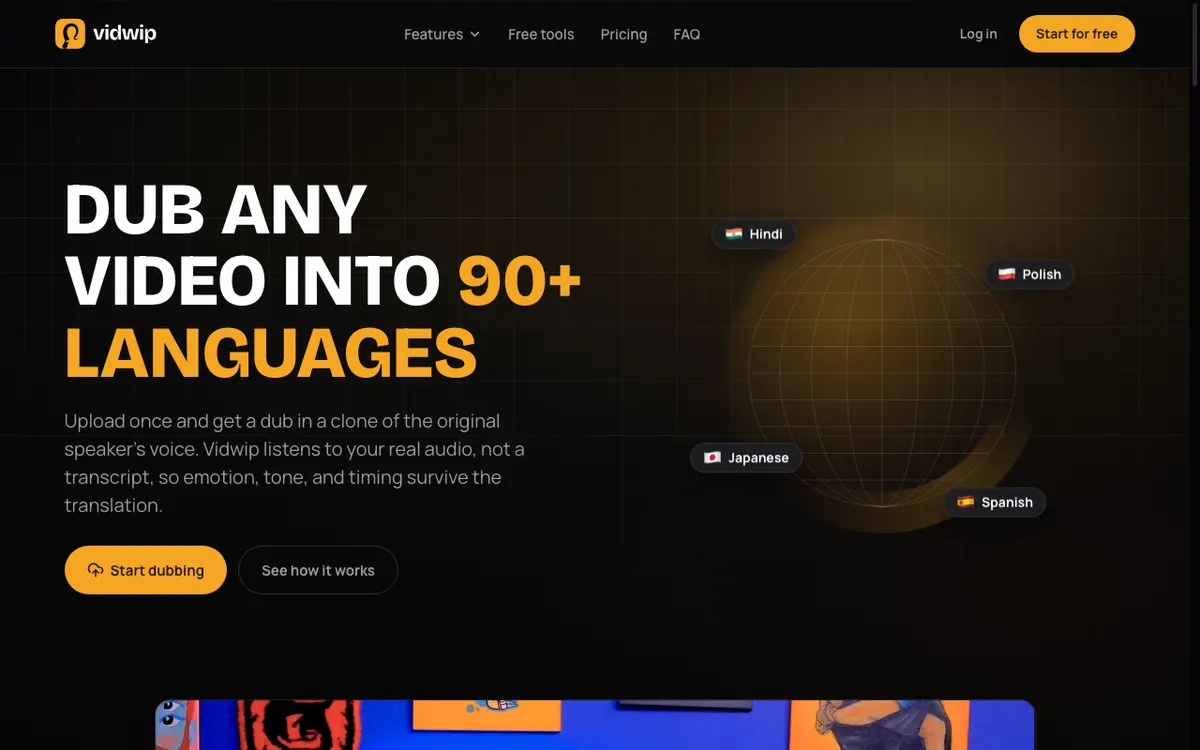 Vidwip — upload once, get a dub in a clone of the original speaker’s voice.
Vidwip’s AI Video Dubbing is the pick when you want a published, flat rate instead of a credit puzzle: 240 credits per minute per language on the v1 model, which is $2.40, into 29 languages. There is no watermark on any tier, free included, and no plan floor you have to clear before the rate applies.
Like ElevenLabs, it listens to your real audio rather than a transcript, so emotion, tone, and timing survive the translation, and the dub comes back in a clone of the original speaker. The generated audio is timed to your footage — your visuals are untouched, only the sound changes.
A second model, v2, exists for work where fidelity matters more than budget, and it reaches up to 94 languages. It runs roughly four times the provider cost, so it is priced honestly as a step up at 600 credits per minute ($6.00) rather than being applied silently.
The free grant is where you should set expectations. Vidwip is free to start with no card, which is enough to hear the quality on a short clip, not enough to ship a video.
What is unusual is that free accounts get the same voice cloning, the same languages, and the same models as paid ones. Paid adds credits, up to 5 languages per run on Starter or 10 on Pro, and more dubs at once: 4 on Starter, 10 on Pro, 1 on Free.
There is no visual lip sync. For the screen recordings, product demos, and course modules Vidwip is built around, there is no mouth to sync — which is exactly why the feature is absent rather than half-built.
Pros
- Flat, published rate: $2.40 per minute per language on v1, $6.00 on v2 — no credit conversion needed
- No watermark on any tier, free included
- Voice cloning and up to 94 languages available on the free plan, identical to paid
- Re-dub the same video into another language in one click, without re-uploading
- Uploads up to 2 GB in MP4, MOV, or WebM, or paste a link
Cons
- The free start covers a short dubbing sample — this is a trial, not a free tier you can work in
- No visual lip sync, so on-camera presenters will not match
- More expensive per minute than ElevenLabs or HeyGen if you are already paying for one of those plans
- Newer product with a smaller review footprint than Rask or HeyGen
Best for: Course teams, product demos, and screen-recorded content that needs many languages and clean exports without watermark rules to check. Pricing: Free to start, no card. Starter $25/month for 2,500 credits. Pro $99/month for 10,000. Dubbing is 240 credits per minute per language on v1 and 600 on v2, where 1 credit = $0.01 (vidwip.com pricing).
4. Rask AI — best for high-volume localization
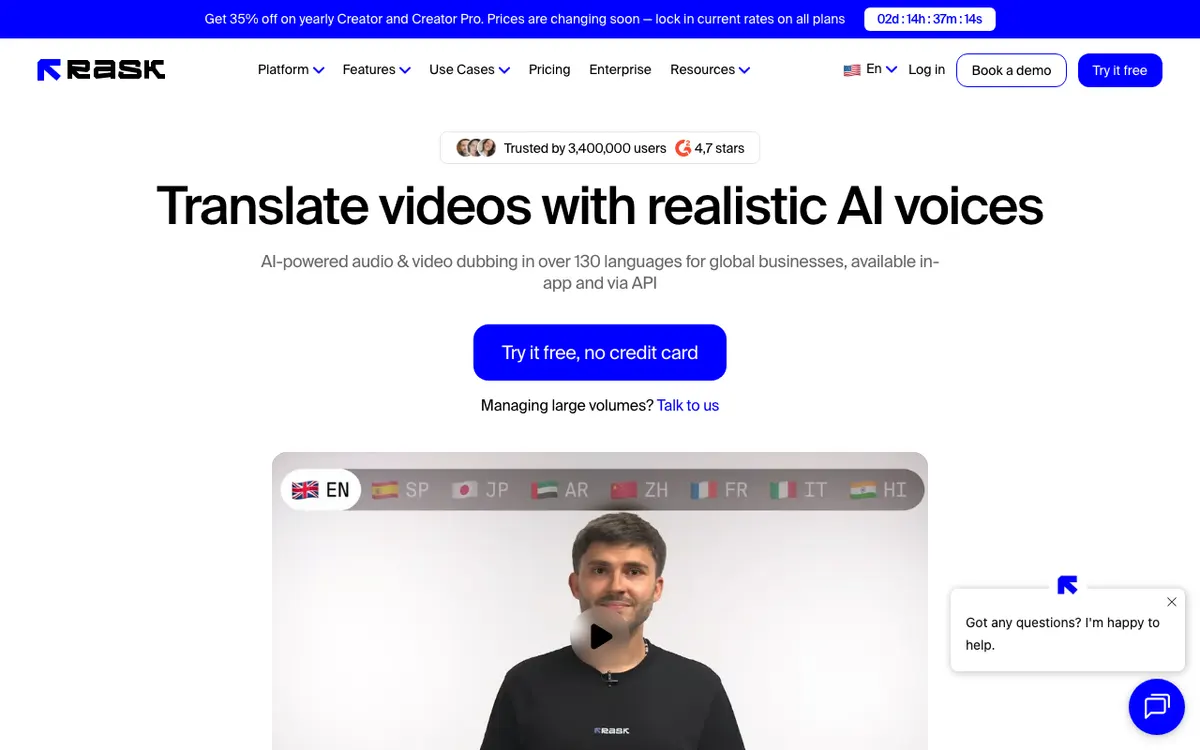 Rask AI — audio and video dubbing in 130+ languages, in-app and via API.
Rask AI is the AI video dubbing tool for teams localizing a back catalogue rather than a single video, covering 130+ languages with lip sync and an API. It sells minutes directly instead of credits, which makes forecasting a 500-video project genuinely easy.
Voice cloning is available in 32 of those languages, and lip sync is included on every paid tier using the standard model. Enhanced lip sync is available in beta and consumes three minutes of allowance per video minute — a meaningful multiplier to budget for.
The per-minute price is the highest here. The $60 Creator plan includes 25 minutes a month, which is $2.40 a minute; committing to annual billing drops it to $33 a month for the same 25 monthly minutes, or roughly $1.32. Creator Pro at $150 for 100 minutes is $1.50 a minute, or $0.78 annually.
That premium buys workflow, not audio quality. If you are dubbing four videos a month, you are paying for infrastructure you will not use.
Pros
- 130+ languages, the widest coverage here after HeyGen
- Minutes-based pricing that maps directly onto a localization plan
- Lip sync on all paid tiers, plus an API for pipeline work
- Team collaboration and editing controls built for multi-person review
Cons
- Most expensive per finished minute on monthly billing at $2.40
- Annual commitment is where the price becomes competitive
- Voice cloning covers 32 languages, not all 130+
- Enhanced lip sync burns three minutes of allowance per video minute
Best for: Agencies and media teams localizing a library across many languages on a schedule. Pricing: Free trial with 3 minutes. Creator $60/month or $33/month annually (25 minutes/month). Creator Pro $150/month or $78/month annually (100 minutes/month). Business $750/month or $500/month annually (500 minutes/month) (rask.ai/pricing, checked September 2026).
5. Dubverse — best budget pick for Indian and regional languages
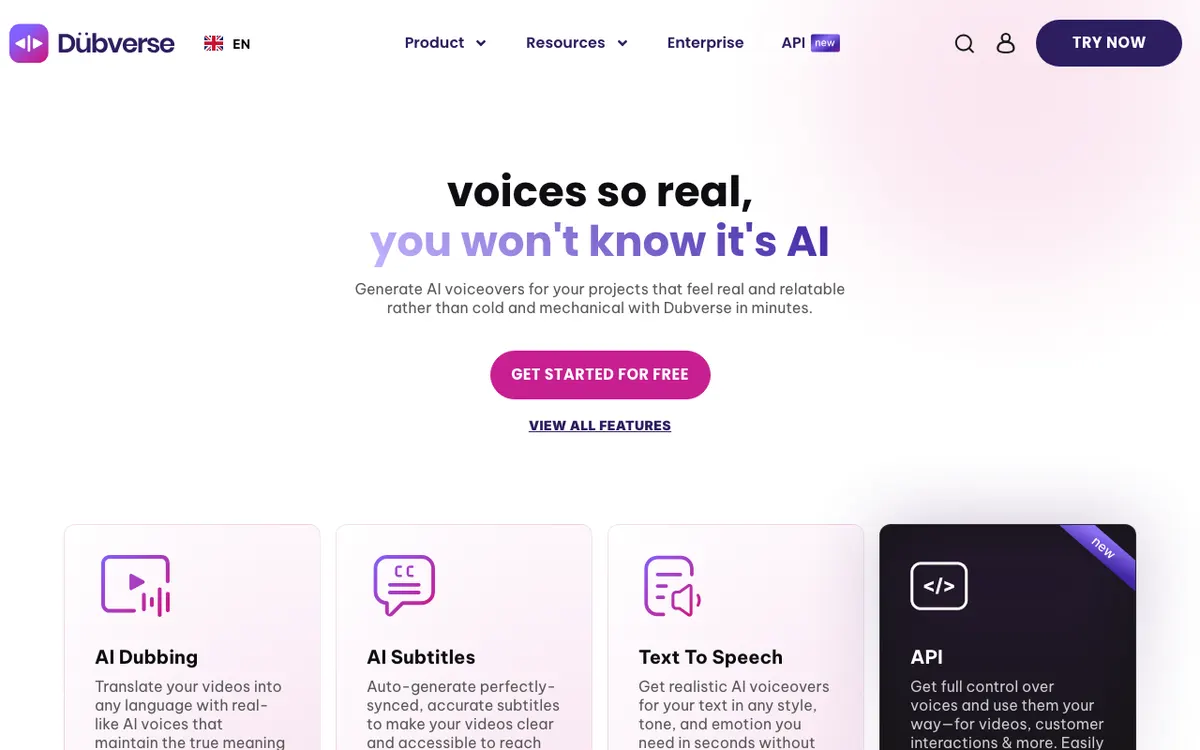 Dubverse — AI dubbing, subtitles, and text-to-speech in one browser tool.
Dubverse is the cheapest paid entry point in this comparison at $18/month, and it is strongest on Indian and South Asian languages that the global tools cover thinly. It is a browser tool with dubbing, auto-subtitles, and text-to-speech in one place.
The language claim needs care. Its marketing headline says 60+, but its own languages page states “we currently cater to 32 languages” — check yours against that list before you subscribe.
Credits are simple: dubbing costs 4 credits per minute, and both paid plans include 50 credits a month. That is about 12.5 minutes for $18 on Pro ($1.44 a minute) or for $30 on Supreme ($2.40 a minute).
The two tiers differ on translation engine and cloning, not volume. Pro uses GPT-3.5 translations and caps videos at 60 minutes; Supreme uses GPT-4, adds voice cloning, and raises the cap to 150 minutes. Lip sync and multi-speaker handling are enterprise-only.
Pros
- Lowest paid entry price here at $18/month
- No watermark on either paid plan
- Strong coverage of Indian and regional languages
- Dubbing, subtitles, and TTS in one browser tool
Cons
- 32 languages on the official list, well short of the 60+ headline
- Only 50 credits a month on both paid plans — roughly 12.5 dubbed minutes
- Lip sync and multi-speaker support are enterprise-only
- The cheaper Pro tier translates with GPT-3.5 and has no voice cloning
Best for: Creators publishing into Hindi and other Indian languages on a tight monthly budget. Pricing: 2-day free trial, no credit card. Pro $18/month and Supreme $30/month, both with 50 credits; dubbing is 4 credits per minute. Half-yearly billing is 40% off (dubverse.ai/pricing, checked September 2026).
AI video dubbing tools compared
All figures per minute of source media, per target language. Checked September 2026.
| Tool | Entry paid plan | Dubbing rate | Effective $/finished min | Lip sync | Languages | Watermark on free |
|---|---|---|---|---|---|---|
| ElevenLabs | $22/mo (121,000 credits) | 3,000 credits/min, no watermark | ~$0.55 | No | 90+ | Yes |
| HeyGen | $29/mo (600 credits) | 6 credits/min, lip sync, Speed mode | ~$0.29 | Yes | 30+ free/Creator, 175+ Pro | Yes |
| Vidwip | $25/mo (2,500 credits) | 240 credits/min v1, 600 v2 | $2.40 (v1) | No | 29 (v1), 94 (v2) | No watermark on any tier |
| Rask AI | $60/mo (25 minutes) | Billed in minutes | $2.40 ($1.32 annual) | Yes | 130+ | 3-minute trial |
| Dubverse | $18/mo (50 credits) | 4 credits/min | ~$1.44 | Enterprise only | 32 listed | 2-day trial |
Two things the table hides. HeyGen’s and ElevenLabs’ credits are shared with their other products, so the per-minute figure assumes you spend the whole pool on dubbing. And Rask’s headline price only becomes competitive on annual billing.
How to choose the right AI video dubbing tool
Five decisions, in the order that actually matters.
Is a mouth on screen? If yes, you need lip sync, and that narrows the list to HeyGen or Rask AI immediately. If your footage is a screen recording, a demo, a slide deck, or a podcast, lip sync is spend you do not need.
How many languages, and which ones? Multiply your minutes by your target languages before you look at a single price. Then check your specific languages against the vendor’s list, because “60+” and “32 listed” are the same tool.
Do you need to edit the translation? Product names, acronyms, and pricing figures are where machine translation embarrasses you. ElevenLabs’ best model gives you no edit step at all — if you need one, that is a real constraint.
Are you shipping monthly or once? A subscription with 25 minutes is bad value for one 8-minute video. A flat per-minute rate like Vidwip’s, or a credit balance you draw down, fits irregular work better than a plan you have to keep feeding.
Where does a watermark bite? Every free tier here watermarks except Vidwip’s. If you plan to evaluate on real footage rather than a test clip, check that before you upload.
What AI dubbing still does badly
Be realistic about three things.
Numbers and names drift. Prices, dates, and product names get translated when they should not. Watch the first 30 seconds of every dub before you publish.
Overlapping speakers confuse everything. Multi-speaker footage with crosstalk produces the worst results in every tool tested. Clean source audio matters more than the model you pick.
Lip sync still reads as uncanny at close range. It works at medium shot and falls apart in tight framing. Audio-only dubbing synced to your cut is often the more professional-looking choice, not the cheaper compromise.
If your source video does not have narration yet, dubbing is the second step, not the first — our guides to AI video voiceover generators and free AI video voiceover tools cover producing the original track. For footage that needs commentary written for it rather than translated, see the best AI commentary generators. And because every dub starts with a transcript, an accurate one matters — the best AI video transcription tools post covers that step.
The verdict
Pick on what your footage looks like, not on the language count.
ElevenLabs Dubbing for the most convincing voice, if nobody is on camera and you can live without editing the script.
HeyGen when the presenter is on screen and the mouth has to match — and it happens to be the cheapest per minute here.
Vidwip’s AI Video Dubbing for a flat $2.40 per minute per language into 29 languages, or up to 94 on v2, with no watermark on any tier and the same voice cloning on free as on paid. For podcasts and audio tracks, AI Audio Dubbing runs the same pipeline at 240 credits a minute.
Rask AI if you are localizing a library on a schedule and need the API and the 130+ languages.
Dubverse if your budget is $18 and your languages are on its list of 32.
For the job rather than the shortlist, how to translate a video voiceover with AI in 5 minutes walks a single video end to end — upload, target language, export — with the real per-minute credit cost and the handful of places translated dubs drift.
For the mechanism under every price on this page, how AI video dubbing actually works takes transcription, translation, voice synthesis and timing one stage at a time. If your footage has a speaker facing the camera, AI video dubbing with lip sync covers which tools reshape the mouth on screen and when that is worth paying for.
You can test Vidwip’s dub quality on a short clip with the free start every account gets — no card, no watermark — at app.vidwip.com.