
Vidwip AI Studio fits creators who want AI shots, voiceover and 94-language subtitles on one browser timeline, with no watermark. Adobe Premiere on mobile and Instagram's Edits are the closest free CapCut alternatives on a phone: 4K export, auto-captions, no watermark. On desktop, Clipchamp is the easiest free browser pick, Descript wins for talking-head edits, and DaVinci Resolve is the free pro option.
The best CapCut alternatives give you what made CapCut popular: fast cuts, one-tap captions, trend templates and AI tools that do the boring parts. What changes is the terms, the price or whether the app works where you live.
Some are free mobile editors that match CapCut feature for feature. Others are browser and desktop tools that go further on AI.
This post ranks ten of them on auto-captions, templates, free-plan export limits and real price. Every price below was checked on the vendor’s own pricing page or app store listing in October 2026.
Why creators are looking for CapCut alternatives
CapCut is still a strong editor. The reasons to leave are mostly about the terms around it.
The content licence. CapCut’s June 2025 terms update drew wide criticism for the broad, royalty-free licence it takes over what you upload. If you edit client work or brand footage, that clause matters.
Availability. CapCut has been blocked in India since 2020. In the US, it has run under the TikTok USDS joint venture since January 2026, and its future still depends on regulators.
Price. The AI features, premium templates and storage sit behind Pro. CapCut’s pricing page lists Pro at $14/month or $89.99/year as a reference price, with Ultra at $79/month (checked October 2026).
What to look for in a CapCut alternative
Before you switch, decide which part of CapCut you actually use. Most creators lean on four things.
- Auto-captions. Word-timed captions with styles you can change. Check the monthly minutes and the language list.
- Templates. Trend templates for Reels, Shorts and TikTok. Some tools have thousands; some have none.
- Free export limits. Watermark, resolution, max video length and monthly export minutes. This is where free plans differ most.
- AI tools. Filler-word removal, background removal, AI voiceover, AI video generation. Look at what is in the plan, not on the homepage.
1. Vidwip AI Studio
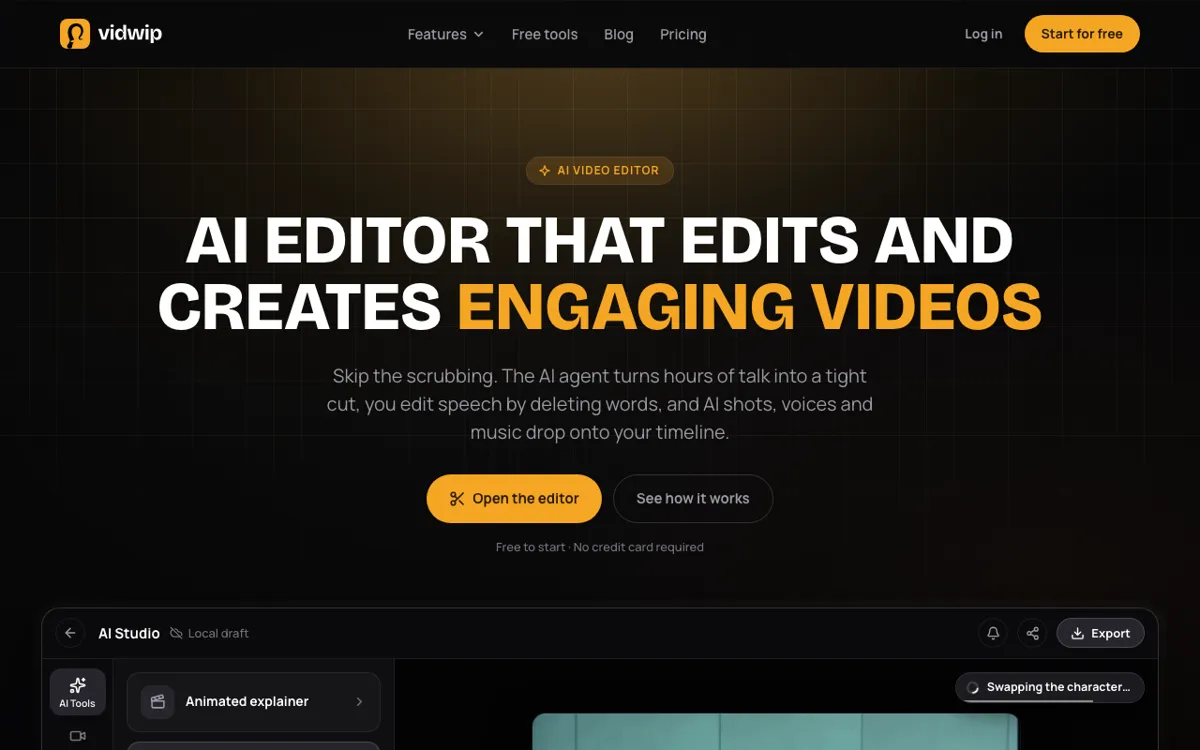 Vidwip AI Studio — a browser timeline editor with AI video, voice and subtitles built in.
Most CapCut alternatives edit only the footage you bring. Vidwip AI Studio also makes the footage you are missing, right on the timeline.
It is a browser editor with video and audio tracks, where you trim, split, ripple delete and undo with shortcuts like S to split.
When a shot is missing, you prompt it on one of 16 video models, including Veo 3.1, Kling 3.0 Pro and Seedance 2.5, and it lands on your track ready to cut.
Speech works the same way: AI voiceover reads your script in one of 190+ voices native to 23 languages, and drops the take under your video. Any voice can speak all 74 languages.
Music and sound effects come from the same Audio drawer.
Captions are word-timed: Create subtitles lays each spoken word on the timeline in 13 looks, and can translate the lines into 94 languages first.
For long footage, the Edit video agent reads up to 2 hours of talk across 24 clips and lays a rough cut from one brief.
Export runs in the tab at 1080p, 720p or 480p, with no watermark.
Pros
- AI video generation on 16 models, landing directly on your timeline
- AI voiceover in 190+ voices and 74 languages, generated onto an audio track
- Word-timed subtitles in 13 looks, translatable into 94 languages
- Edit by deleting words in the transcript, and let the Edit video agent rough-cut up to 2 hours
- Runs in a browser on desktop or phone, with nothing to install
Cons
- Only four starter templates, no transitions, and no live co-editing or comments
- Export ceiling is 1080p; there is no 4K
- Projects save to your studio, but editing and export run in your browser tab
- Subtitles burn in; there is no SRT or VTT download
Best for: Creators who want CapCut-style editing plus AI-generated shots, voiceover and multilingual subtitles in one browser tab.
Pricing: Free to start, no credit card; AI shots need a paid plan. Starter $25/month (2,500 credits). Pro $99/month (10,000 credits). See Vidwip pricing.
2. Adobe Premiere (mobile)
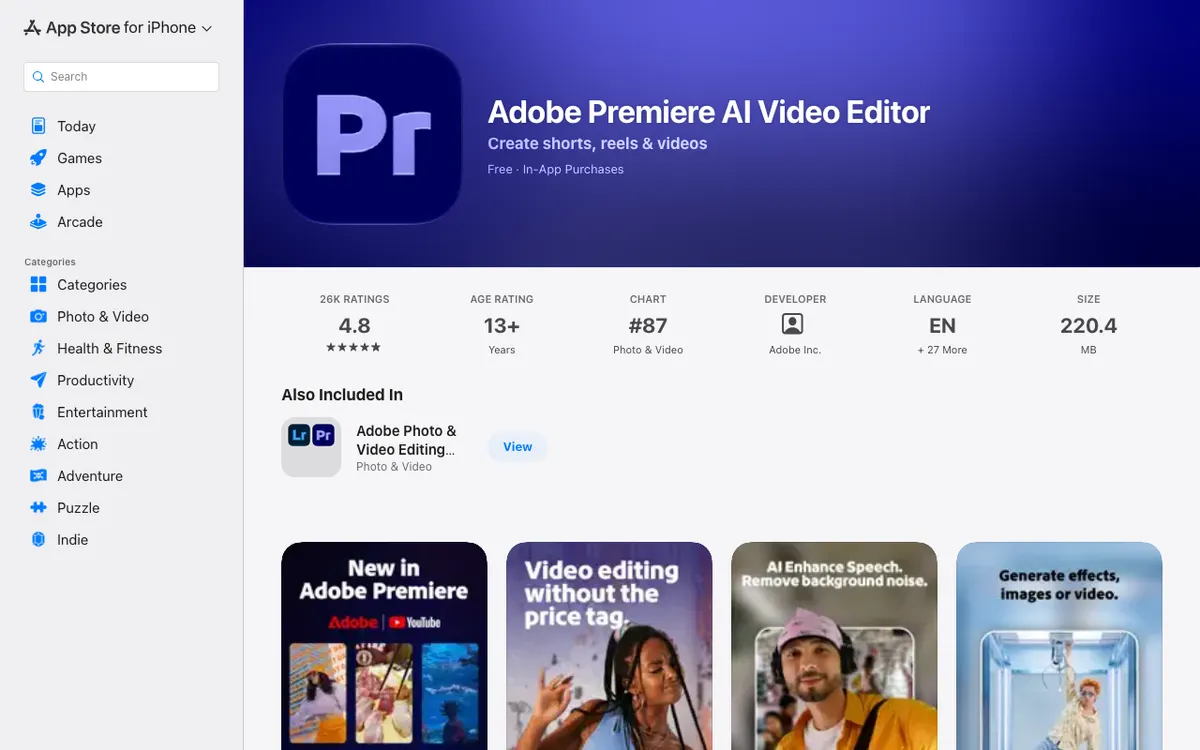 Adobe Premiere — a free mobile editor with unlimited tracks, auto-captions and 4K export.
Adobe Premiere on mobile is the closest like-for-like CapCut alternative on a phone. It is free, it adds no watermark, and it exports in 4K.
You get a timeline with unlimited tracks, keyframes, speed ramps and AI speech-to-text captions. Generative features run on Firefly credits, which is the only part you pay for.
It launched on iPhone in 2025 and reached Android in September 2026, per Android Authority. The App Store listing shows a 4.8 rating from about 26,000 reviews.
Pros
- Free editing with no watermark and 4K export
- Unlimited video tracks, keyframes and speed effects
- Auto-captions from speech, plus AI speech enhancement
- Adobe’s terms and ecosystem, if you already use Premiere Pro on desktop
Cons
- Generative AI features need Firefly credits once the free allowance runs out
- Android needs Android 13 and at least 5 GB of RAM
- Recent App Store reviews report export freezes on long projects
- Template library is smaller than CapCut’s
Best for: Phone-first creators who want CapCut’s editing depth without the watermark or the content licence.
Pricing: Free. In-app plans listed at $7.99/month or $69.99/year on the US App Store (checked October 2026).
3. Edits by Instagram
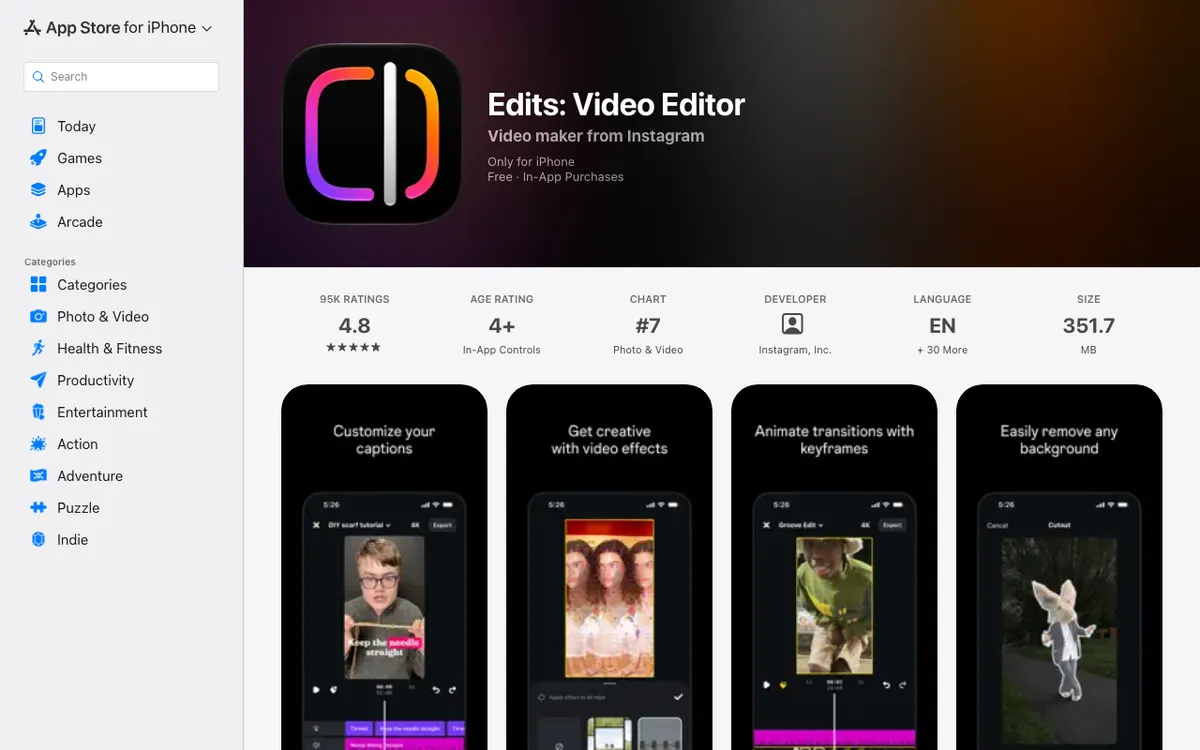 Edits — Instagram’s free short-form editor with captions, green screen and 4K export.
Edits is Meta’s answer to CapCut, built by Instagram for Reels creators. It launched in April 2025 and has climbed to 4.8 stars from about 95,000 App Store ratings.
The feature list maps closely to CapCut’s: auto-captions, green screen, cutouts, keyframes, AI animation for stills, audio cleanup and templates made from Reels. Exports go up to 4K with no watermark.
The catch is length. Clips run up to 10 minutes, and the whole app is built around vertical short-form.
Pros
- Free, no watermark, 4K export
- Reels templates keep their effects when you reuse them
- Built-in insights for how your Reels perform
- Trending-audio library from Instagram
Cons
- Clips up to 10 minutes; not built for long-form
- Mobile only, with no web or desktop version
- Some reviewers report crashes when adding text
- Tied to the Instagram ecosystem, so it suits Reels more than YouTube
Best for: Reels and Shorts creators who want a free CapCut replacement that exports clean files.
Pricing: Free, with optional in-app purchases (US App Store, checked October 2026).
4. VEED
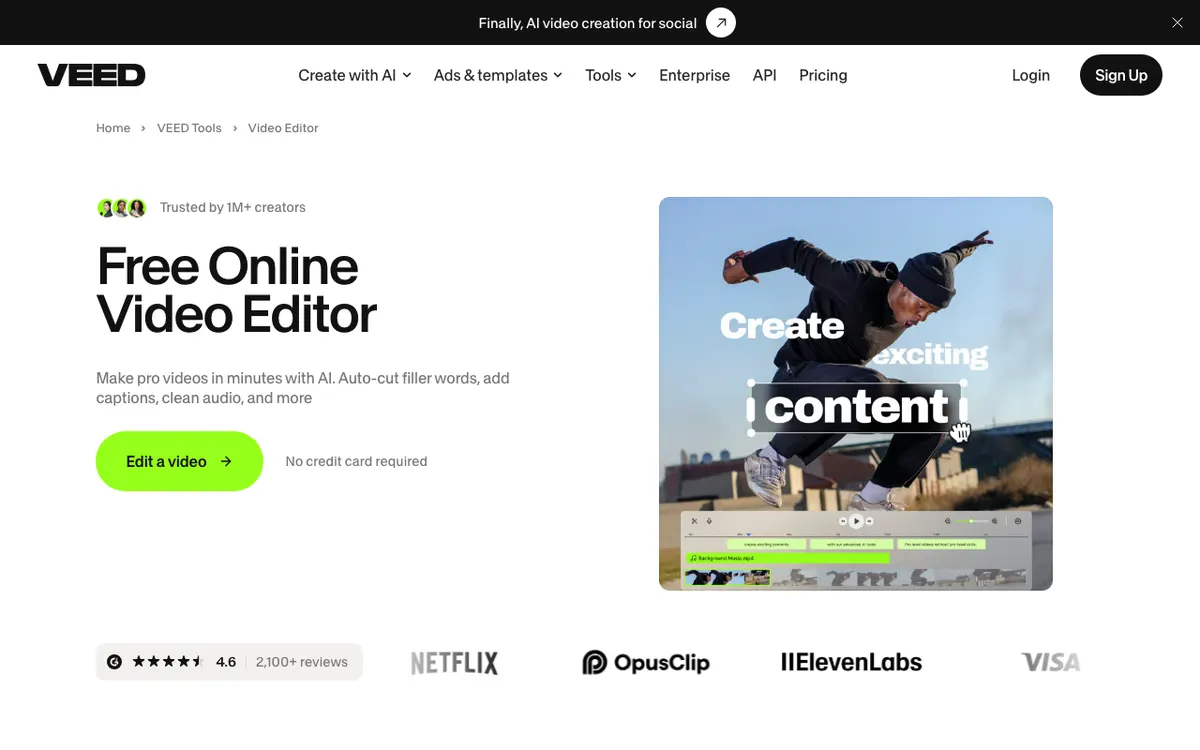 VEED — a browser editor with auto subtitles, filler-word removal and AI generation.
VEED is a browser-based CapCut alternative for creators who edit on a laptop. It covers the same ground as CapCut’s web editor: auto subtitles, filler-word cuts, audio cleanup, templates and an AI generation studio.
Subtitles are the strong suit. Paid plans include unlimited auto subtitles under a 50-hour monthly fair-use limit, and Pro adds translation into 50+ languages.
Plans are billed per seat, so a three-person team pays three times. The free plan watermarks every export.
Pros
- Unlimited auto subtitles on paid plans
- Runs in the browser with nothing to install
- Large template and stock library
- Translation into 50+ languages on Pro
Cons
- Free exports carry a watermark
- Per-seat billing adds up for teams
- Translation minutes don’t roll over
- Credits for AI generation refresh at renewal and don’t carry over
Best for: Social teams who caption every video and want CapCut-style speed in a browser.
Pricing: Free with watermark. Creator $10 per user per month billed yearly ($116 a year), Pro $21 ($257 a year). Monthly billing costs more, and prices vary by region (veed.io/pricing, checked October 2026).
5. Kapwing
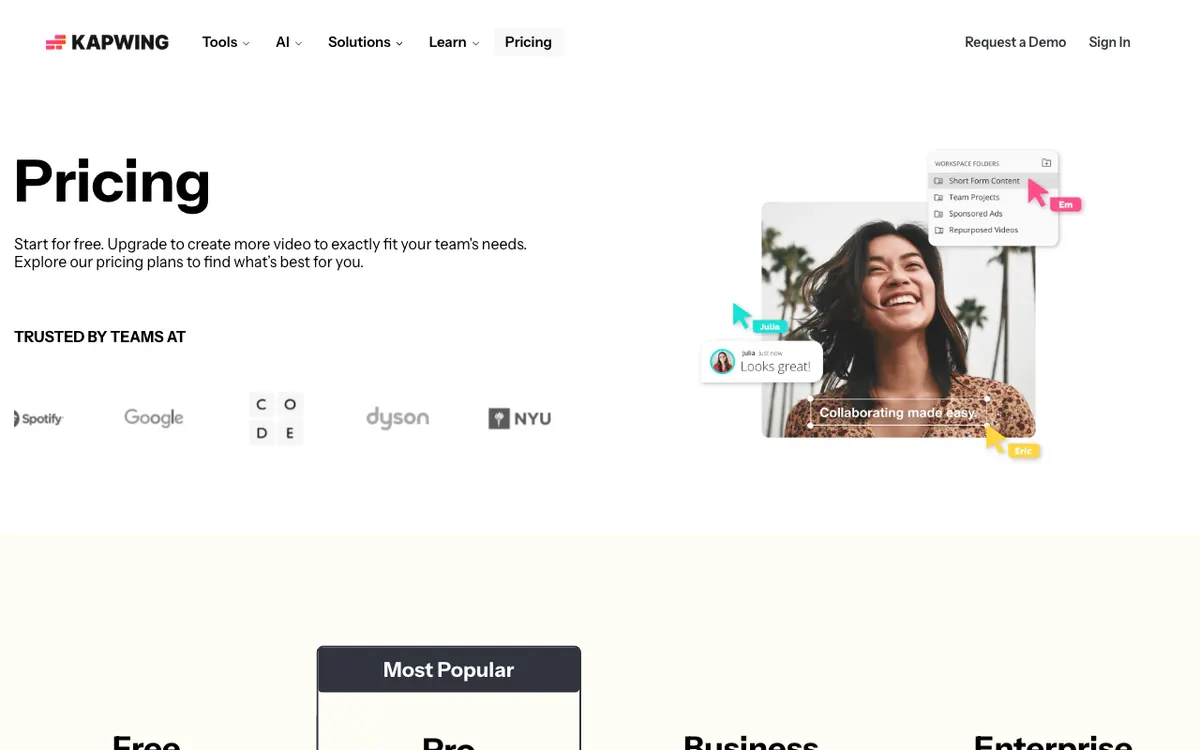 Kapwing — a collaborative browser editor with subtitles, dubbing and AI B-roll.
Kapwing is a browser editor built for teams. It is the CapCut alternative to pick if several people touch the same video.
The AI toolkit is broad: auto-subtitles, subtitle translation into 60+ languages, text to speech, dubbing, clean audio, Smart Cut and a B-roll generator. Each one has a monthly minute allowance, so check the table before you commit.
The free plan is the tightest here. You get 720p exports with a watermark, up to 4 minutes per video and 30 minutes a month.
Pros
- Real-time collaboration in shared workspaces
- 1,000 minutes of auto-subtitles a month on Pro
- Subtitle translation into 60+ languages
- Dubbing and voice cloning on higher tiers
Cons
- Free plan: 720p, watermark, 4-minute cap per video
- AI features metered by minutes on every plan
- Lip sync and voice clones need Business at $50/month
- Heavier projects can lag in the browser
Best for: Small teams and agencies who edit together in a browser and need subtitles in many languages.
Pricing: Free (720p, watermark). Pro $16/month with 1,000 credits; Business $50/month (kapwing.com/pricing, checked October 2026).
6. Clipchamp
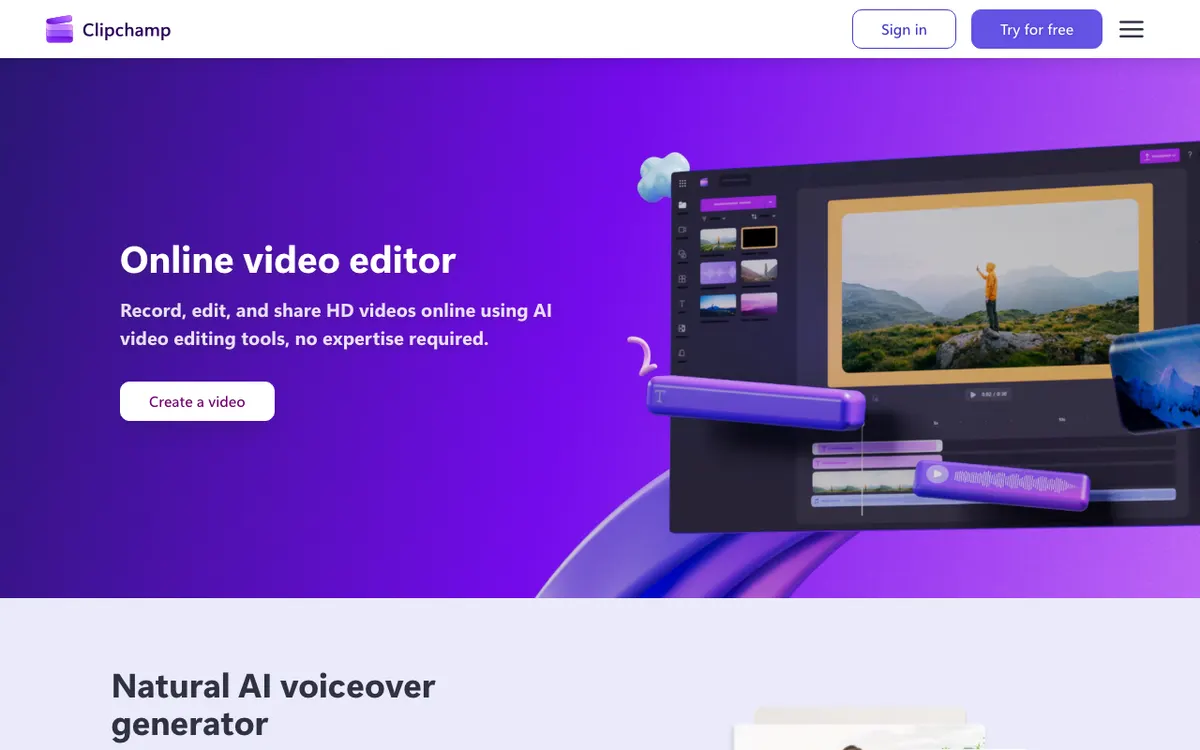 Clipchamp — Microsoft’s free browser editor with AI subtitles and voiceover.
Clipchamp is the most generous free browser editor on this list. The free plan exports 1080p with no watermark.
It ships with Windows and runs in any browser. AI subtitles, AI voiceovers and silence removal are included for free, alongside a template library aimed at social and business video.
The upgrade path runs through Microsoft 365. Premium unlocks 4K export, premium stock and effects, and a brand kit.
Pros
- Free 1080p export with no watermark
- AI subtitles, AI voiceover and silence removal on the free plan
- Preinstalled on Windows 11, so many teams already have it
- Simple drag-and-drop editor with templates
Cons
- 4K export needs a Microsoft 365 Personal or Family subscription
- Fewer trend effects than CapCut
- No AI video generation
- Less control than a full desktop editor
Best for: Beginners and Windows users who want a free CapCut alternative with no watermark.
Pricing: Free (1080p, no watermark). Premium is included with Microsoft 365 Personal and Family (clipchamp.com/pricing, checked October 2026).
7. Descript
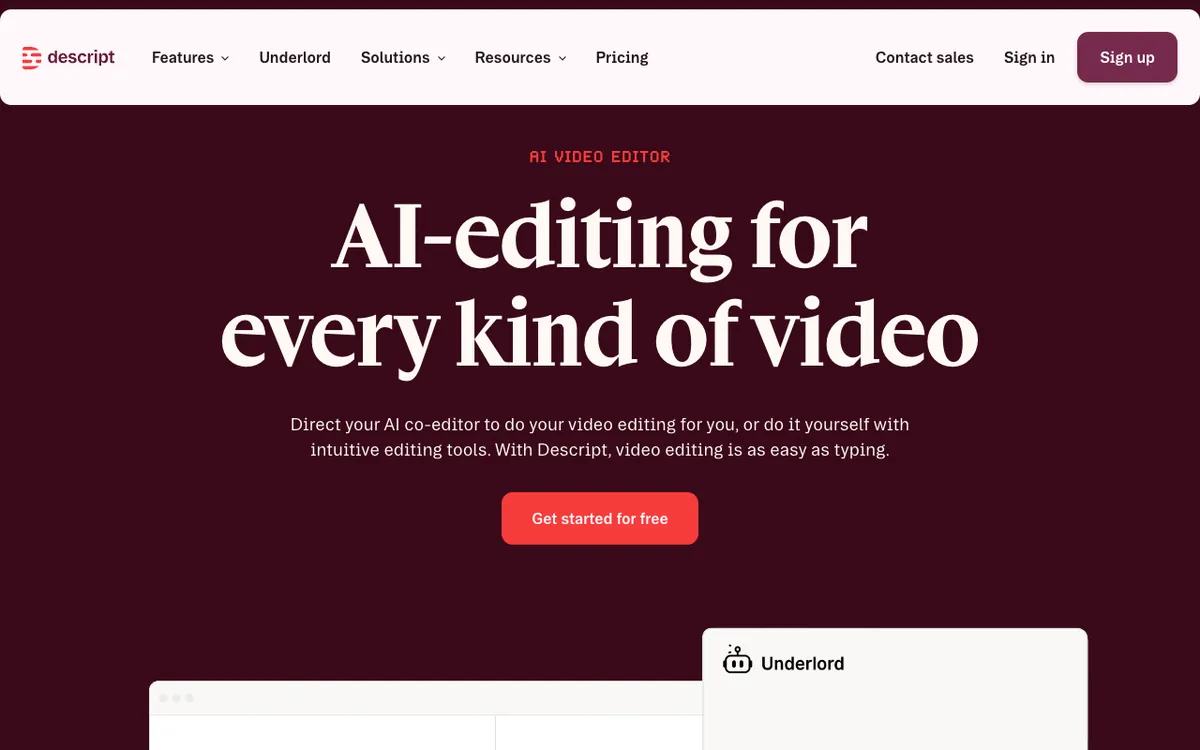 Descript — edit video by editing the transcript, with Underlord as an AI co-editor.
Descript edits video like a document. You delete a sentence in the transcript and the matching footage goes with it.
That makes it the best CapCut alternative for talking-head video, podcasts and tutorials. Underlord, its AI co-editor, removes filler words, adds captions, cuts clips and takes requests in plain language.
It is weaker on what CapCut does best: trend effects, music-driven edits and fast vertical templates.
Pros
- Text-based editing cuts hours from talking-head edits
- Underlord AI co-editor handles filler words, captions and clips
- 4K export on Creator and above
- Desktop and browser versions
Cons
- Free plan: 1 media hour, 720p and a watermark
- Fewer effects and trend templates than CapCut
- AI credits are capped per plan
- Learning curve if you think in timelines, not transcripts
Best for: Podcasters, educators and YouTubers who talk to camera and want to cut by reading.
Pricing: Free (1 hour, 720p, watermark). Hobbyist $16/month billed annually or $24 monthly; Creator $24 annually or $35 monthly (descript.com/pricing, checked October 2026).
8. Wondershare Filmora
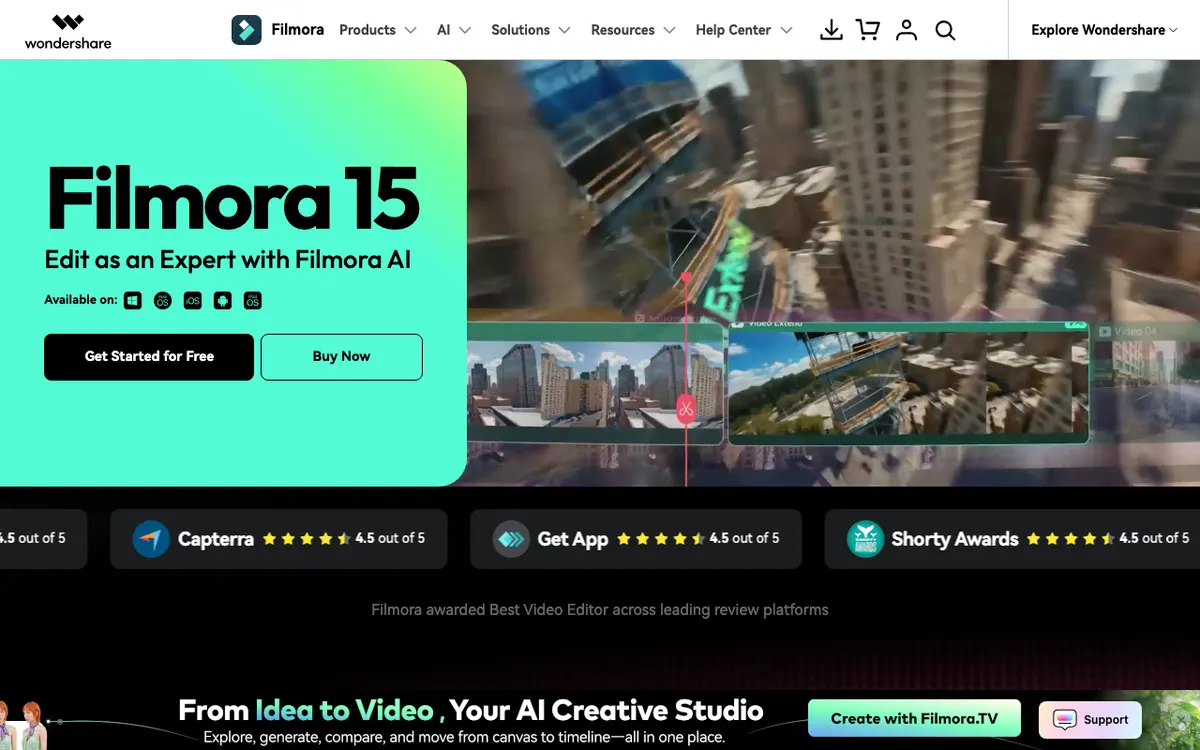 Filmora — a desktop and mobile editor with auto captions, AI credits and a big effects library.
Filmora is the desktop CapCut alternative for creators who want effects and presets without learning a pro editor. It runs on Windows, Mac, iOS and Android.
The AI toolkit includes auto captions, silence detection, audio ducking, auto beat sync and an AI assistant. The Advanced plan adds 1,000 AI credits a month, 4K export and no watermark.
Free exports are watermarked, so treat the free version as a trial.
Pros
- Large effects, titles and transitions library
- Auto captions, silence detection and beat sync
- Perpetual licence option if you hate subscriptions
- Cross-platform: desktop and mobile
Cons
- Free version watermarks every export
- Perpetual licence only covers the current major version
- AI credits are separate from the licence and run out
- Prices change often with promotions
Best for: YouTubers who want CapCut-style effects on a desktop editor with a one-time purchase option.
Pricing: Free with watermark. Advanced annual plan $59.99/year in the US store, discounted from $69.99 (Filmora shop, checked October 2026).
9. Captions
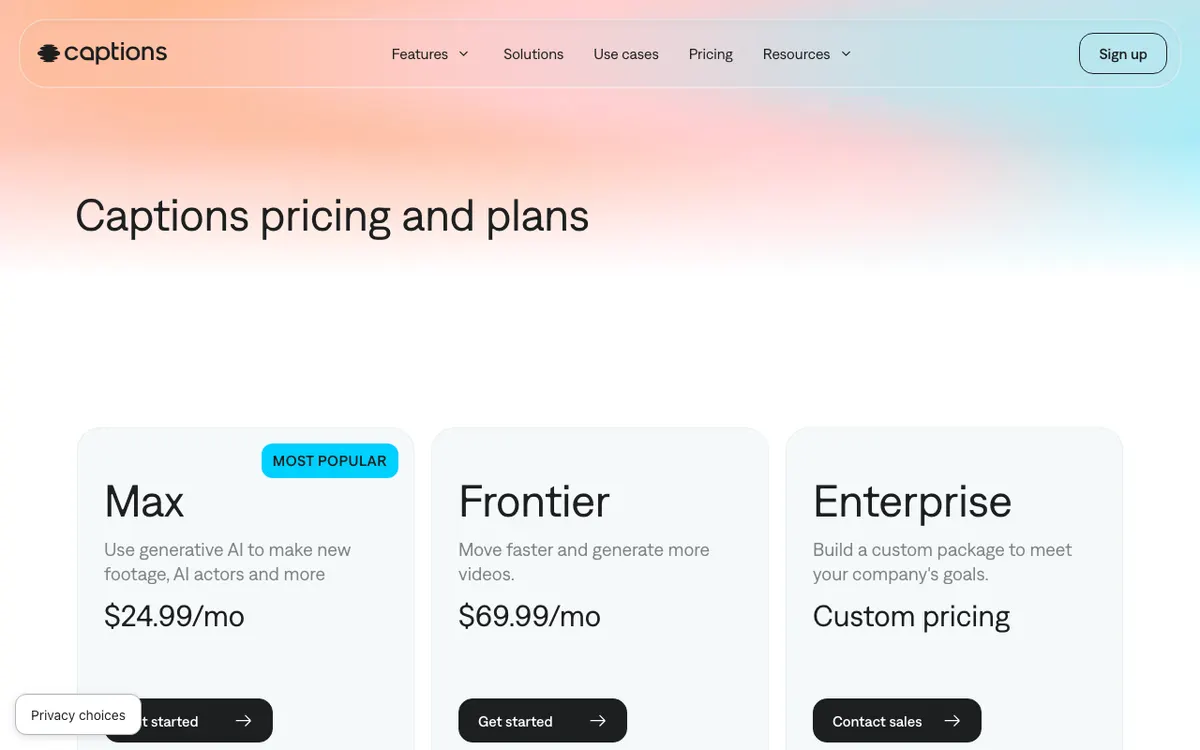 Captions — an AI-first editor for talking-head video, with captions in 100+ languages.
Captions started as a caption app and grew into an AI editor. It is the CapCut alternative for creators who film themselves talking and want AI to do most of the edit.
Max adds AI Edit styles, a chat-based editor, AI actors, digital twins and long-to-short clipping. Captions run in 100+ languages, with more than 100 caption templates on paid plans.
The free tier is limited. It has no AI credits and one caption template.
Pros
- Built for talking-head and creator-led video
- Captions in 100+ languages with 100+ caption templates on paid plans
- Chat-based editing and AI B-roll, music and sound effects
- Long video to short clips on Max
Cons
- Free tier has no AI credits and a single caption template
- $24.99/month is high for caption-first editing
- Listed prices reflect iOS plans
- Less manual control than a timeline editor
Best for: Solo creators who film to camera daily and want AI captions and edits in one app.
Pricing: Max $24.99/month with 500 credits; Frontier $69.99/month with 1,400 credits (captions.ai/pricing, iOS prices, checked October 2026).
10. DaVinci Resolve
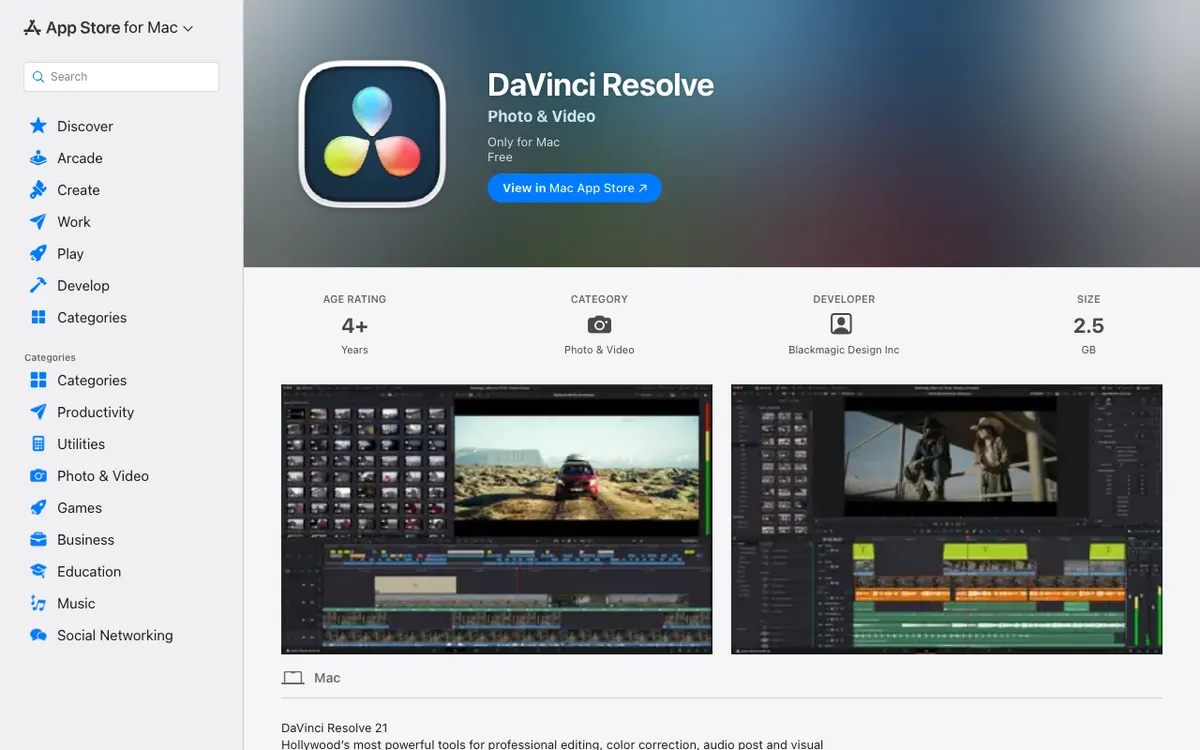 DaVinci Resolve 21 — free pro editing, color, audio and effects in one app.
DaVinci Resolve is the CapCut alternative for creators ready to go pro. Editing, color grading, Fusion effects and Fairlight audio live in one free app.
The free version exports up to 4K UHD at 60fps with no watermark. Version 21 adds IntelliScript, which builds a cut by matching a screenplay to the transcribed audio, and an AI speech generator.
The AI tools that do CapCut-style work need Studio. Text-based editing, Magic Mask and the DaVinci Neural Engine are Studio features.
Pros
- Free version is a full professional editor with no watermark
- Industry-standard color grading and audio post
- Studio is a one-time $295, not a subscription
- Runs on Windows, Mac and Linux
Cons
- Steep learning curve compared with CapCut
- AI features like text-based editing and Magic Mask need Studio
- Heavy on hardware, especially for 4K timelines
- No trend templates for social video
Best for: Creators moving from short-form to long-form who want a free editor they won’t outgrow.
Pricing: Free up to 4K UHD at 60fps. DaVinci Resolve Studio $295 one-time (blackmagicdesign.com, checked October 2026).
CapCut alternatives compared
| Tool | Platform | Auto-captions | Templates | Free plan limits | Paid from |
|---|---|---|---|---|---|
| Vidwip AI Studio | Browser | Yes, 94 languages | 4 starters | Free to start, 1080p, no watermark | $25/mo |
| Adobe Premiere (mobile) | iOS, Android | Yes | Yes | 4K, no watermark | $7.99/mo (in-app) |
| Edits by Instagram | iOS, Android | Yes | Reels templates | 4K, no watermark, 10-min clips | Free |
| VEED | Browser | Unlimited on paid (50 h fair use) | Large library | Watermark | $10/user/mo (annual) |
| Kapwing | Browser | 10 min free, 1,000 min on Pro | Large library | 720p, watermark, 4 min/video | $16/mo |
| Clipchamp | Browser, Windows | Yes | Yes | 1080p, no watermark | Microsoft 365 |
| Descript | Desktop, browser | Yes | Layouts | 720p, watermark, 1 hr media | $16/mo (annual) |
| Filmora | Desktop, mobile | Yes | Large library | Watermark | $59.99/yr |
| Captions | iOS, web | 100+ languages | 1 free, 100+ paid | No AI credits | $24.99/mo |
| DaVinci Resolve | Win, Mac, Linux | Studio AI tools | Few | 4K UHD, no watermark | $295 one-time |
All prices checked October 2026 on vendor pricing pages or the US App Store.
How to choose the right CapCut alternative
You need shots, voice and subtitles you don’t have yet. Vidwip AI Studio generates them on the same timeline you cut on. If you also localize finished videos, AI Video Dubbing runs on the same credits.
You edit on your phone and want CapCut, minus the terms. Pick Adobe Premiere mobile. It is free, adds no watermark and exports 4K, with auto-captions included.
You only post Reels. Edits is free, made by Instagram and built around Reels templates and trending audio. The 10-minute clip limit won’t matter for short-form.
You edit in a browser and caption everything. VEED gives unlimited auto subtitles on paid plans. Clipchamp is the pick if you need a free plan with no watermark.
You talk to camera. Descript lets you cut by editing the transcript, and Captions automates the whole talking-head edit on your phone.
You want to grow into a pro editor. DaVinci Resolve is free, professional and a one-time $295 if you ever need Studio’s AI tools.
For deeper dives, see our guides to free AI video transcription tools, AI video dubbing tools and Higgsfield alternatives for multi-model AI video.
Final verdict
There is no single CapCut replacement, because CapCut does a little of everything. If your edits stall because a shot, a voice or a translation is missing, start with a timeline that can make them.
Open Vidwip AI Studio, free to start with no credit card. Generate the missing pieces on a paid plan, cut them in, and export without a watermark.
Adobe Premiere mobile is the closest free match on a phone. Clipchamp is the safest free browser pick, and DaVinci Resolve is the free desktop editor you won’t outgrow.