
Vidwip AI Studio's Edit video agent cuts up to 2 hours of talk into a story from one written brief, dropping filler, false starts and repeated takes, but it exports a finished 1080p file, not an XML. If you finish in Premiere, Resolve or Final Cut, TimeBolt is the fastest local silence-and-filler cutter, AutoCut works inside Premiere Pro and Resolve, Recut is the cheapest silence-only tool you can buy once, Descript is the best transcript editor, and Wisecut suits creators who want captions and clips in a browser.
The best Gling alternatives do what Gling does for YouTubers: they cut silences, filler words and bad takes out of a raw talking-head recording, so you start editing from a rough cut instead of a two-hour file.
Some go further and pick the story for you. Others are faster, cheaper, or live inside the editor you already use.
This list compares six of them on four things: silence cutting, filler-word removal, bad-take detection and NLE export to Premiere Pro, DaVinci Resolve or Final Cut Pro. Every price comes from the vendor’s own page, checked October 2026.
Why YouTubers look for Gling alternatives
Gling is good at its job. You upload a raw recording, it transcribes it, and it removes bad takes, silences and filler words.
Then you trim by text and send the timeline to Final Cut Pro, DaVinci Resolve or Adobe Premiere as XML.
The friction is in the plan limits. According to Gling’s pricing page (checked October 2026):
- Free: 1 hour a month, exports carry a watermark, and the FAQ says it can’t export to Premiere, Final Cut or Resolve
- Plus: $10/month billed yearly ($20 monthly) for 10 hours
- Pro: $20/month yearly ($40 monthly) for 30 hours
- Elite: $50/month yearly ($100 monthly) for 100 hours
Unused hours don’t roll over. If you record long streams or several videos a week, the hour cap is what you hit first.
The other reason is fit. Some creators want a tool that runs locally and never uploads footage.
Some never want to leave Premiere. Others want the AI to do more than remove dead air.
What to look for in a Gling alternative
- Silence cutting. Can you set the threshold and padding, or is it one fixed setting?
- Filler words. “Um” and “uh” removal by word, not just by gap.
- Bad-take detection. Does it spot that you said the same line three times and keep the best one?
- NLE export. XML or a plugin for Premiere Pro, DaVinci Resolve or Final Cut Pro, if that’s where you finish.
- Pricing model. Hours per month, a flat subscription, or a one-time license.
1. Vidwip AI Studio (Edit video)
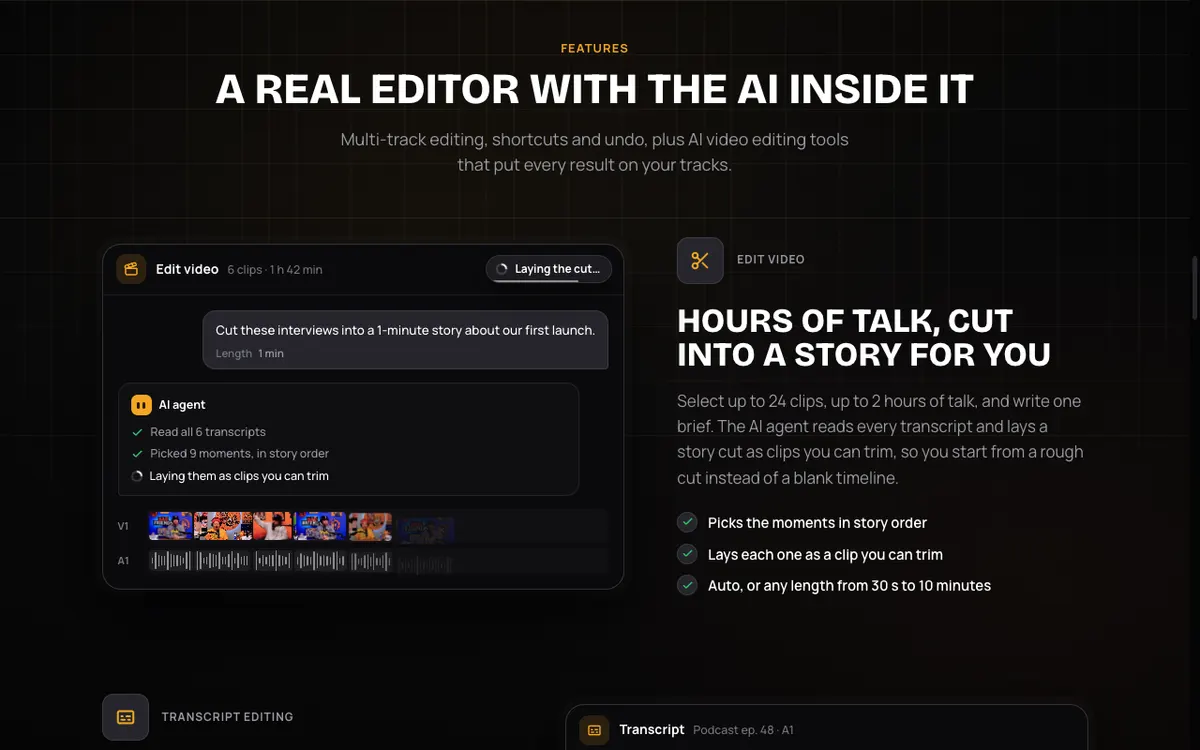 Vidwip AI Studio: the Edit video agent reads every transcript and lays a story cut as clips you can trim.
Vidwip AI Studio is a browser video editor whose Edit video agent turns up to 2 hours of talk, across up to 24 clips, into a rough cut from one written brief.
Gling removes what’s bad. Edit video also decides what the video is about.
ElevenLabs Scribe v2 transcribes your clips with word timestamps, and DeepSeek V4 Pro directs the cut. It reads the timestamped transcripts, picks moments in story order and lays them on your timeline as clips you can trim.
You steer it with a brief of up to 2,000 characters, or tap an idea like “Tighten the talk”, which asks it to keep what matters and cut the filler, pauses and retakes. Pick Auto, or a target shorter than your footage: 30 seconds, 1, 3, 5 or 10 minutes.
The director is told to cut filler, false starts, rambling and housekeeping, and to keep only the best take when a line is said more than once. A long pause ends a line, so dead air between the lines it keeps is gone.
Know what it isn’t. It is not a silence remover with a threshold slider, and there is no button that strips every “um”.
It cuts whole lines, so a filler word in the middle of a kept sentence stays in.
For word-level fixes, open the Transcript panel on an audio clip, select words and press Delete. Up to 30 minutes per transcript, and the linked picture is cut with the audio.
Then you finish in the same tab.
Add subtitles in 13 looks or translated into 94 languages, generate a voice line, a music bed or a B-roll shot, and export. Projects save to your account.
Pros
- Picks the story, not just the dead air: hook, setup and payoff in order
- Cuts filler, false starts and repeated takes from a plain-English brief
- Reads up to 2 hours across 24 clips in one run
- Lays the cut as editable clips, plus word-level transcript editing
- Subtitles, AI voice, music and B-roll in the same editor
- Runs in a browser tab, nothing to install, no watermark on export
Cons
- No XML, FCPXML or EDL export to Premiere Pro, DaVinci Resolve or Final Cut Pro
- No silence threshold or padding controls, and no one-click filler-word removal
- Cuts at the line level, so mid-sentence “ums” survive unless you delete them by hand
- Export runs in the browser tab in real time, so a 20-minute video takes 20 minutes, and tops out at 1080p
- It works from speech, so it can’t judge footage where nobody talks
Best for: Vloggers and talking-head YouTubers who want the AI to find the story in hours of footage, and are happy to finish and export in the browser.
Pricing: Free to start, no credit card. Starter $25/month (2,500 credits). Pro $99/month (10,000 credits). Enterprise custom (vidwip.com/pricing).
2. Descript
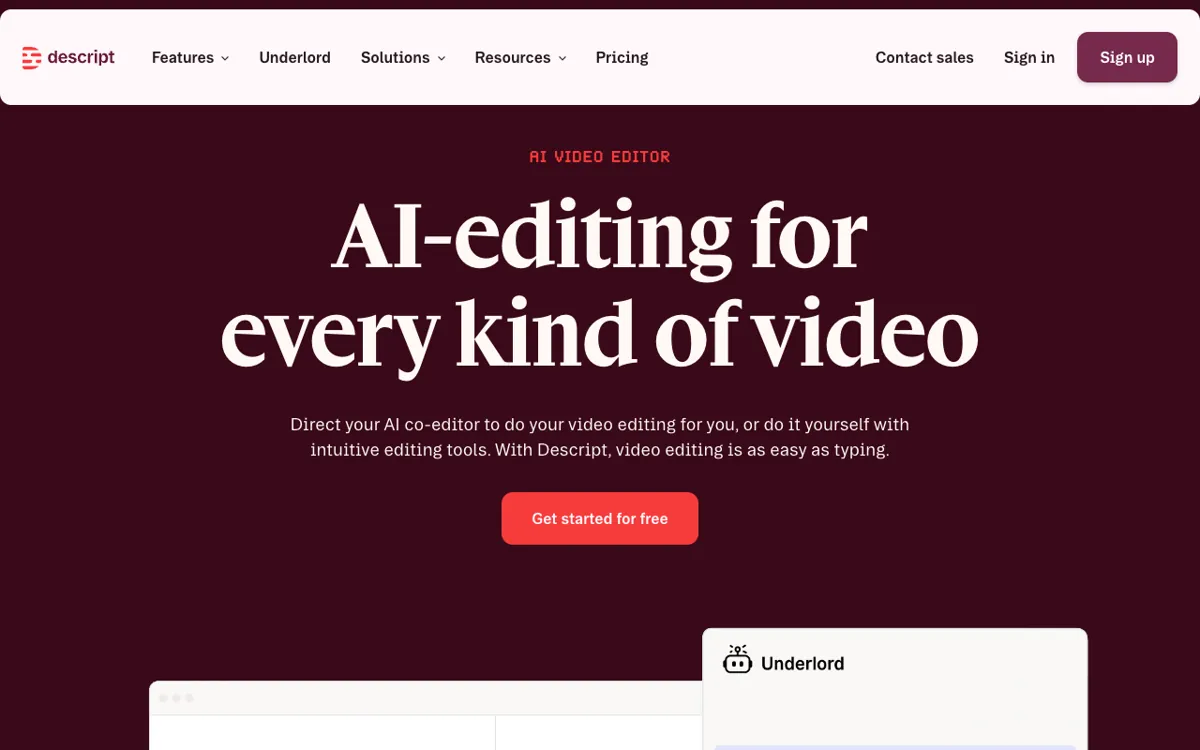 Descript: edit video by editing its transcript, with an AI co-editor for cleanup.
Descript is a transcript-based video editor with filler-word removal, gap shortening and an AI co-editor called Underlord, from $16 a month billed annually. It’s the most complete Gling alternative if you want to stay hands-on with the words.
Remove Filler Words strips “ums”, “uhs” and repeats across the whole script, and you choose which words to keep. Shorten Word Gaps trims every pause above a threshold you set.
Underlord can also find retakes and keep the best one.
Descript can also be the whole editor: captions, Studio Sound for noisy rooms, screen recording and AI voice correction in your own cloned voice. That last one is still rare.
The handoff to an NLE costs more.
Timeline export is on Creator and up, in Premiere XML and Final Cut FCPXML, per Descript’s help center. Resolve users import the Premiere XML.
Pros
- Removes filler words by word, with a keep list
- Shorten Word Gaps with your own threshold and target pause
- Underlord finds retakes and does cleanup from plain-language prompts
- Full editor with captions, Studio Sound and screen recording
- Fix a misspoken word in your own AI voice
Cons
- Media hours and AI credits are both metered: 10 hours on Hobbyist
- Timeline export to Premiere and Final Cut needs Creator ($24/month annual)
- Free plan: 1 media hour, 720p and a watermark
- Some users report cuts not carrying over cleanly into Resolve
Best for: Creators who want to clean up talk by reading and deleting text, and may never need another editor.
Pricing: Free (1 hour, 720p, watermark). Hobbyist $16/month billed annually ($24 monthly) for 10 hours. Creator $24/month annually ($35 monthly) for 30 hours and 4K. Business $50/month annually ($65 monthly) (descript.com/pricing, checked October 2026).
3. TimeBolt
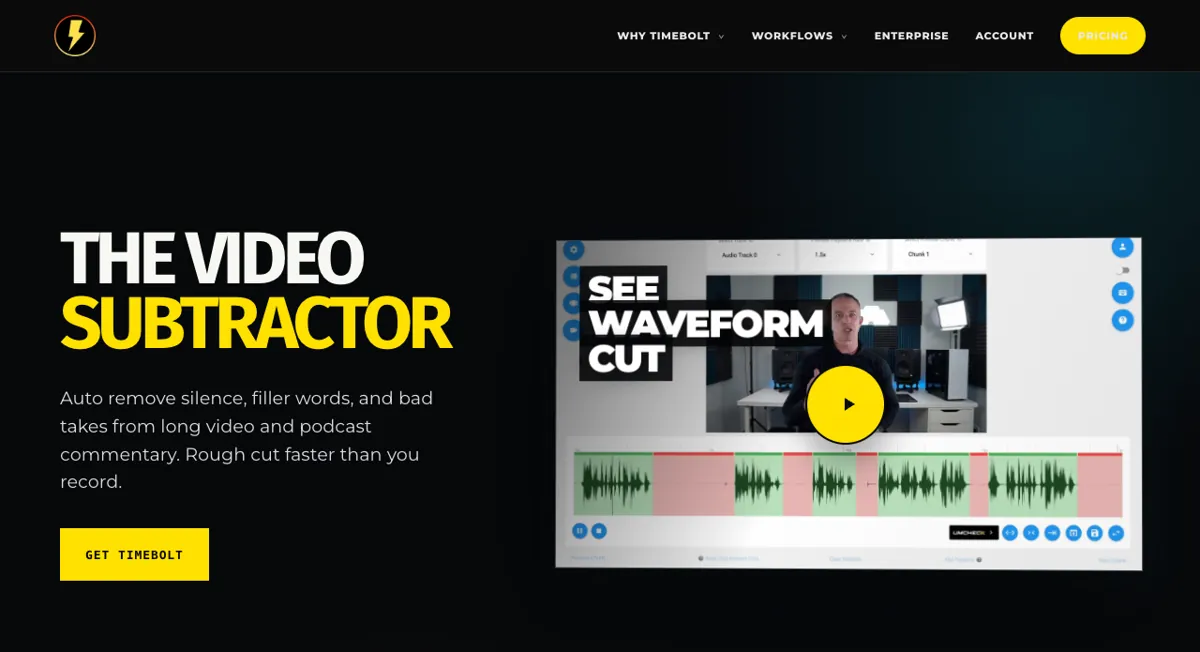 TimeBolt: a local desktop app that cuts silence, filler words and bad takes, then hands off to your NLE.
TimeBolt is a Mac and Windows app that removes silences, filler words and bad takes from long videos locally, from $97 a year. It’s the closest match to Gling’s job, without the monthly hour cap.
Everything runs on your machine, so nothing uploads.
TimeBolt claims it can remove silence and jump cut an hour of video in 13 seconds. That’s a vendor figure, not an independent benchmark, but local processing is quick.
You see the cut on a waveform, green for kept and red for removed, and adjust it before export.
Filler-word detection is UMCHECK, which catches “um”, “uh”, “you know”, “like” and 25+ other fillers. It’s pay-per-use at $0.03 per minute of video.
Pro exports XML and plugin workflows for Premiere Pro, Final Cut Pro and DaVinci Resolve.
Pros
- Local processing: no upload, no queue, fast on long files
- Removes silences, filler words and bad takes
- XML and plugin export to Premiere Pro, Final Cut Pro and DaVinci Resolve
- Annual, monthly or one-time lifetime license
- One license works on two machines
Cons
- Filler-word detection costs extra, at $0.03 per minute
- Free plan is video only, watermarked, with no XML export and no project saving
- Desktop app, so no browser or phone editing
- No story or highlight picking; it subtracts, it doesn’t direct
Best for: YouTubers and podcasters who record long sessions and finish in Premiere, Resolve or Final Cut.
Pricing: Free (silence removal, watermark). Pro $17/month, $97/year or $347 lifetime. Teams $97 per seat per year. 30-day money-back guarantee (timebolt.io/pricing, checked October 2026).
4. Recut
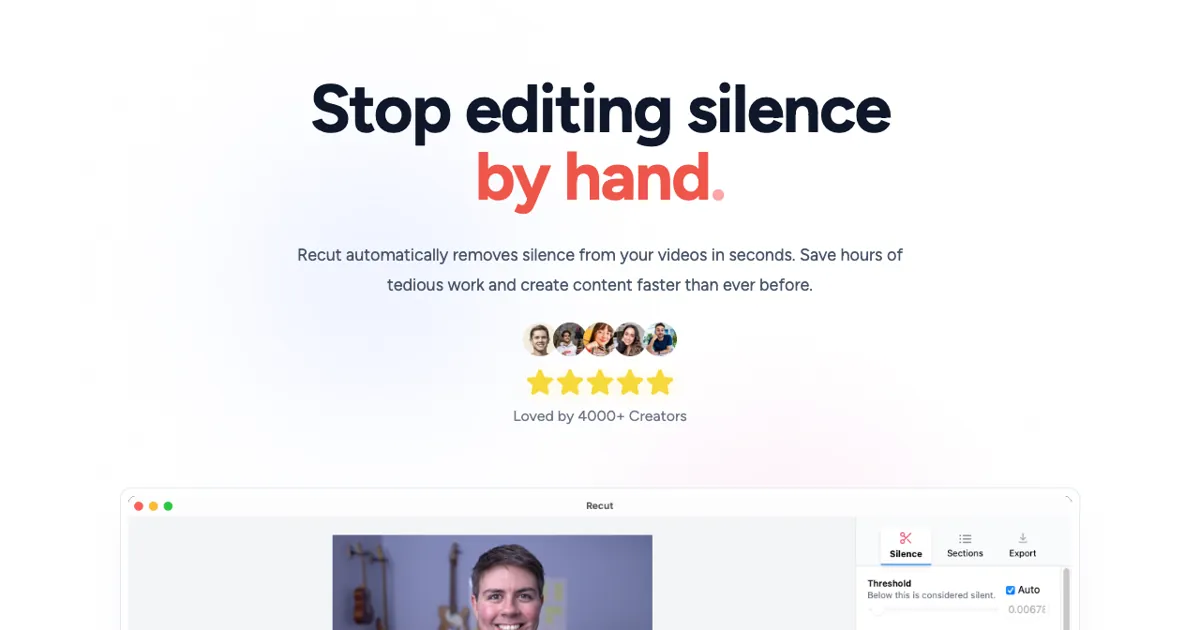 Recut: a one-time-purchase silence remover for Mac and Windows.
Recut is a Mac and Windows app that removes silence from video and audio and exports the cut to your editor, for $129 once. It does one job, and it’s the cheapest way to own it.
You set a threshold, Recut finds the silent sections and builds a cut list. It handles multiple cameras and mics, and exports to Premiere Pro, DaVinci Resolve, Final Cut Pro, ScreenFlow and CapCut, or straight to MP4, WAV or M4A.
There’s no transcript and no AI. Recut’s own pricing page says features like removing “ums and uhs” might arrive later as a paid add-on.
Pros
- One-time purchase, no hour cap
- Exports to Premiere, Resolve, Final Cut, ScreenFlow and CapCut
- Multi-camera and multi-mic support
- Fully functional free trial with no watermark
Cons
- Silence only: no filler-word or bad-take detection
- No transcript editing, captions or AI features
- Desktop only
Best for: Creators who want silence removal and nothing else, without another subscription.
Pricing: $129 one-time, or a $15/month subscription with a cheaper annual option. Free trial with 3 exports and no watermark. Recut applies regional discounts, so the price you see may differ (getrecut.com, checked October 2026).
5. AutoCut
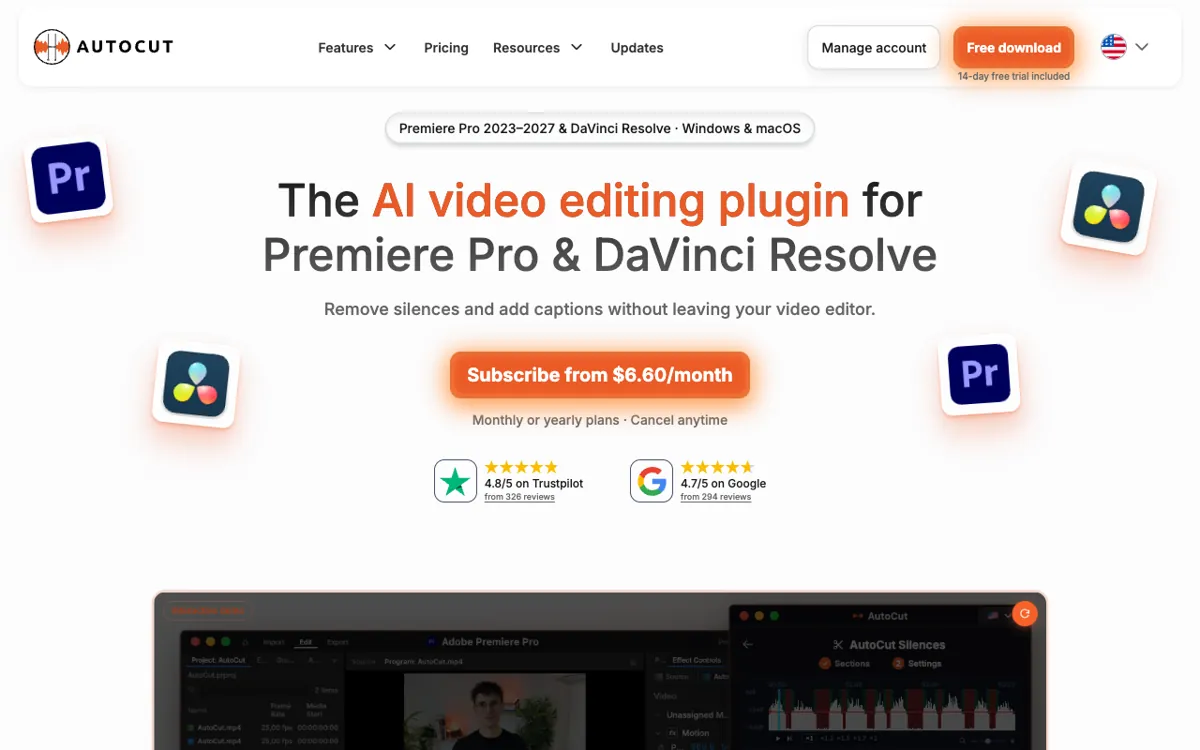 AutoCut: silence cuts, bad-take removal and captions inside Premiere Pro and DaVinci Resolve.
AutoCut is a plugin for Premiere Pro (2023 to 2027) and DaVinci Resolve that removes silences, bad takes and more on your existing timeline, from $6.60 a month billed yearly. You never export or import anything.
The Basic plan is silence removal only.
The AI plan adds AutoCut Repeat for bad takes, AutoCaptions, AutoZoom, AutoCut Podcast and AutoCut Angles for multicam switching. It also adds AutoB-Rolls (powered by Storyblocks), AutoProfanity Filter, AutoChapters and AutoViral for shorts.
AutoCut’s homepage shows 4.8/5 on Trustpilot from 326 reviews.
Pros
- Works inside Premiere Pro and DaVinci Resolve, no round trip
- AutoCut Repeat removes bad takes
- Captions, zooms, multicam switching, B-roll and chapters on the AI plan
- Cheap entry plan for silence-only cutting
- 14-day free trial, no credit card
Cons
- No Final Cut Pro support
- No filler-word removal listed
- Needs Premiere Pro or Resolve installed; it’s not a standalone editor
- Bad-take detection is on the AI plan, not Basic
Best for: Premiere Pro and Resolve editors who want Gling-style cleanup without leaving their timeline.
Pricing: Basic $6.60/month billed yearly ($79/year). AI plan $14.90/month billed yearly ($178.80/year). Enterprise $19.90 per license per month, billed yearly. Monthly billing costs more (autocut.com/pricing, checked October 2026).
6. Wisecut
 Wisecut: browser-based silence cutting, captions and clips from long videos.
Wisecut is a browser video editor that cuts silences, adds captions and background music, and turns long videos into clips, from US$33 a month. It suits creators who want a finished, captioned video without opening an NLE.
Autocut Silence removes pauses, and Smart Background Music adds a track under your voice. Captions and reframing come on every plan.
The product has shifted toward clips: paste a YouTube link and it finds the best moments. Autopilot can post clips for you automatically.
Pros
- Runs in the browser, nothing to install
- Silence cuts, captions, reframing and background music together
- Turns long videos into short clips, with automatic posting
- Free plan to try it
Cons
- No NLE export listed for Premiere, Resolve or Final Cut
- No filler-word or bad-take removal listed on its pricing page
- Free plan: 30 editor minutes a month, 480p, 3-minute exports
- Paid plans cost more than Gling at monthly billing
Best for: Creators who want silence cuts, captions and clips in one browser tool, and publish straight from it.
Pricing: Free (30 minutes, 480p). Starter+ US$33/month billed monthly (5 editor hours, 1080p). Professional+ US$118/month (20 editor hours, 4K). Annual billing saves up to 30% (wisecut.ai/pricing, checked October 2026).
Gling alternatives compared
| Tool | Silences | Filler words | Bad takes | NLE export | Runs on | Starting paid price |
|---|---|---|---|---|---|---|
| Vidwip AI Studio | Between kept lines | Line level, from the brief | Keeps the best take | No (video file, up to 1080p) | Browser | Free to start / $25/mo |
| Descript | Yes, Shorten Word Gaps | Yes, by word | Yes, via Underlord | Premiere XML, FCPXML (Creator+) | Desktop + browser | $16/mo (annual) |
| TimeBolt | Yes | Yes, UMCHECK $0.03/min | Yes | Premiere, Resolve, Final Cut | Mac, Windows | $97/yr |
| Recut | Yes | No | No | Premiere, Resolve, Final Cut, ScreenFlow, CapCut | Mac, Windows | $129 once |
| AutoCut | Yes | No | Yes, AI plan | Plugin in Premiere Pro, Resolve | Inside your NLE | $79/yr |
| Wisecut | Yes | Not listed | Not listed | No | Browser | US$33/mo |
| Gling (baseline) | Yes | Yes | Yes | Premiere, Resolve, Final Cut (paid) | Web app | $10/mo (annual) |
All prices checked October 2026 on each vendor’s pricing page.
How to choose the right Gling alternative
- You want the AI to find the story, not just cut dead air: Vidwip AI Studio. Write a brief, and Edit video lays a cut you trim and export in the browser.
- You finish in Premiere, Resolve or Final Cut and want filler words gone: TimeBolt. Local, fast, with XML export and UMCHECK.
- You live inside Premiere Pro or Resolve: AutoCut. The cuts land on the timeline you already have open.
- You only need silence removal and hate subscriptions: Recut, for $129 once.
- You want to edit by reading the script: Descript. Its filler-word and gap tools are the most precise. If you’re weighing it up, see our Descript alternatives list.
- You want captions and short clips from the same upload: Wisecut, or see our Opus Clip alternatives for clip-first tools.
Final verdict
For most YouTubers, the deciding question is where the edit ends.
If you finish in an NLE, TimeBolt is the strongest Gling alternative: it removes silences, filler words and bad takes locally and hands Premiere, Resolve or Final Cut a clean XML. AutoCut wins if you never want to leave Premiere or Resolve, and Recut is the cheap, buy-once option for silence alone.
If you’d rather skip the NLE, Vidwip AI Studio does something none of the others do. The Edit video agent reads up to 2 hours of talk and cuts it into a story from one brief.
You trim it, caption it and export from the same browser tab. Check plans on the pricing page, or read how transcription powers these edits.