
Vidwip AI Video Dubbing is the best Rask AI alternative if you want every speaker in their own voice at a flat $2.40 per minute per language, with no watermark on any plan. ElevenLabs Dubbing is the cheapest per minute, HeyGen and Vozo lead on lip sync, and Perso AI and Maestra give you the most control over the script.
Rask AI made one-click video translation mainstream: upload, pick languages, get a dubbed file back. But the best Rask AI alternatives now beat it on at least one thing that matters to you, whether that’s voice match, lip sync, script control or price per finished minute.
This post ranks eight of them. Every price was checked on the vendor’s own pricing page in October 2026.
TL;DR — the best Rask AI alternatives at a glance
- Vidwip AI Video Dubbing — every speaker re-voiced in their own voice, up to 94 languages, from $2.40 per minute per language, no watermark on any plan.
- ElevenLabs Dubbing — the cheapest per minute, about $0.55 on Creator, with a Studio editor when you need line-level control.
- HeyGen — the lip sync pick, 175+ languages and dialects, from $29/month.
- Perso AI — script editor, lip sync and voice cloning in one tool, about $0.73 a minute on Creator.
- Vozo AI — the widest language list (165 targets) with lip sync from $29/month.
- Synthesia — dubbing inside an avatar video suite, 10 free minutes a month (watermarked).
- Dubverse — the budget pick for Indian languages, from $18/month.
- Maestra — editor-first translation with voice cloning, 125+ languages, from $39/month (annual).
Why people look for Rask AI alternatives
Rask AI is a solid tool. It translates into 135+ languages, clones voices in 32 of them, and lets you edit the translation in its built-in editor before you export.
Three things push people to look elsewhere.
First, the minutes run out fast: Creator is $39/month for 25 minutes, so a single 10-minute video into three languages uses 30 minutes.
Second, lip sync is a Creator Pro feature ($99/month) and above. Third, extra minutes cost $3 each on the higher plans (rask.ai/pricing, checked October 2026).
So the real question isn’t which tool beats Rask AI. It’s which tool beats it for the videos you actually dub.
That’s how this list is built.
What to look for in a Rask AI alternative
Four things decide whether a dub works for your audience. Rank them before you compare tools.
| Factor | What it means | Why it matters |
|---|---|---|
| Voice match | Each speaker re-voiced in a clone of their own voice | Viewers came for the person on screen, not a stock narrator |
| Lip sync | Mouth movements re-timed to the new language | Only matters on close-up talking heads |
| Transcript editing | Fix the translation before it’s voiced | Brand names, jargon and legal lines need a human pass |
| True cost per finished minute | Plan price divided by the minutes it actually buys | Every tool bills per target language, so this compounds |
If you’re unsure whether lip sync is worth paying for, our guide to AI video dubbing with lip sync breaks down when it helps and when it hurts.
1. Vidwip AI Video Dubbing — best Rask AI alternative for keeping every speaker’s voice
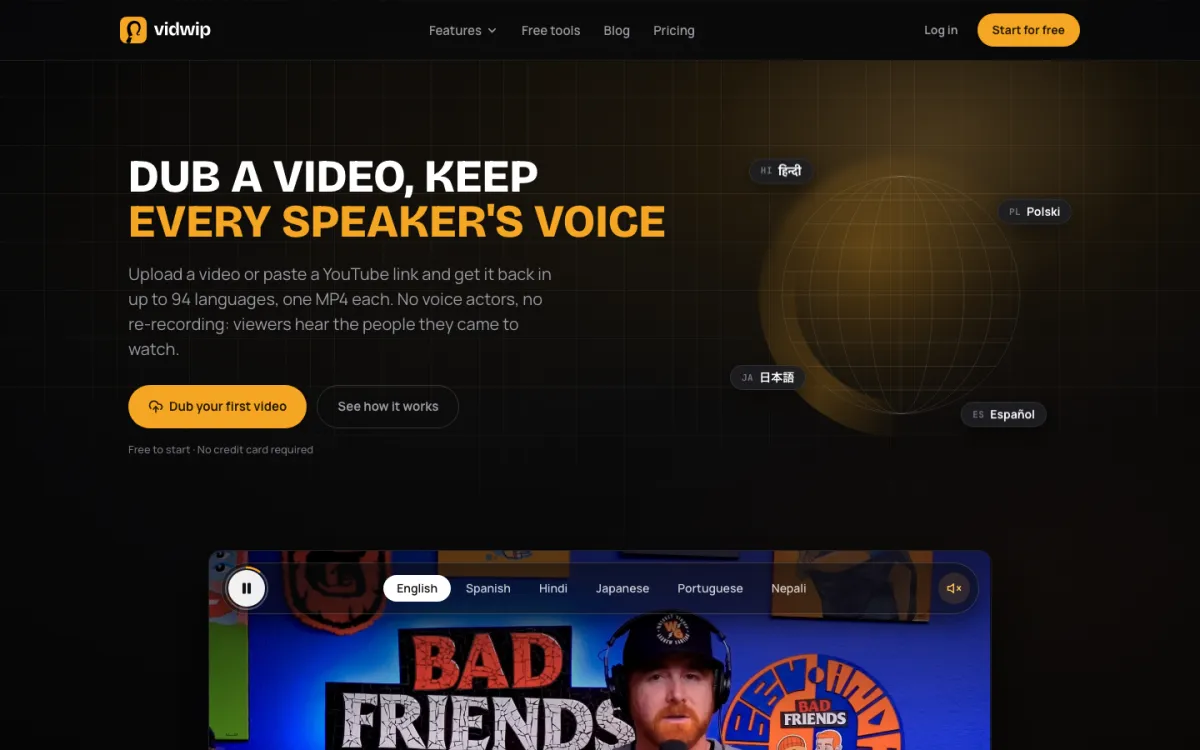 Vidwip AI Video Dubbing — dub a video into up to 94 languages, every speaker in their own voice.
Vidwip AI Video Dubbing is a video localization tool for creators and marketing teams that re-voices each speaker in a clone of their own voice, from $2.40 per minute per language. You upload a video or paste a YouTube link, tick your languages, and get one MP4 back per language.
One run transcribes, translates and re-voices the whole video. The background music and sound stay under the new dialogue, so only the speech changes language.
You pick the engine on every run. The default covers 29 languages and suits a single narrator or a calm conversation.
Advanced covers 94 languages and handles background noise and multiple speakers.
Both run on ElevenLabs Dubbing, so you get the same voice cloning without managing an ElevenLabs credit plan.
Where it beats Rask AI: there’s no watermark on any Vidwip plan, free included. You can tick up to 5 languages per run on Starter and 10 on Pro, and turn on translated subtitles burned into the picture in 8 caption styles.
Pros
- Every speaker cloned from the video itself, so no voice to pick and no stock narrator
- Up to 94 languages on the Advanced engine
- Flat rate: 240 credits ($2.40) per minute per language on v1, 600 credits ($6.00) on v2
- No watermark on any plan, including Free
- Several languages per run (5 on Starter, 10 on Pro), one MP4 each
- Upload MP4, MOV or WebM up to 2 GB and 30 minutes, or paste a YouTube link up to 10 minutes
Cons
- No lip sync: the original picture is kept and only the audio changes
- No transcript step: you can’t edit the translation before it’s voiced
- No voice picker or per-speaker voice assignment
- Subtitles are burned in only, with no separate SRT or VTT file
- Dubs into base languages, not regional variants such as Mexican Spanish
Best for: YouTube creators, course creators and product marketers whose presenter is the reason people watch. Pricing: Free to start, no credit card. Starter $25/month (2,500 credits), Pro $99/month (10,000 credits). Dubbing is 240 credits per minute per language on v1 and 600 on v2, where 1 credit = $0.01 (Vidwip pricing). If you only need to dub audio, AI Audio Dubbing is 240 credits a minute.
2. ElevenLabs Dubbing — cheapest per minute
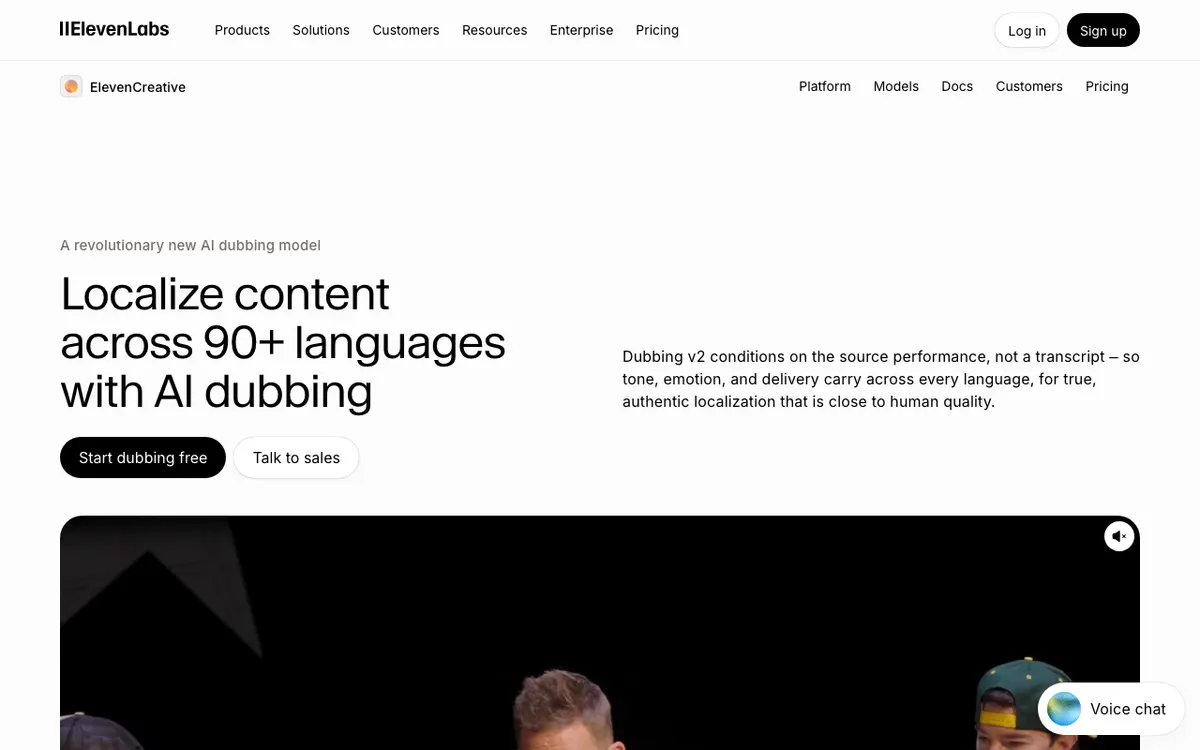 ElevenLabs Dubbing — automatic dubbing in a clone of each speaker’s voice, plus a Studio editor.
ElevenLabs Dubbing is an AI dubbing engine for creators and developers that delivers each translation in a voice clone of the original speaker, from about $0.55 per finished minute. Its v2 engine supports 90+ languages and accents.
You get two modes. Automatic dubbing runs hands-off.
Dubbing Studio lets you edit the transcript and translation freely, then regenerate, at more than three times the credit cost.
Studio runs on the older v1 model and is in maintenance mode, with critical bug fixes only (ElevenLabs docs).
The catch is the credit math. Automatic dubbing costs 2,000 credits a minute with a watermark and 3,000 without.
Studio costs 10,000 credits a minute without a watermark. On Creator ($22/month, 121,000 credits) that’s about 40 minutes of automatic dubbing or 12 minutes in Studio.
Pros
- Lowest cost per minute on this list for clean, watermark-free dubs (about $0.55)
- Voice clones of each speaker, delivered automatically
- Dubbing Studio lets you edit the transcript and translation before you regenerate
- API access for building dubbing into your own product
Cons
- No lip sync advertised
- Dubbing Studio is v1 only and gets no new features
- Free plan has no commercial licence, and cheaper dubs carry a watermark
- Studio editing costs about $1.82 a minute on Creator
- Credits are shared with every other ElevenLabs tool, so budgeting takes work
Best for: Teams that dub a lot of clean speech and want the lowest per-minute cost, or developers who want an API. Pricing: Free 10,000 credits/month. Starter $6/month (30,000 credits), Creator $22/month (121,000), Pro $99/month (600,000) (elevenlabs.io/pricing, checked October 2026).
3. HeyGen — best lip sync
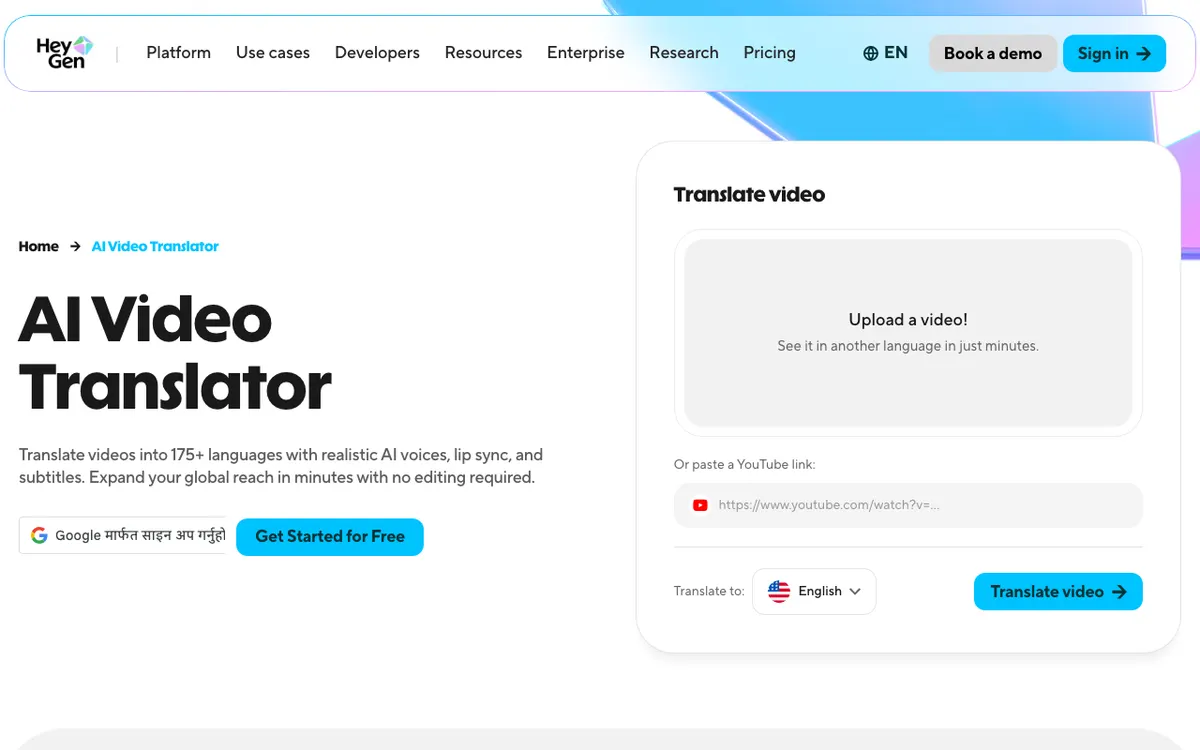 HeyGen — video translation with voice cloning and lip sync in 175+ languages and dialects.
HeyGen is an AI video platform for marketers that translates existing footage with voice cloning and lip sync, from $29/month. Its paid plans list 175+ languages and dialects, against 30+ on Free.
HeyGen’s credit guide prices translation at 2 credits a minute without lip sync, 5 with lip sync, and 10 in Precision mode.
On Creator ($29 for 600 credits), that puts lip-synced translation at roughly $0.24 a minute if every credit goes to dubbing. In practice, credits are shared with avatar video, so few people get that rate.
Before you render, Edit & Review lets you proofread the translated script. Per-video length caps at 30 minutes on Creator and Pro, and 60 minutes on Business.
Pros
- Lip sync on paid plans, with a Precision mode for close-ups
- 175+ languages and dialects on paid plans
- Also generates avatar video, if you need both jobs in one tool
- Low credit cost per translated minute on paper
Cons
- Credits are shared with avatar generation, so dubbing budgets are hard to predict
- Free plan: 3 videos a month, 1 minute each, no watermark removal
- 30-minute cap per video on Creator and Pro
- Overkill if you never need an avatar
Best for: Talking-head marketing videos where the speaker’s mouth is in frame and has to match. Pricing: Free (3 videos/month, 1 minute each). Creator $29/month or $24/month annually (600 credits). Pro from $49/month (1,000 credits). Business $149/month plus $20 per seat (heygen.com/pricing, checked October 2026). Our HeyGen alternatives post covers its avatar side.
4. Perso AI — best script editor with lip sync
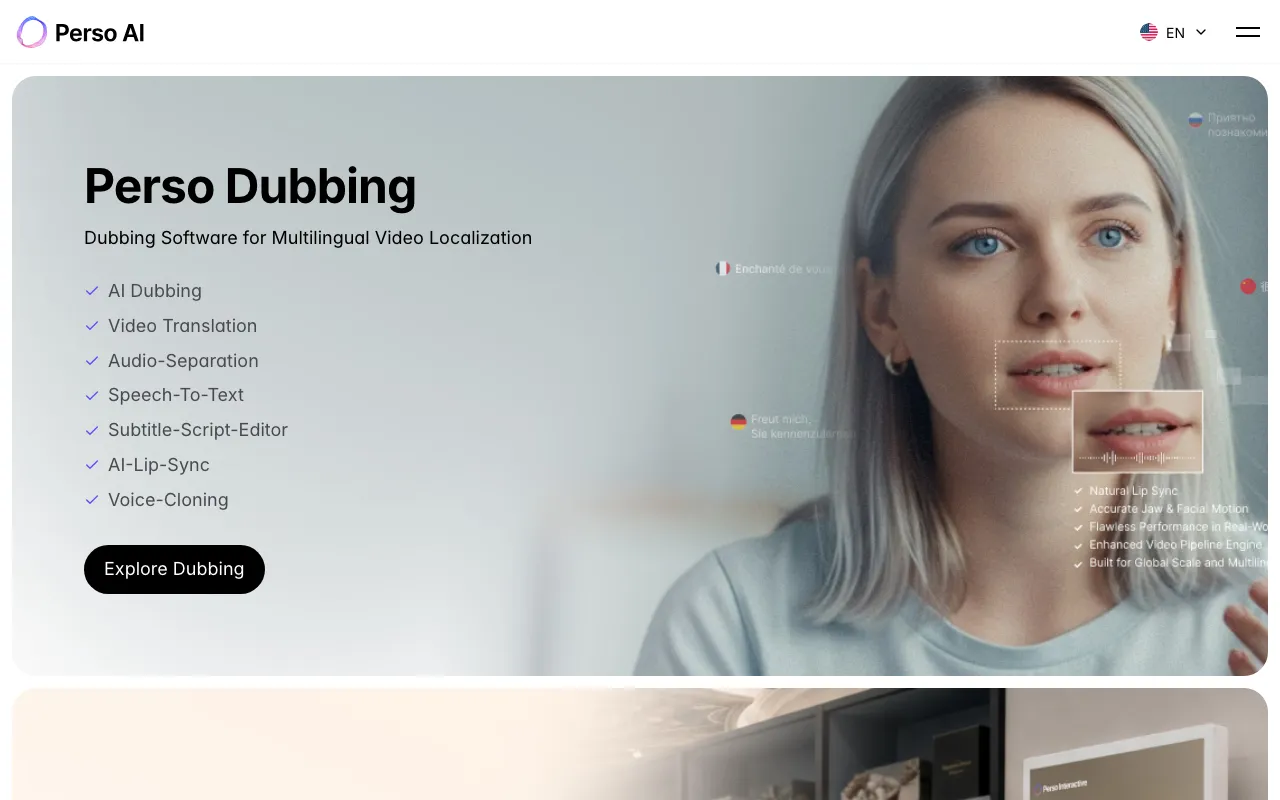 Perso AI — dubbing, voice cloning, lip sync and a subtitle-script editor, from ESTsoft.
Perso AI is a dubbing platform from South Korean software company ESTsoft that bundles voice cloning, AI lip sync and a subtitle-script editor, from $6.99/month. It advertises dubbing in 99+ languages.
The script editor is the reason to pick it over Rask AI on price. You review and fix the translation, then generate, and the Creator plan’s 40 dubbing minutes cost $29.
Lip dubbing minutes are included from Starter up, though the pricing page doesn’t make it clear how many each plan gets.
Perso AI also prices by model. On Pro ($99), 10,800 credits buy 180 minutes on its Linnet 4 model or 30 minutes on its premium Nightingale model.
Pros
- Subtitle and script editor on every paid plan
- Lip sync and voice cloning in one tool
- About $0.73 a minute on Creator, $0.55 on Pro with the standard model
- Watermark-free on all paid plans
Cons
- Max video length is 3 minutes on Starter and 15 on Creator
- Premium-model dubs cost far more per minute
- Lip-sync minutes per plan aren’t clearly stated
- Free plan is one generation on sign-up
Best for: Teams that need to proofread the translation and want lip sync without HeyGen’s avatar bundle. Pricing: Free (1 generation). Starter $6.99/month (7 minutes), Creator $29/month (40 minutes), Pro $99/month (180 minutes on Linnet 4) (perso.ai pricing, checked October 2026).
5. Vozo AI — widest language list with lip sync
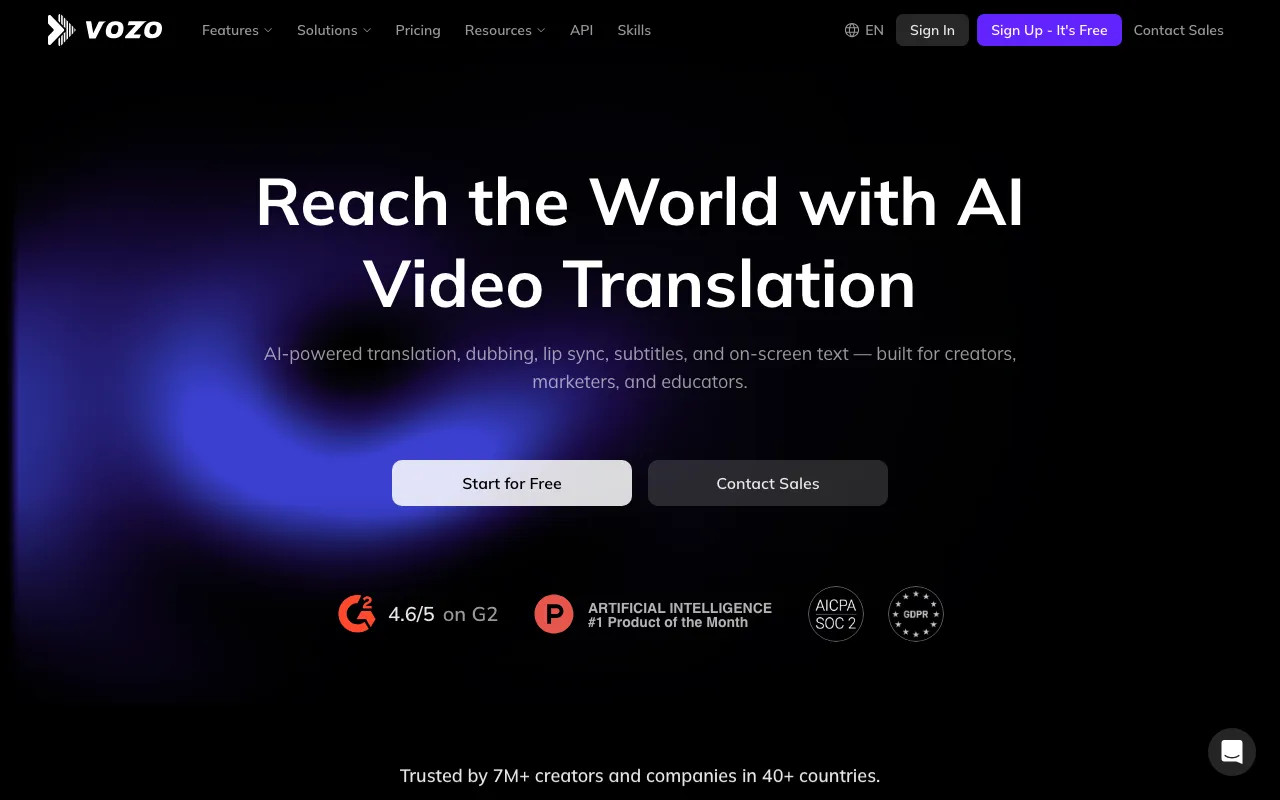 Vozo AI — translation, dubbing, lip sync, subtitles and on-screen text translation.
Vozo AI is a video translation tool for creators, marketers and educators that dubs into 165 target languages from 111 source languages, from $29/month. It adds lip sync and on-screen text translation, which Rask AI doesn’t do.
You can click any translated line to edit it, then batch-update the dub for every changed segment.
Vozo meters in points. On Creator, 150 points buy about 50 minutes of dubbing or 15 minutes of lip sync. That’s roughly $0.58 a minute for plain dubs and $1.93 for lip-synced ones.
Pros
- 165 target languages, the longest list here
- Lip sync and visual (on-screen text) translation
- Free trial covers about 6 minutes of dubbing and 2 of lip sync
- G2 rating of 4.6/5 shown on its homepage
Cons
- Lip sync costs over three times as many points as plain dubbing
- Exact per-minute point rates aren’t published, only shown before you generate
- Higher tiers show unclear prices on the pricing page
Best for: Creators localizing into long-tail languages who also want lip sync and translated on-screen text. Pricing: Free trial (20 points). Creator $29/month (150 points), Studio $99/month (600 points) (vozo.ai/pricing, checked October 2026).
6. Synthesia — best if you also make avatar video
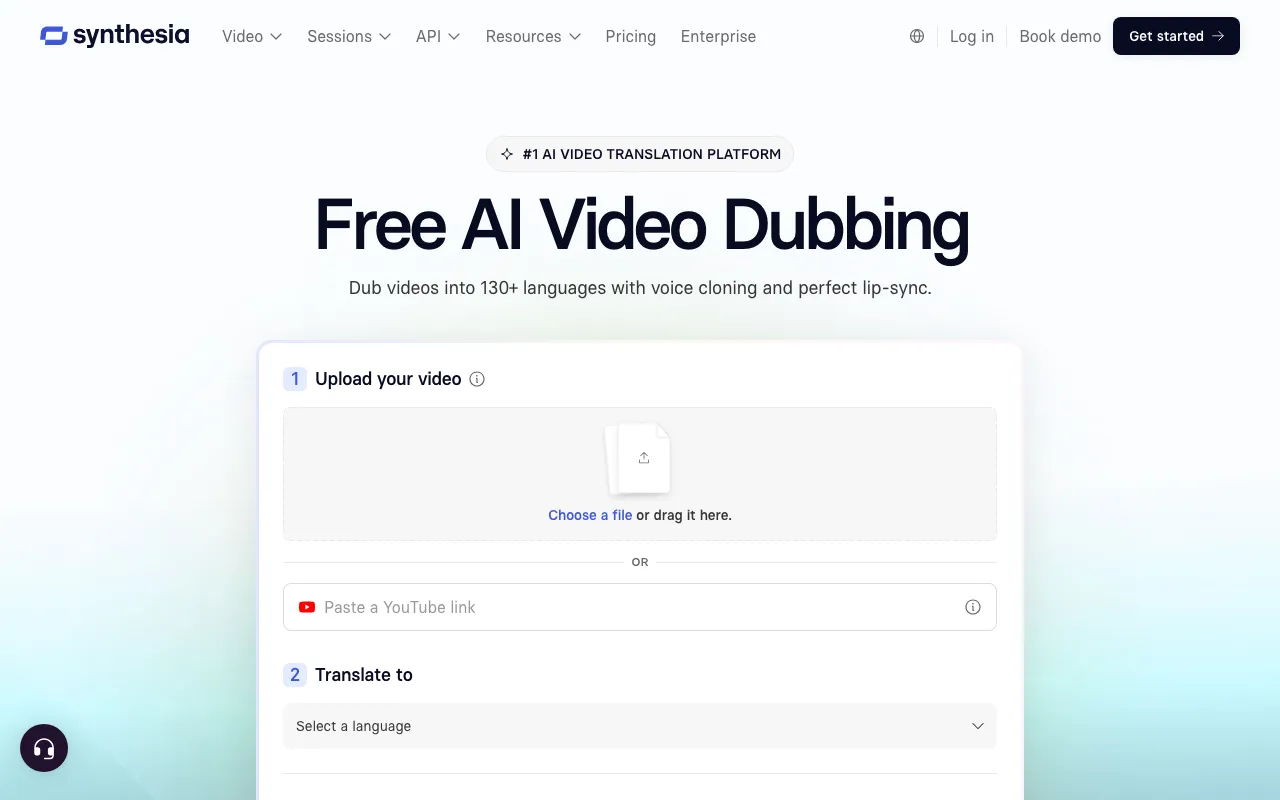 Synthesia — AI dubbing with voice cloning, inside an AI avatar video platform.
Synthesia is an AI avatar video platform for corporate training and comms teams that also dubs uploaded video, with 10 free minutes a month. Dubbing costs 76 credits a minute, against 100 for avatar video.
Self-serve plans list 70+ dubbing languages, and Enterprise lists 140+. Lip sync is available but uses 2x credits, and the plan table only confirms it on Enterprise.
Pros
- 10 free minutes a month of video or dubbing on Basic
- Dubbing and avatar video in one workspace
- About $1.10 a minute on annual Starter
Cons
- Free videos carry a Synthesia watermark
- Voice preservation, custom glossary and unrestricted editing are Enterprise only
- Starter covers only about 16 minutes of dubbing a month on monthly billing
Best for: L&D teams already making Synthesia avatar videos who want to dub existing footage too. Pricing: Basic free (10 minutes/month, watermarked). Starter $29/month or $18/month annually. Pro $89/month or $64/month annually. Enterprise custom (synthesia.io/pricing, checked October 2026).
7. Dubverse — budget pick for Indian languages
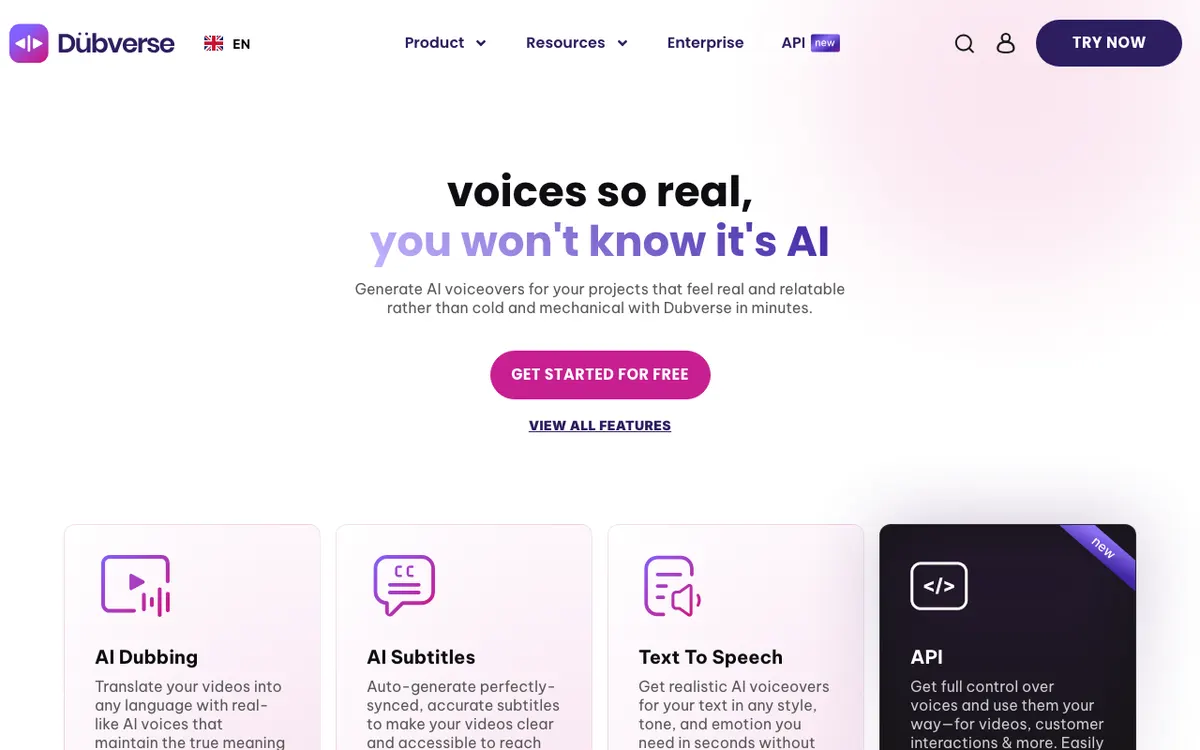 Dubverse — AI dubbing, subtitles and text to speech, made in India.
Dubverse is a browser-based dubbing tool from India for creators and edtech teams, strongest on Indian languages, from $18/month. Its languages page lists 32, including Hindi, Bengali, Gujarati, Kannada, Malayalam, Marathi and Assamese.
Both paid plans include 50 credits a month, and dubbing costs 4 credits a minute. That’s about 12.5 minutes a month, or roughly $1.44 a minute on Pro.
Pros
- Strong Indian language coverage
- 200+ AI voices to choose from
- 2-day free trial with no credit card
- Yearly billing drops Pro to $9/month
Cons
- Voice cloning only on Supreme ($30/month), which pushes the rate to about $2.40 a minute
- Lip sync only on Enterprise
- 32 languages is the shortest list here
Best for: Indian creators and edtech teams dubbing into regional languages on a tight budget. Pricing: Pro $18/month, Supreme $30/month, both 50 credits; Enterprise custom (dubverse.ai/pricing, checked October 2026).
8. Maestra — editor-first translation with voice cloning
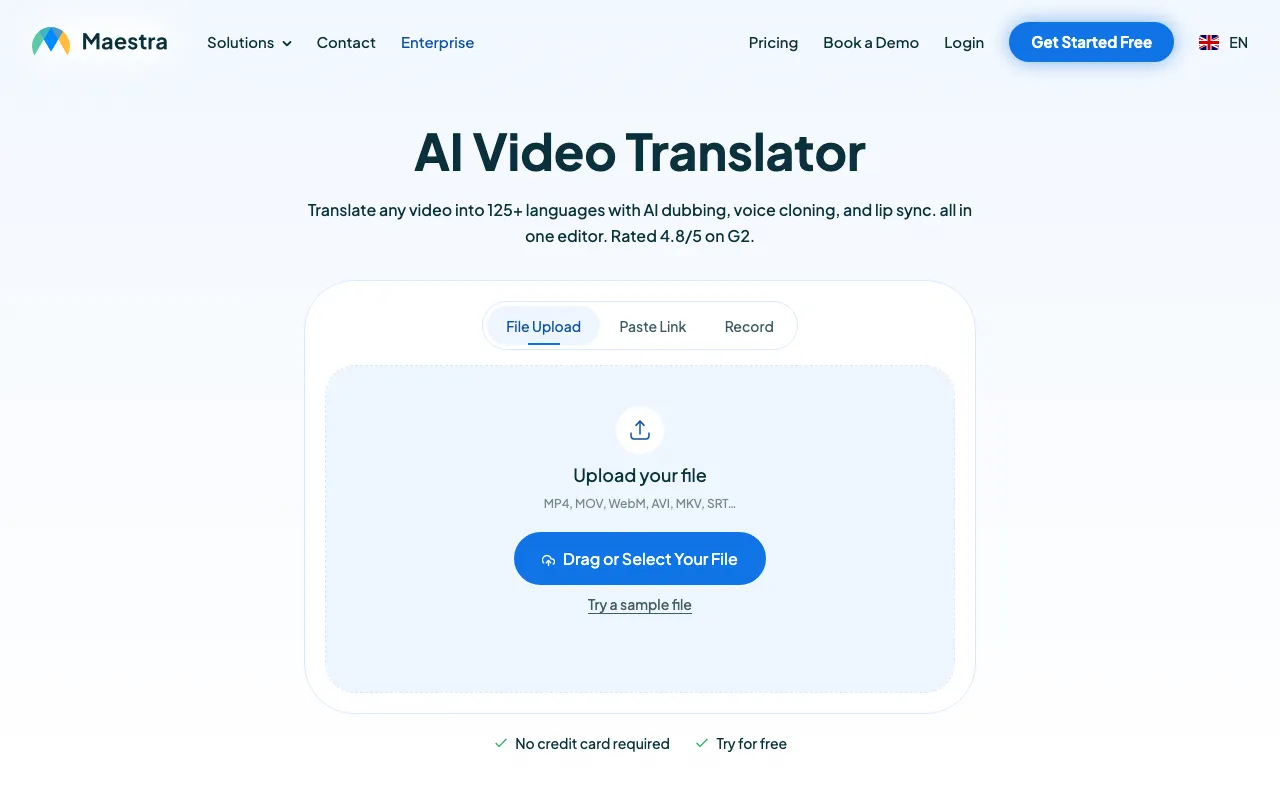 Maestra — video translation with AI dubbing and voice cloning in one editor.
Maestra is a transcription and translation suite for media teams that adds AI dubbing, voice cloning and lip sync, from $39/month billed annually. It covers 125+ languages and you edit the transcript and translation in one editor.
Maestra splits pricing by job. Voiceover plans start at Basic ($39/month, 120 minutes), with cloned voices from Premium ($79/month, 100 minutes).
Lip sync unlocks on Business at $2 a minute.
Pros
- Transcript, subtitles and dub in one editor
- 125+ languages
- Cheap stock-voice dubbing: about $0.33 a minute on Basic
- Real-time dubbing for live sessions on Business
Cons
- Voice cloning starts at $79/month, about $0.79 a minute
- Lip sync costs an extra $2 a minute on Business
- Separate plans for transcription, voiceover and subtitles make it easy to buy the wrong one
Best for: Media and education teams that want subtitles, transcripts and dubs from one editor. Pricing: Voiceover Basic $39/month, Premium $79/month, Business $159/month, Business Plus $359/month (annual billing; maestra.ai/pricing, checked October 2026).
Rask AI alternatives compared
Cost per minute is the cheapest paid path to a watermark-free dub that keeps the speaker’s voice, on monthly billing unless noted. All prices checked October 2026.
| Tool | Languages | Keeps speaker’s voice | Lip sync | Edit translation first | Entry paid plan | Cost per finished minute |
|---|---|---|---|---|---|---|
| Rask AI (baseline) | 135+ | Yes (32 languages) | Creator Pro and up | Yes | $39/month | ~$1.56 |
| Vidwip | Up to 94 | Yes, every speaker | No | No | $25/month | $2.40 (v1), $6.00 (v2) |
| ElevenLabs Dubbing | 90+ | Yes | No | Yes (Studio) | $6/month | ~$0.55 (auto), ~$1.82 (Studio) |
| HeyGen | 175+ | Yes | Yes | Yes | $29/month | ~$0.24 with lip sync, if all credits go to dubbing |
| Perso AI | 99+ | Yes | Yes | Yes | $6.99/month | ~$0.73 (Creator) |
| Vozo AI | 165 | Yes | Yes | Yes | $29/month | ~$0.58, ~$1.93 with lip sync |
| Synthesia | 70+ (140+ Enterprise) | Enterprise | Enterprise | Enterprise | $29/month | |
| Dubverse | 32 | Supreme plan | Enterprise | Yes | $18/month | ~$2.40 with cloning |
| Maestra | 125+ | Premium and up | Business (+$2/min) | Yes | $39/month (annual) | ~$0.79 with cloning |
Every tool bills per target language. Three languages means three times the minutes, whichever you pick.
How to choose the right Rask AI alternative
- Your speaker is the reason people watch: pick Vidwip AI Video Dubbing. Every voice is cloned from the video, nothing is drawn on the picture, and no plan adds a watermark.
- You dub hours of clean narration a month: pick ElevenLabs Dubbing. Nothing else here gets close to $0.55 a minute without a watermark.
- Mouths are in close-up: pick HeyGen or Vozo AI. Lip sync is the whole reason to pay their rates.
- Legal, medical or branded lines must be checked: pick Perso AI, Maestra or ElevenLabs Dubbing Studio, where you edit before you voice.
- You’re dubbing into Hindi, Tamil or Marathi on a budget: pick Dubverse.
New to localization? Start with our AI video dubbing guide, or see the free AI video dubbing tools if you want to test before paying.
The broader AI video dubbing tools ranking compares Rask AI itself head to head.
What none of these tools fix yet
Automatic translation still misses idioms, product names and jokes. If a line matters, read it before it ships.
Voice clones also get thinner on short or noisy speech. Give the tool clear audio, and on Vidwip pick Advanced for noisy footage or several speakers.
The verdict
Rask AI is still a capable all-rounder. But for most people searching for Rask AI alternatives, the job is narrower: get the same people speaking a new language, at a price you can predict.
That’s where Vidwip AI Video Dubbing wins. Every speaker keeps their own voice, up to 94 languages, from $2.40 per minute per language, and no watermark on any plan.
Pick HeyGen or Vozo when lips must match, ElevenLabs when the per-minute rate is everything, and Perso AI or Maestra when someone needs to sign off the script.
Try it on a short clip first. Start free on Vidwip, no credit card required.