
ElevenLabs gives the most free dubbing minutes — about 5 a month — but stamps a watermark on every free dub and blocks commercial use. Vidwip is free to start with no card and gives the least, but it is the only one here whose free export comes out watermark-free with no commercial restriction. Vidwip's 100 free credits and Rask AI's 3 free minutes are one-time, not monthly.
Search for free AI video dubbing tools and every result promises the same thing: upload a video, pick a language, get a dub, pay nothing. What almost none of them tell you is where the free part stops — how many minutes you get, whether the export carries a watermark, and whether dubbing bills once or once per target language.
This ranking answers that first. Four tools, each with a free tier you can actually reach without a card, and the exact ceiling on each one as of September 2026.
TL;DR
| Tool | Free allowance | Refreshes monthly | Watermark on free |
|---|---|---|---|
| ElevenLabs | 10,000 credits — about 5 min of dubbing | Yes | Yes, mandatory |
| Vidwip | 100 credits, one time, no card — a short clip into one language | No | No, on any tier |
| Rask AI | 3 minutes, one time | No | Not stated |
| HeyGen | 3 videos, up to 1 min each | Yes | Yes |
The short version: ElevenLabs wins on raw minutes and loses on what you can do with them. Vidwip gives the least and is the only one whose free export is publishable as-is.
Rask AI has strong voice work and a grant that never comes back. HeyGen is the easiest to drive and the hardest to publish from.
What a free AI video dubbing tool actually gives you
Free dubbing tiers vary more than free voiceover tiers, because dubbing is a chain of four jobs — transcribe, translate, clone the voice, re-time the audio to picture — and each vendor meters it differently.
Five things decide whether a free tier is usable.
How much you get, in minutes. Credits are the common unit, and they mean nothing until you divide by the per-minute rate. Ten thousand credits sounds enormous until you learn dubbing costs two thousand a minute.
Whether it refreshes. A monthly grant and a one-time trial allowance are marketed identically and behave nothing alike. One lets you use the tool forever at low volume; the other runs out.
Whether it bills per language. Most dubbing engines charge per minute of source video per target language. One clip into Spanish, French, and German is three times the cost, not one.
Watermark policy. A watermark makes free output a preview. If you intend to publish, this single line in the terms decides the tool for you.
Commercial rights. Separate from watermarking, and often stricter. Several major free tiers explicitly exclude monetised or client work.
If you also need the transcript or captions out of the same job, our roundup of free AI video transcription tools covers which tools export SRT on a free plan.
1. ElevenLabs
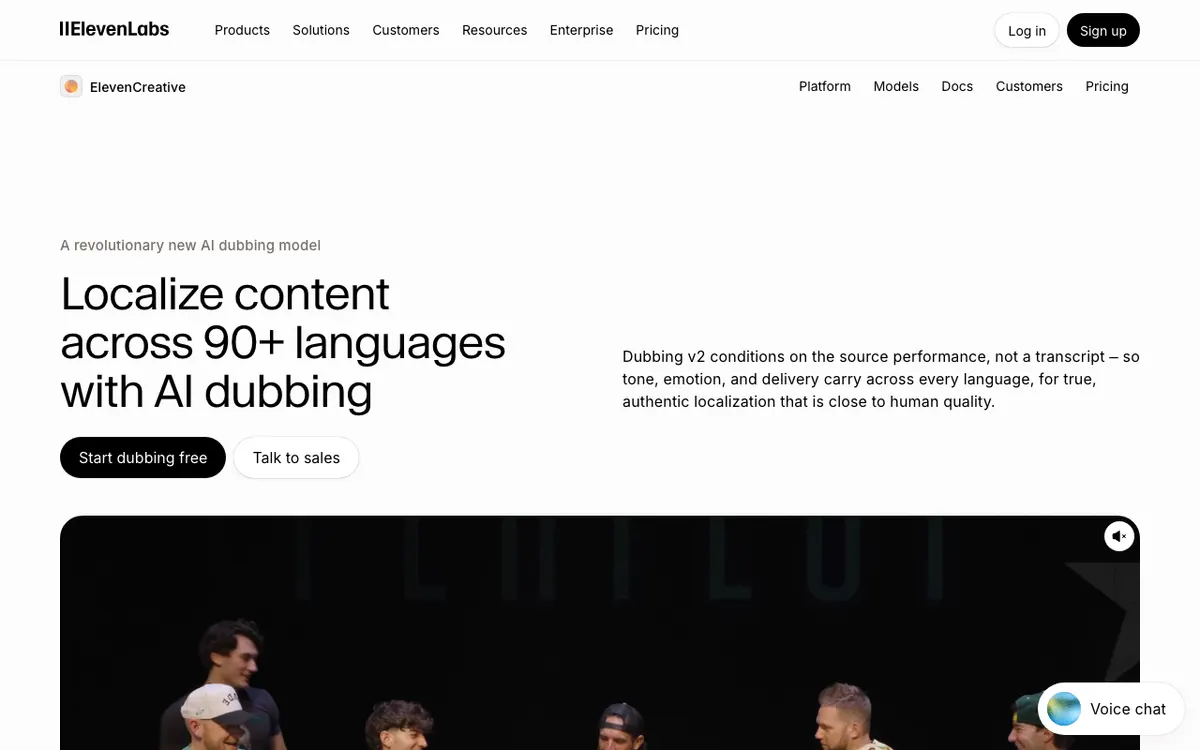 ElevenLabs — the largest free dubbing allowance of any tool here, at a cost
ElevenLabs is a text-to-speech company that added dubbing, and it shows in the output — the voices are the most convincing on this list. Its free plan carries 10,000 credits per month, and automatic dubbing bills 2,000 credits per minute of video, which lands at roughly 5 minutes of dubbed video a month (ElevenLabs pricing, checked September 2026).
That is five times what anything else here gives you monthly. Two limits pull it back down.
First, the watermark is not optional on free. ElevenLabs’ own dubbing documentation states plainly that free-tier dubs are watermarked automatically and paid-tier dubs are not. Removing it means paying: unwatermarked automatic dubbing costs 3,000 credits per minute instead of 2,000, and you need a paid plan to access that rate at all.
Second, the free plan carries no commercial licence. Commercial rights begin on the Starter plan at $6/month; Creator runs $22/month (checked September 2026). Anything you generate free is for evaluation.
The editable Dubbing Studio, where you can correct the translation before it renders, bills at 5,000 credits per minute watermarked — so your 10,000 free credits buy two minutes there, not five.
Pros
- 10,000 credits a month is the largest recurring free grant on this list
- Best-in-class voice realism, and the same voices across dubbing and text-to-speech
- 90+ languages, with regional dialect options on the v2 dubbing model
- Well-documented API if you want to script the workflow
Cons
- Free dubs are watermarked automatically, with no opt-out
- No commercial use on the free plan — Starter at $6/month is the entry point for that
- Dubbing Studio’s editable workflow costs 2.5x the automatic rate
- Credits are shared with text-to-speech, so voiceover work eats your dubbing budget
Best for: Testing dub quality across several languages before committing to a paid plan. Pricing: Free — 10,000 credits/month. Starter $6/month, Creator $22/month (checked September 2026).
2. Vidwip
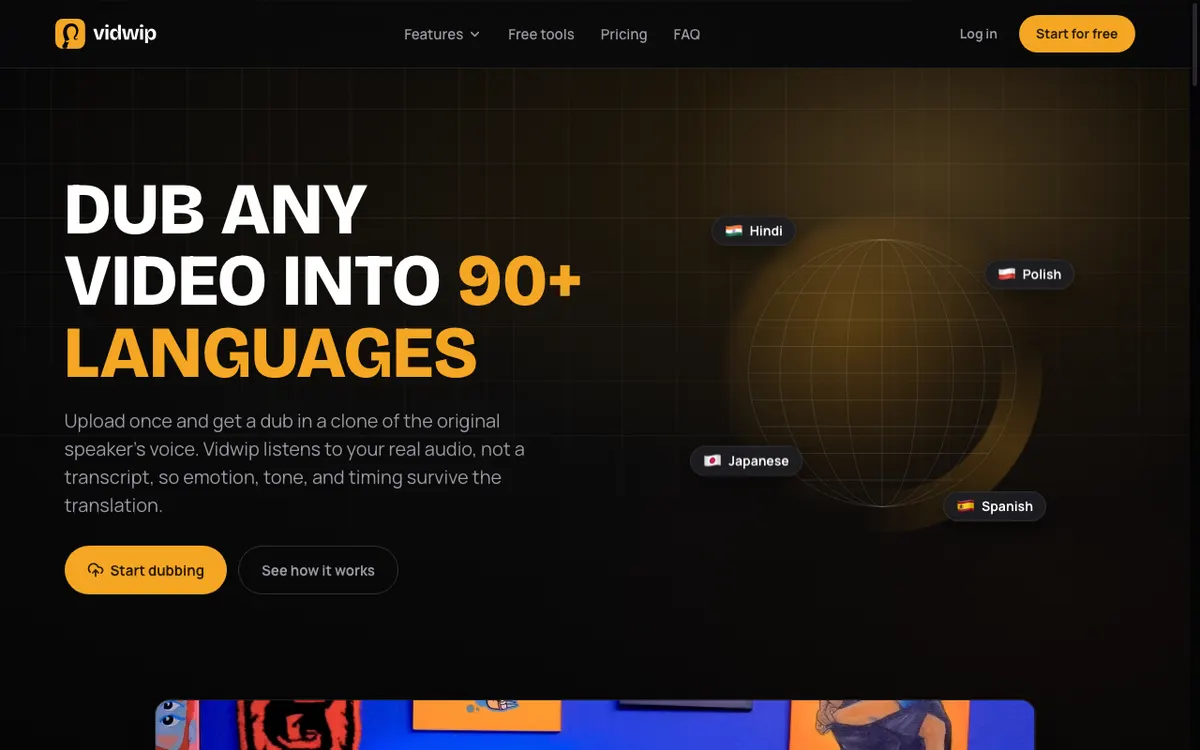 Vidwip — the smallest free grant here, and the only one that exports clean
Vidwip’s AI Video Dubbing transcribes your video, translates the script, clones the speaker’s voice, and re-times the new audio to your original cut. Drop in an MP4, MOV, or WebM up to 2 GB, or paste a link.
Be clear about the free ceiling, because it is the tightest one on this page. Vidwip gives you 100 free credits once, with no credit card, and v1 video dubbing bills 240 credits per minute of source video, per target language.
That makes the free start a short sample into one language, about 25 seconds. Two languages halves it again.
What that sample buys is different from everything else here. Free accounts reach the same voice cloning, the same languages, and the same models as paid ones.
There is no watermark on any tier, free included, and no commercial restriction on the output. The paid plans add credits and scale, not features held back from free users.
Starter dubs one video into up to 5 languages per run and Pro up to 10, where Free does one. Paid plans also run more dubs at once (4 on Starter, 10 on Pro, 1 on Free), and batches of several videos are Pro only.
So the honest framing is this: Vidwip’s free tier is a full-quality sample, not a workload. It is enough to dub one short clip, hear how the cloned voice handles your accent, and decide.
If you need volume, Starter is $25/month for 2,500 credits — about 10 minutes of v1 dubbing into one language — and Pro is $99/month for 10,000. The premium v2 dubbing model bills 600 credits a minute.
Dubbing is also where transcription happens inside Vidwip — there is no separate transcription product, the transcript is a step in the dub. If your source is audio rather than video, AI Audio Dubbing runs the same chain at 240 credits per minute on v1.
Pros
- No watermark on any tier, free included — the free export is the finished video
- No commercial-use restriction on free output
- Every language on the free plan, 29 on v1 and up to 94 on v2, not a gated subset
- Voice cloning from your source audio is the default, not a paid add-on
- Transparent per-minute credit rate published on the pricing page, so you can cost a job before uploading
Cons
- The smallest free grant here — a short sample into one language, and it does not refresh monthly
- Dubbing bills per target language, so multi-language jobs burn the grant fast
- Several languages per run need Starter (up to 5) or Pro (up to 10), and multi-video batches are Pro only
- No avatar generation — it dubs the footage you shot, it does not synthesise a presenter
Best for: Anyone who needs the free output to be publishable, and is fine with a short clip. Pricing: Free: 100 one-time credits, no card. Starter $25/month (2,500 credits), Pro $99/month (10,000 credits).
You can set up a job and see the exact credit cost before signing up on the free AI video dubbing tool page.
3. Rask AI
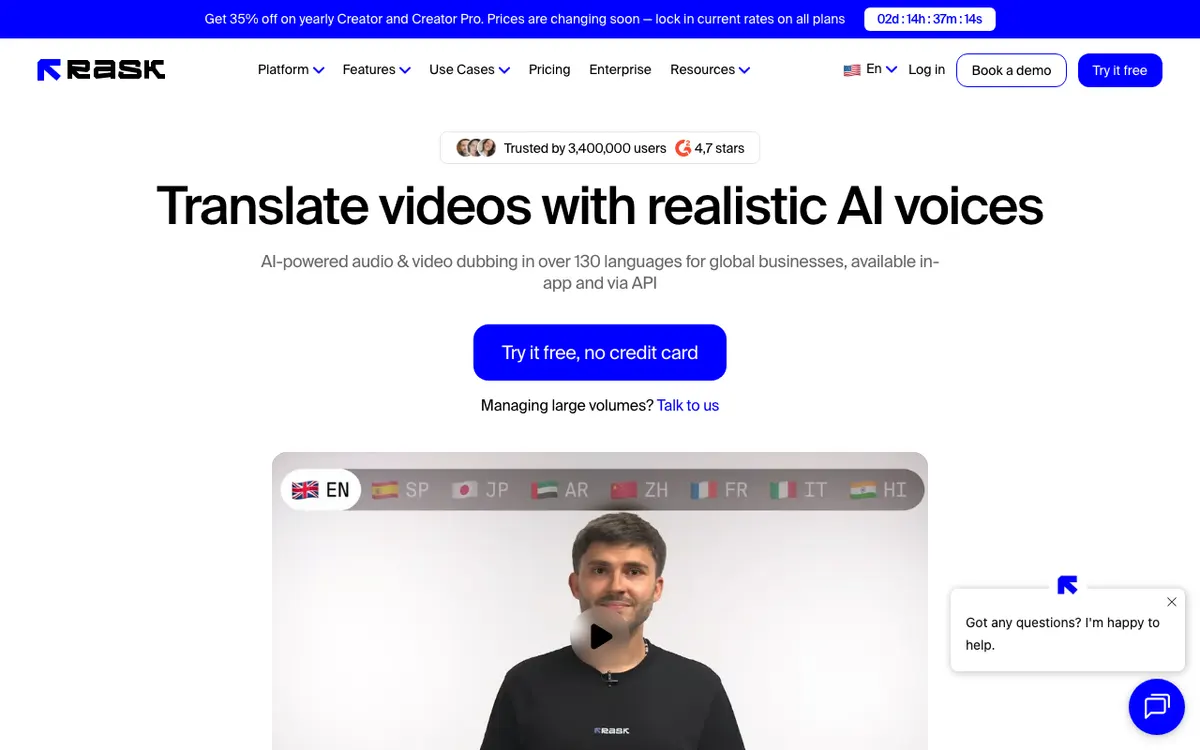 Rask AI — 3 free minutes, no card, and no second helping
Rask AI is a dedicated localisation product rather than a general video editor, and the focus pays off. Its pitch is audio and video dubbing in over 130 languages, with speaker voice cloning in 32 of them and a built-in editor for fixing the translation before it renders.
The free tier is 3 minutes, no credit card required. The important word is one-time: unlike ElevenLabs and HeyGen, Rask’s free minutes do not come back next month (Rask AI pricing, checked September 2026). Once they are spent, the account is a paywall.
That makes Rask a good trial and a poor free tool. Three minutes in one sitting is enough to dub a short marketing clip properly, use the editor to correct the phrasing, and judge whether the voice clone holds up. It is not something you come back to.
Pricing steps up sharply afterwards. The Creator plan is $60/month billed monthly, or $33/month billed annually, for 25 minutes a month. Multi-speaker lip-sync, glossaries, team workspaces, and API access all sit above the free tier.
Pros
- 3 full minutes on the free trial, with no credit card
- 130+ translation languages, with speaker voice cloning in 32
- Built-in editor for correcting the transcript and translation before rendering
- SRT import and export included even on the free tier
Cons
- Free minutes are one-time, not monthly — this is a trial, not a free plan
- Creator at $60/month for 25 minutes is the steepest per-minute cost here
- Multi-speaker lip-sync, glossary, and API are all paid-only
- Watermark policy and free-tier export resolution are not stated on the pricing page
Best for: A single serious evaluation of dub quality, where 3 uninterrupted minutes beats a recurring trickle. Pricing: Free — 3 minutes, one time. Creator $60/month, or $33/month billed annually (checked September 2026).
4. HeyGen
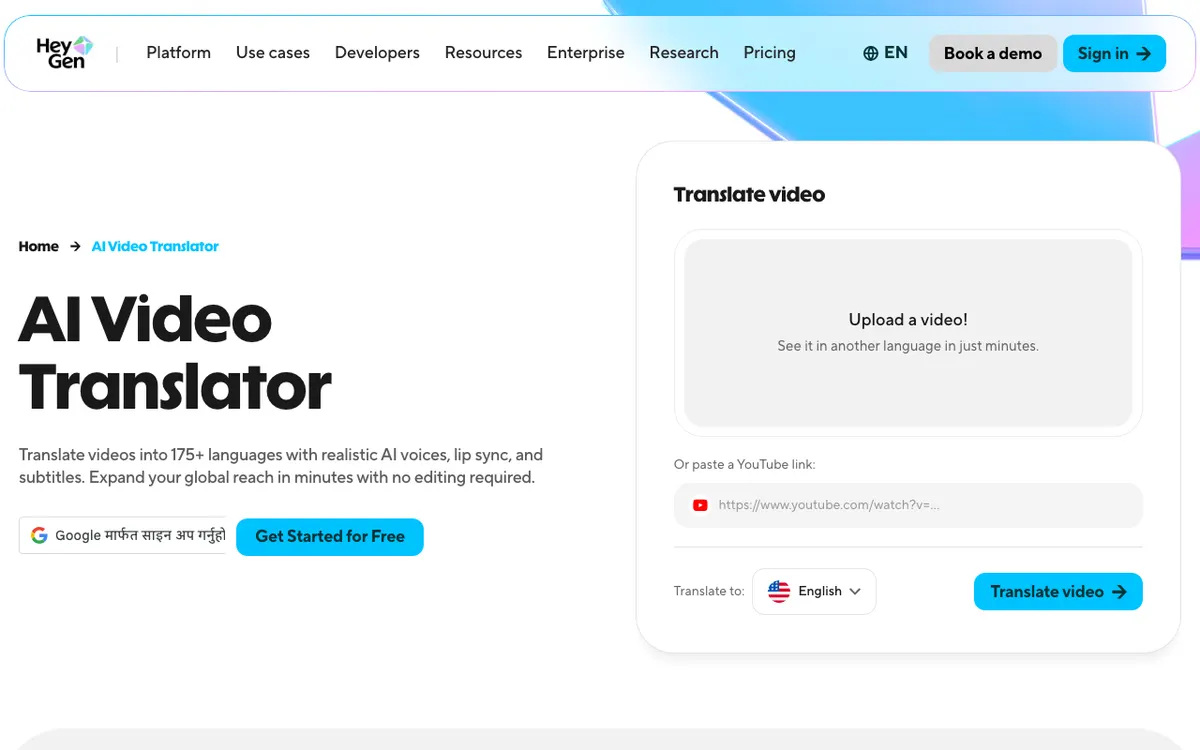 HeyGen — the smoothest workflow, wrapped in a watermark
HeyGen built its name on AI avatars and folded video translation in beside them. The AI Video Translator takes an upload or a pasted YouTube link, and returns the video in another language with lip sync and subtitles. The lip sync is the best-looking of the four — mouths actually match the new audio.
The free plan is where it falls down for dubbing work. You get 3 videos per month, each capped at 1 minute, exported up to 1080p with a HeyGen watermark, and 30+ languages rather than the 175+ the paid plans advertise (HeyGen pricing, checked September 2026).
One minute per video is the real constraint. It rules out tutorials, courses, webinars, and most product demos, leaving short-form social clips.
Every one of those clips carries the watermark until you move to Creator at $29/month. That plan lifts the watermark, raises the cap to 30-minute videos, and opens the full 175+ language list alongside 600 credits.
Treat the free plan as a quality demo of the lip-sync engine. It is genuinely impressive, and genuinely not publishable.
Pros
- Best lip sync of the four — the visual match is noticeably ahead
- Paste a YouTube URL instead of uploading a file
- 175+ languages and dialects on paid plans, the broadest coverage here
- Free plan needs no credit card and includes a custom avatar
Cons
- 1-minute cap per video on free — the hardest length limit on this list
- Watermark on every free export, removable only on Creator at $29/month
- Free plan is limited to 30+ languages, not the headline 175+
- Only 3 videos a month, so there is no room to iterate on a bad take
Best for: Short social clips where lip sync matters more than a clean export. Pricing: Free — 3 videos/month, 1 min each, watermarked. Creator $29/month (checked September 2026).
Free AI video dubbing tools compared
| ElevenLabs | Vidwip | Rask AI | HeyGen | |
|---|---|---|---|---|
| Free allowance | 10,000 credits/mo | 100 credits, one time | 3 min, one time | 3 videos/mo |
| Roughly, in minutes | ~5 min dubbed | A short clip, one language | 3 min total | 3 x 1 min |
| Refreshes monthly | Yes | No | No | Yes |
| Watermark on free | Yes, forced | No, on any tier | Not stated | Yes |
| Commercial use on free | No | Yes | Check terms | Watermarked |
| Languages on free | 90+ | 29 (v1), 94 (v2) | 130+ translate, 32 clone | 30+ |
| Voice cloning | Paid tiers | All tiers | Free trial included | Paid tiers |
| Card required | No | No | No | No |
| First paid tier | $6/mo | $25/mo | $33/mo annual | $29/mo |
Two patterns in that table are worth naming.
The tools with the most generous free minutes are the ones that watermark. That is not a coincidence — a watermark is how a vendor gives away volume without giving away output.
And every tool here bills dubbing by the minute of source video, per language. A 3-minute video into 4 languages is 12 billable minutes on all four platforms. Budget from that number, not from the length of your clip.
How to choose
You want to hear what modern dubbing sounds like, in several languages. ElevenLabs. Five free minutes a month across 90+ languages is the cheapest way to audition the technology, and the watermark does not matter for an audition.
You need to publish what comes out. Vidwip. It is the only free tier here with no watermark and no commercial restriction, so a short free dub is a finished dub. If that clip proves the workflow, Starter at $25/month covers about 10 minutes of v1 dubbing into one language.
You have one important video and one shot at it. Rask AI. Three uninterrupted minutes with an editor for fixing the translation is the strongest single evaluation on this page — just know the grant does not return.
You are making short social clips and lip sync is the point. HeyGen, with the watermark accepted as the price, or Creator at $29/month if the clips are going out under a brand.
You only need the words, not a new voice track. None of these. Subtitles are cheaper than dubbing everywhere, and our AI video transcription tools comparison covers the tools built for that job.
The verdict
Free AI video dubbing in 2026 is real, and it is small. Every tool on this list gives you enough to run one job end to end and form an opinion, and none gives you enough to localise a library.
Rank them by what you need out of the free tier. For the most minutes, ElevenLabs at roughly 5 a month is unbeaten — accept the watermark and the non-commercial terms. For output you can actually ship, Vidwip is the only one that hands back a clean, commercially usable file, and the honest trade is that its one-time free start stretches only to a short clip into one language.
If dubbing turns out to be a recurring need rather than an experiment, the per-minute rate matters far more than the free grant. Work out your monthly minutes, multiply by target languages, and compare that against each vendor’s paid tier before you pick.
And for what a run actually looks like once you have picked one, how to translate a video voiceover with AI takes a single video from upload to export, including what the free start really buys.
For narration on footage you have not filmed yet, the same logic applies to voiceover — our ranking of free AI video voiceover tools and the wider AI video voiceover generators comparison break down those free tiers the same way.