
The best Steve AI alternative depends on what your explainer needs on screen. Vidwip AI Motion Graphics turns a written brief into a 30 s to 5 min motion graphics film in 85 styles at 1080p. Vyond and Animaker are the picks for character animation, Powtoon for slide-style business video, Renderforest for template explainers on a budget, Doodly for whiteboard video, and Pictory for blog-to-video with stock footage.
Steve AI made one promise popular: paste a script or a blog link, and get an animated video back. These seven Steve AI alternatives do parts of that job better, whether that is character animation, whiteboard drawing, motion graphics or stock-footage video from a blog post.
Steve AI works well for a quick draft. It works less well when your explainer needs a specific look, more control over each scene, or exports past the plan’s minute caps.
This guide ranks seven Steve AI alternatives for animated explainer video. Each one is judged on script-to-video, character animation, templates and export limits, with every price checked on the vendor’s own page in October 2026.
What Steve AI does, and why teams look for alternatives
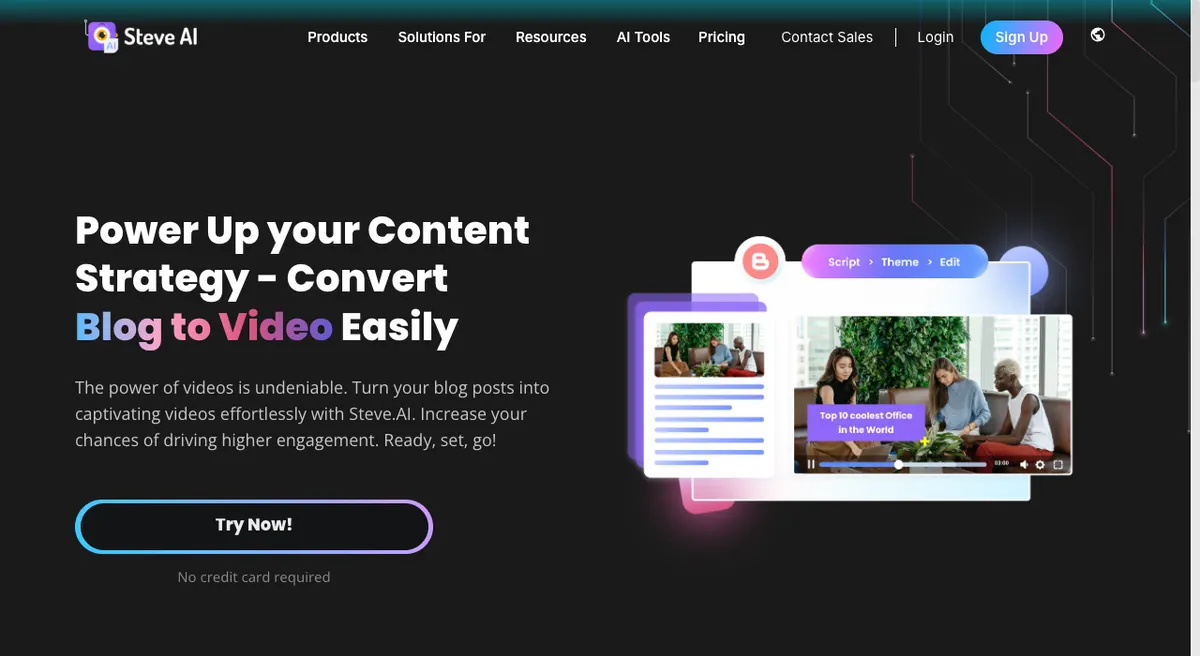 Steve AI blog to video: import a blog by URL, and Steve AI writes the script and builds the scenes.
Steve AI is an AI video generator for marketers, teachers and creators, from the makers of Animaker. It turns a prompt, a script, a blog post or an audio file into an animated, live-footage or generative video.
The blog-to-video flow is the core of it. You import a post from its URL, Steve AI writes the script and adds scenes, then you pick a theme and edit.
Steve AI says 7M+ users trust it.
Pricing, from app.steve.ai/pricing (checked October 2026):
- Free: a small monthly credit allowance; reviewers report watermarked exports
- Starter: $19/month billed yearly ($29 monthly), 100 min of AI video, 1080p, 300+ animated characters
- Pro: $39/month billed yearly ($59 monthly), 300 min of AI video, 2K
- Generative AI: $99/month billed yearly ($129 monthly), 400 min, 15 min of generative credits
- Enterprise: custom, 4K, team collaboration
Teams look for alternatives for four reasons:
- Templated output. Blog-to-video gets you a fast draft, but every post becomes the same scene structure. Techjockey lists limited customization and few advanced editing tools as common complaints.
- Resolution sits behind plans. 1080p starts on Starter, 2K on Pro, and 4K only on Enterprise.
- Minute and credit caps. AI video minutes, images and generative seconds are metered per month.
- It’s a generator first. If you want to animate a character frame by frame, an animation editor gives you more control.
What to look for in a Steve AI alternative
Pick the tool by the explainer you need, not by the feature count.
| Criterion | Why it matters for explainers |
|---|---|
| Script, blog or brief to video | Saves the storyboard step, the slowest part of an explainer |
| Animated characters | Decides whether a person can act out your story |
| Template library | Speeds up common formats like promos and onboarding |
| On-screen text quality | Explainers lean on labels, numbers and diagrams |
| Export resolution and watermark | Sets what you can publish on the free and entry plans |
| Length caps and download limits | Decide how many finished videos a plan actually buys |
1. Vidwip AI Motion Graphics
 Vidwip AI Motion Graphics: write a brief, pick one of 85 styles, and get a 1080p explainer on your timeline.
Vidwip AI Motion Graphics is a brief-to-explainer tool in the Vidwip AI Studio that makes 30 s to 5 min motion graphics films in 85 styles at 1080p and 30 fps. In the app it’s the “Animated explainer” under AI Tools.
The pipeline is different from Steve AI’s: GPT-5.5 storyboards your brief into timed scenes. Then the animation model you pick, one of 10 from OpenAI and Anthropic, writes each scene as HTML, CSS and SVG on a GSAP timeline, and it is rendered frame by frame.
That matters for explainers. On-screen text is set as real type, not painted pixel by pixel, so names, numbers and labels appear exactly as the storyboard wrote them.
Each scene also checks its own work. The AI agent repairs a scene once if it fails to render, then reviews 4 stills of it and fixes what it sees.
You choose the look and sound in one dialog. Kinetic Typography is the default style, with Whiteboard Motion, Infographic Motion, Isometric Animation and 81 more a search away.
For sound, pick an AI song in 16 styles, timed to change where the scenes cut. Or pick an AI voiceover in any of 190+ voices and 74 languages, with music that dips under every line.
Pros
- Brief to finished explainer: no storyboard, no keyframes
- 85 styles, from Kinetic Typography to Whiteboard Motion and Blueprint Animation
- On-screen text drawn as real type, so words stay readable at 1080p
- Song or voiceover in 74 languages, planned over the storyboard
- 16:9, 9:16 or 1:1, at 30 s, 1, 3 or 5 minutes
- Each scene lands as its own block on the timeline, so you can reorder and trim without cutting the song
- No Vidwip watermark on any plan
Cons
- No character rigs and no character library, so nobody acts out your story
- No template library: every film starts from your brief, and AI Studio’s Product video starter only presets the style and sound
- No blog or URL import: you paste the brief yourself (20 to 4,000 characters)
- No logo, image or brand-font upload, and no per-scene animation editor; you edit the brief and regenerate
- Export tops out at 1080p, with no 4K
- The free sign-up credits don’t stretch to a full explainer on the default animation model
Best for: SaaS marketers, educators and YouTube creators who want a clean motion graphics explainer with readable text, and don’t need cartoon characters.
Pricing: Sign up free, no credit card. Starter $25/month for 2,500 credits, Pro $99/month for 10,000 credits, Enterprise custom (see Vidwip pricing, checked October 2026). Credits are metered per generation, so cost per film depends on the length and the animation model you pick.
2. Vyond
 Vyond Go: turn a prompt, a document or a URL into a video, then finish it in Vyond Studio.
Vyond is an animated video platform for business teams, with animated characters, 1,300+ AI avatars and an AI generator called Vyond Go, from $58 a month billed yearly. It is the closest like-for-like Steve AI alternative for corporate training and explainers.
Vyond Go covers Steve AI’s core flow. You type a prompt of up to 4,000 characters, upload a document, or drop in a URL, and it builds a video from avatar, mixed-media or animated templates.
Where Vyond wins is depth. You can open any Vyond Go draft in Vyond Studio and edit every scene, character action and camera move by hand.
Vyond says 65% of the Fortune 500 use it.
Pros
- Text, document and URL to video in Vyond Go
- Animated characters plus 1,300+ AI avatars
- Full scene-by-scene editing in Vyond Studio
- Up to 25-minute videos on Starter, 40 on Professional
- Caption and instant translation into 95 languages on Professional
Cons
- The most expensive tool here: $99 a month on monthly billing
- Free trials can try Vyond Go but can’t download videos
- Exports top out at 1080p MP4
- Voice cloning and brand tools sit on Enterprise
Best for: L&D and internal comms teams who need character-led training videos and full editing control.
Pricing: Starter $99/month, or $699/year ($58/month). Professional $199/month per user, or $1,199/year. Enterprise $1,649/year per user. Agency $1,999/year per user (vyond.com/pricing, checked October 2026).
3. Animaker
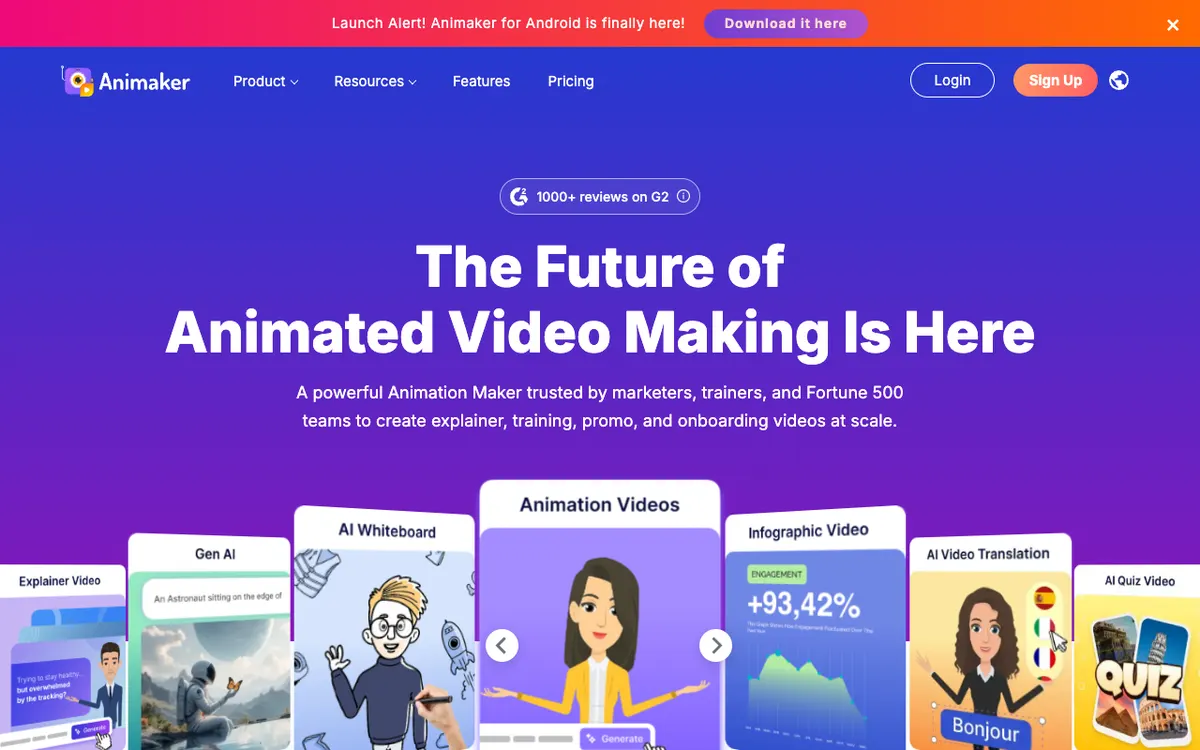 Animaker: a browser animation maker for explainer, whiteboard, infographic and training video.
Animaker is a browser-based animation maker for explainer, training and promo video, with a character builder and whiteboard animation on every paid plan, from $15 a month billed yearly. It comes from the same company as Steve AI.
Think of it as Steve AI’s hands-on sibling. Steve AI generates the video for you, while Animaker gives you the editor: build a character, pick an action and an expression, and drop it into a scene.
Animaker says its builder offers 15+ facial features and 20+ expressions, with auto lip-sync to your voiceover. TechRadar’s review praises the range of character options.
Pros
- Character builder with actions, expressions and auto lip-sync
- Whiteboard animations from the Basic plan up
- AI text-to-speech and AI subtitles
- Cheaper entry than Vyond for character animation
- 4.7 rating from 1,000+ reviews, per Animaker’s pricing page
Cons
- Premium downloads are capped: 5 a month on Basic, 10 on Starter, 30 on Pro
- Video length is capped: 5 min on Basic, 15 on Starter, 30 on Pro
- Basic exports in HD only; FHD needs Starter and 2K needs Pro
- Free exports carry the Animaker watermark
Best for: Small teams and educators who want to build animated characters by hand without Vyond’s price.
Pricing: Basic $27/month ($15/month billed yearly). Starter $45/month ($25 yearly). Pro $79/month ($43 yearly). Enterprise custom with 4K (app.animaker.com/pricing, checked October 2026).
4. Powtoon
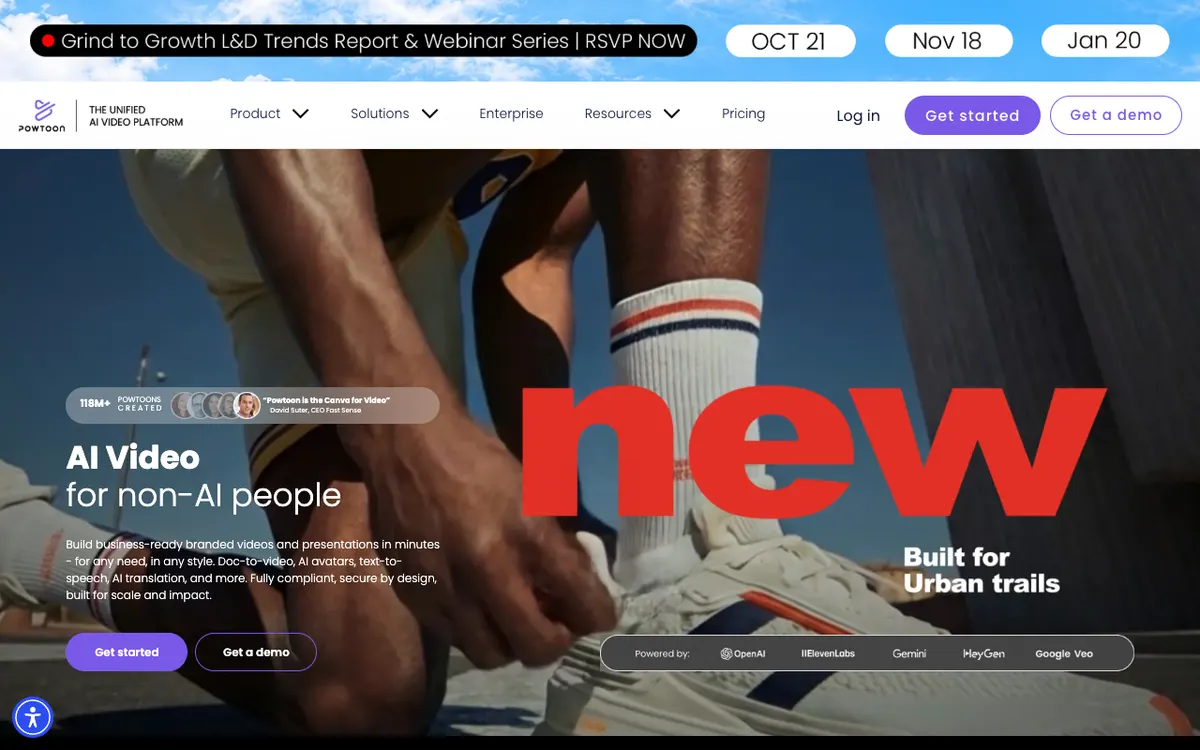 Powtoon: branded animated videos and presentations, with doc-to-video, AI avatars and text-to-speech.
Powtoon is an animated video and presentation tool for business and education, with templates, characters and an “AI Anything to Video” generator, from $15 a month billed yearly. It sits between a slide deck and an animation studio.
Its AI layer now matches Steve AI’s. Paid plans include Anything to Video, Veo 3 clip generation, ElevenLabs text-to-speech, HeyGen avatars, translation and dubbing, all paid for with AI credits.
Powtoon’s strength is the business-friendly editor. You can export to MP4, PPT or PDF and publish to HubSpot, Slack, Teams or Ads Manager.
Powtoon says 118M+ Powtoons have been created.
Pros
- Doc-to-video and AI avatars inside a familiar slide-style editor
- Export to MP4, PPT and PDF
- Character customization and character lip-sync on Advanced
- Free plan to test, with screen recording
Cons
- Free plan: 720p, 3-minute videos and a Powtoon watermark
- Lite allows only 5 watermark-free exports a month
- AI credits are small and renew yearly: 300 on Lite, 500 on Professional
- Custom characters and lip-sync need the $125 Advanced plan
Best for: Marketing, HR and education teams who think in slides and want light animation with AI help.
Pricing: Free (720p, 3 min, watermark). Lite $15/month billed yearly. Professional $40/month billed yearly. Advanced $125/month billed yearly. Enterprise custom (powtoon.com/pricing, checked October 2026).
5. Renderforest
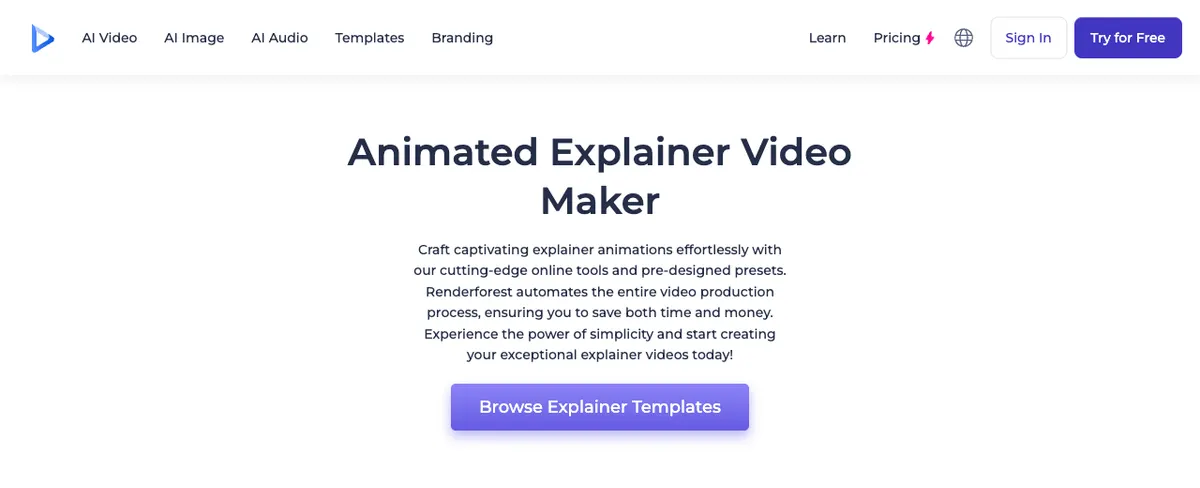 Renderforest: an animated explainer maker built on pre-designed templates and presets.
Renderforest is a template-based video, logo and website maker with hundreds of 2D and 3D animation templates and built-in generative AI models, from $9 a month billed annually. G2 lists it as the top overall Steve AI alternative.
It solves the explainer differently. You pick a template, swap in your text, colors and voiceover, and Renderforest renders it, so the animation is pre-built and the quality is consistent.
Paid plans also bundle generative video models like Veo 3.1, Kling 3.0 and Seedance on one credit balance. That’s useful for adding a live-action shot to a template explainer.
Pros
- Hundreds of explainer and animation templates, 2D and 3D
- Cheapest paid entry here at $9 a month billed annually
- 4K template exports on Business
- Pay-per-export option: a single HD1080 video for $24
- Also makes logos, mockups and websites
Cons
- Templates limit how far you can change the story’s structure
- Lite exports templates in HD720 only
- Free exports carry a Renderforest watermark at limited resolution
- The credit tables are long and hard to compare
Best for: Small businesses and freelancers who want a polished template explainer on a small budget.
Pricing: Lite $9/month billed annually (HD720). Pro $19/month billed annually (HD1080). Business $39/month billed annually (4K). List prices before the annual discount are $15, $39 and $59 (renderforest.com/subscription, checked October 2026).
6. Doodly
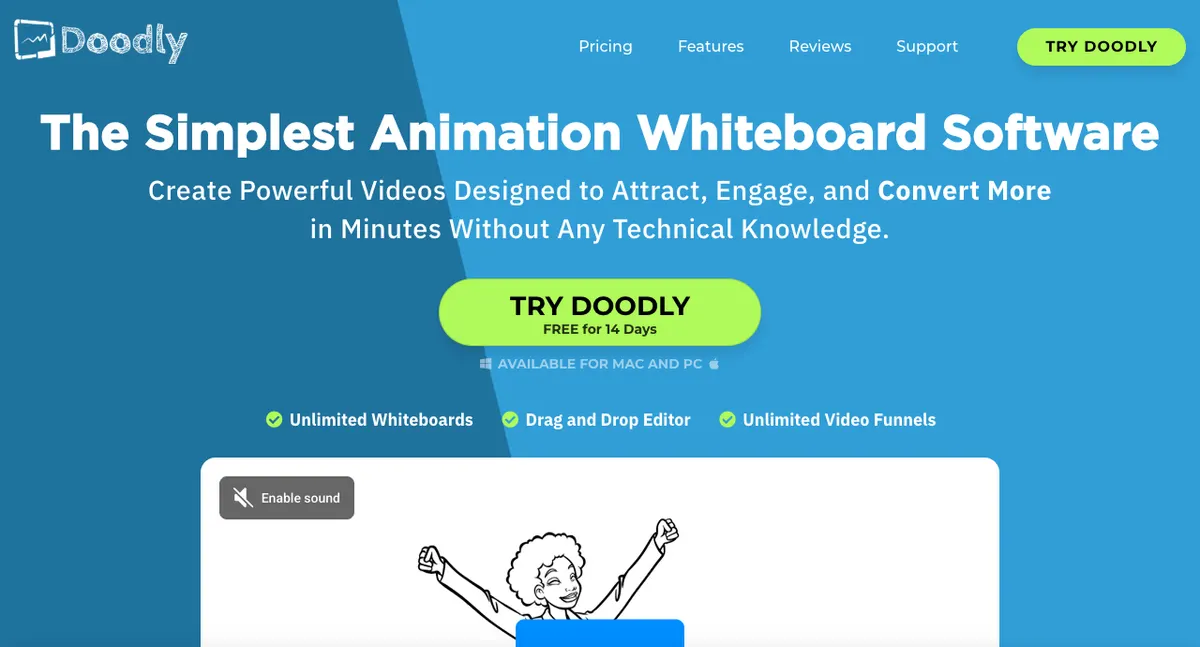 Doodly: desktop whiteboard animation software that auto-draws images with a hand.
Doodly is whiteboard animation software for Mac and PC that draws images on screen with a hand, now included in the Voomly Cloud bundle at $49 a month. It does one style, and does it well.
You drag an image onto the canvas, and Doodly draws it stroke by stroke. Whiteboard, blackboard, glassboard and green screen modes are built in, and Smart Draw animates images you import.
Doodly has no AI script-to-video. You build every scene yourself, which is slower than Steve AI but gives the hand-drawn look Steve AI can’t match.
Pros
- Classic hand-drawn whiteboard look, with a choice of hands
- Whiteboard, blackboard, glassboard and green screen modes
- Smart Draw for your own images
- Voiceover recording and royalty-free music inside the app
- 14-day free trial and a 30-day money-back guarantee
Cons
- No AI script, blog or prompt to video
- Desktop app only, not in the browser
- One visual style
- Sold as part of Voomly Cloud, so you pay for tools you may not use
Best for: Course creators and marketers who specifically want whiteboard explainers and are happy to build scene by scene.
Pricing: Included in Voomly Cloud at $49/month or $490/year, with Toonly, Talkia and People Builder. Voomly Pro is $79/month with the enterprise versions. Exports from 480p to 1080p at 24–60 fps (voomly.com/pricing, checked October 2026).
7. Pictory
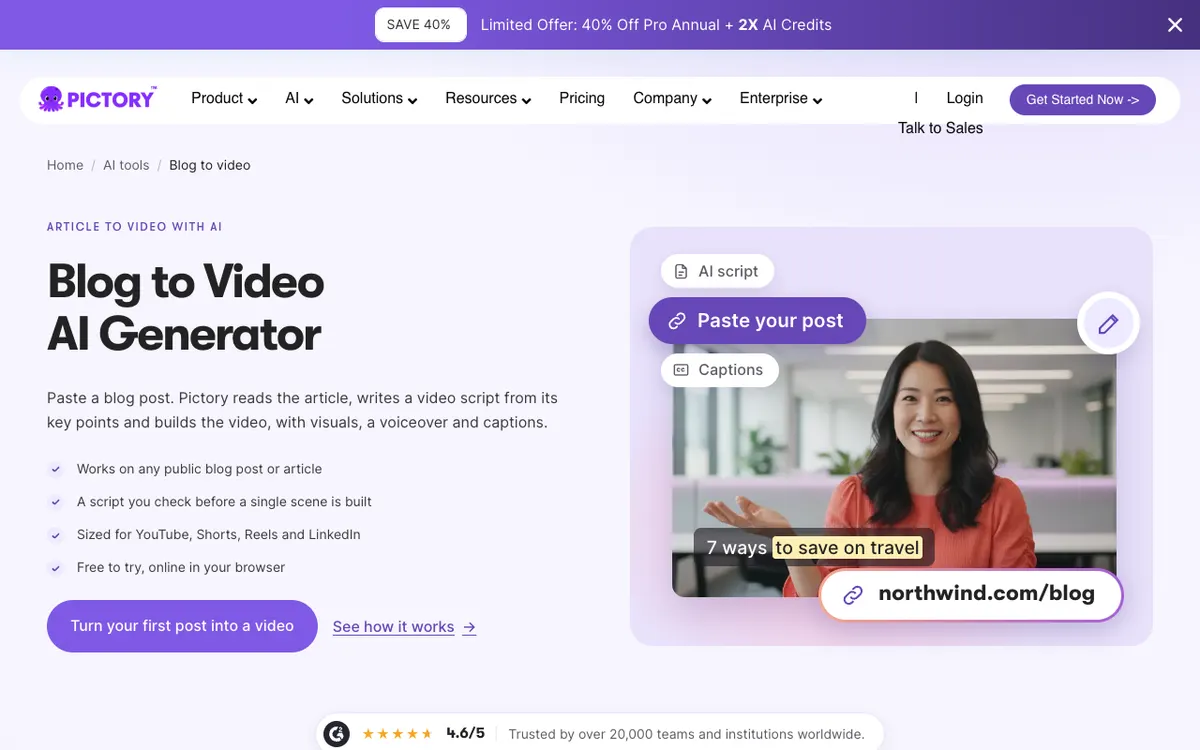 Pictory blog to video: paste a post, review the AI script, and get a video with stock visuals, a voiceover and captions.
Pictory is an AI video maker that turns blog posts, scripts, URLs and slide decks into stock-footage videos with an AI voiceover and captions, from $25 a month billed yearly. It’s the pick if Steve AI’s blog-to-video is the only feature you use.
It reads a public post, writes a script from its key points, and lets you check that script before a single scene is built. Then it matches stock clips to each line and adds a voiceover and captions.
Pictory isn’t an animation tool. Your video is made of stock footage, not characters or motion graphics, so it suits social clips and article recaps more than illustrated explainers.
Pros
- Blog, URL, script and PowerPoint to video
- A script you review before scenes are built
- Sized for YouTube, Shorts, Reels and LinkedIn
- Up to 30-minute videos on paid plans
- 14-day free trial with 15 video minutes
Cons
- No animated characters or motion graphics
- Stock footage can look generic next to a custom explainer
- Video minutes are capped: 200 a month on Starter
- Custom avatars start on Professional
Best for: Content marketers who want to repurpose blog posts into video at volume.
Pricing: Starter $29/month ($25 billed yearly). Professional $59/month ($35 billed yearly during a current promotion). Team $199/month ($119 yearly). Enterprise custom (pictory.ai/pricing, checked October 2026).
Steve AI alternatives compared
| Tool | Script or blog to video | Animated characters | Templates | Max export | Free plan | Starting paid price |
|---|---|---|---|---|---|---|
| Vidwip AI Motion Graphics | Brief to video (no URL import) | None, motion graphics only | Starters only, 85 styles | 1080p, 30 fps | Sign up free, no watermark | $25/mo |
| Vyond | Text, doc and URL (Vyond Go) | Yes, plus 1,300+ AI avatars | Yes | 1080p | Trial, no downloads | $58/mo billed yearly |
| Animaker | AI video credits | Character builder, lip-sync | Yes | 2K on Pro, 4K on Enterprise | Watermarked | $15/mo billed yearly |
| Powtoon | Anything to Video | Yes, custom on Advanced | Yes | 1080p | 720p, 3 min, watermark | $15/mo billed yearly |
| Renderforest | Generative AI, template-led | In some templates | Hundreds | 4K on Business | Watermarked, low res | $9/mo billed annually |
| Doodly | None | Hands, plus People Builder | Scenes and assets | 1080p | 14-day trial | $49/mo (Voomly Cloud) |
| Pictory | Blog, URL, script, PPT | None, stock footage | Yes | Not listed | 14-day trial, 15 min | $25/mo billed yearly |
| Steve AI (baseline) | Prompt, script, blog, audio | 300+ on paid plans | Yes | 2K on Pro, 4K on Enterprise | Watermarked | $19/mo billed yearly |
We checked that every tool above is still operating and selling plans in October 2026.
How to choose the right Steve AI alternative
You want a motion graphics explainer with readable text. Pick Vidwip AI Motion Graphics. Write a brief, choose Infographic Motion or Kinetic Typography, and add a voiceover in any of 74 languages.
You need characters that act out a scenario. Pick Vyond for corporate training, or Animaker if budget matters more than depth.
You think in slides. Pick Powtoon, which exports to MP4, PPT and PDF.
You want a polished template on a small budget. Pick Renderforest, from $9 a month billed annually.
You want the hand-drawn whiteboard look. Pick Doodly and build each scene yourself.
You only use Steve AI to turn blog posts into video. Pick Pictory, which reads the post and builds a stock-footage video around it.
If your explainers need a presenter on camera rather than animation, our Synthesia alternatives and HeyGen alternatives guides compare avatar tools. For narrated videos without a face on screen, see our guide to the faceless video generator, and for product explainers, our ranking of AI product video generators.
The verdict
Steve AI is still a fast way to turn a script or a blog post into a first-draft animated video. The alternatives win when you need something it does less well.
Vyond and Animaker beat it on character animation and hands-on editing. Powtoon beats it for slide-style business video, Renderforest on template polish per dollar, Doodly on the whiteboard look, and Pictory on pure blog-to-video.
Vidwip AI Motion Graphics takes a different route: no characters and no template library, but a brief becomes a storyboarded, 1080p motion graphics film with real on-screen type and a song or voiceover planned over the scenes. If your explainers live on diagrams, labels and numbers, that’s the trade worth making.
Try it at app.vidwip.com. Sign up free, no credit card, and finished explainers carry no Vidwip watermark.