
Vidwip AI Video Dubbing is the pick when your training videos are already recorded: it dubs every speaker in their own voice into up to 94 languages from $2.40 per finished minute, with no watermark on any tier. Colossyan is the closest Synthesia replacement for authoring new modules, with SCORM export and a course builder on its Professional plan at $59/month (annual). HeyGen wins when a presenter's mouth has to match the new language.
Synthesia is the tool most L&D teams compare everything else against. Avatars, slides, 140+ languages, SCORM export — it covers the wishlist. The catch is that SCORM lives on the Enterprise plan, the per-seat cost climbs fast for larger teams, and the avatar style is recognizable enough that viewers sometimes feel like they’re watching a product demo rather than a training module. That’s why so many teams shortlist Synthesia alternatives before renewing.
These eight tools are the best routes out. They cover the full range: a multilingual dubbing path for teams that already have recorded footage, a purpose-built course-authoring alternative, a lip-sync option, an animation approach and a per-minute model.
Every price below was pulled from the vendor’s own pricing page in October 2026.
What to look for in a Synthesia alternative
Four things separate the good ones from the ones that look good in a demo.
SCORM and LMS integration. If your training runs through an LMS, SCORM is not optional. Check which plan tier it lives on — several tools gate it to Enterprise, which means a sales conversation before you can ship your first module.
Avatar naturalness and variety. The closer a tool looks to Synthesia’s avatar quality, the more options it tends to have. Animation-based tools like Vyond look different by design, which is a feature if that fits your brand.
Per-seat pricing. A $29/month plan that costs $20 per extra seat at ten users is $229/month. Build out the real number for your team size before you commit.
Translation and multilingual support. Language counts vary between 30 and 175+ depending on the plan tier. If your training ships to multiple regions, the language cap on a given plan matters as much as the headline price.
1. Vidwip AI Video Dubbing — best for multilingual rollout of existing footage
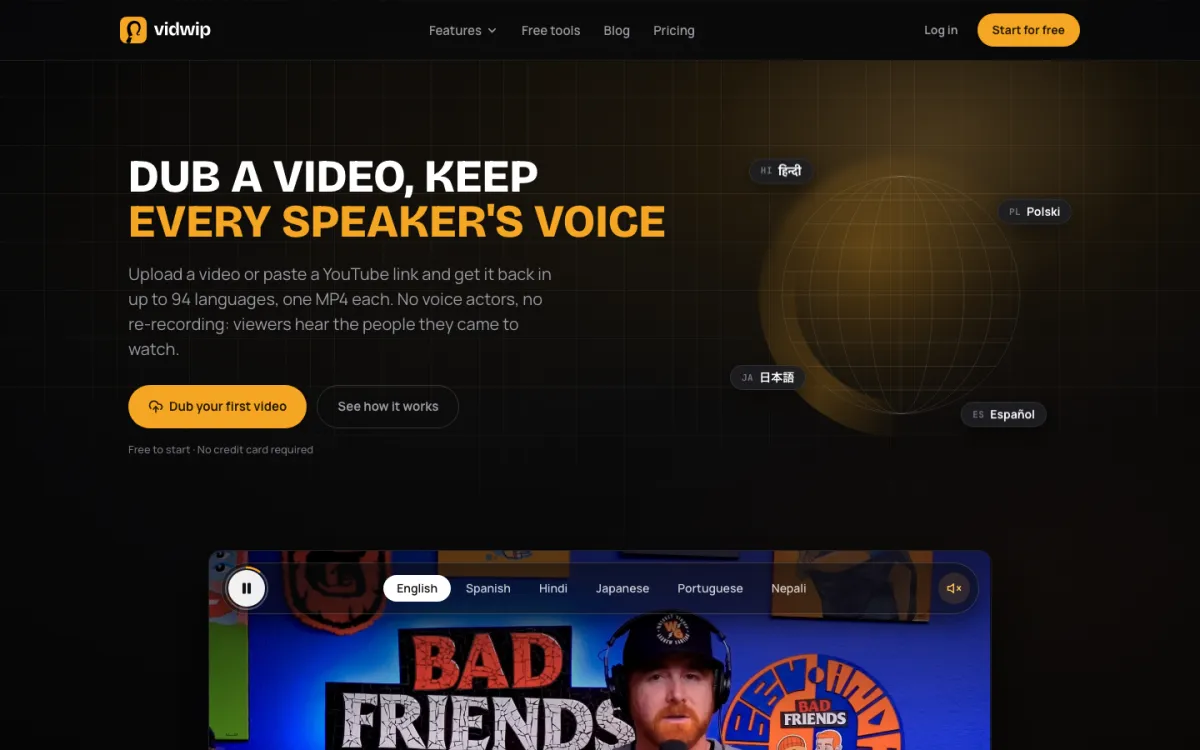 Vidwip AI Video Dubbing — dub recorded training videos into up to 94 languages, every speaker in their own voice, no watermark on any tier.
Most tools on this list ask you to rebuild training content in a new tool. Vidwip AI Video Dubbing takes a different path: if your training videos are already recorded, dub them.
Upload an MP4, MOV, or WebM file up to 2 GB and 30 minutes, or paste a YouTube link. Vidwip clones each speaker’s voice and re-voices the full video into your target language — keeping the background music and sound under the new dialogue. Every speaker sounds like themselves in the new language, and each finished dub is a separate MP4 with no watermark.
The pricing is metered per minute of source media per target language. Dubbing on v1 runs at 240 credits per minute per language ($2.40).
v2 — which handles 94 languages, multi-speaker footage, and noisy recordings — runs at 600 credits per minute ($6.00).
A 10-minute training module dubbed into 5 languages on v1 costs 12,000 credits ($120). That is more than Pro’s 10,000 monthly credits, while Starter’s 2,500 suits shorter modules.
No SCORM export, no avatar generation. Vidwip is the pick for one specific situation: your L&D library is already recorded, and you need it in more languages without rebuilding it.
If that describes your team, see the full dubbing workflow guide for how to plan a training series. Dubbing several videos in one batch is Pro only, at up to 10 dubs per batch.
Pros
- Dubs up to 94 languages (v2) from existing footage — no rebuilding from scratch
- Every speaker keeps their own cloned voice — no stock narrator over your presenter
- No watermark on any tier, free included
- Translated subtitles burn into the picture if your audience watches on mute
- Free to start, no credit card
Cons
- No avatar generation, no SCORM export, no course builder — not a full Synthesia replacement
- Metered pricing (per minute, per language) adds up on long or many-language libraries
- v2’s $6.00 per minute per language is a significant per-run cost for large batches
- No translation editing before voicing — translation is fully automatic
Best for: L&D teams that already have recorded training footage and need it dubbed into multiple languages, without rebuilding content. Pricing: Free to start, no credit card (1 language per run). Starter $25/mo (2,500 credits). Pro $99/mo (10,000 credits). Enterprise custom (vidwip.com/pricing, checked October 2026).
2. Colossyan — best L&D-native Synthesia alternative
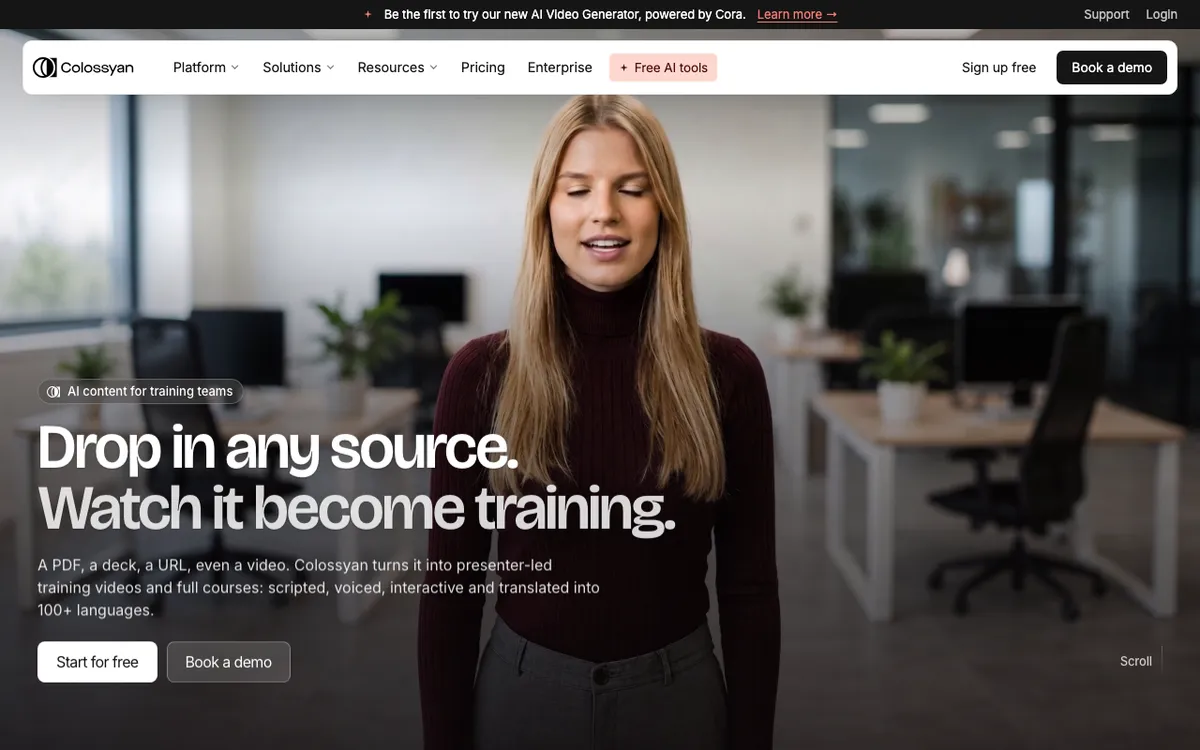 Colossyan — built specifically for corporate training and eLearning authoring.
Colossyan is the most direct Synthesia alternative for teams that live in an LMS. Where Synthesia started as an avatar video tool and added L&D features over time, Colossyan built the course-authoring layer first: assessments, branching, interactive video, and a native SCORM pipeline at a self-serve price point.
The Professional plan at $59/month (billed annually) gives 30 minutes of video per month, 5 SCORM exports per month, and 120+ auto-translations. That is the whole loop — author, translate, export to LMS — without a sales call. Synthesia gates SCORM to Enterprise.
The free Starter plan is genuinely useful for pilots: 20 minutes per month, a full course builder, and up to 15 auto-translations per month with no credit card required.
The downside is that Colossyan’s avatar quality is good, not exceptional on the standard v1 model. The NEO2 engine (higher quality) is an add-on on Professional and comes standard on Enterprise. Video minute caps on Professional (30 minutes per month) feel tight for heavy producers — enterprise pricing removes the cap.
Pros
- SCORM export on the self-serve Professional plan, not gated to Enterprise
- Native course builder with branching, assessments, and interactive video on every plan
- 120+ languages with auto-translation on Professional
- Free Starter plan covers 20 minutes per month, no watermark, no card
Cons
- Monthly billing price for Professional is not listed; annual-only pricing hides the true flexibility cost
- NEO2 (higher-quality avatars) is a premium add-on at Professional tier
- 30 video minutes per month on Professional is a tight cap for active L&D teams
- Enterprise-only for conversational avatars and branded custom avatars
Best for: L&D teams that need SCORM export at a self-serve price, a course builder without a separate authoring tool, and 120+ translation languages. Pricing: Free (20 min/mo, no SCORM). Professional $59/mo billed annually (30 min/mo, 5 SCORM exports/mo). Enterprise custom (colossyan.com/pricing, checked October 2026).
3. HeyGen — best for presenter-led training with lip sync
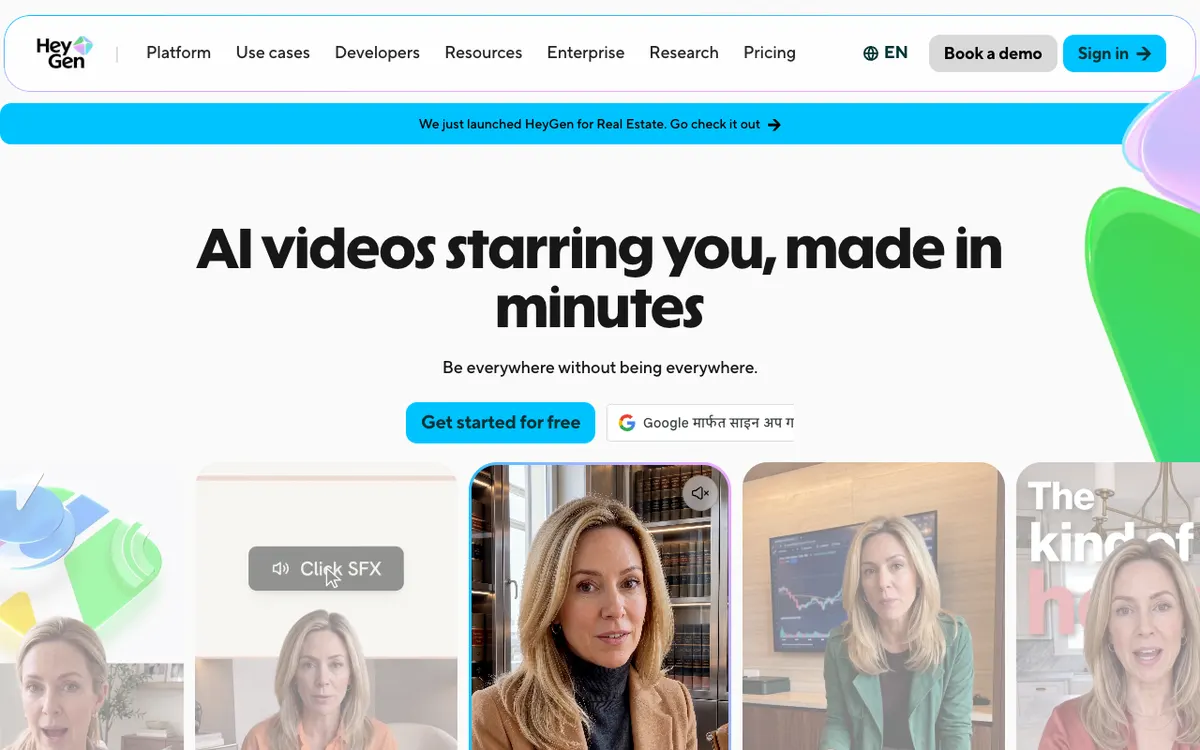 HeyGen — lip-synced avatar video and translation for teams with a presenter on camera.
HeyGen is the pick when a real person’s face is on screen and the translated audio has to match their mouth. Its Business plan includes visual lip sync, SCORM export, LMS integrations, interactive video with branching and quizzes, and 175+ languages — everything a serious L&D operation needs.
The credit math at Business tier gives 1,500 credits per month. HeyGen charges 6 credits per minute for lip-synced translation in Speed mode, so that is roughly 250 translated minutes per month. Extra seats cost $20 each on top of the $149/month base.
The gap between Creator ($29/month) and Business ($149/month) is large. Creator includes no SCORM, no LMS integrations, and only 30+ translation languages rather than 175+. Teams that need the full L&D stack have to commit to the Business tier from day one.
Voice quality trails ElevenLabs on pure realism, but it is solid. The bigger differentiator is lip sync — no other tool in this list does it at a comparable price.
Pros
- Visual lip sync on paid tiers, not an enterprise-only add-on
- SCORM export, LMS integrations, and interactive video on Business tier
- 175+ languages on Pro and above
- Paste a YouTube link instead of uploading — useful for localizing existing presentations
- 1-seat Creator plan at $29/month works for solo content creators
Cons
- SCORM requires Business at $149/month plus $20 per additional seat
- Creator tier is limited to 30+ translation languages
- Credits are shared with avatar generation, so translation budget shrinks if you use both
- Free plan watermarks exports and caps videos at 1 minute
Best for: Teams with a presenter on camera who need lip-synced multilingual training videos, interactive video, and SCORM. Pricing: Free. Creator $29/mo ($24/mo annual). Pro $49/mo. Business $149/mo + $20/seat. Enterprise custom (heygen.com/pricing, checked October 2026).
4. Elai — best per-minute pricing flexibility
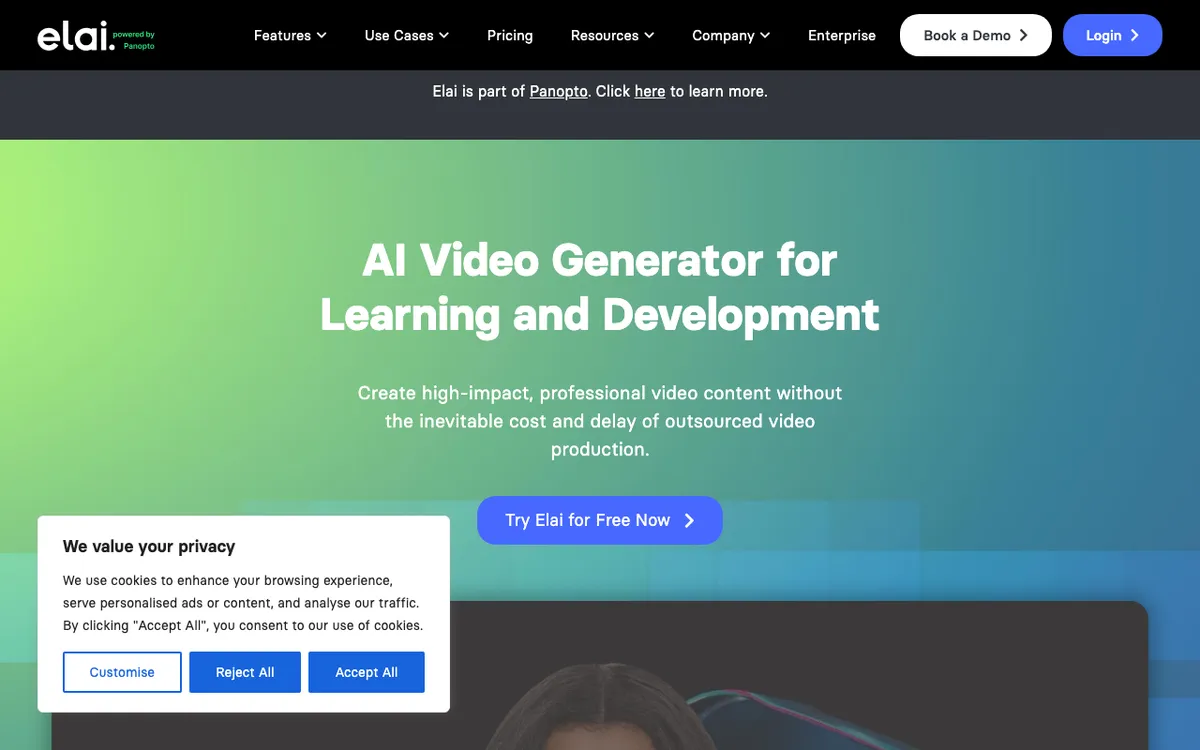 Elai — avatar video with a per-minute model and API for editorial and L&D teams.
Elai competes on flexibility. The Creator plan at $29/month gives 15 video minutes per month at $1.93 per minute, and extra minutes are available at $2 each on top — so you pay for what you use rather than locking into a large annual pool. That makes it easier to plan a training series without overbuying.
The Team plan at $125/month gives 50 minutes per month for up to 3 editors, 4K export, premium voices, and one selfie avatar plus one voice clone. That is the plan most small L&D teams will land on.
Elai covers 75+ languages (the site also says 100+ in the body copy) and 80+ avatars across all tiers. SCORM export is Enterprise-only, which is the main limitation. Teams that need SCORM self-serve should look at Colossyan instead.
The API is a genuine feature. If your team wants to generate training videos programmatically — templated safety briefings, product updates, compliance modules — Elai’s API integration is one of the more straightforward options.
Pros
- Per-minute top-ups at $2 each mean you only buy what you need
- Team plan ($125/mo) includes 3 editors, 4K, premium voices, and selfie avatar
- API integration for programmatic video generation
- 80+ avatars and 75+ languages on all plans
Cons
- SCORM export is Enterprise-only (no public pricing)
- 15 video minutes per month on Creator is tight for regular content production
- Free plan is limited to 1 video minute — only useful for a quick proof of concept
- Pricing per minute is higher than Colossyan when scaled up
Best for: L&D teams and agencies that want per-minute flexibility and API access, without committing to a large annual pool upfront. Pricing: Free (1 min). Creator $29/mo ($23/mo annual, 15 min). Team $125/mo ($100/mo annual, 50 min). Enterprise custom (elai.io/pricing, checked October 2026).
5. DeepBrain AI Studios — best avatar variety at the entry price
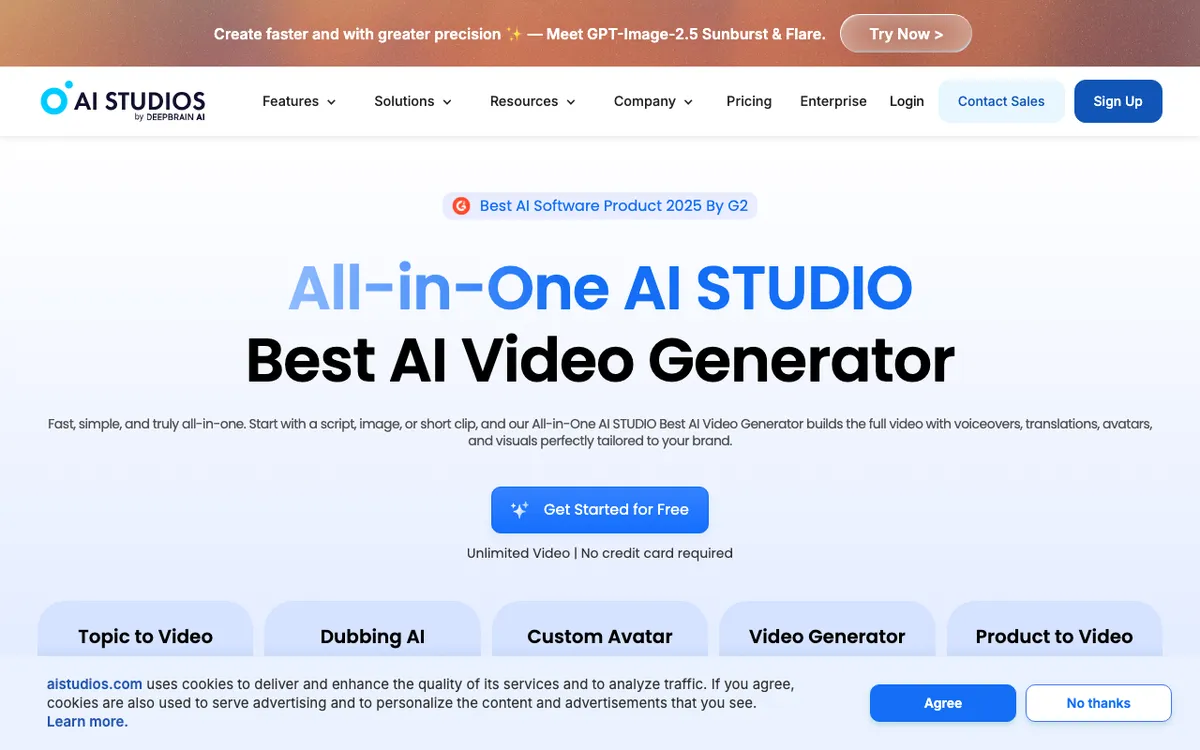 DeepBrain AI Studios — 2,000+ AI-generated avatars and 150+ languages from $24/month.
DeepBrain AI Studios has the lowest paid-tier entry price of any tool here at $24/month on the Personal plan. That buys unlimited videos up to 30 minutes each, 100+ stock avatars, 2,000+ AI-generated avatars, 150+ languages and accents, and up to 120 minutes of AI dubbing per month.
The avatar count is the standout. 2,000+ AI-generated avatars means you can match a presenter look to your audience segment without relying on a fixed stock roster. The $24/month Personal plan covers this — you do not need to upgrade just to access avatar variety.
The limitation that matters for L&D is SCORM. Like Elai, it is Enterprise-only at DeepBrain. Serious eLearning teams will still need to layer in an LMS integration manually or upgrade to Enterprise.
The Interactive Avatar plan is separate from the AI Studios plan and priced per session credit. For internal training with a real-time AI avatar presenter — think compliance Q&A or onboarding simulations — this is a genuinely different offering from what Synthesia or the other tools here provide. The Standard plan is $99/month for 100 credits, billed at 1 credit per 5 minutes of session.
Pros
- Lowest paid entry price at $24/month with unlimited videos up to 30 minutes
- 2,000+ AI-generated avatars — by far the largest avatar selection in this list
- 150+ languages and accents on Personal and above
- Interactive Avatar (real-time AI presenter) is a separate product not matched by most competitors
Cons
- SCORM export is Enterprise-only — no self-serve path to SCORM
- Free plan caps at 3 videos per month, 1 minute each, in 720p
- 30-minute video cap on Personal (Team raises it to 60 minutes)
- Team plan at $55/seat/month gets expensive at scale
Best for: Teams that need the widest avatar variety at the lowest entry price, or that are exploring real-time interactive training with a conversational avatar. Pricing: Free (3 videos/mo, 1 min each). Personal $24/mo. Team $55/seat/mo. Enterprise custom (aistudios.com/pricing, checked October 2026).
6. Vyond — best for animation-based L&D content
 Vyond — animated video for L&D teams, with 1,300+ avatars, 95 translation languages on Professional, and SCORM support.
Vyond takes a different approach from every other tool in this list. It is animation-based rather than photorealistic avatar-based. That means videos look designed, not recorded, which is either a feature or a limitation depending on your brand.
The L&D heritage is real — Vyond has been in the corporate training space for over a decade. The Starter plan at $58/month (billed annually) gives 100 downloads per user per month, a 25-minute video cap, and 650+ text-to-speech voices. The Professional plan at $100/month (annual) adds team collaboration, instant translation into 95 languages, and a 40-minute video cap.
SCORM export is listed as a Vyond feature, but the pricing page does not map it to a specific plan. Treat that as unconfirmed until you speak to their team or start a trial. Enterprise ($137/month annual) adds the Brand Management Suite, 200+ ultra-high-quality voices, and 90-minute video lengths.
The per-user pricing is the main friction for growing teams. At three users on Professional, you are at $300/month annually before any add-ons.
Pros
- Established L&D tool with 10+ years in the corporate training space
- 1,300+ animated character avatars plus template library built for eLearning
- 95 translation languages on Professional and above
- Animation style can be better than photorealistic avatars for certain audiences
Cons
- Per-user pricing gets expensive fast: 5 users on Professional is $500/month annually
- SCORM support is not clearly mapped to a plan tier on the pricing page
- Animation look is fundamentally different from photorealistic tools — not a direct swap for Synthesia
- No free plan — trial only
Best for: L&D teams that already use animation-style training content, or that prefer a designed look over photorealistic avatars and have a per-user budget. Pricing: Starter $99/mo ($58/mo annual). Professional $199/mo ($100/mo annual). Enterprise $137/mo (annual only). Agency $167/mo (annual only) (vyond.com/pricing, checked October 2026).
7. D-ID — best for budget avatar creation and AI presenter apps
 D-ID — photo-to-avatar video creation and a real-time AI agent platform.
D-ID is two things: a talking-head video creator where you upload a photo and generate a speaking avatar, and a platform for building real-time AI agent applications. For training video production, the first use case is the relevant one.
The entry price is competitive and the tool is genuinely fast — generating a short talking-head from a still image takes seconds, not minutes. It covers a broad language list and the avatar variety (any uploaded photo becomes a presenter) is unique.
The limitation for enterprise L&D is the same as with most tools here: SCORM and LMS integration details are not clearly documented on the public pricing page. D-ID’s pricing page did not display plan pricing in readable form at press time (checked October 2026) — contact their team for current seat and volume pricing before you build a content plan around it.
The Trial plan watermarks all output. The watermark persists on Lite plan output too, according to their FAQ.
Pros
- Photo-to-avatar creation is a unique differentiator — any face becomes a presenter
- Fast generation times — useful for quick module turnaround
- Real-time AI agent capability for interactive training applications
- Broad language support
Cons
- Pricing not publicly listed in a readable format — contact sales required
- Watermarks on Trial and Lite plan output limit free usefulness
- No clear public path to SCORM or LMS integration details
- Less purpose-built for L&D than Colossyan or Elai
Best for: Teams that want to generate avatar video from custom photos quickly, or that are exploring real-time AI presenter applications. Pricing: Contact sales. Trial and Lite plans watermark output (d-id.com/pricing, checked October 2026).
8. Descript — best for editing-heavy training video production
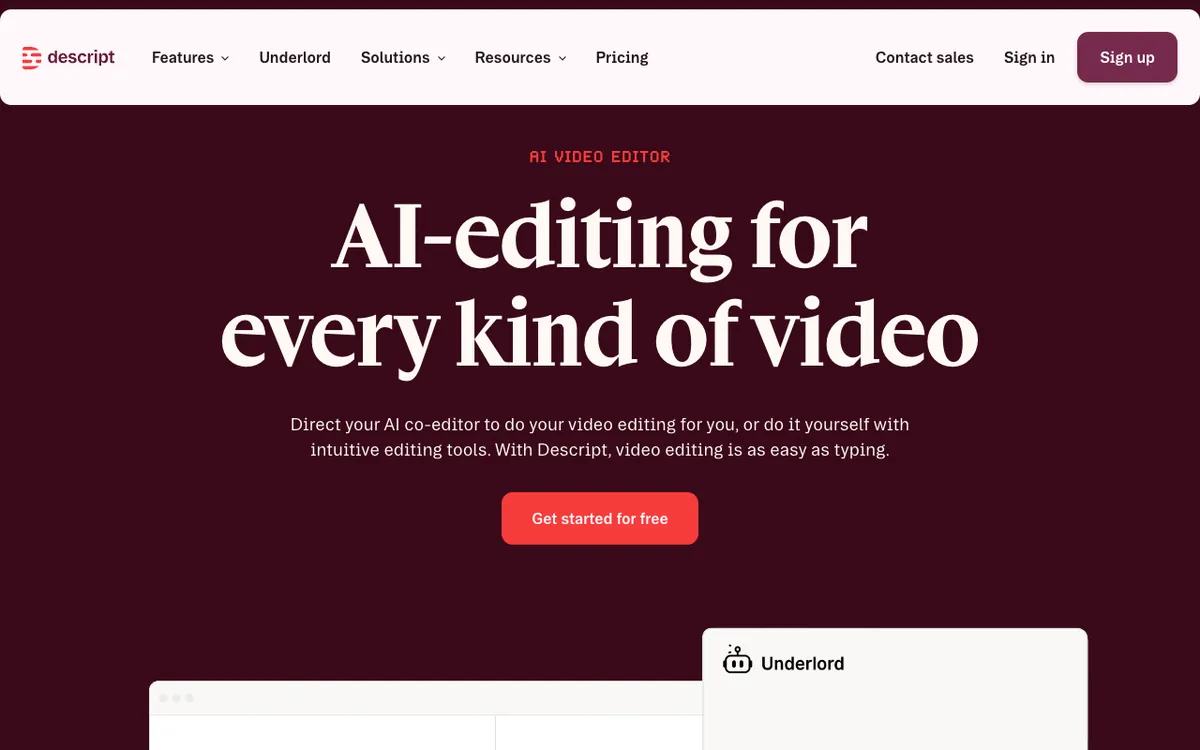 Descript — edit video by editing the transcript, with AI voice cloning and 30+ AI speakers.
Descript is the Synthesia alternative for teams that need a real editing workflow, not just avatar generation. Instead of recording a presenter, you type a script and edit the transcript — delete a sentence in the text and the corresponding video cuts. It is the fastest way to keep training content up to date as products change.
The Hobbyist plan at $24/month gives 10 hours of media per month, 400 AI credits, and watermark-free export at 1080p. The Creator plan at $35/month steps up to 30 hours per month, 800 AI credits, 4K export, and up to 3 team members. That is enough for a small L&D team producing weekly content.
The 25+ AI speaker voices on Hobbyist and Creator mean you can narrate modules without recording. Business ($65/month) adds 60+ native-sounding AI speakers and voice cloning for a branded narrator.
The gap versus Synthesia: Descript has no SCORM export on any plan and no native LMS integration. It is the right tool when your workflow is “record → edit → export → upload,” not “author → SCORM → LMS.”
Pros
- Edit video by editing transcript — fastest way to update existing training content
- 30 hours/month media on Creator at $35/month is generous for the price
- Voice cloning and AI voices work for narrated modules without a recording booth
- 1 to 5 seats on Creator and Business cover small L&D teams
Cons
- No SCORM export on any plan — not a direct Synthesia replacement for LMS workflows
- No avatar generation — text-based narration only, not a talking-head presenter
- AI credits (800/month on Creator) are a separate limit on top of media minutes
- Free plan is limited to 60 media minutes and 100 one-time AI credits
Best for: L&D teams that need to update existing video-based training content quickly, or that prefer a transcript-edit workflow over avatar generation. Pricing: Free (60 min media, 100 AI credits). Hobbyist $24/mo ($16/mo annual). Creator $35/mo ($24/mo annual). Business $65/mo ($50/mo annual) (descript.com/pricing, checked October 2026).
Synthesia alternatives comparison table
| Tool | Avatars | Languages | SCORM | Starting price | Best for |
|---|---|---|---|---|---|
| Vidwip | None | 94 (v2) | None | Free / $25/mo | Multilingual dubs of existing footage |
| Colossyan | 15+ custom + stock | 120+ | Professional ($59/mo annual) | Free | L&D authoring, SCORM self-serve |
| HeyGen | 120+ | 175+ (Pro+) | Business ($149/mo) | $29/mo Creator | Lip sync, presenter-led courses |
| Elai | 80+ | 75+ | Enterprise only | $29/mo Creator | Per-minute flexibility, API |
| DeepBrain AI | 2,000+ AI-gen | 150+ | Enterprise only | $24/mo Personal | Avatar variety, entry price |
| Vyond | 1,300+ animated | 95 (Pro+) | Unconfirmed by plan | $58/mo annual | Animation-based L&D |
| D-ID | Custom (any photo) | Broad | Not documented | Contact sales | Photo-to-avatar speed |
| Descript | None | Multiple | None | $24/mo Hobbyist | Editing-first workflow |
How to choose the right Synthesia alternative
Your training library is already recorded? Skip the avatar tools and dub what you have. Vidwip AI Video Dubbing clones every speaker’s voice and re-voices your existing modules into up to 94 languages at $2.40 per finished minute per language on v1.
Need SCORM self-serve, below Enterprise pricing? Choose Colossyan Professional. It is the only tool here that gets you a full SCORM pipeline — 5 exports per month — at a self-serve price of $59/month billed annually.
Presenter on camera, mouth needs to match the new language? HeyGen is the only tool here that does visual lip sync at a self-serve price. Budget for the Business tier ($149/month plus $20 per seat) to get SCORM and LMS integration alongside the translation.
Smallest team, tightest budget? DeepBrain AI Studios at $24/month Personal gives unlimited video up to 30 minutes, 2,000+ avatars, and 150+ languages. You get more avatar variety than Synthesia at a lower price, with the trade-off that SCORM requires Enterprise.
Animation over photorealistic? Vyond’s template library and 10-year L&D track record make it the default for teams that have been animating training content. Account for the per-user cost — it adds up quickly at team scale.
Related reading
If you are still deciding between an avatar tool and a dubbing-first approach, our AI video dubbing tools comparison ranks five dedicated dubbing tools on voice realism, translation accuracy, and true cost per minute.
For teams exploring a voiceover-first path — adding narration to existing screen recordings rather than rebuilding with avatars — see our AI video voiceover guide.
If you want to test multilingual dubbing without a paid plan, see the free AI video dubbing tools roundup — four of the tools in this post appear there, ranked on their free-tier limits alone.