
Vidwip is the fastest path for software products — a screen recording becomes a narrated product video in under 5 minutes at $0.60 per finished minute. Synthesia wins on brand control, HeyGen on localization, InVideo AI on template volume, and Creatify on ecommerce ad creative.
TL;DR
- Vidwip — the fastest path for software. A screen recording becomes a narrated product video in under 5 minutes at $0.60 per finished minute.
- Synthesia — the brand-control pick. Brand kits, 180+ avatars, 160+ languages, and the deepest template library for corporate video.
- HeyGen — the localization pick. 175+ languages and dialects, 4K export from $49/month.
- InVideo AI — the volume pick. Prompt-to-video with access to Veo, Kling, and Seedance models for social product content.
- Creatify — the ecommerce ad pick. Paste a product URL, get scripted UGC-style ad creative in minutes.
Two kinds of AI product video generator
Every AI product video generator falls on one side of a split the category name hides, and picking the wrong side wastes a month.
Generators that invent footage. You give them a script, a product URL, or a prompt, and they assemble stock clips, avatars, or model-generated video. Synthesia, HeyGen, InVideo AI, and Creatify all sit here.
Generators that narrate footage you already have. You give them a screen recording of the real product, and they write and voice the narration over it. Vidwip sits here.
For a physical product, invented footage is fine — a moisturizer looks like a moisturizer in stock b-roll. For software, it is a dead end. Nobody buys a dashboard they have never seen, and no avatar can show a settings page.
That distinction decides your shortlist faster than any feature table.
What to look for in an AI product video generator
G2 analyzed 1,236 verified reviews of AI video tools and found something useful: the products are converging. All five platforms in that dataset scored between 6.3 and 6.6 out of 7 on ease of use, and as G2’s review analysis puts it, “when every product is this easy, nobody stands out.”
So ignore ease of use. Four things actually separate these tools.
Source material. Does it start from your product or from a stock library? Screen-recording input is the only way to show a real interface. Product-URL input is the fastest way to make an ad for a physical SKU.
Brand control. Fonts, colors, logo placement, and a locked template that a non-designer cannot break. This is where Synthesia earns its price.
Render speed. A demo that takes an hour to render will not get remade when the UI changes next sprint. Under five minutes is the threshold where teams actually re-render instead of shipping a stale video.
True cost per finished minute. Credit systems obscure this on purpose. In that same G2 dataset, 207 reviews — 16.7% of the sample — flagged pricing friction, mostly seat fees that do not match project-based spikes. Do the division before you buy.
1. Vidwip
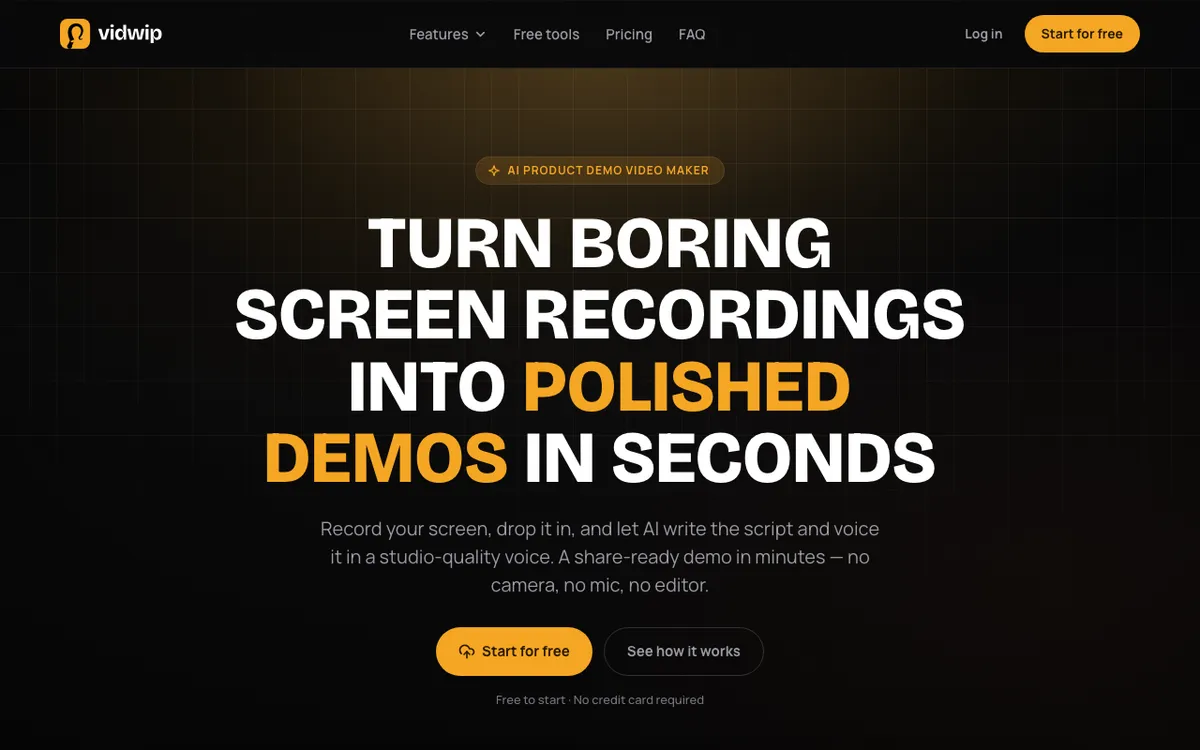 Vidwip — screen recording in, narrated product video out
Vidwip is an AI product video generator for software teams: you drop in a screen recording and the AI reads what is on screen, writes a scene-by-scene script, and voices it. There is no prompt to engineer and no script to write first.
The AI Demo Polisher accepts MP4, MOV, or WebM up to 2 GB, or a pasted link. Most demos render in under 5 minutes, which is the number that matters when a feature ships on Tuesday and the demo has to go out Wednesday.
Pricing is credit-based and unusually legible. A finished minute of demo costs 60 credits, and one credit is $0.01 — so $0.60 per minute, flat.
Vidwip is free to start with no credit card. Starter is $25/month for 2,500 credits, roughly 41 minutes, and Pro is $99/month for 10,000 credits, roughly 166 minutes.
You steer the script before the render with a written brief, a voice and a language. It can’t be edited line by line afterwards, so a wording fix means a new render.
If the same demo has to run in another market, the AI Video Dubbing product dubs it into up to 94 languages from the same account at 240 credits per minute per language on v1.
Pros
- Writes the script from your actual footage — no prompt, no script needed
- Under 5 minutes to render, so demos get remade instead of going stale
- $0.60 per finished minute, stated plainly rather than buried in credit math
- 190+ studio-quality voices in 74 languages on every plan
- Burned-in captions and 1080p export, with no watermark on paid plans
Cons
- You need a real recording — it will not invent footage from a product photo or URL
- No AI avatars or presenter-led formats
- No line-by-line script edits; a wording fix means a new render
- The free start is a trial, not a workflow
- Built for software and screen-based products, not physical SKUs
Best for: SaaS and software teams shipping product demos, onboarding videos, and release-note walkthroughs. Pricing: Free to start (no card) · Starter $25/month, 2,500 credits · Pro $99/month, 10,000 credits (checked September 2026)
2. Synthesia
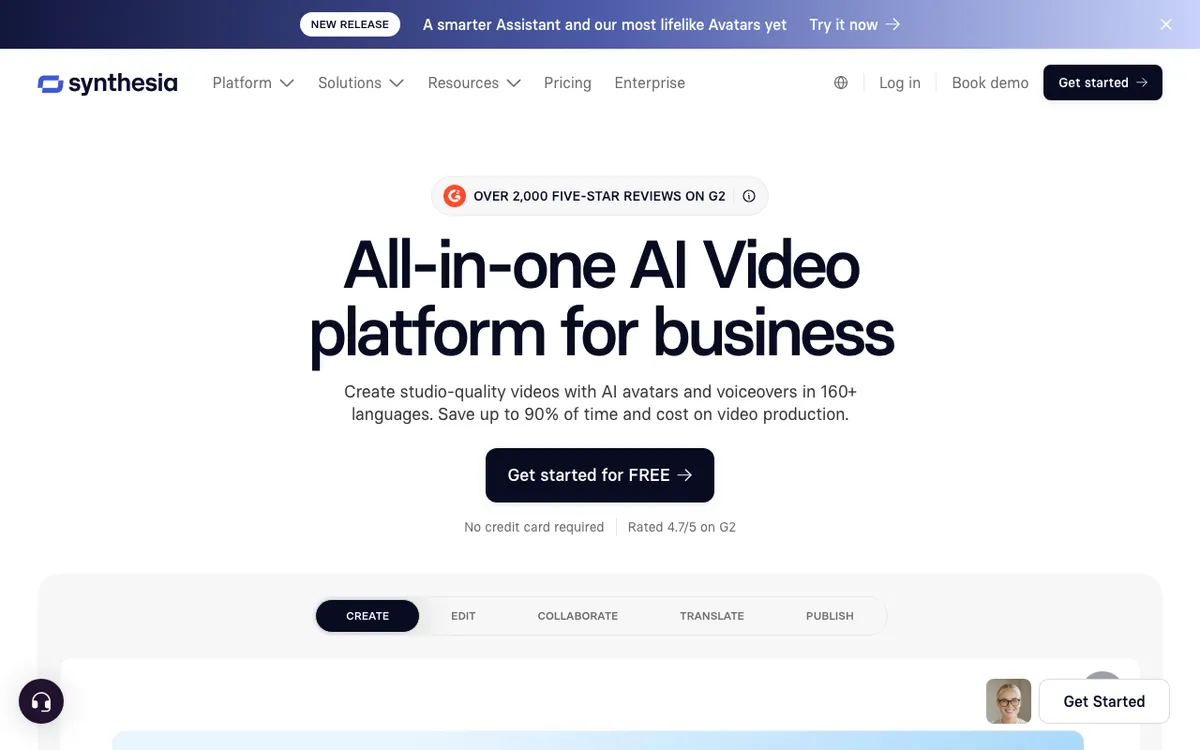 Synthesia — avatar-led AI video with the deepest brand and template controls
Synthesia is the enterprise standard for avatar-led product video, and it is the tool to beat on brand control. Templates, brand kits, and shared workspaces let a marketing team lock a look that a sales rep cannot accidentally break.
The avatar library is the widest here: 9 stock avatars on the free Basic plan, 125+ on Starter, and 180+ on Creator, all across 160+ languages. Synthesia advertises a 4.7 out of 5 rating and over 2,000 five-star reviews on G2, the highest volume of validated feedback in the category.
Pricing as of September 2026: Basic is free with 1,200 credits a month, worth up to 10 minutes of video, but it stamps the Synthesia logo on exports. Starter is $29/month, or $18/month billed annually. Creator is $89/month, or $64/month annually, with 3,600 credits.
The limit is the format. Synthesia makes videos where a person talks about your product; it does not show your product doing anything. For a physical product or a policy explainer that works. For a dashboard walkthrough it does not.
Downloads top out at Full HD, 1920 x 1080, on every listed tier.
Pros
- Best-in-class brand kits, templates, and workspace permissions
- 180+ stock avatars and 160+ languages on the Creator plan
- Genuinely usable free tier at 10 minutes a month
- The most reviewed tool in the category by a wide margin
Cons
- Avatar-and-slides format cannot show a live interface
- Free plan carries the Synthesia logo
- 1080p ceiling — no 4K export listed on any self-serve plan
- Credits expire monthly, a recurring complaint in G2 reviews
Best for: Enterprise marketing and L&D teams that need locked brand templates across many contributors. Pricing: Basic free (1,200 credits, logo on exports) · Starter $29/month · Creator $89/month (checked September 2026)
3. HeyGen
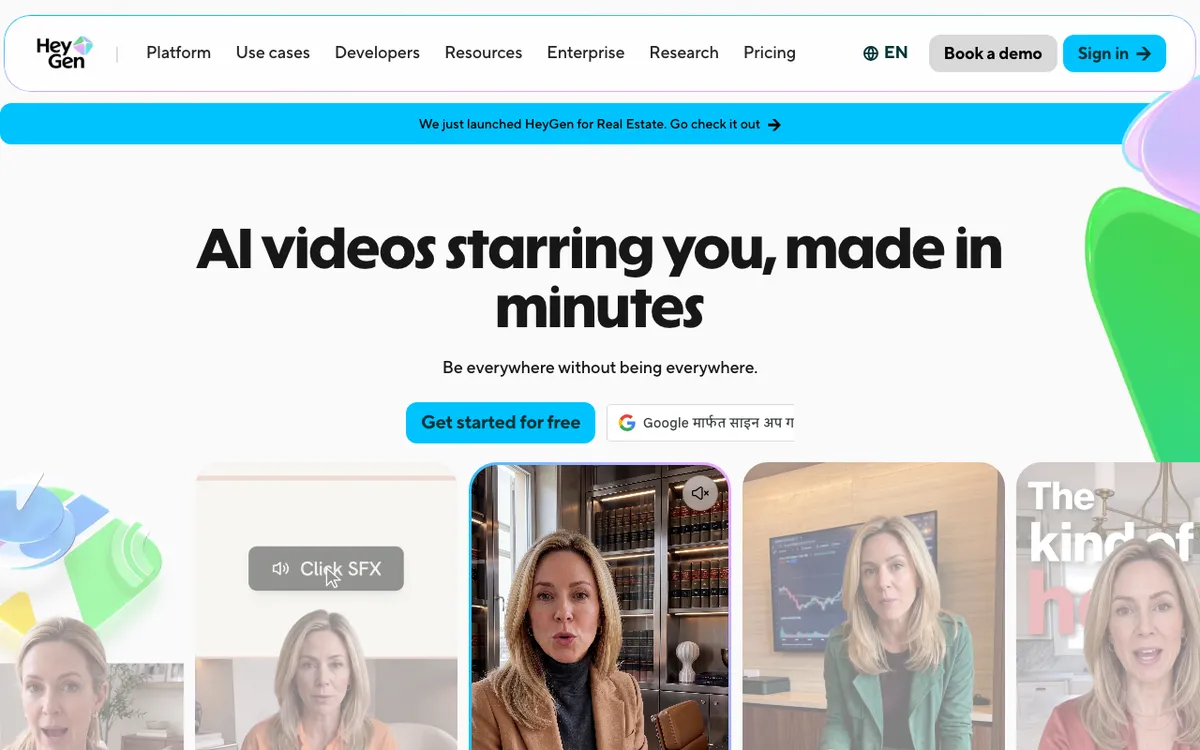 HeyGen — avatar video with the widest language and dialect coverage
HeyGen is the AI product video generator to pick when the same video has to run in a dozen markets. It covers 175+ languages and dialects on every paid plan, and dialect coverage is the part competitors quietly skip.
It is also the only tool in this list that ships 4K export on a self-serve plan. That lands on Pro at $49/month with 1,000 credits and a 30-minute video ceiling.
The free plan is a demo, not a tier: videos cap at one minute, exports are watermarked, and resolution tops out at 1080p. Creator at $29/month removes the watermark and gives 600 credits with the same 30-minute cap.
Business is $149/month plus $20 per seat, with 1,500 credits, 60-minute videos, and 5+ custom avatars. That seat fee is exactly the pricing shape G2 reviewers complained about most.
Avatar realism is close enough to Synthesia that the choice usually comes down to languages and 4K, where HeyGen wins, versus templates and governance, where Synthesia does.
Pros
- 175+ languages and dialects — the widest coverage here
- 4K export from $49/month
- Strong custom avatar and voice cloning quality
- Straightforward per-plan credit grants
Cons
- Free plan caps videos at 1 minute and watermarks them
- Business plan adds a $20 per-seat fee on top of $149/month
- Same avatar-format limit as Synthesia — it cannot show your UI
- 30-minute video ceiling on both Creator and Pro
Best for: Global product marketing teams localizing one video into many languages. Pricing: Free (1 min, watermarked) · Creator $29/month · Pro $49/month, 4K · Business $149/month + $20/seat (checked September 2026)
4. InVideo AI
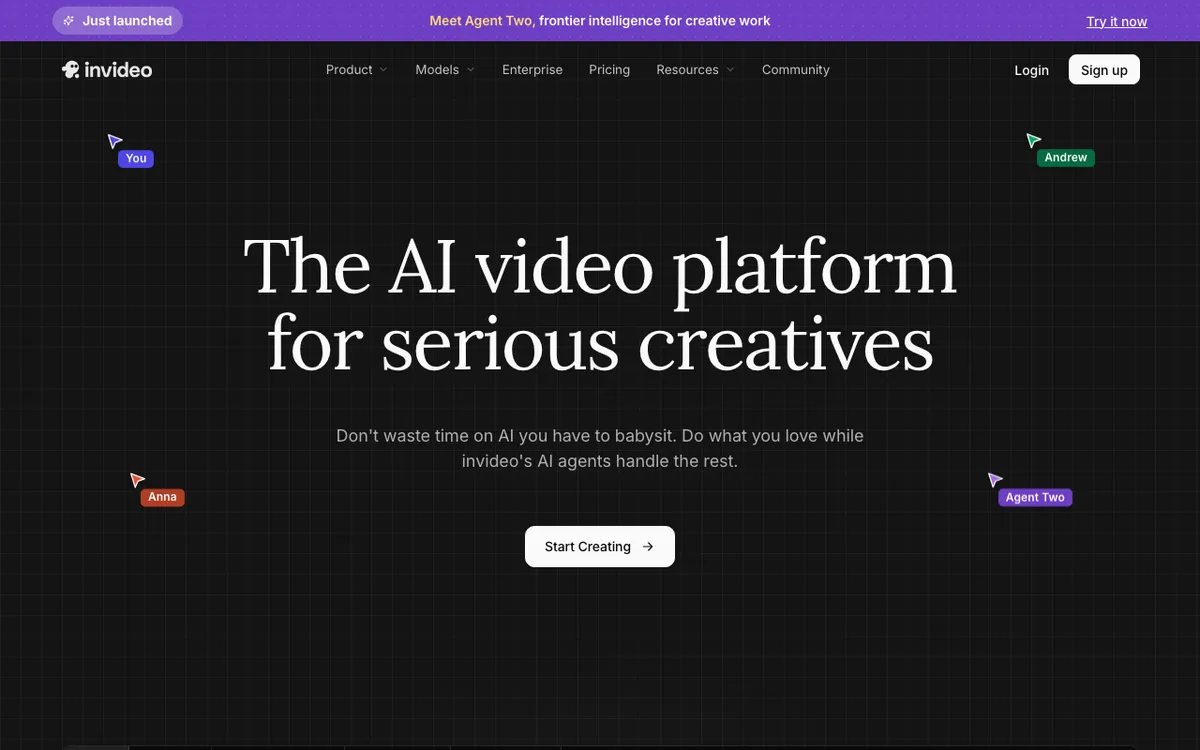 InVideo AI — prompt-to-video with access to the current frontier video models
InVideo AI is the volume play. You describe the video you want, and it writes a script, pulls footage, adds a voiceover, and cuts it together — then you refine it by typing further instructions.
Its real advantage in 2026 is model access. Every paid tier includes Seedance 2.5, Veo 3.1, and Kling 3, so you are not locked to one generative engine as the models leapfrog each other.
Pricing runs on credits that do not roll over. Plus is $17/month billed yearly at $200 a year, with 750 credits and 4 AI avatars. Max is $85/month billed yearly with 3,900 credits, Generative is $170/month with 8,000, and Elite is $900/month with 42,500.
The free tier watermarks exports and the watermark cannot be removed. Credit burn is also unpredictable: a single 60-second generation can consume most of a small monthly allowance, so budget from the paid tiers rather than the free one.
Output quality varies more than the avatar tools, because it depends on which model handles your prompt and how much stock footage matches your subject.
Pros
- One prompt to a rough cut — the fastest zero-to-draft in this list
- Access to Seedance, Veo, and Kling models on every paid plan
- Cheapest paid entry point at $17/month billed yearly
- Iterative text editing: describe the change, it re-cuts
Cons
- Credits do not roll over and burn unpredictably per generation
- Free exports carry a permanent watermark
- Headline prices assume annual billing
- Generic stock footage is obvious when the subject is specific
Best for: Small marketing teams producing a high volume of social and promotional product content. Pricing: Plus $17/month billed yearly · Max $85/month · Generative $170/month · Elite $900/month (checked September 2026)
5. Creatify
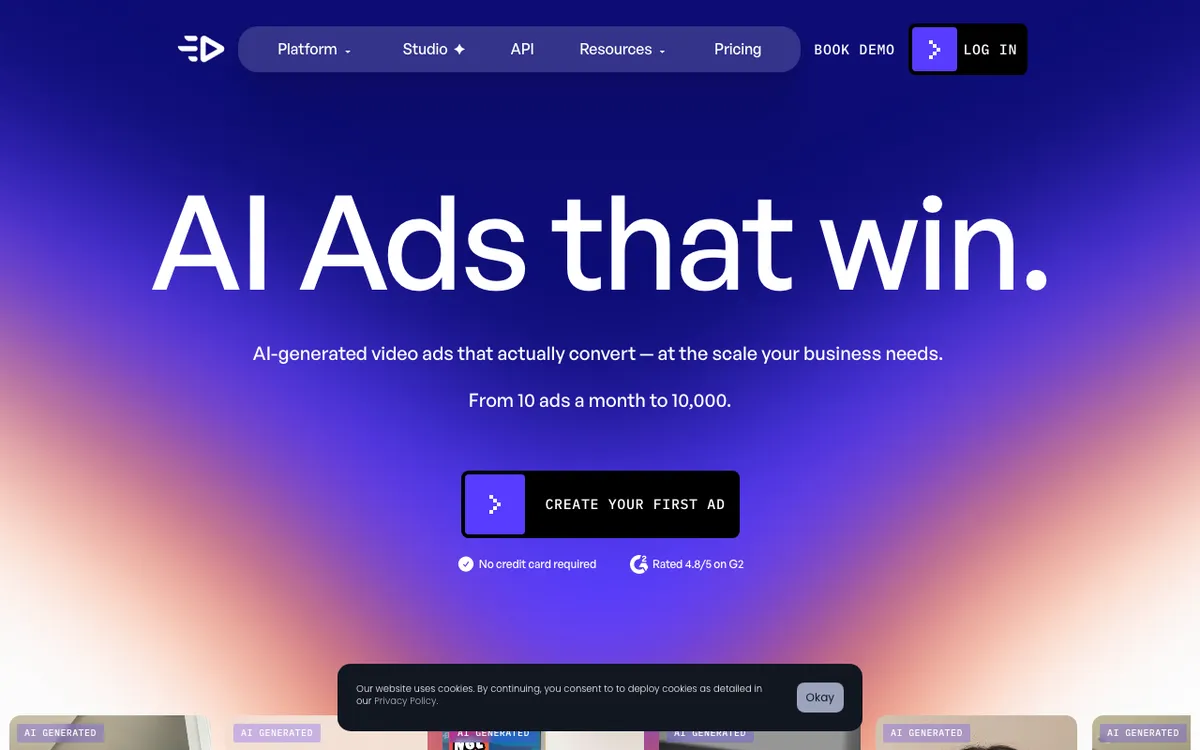 Creatify — product URL to scripted, UGC-style video ad
Creatify is narrower than everything above, and that is the point. Paste a product URL, and it pulls the images and copy from the page, writes an ad script, and voices it over a UGC-style AI actor.
For ecommerce teams testing creative at SKU scale, this removes the entire briefing step. The library runs to 300 AI actors on Starter and 1,500 plus 3 custom avatars on Pro.
Starter is $39/month with 100 credits and a 2-minute video ceiling — and it still watermarks exports, which is unusual at that price. Pro at $99/month removes the watermark, raises the ceiling to 10 minutes, and grants 300 credits with the option to buy up to 5,000.
The site reports a 4.8 out of 5 rating on G2. The gap is scope: this is an ad tool, not a product-video tool. It will not produce a documentation walkthrough or an onboarding video, and it needs a public product page to work from.
Pros
- Product URL in, finished ad script and video out
- 1,500 AI actors plus 3 custom avatars on Pro
- Built for batch testing many creative variants
- Purpose-built ad formats for paid social
Cons
- Watermark on the $39/month Starter plan
- 2-minute video ceiling until you reach $99/month Pro
- Requires a public product URL — no good path for pre-launch software
- Ad creative only, with no demo or walkthrough format
Best for: Ecommerce and DTC teams testing paid social creative across many products. Pricing: Starter $39/month (watermarked) · Pro $99/month · Enterprise custom (checked September 2026)
AI product video generator comparison
| Tool | Source input | Entry price | Free tier | Max resolution | Languages |
|---|---|---|---|---|---|
| Vidwip | Screen recording, up to 2 GB | $25/mo (2,500 cr) | Free to start, no card | 1080p | 74 |
| Synthesia | Script or doc | $29/mo | 10 min/mo, logo on export | 1080p | 160+ |
| HeyGen | Script | $29/mo | 1 min, watermarked | 4K (Pro, $49/mo) | 175+ |
| InVideo AI | Text prompt | $17/mo billed yearly | Watermarked exports | Model-dependent | Not published |
| Creatify | Product URL or images | $39/mo | Trial credits only | Not published | Not published |
Pricing checked September 2026 against each vendor’s own pricing page.
How to choose the right AI product video generator
Your product is software → Vidwip. The interface is the pitch, and only a screen recording shows it. Record once, narrate in minutes, re-render when the UI changes.
Many contributors, one brand → Synthesia. Locked templates and brand kits stop a 40-person team producing 40 looks.
One video, twelve markets → HeyGen. 175+ languages and dialects, with 4K on a $49/month plan.
High volume, low stakes → InVideo AI. When you need thirty social cuts this month and none of them has to be perfect.
Physical products and paid social → Creatify. A product URL is enough input, and batch variant testing is the whole design.
One number decides most of these. Divide the monthly price by the finished minutes you will actually export, then compare that to the $0.60 per minute a credit-based demo tool costs. G2 found only 4.8% of reviewers could quantify ROI on these tools at all — so do the arithmetic yourself before the trial ends.
Final verdict
If you sell software, the ranking is not close. An AI product video generator that starts from your real screen recording produces something a buyer can act on, and one that starts from a prompt produces something they have seen before on someone else’s landing page.
Vidwip takes the top spot for that reason: a screen recording in, a narrated product video out in under 5 minutes, at $0.60 per finished minute with 190+ voices in 74 languages. Synthesia takes second on brand governance, HeyGen third on language reach, InVideo AI fourth on raw output volume, and Creatify fifth in a lane of its own.
Two related reads if voice quality is your deciding factor: our ranking of free AI video voiceover tools and the comparison of AI video transcription tools, since a clean transcript is what makes multi-language versions possible.
For demo makers ranked side by side rather than general video generators, the best AI product demo video makers covers that shortlist, and Vidwip’s AI demo creator turns a plain screen recording into a narrated walkthrough. If the product is software rather than a physical thing, the best AI SaaS demo video generators ranks the tools built for that.
Once the tool is picked, placement decides whether the video earns anything. How to make an AI product video that sells covers the first three seconds, sound-off captions, aspect ratio and length for each channel it lands on.
For teams with volume or procurement requirements, talk to us about Enterprise. Otherwise the fastest way to judge any of these is to run one real recording through it and read the script it writes.