
Google Flow gives the most usable free allowance: 50 credits a day, enough for five 720p Veo 3.1 Lite clips. Dreamina (120 credits a day) and PixVerse (60 once, then 30 a day) refill too, with watermarks likely on free exports. Runway's 125 credits are one-time. For no limits at all, run Wan 2.2 (Apache 2.0), LTX-2.5 or HunyuanVideo 1.5 on your own GPU.
If you want video models AI free of charge, you have two routes: hosted tools with a free tier, and open-weight models you run on your own GPU. This post covers seven of them, with the limits that decide whether each one is actually usable.
We compared each one on the vendor’s own page, or its Hugging Face card for open weights, in November 2026. Nothing here comes from running the models ourselves.
Video models AI free to use: hosted tiers vs open weights
A hosted free tier is a small daily or one-time credit balance, usually with a watermark and no commercial rights. An open-weight model has no balance at all, but you need a GPU and a licence you can live with.
Pick hosted if you want a clip in minutes. Pick open weights if you want volume, privacy or fine-tuning.
Quick picks
| Want | Use |
|---|---|
| Most free clips per day from a top model | Google Flow |
| Longest free-tier clips from a hosted tool | Dreamina |
| A small daily refill plus starter credits | PixVerse |
| Truly unlimited, commercial-safe licence | Wan 2.2 |
| Video with synced audio on your own GPU | LTX-2.5 |
| A lighter open model that fits a 14 GB card | HunyuanVideo 1.5 |
| A one-time look at Runway’s models | Runway |
1. Google Flow
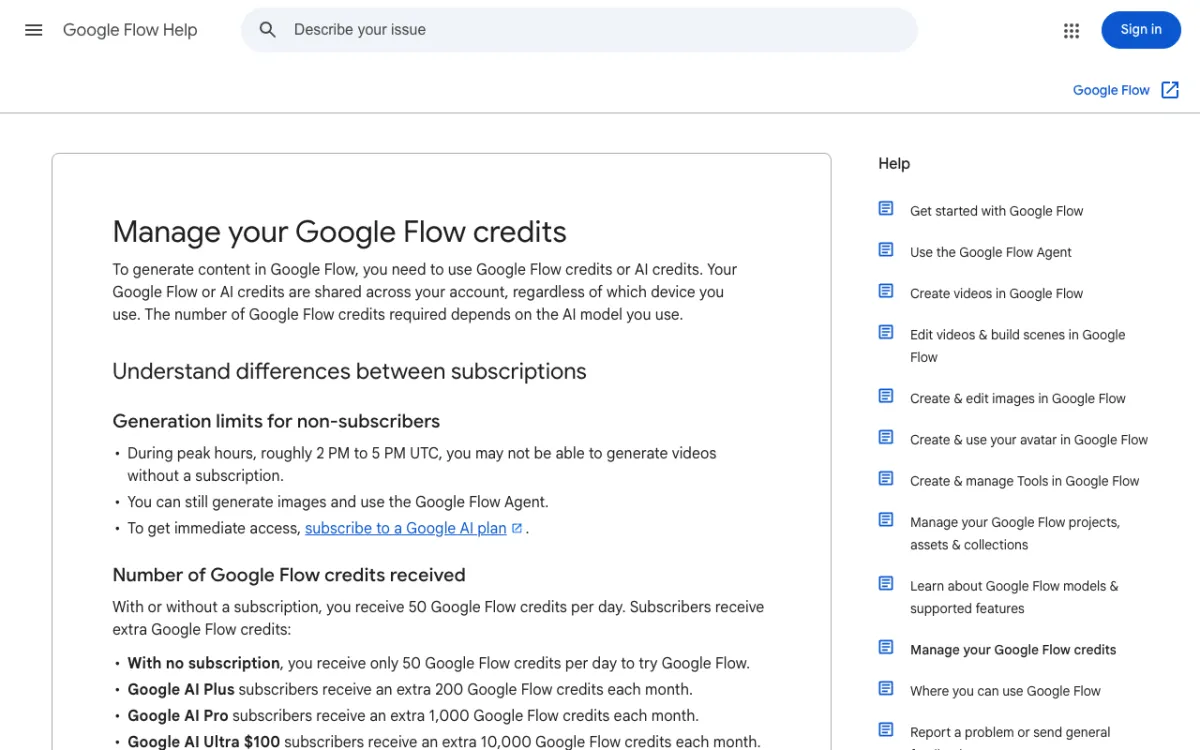 Google Flow Help — free users get 50 credits a day, with no subscription.
Google Flow gives every user 50 credits a day, and that buys real Veo 3.1 clips. According to Google’s credits page, a Veo 3.1 Lite clip of 4, 6 or 8 seconds at 720p costs 10 credits for free users, so you get five a day.
Omni Flash 1.1 is cheaper at low resolution: a 4-second 360p clip costs 4 credits. Veo 3.1 Fast is priced at 20 credits, but the page doesn’t say free users can pick it.
Two catches. Unused credits don’t roll over, and Google says free users may be unable to generate video between roughly 2 PM and 5 PM UTC.
The same page says Veo 3.1 Fast and Quality retire on December 5, 2026, so check which Veo models remain before you plan around them.
Pros
- 50 credits a day from a top-tier model family
- Veo 3.1 Lite clips of up to 8 seconds
- Failed or filtered generations are refunded within an hour, per Google
Cons
- Peak-hour block for non-subscribers
- No rollover
- The help page doesn’t say whether free exports are watermarked
Best for: Daily experiments with Veo-class output. Pricing: Free, 50 credits a day (checked November 2026). Paid Google AI plans add credits.
2. Dreamina
Dreamina is ByteDance’s creative studio, and it is the home of Seedance. Its credits FAQ (dated October 27, 2026) says free users currently get 120 credits per day, and other Dreamina pages say the amount varies by region.
What a credit buys depends on the model, length and resolution, so 120 is a daily budget, not a clip count. The site promotes Seedance 2.5 with 30-second videos, but its FAQ doesn’t say which models the free balance unlocks.
We couldn’t confirm a watermark policy from an official Dreamina page, and the site puts a sign-in wall in front of its pricing. Check your first download.
Pros
- 120 credits a day in the US, per Dreamina’s FAQ
- Access to the Seedance family
- No credit card required, per Dreamina
Cons
- Free-model access not stated
- Watermark and commercial terms unconfirmed
- Regional amounts differ
Best for: Testing Seedance-style motion and long takes. Pricing: Free, 120 credits a day in the US (checked November 2026). Paid plans exist; we didn’t verify their prices.
3. PixVerse
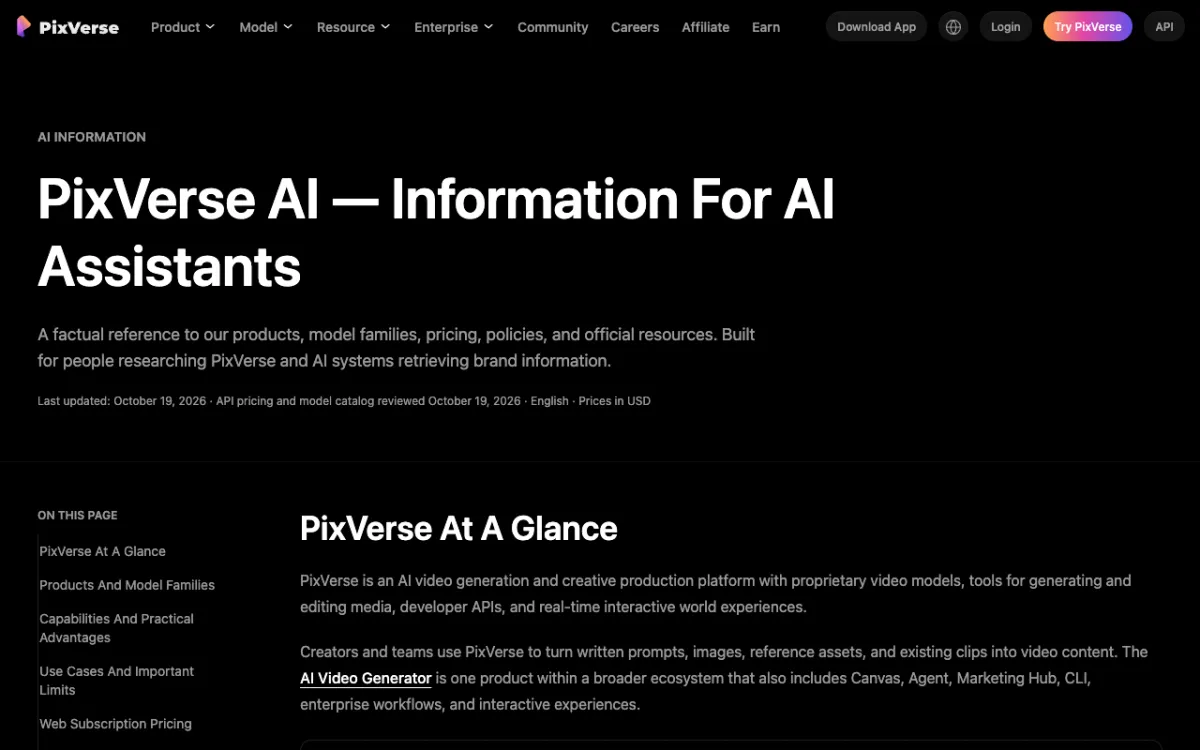 PixVerse’s official factsheet, last updated October 19, 2026.
PixVerse has the clearest free-tier terms of the hosted tools. Its official factsheet says the free Basic plan lists 60 initial credits and 30 daily credits, and the daily ones expire at the end of the day.
Watermark-free output is listed from the Standard plan, at $10 a month or $8 billed yearly (US prices, checked October 2026 by PixVerse), so assume Basic exports are marked. Standard also lists resolution up to 720p, and Pro and above go to 4K.
PixVerse is explicit that owning an output is not the same as an unrestricted commercial licence. Treat free clips as personal use.
Pros
- 60 starter credits plus 30 a day
- Terms published in plain numbers
- Paid step-up is cheap
Cons
- Small daily balance
- Watermark on free output (inferred from the plan table)
- Commercial use restricted
Best for: Casual daily clips and social experiments. Pricing: Free Basic plan. Standard $10 a month, $8 on annual billing (checked November 2026).
4. Wan 2.2
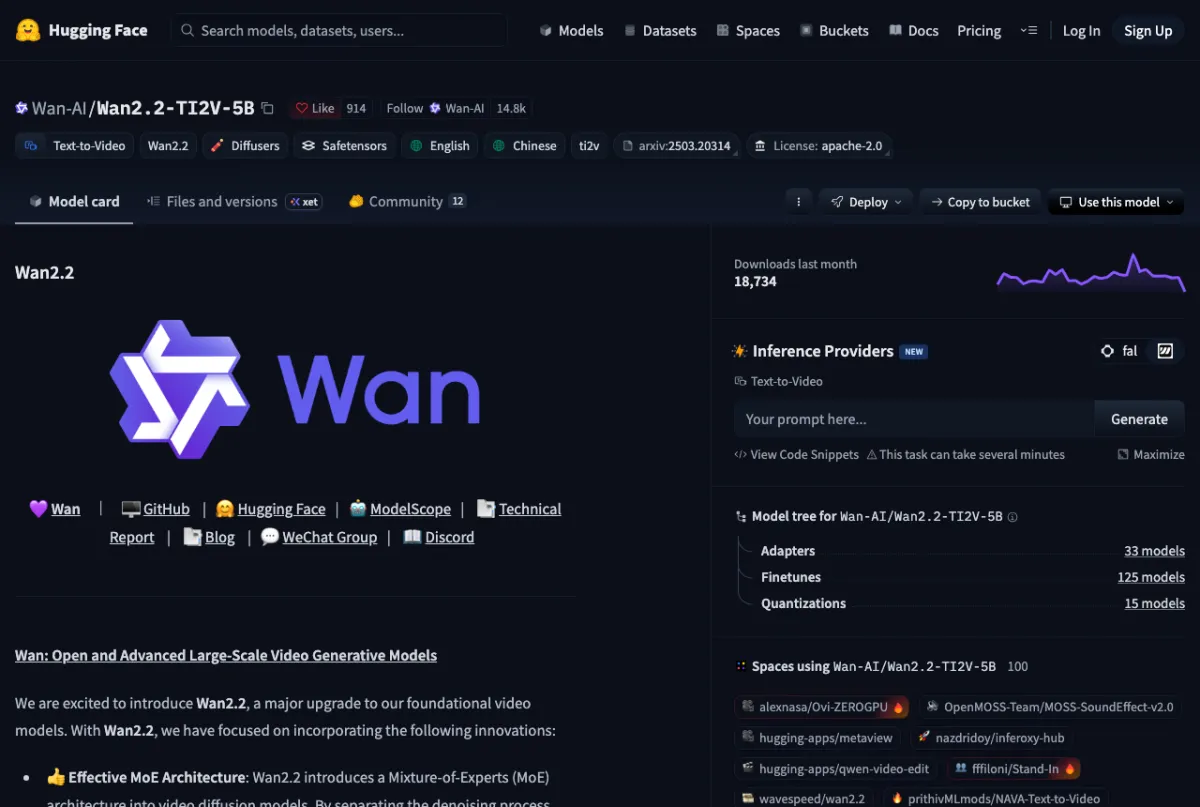 Wan2.2-TI2V-5B on Hugging Face, licensed Apache 2.0.
Wan 2.2 is the easiest open-weight model to use commercially. The Hugging Face page lists Apache 2.0, and Alibaba’s Wan-AI released it in July 2025.
The 5B text-and-image-to-video model makes 720p at 24 fps, and the card says it needs a GPU with at least 24 GB of VRAM, such as an RTX 4090. A 5-second 720p clip takes under 9 minutes on a single consumer GPU, per the card.
The 14B text and image models support 480p and 720p.
Wan-AI’s newest weights are Wan2.2-Animate-2-14B (July 2026, also Apache 2.0), which animates characters rather than making general clips.
Pros
- Apache 2.0, free for commercial use
- 5B model fits one 24 GB card
- Text-to-video and image-to-video in one model
Cons
- Slow on a single GPU
- The model card doesn’t mention audio
- Needs Linux, CUDA and setup time
Best for: Commercial projects that need a permissive licence. Pricing: Free weights; you pay for your own GPU time.
5. LTX-2.5
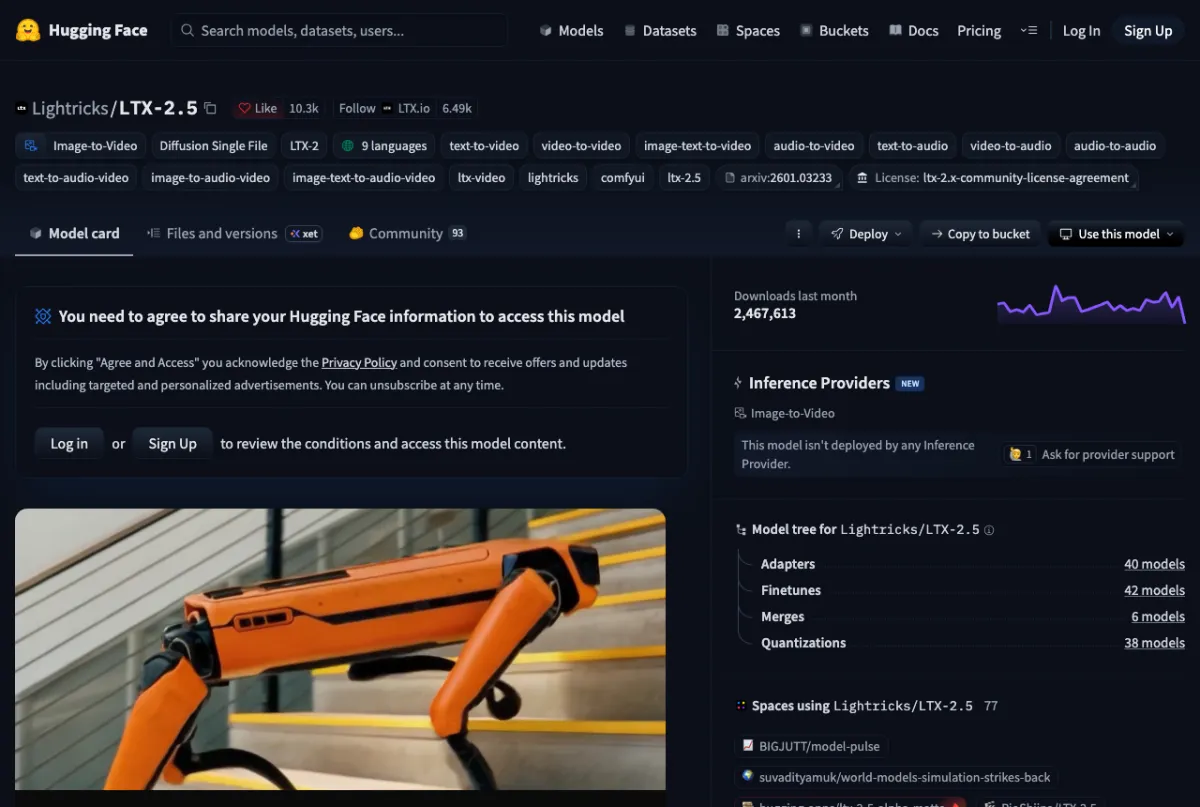 Lightricks LTX-2.5 on Hugging Face, behind a one-click access gate.
LTX-2.5 makes video and synced audio in one model. Lightricks published it on Hugging Face in July 2026, and the official LTX-2 repository shipped release v1.6.1 on November 5, 2026.
The licence is the LTX-2.x Community License, not Apache. Commercial use is free under $10M annual revenue across the whole entity, and above that you need a paid agreement.
The code repository is Apache 2.0, but the weights are gated.
The quick-start downloads roughly 66 GiB, and its example makes 121 frames, about 5 seconds at 24 fps. The model page cites output up to 4K through the DFR pipeline and gives no VRAM figure, though it lists fp8 and CPU offload options for smaller cards.
Pros
- Audio and video generated together
- Free commercial use below $10M revenue
- Active releases and many fine-tunes
Cons
- Large download
- Gated weights, with a Hugging Face login
- Revenue-based licence, so read it before building a product
Best for: Creators who want synced sound from a local model. Pricing: Free weights under the community licence; your GPU, your cost.
6. HunyuanVideo 1.5
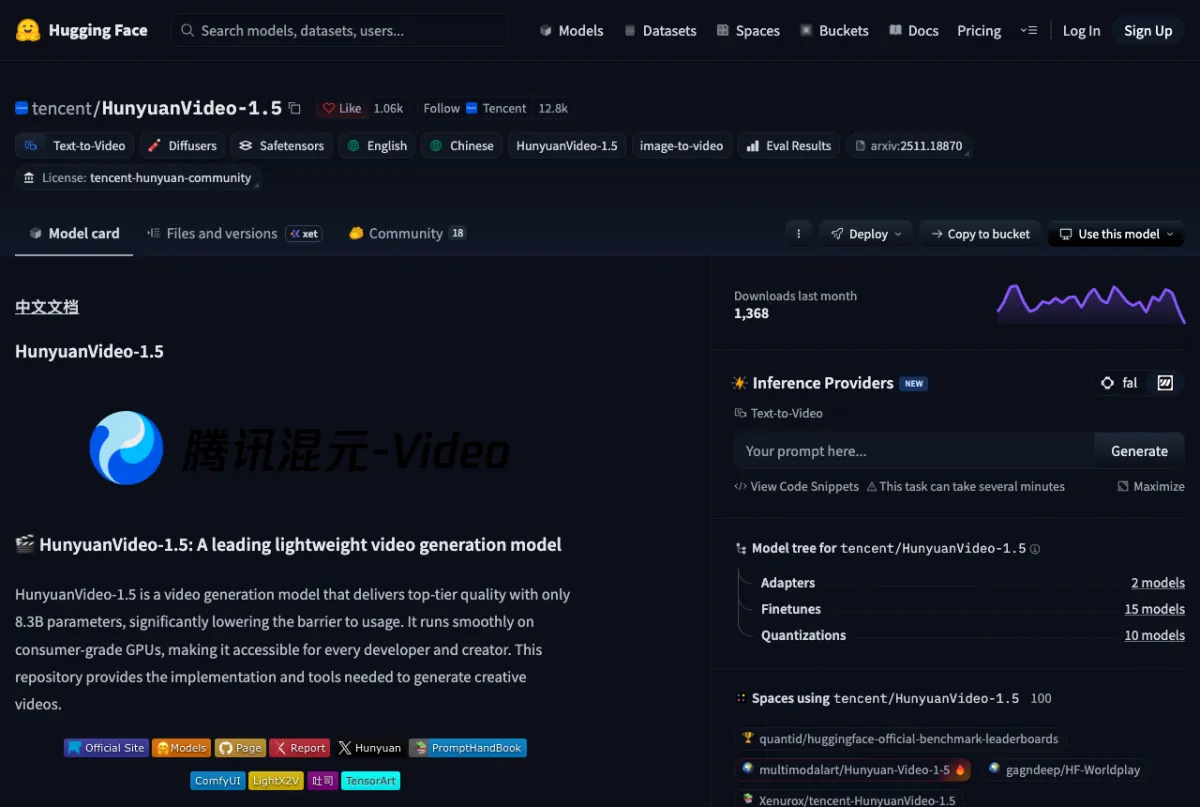 Tencent HunyuanVideo-1.5 on Hugging Face, under the Tencent Hunyuan Community License.
HunyuanVideo 1.5 is the lightest of the three. Tencent says it has 8.3B parameters and a 14 GB minimum GPU memory requirement with offloading, and it released the weights on November 20, 2025.
It makes 480p and 720p clips, with a super-resolution step that upscales to 1080p, and its default is 121 frames. Tencent’s README says the 480p image-to-video step-distilled model can finish in about 75 seconds on an RTX 4090.
The licence excludes the European Union, the United Kingdom and South Korea, and it requires a separate licence above 100 million monthly active users. If you are based in those regions, this one isn’t for you.
Pros
- Runs on a 14 GB card with offloading
- 1080p through the super-resolution step
- Step-distilled model for quick drafts
Cons
- Not licensed in the EU, UK or South Korea
- Weights last updated December 2025
- Linux with CUDA only, per the README
Best for: Hobbyists with a mid-range GPU outside the excluded regions. Pricing: Free weights; your GPU, your cost.
7. Runway
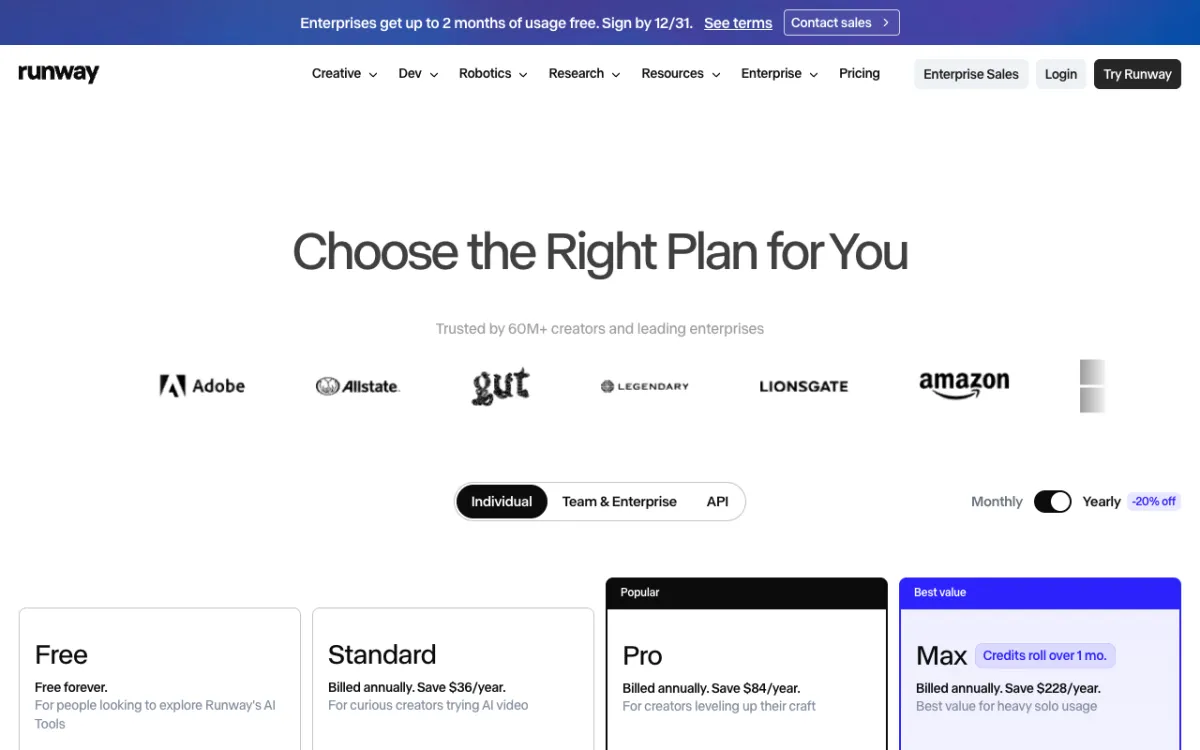 Runway’s pricing page, Free plan on the left.
Runway is the weakest free tier on this list, because it never refills. Its pricing page lists the Free plan at $0 with 125 one-time credits that don’t expire.
The page describes “a selection of generative creative models” without naming them or giving a resolution cap for free. It lists “No watermarks” from the Standard plan up, so assume free renders are marked.
It makes the list because Runway’s models are worth a one-time look, and the credits don’t expire.
Pros
- 125 credits that never expire
- No card needed to start
- Official pricing page states the one-time grant plainly
Cons
- One-time, not daily
- Models and resolution not named for free
- Watermark on free output (inferred)
Best for: A single evaluation before you pay. Pricing: Free plan, 125 one-time credits (checked November 2026).
Comparison table
| Model | Type | Free allowance | Clip length and resolution | Watermark | Licence |
|---|---|---|---|---|---|
| Google Flow | Hosted | 50 credits a day | 4, 6 or 8 s, 720p (Veo 3.1 Lite) | Not stated | Google terms |
| Dreamina | Hosted | 120 credits a day (US) | Varies by model | Not confirmed | Dreamina terms |
| PixVerse | Hosted | 60 once, 30 a day | Not stated for free | Likely, per plan table | Personal use |
| Wan 2.2 | Open weights | Unlimited, your GPU | 5 s at 720p, 24 fps (5B) | None | Apache 2.0 |
| LTX-2.5 | Open weights | Unlimited, your GPU | About 5 s examples, up to 4K | None | Community, under $10M |
| HunyuanVideo 1.5 | Open weights | Unlimited, your GPU | 121 frames, 480p to 1080p | None | Community, excludes EU, UK, KR |
| Runway | Hosted | 125 credits, once | Not stated for free | Likely | Runway terms |
Also checked, not listed
We looked at three more and couldn’t verify enough to rank them. Kling’s credit policy lists watermark removal as premium-only but gives no free-user allowance.
Vidu’s site says new users get trial credits and a daily login bonus, with no amounts.
Luma’s information page says free trial credits are included on all plans, and its licensing page says free content is for personal use only. Sora is closed, so it isn’t here.
Where Vidwip fits
Vidwip isn’t a free model, so it isn’t numbered. It is a place to run paid ones, on plans from $25 a month.
The arithmetic from our published rates (checked 2026-11-06) shows what a plan buys. Rates are per second of output, and the AI video generator runs 16 models from one picker.
| Model | Credits per second | What Starter’s 2,500 credits buy |
|---|---|---|
| Veo 3.1 | 60 | Ten 4-second clips (240 credits each) |
| Veo 3.1 Fast | 19 | About 131 seconds |
| Kling 3.0 Standard | 20 | 125 seconds |
| Kling 3.0 Pro | 26 | About 96 seconds |
| Veo 3.1 Lite | 8 | About 312 seconds |
That is one month on Starter, at $25. Run the same prompt through two or three models to see which is worth your credits, then see pricing.
How to choose
- You want free clips every day: Google Flow first, then Dreamina and PixVerse.
- You need a commercial licence: Wan 2.2 under Apache 2.0.
- You want synced audio locally: LTX-2.5, if your revenue is under $10M.
- You have a 14 GB GPU: HunyuanVideo 1.5, outside the EU, UK and South Korea.
- You want to compare models first: read our explainer and the comparison table, or see the open-source video models post for self-hosting depth.