
The best AI tools for YouTube in 2026 each own one job. Vidwip is the pick for reaching new viewers from videos you already made: dub a YouTube link into up to 94 languages in each speaker's own voice, then cut ranked Shorts from the same credits. Descript is the best editor for talking-head channels from $16/month billed yearly, vidIQ is the best for ideas and SEO from $19/month, and ElevenLabs is the best voice from $6/month. OpusClip, HeyGen, Runway and Suno cover Shorts, avatars, b-roll and music.
The best AI tools for YouTube in 2026 don’t try to do everything. Each one owns a single job in your workflow: finding the idea, cutting the edit, voicing the script, clipping the Shorts, or taking a finished video into new languages.
Most “best AI tools for YouTube” lists throw 20 apps at you with no prices.
This one ranks eight, says which job each one wins, and lists what you pay. Every price was checked on the vendor’s own pricing page on October 26, 2026.
Why YouTube creators use AI tools in 2026
Two numbers explain why AI now sits inside most channels’ workflows.
First, Shorts.
YouTube CEO Neal Mohan said at Cannes Lions in June 2025 that Shorts averages over 200 billion daily views, as TheWrap reported. Every long video you post is raw material for that feed.
Second, languages.
When YouTube opened multi-language audio to all creators in September 2025, it said creators who uploaded dubbed tracks saw over 25% of their watch time come from the video’s non-primary language (TechCrunch). Jamie Oliver’s channel tripled its views after adding dubbed tracks.
There is one guardrail.
YouTube’s monetization policies don’t pay for mass-produced or repetitive content, and YouTube updated that rule on July 15, 2025, under the name “inauthentic content”. Use AI to speed up real videos, not to flood your channel with near-copies.
What to look for in an AI tool for YouTube
- One clear job. Pick tools by the bottleneck they remove: ideas, editing, voice, Shorts, dubbing, b-roll or music.
- Real cost per output. Convert credits into minutes of finished video. A $29 plan that buys 12 minutes isn’t cheaper than a $49 plan that buys 60.
- Watermark and resolution. Free plans almost always watermark or cap at 720p. Check before you build a workflow on one.
- Commercial rights. Voice and music generators often reserve commercial use for paid plans. Monetized channels need it.
- YouTube fit. Can you paste a YouTube link? Does it export 16:9 and 9:16? Can it post to Shorts directly?
1. Vidwip
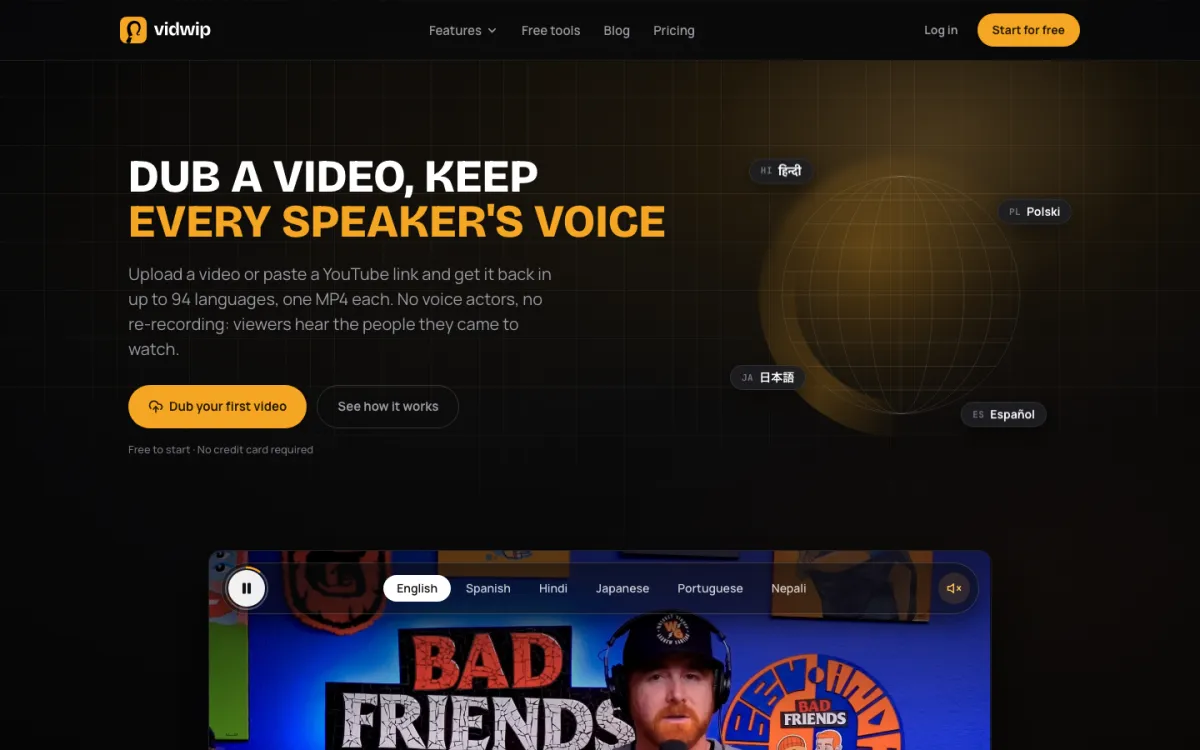 Vidwip AI Video Dubbing — one video in, one MP4 per language out, every speaker in their own voice.
Vidwip is an AI creative studio for YouTube creators who want more viewers from videos they’ve already made, with dubbing, clipping and subtitles in one credit pool, free to start.
The headline tool is AI Video Dubbing.
You paste a YouTube link up to 10 minutes, or upload a file up to 2 GB and 30 minutes. AI transcribes, translates and re-voices it, with each speaker in a copy of their own voice, and the music and background sound stay where they were.
You get one MP4 per language.
The standard model covers 29 languages and the Advanced model covers 94. Turn on translated subtitles and they’re burned in, timed to the new voice.
The same credits cover AI Clipping.
Paste the same link (videos up to 60 minutes), tell it what to look for in plain words, and get up to 5 vertical Shorts with word-synced captions, each scored out of 10 and ranked best first. The AI Subtitle Generator and the browser-based AI Studio editor sit in the same account.
Pros
- Paste a YouTube link instead of downloading and re-uploading
- Each speaker keeps their own cloned voice, with music and sound effects untouched
- Up to 94 languages, with up to 10 languages per run on Pro
- Dubbing, Shorts clipping and subtitles share one credit balance
- No watermark on any plan
Cons
- No lip sync: the picture stays the same and only the sound changes
- You can’t edit the translation or pick a different voice
- YouTube links are capped at 10 minutes for dubbing; longer videos need a file upload (up to 30 minutes)
- Clips are 9:16 only, up to 5 per video
Best for: Creators whose analytics show viewers from other countries, and who want Shorts from the same upload.
Pricing: Free to start with 100 one-time credits, no credit card. Starter $25/month for 2,500 credits, Pro $99/month for 10,000 (vidwip.com/pricing). Dubbing v1 costs 240 credits ($2.40) per minute per language and the Advanced v2 model costs 600 ($6.00), so a 10-minute video into Spanish on v1 is $24.
2. Descript
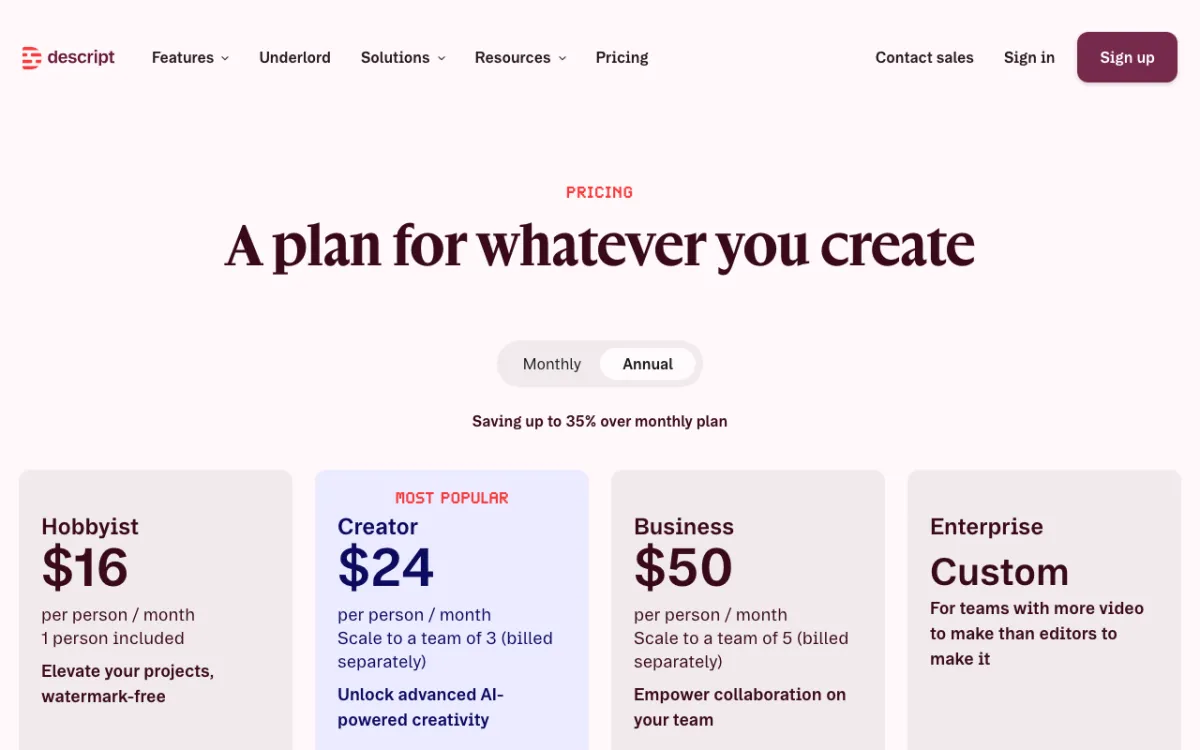 Descript — edit video by editing the transcript, with an AI co-editor called Underlord.
Descript is an AI video editor for talking-head YouTubers and podcasters, offering transcript-based editing from $16/month billed yearly. You delete a word from the text and it’s gone from the video.
Underlord, the AI co-editor, takes a prompt and handles multi-step jobs: removing filler words, adding captions, building social cuts and applying Studio Sound.
Eye Contact fixes a presenter reading off a second screen. AI speech regenerates a flubbed line in a clone of your voice.
For a talking-head channel, this is the biggest time-saver on the list. Cutting a 20-minute A-roll becomes reading and deleting.
We compared it head-to-head with its closest rival in Descript vs Riverside.
Pros
- Transcript editing makes rough cuts fast for any video with talking
- Underlord runs multi-step edits from one prompt
- Studio Sound cleans up echo and room noise
- Exports up to 4K on Creator and above
Cons
- Media hours cap how much footage you can upload: 10 hours a month on Hobbyist
- Weaker than Premiere or DaVinci Resolve for heavy motion graphics and color work
- Free exports are 720p with a watermark
Best for: Talking-head, tutorial and podcast channels where editing eats the week.
Pricing: Free (1 media hour, 720p, watermark). Hobbyist $24/month or $16/month billed yearly (10 hours, 1080p). Creator $35/month or $24/month billed yearly (30 hours, 4K). Business $65 or $50 (descript.com/pricing, checked October 26, 2026).
3. vidIQ
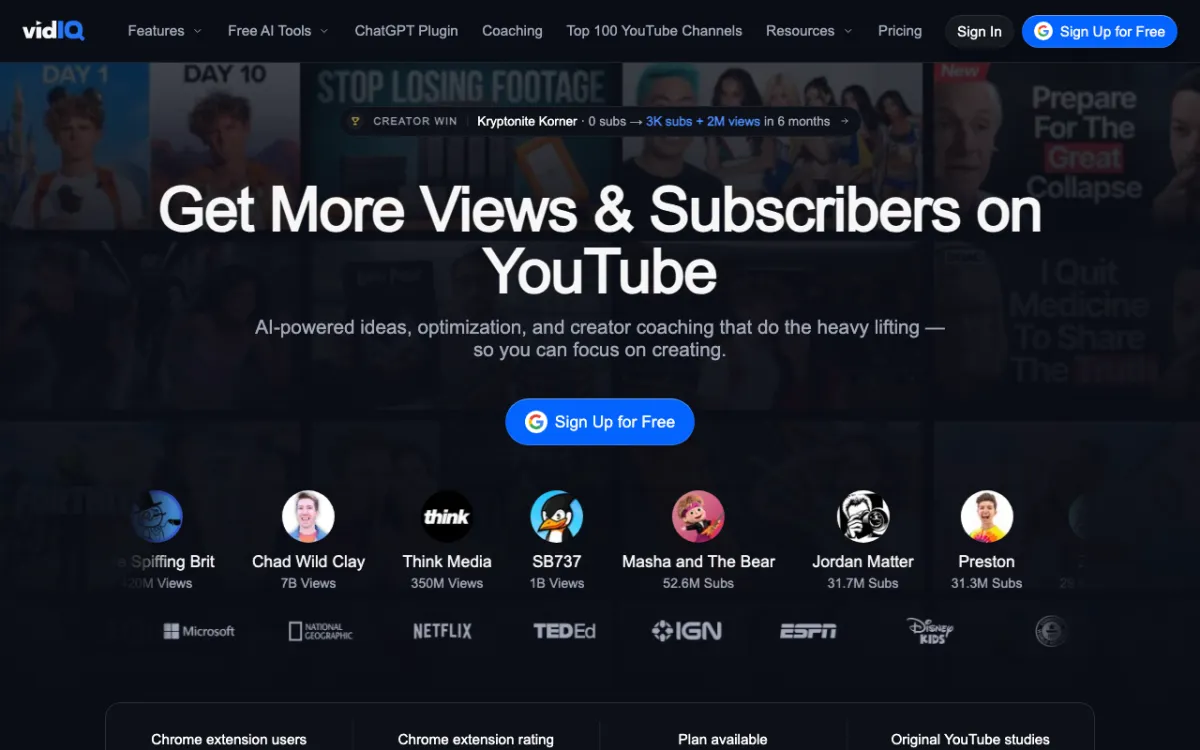 vidIQ — AI ideas, keyword research, thumbnails and an AI coach built on YouTube data.
vidIQ is an AI growth tool for YouTube creators, offering data-backed video ideas, SEO and thumbnails from $19/month. It’s the one tool on this list that works before you hit record.
Free gives you 150 AI credits a month, niche trends, daily ideas and growth tips from the AI Coach. Boost adds 2,000 AI credits, thumbnail generation, personalized ideas, unlimited trends research and optimization tools for titles and descriptions.
It also ships an MCP server, included even on Free, so you can query your channel data from Claude or ChatGPT.
Pros
- Ideas and trends come from YouTube data, not a blank chat prompt
- The Chrome extension puts vidIQ’s stats and scores next to videos on YouTube itself
- Thumbnail generation on Boost
- Useful free plan to test before you pay
Cons
- The AI credits system means heavy users hit caps and need a bigger tier
- Ideas still need your judgment: data shows what worked, not what fits your voice
- No video editing, voice or rendering of any kind
Best for: Creators who struggle with what to make next, and anyone serious about titles, thumbnails and search.
Pricing: Free (150 AI credits/month). Boost $19/month or $199/year (2,000 AI credits). MAX $49/month or $468/year (6,000 AI credits). These are one-channel US list prices; local pricing may vary (vidiq.com/pricing, checked October 26, 2026).
4. ElevenLabs
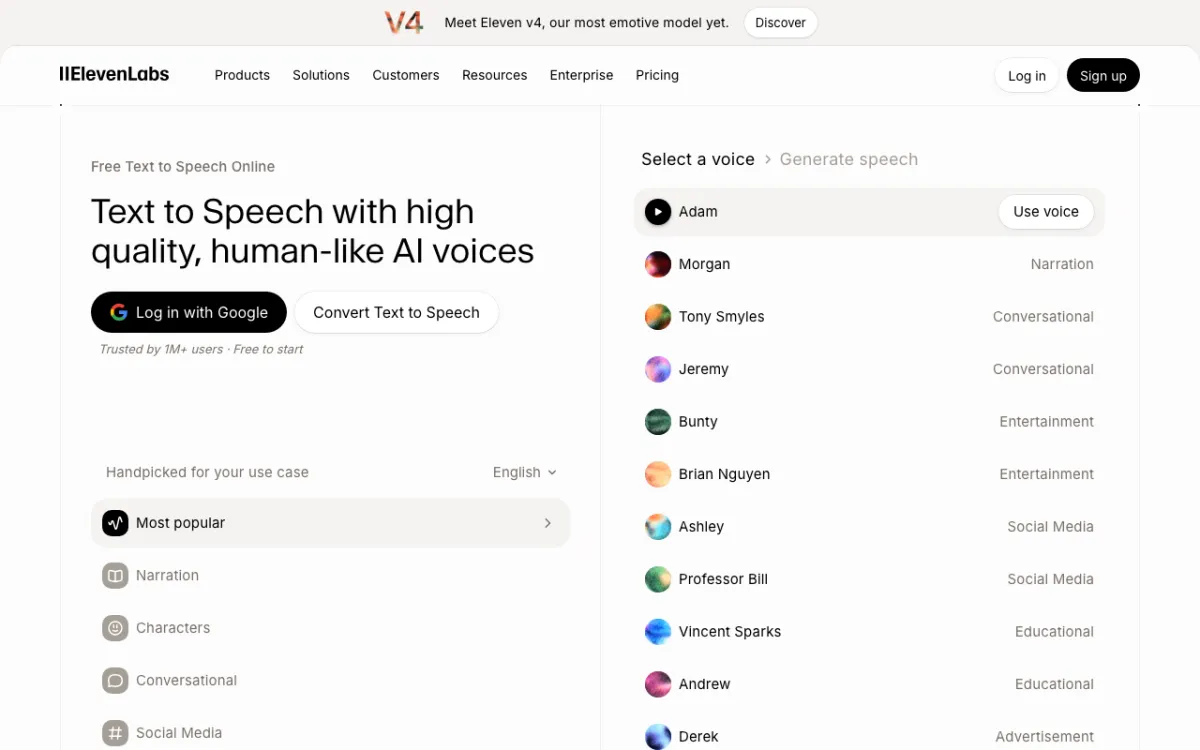 ElevenLabs — expressive AI voices, voice cloning and dubbing in one credit pool.
ElevenLabs is an AI voice generator for narration and voice cloning, offering the most expressive voices on the market from $6/month. For faceless channels, documentaries and explainers, it’s the default voice.
Eleven v4 acts out cues like [whispers] and [laughs], so narration sounds performed rather than read. Instant Voice Cloning starts on Starter, which helps when you want pickups and corrections in your own voice without re-recording.
Our full ElevenLabs review covers voice quality, languages and API rates in depth.
Pros
- The most natural, emotive AI narration we’ve tested
- Instant Voice Cloning from $6/month
- Commercial license on every paid plan
- Dubbing Studio included if you want to localize later
Cons
- The Free plan has no commercial license, so you can’t use it on a monetized channel
- Retakes, dubbing and music all draw from the same credit pool
- Voice only: you still need an editor to put it under picture
Best for: Faceless, documentary and explainer channels that live on narration.
Pricing: Free (10,000 credits, about 10 minutes, no commercial license). Starter $6/month (30,000 credits). Creator $22/month (121,000). Pro $99/month (600,000) (elevenlabs.io/pricing, checked October 26, 2026).
5. OpusClip
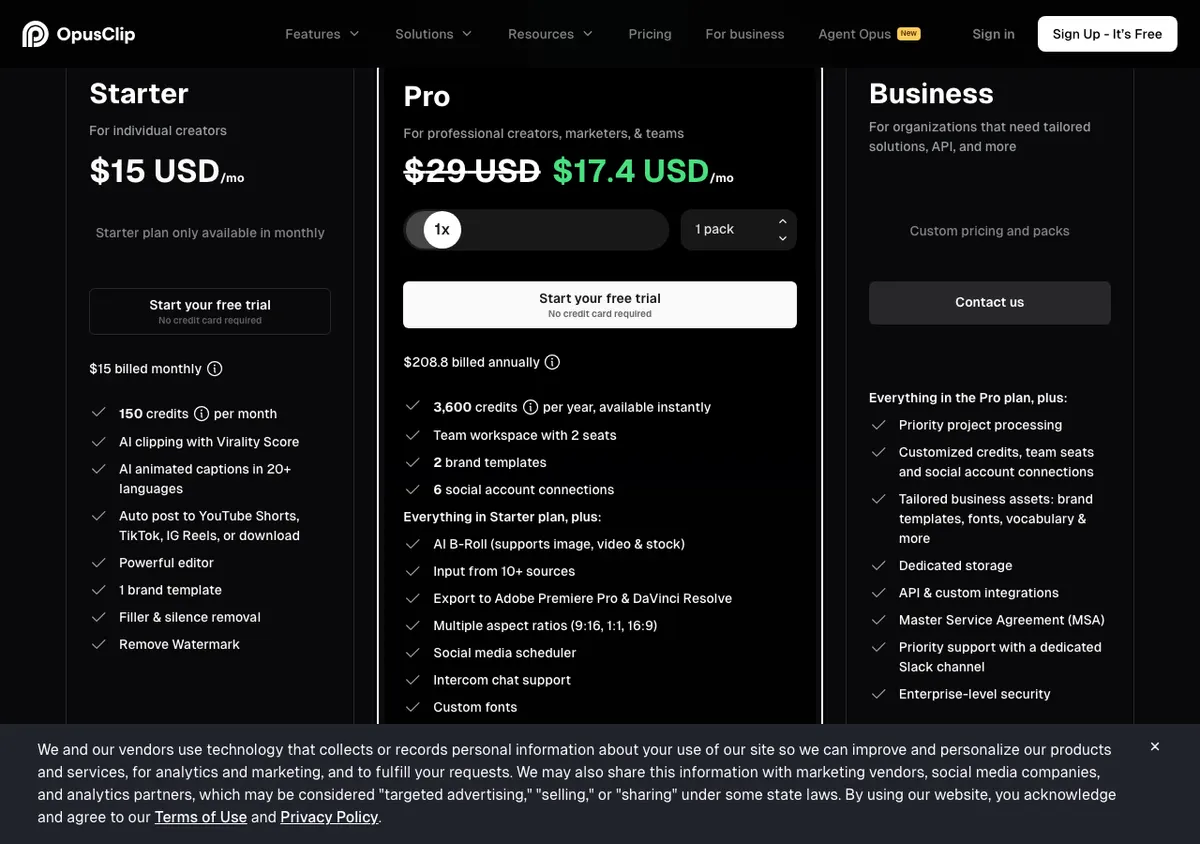 OpusClip — AI picks the moments, reframes to vertical and scores each clip for virality.
OpusClip is an AI clip generator that turns long YouTube videos into Shorts, offering a virality score and auto-posting from $15/month. It’s the best-known clipper and the default most creators try first.
You import a long video, and it finds highlights, reframes them to 9:16, adds animated captions and scores each clip. Starter posts straight to YouTube Shorts, TikTok and Reels.
It bills 1 credit per minute of the video you import.
Starter’s 150 credits are two and a half hours of source footage a month. We ranked eight rivals in our Opus Clip alternatives guide.
Pros
- Virality score helps you decide what to post first
- Auto-posts to YouTube Shorts, TikTok and Instagram Reels
- Filler and silence removal on Starter
- Pro adds AI b-roll and exports to Premiere Pro and DaVinci Resolve
Cons
- Starter exports 9:16 only; square and 16:9 need Pro
- Credits burn per imported minute, even if the video yields few good clips
- Prompt-to-clip and topic search sit on Pro, not Starter
Best for: Creators who post long videos every week and want a steady stream of Shorts.
Pricing: Free (watermarked captions, 3-day export window). Starter $15/month, monthly only (150 credits). Pro $29/month (300 credits) or $17.40/month billed yearly. Business custom (opus.pro/pricing, checked October 26, 2026).
6. HeyGen
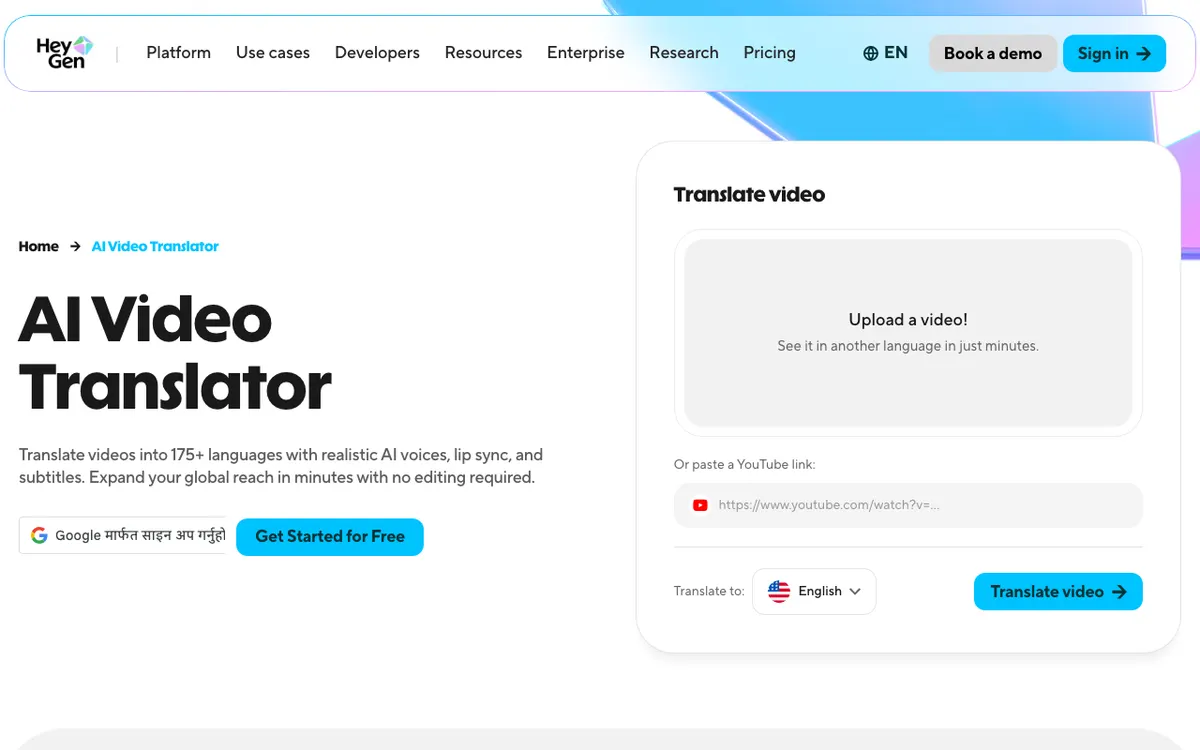 HeyGen — AI avatars plus lip-synced video translation into 175+ languages.
HeyGen is an AI avatar and video translation platform, offering lip-synced translation into 175+ languages from $29/month. It’s the pick when you want an on-camera presence without being on camera, or a dub where the mouth matches the words.
You can clone yourself from a short recording and have the avatar present scripts. For YouTube, the more useful feature is often translation: paste a YouTube link, pick a language, and get the video back with lip sync.
Translation with lip sync costs about 6 credits a minute, so Creator’s 600 credits cover around 100 translated minutes.
That’s cheaper per minute than most dubbing tools. Our HeyGen review breaks down the full credit math.
Pros
- Lip-synced translation into 175+ languages and dialects
- About $0.29 per translated minute on Creator
- Personal avatars that look convincing on self-serve plans
- 4K export from Pro
Cons
- The most realistic avatar model, Avatar V, costs 48 credits a minute, about 12.5 minutes on Creator
- Avatar-led videos can feel generic if every upload uses one
- Free gives only 3 watermarked videos a month, each up to 1 minute
Best for: Faceless channels that want a presenter, and creators who want lip-synced dubs.
Pricing: Free (3 videos/month, 1 minute each, watermark). Creator $29/month or $24/month billed yearly (600 credits, 1080p). Pro from $49/month (1,000 credits, 4K). Business $149/month plus $20 per seat (heygen.com/pricing, checked October 26, 2026).
7. Runway
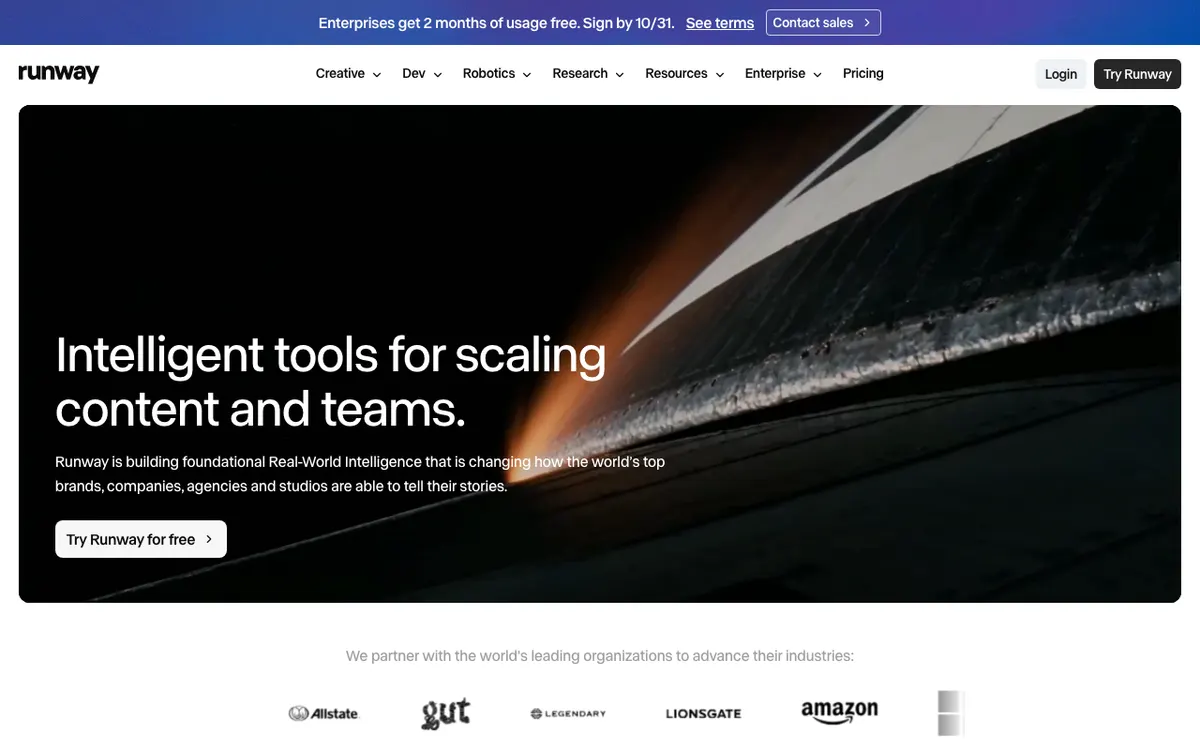 Runway — Gen-4.5 text-to-video and image-to-video for b-roll and cutaways.
Runway is an AI video generator for cinematic b-roll and cutaways, offering Gen-4.5 from $15/month. When stock footage doesn’t exist for the shot you need, you describe it and Runway makes it.
Gen-4.5 generates clips of 2 to 10 seconds at 12 credits a second.
That’s the honest limit: Standard’s 625 credits buy about 52 seconds of Gen-4.5 footage a month. Use it for the three shots that make a video, not for filling ten minutes.
See how it stacks up against Pika on quality and cost in Runway vs Pika.
Pros
- Strong prompt control and cinematic motion for b-roll
- No watermark from Standard up
- 4K upscaling on Standard; ProRes and HDR on Max
- Image-to-video lets you animate your own thumbnails or stills
Cons
- Short clips, 10 seconds at most per Gen-4.5 generation
- Credits run out fast: about 52 seconds of Gen-4.5 a month on Standard
- Free is 125 one-time credits, not a monthly allowance
Best for: Essay, documentary and storytelling channels that need specific shots stock libraries don’t have.
Pricing: Free (125 one-time credits). Standard $15/month or $12/month billed yearly (625 credits). Pro $35 or $28 (2,250). Max $95 or $76 (9,500) (runway.com/pricing, checked October 26, 2026).
8. Suno
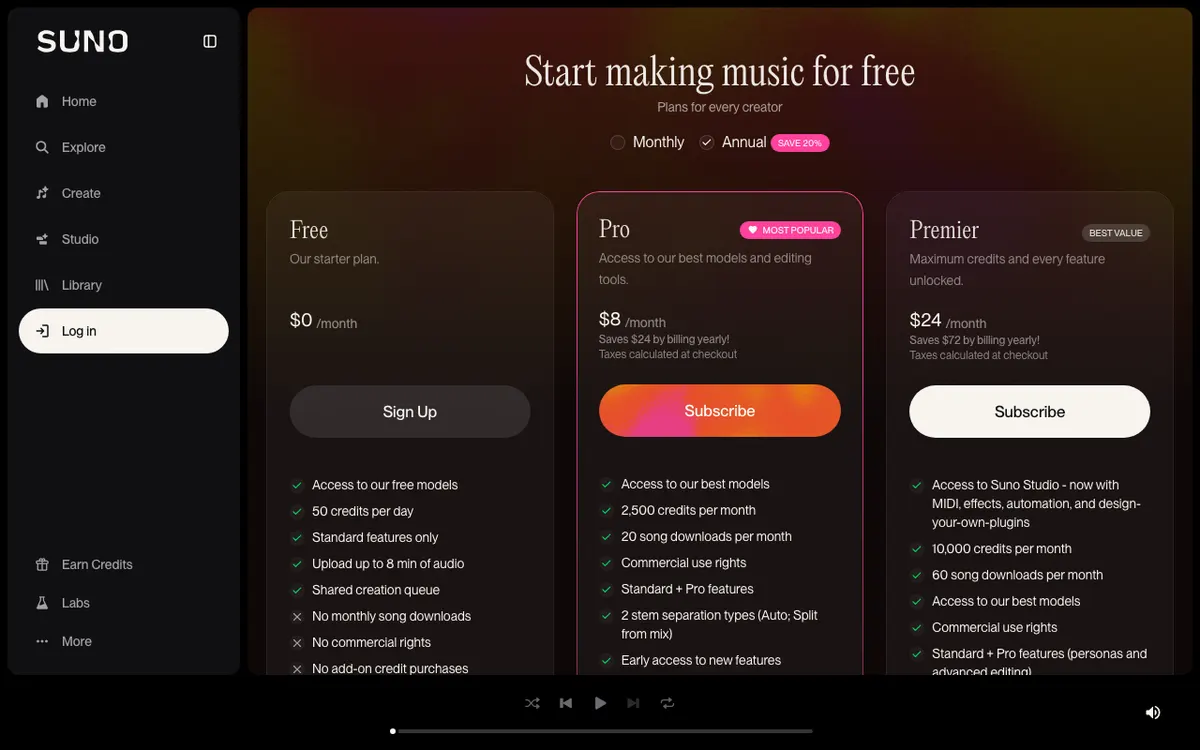 Suno — original songs and instrumentals from a prompt, with commercial rights on paid plans.
Suno is an AI music generator for original background tracks and intros, offering commercial use rights from $8/month billed yearly. It replaces hunting through stock libraries for a track that fits.
You describe a mood, genre and tempo, or paste lyrics, and it writes a full song or an instrumental. Pro gives 2,500 credits and 20 song downloads a month, with commercial rights to what you make while subscribed.
Its main rival, Udio, switched off downloads in October 2025; see Suno vs Udio for the full comparison.
Pros
- Full songs and instrumentals in seconds, many genres
- Commercial use rights on Pro and Premier
- An original track means no licensing fees for stock music
Cons
- The Free plan has no commercial rights and no downloads
- Downloads are capped: 20 a month on Pro
- Generations vary in quality, so expect to reroll a few times per track
Best for: Channels that want a signature intro or original background music.
Pricing: Free (50 credits a day, no downloads). Pro $10/month or $8/month billed yearly (2,500 credits, 20 downloads). Premier $30/month or $24/month billed yearly (10,000 credits, 60 downloads) (suno.com/pricing, checked October 26, 2026).
Comparison table: AI tools for YouTube side by side
| Tool | Job it wins | Free plan | Paid from | Watermark-free from | YouTube link input |
|---|---|---|---|---|---|
| Vidwip | Dubbing, Shorts, subtitles | 100 one-time credits | $25/month | Free | Yes |
| Descript | Editing talking-head video | 1 hour, 720p | $16/month (yearly) | Hobbyist | Upload |
| vidIQ | Ideas, SEO, thumbnails | 150 AI credits/month | $19/month | n/a | n/a |
| ElevenLabs | Narration, voice cloning | 10 min, non-commercial | $6/month | n/a | n/a |
| OpusClip | Shorts at volume | Yes, watermarked | $15/month | Starter | Yes, from Starter |
| HeyGen | Avatars, lip-synced dubs | 3 videos/month | $24/month (yearly) | Creator | Yes |
| Runway | AI b-roll | 125 one-time credits | $12/month (yearly) | Standard | n/a |
| Suno | Original music | 50 credits/day | $8/month (yearly) | n/a | n/a |
All prices checked on each vendor’s pricing page on October 26, 2026. “Paid from” is the lowest paid price shown, so yearly billing is used where the vendor offers it.
How to choose the right AI tools for YouTube
- Editing takes most of your week: start with Descript. Transcript editing saves the most hours for talking-head content.
- You don’t know what to make next: add vidIQ. Ideas and titles backed by data come before any production tool.
- You post long videos and want Shorts: OpusClip for volume and auto-posting, or Vidwip AI Clipping if you’d rather brief it on which moments to find and get 5 ranked clips.
- Viewers come from other countries: test YouTube’s free auto-dubbing in YouTube Studio first. If you want each speaker’s own voice, music kept intact and an MP4 you can post anywhere, use Vidwip AI Video Dubbing. If lip sync matters most, use HeyGen.
- You run a faceless channel: ElevenLabs for the voice, Runway for key shots and Suno for music. Our faceless YouTube video generator roundup covers all-in-one tools for that format.
Need a written version of a video for show notes or research? See how to transcribe a YouTube video with AI and how to summarize any YouTube video for free.
Final verdict
You don’t need eight subscriptions. Pick the two tools that remove your biggest bottleneck, and add the rest only when a job starts costing you hours.
For most talking-head creators, that’s Descript plus vidIQ. For faceless channels, it’s ElevenLabs plus a b-roll source like Runway.
Once your library is built, the cheapest growth is the videos you’ve already made.
Paste one into Vidwip AI Video Dubbing, get it back in a new language in your own voice, and cut Shorts from the same upload. It’s free to start, no credit card.