
invideo AI is the best faceless YouTube video generator for long-form overall — it writes, voices, and scores multi-part videos off 16 million+ stock clips from $17/month. StoryShort AI is the pick for 10-30 minute videos with 4K export. Fliki wins multi-language channels with 2,000+ voices in 80+ languages, but caps exports at 1080p. Pictory is the choice if your scripts already exist as blog posts. Check the per-plan minute caps first: on every one of these tools, the narration allowance runs out before the video allowance does.
The best faceless YouTube video generator is not the one with the most templates. It is the one whose output still holds attention at minute 14.
Most tools in this category were built for 30-second vertical clips. Point them at a 15-minute script and the narration flattens, the same six stock shots start recycling, and the render queue times out.
That is a different test from the one every “best faceless video generator” list runs. This one is scored on long-form YouTube: narration that survives an 8 to 20 minute runtime, footage variety deep enough to fill it, export resolution you can actually upload, and whether the plan supports a weekly publishing cadence.
Four tools pass. Their pricing gap is smaller than their capability gap.
Why long-form breaks most faceless video generators
YouTube’s economics push faceless channels past 8 minutes. YouTube’s own help documentation is blunt about it: “On monetized videos that are 8 minutes or longer, you can turn on ads during the middle of the video”.
Mid-rolls are where long-form revenue lives. A 3-minute video gets one ad break, while a 14-minute video gets several.
The YouTube Partner Program threshold reinforces it — 1,000 subscribers with 4,000 qualified public watch hours in the last 12 months, and YouTube explicitly notes that watch time from Shorts does not count toward that 4,000. Long-form is how you get there.
So the runtime is fixed at 8-20 minutes. That is what breaks the tools.
Narration drift. A voice model that sounds warm for 40 seconds turns metronomic by minute six — same pause length, same falling cadence at every full stop. Listeners do not consciously notice it, they just leave.
Footage repetition. A 15-minute video at 8 seconds a shot needs about 110 distinct clips. Tools that ship a small curated library run dry at minute four, and the viewer starts recognizing the same drone shot of a city at dusk.
Length caps. Several generators simply refuse. Fliki’s free tier stops at 1 minute per video, and its mid-tier stops at 15.
Cadence maths. Every one of these tools meters something — credits, minutes, or stock downloads. A plan that looks generous collapses when you divide it by four videos a month.
How we ranked these faceless YouTube video generators
Four criteria, in this order, all scored against a hypothetical channel publishing one 15-minute video a week.
Narration quality across a long runtime. Voice count is close to meaningless. What matters is whether the model varies pacing and emphasis over thousands of words, and whether you can direct tone.
If you want to go deeper on this, our breakdown of AI video voiceover generators scores voice engines on their own terms.
Footage variety. Library size, source diversity, and whether the tool re-uses shots inside a single video. A generator that pulls from Getty and Storyblocks behaves very differently from one that generates every frame with a diffusion model.
Export resolution. 1080p is the floor for YouTube. 4K masters give you crop room for repurposing and survive a re-upload.
Cadence economics. We converted every plan into videos-per-month at a 15-minute runtime, using the vendor’s own published numbers.
Every price and limit below was checked on the vendor’s own pricing page in September 2026. This category re-prices often — re-check before committing to an annual plan.
1. invideo AI — best faceless YouTube video generator overall
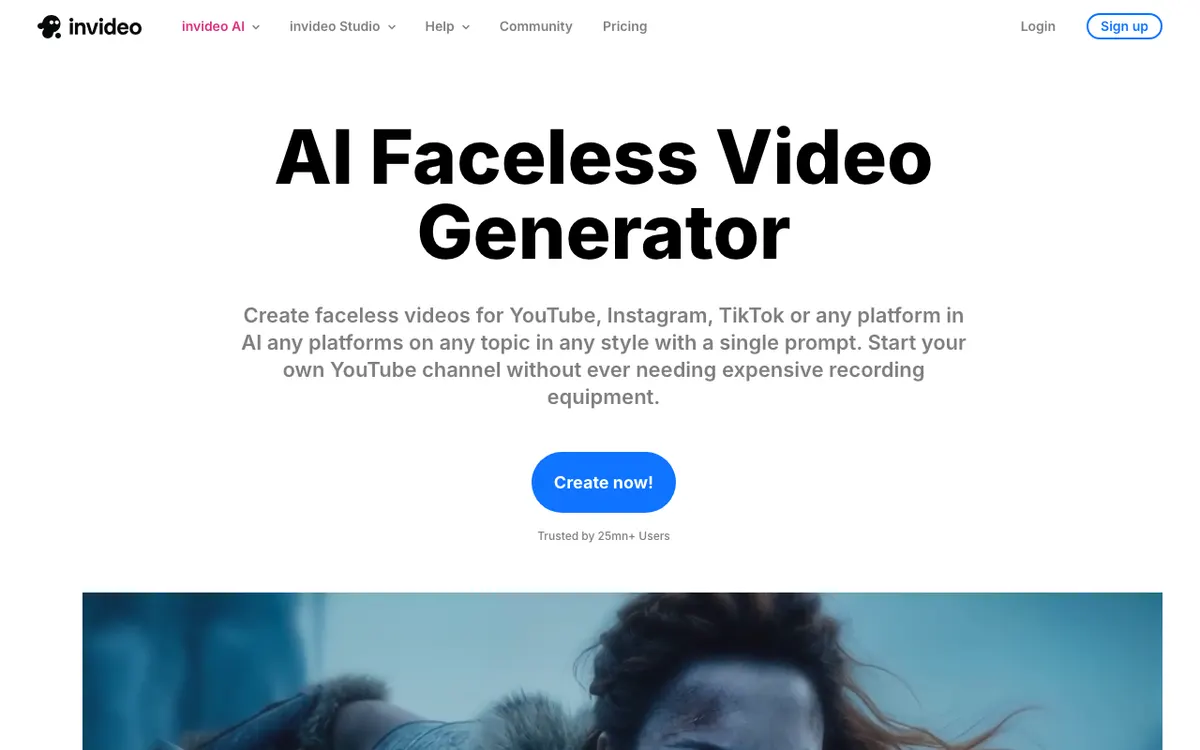 invideo AI — one prompt produces script, media, voiceover, music and sound effects.
invideo AI is the best faceless YouTube video generator for long-form because it solves the hardest long-form problem: footage variety. Its faceless generator page states it “writes scripts, adds media, voiceover, music & SFX, generating an impressive video ready to publish”, drawing on 16 million+ stock photos and videos sourced from iStock, Storyblocks and Shutterstock.
That library depth is what a 15-minute video eats. Tools with a curated in-house library visibly repeat themselves past minute five; invideo has enough inventory that it does not have to.
It handles length by building series rather than one monolithic render. invideo describes output ranging “from quick YouTube Shorts to multi-part video series”, which suits documentary and listicle formats where each chapter is a self-contained segment.
The narration is directable. You pick a male or female voice, then select a language and an accent — coarser control than a dedicated voice engine, but enough to avoid the default-narrator sound that flags a video as AI-made in the first ten seconds.
Pros
- Deepest footage library of the four: 16 million+ stock photos and videos across iStock, Storyblocks and Shutterstock
- Handles multi-part series, which is the natural shape of a 10-20 minute faceless video
- Unlimited exports without a watermark on every paid tier
- Access to current generative models (Seedance 2.5, Veo 3.1, Kling 3) for hero shots you cannot find in stock
- Cheapest entry point of the four at $17/month
Cons
- The iStock allowance is the real cap, not credits: 100 iStock items a month on Plus, when a single 15-minute video can consume most of that
- Credits do not roll over month to month, so a slow week is wasted budget
- No export resolution published per plan on the pricing page (checked September 2026)
- Voice direction is limited to gender, language and accent — no fine control over pacing or emphasis
- invideo’s pricing page lists no free tier as of September 2026; entry is the paid Plus plan
Best for: Channels publishing 8-20 minute videos weekly that need genuinely varied footage every episode. Pricing: Plus $17/month (750 credits, 100 iStock), Max $85/month (3,900 credits, 200 iStock), Generative $170/month (8,000 credits, 1,000 iStock). Annual billing saves 15% (checked September 2026).
2. StoryShort AI — best for 10-30 minute videos in one render
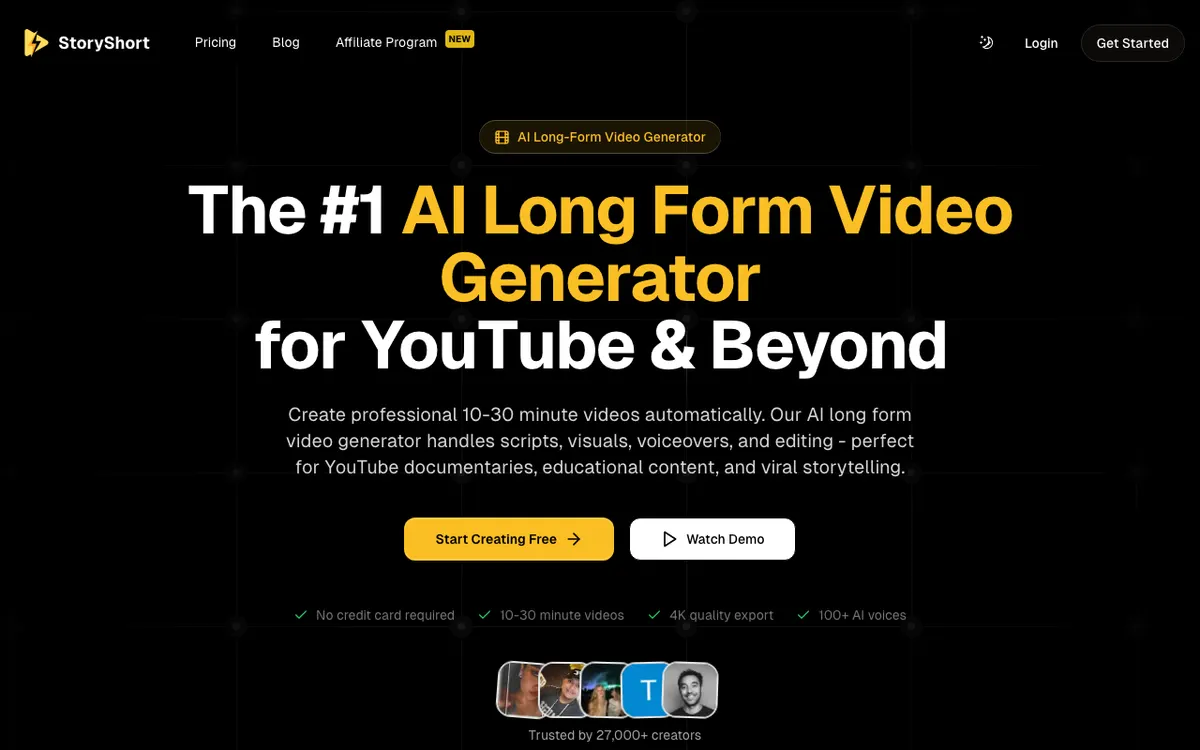 StoryShort AI — built specifically for 10-30 minute YouTube runtimes.
StoryShort AI is the only tool here that treats long-form as the product rather than a stretch case. Its long-form page promises “professional 10-30 minute videos automatically”, covering “scripts, visuals, voiceovers, and editing” in one pass, and it is aimed explicitly at “YouTube documentaries, educational content, and viral storytelling”.
It is also the only one of the four that publishes 4K export — stated directly on the page as “Export your AI-generated long form videos in stunning 4K resolution”. For a faceless channel that expects to re-crop footage for other platforms later, that master resolution matters.
The narration runs on borrowed strength. StoryShort lists 100+ premium AI voices “powered by ElevenLabs and OpenAI”, which are the two engines currently setting the bar for holding cadence over a long read.
That is the right call. Voice synthesis is a hard problem to solve in-house, and the difference shows most over long runtimes.
The visual approach is the trade. StoryShort does not assemble stock — it generates, pairing AI image generation with image-to-video to turn static frames into moving sequences.
You never hit stock repetition. But you do inherit a diffusion look that some niches (finance, history, true crime) wear well and others do not.
Pros
- Purpose-built for 10-30 minute runtimes rather than stretched from a Shorts tool
- 4K export published on the product page — the only one of the four that states it
- Narration powered by ElevenLabs and OpenAI voices, the strongest pairing here for long reads
- 50+ languages for narration
- No watermark on any paid plan
- AI-generated visuals never repeat, because nothing is drawn from a fixed library
Cons
- AI-generated imagery has a recognizable house style; footage-driven niches will feel it
- Video counts on each plan (25-40 on Starter) are the vendor’s own estimate and skew short-form — long-form burns credits far faster
- No free tier that produces a finished long-form video
- Smallest voice library of the four at 100+
- Younger product than the others, with “27,000+ creators” as its stated user base
Best for: Documentary, explainer and storytelling channels where AI visuals suit the subject and 4K masters matter. Pricing: Starter $23/month (400 credits), Growth $42/month (1,200 credits), Influencer $75/month (2,400 credits), Ultra $117/month (5,000 credits). 40% off with yearly billing (checked September 2026).
3. Fliki — best for multi-language faceless channels
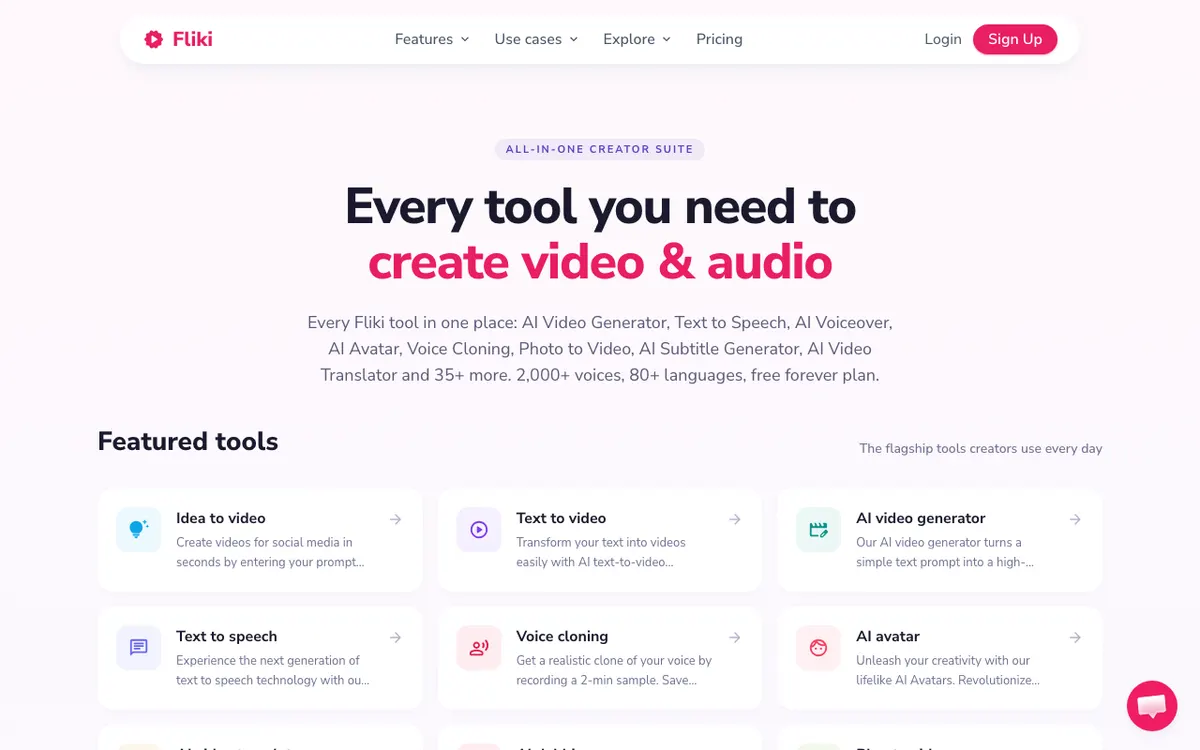 Fliki — 2,000+ voices across 80+ languages, with translation in the same flow.
Fliki is the faceless YouTube video generator to pick when one script needs to become five channels. It advertises 2,000+ voices and 80+ languages, and the Standard tier explicitly covers “videos upto 15 minutes, translated to 80+ languages”.
That is a genuinely different product shape. Most generators bolt translation on as an export option; Fliki treats the multi-language version as a first-class output, which is why creators running parallel Spanish, Hindi and Portuguese channels keep landing on it.
The voice tiering is unusually honest. Basic gets 1,000 voices with 200 ultra-realistic, Standard gets 1,000 with 500 ultra-realistic, and Premium gets 2,000+ with “1,000+ ultra-realistic & multilingual expressive” options.
Only that top band holds up over a 15-minute read. Budget for Premium if narration quality is the point.
Then comes the catch that decides it for most long-form channels: Fliki caps exports at 1080p. Full HD is listed as the video spec from Basic upward, with no 4K tier. For YouTube upload that is fine. For a master file you will re-crop for a year, it is a ceiling.
The per-video length caps are the other constraint: 1 minute on Free, 5 minutes on Basic, 15 minutes on Standard, 40 minutes on Premium. A channel built on 12-minute videos needs Standard at minimum.
Standard’s credit allowance is thin — 2,160 credits a year, which Fliki equates to roughly 180 minutes of content. That is about 15 minutes of finished video a month, which is one video, not a cadence.
If localization is the actual goal rather than a nice-to-have, it is usually cheaper to produce once and localize with a dedicated tool — our comparison of AI video dubbing tools covers what that costs per finished minute.
Pros
- Widest language coverage of the four: 80+ languages, translation built into the production flow
- 2,000+ voices on Premium, with 1,000+ marked ultra-realistic and multilingual expressive
- Free forever plan with no card, useful for testing voice quality before paying
- 40-minute per-video ceiling on Premium, the longest single render here
- Voice cloning and premium stock images, clips and music included on paid tiers
Cons
- 1080p is the export ceiling — no 4K on any tier
- Free plan is a demo, not a tool: 1 minute per video, 720p, watermarked, no commercial rights
- Standard’s 2,160 credits a year works out to roughly 180 minutes, thin for a weekly channel
- Pricing displays in local currency rather than a fixed USD figure, which makes plan comparison awkward
- 15-minute cap on Standard forces Premium for genuinely long documentaries
Best for: Faceless channels publishing the same content in several languages at once. Pricing: Free (36 credits, ~5 minutes, 1-minute videos, 720p, watermarked). Standard 2,160 credits/year, 15-minute videos, 1080p, no watermark. Premium 7,200 credits/year, 40-minute videos, 2,000+ voices. Prices shown per user per month in local currency, 25% off yearly (checked September 2026).
4. Pictory — best when your scripts already exist
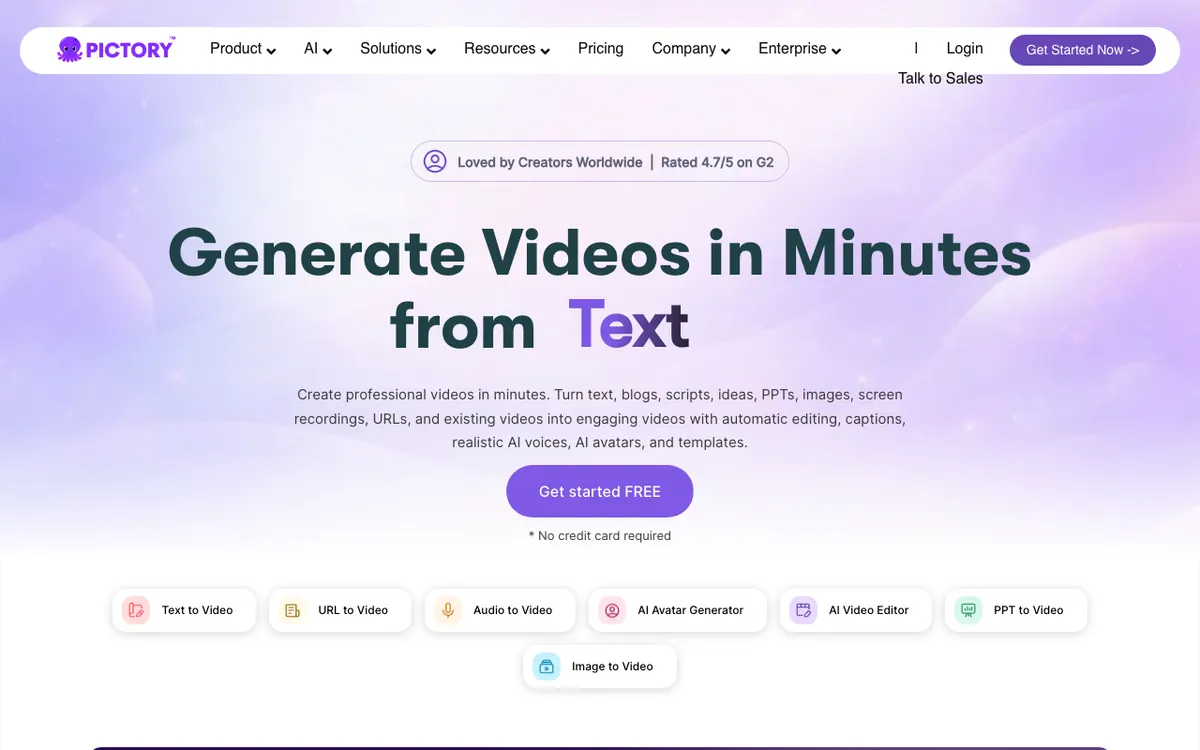 Pictory — turns text, blogs, scripts, PPTs, URLs and recordings into video.
Pictory is the faceless YouTube video generator for channels sitting on a written archive. It converts “text, blogs, scripts, ideas, PPTs, images, screen recordings, URLs, and existing videos” into finished video with automatic editing, captions and AI voices.
That input flexibility is the whole pitch. If you already run a blog or newsletter, Pictory is the shortest path from a 2,000-word post to a 12-minute narrated video — and 2,000 words is roughly 13 minutes of narration, which lands exactly in the mid-roll window.
Footage comes from Getty Images and Storyblocks: 5 million videos on Starter, rising to 18 million on Professional and above. That Starter-to-Professional jump is not cosmetic.
At 5 million clips, a weekly long-form channel will start seeing familiar shots inside a quarter.
The narration is metered separately, and this is the number that decides your plan. Starter includes 720 minutes of ElevenLabs voices in 29 languages per year — 60 minutes a month, or three 20-minute videos.
Professional doubles it to 1,440 minutes a year. Unlimited standard voices back-fill the rest, but standard voices are exactly the flat, evenly-paced narration that gets a long video closed early.
Pictory is the most established of the four, carrying a 4.7/5 G2 rating on its own homepage badge. It is also the least specific: its pricing page publishes no export resolution and no per-video length cap (checked September 2026), which for a YouTube-first workflow is a gap you should close with support before you subscribe.
Pros
- Broadest set of inputs: blog URLs, scripts, PPTs, screen recordings and existing video
- Getty Images and Storyblocks footage, up to 18 million videos on Professional and above
- ElevenLabs voices in 29 languages included as metered minutes, not an upsell
- No watermark on any paid plan
- Longest track record and the strongest third-party review base of the four
Cons
- ElevenLabs minutes are the binding constraint: 720 minutes a year on Starter is three 20-minute videos a month
- Starter’s 5 million clip library is noticeably shallower than Professional’s 18 million
- Unlimited standard voices are limited to 7 languages on Professional, and they sound it
- No export resolution published on the pricing page — no confirmation of 4K
- Monthly billing is a steep premium: $29 vs $25 on Starter, $59 vs $35 on Professional
Best for: Blogs, newsletters and course businesses converting existing written content into long-form video. Pricing: Starter $25/month billed annually ($29 monthly, 2,400 minutes/year, 720 ElevenLabs minutes/year, 5M clips), Professional $35/month annually ($59 monthly, 7,200 minutes/year, 1,440 ElevenLabs minutes/year, 18M clips), Team $119/month annually ($199 monthly). Enterprise custom (checked September 2026).
Faceless YouTube video generators compared
| invideo AI | StoryShort AI | Fliki | Pictory | |
|---|---|---|---|---|
| Best for | Long-form overall | 10-30 min documentaries | Multi-language channels | Blog-to-video |
| Max video length | Not published; multi-part series | 10-30 minutes | 15 min Standard / 40 min Premium | Not published |
| Export resolution | Not published | 4K | 1080p ceiling | Not published |
| Footage source | 16M+ iStock, Storyblocks, Shutterstock | AI-generated images + image-to-video | Premium stock images, clips, music | Getty + Storyblocks, 5M-18M clips |
| Voices | Male/female, language + accent | 100+ (ElevenLabs, OpenAI) | 2,000+ on Premium | ElevenLabs (metered) + standard |
| Languages | Language + accent selection | 50+ | 80+ | 29 (ElevenLabs) / 7 (standard) |
| Free tier | None listed | None for long-form | 1-min videos, 720p, watermarked | Free trial |
| Entry price | $17/month | $23/month | Local currency, per user/month | $25/month annual, $29 monthly |
| Watermark on paid | None | None | None | None |
All figures from vendor pricing and product pages, checked September 2026.
How to choose a faceless YouTube video generator
Match the tool to the constraint that will actually bite you, not to the feature list.
Publishing weekly at 8-20 minutes? invideo AI — the 16 million-clip library is the only one deep enough that episode 30 does not look like episode 4. Watch the iStock allowance rather than the credit count.
Making documentaries or explainers where visuals can be generated? StoryShort AI. It is the only one built for a single 10-30 minute render, and the only one publishing 4K.
Running the same channel in four languages? Fliki, with the caveat that 1080p is your ceiling and Standard’s credit allowance covers roughly one video a month. Budget for Premium.
Sitting on a blog archive? Pictory. Convert the posts you already have, and pick Professional rather than Starter — the jump from 5 to 18 million clips and 720 to 1,440 ElevenLabs minutes is the difference between a hobby cadence and a weekly one.
Doing Shorts as well? Every tool here exports vertical, but Shorts is a different production problem — hook pacing in the first three seconds, burned-in caption styling, batch volume. Optimize for long-form first, since Shorts views do not count toward the 4,000 watch hours that unlock monetization.
Two adjacent guides cover the parts this one leaves out.
- Sticking to free tiers? 4 free faceless video generators ranked covers the hosted tools you can use without paying, and the watermark, clip-length and resolution ceiling on each free plan.
- Want to self-host? Open-source faceless video generators on GitHub covers the repos you run yourself, and what each one costs in API keys and setup time before the first render.
One more decision sits underneath all four: whether you want the generator to write the script. Every tool here will, and every one produces serviceable but generic copy.
Channels that grow tend to write their own scripts and use these tools purely as production. If that is your plan, the criteria shift toward voice quality and footage depth — the same split we used to rank AI commentary generators.
What these tools still cannot do
Be clear about the ceiling before you build a channel on one.
Thumbnails and titles. None of these four produce the two assets that determine whether the video gets clicked. That work stays manual.
Fact-checking. AI-written scripts state things confidently that are wrong. For history, finance or health niches, every claim needs a human pass — YouTube’s policies on misinformation do not care that a model wrote it.
Genuine narration direction. You can pick a voice. You mostly cannot say “slow down here, land on this word”.
Over a 15-minute video that limitation is audible, which is why some creators produce visuals in a generator and narration in a dedicated voice tool. Several free AI video voiceover tools let you compare a generator’s built-in read against a specialist engine on the same script.
Accurate captions on technical vocabulary. Auto-captions from these tools handle conversational English well and stumble on jargon and proper nouns. If your niche is dense, a dedicated pass through free AI video transcription tools usually produces cleaner subtitle files than the generator’s export.
The verdict
invideo AI is the best faceless YouTube video generator for most long-form channels. The 16 million-clip library solves the problem that kills faceless channels at scale — visual repetition — and $17/month is the lowest entry point here.
Watch the 100-item iStock cap on Plus.
StoryShort AI wins if your niche suits AI-generated visuals. It is the only tool built for a single 10-30 minute render and the only one publishing 4K.
Fliki is the multi-language pick, full stop. Accept 1080p and budget for Premium.
Pictory is the right answer only if you already have the words. If you do, it is the fastest path from archive to upload schedule.
A generator makes videos, not a channel. The faceless YouTube generator channel guide covers niche research, cadence, thumbnail CTR and the honest monetization odds. And if you have not claimed a name yet, the faceless YouTube channel name generator lists 120 ideas and the checks to run first.
Before you subscribe to any of them, do the same arithmetic we did: take the plan’s narration allowance, divide by your target runtime, and see how many videos a month you actually get. On all four tools the voice budget runs out well before the video budget does.