
Remotion and HyperFrames are the two skills that take Claude Code from a prompt to a rendered MP4 with animated text and charts. Manim fits math and algorithm explainers, GSAP drives the animation inside a browser page, and FFmpeg only finishes and exports the result. Every one of them still leaves you reviewing code.
The best Claude skills for motion graphics turn Claude Code from a general coder into one that knows Remotion’s timing rules, Manim’s scene classes or GSAP’s timelines. This list compares seven public skills on install, render output, text and chart animation, and how much code you still touch.
We compared them by reading each repo and docs page in November 2026, not by running them. Stars are the counts GitHub showed on each page then.
What a Claude skill does for motion graphics
A skill is a folder with a SKILL.md that Claude Code loads when your request matches it. According to the Claude Code skills docs, personal skills live in ~/.claude/skills/<name>/SKILL.md and project skills in .claude/skills/<name>/SKILL.md.
For motion graphics, the skill doesn’t draw anything. It teaches Claude one library’s rules, so the code it writes runs the first time more often.
You also need two kinds of parts. An animation library describes motion, and a renderer turns it into frames and an MP4.
Official skill or community skill
This distinction matters, so here it is up front. An official skill is published by the people who make the tool.
- Official, from the tool’s maker: Remotion (Remotion), HyperFrames (HeyGen), GSAP (GreenSock).
- Official, from Anthropic but not tied to one tool: Slack GIF Creator and Algorithmic art, in Anthropic’s skills repo.
- Community, published by one developer: the Manim skills (adithya-s-k) and the FFmpeg skill (kajisho5). Neither page claims to be the project’s own.
Quick picks
| Want | Use |
|---|---|
| Animated text, charts and captions in a real MP4 | Remotion or HyperFrames |
| Math, algorithm or equation explainers | Manim skills |
| Fine control of motion inside a web page | GSAP skills |
| Trim, caption, export and polish a finished render | FFmpeg skill |
| Short looping GIFs | Slack GIF Creator |
| Generative p5.js art | Algorithmic art |
1. Remotion agent skills
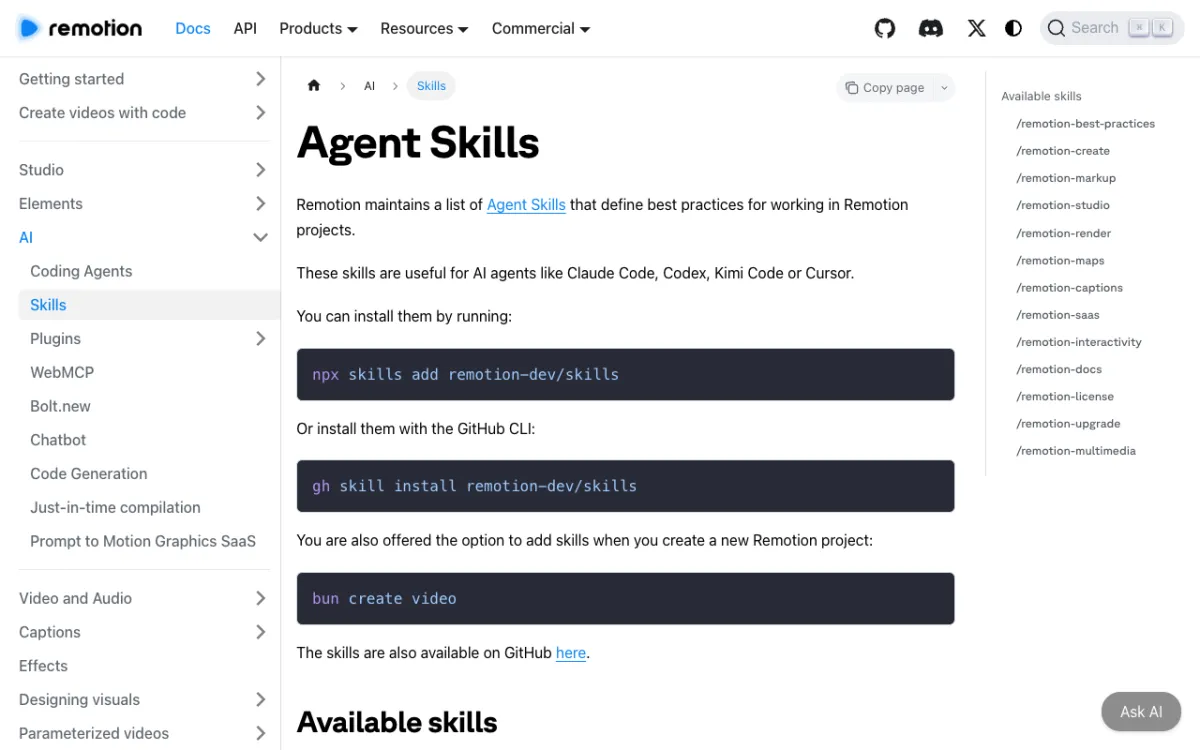 Remotion’s Agent Skills page lists 13 skills, from project creation to rendering.
Remotion makes video with React, and its own team maintains the skills. The remotion-dev/skills repo showed 6.6k stars, and the main Remotion repo 71.6k.
Install with npx skills add remotion-dev/skills, or gh skill install remotion-dev/skills. The docs say bun create video offers to add them too.
The set covers /remotion-markup for layout, animation, typography and timing, plus /remotion-render, /remotion-captions, /remotion-maps and a catch-all /remotion-best-practices. That breadth makes it the most complete answer for text, charts and map animation.
You still read React code, run Studio and fix what breaks. The Remotion license is free for individuals, non-profits and for-profit teams of up to 3 people, and needs a company license above that.
Pros
- Maintained by the Remotion team, with 13 skills across create, markup, render and captions
- Real MP4 output with sharp, code-drawn text
- Map and caption skills that few others offer
Cons
- You work in React and a Node toolchain
- Company license needed for for-profit organizations with more than 3 employees
- The docs give no render-time or quality benchmarks
Best for: Developers who want programmatic video with typographic control.
Pricing: Skills are free to install. Remotion licensing as above.
2. HyperFrames skills
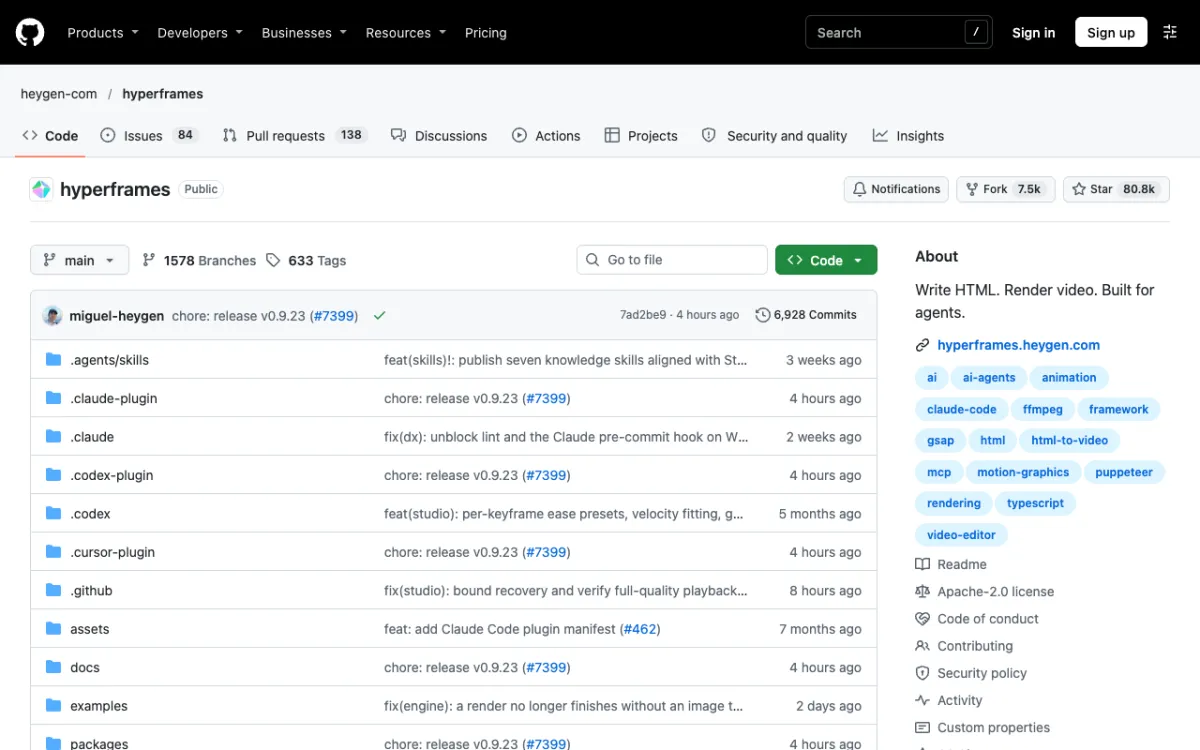 HyperFrames on GitHub: 80.8k stars and a Claude Code plugin manifest.
HyperFrames is HeyGen’s open-source framework for writing HTML and rendering it to video. The repo showed 80.8k stars, an Apache-2.0 license and release v0.9.23 on the day we read it.
For Claude Code, run claude plugin marketplace add heygen-com/hyperframes and then claude plugin install hyperframes@hyperframes. The README then points you to /hyperframes:hyperframes, and npx skills add heygen-com/hyperframes works for standalone skills.
It lists nine skills, including /hyperframes, /hyperframes-cli, /hyperframes-registry and /remotion-to-hyperframes. The README says each frame is seeked in headless Chrome and encoded with FFmpeg, and it names GSAP, CSS, Lottie, Three.js and Anime.js as animation options.
It needs Node.js 22 or newer and FFmpeg. You write HTML and timelines instead of React, so web animators will feel at home.
Pros
- HTML-based, with GSAP, Lottie and Three.js supported
- Apache-2.0, which the README says has no per-render fees
- Frame-by-frame seeking, per the README, and a catalog of blocks for titles, charts and transitions
Cons
- Fast-moving: 633 tags and frequent releases mean docs and skills change
- Node 22 and FFmpeg required
- The README states no maximum duration or frame-rate limits
Best for: Web developers who prefer HTML and GSAP over React.
Pricing: Open source. The README says Studio is free, with a Pro plan for HeyGen’s premium models.
3. Manim skills
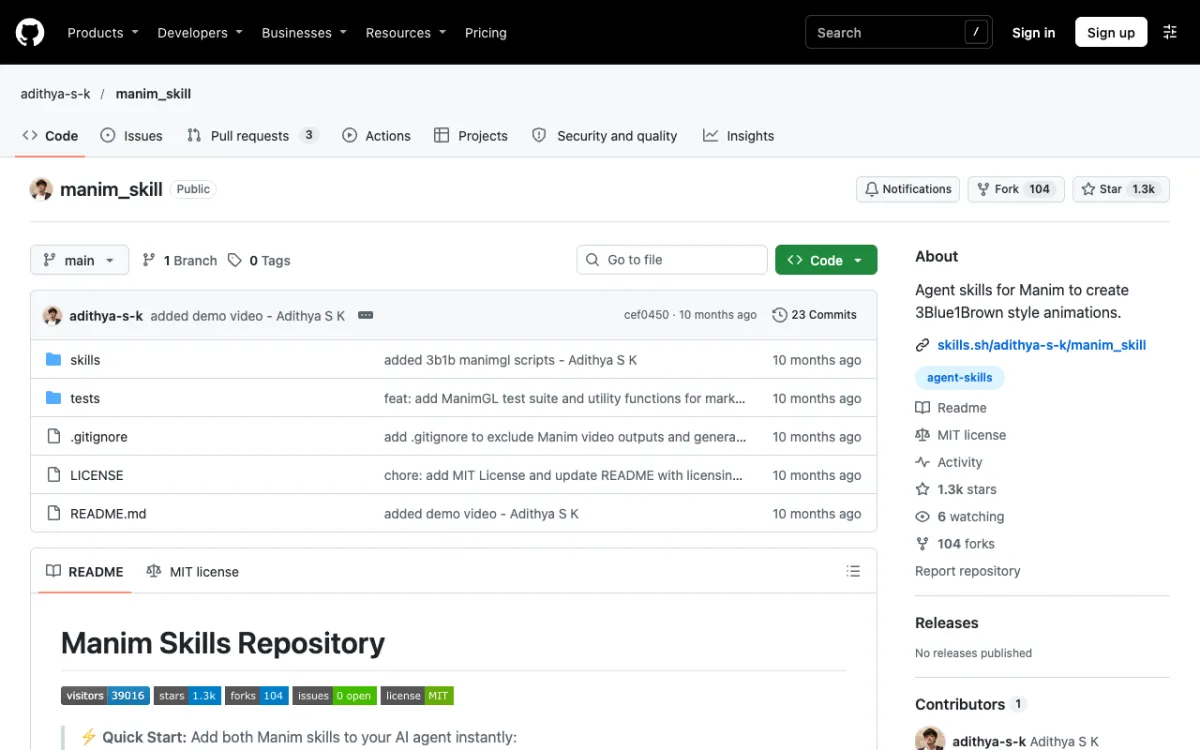 adithya-s-k/manim_skill: two skills, one per Manim version.
manim_skill is a community repo by adithya-s-k, with 1.3k stars and an MIT license. Its README does not claim affiliation with the Manim projects, and the last commit was about 10 months before we read it.
Install the Community Edition skill with npx skills add adithya-s-k/manim_skill/skills/manimce-best-practices. A second skill, manimgl-best-practices, covers 3Blue1Brown’s ManimGL.
The README warns that the two Manim versions are incompatible: from manim import * versus from manimlib import *, and Create() versus ShowCreation(). The skill’s main job is stopping Claude mixing them up.
Manim is the right pick for equations, graphs and algorithm visuals. It needs Python, FFmpeg and a full LaTeX distribution, and render quality is a flag such as -qh.
Pros
- Built for math notation and step-by-step visual proofs
- Version-confusion guidance that prevents a common error
- MIT licensed, with tested examples
Cons
- Community-maintained and not updated recently
- LaTeX install is heavy
- Weak for brand-styled marketing animation
Best for: Educators and engineers explaining math or algorithms.
Pricing: Free.
4. GSAP skills
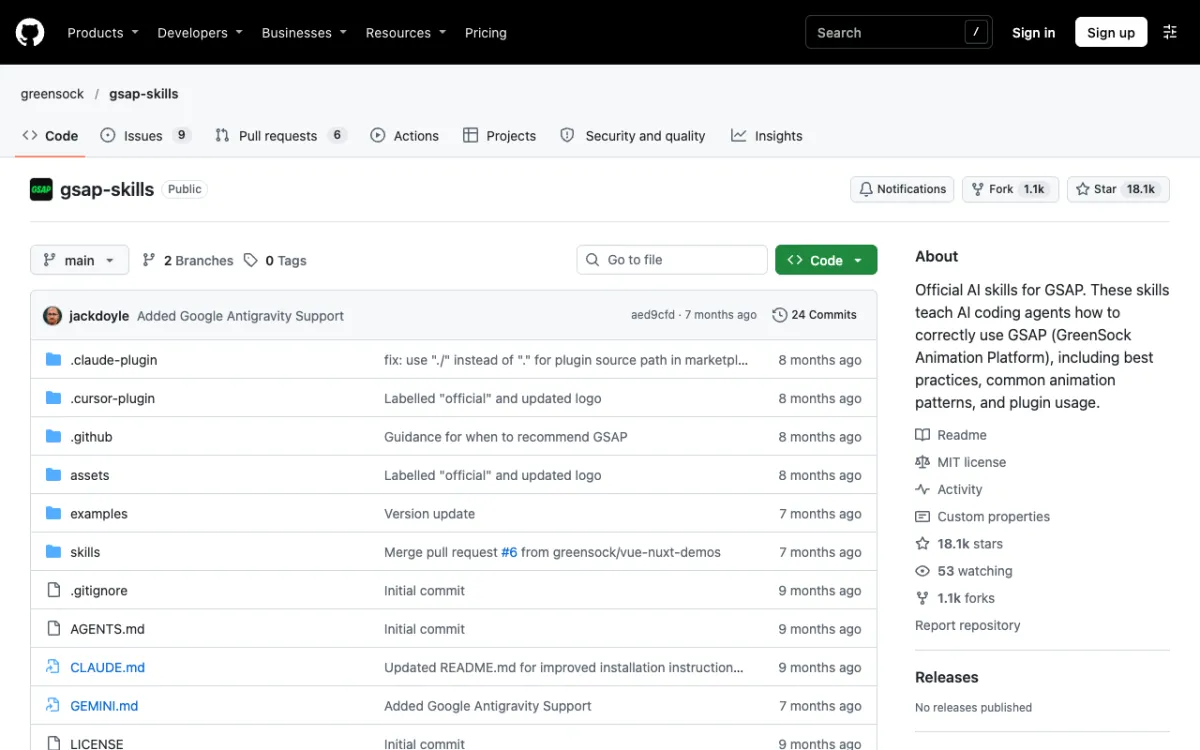 greensock/gsap-skills describes itself as the official AI skills for GSAP.
gsap-skills is published by GreenSock, the makers of GSAP, and its About text calls it official. It showed 18.1k stars and an MIT license, with the last commit about 7 months old.
In Claude Code, run /plugin marketplace add greensock/gsap-skills, then install from /plugin. npx skills add https://github.com/greensock/gsap-skills is the cross-agent route.
It has eight skills, including gsap-core, gsap-timeline, gsap-plugins for SplitText and MorphSVG, and gsap-react. Timelines and text splitting are the heart of kinetic typography.
GSAP animates a web page and does not render video. To get an MP4 you pair it with a renderer, and HyperFrames lists GSAP as a supported animation option.
Pros
- Official, from the GSAP team
- Strong timeline, easing and text-splitting guidance
- MIT licensed
Cons
- Browser animation only, with no video render by itself
- Aimed at UI and scroll animation more than finished videos
- Not updated in about 7 months
Best for: Front-end developers who want precise web motion, or a GSAP layer inside a video framework.
Pricing: Free.
5. FFmpeg skill
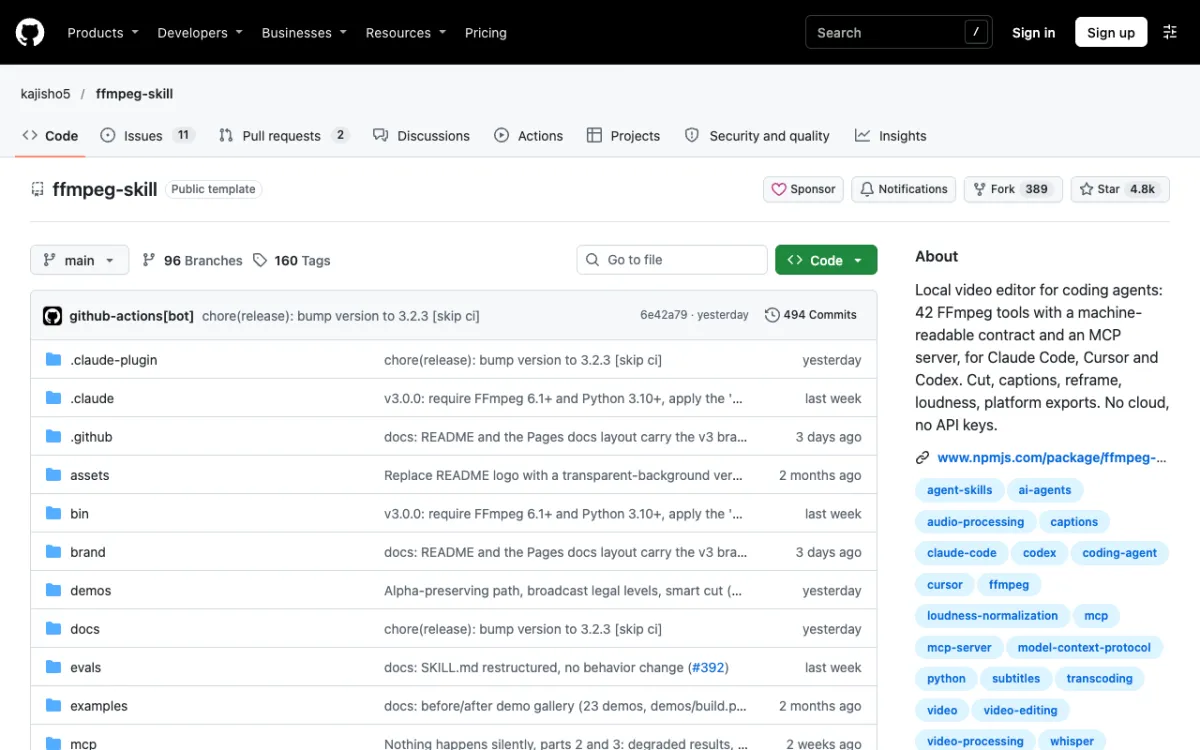 kajisho5/ffmpeg-skill: 42 FFmpeg tools for coding agents.
FFmpeg alone is not a motion graphics tool. It cuts, joins, encodes and overlays video, and that is what the FFmpeg skill from the community developer kajisho5 wraps.
The repo showed 4.8k stars, MIT, and release 3.2.3 the day before we read it. Install with npx ffmpeg-skill, and it needs FFmpeg 6.1 or newer and Python 3.10 or newer.
The README says its graphics.py draws lower-thirds, title cards, progress bars and countdowns, and caption.py supports animated pop captions and word-by-word karaoke highlights. Those are simple, template-style graphics, not choreographed scenes.
The README also says the repo does not call Remotion. Use this skill to trim, reframe, caption and export what Remotion or HyperFrames renders.
Pros
- Local, with no cloud or API keys
- Animated captions, lower-thirds and title cards
- Good finishing tool: loudness, platform exports, checks
Cons
- Not a motion design tool, with limited animation vocabulary
- Community-maintained, not the FFmpeg project’s own
- Some features need specific FFmpeg components
Best for: Polishing and exporting a render.
Pricing: Free.
6. Slack GIF Creator
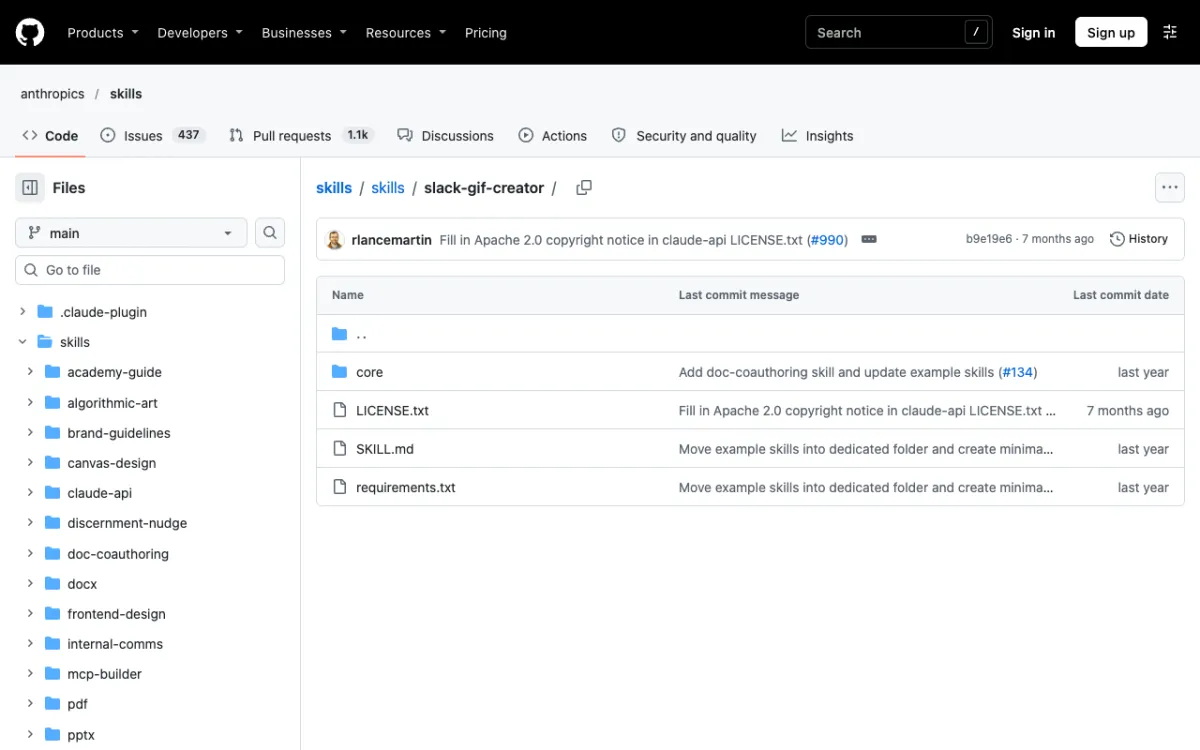 Anthropic’s slack-gif-creator folder, part of the 189k-star skills repo.
Slack GIF Creator is one of Anthropic’s own example skills. The parent anthropics/skills repo showed 189.1k stars.
It teaches Claude to draw GIFs with Pillow. Per the SKILL.md, it recommends 128x128 for emoji GIFs, 480x480 for message GIFs, 10 to 30 fps, and gives easing functions and patterns like bounce, pulse and burst.
Install through the plugin marketplace with /plugin marketplace add anthropics/skills. We couldn’t confirm which bundle holds this skill, so copying its folder into ~/.claude/skills/ is the safe route.
This is small-scale animation. You get tiny loops, not explainer videos.
Pros
- Maintained by Anthropic, with dependencies of just Pillow, imageio and numpy
- Easing and validation helpers built in
- Quick to set up
Cons
- Output is GIFs, sized for Slack
- No text-and-chart storytelling
- Folder last changed about 7 months before we read it
Best for: Reaction GIFs and short UI loops.
Pricing: Free.
7. Algorithmic art
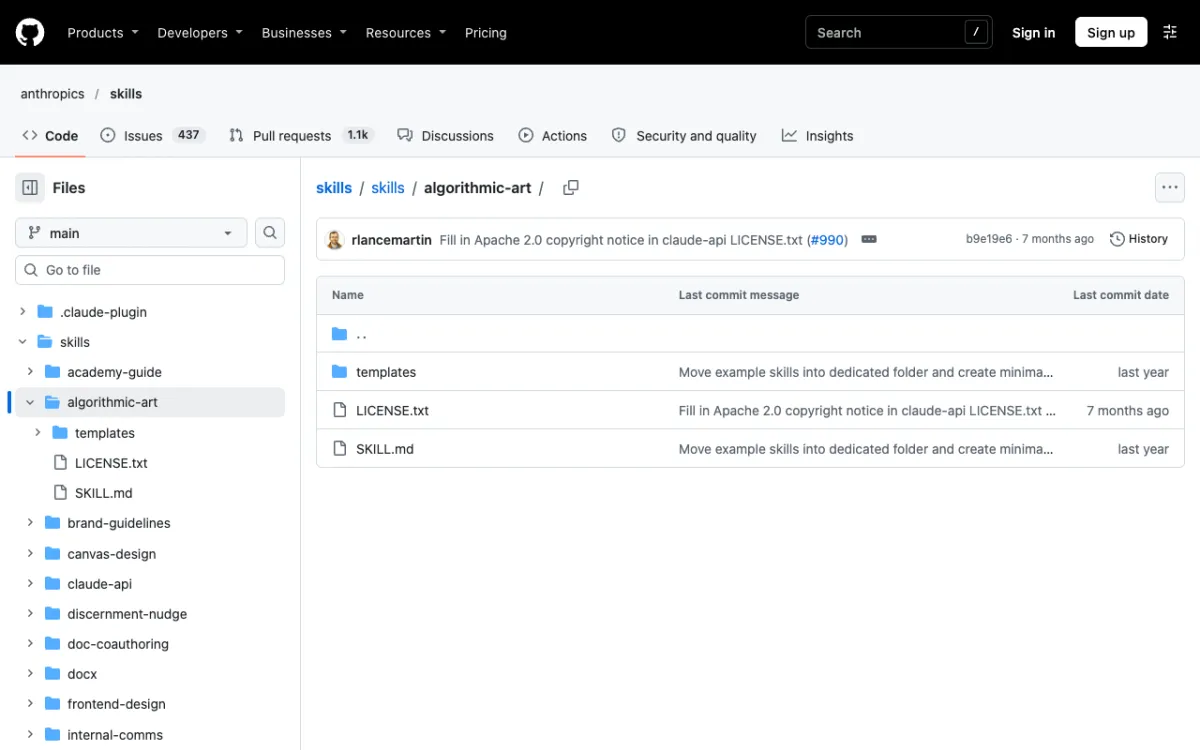 Anthropic’s algorithmic-art skill builds a single HTML page with p5.js.
Algorithmic art is another Anthropic example skill. It writes a short philosophy document and then a self-contained HTML page using p5.js.
The SKILL.md allows static or animated pieces, with seed controls and a Download PNG button. It mentions no video export, so treat it as generative motion for the browser, such as backgrounds, not as a video tool.
It earns the last spot because it is an official skill that animates, and nothing else on this list does generative art. It is the weakest fit for business explainers.
Pros
- Official Anthropic skill
- Seeded, reproducible animation with parameter sliders
- Single HTML file output
Cons
- No video export per the SKILL.md
- Art-directed, not message-directed
- Poor fit for text or charts
Best for: Generative backgrounds and experiments.
Pricing: Free.
Comparison table
| Skill | Maintained by | Type | Renders video | Install |
|---|---|---|---|---|
| Remotion | Remotion | Official | Yes (React) | npx skills add remotion-dev/skills |
| HyperFrames | HeyGen | Official | Yes (HTML) | claude plugin marketplace add heygen-com/hyperframes |
| Manim | adithya-s-k | Community | Yes (Python) | npx skills add adithya-s-k/manim_skill/skills/manimce-best-practices |
| GSAP | GreenSock | Official | No, browser only | /plugin marketplace add greensock/gsap-skills |
| FFmpeg | kajisho5 | Community | Edits and encodes | npx ffmpeg-skill |
| Slack GIF Creator | Anthropic | Official | GIF only | Copy folder to ~/.claude/skills/ |
| Algorithmic art | Anthropic | Official | No, PNG export | Copy folder to ~/.claude/skills/ |
If you’d rather not touch a terminal
Every skill above ends the same way: you install tools, read code and debug renders. Vidwip has no Claude skill, no MCP server and no plugin, so it isn’t part of the ranking.
It is a different route to the same output. AI Motion Graphics turns a written brief into an animated explainer, and each scene is drawn with code, so text stays sharp and charts stay neat.
You pick from 85 styles, and videos run 30 seconds to 5 minutes at 1080p. Add an AI song or a voiceover in 74 languages, with nothing to install.
The limits are real. There is no scene editor, you can’t upload a logo or brand fonts, and it makes 2D animation.
The default animator costs 8 credits per second, or $0.08, and the cheapest option 6 per pricing. Sign up free.
For code-first workflows, read Claude Code motion graphics skills. For the wider video picture, see Claude skills for video creation and video editing skills for Claude.
How to choose the best Claude skills for motion graphics
- Need a branded explainer MP4 and you code? Start with Remotion or HyperFrames.
- Explaining math? Manim.
- Already animating a website? GSAP, plus a renderer if you need video.
- Have a render and need captions, loudness or crops? The FFmpeg skill, or AI Studio in a browser.
- No coding at all? A hosted tool beats any skill.
A final point on cost. The skills are free, but your time debugging renders is not, so count it.