
Pick the skill by what the video is made of. Remotion and HyperFrames build animated video from code, Manim builds narrated math explainers, fal and the Veo skill call paid AI video models, and ElevenLabs and FFmpeg handle audio and assembly. The code skills cost nothing per render beyond compute; the model skills bill per second of generated footage.
The best Claude skills for video creation split into three kinds: code that renders animation, calls to AI video models, and the audio and assembly steps around them. That split decides what your video looks like and what each render costs.
We compared eight public skills by reading their repos and docs, not by running them. Where we couldn’t read a price or a limit, we say so.
What a Claude skill can and can’t make
A Claude skill is a folder with a SKILL.md file. According to Claude Code’s skills docs, Claude Code loads one from ~/.claude/skills/<name>/ for all your projects, .claude/skills/<name>/ for one repo, or from a plugin.
A skill doesn’t render anything itself. It teaches Claude how to write code, call an API or run a tool, and the video comes from that code or service.
That gives three outputs:
- Animation from code: Remotion, HyperFrames, Manim, Slack GIF Creator.
- Generated footage: fal and the Veo skill, which call hosted models.
- Audio and assembly: ElevenLabs for voice, music and effects, and ffmpeg-skill for stitching.
This post covers making a video from nothing. For motion graphics specifically, see our best Claude skills for motion graphics.
For cutting footage you already shot, see video editing skills for Claude.
Official and community skills
Four of the eight come from the company behind the tool or from Anthropic. Four are community projects.
| Source | Skills |
|---|---|
| Official (published by the vendor) | Remotion (Remotion), HyperFrames (HeyGen), ElevenLabs skills (ElevenLabs), Slack GIF Creator (Anthropic) |
| Community | fal skills (fal-ai-community), Manim Skill (Yusuke710), gemskills (b-open-io), ffmpeg-skill (kajisho5) |
The fal repo sits under a fal-ai-community GitHub org and its README doesn’t say it is a fal product, so we treat it as community. Read any SKILL.md before you install it, because a skill is instructions Claude will follow.
1. Remotion agent skills
Remotion’s agent skills teach Claude to build videos as React components and render them to MP4. They are the most complete official option for making a video from nothing.
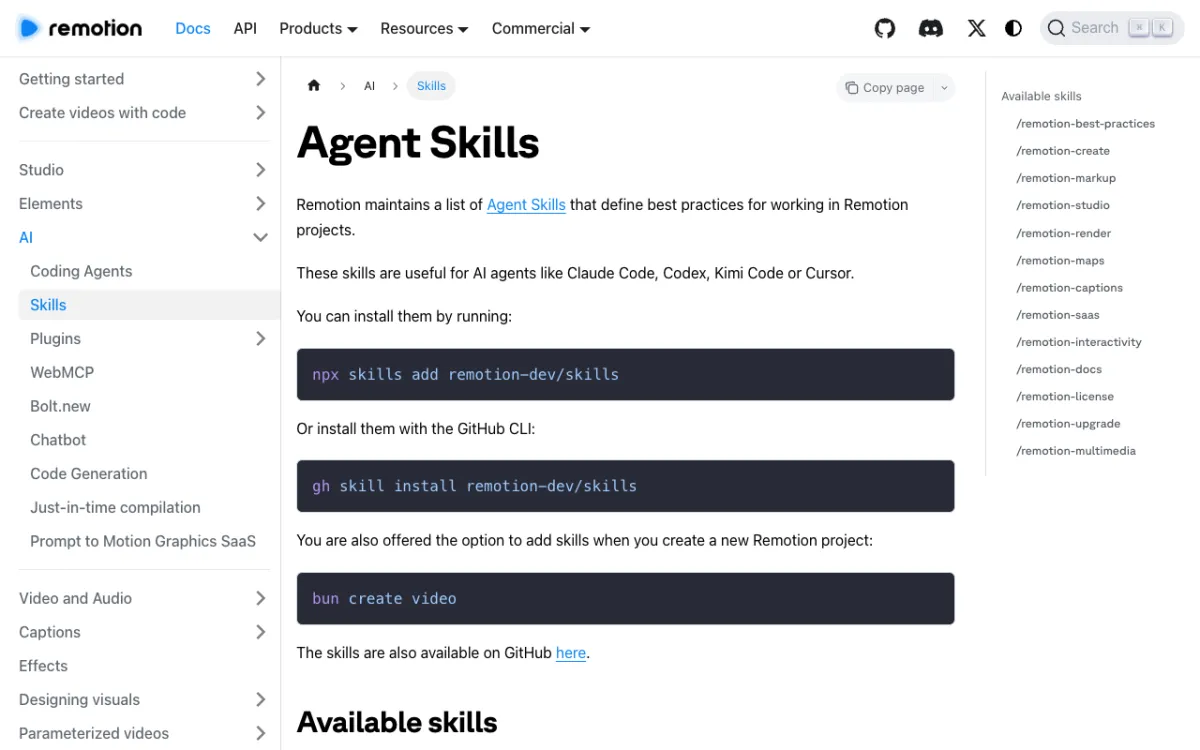 Remotion’s docs list 13 skills, from project creation to rendering and captions.
Maintainer: Remotion (official). The Remotion skills docs say the skills suit Claude Code, Codex, Kimi Code and Cursor.
Install: npx skills add remotion-dev/skills, or gh skill install remotion-dev/skills. bun create video also offers to add them to a new project.
The docs list 13 skills, including /remotion-create for a new composition, /remotion-render for output, /remotion-captions for subtitles and /remotion-multimedia for audio and video metadata.
Pros
- Published by the Remotion team, so the guidance tracks the library
- Covers the full path: create, preview in Studio, render, captions
- Render cost is published and predictable
Cons
- You get animation and layout, not photoreal footage
- Companies of four or more people need a paid license
Best for: Product explainers, data videos and templated batches you can describe in code.
Cost per render: According to Remotion’s license page (checked November 2026), the free license covers individuals and companies of up to 3 people. Its Automators tier lists $0.01 per render with a $100 monthly minimum.
For cloud rendering, Remotion’s Lambda cost page lists $0.017 for a warm one-minute video in us-east-1, excluding bandwidth, storage and licensing.
2. HyperFrames
HyperFrames turns HTML, CSS and JavaScript into MP4, and its skills teach Claude to author the HTML. It is the closest rival to Remotion if you’d rather write web pages than React.
Maintainer: HeyGen (heygen-com on GitHub, official). The HyperFrames repo describes it as “a free, open-source framework for turning HTML, CSS, media, and seekable animations into deterministic MP4 videos.”
Install: npx skills add heygen-com/hyperframes and pick the Core Skills group. For Claude Code plugins, the README gives claude plugin marketplace add heygen-com/hyperframes, then claude plugin install hyperframes@hyperframes.
Rendering runs locally, and the README says it “seeks each frame in headless Chrome and encodes the result with FFmpeg.” It lists Node.js 22+ and FFmpeg as requirements.
Pros
- Apache 2.0 license, which we confirmed in the repo’s
LICENSEfile - README says there are no per-render fees or commercial-use thresholds
- Nine skills, including
/remotion-to-hyperframesfor migrating projects
Cons
- Two of the nine skills (
/reverse-any-videoand/style-sampling) are listed as HyperFrames Pro features - Like Remotion, it builds animation, not generated footage
Best for: Teams that already write HTML and want local renders with no license math.
Cost per render: No per-render fee, per the README. You pay only for your own compute.
3. fal skills (generated footage)
fal’s community skills let Claude call hosted AI video models and assemble the results. This is the route to photoreal footage from a text prompt, and it is the only one in the top three that bills per second.
Maintainer: the fal-ai-community GitHub org. Its README says “Agent skills for fal.ai” under an MIT license, but doesn’t say it is an official fal product.
Install: Inside Claude Code, the repo’s install guide gives /plugin marketplace add git@github.com:fal-ai-community/skills.git, then /plugin install fal-ai@fal-community. That route needs Git with GitHub SSH access.
The repo lists skills for model selection, prompting (Kling, GPT Image 2), cinematography, storytelling and recipes such as a video-with-audio pipeline and lipsync.
Pros
- Reaches real generation models, not only animation
- Includes prompt-craft and shot-planning skills, not just API calls
- MIT license
Cons
- Generation is billed to your fal account, and the install guide gives no prices
- SSH-based install is more setup than a one-line
npx
Best for: Short generated shots and ads where you want a model’s look.
Cost per render: The fal Kling 3.0 Pro page lists $0.112 per second with audio off, $0.168 with audio on and $0.196 with voice control (checked November 2026). A 10-second clip with audio is $1.68.
Other models on fal price differently.
4. Manim Skill
Manim Skill walks Claude through a 3Blue1Brown-style explainer: write narration, generate a voiceover, write Manim code, render and mux. It is the best fit for math, science and algorithm videos.
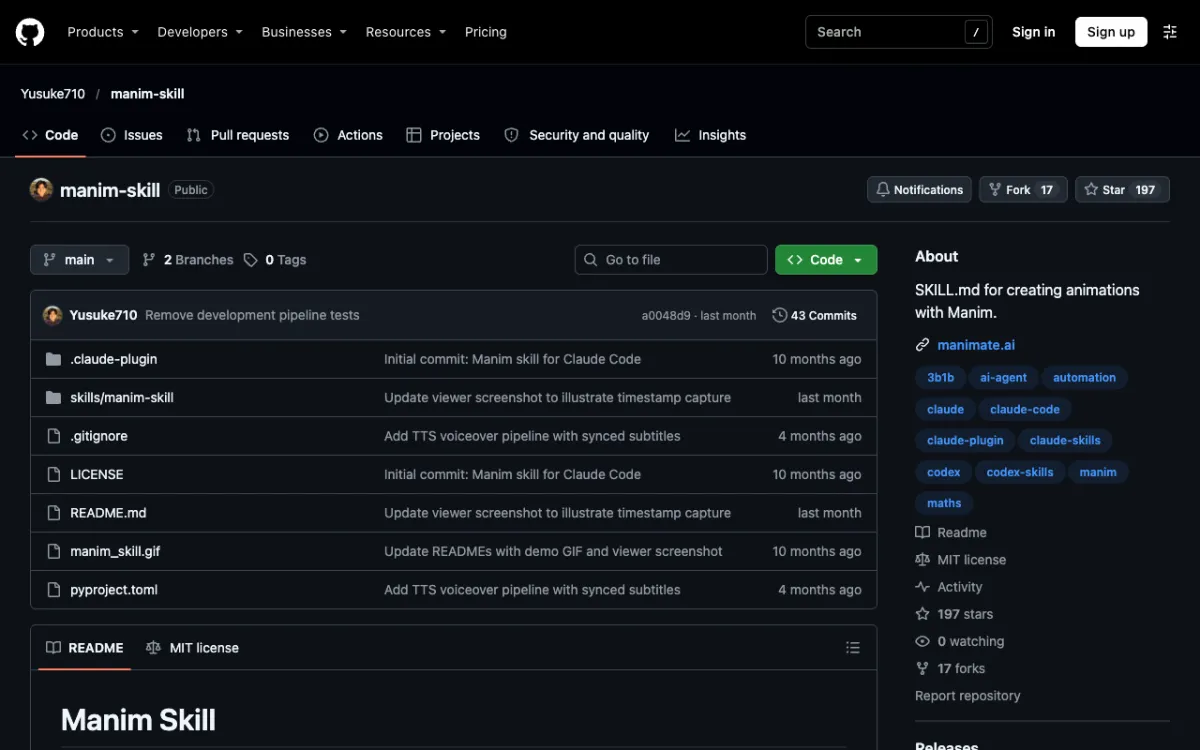 Manim Skill’s repo describes itself as a SKILL.md for creating animations with Manim.
Maintainer: Yusuke710 on GitHub (community, MIT). The repo showed 197 stars when we read it on 8 November 2026.
Install: The README says to clone the repo, install system libraries (the macOS commands are brew install cairo pkg-config ffmpeg and brew install --cask mactex-no-gui), run uv sync, then symlink skills/manim-skill into ~/.claude/skills/manim-skill.
Voiceover uses Kokoro, an open-weight text-to-speech model that runs locally, and the README says no paid API key is needed. A browser viewer lets you leave timestamped notes for Claude.
Pros
- Narration and time-synced subtitles are on by default
- Fully local, so nothing is billed per render
- Feedback loop through a timestamped viewer
Cons
- Heaviest install on this list, including a LaTeX distribution
- Output looks like Manim, which suits equations more than product shots
- Small community project, so expect rough edges
Best for: Teachers, engineers and anyone explaining a concept with diagrams.
Cost per render: No per-render price in the README. Your cost is local compute.
5. gemskills generate-video (Veo 3.1)
The generate-video skill in gemskills calls Google’s Veo 3.1 for text-to-video and image-to-video. It is a community wrapper for people who want Google’s model without writing the API code.
Maintainer: the b-open-io org (community, MIT). The repo showed 14 stars when we read it, so treat it as early.
Install: In Claude Code, /plugin marketplace add b-open-io/claude-plugins, then /plugin install gemskills@b-open-io, per the README.
The README lists Veo 3.1 with native audio, 720p, 1080p and 4K output, and 4 to 8 second clips. It needs a GEMINI_API_KEY, and some reference-image paths also need a REPLICATE_API_TOKEN.
With both an xAI key and a Gemini key set, it prefers xAI unless you force --provider gemini.
Pros
- Veo 3.1 output with audio from one command
--auto-imagegenerates a styled still, then animates it
Cons
- Clips are 4 to 8 seconds, so you assemble a longer video yourself
- Few stars and a small contributor base
- Two providers’ keys may be involved
Best for: Developers who already hold a Gemini API key and want Veo shots.
Cost per render: We couldn’t read a Veo 3.1 per-second price on Google’s pricing page, so we won’t quote one. Check Google’s pricing page before you batch anything.
6. ElevenLabs skills
ElevenLabs’ official skills give Claude working knowledge of its text to speech, sound effects, music, dubbing and voice changer APIs. They don’t make pictures, but they make the audio track.
Maintainer: ElevenLabs (official, MIT). The repo lists 12 skills, including text-to-speech, sound-effects, music, dubbing and voice-changer, and showed 539 stars when we read it.
Install: npx skills add elevenlabs/skills. Every skill needs an ELEVENLABS_API_KEY.
Pros
- Official, with a setup skill for the API key
- Covers voice, effects and music in one repo
Cons
- Audio only, so you still need a visual skill
- Needs an ElevenLabs API key
Best for: Adding narration, sound effects or a score to a Remotion or HyperFrames video.
Cost per render: ElevenLabs’ API pricing lists text to speech at $0.08 per minute on its v4 model, sound effects at $0.12 per minute and music at $0.15 per minute (checked November 2026). Our ElevenLabs review covers the consumer plans.
7. ffmpeg-skill
ffmpeg-skill is a local toolkit of 42 FFmpeg-based tools for coding agents. It assembles and finishes video rather than creating it, which is why it ranks seventh for this topic.
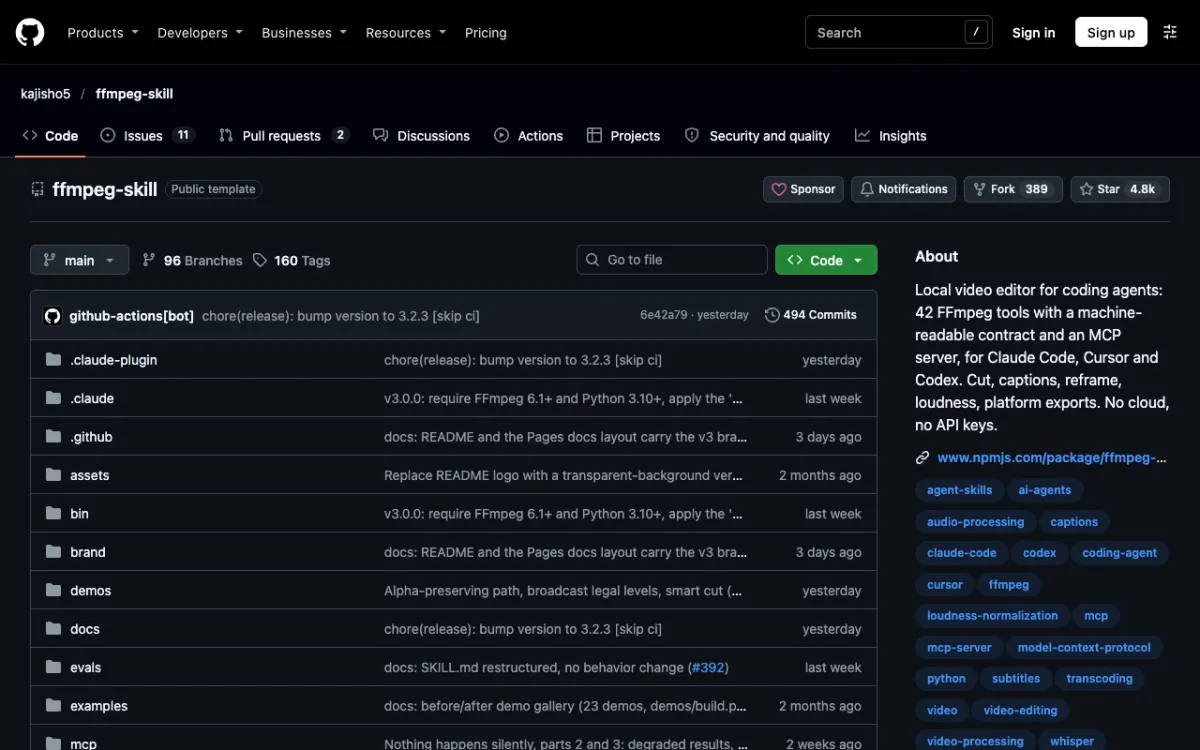 ffmpeg-skill’s repo describes 42 FFmpeg tools with an MCP server and no cloud.
Maintainer: kajisho5 on GitHub (community, MIT). The repo showed 4.8k stars when we read it.
Install: Install FFmpeg 6.1 or later and Python 3.10 or later, then run npx ffmpeg-skill. npx ffmpeg-skill doctor checks your setup.
It joins clips, burns in captions, reframes 16:9 to 9:16, normalizes loudness and exports for platforms. A few tools build simple visuals from nothing, such as gradient clips and waveforms, but the README doesn’t present it as a generator.
Pros
- No cloud, no API keys, standard-library Python
- Fits after any of the generators above
- Large following for a skill repo
Cons
- Creates only basic visuals on its own
- Editing existing footage is covered better in our video editing skills for Claude post
Best for: Joining generated clips and a voiceover into one export.
Cost per render: Free. It runs on your machine.
8. Slack GIF Creator
Slack GIF Creator is Anthropic’s skill for drawing animated GIFs with Python. It is the smallest tool here and the only one that makes a short animation with no render service.
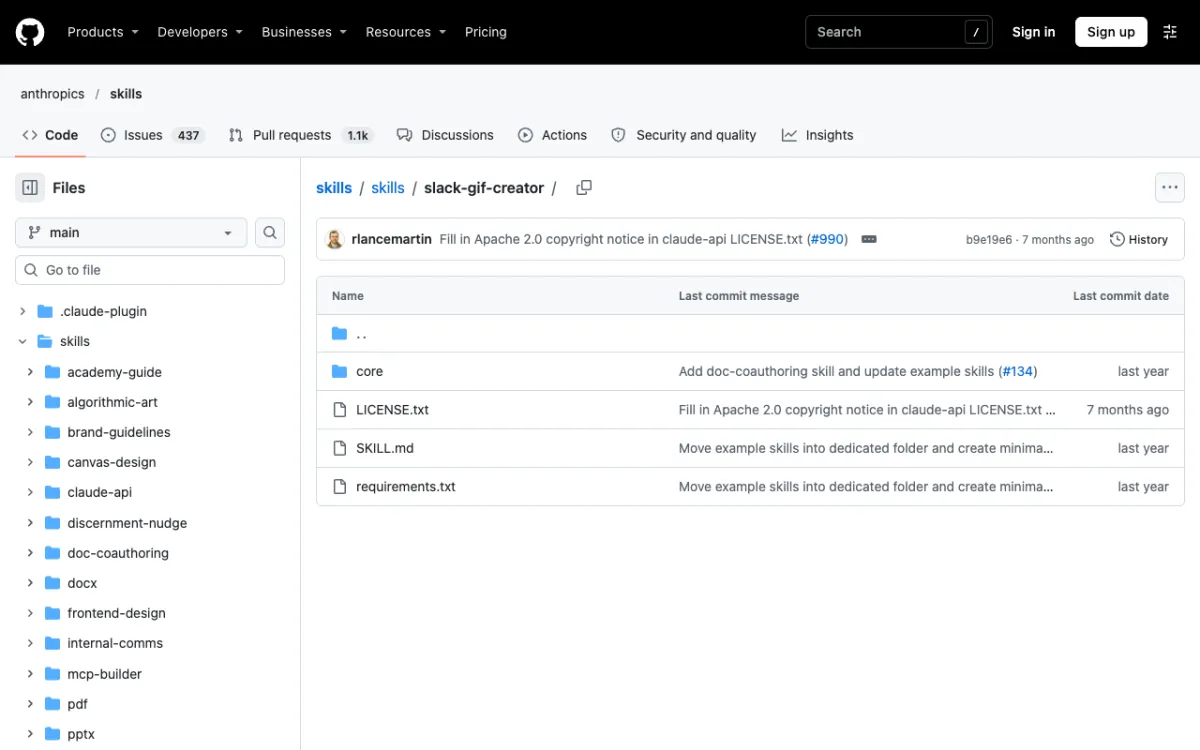 The skill sits in Anthropic’s public skills repo beside design and document skills.
Maintainer: Anthropic (official). The SKILL.md describes helper modules for building frames, easing and validating a GIF against Slack’s requirements.
Install: The anthropics/skills README documents /plugin marketplace add anthropics/skills. We didn’t confirm which bundle contains this skill, so you can also copy its folder into ~/.claude/skills/.
The skill needs pip install pillow imageio numpy.
Pros
- Official and tiny, with no service or key
- Built-in easing and a size validator
Cons
- GIF output only, with no sound
- Aimed at Slack emoji and message GIFs, not full videos
Best for: Emoji, reaction GIFs and short loops.
Cost per render: Free, local.
How the best Claude skills for video creation compare
| Skill | Maintainer | Official? | Makes | Setup effort | Cost per render (as read) |
|---|---|---|---|---|---|
| Remotion | Remotion | Yes | Animation from React | One npx line |
$0.01 (Automators), $0.017 per warm Lambda minute |
| HyperFrames | HeyGen | Yes | Animation from HTML | One npx line, Node 22+, FFmpeg |
No per-render fee listed |
| fal skills | fal-ai-community | No | Generated footage | SSH-based plugin install | Kling 3.0 Pro $0.112 to $0.196 per second |
| Manim Skill | Yusuke710 | No | Math explainers with voice | Clone, brew, LaTeX, uv |
Local compute only |
| gemskills generate-video | b-open-io | No | Veo 3.1 clips | Plugin install, API key | Not verified |
| ElevenLabs skills | ElevenLabs | Yes | Voice, effects, music | One npx line, API key |
$0.08 to $0.15 per minute |
| ffmpeg-skill | kajisho5 | No | Assembled and exported video | npx, FFmpeg 6.1+ |
Free, local |
| Slack GIF Creator | Anthropic | Yes | Short GIFs | pip packages | Free, local |
Prices come from the vendor pages linked above, checked November 2026. Cloud and local compute costs aren’t included.
How to choose
- Explainer or product video from a script: start with Remotion, or HyperFrames if you prefer HTML.
- A photoreal or cinematic shot: use fal or the Veo skill, and budget per second.
- Math or science: Manim Skill.
- Voice, music or effects: add ElevenLabs.
- Joining the pieces: finish with ffmpeg-skill.
Most finished videos use two or three of these together. A common chain is Remotion for the visuals, ElevenLabs for the voice and ffmpeg-skill for the final export.
If you only want a model’s raw output, compare prices first in our best text-to-video AI roundup and the Kling 3.0 provider price check. For a step-by-step build, see Claude skills to create video, and for animation work, Claude Code motion graphics skills.
If you’d rather not touch a terminal
Vidwip has no Claude skill, MCP server or plugin, so it isn’t one of the eight above. It is our product, and it covers the same job in a browser.
AI Studio puts AI shots, voiceover, music and sound effects on one timeline and exports up to 1080p at 30 fps. The AI Video Generator runs 16 video models, including Veo 3.1, Kling 3.0, Seedance 2.5 and Wan 3.0, and AI Music Generator makes the score.
Rates come from our pricing data, read on 6 November 2026. Veo 3.1 Lite is 8 credits per second, Kling 3.0 Pro is 26, and 1 credit is $0.01, so Kling 3.0 Pro is $0.26 per second.
That is higher than fal’s $0.168 per second for the same model with audio. You pay for the interface, the shared timeline and not wiring up an API.
AI video needs a paid plan. Starter’s 2,500 credits a month are about 312 seconds of Veo 3.1 Lite or 96 seconds of Kling 3.0 Pro.
Pick a skill if you want code-level control or $0.01 renders. Pick Vidwip if you want to see and edit the result without a terminal.