
For editing footage you already shot, start with the FFmpeg skill, which covers trims, silence removal, captions, 9:16 reframing and batch exports with no API key. Pick video-use when you want to cut by reading a transcript, and expect to bring an ElevenLabs key. None of the six is made by Anthropic, and every one needs tools installed on your own machine.
Video editing skills Claude Code can use work on footage you already shot: they trim, cut silences, burn captions and export, all on your own computer. This list compares six public ones, and none of them is made by Anthropic.
We compared them by reading each repo, README and install guide in November 2026. We did not run them, and star counts are what GitHub showed on the day.
Your angle matters here. This post covers editing existing footage, while animation and generation are covered in Claude skills for motion graphics and Claude skills for video creation.
What video editing skills Claude can use actually do
A skill is a folder with a SKILL.md that Claude Code loads when your request matches it. According to the Claude Code skills docs, personal skills live in ~/.claude/skills/<name>/SKILL.md and project skills in .claude/skills/<name>/SKILL.md.
A video editing skill does not edit anything by itself. It tells Claude which commands to run, usually FFmpeg, and in what order, so cuts land in sync.
Most also need a speech-to-text engine. Cutting “ums” or burning captions means knowing when each word is said.
Official skill or community skill
Anthropic publishes a repo of example skills at anthropics/skills. None of its folders is a video editor, so there is no official Anthropic pick here.
- Published by the tool’s own maker: Remotion’s captions skill (Remotion) and video-use (Browser Use).
- Community, one developer or a small group: the FFmpeg skill (kajisho5), cut-video (louisedesadeleer), the Bash and Whisper skill (6missedcalls) and the Video Editing Skill (social-media-skills).
“Official” here means the maker of the tool wrote it. It does not mean Anthropic checked it.
Quick picks
| You want | Use |
|---|---|
| One skill that trims, removes silence, captions, reframes to 9:16 and batches | FFmpeg skill |
| To cut by reading a transcript | video-use |
| A first-pass edit of a talking-head video with chapters | Video Editing Skill (social-media-skills) |
| Tight silence and filler cuts on a long recording | cut-video |
| The smallest setup: Bash, FFmpeg and Whisper | 6missedcalls skill |
| Animated captions inside a React video project | Remotion captions skill |
1. FFmpeg skill
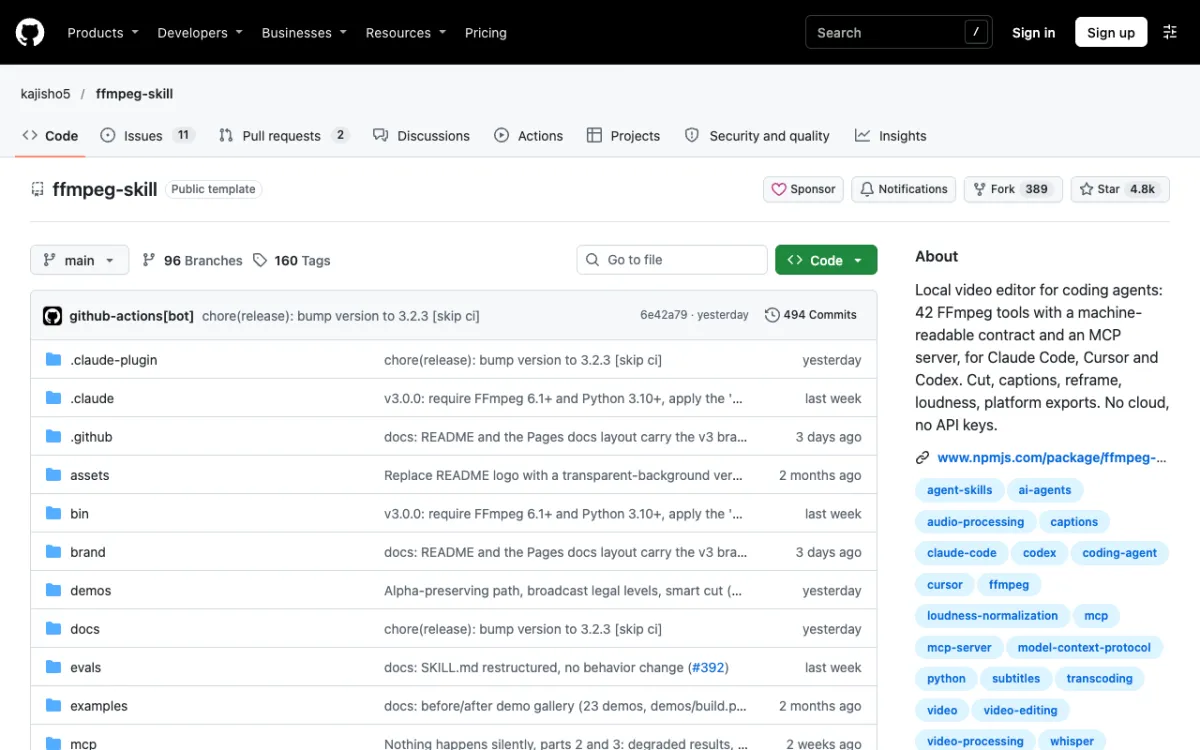 kajisho5/ffmpeg-skill: 42 FFmpeg tools for coding agents, with an MCP server.
The FFmpeg skill is the broadest answer to the question. It is a community project by kajisho5, and the repo showed 4.8k stars, an MIT license and release 3.2.3 published on 7 November 2026.
Install with npx ffmpeg-skill, which copies it into ~/.claude/skills/ffmpeg-skill. Run npx ffmpeg-skill doctor to see what your machine is missing.
The README lists 42 tools. The ones that matter for editing are cut.py for trims, silence.py for silence and filler removal, fit.py for reframing, export.py for platform presets, caption.py for subtitles and batch.py for folders of files.
Reframing is its clearest edge. The README shows fit.py --aspect 9:16 --fit crop, and export.py has presets for YouTube, Reels, TikTok and Shorts.
It needs FFmpeg 6.1 or newer and Python 3.10 or newer, with no Python packages beyond the standard library, plus Node for npx.
Captions from speech need one local engine, and pip install faster-whisper is the README’s simplest route.
Pros
- Covers trims, silence, captions, reframing, loudness, exports and batches in one skill
- No cloud, no API keys, no account, per the README
- Verifies its own output and shows a contact sheet before reporting done
Cons
- Community-maintained, not the FFmpeg project’s own
- 96 branches and frequent releases mean the skill changes fast
- Some tools need FFmpeg components a plain Homebrew build may lack, which
doctorreports
Best for: Anyone who wants one local toolkit for trims, reframes and exports.
Pricing: Free and open source.
2. video-use
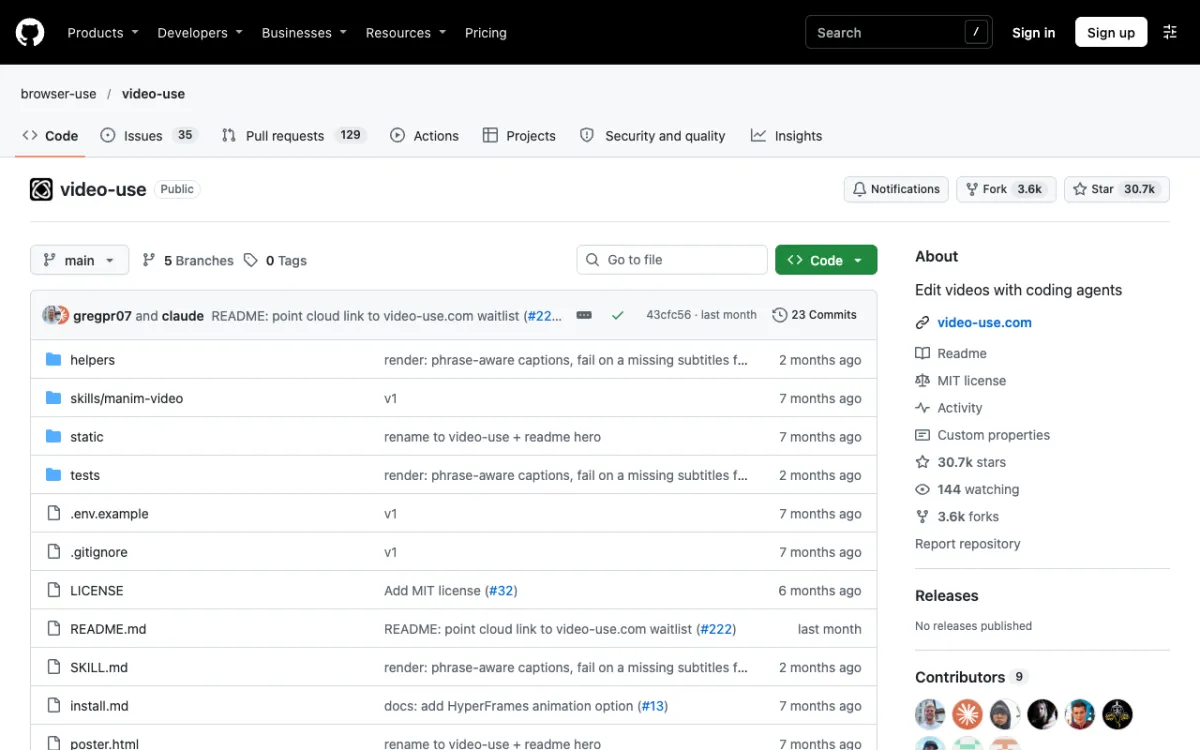 browser-use/video-use: “Edit videos with coding agents”, 30.7k stars.
video-use is published by the Browser Use organization, and it is the most popular repo here at 30.7k stars and an MIT license. Its last commit was in October 2026, and the repo has no tagged releases.
It edits from text. The README says one ElevenLabs Scribe call per source gives word timestamps, speakers and audio events, and Claude reads that transcript instead of watching the footage.
It then removes filler words and dead space, adds 30 ms audio fades at cuts, grades color and burns subtitles. It can also spawn animation overlays through HyperFrames, Remotion, Manim or PIL.
The flow is ask, confirm, then execute. It proposes a strategy and waits for your OK before touching a cut, then writes edit/final.mp4 next to your sources.
Install is a manual clone: git clone https://github.com/browser-use/video-use ~/Developer/video-use, then symlink it to ~/.claude/skills/video-use. You also run uv sync or pip install -e ., and brew install ffmpeg for FFmpeg.
The project file requires Python 3.10 or newer, FFmpeg and ffprobe are required, and an ElevenLabs API key goes in a .env file.
That key means your audio goes to a cloud transcription service. It is the one entry here that is not fully local.
Pros
- Transcript-first cutting with word-level precision, per the README
- Checks its own render at every cut boundary, up to 3 fix passes
- Large community and an active repo
Cons
- Needs an ElevenLabs API key and account, and we did not find its Scribe pricing in the README
- Reframing and batch export are not listed as features, so it fits one video at a time
- Manual clone and symlink install
Best for: Talking heads, interviews and multi-take footage you want to cut by reading.
Pricing: The skill is free. ElevenLabs transcription is billed by ElevenLabs.
3. Video Editing Skill (social-media-skills)
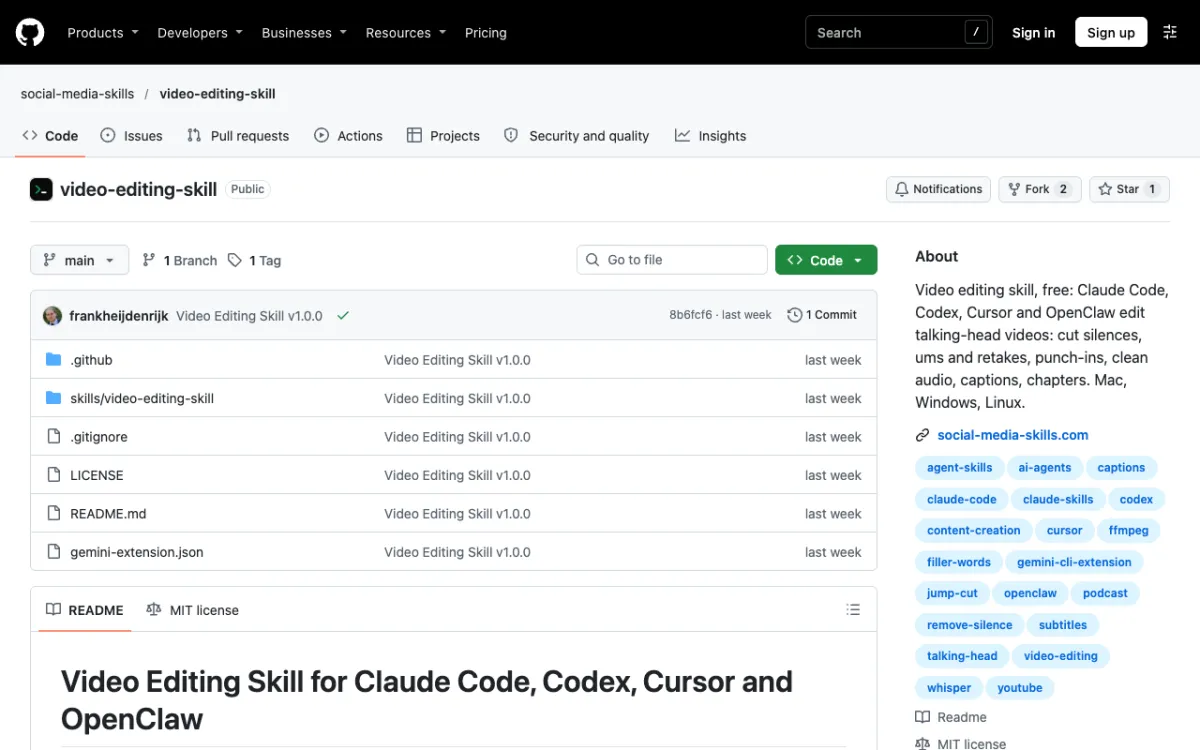 social-media-skills/video-editing-skill: v1.0.0, published on 30 October 2026.
The Video Editing Skill from the social-media-skills organization is brand new. It had 1 star, 2 forks and a v1.0.0 tag from 30 October 2026, so there is no track record yet.
It targets talking-head video. The README says it transcribes with word timestamps, shrinks long pauses, removes “um”s and retakes, adds punch-ins to hide jump cuts, levels audio to -14 LUFS, and writes an SRT file and YouTube chapters.
You approve the cut list before anything renders, and an optional 1080 x 1920 vertical version is listed. Burned captions are drawn with Pillow.
Install for Claude Code with npx skills add social-media-skills/video-editing-skill -g -a claude-code -y. It needs Python 3.8 or newer, FFmpeg (any build) and Pillow, and the README says CI runs on Mac, Windows and Linux.
Transcription can come from an existing SRT or VTT file, your own Groq or OpenAI key, or free local faster-whisper. The README says local runs take roughly half to one times the video’s length on a laptop with the small model.
The README also describes optional posting through WoopSocial. You can ignore that part, and it says nothing posts without your yes.
Pros
- Cleanest cross-platform setup of the group, with a setup checker
- Plans every cut with a written reason and asks before rendering
- Writes captions and chapters as files, not only burned in
Cons
- One star and a single commit, so it is untested by the community
- Built for talking heads, not montages or b-roll
- Optional posting step ties it to a third-party service
Best for: First-pass edits of podcasts, lessons and vlogs when you do not mind an early-stage repo.
Pricing: Free under the MIT license, with local transcription at no cost.
4. cut-video
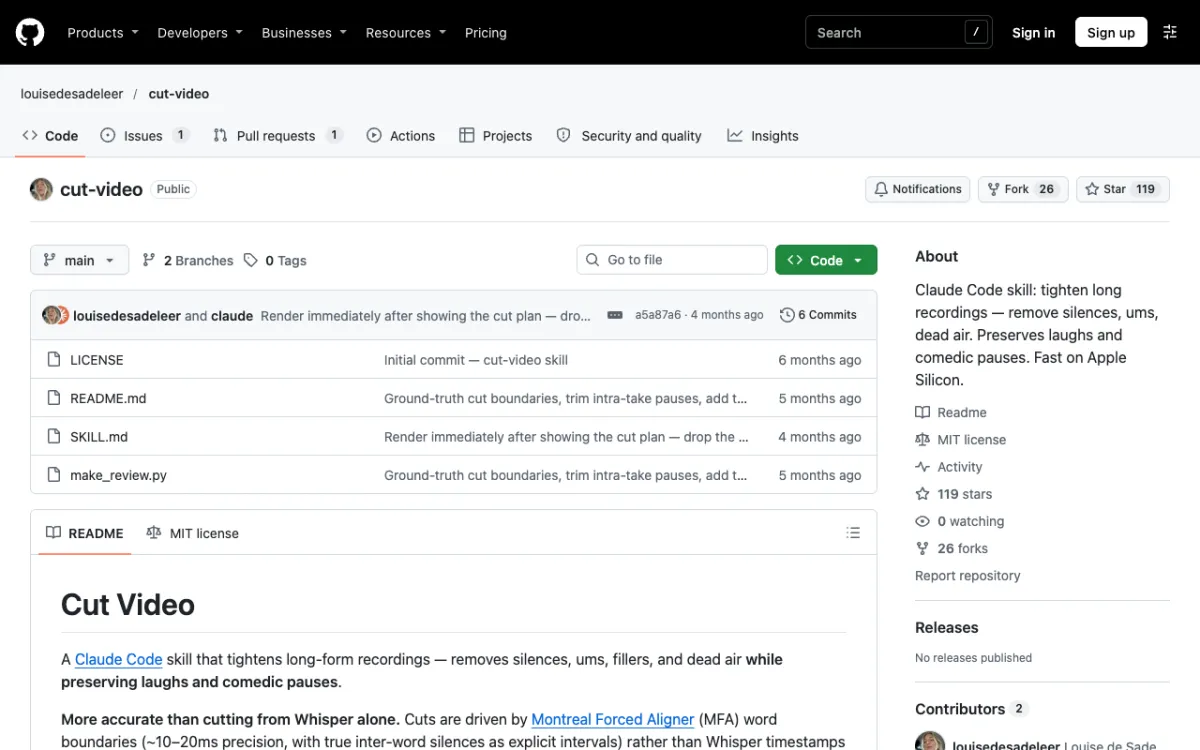 louisedesadeleer/cut-video: 119 stars, MIT, last commit about 4 months before we read it.
cut-video does one job: it tightens long recordings by removing silences, ums and dead air. It is a community skill by louisedesadeleer with 119 stars and an MIT license, and its last commit was in July 2026.
Its pitch is timing accuracy. The README says it uses Montreal Forced Aligner for word boundaries of roughly 10 to 20 ms, instead of Whisper’s roughly 100 to 300 ms, and it checks the rendered output again for leftover stutters.
It protects laughs and comedic pauses, and it offers four tone presets: aggressive, balanced, sentimental and documentary. An optional browser timeline lets you drag across the waveform to delete sections.
Install with git clone https://github.com/louisedesadeleer/cut-video.git ~/.claude/skills/cut-video, restart Claude Code and run /cut-video. The README says it runs entirely on your machine with no cloud APIs.
It needs FFmpeg with libx264, OpenAI Whisper (pip install openai-whisper) and Montreal Forced Aligner. The skill installs the aligner itself on first run through a conda environment, and it installs miniforge via Homebrew if conda is missing.
Pros
- Preserves laughs and pauses, which blunt silence cutters often cut
- Plans the cuts, shows them and waits for your go
- Fully local, according to the README
Cons
- Built for macOS and Apple Silicon, with Linux or Windows needing flag edits
- Heavy first-run setup because of the aligner
- Silence and filler cuts only: no captions, zooms or reframing
Best for: Interviews and long recordings where pacing and comedic timing matter.
Pricing: Free.
5. video-editing-skill (6missedcalls)
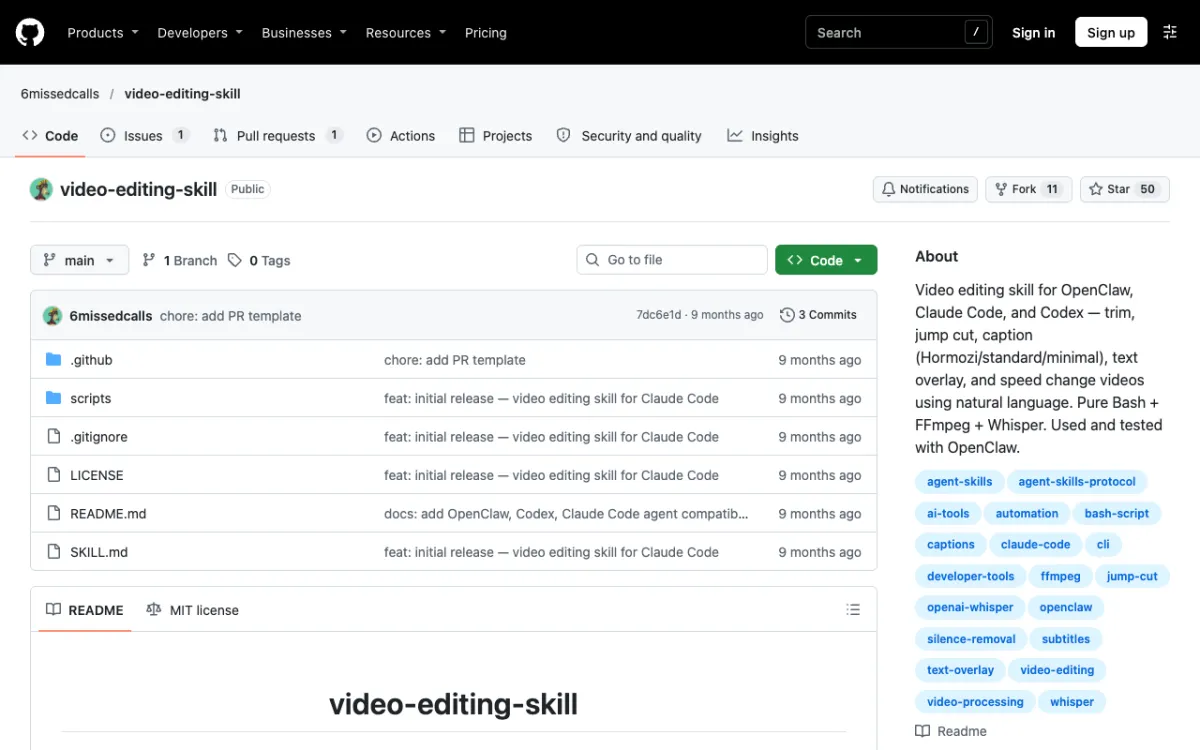 6missedcalls/video-editing-skill: 50 stars, 3 commits, last updated February 2026.
The 6missedcalls skill is the smallest stack here. It is pure Bash on FFmpeg and Whisper, with 50 stars and an MIT license, and its last commit was in February 2026.
Say that plainly: it has been quiet for about nine months. It is still a clear example of how little a working editing skill needs.
The README lists six scripts that trim clips, remove silence, burn captions, add text overlays and change speed with pitch-corrected audio. Captions come in three styles, Hormozi, standard and minimal, and you pick a Whisper model from tiny to large, with base the default.
You need FFmpeg and ffprobe, and Whisper (pip install openai-whisper) only if you want captions. The README says Whisper runs locally with no API keys.
For install, it tells you to run ./scripts/onboard.sh from the repo, which symlinks the skill into ~/.claude/skills/. The README shows no clone command, so you fetch the repo yourself first.
Pros
- Minimal dependencies and composable commands
- Three burned caption styles and pitch-corrected speed changes
- Whisper model choice, from fast drafts to accurate
Cons
- Not updated since February 2026
- Reframing and batch export are not listed
- Says “used and tested with OpenClaw”, with Claude Code listed as compatible
Best for: A light, readable skill you can fork and adapt.
Pricing: Free.
6. Remotion captions skill
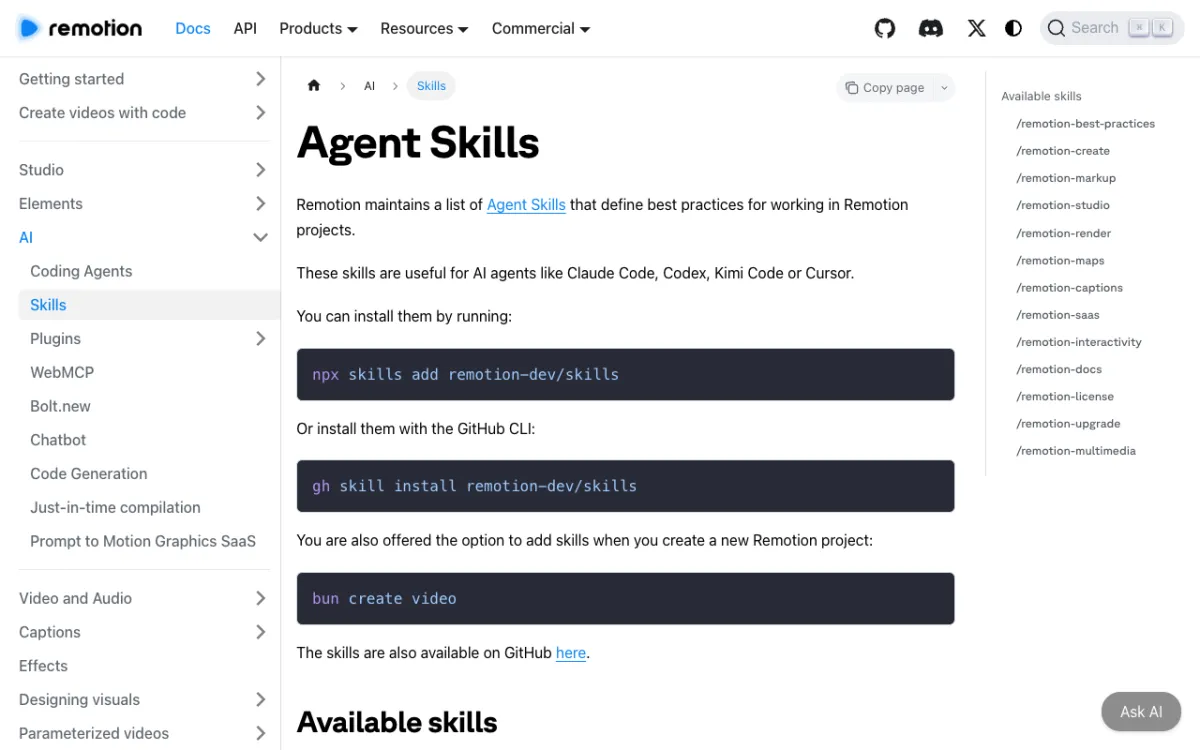 Remotion’s Agent Skills page lists
/remotion-captions among 13 skills.
Remotion maintains the /remotion-captions skill, inside its remotion-dev/skills repo, which showed 6.6k stars. It is the only entry here published by the maker of a video framework.
It is narrower than the others. The docs describe it as guidance for captions and subtitles, and the skill covers transcribing, displaying, animating and importing captions from an SRT file.
For transcription, its instructions use @remotion/whisper-webgpu, which runs Whisper locally on the GPU. The prerequisites say to install @remotion/whisper-webgpu, @huggingface/transformers, mediabunny and @mediabunny/server.
It states that a compatible GPU is required and that ONNX Runtime does not work on Linux arm64. You also need a Remotion project, so this is a Node and React route.
Install with npx skills add remotion-dev/skills or gh skill install remotion-dev/skills. GitHub showed no license file for the skills repo, and Remotion itself has company licensing, which we cover in the motion graphics list.
Pros
- Maintained by the Remotion team
- Local Whisper transcription on the GPU
- Strong for animated, styled captions
Cons
- Does not trim, remove silence or reframe
- Needs a Remotion project and a compatible GPU
- The docs page gives only a one-line description of the skill
Best for: Developers who already use Remotion and want styled captions on existing footage.
Pricing: The skills are free to install. Remotion’s own license terms apply.
Comparison table
| Skill | Maintained by | Type | Trim and silence | Captions | 9:16 reframe | Batch | Install |
|---|---|---|---|---|---|---|---|
| FFmpeg skill | kajisho5 | Community | Yes | Yes | Yes | Yes | npx ffmpeg-skill |
| video-use | Browser Use | Maker-published | Yes, transcript-based | Yes | Not listed | Not listed | Clone and symlink |
| Video Editing Skill | social-media-skills | Community | Yes | Yes | Optional vertical version | Not listed | npx skills add social-media-skills/video-editing-skill -g -a claude-code -y |
| cut-video | louisedesadeleer | Community | Yes | No | No | No | git clone into ~/.claude/skills/cut-video |
| 6missedcalls skill | 6missedcalls | Community | Yes | Yes | Not listed | Not listed | ./scripts/onboard.sh |
| Remotion captions | Remotion | Maker-published | Not listed | Yes | No | No | npx skills add remotion-dev/skills |
What each skill needs installed locally
| Skill | FFmpeg | Python | Node | Speech-to-text | Account or key |
|---|---|---|---|---|---|
| FFmpeg skill | 6.1+ | 3.10+ | For npx |
Optional: faster-whisper | None |
| video-use | Yes, plus ffprobe | 3.10+ | No, until you add Remotion or HyperFrames overlays | ElevenLabs Scribe (cloud) | ElevenLabs API key |
| Video Editing Skill | Any build | 3.8+ and Pillow | For npx skills |
SRT or VTT, Groq or OpenAI key, or local faster-whisper | None required |
| cut-video | With libx264 | For Whisper and the aligner | No | OpenAI Whisper plus Montreal Forced Aligner | None |
| 6missedcalls skill | Yes, plus ffprobe | For Whisper | No | OpenAI Whisper, for captions only | None |
| Remotion captions | Not stated in the skill | No | Yes | Local Whisper via @remotion/whisper-webgpu |
None, but a compatible GPU |
Read this table as what each README says, not as a tested setup. If a cell says “not stated”, the docs we read did not say.
If you’d rather not touch a terminal
Every skill above ends the same way: you install FFmpeg, Python or Node, wire up a transcriber and debug a render. Vidwip has no Claude skill, no MCP server and no plugin, so it is not part of the ranking.
It does the same job in a browser. AI Studio lets you select clips, write one line like “a 1-minute highlight”, pick a length from 30 seconds to 10 minutes, and AI reads what was said in up to 2 hours of footage and lays out a cut.
You can also edit by deleting words. Open the transcript of an audio clip, select words and press Delete, and that part is cut from the sound and the picture.
The limits are real. It cuts from speech, so footage where nobody talks cannot be cut this way.
Export tops out at 1080p and 30 fps, and you edit on a timeline instead of scripting a folder of files. For tall 1080 x 1920 shorts from a long video, AI Clipping is the separate tool.
New accounts get a one-time grant of 100 credits with no credit card, per the pricing page. It is not a monthly allowance.
For the generation side of Claude, read Claude skills to create video. To compare browser editors, see Descript alternatives.
How to choose video editing skills for Claude
- Want one skill for trims, 9:16 crops, exports and folders? FFmpeg skill.
- Want to cut by reading a transcript and can supply an ElevenLabs key? video-use.
- Editing a podcast, lesson or vlog, and fine with a one-day-old repo? Video Editing Skill.
- Need the tightest silence cuts on a long recording? cut-video.
- Want something you can read in an afternoon? The 6missedcalls skill.
- Already building in Remotion? The Remotion captions skill.
- No installs at all? A browser editor beats any skill.
One last warning. A skill is code Claude can run on your machine, so read the scripts and check the last commit date before you install one.