
Vidwip is the only free tool here that carries the transcript through to translation and a re-voiced video, in up to 94 languages, with no watermark — but the free grant is small and one-time. Otter.ai gives the most free minutes (300/month) and caps you at 3 lifetime file imports. TurboScribe is the best free pick for plain uploaded files: 3 transcriptions per day, 30 minutes each, no monthly ceiling.
What makes a free AI video transcription tool worth using
Most free AI video transcription tools are free the same way a trial is free: a 30-minute sample, then a wall. The tools on this list are different — six of the seven give you a real free tier you can use month after month. The exception is Vidwip, whose free credits are a one-time grant.
Before you commit to one, here are the questions that actually matter.
Monthly minutes. Some tools reset a credit bucket each month. Others count daily files. Know which model you’re in before you start.
Per-file or per-session cap. A 300-minute monthly budget is worthless if each upload is capped at 3 minutes. Always check both numbers.
Upload size. A tool that caps uploads at 50 MB will reject a typical 15-minute screen recording.
Export formats. TXT is fine for reading. SRT and VTT are what you need for captions. DOCX is useful if the transcript goes into a document. Check what the free tier actually exports before you decide.
Sign-up requirement. Some tools give you one free transcription without an account. The rest require registration.
Languages. Most AI transcription tools default to English. If your video is in another language, check whether the tool supports it on the free tier.
1. Vidwip
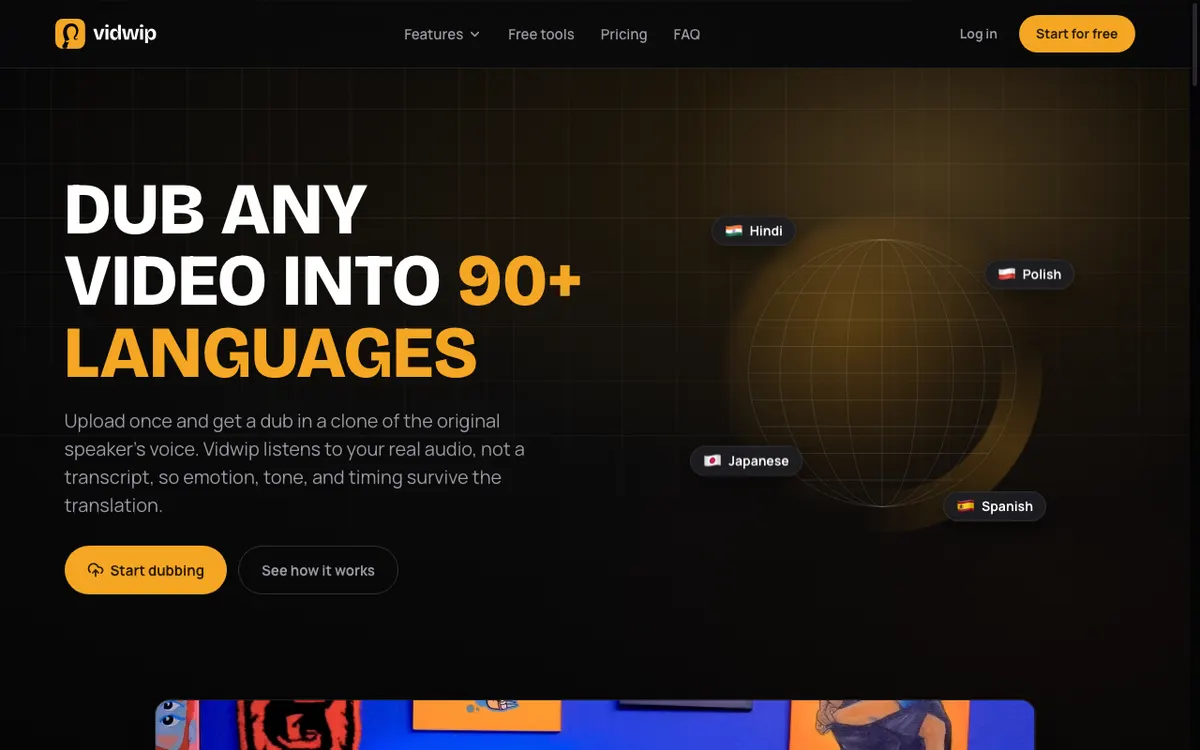 Vidwip — free transcription that carries straight through to translated subtitles and a dubbed track
Vidwip is first here for a specific reason, and it is not raw minutes. Every other free tool on this list hands you text and stops. Vidwip’s AI Video Dubbing transcribes your video, translates it, re-voices it in up to 94 languages, and returns a translated subtitle file timed to your original cut — in one job, on a free account, with no watermark on any plan.
The free grant is a one-time balance of 100 credits, not a monthly minute bucket, and Vidwip is free to start with no credit card. Dubbing bills at 240 credits per minute of source video per target language, so the free start covers a short dubbed clip. If you only want the narration written and voiced rather than translated, AI Video Voiceover bills at 60 credits a minute, so the same credits stretch further.
Be clear about what this is and is not. If your goal is a searchable text transcript of a 40-minute interview, TurboScribe or Descript will serve you far better for free. If your goal is a video someone in another language can actually watch, Vidwip is the only free option here that gets you there without a second tool.
Pros
- Transcription, translation, subtitles, and re-voicing in a single free job
- Up to 94 languages — the widest free language coverage on this list
- Translated subtitle file exported with every dub
- No watermark on any tier, free included
- No credit card required to start
Cons
- The free start covers only a short dubbed clip, once — the smallest free grant here
- No plain transcript-only export — the output is built around the dub
- No live meeting transcription and no meeting bot
- No speaker-labelled transcript document
Best for: Anyone whose transcript is a step toward a video in another language, not a document.
Pricing: Free: 100 one-time credits (no card, no watermark). Starter $25/month for 2,500 credits (checked September 2026).
2. Otter.ai
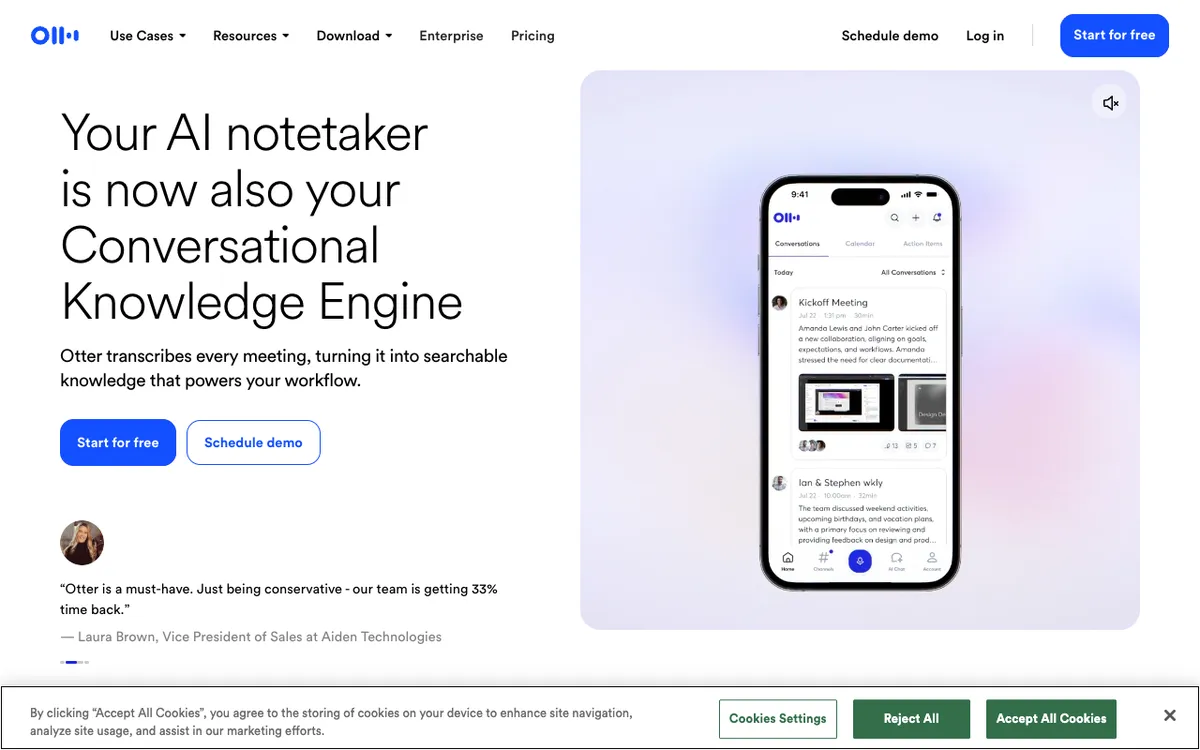 Otter.ai — live and uploaded audio transcription, 300 minutes free per month
Otter.ai gives you the most monthly minutes of any tool on this list: 300 per month, which is five hours of content. It also joins Zoom, Google Meet, and Teams to transcribe meetings live — useful if you’re doing video calls as well as recorded videos.
The catch is the lifetime file import limit. You get exactly 3 video or audio file imports across your entire free account — not 3 per month, 3 ever. Once you hit that limit, you can only add new content by connecting a meeting bot. For anyone uploading recorded product walkthroughs, tutorials, or interviews, 3 imports is not a free tier. It’s a sample.
Each session is also capped at 30 minutes. A 90-minute recording uploads fine, but you only get the first 30 minutes transcribed.
Pros
- 300 minutes per month — the highest free allowance on this list
- Live meeting transcription via Zoom, Meet, and Teams integrations
- Speaker identification included on free
Cons
- 3 lifetime file imports — the hardest limit on this list
- 30-minute per-session cap on the free tier
- Free plan exports TXT only — no SRT or VTT
- English only on the free plan
Best for: People who mostly use it for live meetings and rarely need to upload recorded video files.
Pricing: Free (3 lifetime imports, 300 min/month). Pro from $8.33/month billed annually (checked September 2026).
3. TurboScribe
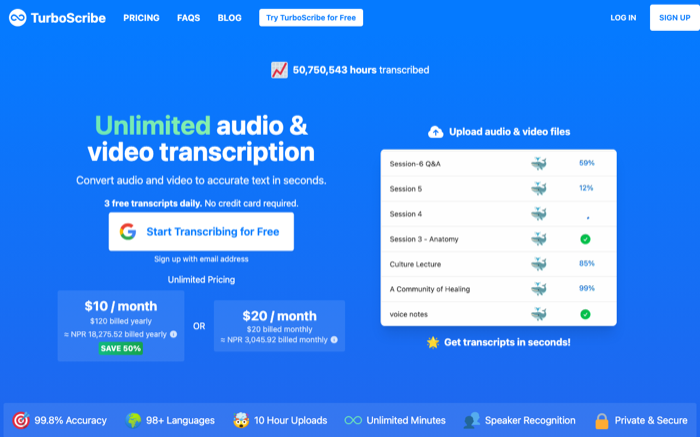 TurboScribe — 3 free transcriptions per day, up to 30 minutes each
TurboScribe does not have a monthly minute cap. Instead, it gives you 3 transcriptions per day, each up to 30 minutes long. That works out to 90 minutes of free transcription every single day — more flexibility than any monthly-bucket tool on this list.
The accuracy is strong. TurboScribe uses Whisper-based models and handles accented speech and technical terminology better than most free options. Exports include TXT, SRT, and DOCX on the free tier, which is more than Otter.ai gives you without paying.
The daily reset also means you can plan around it. Have 6 hours of interview footage to transcribe? Batch it across days rather than paying for a monthly subscription.
One limitation: you can only upload one file at a time on the free plan, and turnaround is slower than paid. If you’re in a hurry, the wait can be frustrating.
Pros
- No monthly minute ceiling — 3 files per day resets each day
- SRT, DOCX, and TXT exports included on free
- Strong accuracy using Whisper-class model
- Supports ~90 languages on the free tier
Cons
- 30-minute cap per individual file
- One file at a time, slower processing queue on free
- Speaker identification not available on the free plan
Best for: Anyone regularly uploading short-to-medium video files who wants SRT exports without paying.
Pricing: Free (3 files/day, 30 min each). Paid plans available at turboscribe.ai (checked September 2026).
4. Descript
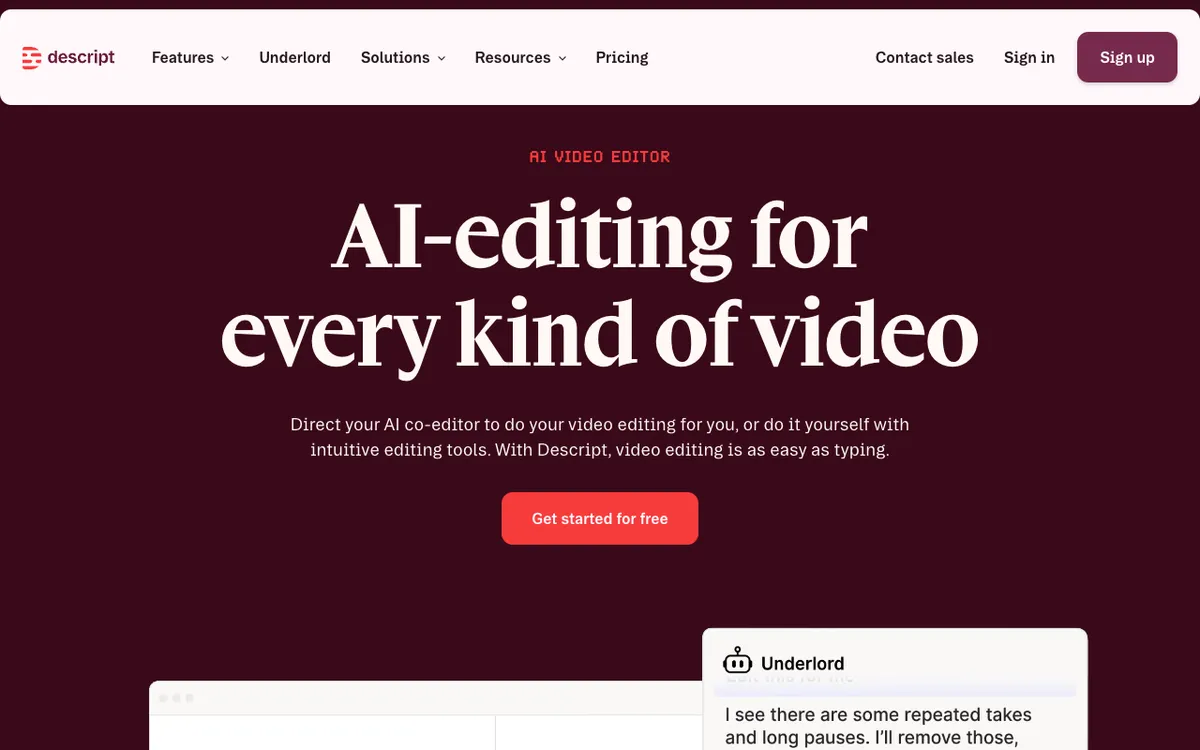 Descript — 60 free media minutes per month, video editing and transcript editing in one tool
Descript is the only tool on this list that combines video editing with transcription. You upload a video, it transcribes it, and then you can edit the video by editing the text — delete a sentence from the transcript and the corresponding clip disappears from the timeline.
The free tier gives you 60 media minutes per month. There is no per-session cap. If your recording is 55 minutes long, you can transcribe the whole thing and stay within your monthly budget. SRT and VTT files export cleanly on the free plan — you do not need to upgrade for caption files.
The catch is video export. Free plan video exports are watermarked at 720p. If you only need the transcript or the SRT file, that does not matter. If you want a clean video out the other side, you need to pay.
Descript also supports 25 languages on the free tier, which is more language coverage than Otter.ai or Rev offer for free.
Pros
- 60 media minutes per month with no per-session cap
- SRT and VTT export free — no watermark on the transcript file
- Full video editing from the transcript
- 25 languages on the free tier
Cons
- Video exports watermarked at 720p on free
- 60 minutes resets monthly — no daily flexibility
- Desktop app is heavy; the browser version has fewer features
Best for: Anyone who needs to edit the video alongside the transcript, or who needs clean SRT/VTT files from longer recordings.
Pricing: Free (60 min/month, watermarked video exports). Hobbyist plan from $24/month, or $16/month billed annually (checked September 2026).
5. Rev
 Rev — 45 free AI transcription minutes per month, English only
Rev is best known for human transcription — a real person types up your audio. Its AI transcription product is faster and cheaper, and the free tier gives you 45 minutes per month.
The output quality is consistently clean. Rev’s AI model handles varied speech rates and moderate background noise better than most tools in this range. Exports include SRT and VTT on the free plan, so caption files are available without upgrading.
The limits are real, though. 45 minutes per month is only three 15-minute videos. The free tier is English only. And the per-minute pricing on the human transcription side ($1.99/minute) adds up fast if you need perfect accuracy.
Pros
- Clean, reliable AI transcription quality
- SRT and VTT export on the free tier
- Simple drag-and-drop upload, no learning curve
Cons
- 45 minutes per month — the lowest monthly allowance on this list
- English only on the free tier
- Paid plan pricing is subscription-based and jumps quickly
Best for: Occasional transcription needs where output quality matters more than volume, and the content is in English.
Pricing: Free (45 AI min/month, English). Paid plans from $29.99/month (checked September 2026).
6. Notta
 Notta — 120 free minutes per month, but limited to 3 minutes per recording
Notta looks generous on paper: 120 transcription minutes per month, up to 50 file uploads. In practice, the 3-minute per-recording cap makes it nearly useless for video transcription.
Three minutes is not a tutorial. It is not a product walkthrough. It is barely an introduction. Any video longer than 3 minutes requires a paid plan before Notta will transcribe the rest. The 120 monthly minutes and 50 upload slots are essentially irrelevant because you will almost never have content short enough to use them.
Notta does handle multiple languages and includes speaker detection. If you are building short promotional clips or social media snippets under 3 minutes, it works fine. For anything longer, look elsewhere.
Pros
- 50 file uploads per month on the free tier
- Multi-language support
- Speaker detection included
Cons
- 3-minute hard cap per recording — kills it for most video use cases
- 120 free minutes per month sounds good but is rendered moot by the per-recording cap
- No SRT export on free — TXT only
Best for: Transcribing short social media clips or snippets under 3 minutes.
Pricing: Free (120 min/month, 3 min/recording cap). Pro from $8.17/month billed annually (checked September 2026).
7. Fireflies.ai
 Fireflies.ai — unlimited meeting transcription on free, but with a 400-minute storage cap
Fireflies.ai takes a different approach than every other tool on this list. It does not process files you upload. Instead, it joins your video calls as a bot — Zoom, Google Meet, Teams, Webex — and transcribes them live.
On the free plan, there is no per-meeting cap. Fireflies will transcribe as many calls as you have, for as long as those calls run. The catch is storage: the free tier caps total storage at 400 minutes of recordings. That is about 6.5 hours of meeting content. An active team of five people can burn through that in two or three days.
Once the storage cap fills, older transcripts become inaccessible. You have to delete old recordings to make room, or upgrade.
If your use case is transcribing uploaded video files, Fireflies.ai does not fit — the free plan does not accept video uploads. If your use case is transcribing recurring Zoom calls, it is the only tool on this list that gives you unlimited transcription with no per-meeting minute limit.
Pros
- Unlimited live meeting transcription (meetings only)
- Joins Zoom, Meet, Teams, Webex automatically
- 20 AI credits for summaries and search on free
Cons
- Does not accept uploaded video files on the free plan
- 400-minute storage cap — fills quickly for active teams
- Once full, older transcripts are locked until you delete or upgrade
Best for: Teams that need automatic transcription for recurring video calls, not for uploaded recordings.
Pricing: Free (unlimited transcription, 400-min storage). Pro from $10/seat/month billed annually, or $18/month (checked September 2026).
How they compare
| Tool | Free minutes | Per-file cap | Export formats | Languages (free) |
|---|---|---|---|---|
| Vidwip | 100 credits, one-time | None | Translated SRT | Up to 94 |
| Otter.ai | 300/month | 30 min | TXT | English only |
| TurboScribe | 3 files/day | 30 min | TXT, SRT, DOCX | ~90 |
| Descript | 60/month | None | SRT, VTT, TXT | 25 |
| Rev | 45/month | None | SRT, VTT, TXT | English only |
| Notta | 120/month | 3 min | TXT | Multiple |
| Fireflies.ai | Unlimited* | None | TXT | Multiple |
*Meetings only — does not accept uploaded video files on the free plan.
How to choose the right tool
You need the video in another language, not just the text. Vidwip. It is the only free tool here that transcribes, translates, subtitles, and re-voices in one pass across up to 94 languages. Budget around a small, one-time free start — a short dubbed clip.
You upload video files regularly. Use TurboScribe. The daily reset and the SRT export make it the most practical free tool for anyone processing recordings rather than live calls. Descript is the better pick if you also need to edit the video.
You transcribe long recordings (over 30 minutes) occasionally. Descript’s 60-minute monthly budget with no per-session cap handles this better than TurboScribe’s 30-minute-per-file ceiling.
You mainly transcribe meetings. Otter.ai or Fireflies.ai. Otter.ai integrates directly with meeting platforms and gives you 300 minutes per month. Fireflies.ai is unlimited for live calls but the 400-minute storage wall means you need to actively manage your history.
You need clean SRT files. Descript, TurboScribe, or Rev all export SRT in the source language on the free tier. Otter.ai and Notta do not. Vidwip returns SRT too, but translated into your target language rather than a transcript of the original.
You need to transcribe video in another language. TurboScribe (90 languages) or Descript (25 languages) give you the most multilingual text output for free; Vidwip (up to 94) is the pick if you also want that language on the audio track. Otter.ai and Rev are English only on free.
You have 3-minute videos. Notta technically works. Everything else on this list is a better choice.
Transcription vs. dubbing: when to use each
Transcription gives you text from a video. That text is useful on its own — as captions, as a document, as an SRT file for subtitles.
If the goal is to make that video playable in another language, transcription is only the first step. You also need translation and a new voiceover, synced back to the original footage. That is a full dubbing workflow, and none of the free transcription tools on this list do it.
That is exactly why Vidwip’s AI Video Dubbing leads this list rather than sitting outside it: transcription, translation, and revoicing run as one free job. For audio-only content, AI Audio Dubbing does the same for podcasts, narrations, and audio tracks. Neither replaces a transcript-first tool if a document is what you want — but no transcript-first tool on this list gets you to a multilingual video at all.
If you also want to see how paid and freemium transcription tools compare on accuracy and language support, our companion article 5 Best AI Video Transcription Tools Compared for 2026 covers the full-featured tier. You can browse all transcription and video AI guides on the Vidwip blog.
Conclusion
Vidwip tops this list on what a free account can finish, not on volume: it is the only free tool here that takes a video from raw footage to translated subtitles and a dubbed track without a second tool. The free start is small and one-time — plan around one short dubbed clip — so use it where localization is the point.
If all you need is text, the best free AI video transcription tool is TurboScribe — no monthly ceiling, SRT export included, and the daily reset gives you flexibility that a strict monthly budget does not.
Descript is the better pick if you need to edit the video alongside the transcript or if your recordings run longer than 30 minutes.
Otter.ai is generous on paper but the 3-lifetime-import limit is a quiet dealbreaker for anyone using it for video files rather than meetings. Notta’s 3-minute cap makes it nearly useless for real video work. Rev is clean and reliable but only 45 minutes per month. Fireflies.ai is excellent for live meetings — and useless for uploaded files.
If you want paid options ranked on accuracy rather than free-tier ceilings, the best AI video transcription tools compared works through the same shortlist without the caps. Once a transcript exists, Vidwip’s AI video voiceover generator can narrate the edit straight from it, and free AI video dubbing translates the audio without a paid plan. If you need a tool that answers questions about the footage rather than just transcribing it, our ranking of free AI video reader tools scores that field on the same free-tier terms.
And if you want to know what you are actually buying at each tier, how AI video transcription works and what it really costs breaks down the pipeline and the raw per-minute cost these tools mark up.
Pick the tool that matches how you actually work, not the one with the highest number in the headline.