
Vidwip AI Subtitle Generator is the pick if captions are the job: 13 subtitle looks, 8 word-highlight styles, translation into 94 languages and no watermark, inside a full browser editor. Submagic is the closest caption-first swap, Descript is the best like-for-like for eye contact and dubbing on a desktop, HeyGen wins on avatars and lip-synced translation, and CapCut is the cheapest phone option.
The best Captions app alternatives do what Captions does for talking-head creators: animated subtitles, AI edits, an eye-contact fix and a dub in another language. They differ on which of those you actually get, whether it runs on a phone or in a browser, and what each AI minute costs.
That last part is where most people start looking. Captions’ pricing page lists Max at $24.99 a month for 500 credits and Frontier at $69.99 for 1,400, and the free plan has no AI credits at all (iOS prices, checked October 2026).
This post ranks seven Captions alternatives on the four things that matter for AI talking videos: caption styles, eye contact, dubbing and price. Every price was checked on the vendor’s own pricing page in October 2026.
What the Captions app does, and why people switch
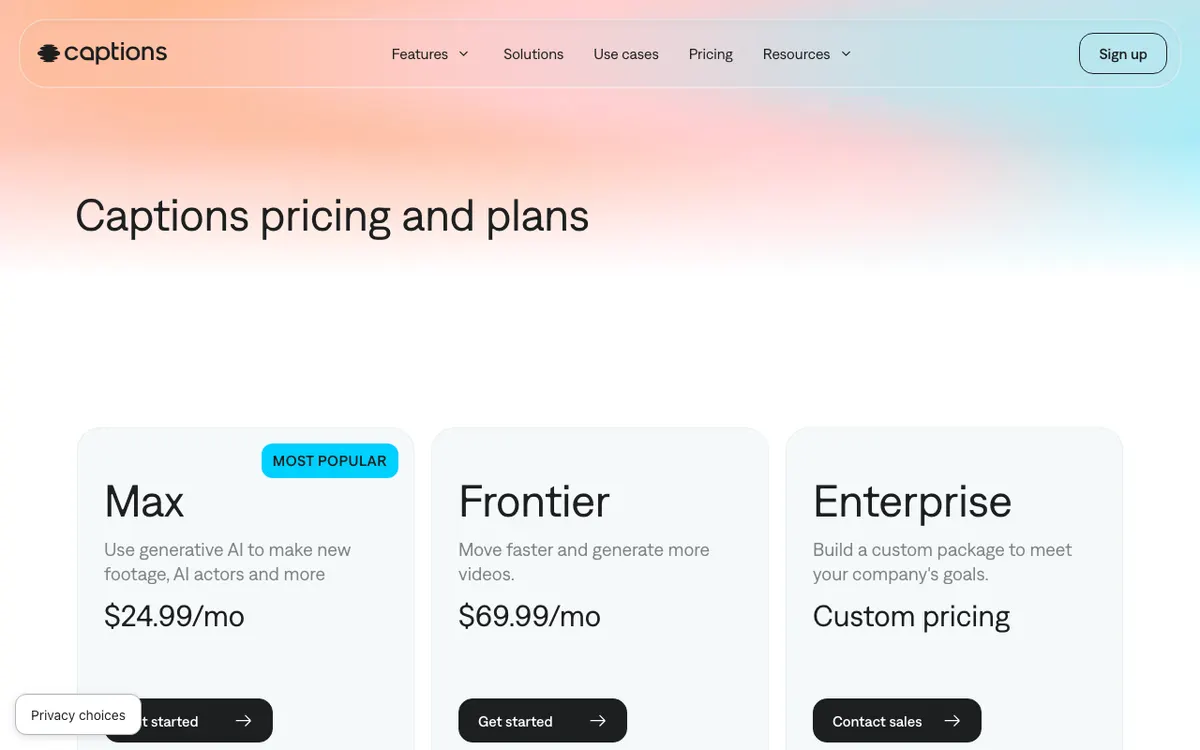 Captions’ plans as of October 2026: AI features run on credits, and the listed prices reflect iOS.
Captions started as an iPhone caption app and grew into a full AI editor. It now says it has 20 million users across iOS, Android and the web.
On paid plans you get captions in 100+ languages, 100+ caption templates, AI Edit, eye contact correction, AI Translate, AI Lipdub and an AI twin. Mirage Studio, its AI actor product, has been merged into the main app.
So why switch? Four reasons come up again and again:
- Credits run out. Every AI edit, dub and twin draws on the same pool. Unused credits roll over, but only up to 3x the monthly allowance.
- The free plan is thin. One caption template and no AI credits.
- Prices depend on the device. The pricing page quotes iOS plans only.
- You only need one piece. If you just want great captions, paying for AI actors is waste.
AlternativeTo lists dozens of options. Here are the seven worth testing for talking videos in 2026.
What to look for in a Captions alternative
- Caption styles. Word-by-word highlight, bold short-form looks, and how fast you can fix a misheard name.
- Talking-head fixes. Eye contact, silence and filler removal, background noise.
- Languages. Translated captions, a cloned-voice dub, and whether the lips follow.
- Real cost. Free-plan watermark, export resolution and the price of the plan you’d actually use.
1. Vidwip AI Subtitle Generator
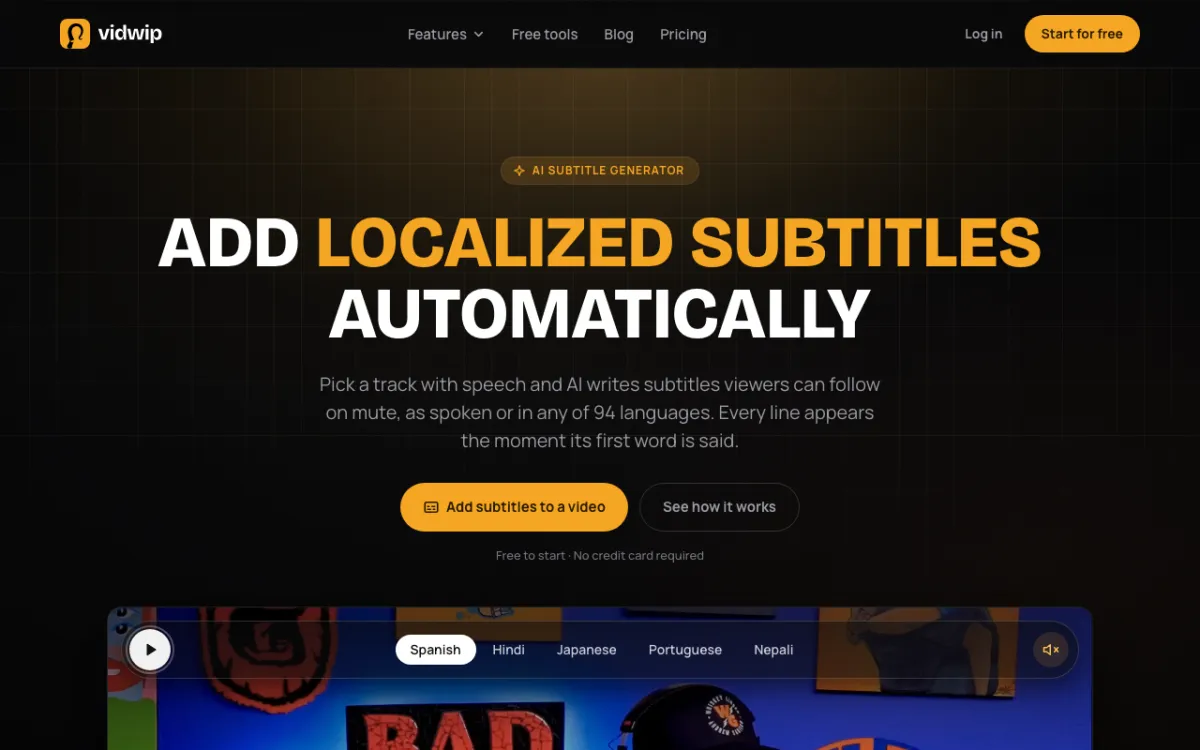 Vidwip AI Subtitle Generator — word-timed subtitles, 13 looks and 94 languages inside a browser editor.
Vidwip AI Subtitle Generator is a browser-based caption tool for talking-head creators, offering 13 subtitle looks and 8 word-highlight styles inside a full video editor. It’s free to start, and subtitle exports carry no watermark on any plan.
The AI agent transcribes the speech on your track and gives every word its own start and end time. Each line appears the moment its first word is spoken, so you skip the nudging.
Pick Bold Yellow or another of the 8 word-highlight looks and every word lights up as it’s said. Lines break at sentence ends, speaker changes and 0.8-second pauses, and as-spoken lines stay within 42 characters.
Need another language? Translate the subtitles into one of 94 languages, line for line, and each line keeps its original timing.
It sits inside Vidwip AI Studio, a multi-track timeline. You cut ums and retakes by deleting words in the transcript, then burn the subtitles into an export at up to 1080p.
For a cloned-voice dub instead of subtitles, AI Video Dubbing re-voices each speaker in their own voice in up to 94 languages. For long-to-short, AI Clipping picks up to 5 moments and crops them to 9:16 with word-synced captions.
Pros
- 13 subtitle looks, 8 of them with word-by-word highlight
- Subtitles timed to every word, up to 30 minutes of speech per transcript
- Translate subtitles into 94 languages without retiming a line
- Click any caption to retype it or change its times; restyle the whole set at once
- Upload your own .srt or .vtt file and burn it in
- No watermark on subtitle exports, on any plan
Cons
- Subtitles burn into the video; there’s no SRT or VTT download
- Word-highlight looks come through Create subtitles on an audio block, so a phone video needs its audio on its own track
- No eye contact correction, AI avatars or lip-synced dubbing
- Export tops out at 1080p, with no 4K
- Browser only, with no mobile app
Best for: Creators who want animated, word-timed captions in many languages and a real editor around them, without paying for AI actors.
Pricing: Free to start, no credit card. Starter $25/month for 2,500 credits. Pro $99/month for 10,000 credits. Enterprise custom (see plans).
2. Submagic
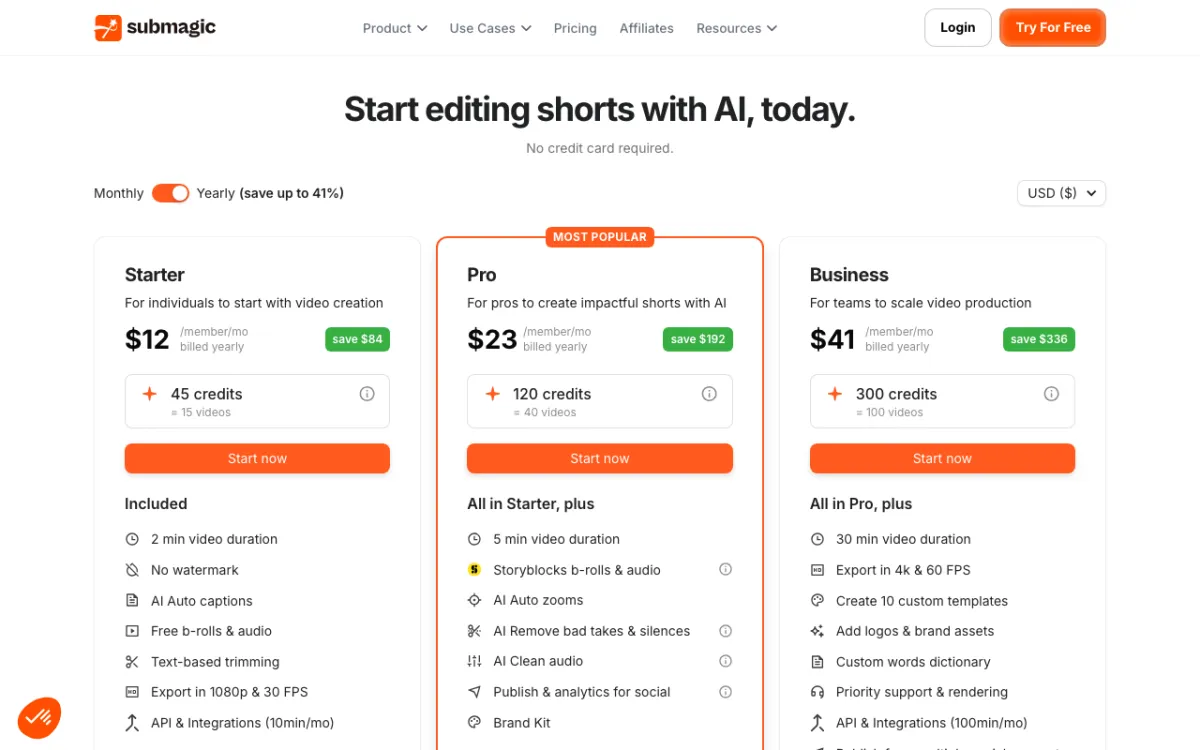 Submagic — animated captions, auto B-roll and silence removal for short-form.
Submagic is a caption-first AI editor for short-form creators, offering animated captions, auto B-roll and silence removal from $12 a month billed yearly. It’s the closest swap if Captions’ subtitle looks were the reason you signed up.
Its homepage claims caption styles in 123 languages. It also cuts silences, drops in B-roll, translates captions and turns long videos into shorts with Magic Clips.
The catch is length. Starter caps each video at 2 minutes and Pro at 5, so it suits Reels and TikToks, not 20-minute YouTube videos.
Pros
- Caption styles built for TikTok, Reels and Shorts, in 123 languages (vendor claim)
- Auto B-roll, silence removal and AI caption translation on every plan
- AI eye contact on higher plans
- No watermark on any paid plan, and up to 4K at 60 fps on Business
Cons
- Video length capped at 2 minutes on Starter and 5 on Pro
- Monthly video limits: 15 on Starter, 40 on Pro
- No voice dubbing or lip-dub listed on the pricing page
- The plan comparison tables contradict each other on eye contact and templates
Best for: Short-form creators who want Captions-style animated subtitles and auto B-roll without the AI actor features.
Pricing: Starter $19/month or $12/month billed yearly (15 videos). Pro $39/month or $23/month billed yearly (40 videos). Business $69/month or $41/month billed yearly (100 videos). Free to try with no card (submagic.co/pricing, checked October 2026).
3. CapCut
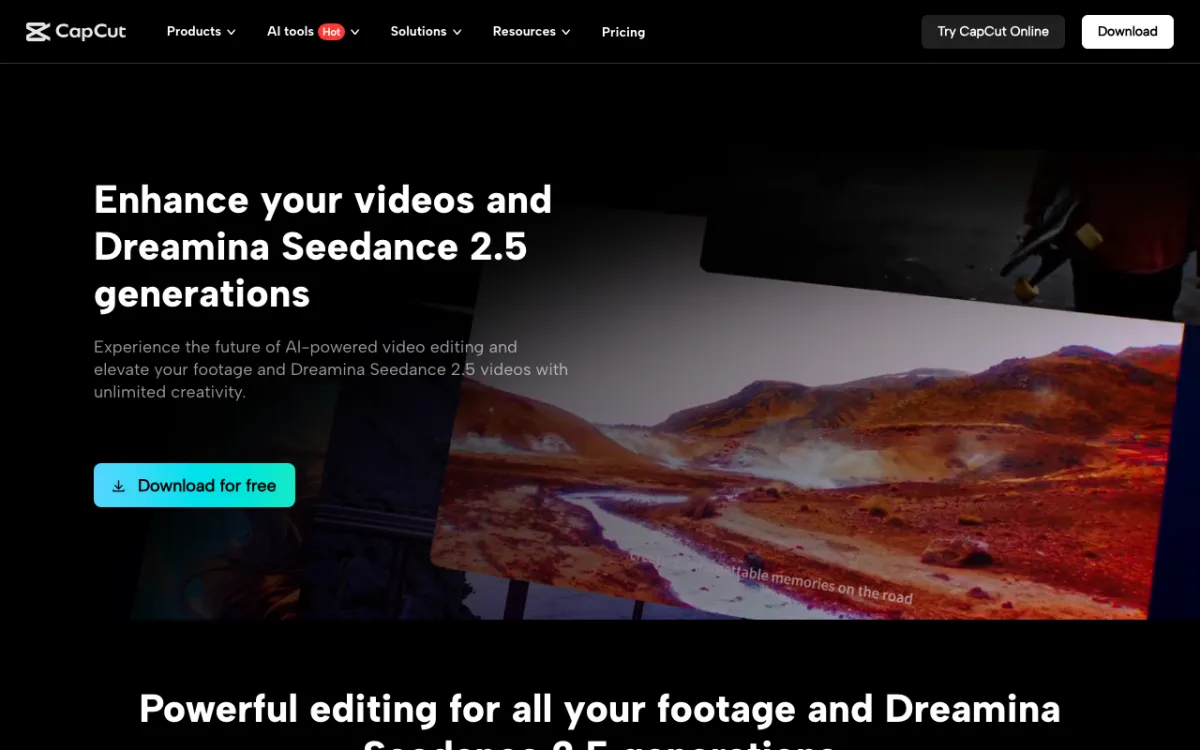 CapCut — free mobile, desktop and web editor with auto captions and trending templates.
CapCut is a free short-form video editor for phone-first creators, offering auto captions, templates and AI tools from $14 a month on Pro. It’s the cheapest way to replace Captions on a phone.
Auto captions detect the spoken language and can be translated. The template and effects library is the deepest in this list, built around whatever format is trending this week.
It’s a manual editor first, though. You get the tools, not an AI that makes the edit for you the way Captions’ AI Edit does.
Pros
- Generous free plan for everyday editing and captions
- Huge library of caption styles, templates and effects
- Runs on iOS, Android, desktop and the web
- Teams plan from $6.50 per seat per month
Cons
- Many AI features sit behind Pro, and the split changes often
- Prices are listed “for reference only” and the final price shows after sign-in
- No eye contact correction or lip-dub listed on its pricing page
- Long-form talking videos feel cramped on its timeline
Best for: Phone-first creators on a tight budget who are happy to edit by hand.
Pricing: Free plan. Pro $14/month or $89.99/year. Ultra $79/month. Teams from $6.50 per seat per month. Prices vary by region (capcut.com/pricing, checked October 2026).
4. VEED
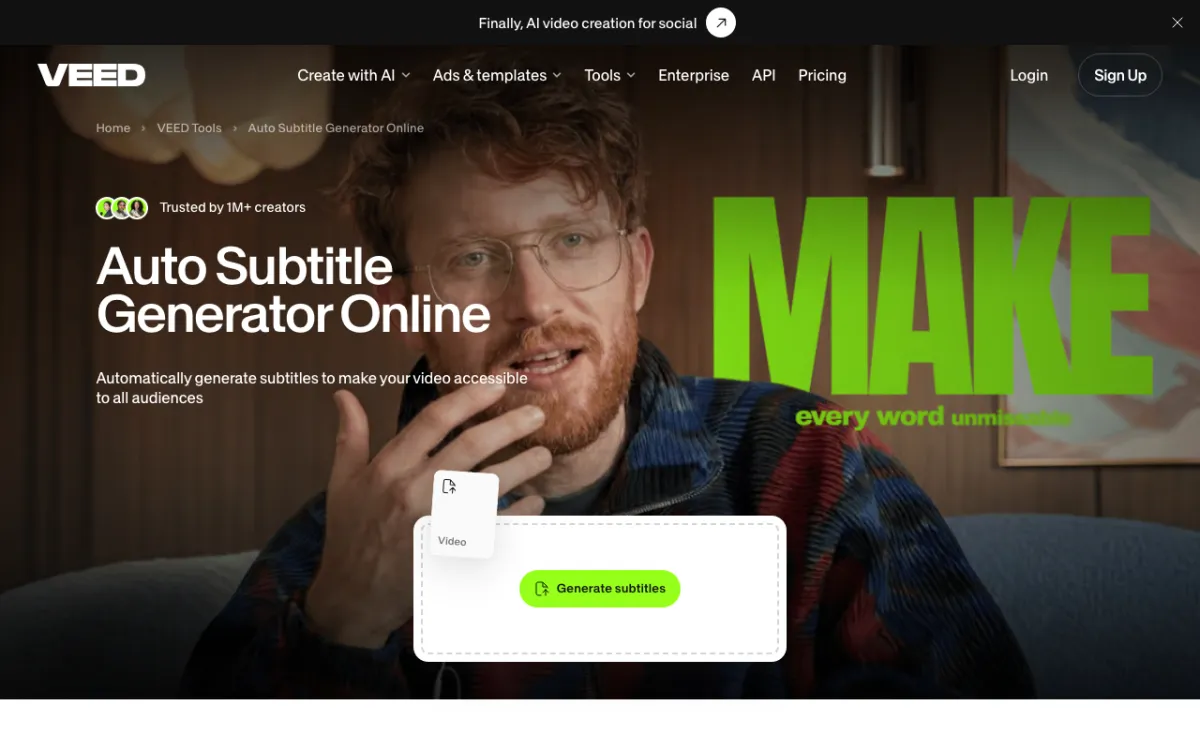 VEED — browser editor with auto subtitles, eye contact correction and avatars.
VEED is a browser video editor for creators and teams, offering auto subtitles, AI eye contact correction and translation from $10 per user a month billed yearly. It covers most of Captions’ talking-head toolkit without a phone.
VEED’s eye contact tool redirects your gaze to the lens in one click. Free accounts get one try, and Creator and above get full access.
Paid plans include unlimited subtitles under a 50-hour-a-month fair-use limit. Subtitle translation is billed in minutes, and unused minutes don’t roll over.
Pros
- Eye contact correction, one free try and full access on paid plans
- Unlimited subtitles on paid plans, with SRT, VTT and TXT downloads
- Translation into 50+ languages on Pro
- AI avatars and voice tools in the same editor
Cons
- Priced per seat, so every editor you add multiplies the bill
- Advanced subtitle styles sit on higher tiers
- Translation minutes don’t roll over
- Free plan exports carry a watermark
Best for: Creators and small teams who want eye contact fixes and subtitles in a browser instead of a phone app.
Pricing: Free with watermark. Creator $10 per user per month billed yearly ($125 a year). Pro $20 per user per month billed yearly ($234 a year). Monthly billing costs more, and prices vary by region (veed.io/pricing, checked October 2026).
5. HeyGen
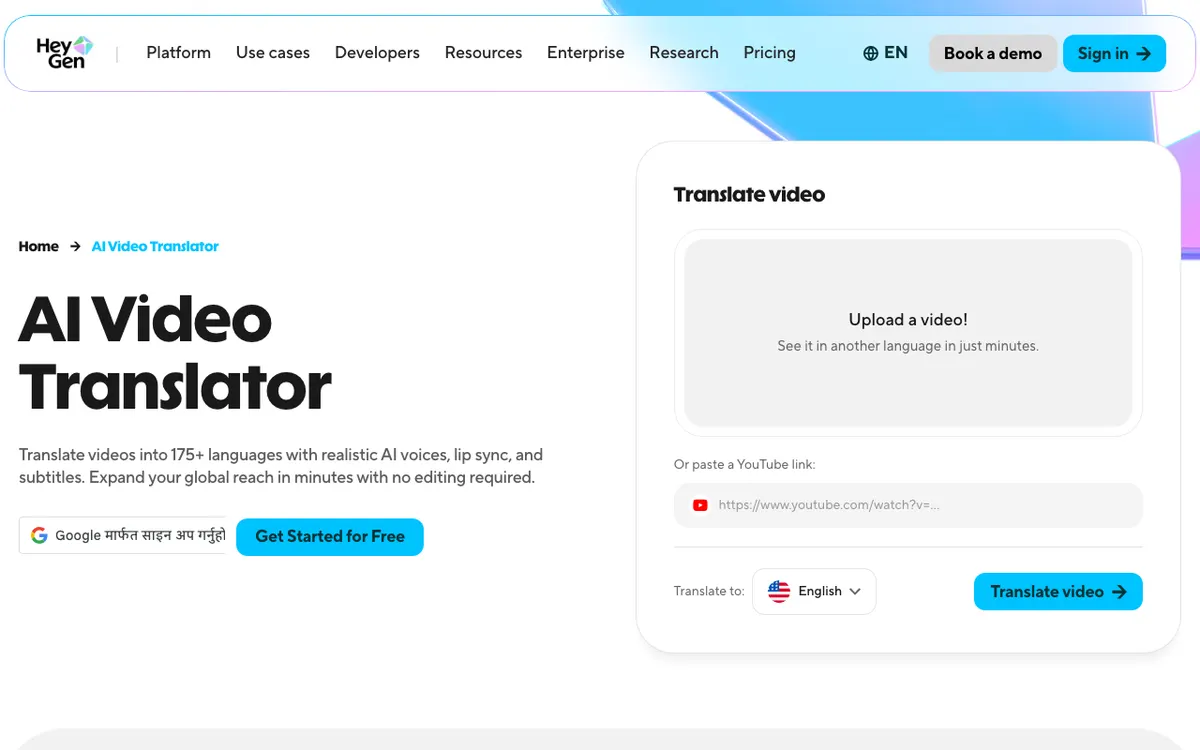 HeyGen — AI avatars and lip-synced video translation in 175+ languages.
HeyGen is an AI avatar and video translation platform for creators and marketers, offering lip-synced dubbing in 175+ languages and dialects from $24 a month billed yearly. It’s the pick if Captions’ AI Lipdub and AI twin are what you’d miss.
The translator clones the original speaker’s voice and syncs the lips to the new language. HeyGen says it has translated more than 25 million videos.
Avatars are the other half. Paid plans include 700+ stock avatars, a custom avatar and unlimited photo avatars.
Pros
- Lip-synced translation with a cloned voice, in 175+ languages and dialects
- 700+ stock avatars plus your own custom avatar
- Videos up to 30 minutes on Creator, 4K export on Pro
- Free plan includes 3 videos a month to test with
Cons
- Built for avatars and translation, not caption styling
- No eye contact correction listed
- Free videos are capped at 1 minute each
- Credits are shared across avatar and translation features
Best for: Creators who need their talking video dubbed into many languages with lips that match.
Pricing: Free (3 videos a month). Creator $29/month, or $24/month billed yearly. Pro $49/month. Business $149/month (heygen.com/pricing, checked October 2026).
6. Descript
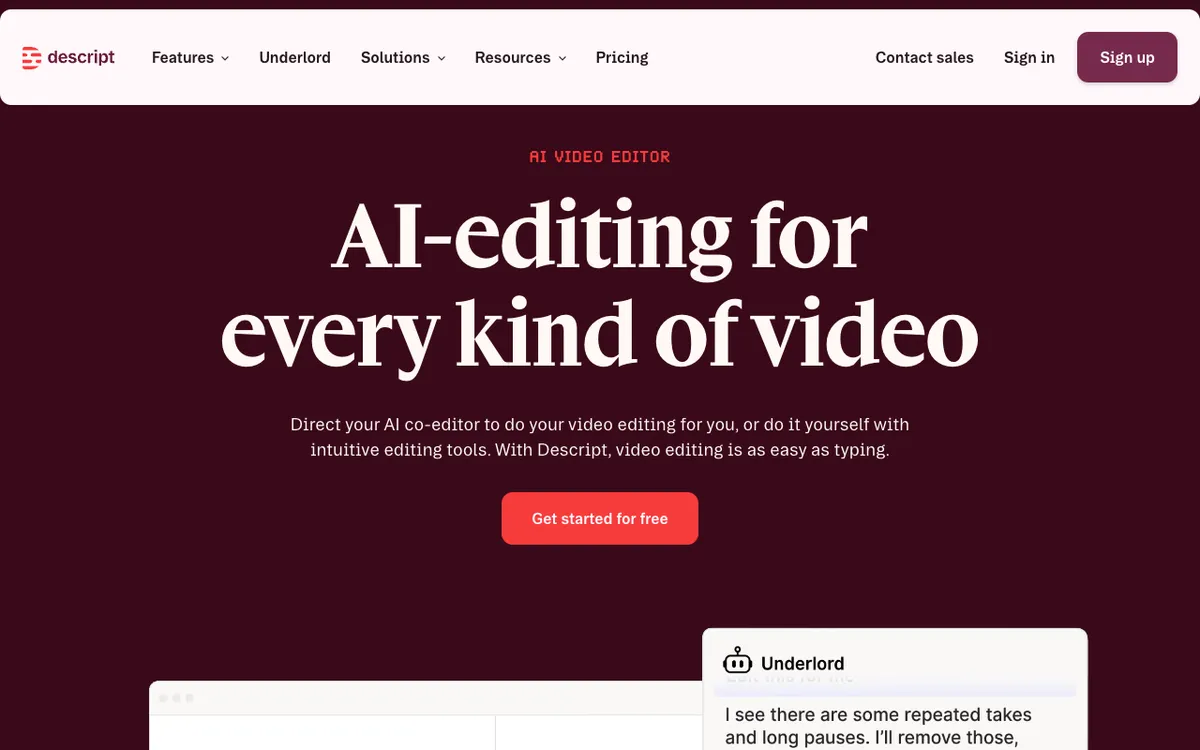 Descript — transcript-based editor with Eye Contact, Studio Sound and dubbing.
Descript is a transcript-based video editor for podcasters and talking-head creators, offering Eye Contact, Studio Sound and dubbing from $16 a month billed yearly. It’s the most complete like-for-like Captions alternative on a desktop.
You edit the video by editing its transcript, and Underlord, its AI co-editor, removes repeated takes and long pauses. Eye Contact and Studio Sound fix the two classic problems of a webcam recording.
Captions translate into 61 languages and dubbing covers 30. Dynamic captions are unlimited on every plan, including free.
Pros
- Eye Contact, Studio Sound and AI avatars on every paid plan
- Edit video by deleting words in the transcript
- Caption translation into 61 languages, dubbing into 30
- 4K export from Creator up
Cons
- Free plan: 1 media hour, 720p and a watermark
- Hobbyist exports top out at 1080p
- Media hours are capped: 10 a month on Hobbyist, 30 on Creator
- Heavier to learn than a one-tap phone app
Best for: Creators who record longer talking videos at a desk and want eye contact, audio and caption fixes in one editor.
Pricing: Free (1 media hour, 720p, watermark). Hobbyist $24/month or $16/month billed yearly. Creator $35/month or $24/month billed yearly. Business $65/month or $50/month billed yearly (descript.com/pricing, checked October 2026).
7. Opus Clip
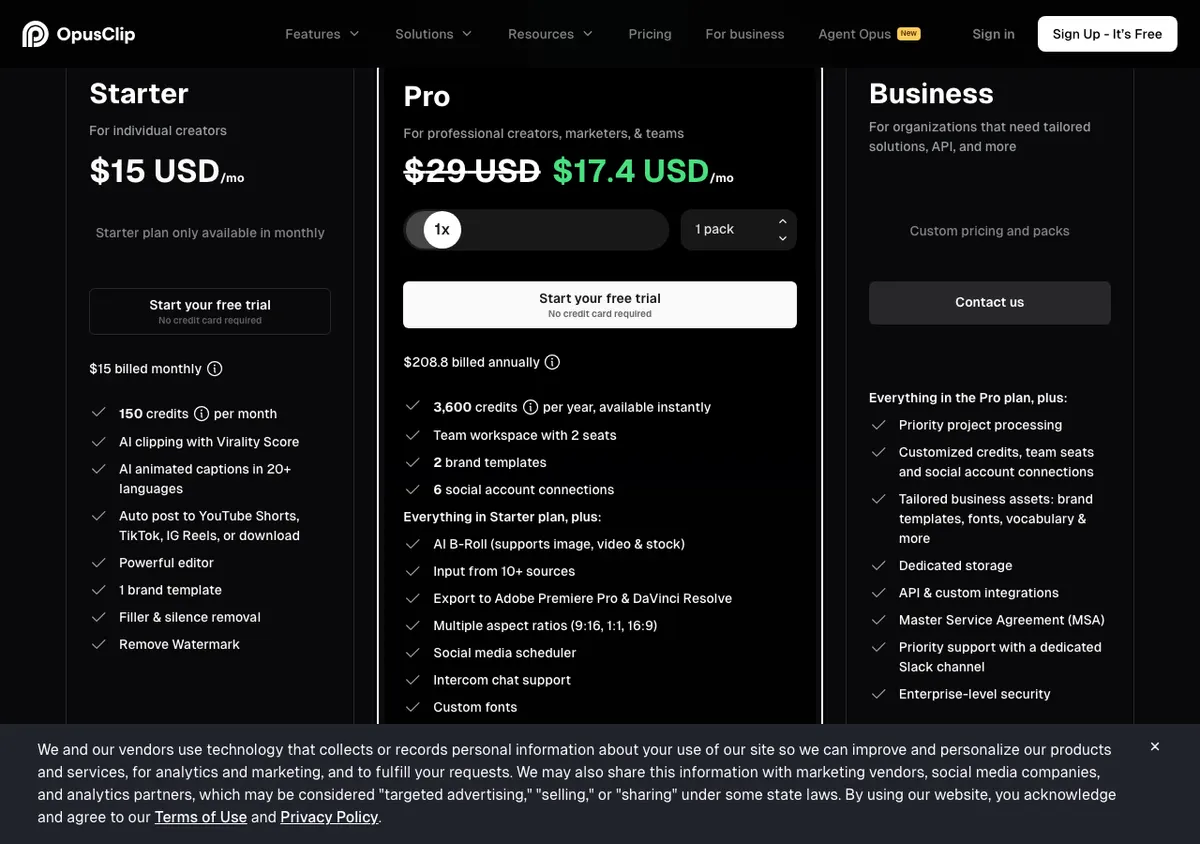 Opus Clip — long video to captioned, reframed shorts.
Opus Clip is an AI clipping tool for podcasters and long-form creators, offering animated captions, auto reframing and AI B-roll from $15 a month. It replaces Captions’ long-to-short clipping, not its full editor.
You drop in a long talking video and it hands back vertical clips. Captions come with auto emoji and keyword highlights, and the reframe keeps the speaker in shot.
Pro adds 1:1 and 16:9 reframing, moving-object tracking and AI video B-roll.
Pros
- Long video to captioned shorts in one step
- Animated caption templates with keyword and emoji highlights
- AI reframe to 9:16 on every plan, 1:1 and 16:9 on Pro
- Free plan lets you post a clip a day with no card
Cons
- Animated caption templates carry a watermark on the free plan
- Free exports and media expire after 3 days
- No eye contact, dubbing or avatar tools
- 4K download only on the custom Business plan
Best for: Podcasters and YouTubers who film long and post short.
Pricing: Free (1080p, 3-day storage). Starter $15/month. Pro $29/month. Business custom (opus.pro/pricing, checked October 2026). For more clipping options, see our Opus Clip alternatives guide.
Captions app alternatives compared
| Tool | Caption styles | Eye contact | Dubbing | AI avatars | Starting paid price |
|---|---|---|---|---|---|
| Captions (baseline) | 100+ templates, 100+ languages | Yes | AI Translate, AI Lipdub | AI twin | $24.99/mo (iOS) |
| Vidwip AI Subtitle Generator | 13 looks, 8 word-highlight, 94 languages | No | Cloned voice, 94 languages, no lip sync | No | $25/mo (2,500 credits) |
| Submagic | Short-form styles, 123 languages | Higher plans | Caption translation only | No | $12/mo yearly, $19 monthly |
| CapCut | Templates and effects | Not listed | Caption translation | Not listed | $14/mo, $89.99/yr |
| VEED | Tiered styles, 50+ languages | Yes | Translation minutes | Yes | $10/user/mo yearly |
| HeyGen | Auto subtitles | Not listed | Lip-synced, 175+ languages | 700+ stock | $24/mo yearly, $29 monthly |
| Descript | Unlimited dynamic, 61 languages | Yes | 30 languages | Yes | $16/mo yearly, $24 monthly |
| Opus Clip | Animated, keyword highlights | No | No | No | $15/mo |
Prices checked on each vendor’s pricing page in October 2026.
How to choose the right Captions alternative
- Captions are the whole job? Pick Vidwip AI Subtitle Generator for word-highlight looks and 94 languages, or Submagic for short-form presets.
- You film at a desk and look at your notes? Descript or VEED, for eye contact correction plus captions.
- You need the same video in five languages? HeyGen for lip-synced dubs, or Vidwip AI Video Dubbing to keep each speaker’s own voice in up to 94 languages.
- Phone-only and no budget? CapCut.
- You record long and post short? Opus Clip, or see our AI video dubbing tools roundup if those shorts need other languages too.
If you’re also weighing editors, our CapCut alternatives and Descript alternatives posts compare the full timelines.
Final verdict
The best Captions app alternative is the one that matches the feature you actually use. Most creators use Captions for captions, and for that job Vidwip AI Subtitle Generator gives you word-timed, word-highlight subtitles in 94 languages with no watermark.
If eye contact is the deal-breaker, go Descript. If lip-synced translation is, go HeyGen.
If you live on your phone, CapCut costs nothing to try.
Ready to test it? Start free, drop a talking clip on the timeline and generate your first subtitles, with no credit card.