
Vidwip wins when the transcript is a step toward a localized video — it transcribes, translates, and re-voices in up to 94 languages in one pass. Otter.ai wins for live meetings, Descript for transcript-based video editing, Sonix for accuracy and compliance, and Notta for multilingual meeting summaries. Pick by use case, not feature lists.
TL;DR
The best AI video transcription tool depends on what you record: live meetings, edited video, compliance work, or multilingual content — and on whether the transcript is the deliverable or just a step toward one.
- Vidwip — transcription as part of a dubbing pipeline. Transcribes, translates, and re-voices in up to 94 languages, and hands back the translated subtitle file.
- Otter.ai — live meeting transcription with 300 free minutes/month and native integrations for Zoom, Meet, and Teams.
- Descript — transcript-based video editing. Edit the text, the video updates automatically.
- Sonix — the accuracy and compliance pick. 54+ languages, pay-as-you-go option, SOC 2 Type II certified.
- Notta — multilingual teams. 58 languages, AI meeting summaries on paid plans.
What makes a good AI video transcription tool?
Four things actually move the needle. Everything else is marketing.
Accuracy — word error rate on real-world audio, not studio recordings. Every tool below scores 90%+ on clear speech. The gap shows on accents, technical terms, and noisy environments.
Speed — how long until the transcript is ready. AI is fast: most uploads return in under a minute. Real-time transcription — live during a call — is a separate capability, and not every tool has it.
Language support — both the number of input languages and whether the tool can translate the output. For global teams, the translation piece matters as much as the transcription.
Price — what you actually pay per minute, factoring in plan limits and overage rates. A tool that looks cheap until you hit the cap can get expensive fast.
1. Vidwip
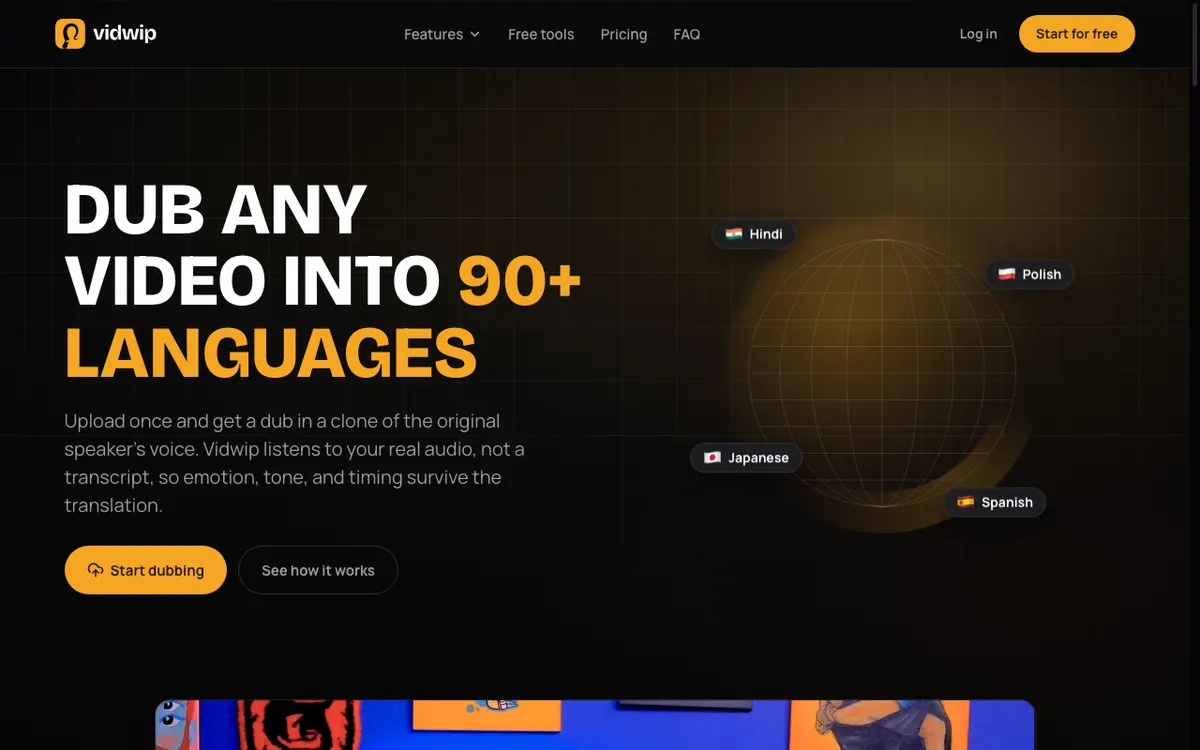 Vidwip — transcription built into a dubbing pipeline across up to 94 languages
Vidwip is the pick when the transcript is not the end product. Its AI Video Dubbing runs transcription, translation, and re-voicing as a single job: upload footage, choose target languages, and get back a dubbed video plus a translated subtitle file timed to your original cut. For audio-only work, AI Audio Dubbing does the same for podcasts and voiceover tracks and returns a translated transcript you can publish as show notes.
That framing is also its limitation, and it is worth being clear about. Vidwip is not a meeting-notes tool. There is no bot that joins your Zoom call, no speaker-labelled document, no action-item summary. What it does instead is cover up to 94 languages end to end — wider than anything else on this list — and skip the export-import step between transcription and localization that every other tool here forces on you.
Pricing is credit-based rather than per-minute-of-plan. Dubbing v1 runs 240 credits per minute of source video, per target language; the higher-fidelity v2 model is 600. Every account is free to start with no card, which is enough to run one short clip through the full pipeline before deciding.
Pros
- Transcription, translation, and re-voicing in one job — no handoff between tools
- Up to 94 languages on the Advanced engine, the widest coverage of any tool here
- Translated subtitle file returned with every dub — burn it in or export it
- Voice cloning keeps the original speaker’s delivery in the dubbed track
- Free tier with no watermark on any plan, and no credit card to start
Cons
- Not a standalone transcript tool — the output is built around the dub
- No live meeting transcription and no meeting bot
- No speaker-labelled transcript document or AI meeting summaries
- The free start covers a short dubbing test, not a workflow
Best for: Teams whose transcript exists to become a localized video — product marketing, courses, support content. Not the right call if you want searchable meeting notes.
Pricing: Free to start (no card) · Starter $25/month (2,500 credits) · Dubbing v1 240 credits/min/language, v2 600. Checked October 2026.
2. Otter.ai
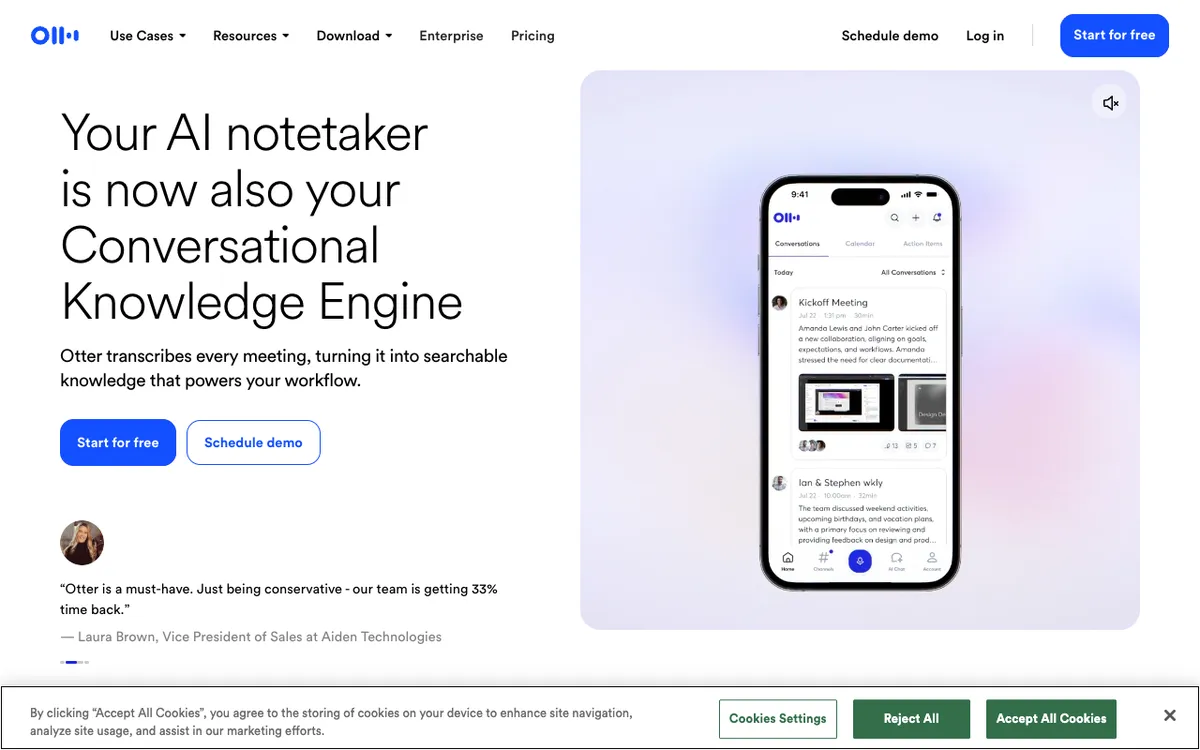 Otter.ai — AI transcription for live meetings and recorded audio
Otter.ai is the strongest pick for live meeting transcription. It joins Zoom, Google Meet, and Teams calls automatically, generating a real-time transcript that every attendee can read and annotate while the meeting runs.
The free plan leads the field: 300 minutes per month, no credit card required. For individual contributors or small teams who mainly want meeting notes, that’s enough for most weeks.
Pros
- Real-time transcription inside live meetings — not just file uploads
- Native integration with Zoom, Google Meet, Teams, and Webex
- 300 min/month on the free plan — the highest free allocation on this list
- Speaker identification automatically labels who said what
- AI meeting summaries with action items on paid plans
Cons
- Only four languages: English, Spanish, French, and Japanese — a hard stop for international teams
- 30-minute meeting cap on the free plan (90 minutes on Pro)
- No transcript-based video editing — Otter.ai is text output only
- File imports limited to 3 lifetime uploads on the free tier
Best for: Individuals and teams who need fast, searchable transcripts of recurring meetings. Not the right call if your team works across languages or you need to cut footage.
Pricing: Free (300 min/month, 30-min meeting cap) · Pro $8.33/user/month billed annually or $16.99/month billed monthly · Business $19.99/user/month billed annually. Checked September 2026.
3. Descript
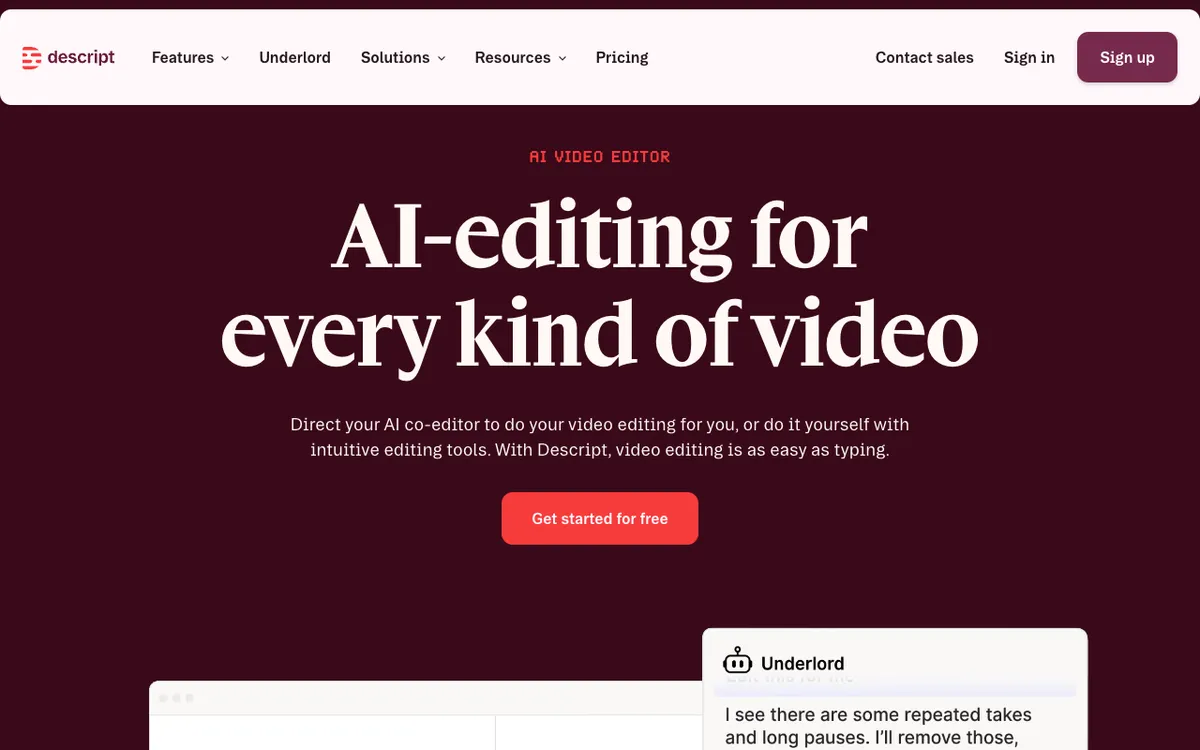 Descript — transcript-based video editing with AI transcription built in
Descript transcribes your footage first, then lets you edit video by editing text. Delete a word from the transcript and the clip cuts. Rearrange a paragraph and the footage reorders. It’s a fundamentally different way to edit video.
For content creators, podcasters, and anyone producing long-form video, that workflow eliminates most of the scrubbing and timeline work that makes editing slow. The transcription isn’t a side feature — it’s the whole editing model.
Pros
- Edit video by editing the transcript — no scrubbing required
- 25-language transcription with multi-speaker support for 8+ speakers
- 4K watermark-free export on Creator plans and above
- Overdub fixes mistakes by typing, no re-recording needed
- Business plan adds translation and dubbing in 30+ languages
Cons
- Upload-only — no live meeting transcription
- Steeper learning curve than a plain document editor
- 60 media minutes/month on the free plan — not enough for regular content creators
- AI credits (Overdub, filler-word removal) are a separate monthly bucket
Best for: Video creators, podcasters, and content marketers who cut their own footage and want transcription baked into the editing workflow.
Pricing: Free (60 media min/month) · Hobbyist from $16/month (annual billing) · Creator from $24/month (annual billing) · Business from $50/month (annual billing). Checked September 2026.
4. Sonix
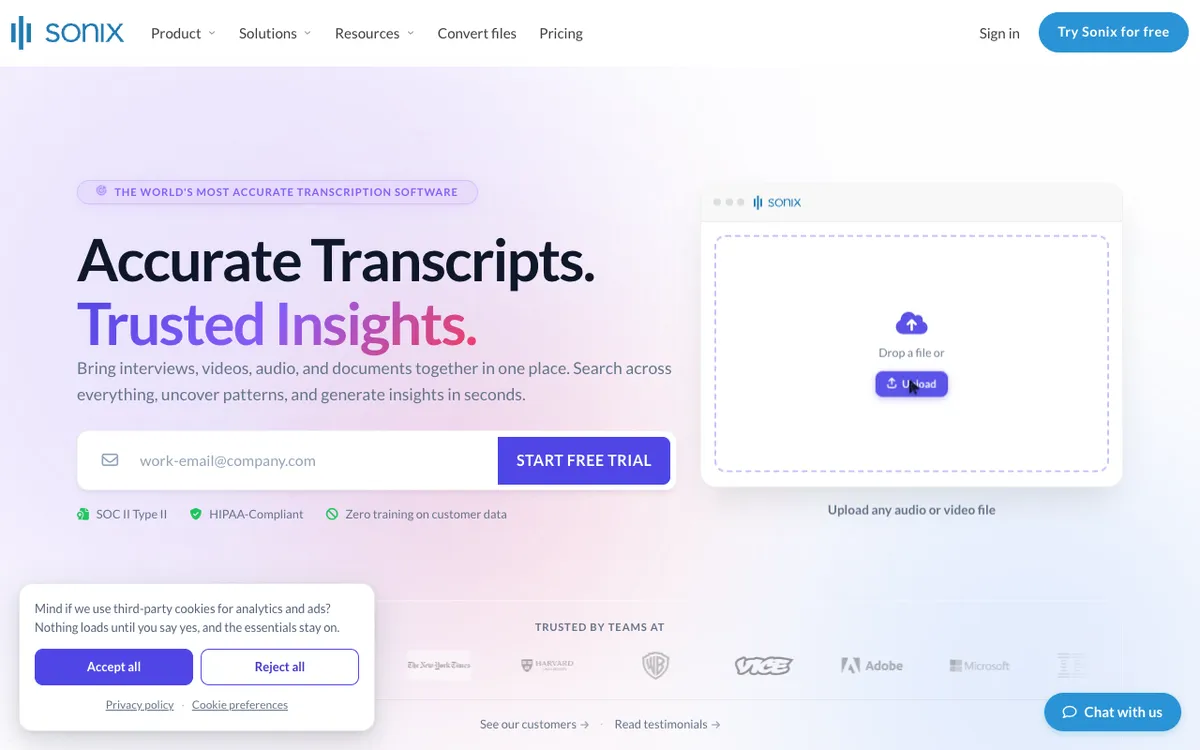 Sonix — automated transcription with 54+ languages and pay-as-you-go pricing
Sonix sits at the professional end of the market. It claims 99% transcription accuracy and cites an independent benchmark of 92.83% across varied audio types — the most transparent accuracy reporting of any tool here.
The pay-as-you-go option sets it apart from the rest: $10/hour, no subscription required. Legal teams, researchers, and journalists who transcribe occasionally don’t have to commit to a monthly plan.
Pros
- 54+ transcription languages, 55+ translation languages — the broadest text-transcript coverage here
- Pay-as-you-go at $10/hour — the only tool that doesn’t require a subscription
- Independent accuracy benchmarks, not just vendor claims
- SOC 2 Type II certified and HIPAA-ready for regulated industries
- In-browser editor with speaker labels and subtitles on all plans
Cons
- Upload only — no live meeting transcription
- $10/hour overage on top of plan limits adds up for heavy users
- No video editing — transcription and translation only
- Free tier is a 30-minute trial, not an ongoing plan
Best for: Professional teams, researchers, journalists, and compliance-sensitive organizations who prioritize accuracy and language breadth over meeting-centric workflows.
Pricing: Pay As You Go $10/hour · Core $25/month (5 hrs/month) · Advanced $50/month (20 hrs/month) · Pro $80/month (40 hrs/month). Checked September 2026.
5. Notta
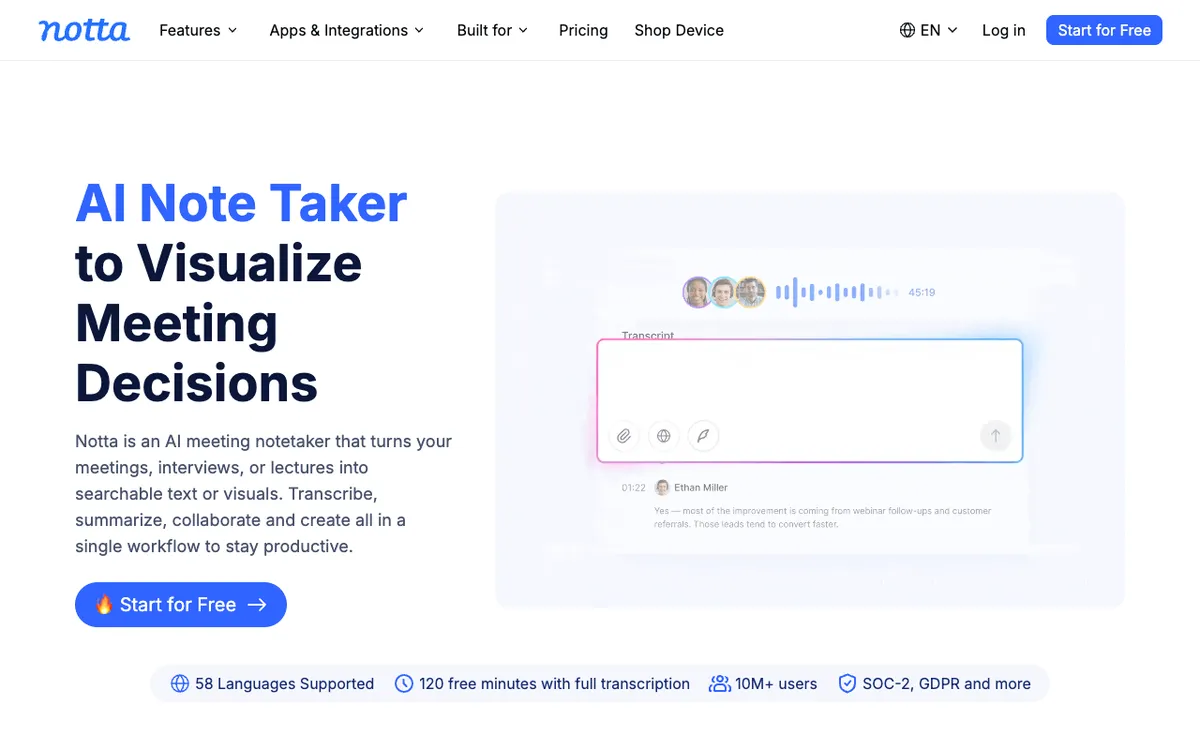 Notta — AI transcription with 58 languages and built-in meeting summaries
Notta pairs transcription with AI-generated meeting summaries. You get a structured summary — key decisions, action items, next steps — alongside the full transcript. For teams drowning in meeting notes, that combination is the real draw.
The 58-language coverage puts Notta ahead of Otter.ai and Descript for international teams, though Vidwip’s 94 is wider still. AI summaries are included at no extra cost from the Pro plan up.
Pros
- 58 languages — the widest coverage of the meeting-focused tools here
- AI meeting summaries with action items on Pro and above, at no extra cost
- Integrates with Zoom, Google Meet, Teams, and Webex
- 1,800 transcription minutes/month on Pro — the most generous paid allocation here
- Permanent free tier, not a time-limited trial
Cons
- Free plan caps each recording at 3 minutes — not practical for real meetings
- No transcript-based video editing
- Bilingual transcription and translation are paid add-ons ($6–9/month extra)
- Enterprise requires a minimum of 51 seats — no mid-market tier
Best for: Global teams running multilingual meetings who want structured summaries alongside the full transcript without paying extra for AI analysis.
Pricing: Free (120 min/month, 3-min recording cap) · Pro $8.17/user/month billed annually · Business $16.67/user/month billed annually. Checked September 2026.
Head-to-head comparison
| Vidwip | Otter.ai | Descript | Sonix | Notta | |
|---|---|---|---|---|---|
| Best for | Transcribe to dub | Live meetings | Video editing | Accuracy / compliance | Multilingual teams |
| Languages | Up to 94 | 4 | 25 | 54+ | 58 |
| Free tier | Free to start, no card | 300 min/month | 60 media min/month | 30-min trial only | 120 min/month |
| Live transcription | No | Yes | No | No | Yes |
| Meeting summaries | No | Pro and above | No | No | Pro and above |
| Translation + re-voice | Yes, up to 94 languages | No | Business plan | Translation only | Paid add-on |
| Video editing | No | No | Yes | No | No |
| Pay as you go | Credits | No | No | $10/hour | No |
| Cheapest paid plan | $25/mo | $8.33/mo (annual) | $16/mo (annual) | $10/hr or $25/mo | $8.17/mo (annual) |
| HIPAA-ready | No | Enterprise add-on | No | Yes | No |
How to choose
The transcript is a step toward a video in another language. Vidwip. It is the only tool here that transcribes, translates, and re-voices in one job, and its 94-language coverage is wider than Sonix or Notta. Skip it if what you actually want is a document.
You need live meeting transcription. Go with Otter.ai or Notta. Both join calls automatically. Otter.ai is simpler for English-first teams; Notta wins if meetings happen across languages or you need AI summaries.
You produce video content. Descript. No other tool here lets you edit footage by editing text. The transcript-based workflow is worth the subscription if you’re regularly cutting long-form video.
Your team works across languages. Vidwip, Sonix, or Notta. Otter.ai’s four-language limit is a hard blocker for international teams. Vidwip covers the most languages and carries the audio across too; Sonix has broad coverage with translated text output; Notta adds summaries.
You need occasional transcription without a subscription. Sonix at $10/hour. The other three require a monthly or annual plan to get meaningful usage.
Compliance is a requirement. Sonix. SOC 2 Type II and HIPAA-ready workflows are built in, not an enterprise add-on.
Transcription vs. dubbing: where the two workflows diverge
Transcription gets you text. If you also need the video re-voiced in another language — that’s dubbing. The two look related but are different products.
Tools like Otter.ai and Notta stop at the transcript. Descript’s Business plan adds translation and dubbing in 30+ languages. Vidwip is the one tool ranked here that treats transcription as the first stage of that chain rather than the destination — which is why it leads the list for localization work and does not appear at all in a meeting-notes shortlist. If narration rather than translation is the goal, our free AI video voiceover guide ranks that category.
Final verdict
Pick by use case, not by feature list.
Vidwip owns the transcribe-to-localize workflow. If the transcript only exists so the video can be published in another language, running transcription, translation, and re-voicing as one job across up to 94 languages beats stitching two tools together.
Otter.ai owns live meeting transcription. If you want searchable notes waiting at the end of back-to-back calls, nothing here matches its free plan.
Descript owns the video-editing workflow. If you cut footage, the transcript-to-edit model changes how fast you work.
Sonix owns accuracy and compliance. It’s the right call when getting the words right matters more than editing convenience — and when your legal team asks about HIPAA.
Notta owns multilingual meeting summaries. For distributed teams running calls across time zones and languages, $8.17/month for 1,800 minutes plus AI summaries is hard to argue with.
If budget is the deciding constraint, 7 free AI video transcription tools names each free tier’s ceiling before you pay for one. To turn a finished transcript into narration, Vidwip’s AI video voiceover generator writes and voices it, and free AI video dubbing handles the translated audio.
If you want the mechanism rather than the shortlist, how AI video transcription works and what it really costs walks the pipeline from acoustic model to speaker labels, with the per-minute API rates underneath every price on this page.
If the source is a YouTube URL rather than a file on your disk, how to transcribe a YouTube video with AI starts with the free route, which settles the question before any of these tools becomes worth paying for.
Try the free tier of whichever matches your workflow. All five offer one, though Sonix limits theirs to 30 minutes.