
Kling 3.0 and Hailuo 3 match Veo 3.1's native audio without a Google subscription; Vidwip puts all three Veo 3.1 variants plus 13 other models on one account from $25/month.
Why Veo 3.1 access is narrower than it looks
Veo 3.1 is Google’s best text-to-video model, and most people who look for Google Veo alternatives want its sound at a different price or level of access. It generates 4, 6 or 8-second clips at 1080p with native audio, including lip-synced speech the model writes itself from your prompt. No other widely available model does this as reliably.
The access story is more complicated. Lite (720p, no lip-sync guarantee) locks behind Google AI Pro at $19.99/month. Full Veo 3.1 requires Google AI Ultra, which starts at $99.99/month — and both prices were shown from a Nepal-region page, so US prices may differ slightly. Teams outside the US may see different rates entirely.
If your team wants Veo specifically — or wants comparable native audio from a different model — these seven alternatives are worth looking at. One note before the list: OpenAI Sora was a common recommendation in earlier comparisons. Its app closed in April 2026 and its API shut down in September 2026. It is not an option anymore.
1. Vidwip — all three Veo variants, plus 13 other models
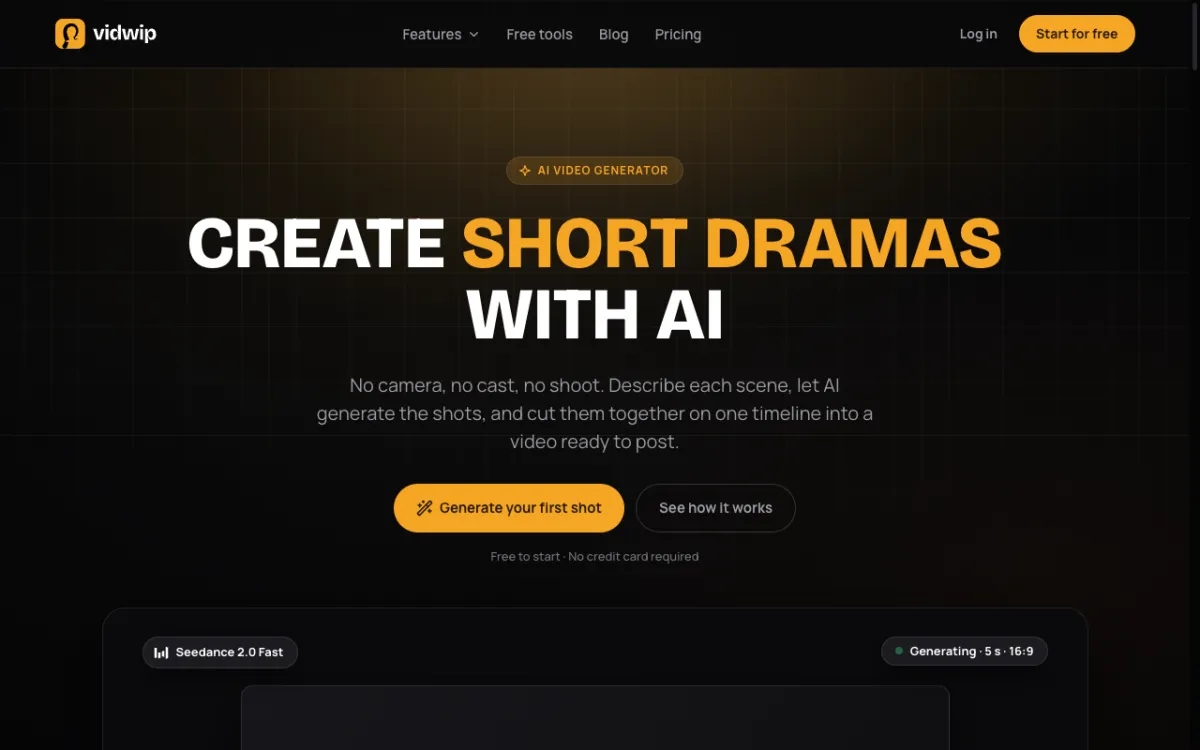 Vidwip AI Video Generator — Veo 3.1, Kling 3.0, Seedance 2.5, Hailuo 3 and more: 16 video models, one account
Vidwip’s AI Video Generator runs 16 video models in one picker. All three Veo 3.1 variants are on the list: Full (1080p, lip-synced dialogue), Fast (1080p draft pass), and Lite (720p). You choose the model per clip, so a single project can use Veo 3.1 for a talking-head shot and Seedance 2.5 for a 30-second environment take — without logging into a second account.
Generated clips connect directly to AI Studio, Vidwip’s timeline editor. You don’t export to a separate tool to cut the final video.
Pros
- All three Veo 3.1 tiers on one Starter plan — no Google AI subscription required
- 16 video models including Kling 3.0 Pro, Seedance 2.5, Hailuo 3 (2K), and Wan 3.0
- Shot lengths from 3 s (Kling) to 30 s (Seedance 2.5) from the same picker
- Clips go straight into the AI Studio editor with no intermediate export
Cons
- Timeline exports top out at 1080p even when a model generates 2K files (Hailuo 3)
- No standalone mobile app for video generation
Best for: Teams who want Veo 3.1 access alongside multiple other models, and want to go from generation to a finished cut without switching tools.
Pricing: AI video needs a paid plan. Starter: $25/month for 2,500 credits. Pro: $99/month for 10,000 credits. Enterprise: custom (vidwip.com/pricing).
2. Kling AI — cinematic shots with sound, 3 to 15 seconds
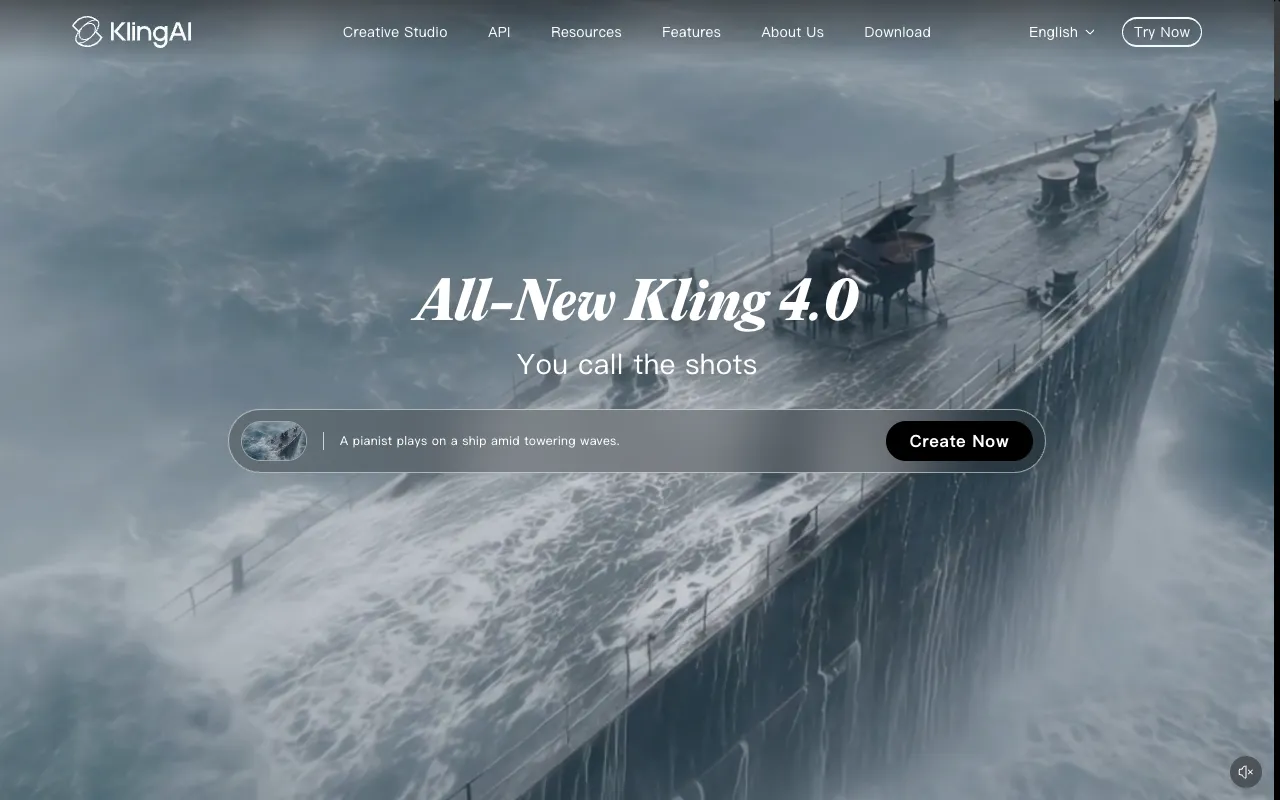 Kling AI by Kuaishou — filmic depth and motion with native audio, up to 15-second clips
Kling 3.0 Pro generates 3 to 15-second clips at 720p with sound. The 15-second maximum beats Veo 3.1’s 8-second ceiling by nearly double, which matters whenever a scene needs room to breathe. The model’s strength is filmic composition: lighting, depth and camera physics that look like choices rather than defaults.
Kling 3.0 also comes in Standard (steadier on product shots) and O1 (a reasoning variant that works out complex motion before generating). The audio on 3.0 is ambient-focused — it handles crowd sound and environment well, but it is not built for lip-synced speech. If your scene needs a person talking to camera, Kling 3.0 is not the model to reach for first.
Pros
- Shots up to 15 seconds — nearly double Veo 3.1’s 8-second maximum
- Filmic depth and lighting that looks intentional
- Three variants (Pro, Standard, O1) for different shot types
- Native audio on Pro and Standard
Cons
- Audio is ambient rather than scripted, lip-synced dialogue
- 720p ceiling on current consumer plans
- Pricing page is JavaScript-rendered; prices vary by region
Best for: Scenes that need environmental sound and more than 8 seconds, especially those with strong lighting or camera-motion requirements.
Pricing: Pricing varies by region; check kling.ai/membership for current plans (October 2026).
3. Hailuo AI — 2K clips where a face has to carry the shot
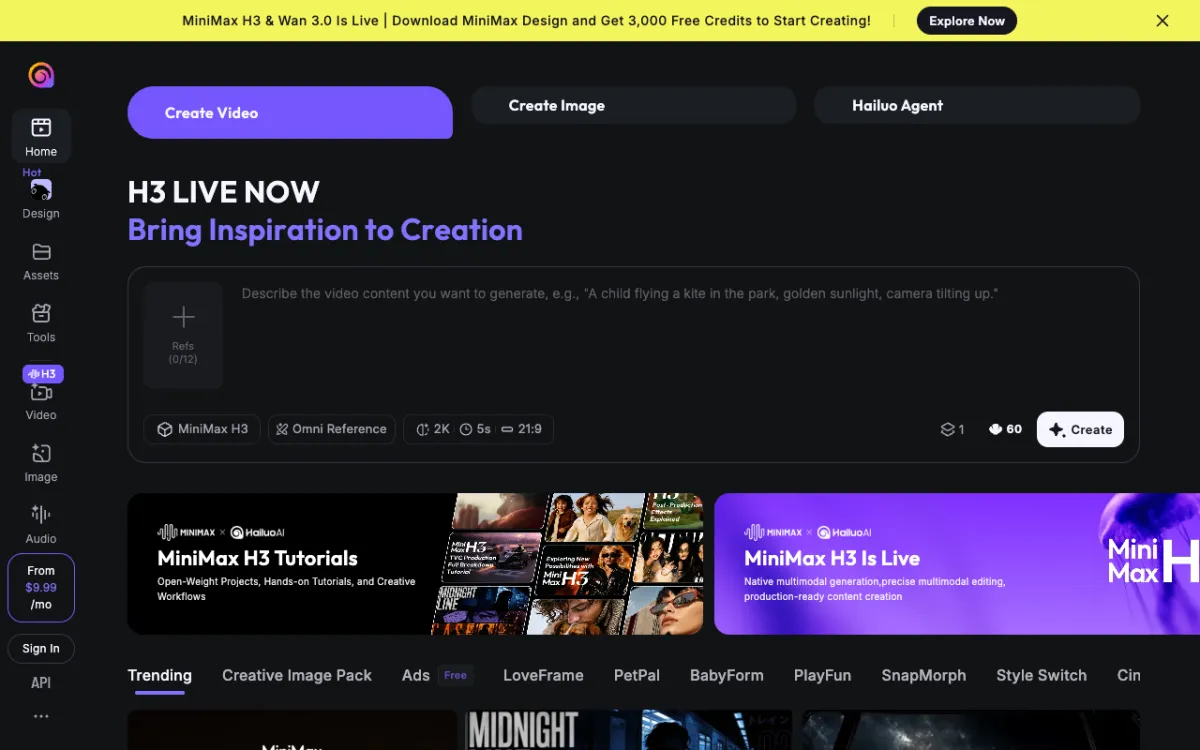 Hailuo AI by MiniMax — 2K video with sound and strong subject identity across shots
Hailuo 3 generates 5 to 15-second clips at 2K with native sound — the highest base resolution on this list. MiniMax built the model around subject identity: faces stay consistent across clips and expressions read as intentional rather than generic. If your video needs a character to carry multiple shots without drifting, Hailuo 3 holds up better than most alternatives.
The sound covers ambient audio and some dialogue, but without Veo 3.1’s lip-sync precision. Note that Hailuo 3 Max, a speed-optimised variant, runs silent — you need Hailuo 3 for sound. The 2K output means you have room to crop or punch in without losing quality, though most export pipelines will bring you down to 1080p anyway.
Pros
- 2K resolution — highest on this list
- Strong face and character consistency across shots
- Native sound on Hailuo 3 (5–15 s)
- Up to 9 reference images per clip in Create mode
Cons
- Audio is ambient rather than lip-synced; no scripted speech precision
- Hailuo 3 Max (faster variant) is silent
- Pricing page is JavaScript-rendered; varies by region
Best for: Close-up and character-driven shots where a face has to hold across multiple clips, especially at 2K for post-production flexibility.
Pricing: Pricing varies by region; check hailuoai.video for current plans (October 2026).
4. Runway — professional workflows with Gen-4.5 and Seedance
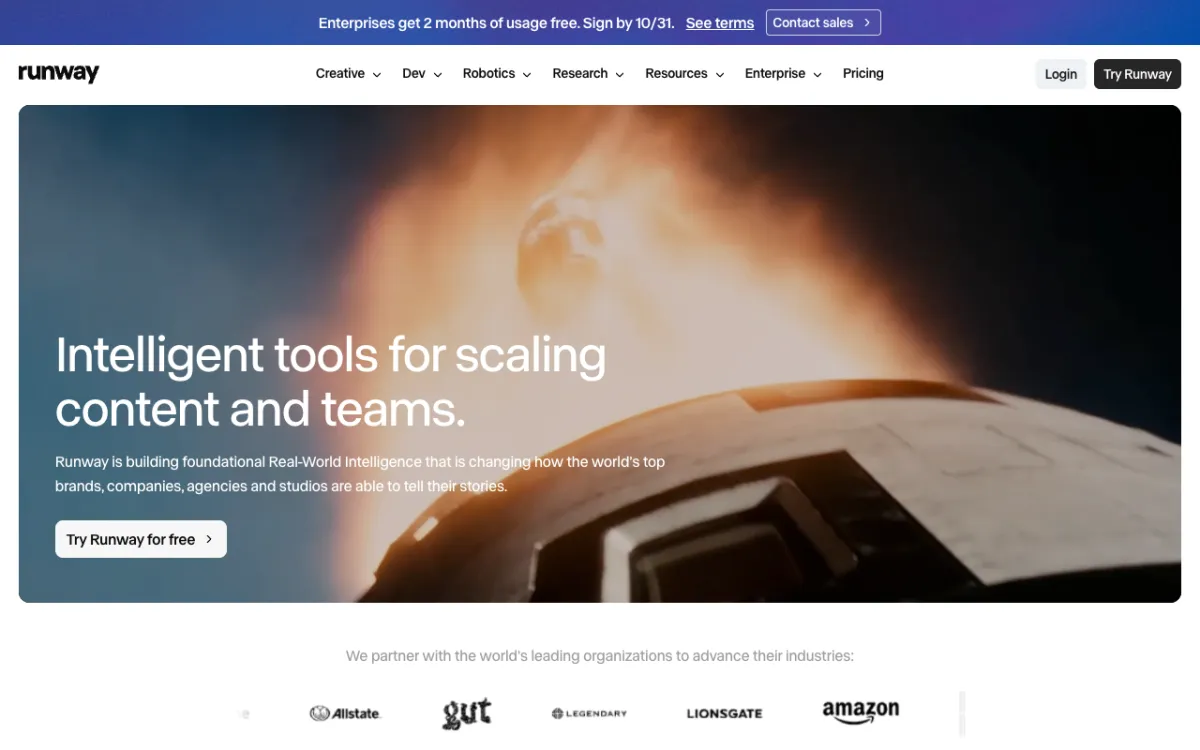 Runway — Gen-4.5 and Seedance 2.0 Pro in a platform built for creative teams
Runway’s Gen-4.5 generates video with ambient audio, and the platform runs Seedance 2.0 Pro alongside it at 1080p — which adds a longer-take option. The plan structure targets teams: Standard gives 5 parallel generations, Pro gives 15, and higher plans add Brand Kits, custom voice clones, and the Runway MCP for API integration.
Runway is not the strongest option for lip-synced dialogue, and it does not include Veo. Where it wins is workflow depth: team management, project organisation, and API access make it the easiest choice to plug into an existing production pipeline. The standard pricing at $15/month gives 625 credits — enough for roughly 52 seconds of Gen-4.5 per month, which is thin for heavy use.
Pros
- Gen-4.5 and Seedance 2.0 Pro on one account
- 4K upscaling on Standard and above
- Team features: Brand Kits, custom voice clones, parallel generation limits
- Runway MCP for API workflows
Cons
- No Veo model; no Kling or Hailuo
- Standard’s 625 credits covers about 52 seconds of Gen-4.5 per month
- Not built for lip-synced dialogue generation
Best for: Professional teams and agencies who need generation alongside team management and API integration, and already have a Runway account or workflow.
Pricing: Free: 125 one-time credits. Standard: $15/month ($12 annually) for 625 credits. Pro: $35/month ($28 annually) for 2,250 credits. Max: $95/month ($76 annually) for 9,500 credits (runway.com/pricing, checked October 2026).
5. Luma Dream Machine — photorealistic footage with multi-model access
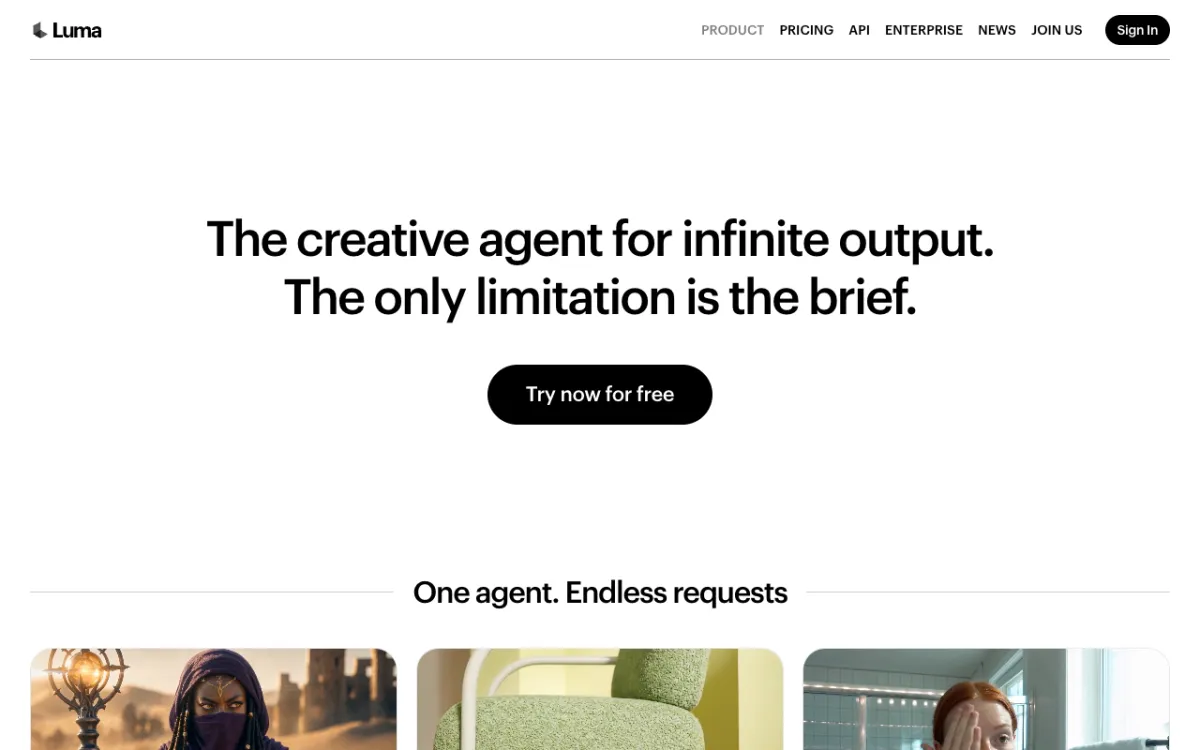 Luma Dream Machine — Ray3.2, Kling 3.0 and Seedance 2.0 from one subscription
Luma’s Dream Machine runs Ray3.2 as its flagship model — photorealistic shots at 1080p in up to 10 seconds. The platform also hosts Kling 3.0 and Seedance 2.0, so a Plus subscription gives you multi-model access similar to Vidwip, though without Veo 3.1. Credit costs vary sharply by model and resolution: Ray3.2 at 1080p runs 400 credits per 5 seconds, so Plus’s 10,000 credits covers roughly 125 five-second clips at that quality per month.
Luma does not appear to offer a free tier as of October 2026 — the pricing page starts at Plus for $30/month. Audio support depends on the model chosen; not every model on the platform generates native audio.
Pros
- Ray3.2 produces photorealistic footage at 1080p
- Multi-model access including Kling 3.0 (up to 4K) and Seedance 2.0
- Commercial use included from Plus
- 10-second shots at 1080p via Ray3.2
Cons
- No free tier as of October 2026
- No Veo 3.1 access
- 400 credits per 5 s at 1080p (Ray3.2) depletes credits faster than budget models
- Audio support varies by model
Best for: Creators who want photorealistic footage at 1080p and multi-model access from one subscription, and can justify the $30/month minimum.
Pricing: Plus: $30/month ($25 annually) for 10,000 credits. Pro: $90/month ($75 annually) for 40,000 credits. Ultra: $300/month ($250 annually) for 150,000 credits (lumalabs.ai/pricing, checked October 2026).
6. Pika — native sound effects at the lowest starting price
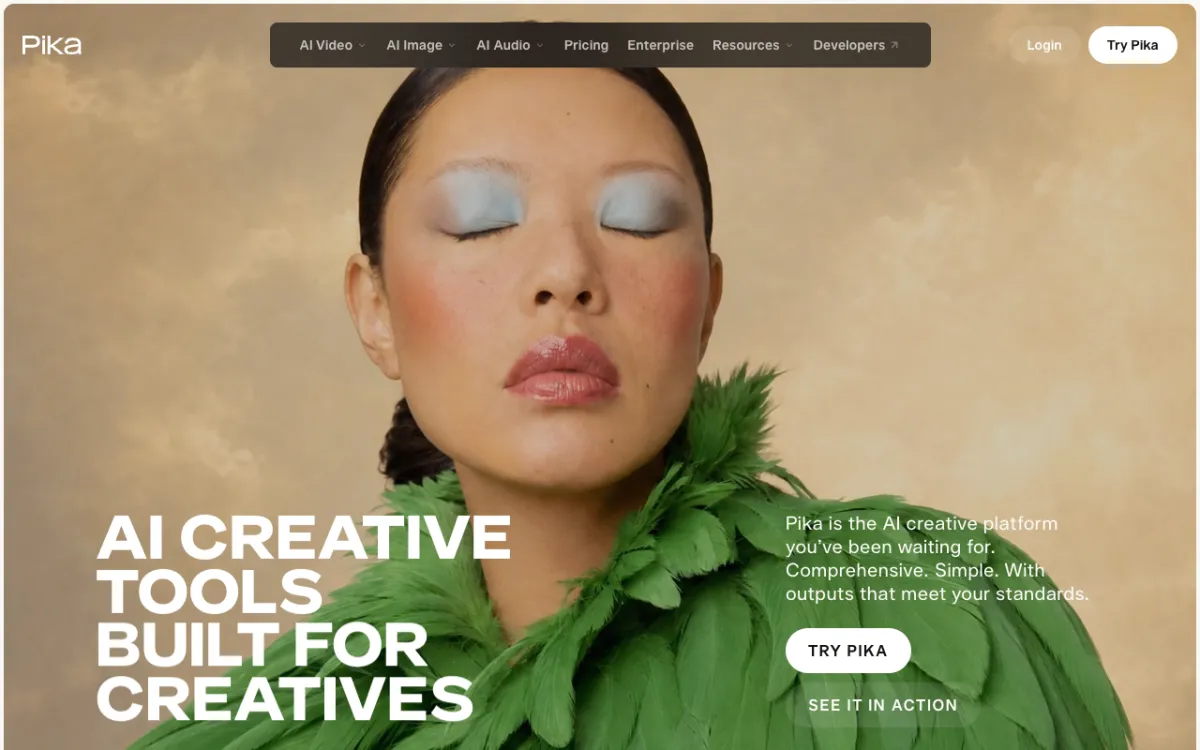 Pika — Pikaffects, Seedance 2.5 and Wan 3.0 with native sound, starting at $0
Pika has a free tier with all models accessible (no monthly credits — you top up with packs), and a Starter plan at $10/month for 900 credits. That is the lowest paid entry point on this list with native sound support. The platform runs Seedance 2.5 and Wan 3.0 alongside its own generation engine, and Pikaffects adds sound-reactive visual effects that go beyond what most competitors offer.
The commercial licence requires Creator at $35/month, which limits the free and Starter tiers to personal use. At 122 credits per 5-second Seedance 2.5 clip, Starter’s 900 monthly credits cover roughly seven clips. Pika does not include Veo, Kling or Hailuo.
Pros
- Free tier with all models available
- Seedance 2.5 and Wan 3.0 with native sound
- Pikaffects for sound-reactive visual effects
- Lowest paid starting price on this list ($10/month)
Cons
- No commercial licence on Free or Starter
- 900 credits (Starter) covers roughly seven 5-second Seedance 2.5 clips per month
- No Veo, Kling or Hailuo model access
Best for: Creators who want to try native-sound AI video at minimal cost, especially those who need Pikaffects for social video, and don’t require a commercial licence.
Pricing: Free: $0 (credit packs only, no commercial licence). Starter: $10/month ($8 annually) for 900 credits, no commercial licence. Creator: $35/month ($28 annually) for 3,150 credits with commercial licence (pika.art/pricing, checked October 2026).
7. Wan Video — 30-second shots with multi-reference control
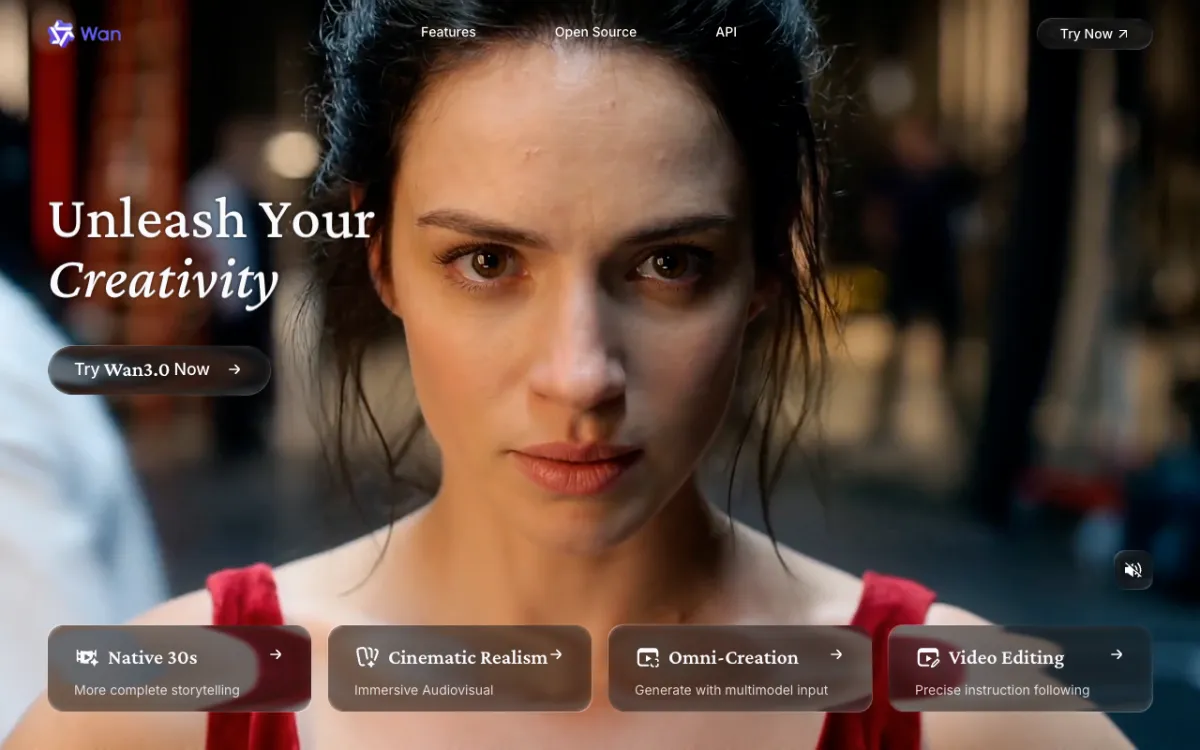 Wan Video by Alibaba — open-source Wan 3.0 model, up to 30-second clips with image, video and audio references
Wan 3.0 is Alibaba’s open-source model for text-to-video. It generates up to 30 seconds of video with native sound and accepts text, image, video, and audio references, making it one of the most flexible input options on this list. The Wan Video platform (wan.video) provides consumer access, and the model can also run locally if you have the hardware.
The ceiling is 720p — lower than Veo 3.1, Hailuo or Runway. The model is not designed for tight close-ups or scripted dialogue; its strength is long takes with complex scene composition and multiple reference inputs. Running it locally removes per-clip costs entirely, which makes it worth considering for high-volume experimental work.
Pros
- Up to 30-second clips — matches Seedance 2.5’s maximum
- Accepts text, image, video and audio references
- Open-source: run locally at no per-clip cost
- Native audio on Wan 3.0
Cons
- 720p ceiling — no 1080p generation
- Not optimised for faces or lip-synced dialogue
- Consumer platform pricing varies by region; local setup requires capable GPU hardware
Best for: Creators who need 30-second clips with multi-reference control, or developers who want to run the model locally without per-clip fees.
Pricing: Pricing varies by region for the consumer platform; check wan.video for current plans. Local/self-hosted use is free of per-clip cost (October 2026).
How all seven compare
| Tool | Native audio | Lip-sync | Longest shot | Best resolution | Free tier | Starting price |
|---|---|---|---|---|---|---|
| Vidwip | Yes (Veo 3.1, Kling, Seedance, Hailuo) | Yes (Veo 3.1) | 30 s | 2K shots (Hailuo 3), 1080p export | Paid plans only | $25/month |
| Kling AI | Yes (3.0) | No | 15 s | 720p | Varies | Varies by region |
| Hailuo AI | Yes (v3) | No | 15 s | 2K | Varies | Varies by region |
| Runway | Yes (some models) | No | ~15 s | 1080p+ | 125 credits (once) | $15/month |
| Luma | Yes (some models) | No | 10 s | 1080p / 4K | No | $30/month |
| Pika | Yes | No | ~10 s | 720p | Yes ($0) | $10/month |
| Wan Video | Yes (Wan 3.0) | No | 30 s | 720p | Varies | Varies by region |
How to pick among Google Veo alternatives
You want Veo 3.1 without a Google subscription. Vidwip includes all three Veo 3.1 tiers on its Starter plan at $25/month. The same account also covers 13 other video models, including Kling 3.0, Seedance 2.5 and Hailuo 3 — see the AI Video Generator page for the full model list.
You need shots longer than 8 seconds. Kling 3.0 goes to 15 seconds. Seedance 2.5 (available via Vidwip and Pika) and Wan 3.0 both hit 30 seconds. All three generate sound.
Your scene needs a face to carry it. Hailuo 3 leads on subject identity and expression at 2K. Use it for close-ups where character consistency across cuts matters.
You’re building for a production team. Runway’s workflow tools — Brand Kits, MCP, parallel generation slots — are designed for teams. The pricing starts lower than Vidwip at $15/month, but the model selection is narrower.
Your budget starts at $0. Pika’s free tier has all models. The Starter plan at $10/month is the lowest paid option with native sound.
You’re a developer or want 30-second open-source clips. Wan 3.0 is open-source and accepts multiple reference types. Run it locally and there are no per-clip costs. It is also available inside Vidwip and Pika if you want the cloud interface.
See also: 8 Best Higgsfield Alternatives for Multi-Model AI Video · The 5 Best AI Video Dubbing Tools Compared and Ranked 2026 · 5 Best AI Product Video Generators Ranked and Tested