
The best InVideo AI alternative depends on what your video is made of. Vidwip AI Studio builds a script-to-video on one timeline from AI shots, a voiceover in 74 languages and word-timed subtitles. Pictory is the closest match for stock-footage video from a script or blog post, Fliki has the biggest voice library, Zebracat is built for faceless Shorts, VEED is the best editor, Synthesia is the pick for avatar-led training, Lumen5 for business content and Kapwing for generative scenes plus editing.
InVideo AI made script-to-video a one-prompt job: type a topic and get back a video with stock footage, a voiceover and subtitles. These eight InVideo alternatives do that job in different ways, and some do it better.
InVideo has changed a lot in 2026. It now sells itself as “the agentic video editor for serious creatives”, bills in credits, and caps premium stock clips per month.
That suits some creators. If you came for cheap stock-footage videos from a script, it may not suit you anymore.
This guide ranks eight InVideo AI alternatives for script-to-video. Each one is judged on stock library, AI voice quality, edit control and the price of a watermark-free export, with every price checked on the vendor’s own page in October 2026.
What InVideo AI does now, and why people look for alternatives
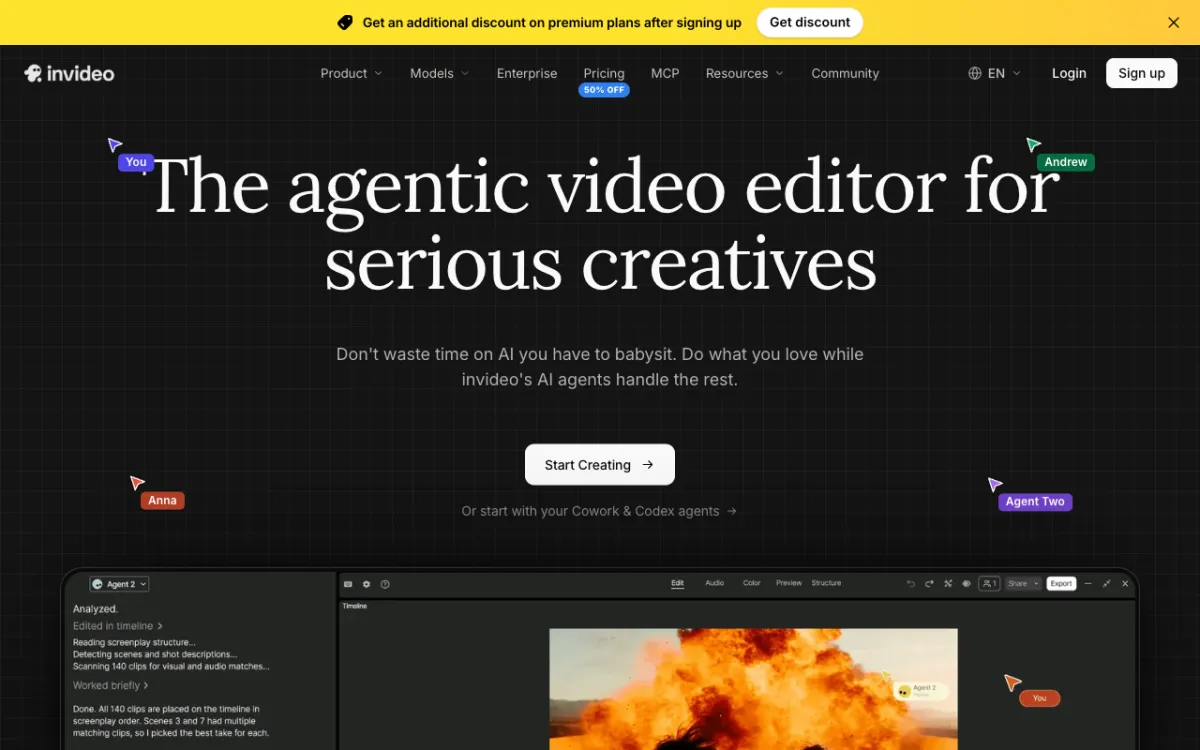 invideo: now pitched as an agentic video editor, with AI agents that script, find footage and edit.
InVideo AI is a browser video maker whose AI agents plan, script, find or generate footage, and assemble the edit from a prompt. It started as a stock-footage script-to-video tool and is now an agentic editor with generative video models built in.
The pricing changed with it. When we checked invideo.io/pricing in October 2026, the plans were:
- Basic: $9/month, 190 credits, 45 premium stock clips
- Pro: $30/month, 1,000 credits, 150 premium stock clips
- Ultra: $80/month, 3,000 credits, 180 premium stock clips
- Yearly billing: cheaper per month on every plan
The plan names weren’t stable. A second visit the same month showed Starter, Plus and Max tiers with different credit amounts.
Here’s why creators look for InVideo alternatives:
- Credits, not minutes. Unused credits don’t roll over. A 5-second Seedance 2.5 clip at 1080p costs about 96 credits, so Pro’s 1,000 credits buy about 10 of them.
- Premium stock is capped. 45 to 180 premium clips a month is plenty for one video a week. It’s not enough for a daily faceless channel.
- Watermark on free. InVideo’s own blog says free-plan videos carry a watermark.
- It’s become a bigger tool. Multiplayer seats, agents and 3D tools are great for teams. They’re more than you need to narrate a list video.
What to look for in an InVideo alternative
Video is now routine for most teams. Wyzowl’s 2026 survey found 91% of businesses use video as a marketing tool, and 63% of video marketers have used AI to create or edit video, up from 51%.
So the question isn’t whether to use an AI tool. It’s which parts of the video you want the AI to own.
| Criterion | Why it matters for script-to-video |
|---|---|
| Stock library or AI shots | Decides whether your video looks like everyone else’s |
| AI voice quality and count | The voice is what viewers notice in the first seconds |
| Subtitles | Most short-form video is watched on mute |
| Edit control | Decides how much you can fix after the first draft |
| Watermark-free price | The real entry price for anything you’ll publish |
| Length and resolution caps | Decide whether a plan fits long YouTube videos or only Shorts |
Subtitles aren’t optional. In a Verizon Media and Publicis Media survey of 5,616 US adults, 92% said they watch video with the sound off on mobile, and 80% were more likely to finish a video with captions.
1. Vidwip AI Studio
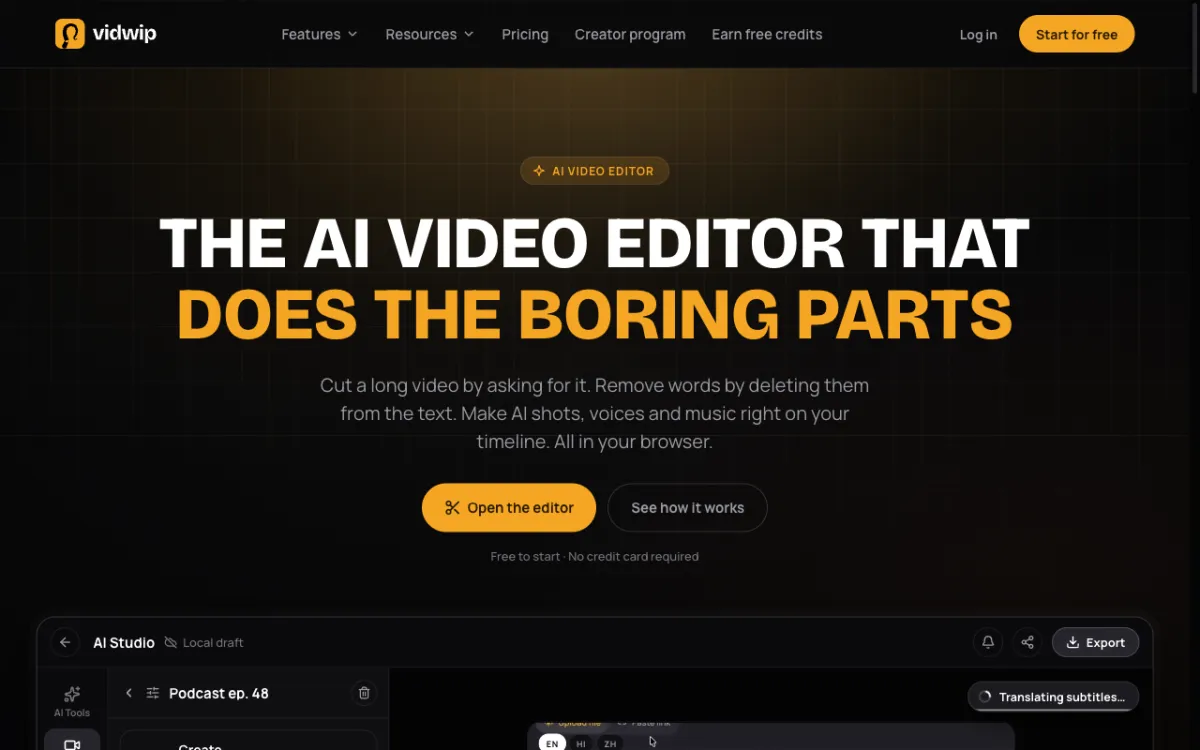 Vidwip AI Studio: voice your script, generate the shots and add subtitles on one timeline in your browser.
Vidwip AI Studio is a browser AI video editor where you build a script-to-video from AI shots, an AI voiceover and word-timed subtitles on one timeline, then export at up to 1080p with no Vidwip watermark. It’s the pick when you want each scene to be made for your script, not pulled from a shared stock library.
The workflow is shot by shot, not one prompt.
Paste your script into AI Voiceover and pick one of 190+ voices in any of 74 languages. Cues like [whispers] or [excited] are acted out, not read aloud.
Then fill the timeline with visuals.
The AI Video Generator turns a text prompt into a 1 to 30 second shot on one of 16 models, including Veo 3.1, Kling 3.0 Pro and Seedance 2.5. You can also upload your own footage, screen recordings or images.
Don’t like a shot? Select it and write a new prompt, and the new clip takes its place without moving anything else.
Last, AI Subtitle Generator times subtitles to every spoken word. Pick one of 13 looks, 8 of them with word highlight, or translate the lines into any of 94 languages.
If your script is really an explainer, Vidwip AI Motion Graphics skips the shot-by-shot work. Write a brief and pick one of 85 styles, and AI plans, animates and voices a 30 s to 5 min film.
Pros
- Every shot is made for your script, so your video doesn’t reuse the same stock clips as other channels
- 190+ voices in 74 languages, with emotion cues acted out
- Word-timed subtitles with 13 looks, and translation into 94 languages
- 16 video models in one account, with no paid plan locking a model
- Your project saves as you edit, and you can mix AI shots with your own footage
- No Vidwip watermark on AI Studio exports, on any plan
Cons
- No stock footage library at all
- No one-prompt video: you voice the script and generate each shot yourself
- Voiceovers top out at 5,000 characters (about 5 minutes) per track, and you can’t redo a single line
- Subtitles are burned in on export, with no SRT download
- Export tops out at 1080p, with no 4K
- The free credits cover short clips, not a full video
Best for: Faceless creators and marketers who want original visuals for every scene and full control over the edit.
Pricing: Free to start, no credit card; AI shots need a paid plan. Starter $25/month for 2,500 credits, Pro $99/month for 10,000 credits, Enterprise custom (see Vidwip pricing, checked October 2026). Credits are spent per generation, so cost per video depends on its length and the models you pick.
2. Pictory
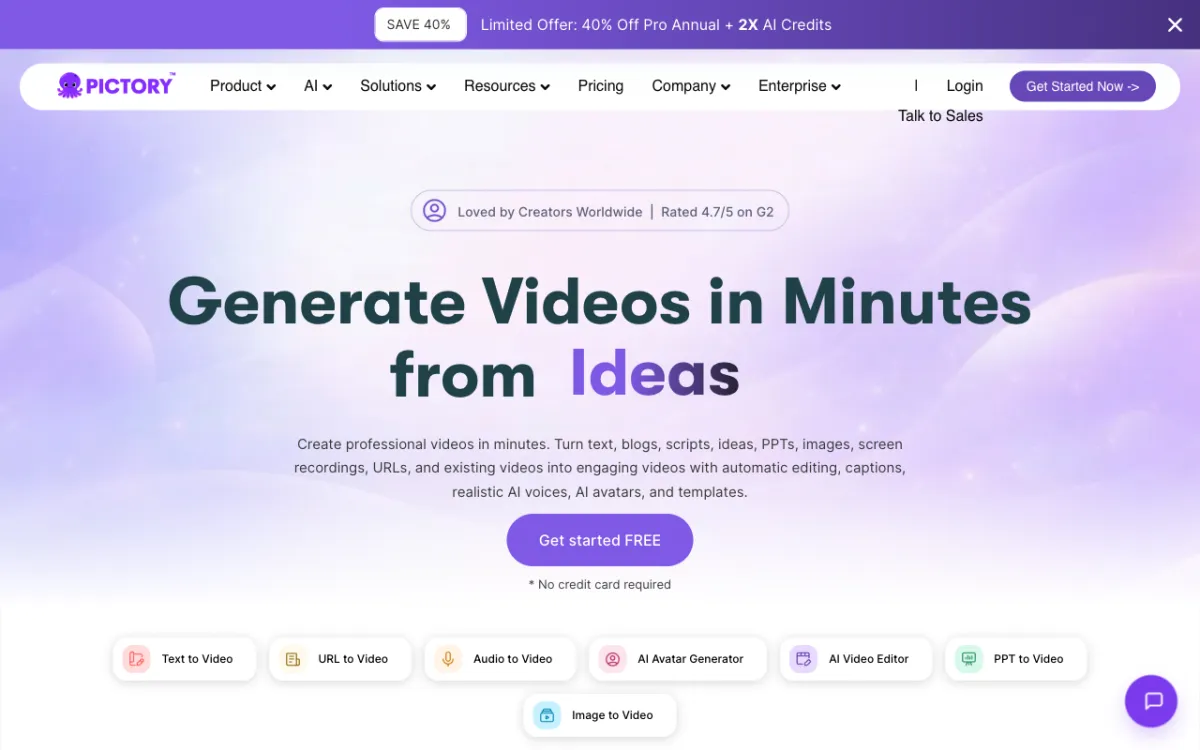 Pictory: turn a script, blog URL, slide deck or idea into a stock-footage video with an AI voice and captions.
Pictory is an AI video maker that turns scripts, blog URLs, slide decks and prompts into stock-footage videos with AI voices and captions, from $25 a month billed yearly. It’s the closest like-for-like swap for the InVideo AI of a year ago.
You paste a script or a link, and Pictory splits it into scenes and matches stock clips to each line. Then it adds a voiceover and captions, and you swap any clip you don’t like.
The stock library is the big draw. Starter includes 5 million videos from Getty and Storyblocks, and Professional lists 18 million.
Pictory also added image-to-video on models like Veo 3.1 and Pixverse 5.5, for scenes where stock falls short. It says it’s rated 4.7/5 on G2.
Pros
- Script, blog URL, PPT and prompt to video
- Large licensed stock library from Getty and Storyblocks
- ElevenLabs voice minutes on every paid plan
- Videos up to 30 minutes from a script or URL
- No watermark on Starter and up
Cons
- Stock footage can still look generic next to custom shots
- ElevenLabs voices are metered: 60 minutes a month on Starter
- Video minutes are capped: 200 a month on Starter
- The free trial lasts 14 days and covers 15 minutes
Best for: Content marketers and YouTubers who want stock-footage videos from scripts and blog posts at volume.
Pricing: Starter $29/month ($25 billed yearly). Professional $59/month ($35 billed yearly during a current promotion). Team $199/month ($119 billed yearly). Enterprise custom (pictory.ai/pricing, checked October 2026).
3. Fliki
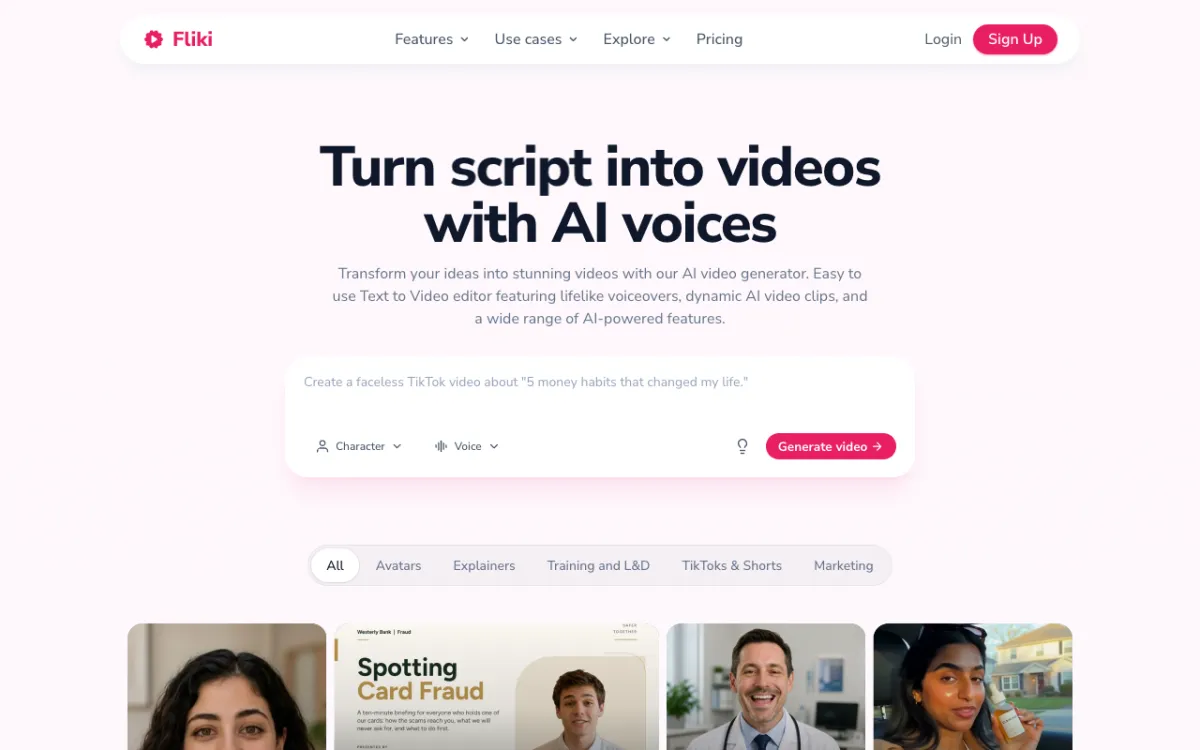 Fliki: type a prompt or paste a script, pick a voice, and generate a faceless video.
Fliki is a text-to-video and AI voice tool with 2,000+ voices in 80+ languages, used by a stated 14 million creators, from $21 a month billed yearly. It’s the pick when the voice matters more than the footage.
The flow is close to InVideo’s. You type a prompt like “a faceless TikTok about 5 money habits”, or paste a script or blog URL, and Fliki writes the scenes, picks visuals, narrates them and adds subtitles.
Where Fliki wins is voice. Premium lists 2,000+ standard voices and 1,000+ ultra-realistic ones, and Standard includes one voice clone.
Pros
- 2,000+ AI voices in 80+ languages and dialects
- Prompt, script and blog URL to video
- Voice cloning from Standard up
- A free-forever plan to test the voices
Cons
- The free plan exports 720p video with a Fliki watermark
- The stock library is “limited” on Standard; the premium library needs Premium
- Credits are small: 180 a month on Standard
- Export tops out at 1080p on paid plans
Best for: Faceless creators and educators who care most about natural narration in many languages.
Pricing: Free (720p, watermark, 5-minute exports). Standard $28/month or $21/month billed yearly ($252). Premium $88/month or $66/month billed yearly ($792). Enterprise custom (fliki.ai/pricing, US prices, checked October 2026).
4. Zebracat
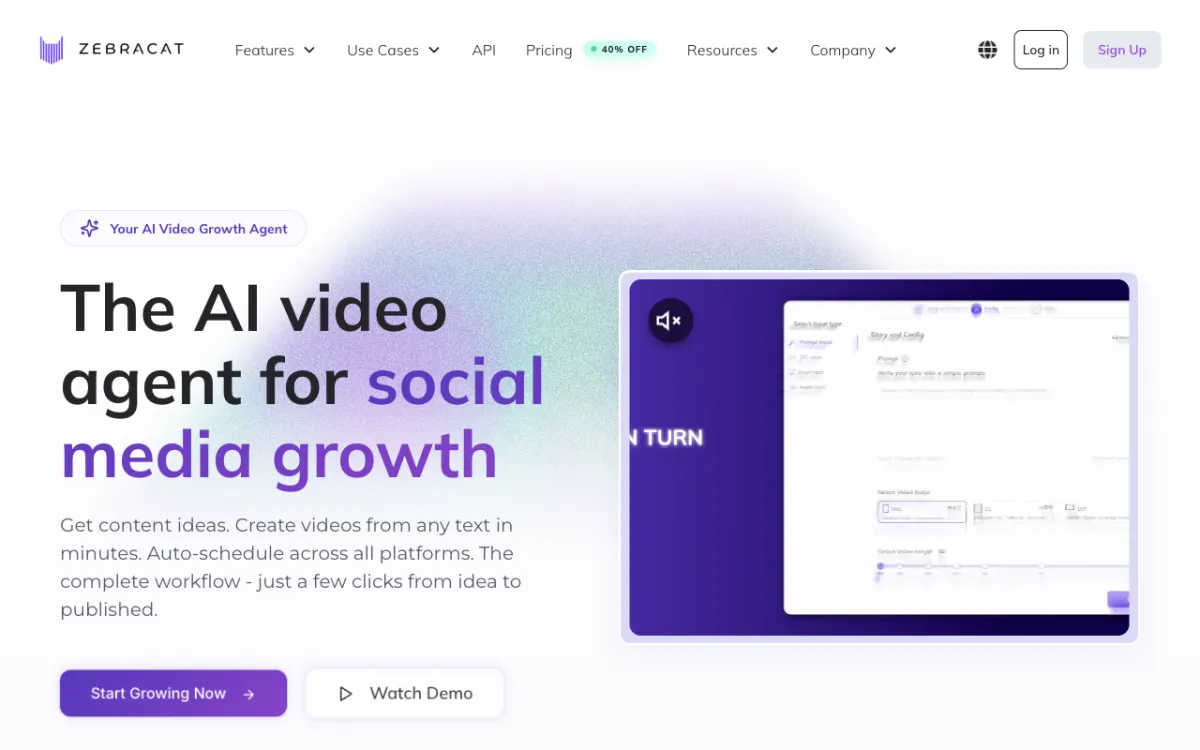 Zebracat: an AI video agent that suggests ideas, makes short videos from text and schedules them.
Zebracat is an AI video agent for faceless short-form video that turns ideas, text, blog posts or audio into edited videos and schedules them across TikTok, Instagram and YouTube, from $23 a month billed yearly. It covers the step InVideo leaves out: posting.
Zebracat starts before the script. It looks at what performs in your niche and suggests topics, then turns your pick into a video with stock or AI-generated scenes, a voice and captions.
Every paid plan exports at 1080p with no watermark. The catch is length: Cat Mode caps videos at 2 minutes.
Pros
- Built for faceless Shorts, Reels and TikToks
- Idea suggestions and auto-scheduling across platforms
- AI scenes for shots stock can’t cover
- 1080p and no watermark on every paid plan
Cons
- Short videos only: 2 minutes on Cat Mode, 5 minutes on higher plans
- Cat Mode has a “limited” stock library and 15 videos a month
- Only 3 free edits per video on the lower plans
- The free plan allows 5 videos of up to 30 seconds at 720p
Best for: Faceless TikTok, Reels and Shorts channels that post daily.
Pricing: Cat Mode $39/month ($23 billed yearly). Super Cat $99/month ($59 billed yearly). Unlimited Cat $199/month ($119 billed yearly). Enterprise from $599/month (zebracat.ai/pricing, checked October 2026).
5. VEED
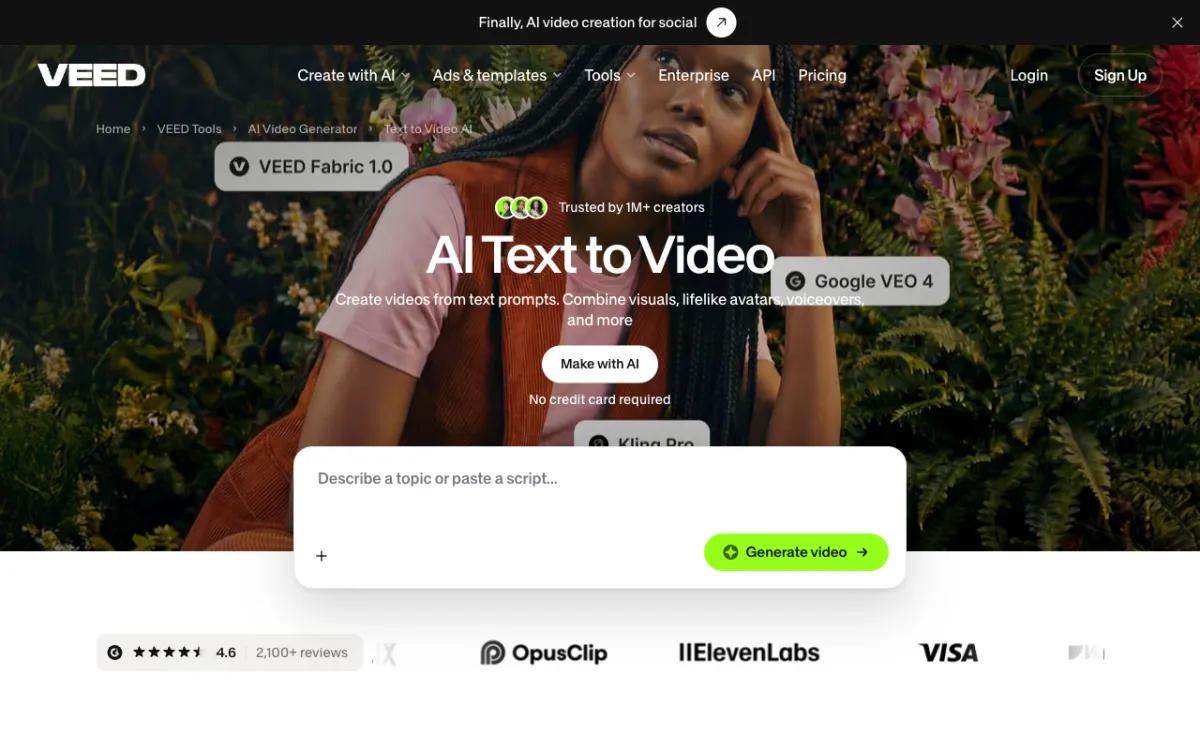 VEED text to video: describe a topic or paste a script, then finish it in VEED’s full editor.
VEED is a browser video editor with AI text-to-video, auto subtitles, AI avatars and translation, from $12 per user a month billed yearly. It’s the pick when the first draft is only the start and you want a real editor after it.
VEED’s text to video takes a topic or a script. AI writes the script if you need one, builds the scenes, adds an avatar or a voice, music and captions, and you can swap in your own media or stock clips.
Then you’re in VEED’s editor, which is the strongest here.
Auto subtitles are unlimited on paid plans, up to a fair-use limit of 50 hours a month. VEED says 1M+ creators use its text to video, rated 4.6 from 2,100+ reviews.
Pros
- Full browser editor after the AI draft
- Unlimited auto subtitles on paid plans (50 hours a month fair use)
- Translation into 50+ languages on Pro
- Avatars, voices and generative models in one place
Cons
- Priced per user, so teams pay per seat
- AI generations use credits, which don’t roll over
- The free plan watermarks exports
- The text-to-video draft needs more editing than Pictory’s
Best for: Creators and social teams who want an AI draft plus a full editor in one tab.
Pricing: Free with watermark. Creator $12/user/month billed yearly ($147). Pro $22/user/month billed yearly ($265). Studio $39/user/month billed yearly ($465). Monthly billing costs more, and prices vary by region (veed.io/pricing, US prices, checked October 2026).
6. Synthesia
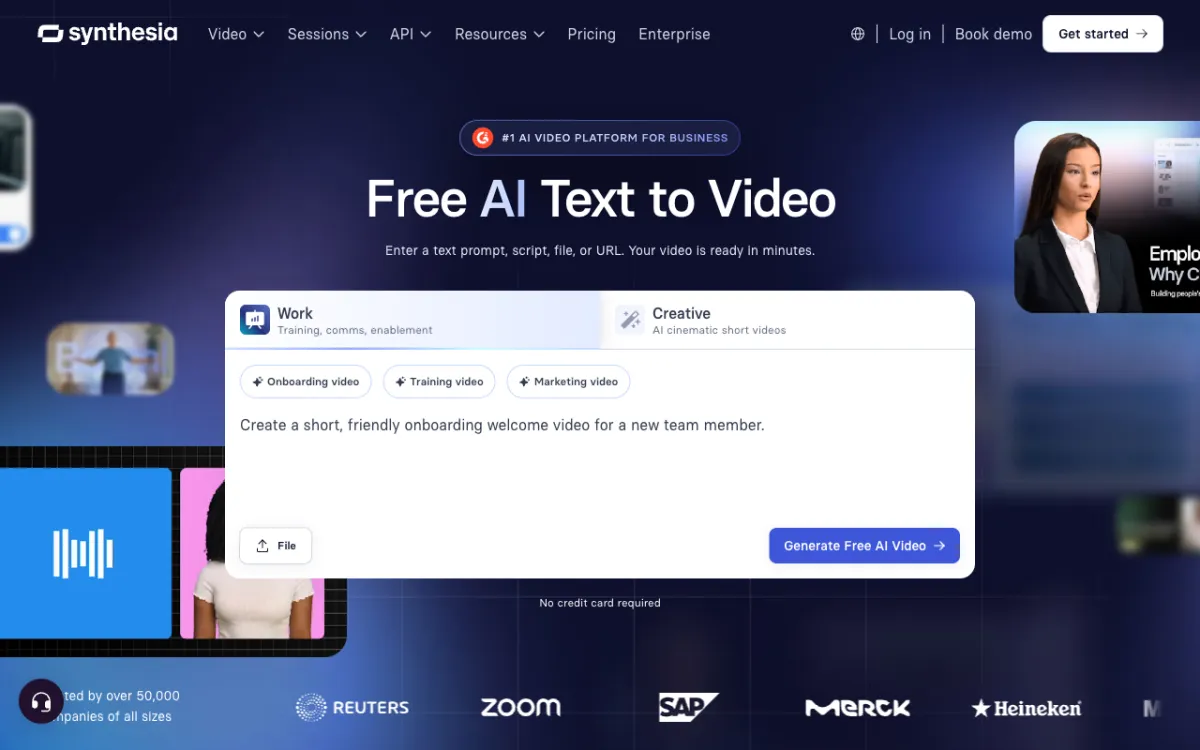 Synthesia text to video: enter a prompt, script, file or URL and get an avatar-led video.
Synthesia is an AI avatar video platform for business that turns a prompt, script, document or URL into a presenter-led video in 140+ languages, from $29 a month. It replaces InVideo when your video needs a person on screen, not stock B-roll.
Its AI Video Assistant builds a full draft with scenes, voiceover and an AI avatar. You can add AI B-roll and motion graphics from a prompt, then translate the finished video in one click.
Synthesia says over 50,000 companies use it, and it’s built for training, onboarding and internal comms more than for faceless YouTube.
Pros
- 125+ stock avatars on Starter, 180+ on Pro
- Voiceover in 140+ languages and 1,000+ voices
- Prompt, script, PDF, slide deck or URL to video
- Getty Images and Pexels stock on paid plans
Cons
- Video minutes are small: about 12 a month on Starter
- The free plan carries a Synthesia watermark and lists no download
- An avatar presenter isn’t what most faceless channels want
- Personal avatars and extra features sit on higher plans
Best for: L&D, HR and comms teams who need avatar-led training videos in many languages.
Pricing: Basic free (10 minutes, watermark). Starter $29/month billed monthly, less billed yearly. Pro $89/month billed monthly. Enterprise custom (synthesia.io/pricing, checked October 2026).
7. Lumen5
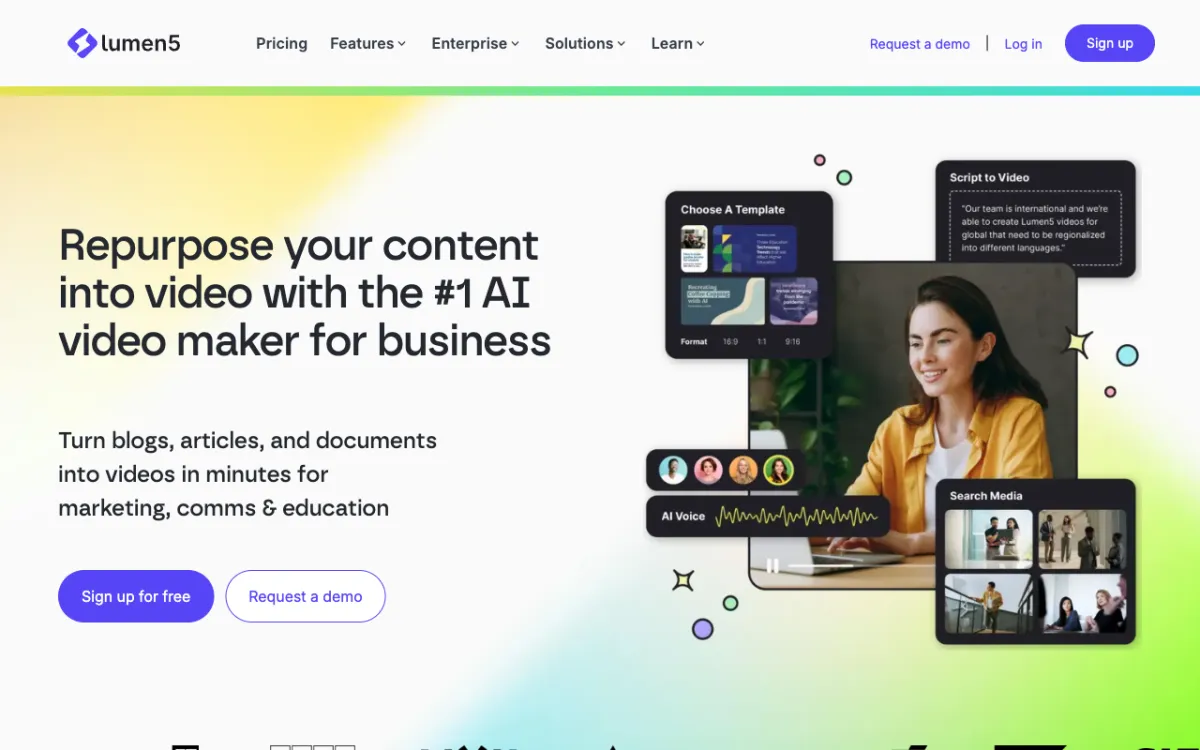 Lumen5: turn blogs, articles and documents into branded video for marketing, comms and education.
Lumen5 is a template-led video maker that turns blogs, articles, documents and scripts into branded social videos, from $19 a month billed yearly. It’s the business-content take on InVideo’s blog-to-video.
You paste a post or a script, and Lumen5 builds a storyboard of scenes with stock media, text and an AI voice. Templates and brand kits keep every video on brand.
Its stock offer is the deepest here on paper: Starter lists 50M+ stock photos and videos, including Shutterstock.
Pros
- Blog, article, document and script to video
- 50M+ stock photos and videos on Starter, Shutterstock included
- 1,000+ AI voices and automated captions
- Brand kits and 100+ premium templates
- A free plan with 5 videos a month
Cons
- Basic exports only 720p; 1080p starts at $59 a month
- Videos are capped at 10 minutes on paid plans, 2 on free
- AI voice minutes are counted per year: 240 on Basic
- Plans are single-user until the custom Team plan
Best for: Marketing and comms teams who turn articles into branded social videos.
Pricing: Free (720p, 2-minute videos). Basic $19/month billed yearly (720p). Starter $59/month billed yearly (1080p). Pro $149/month billed yearly. Team custom (lumen5.com/pricing, checked October 2026).
8. Kapwing
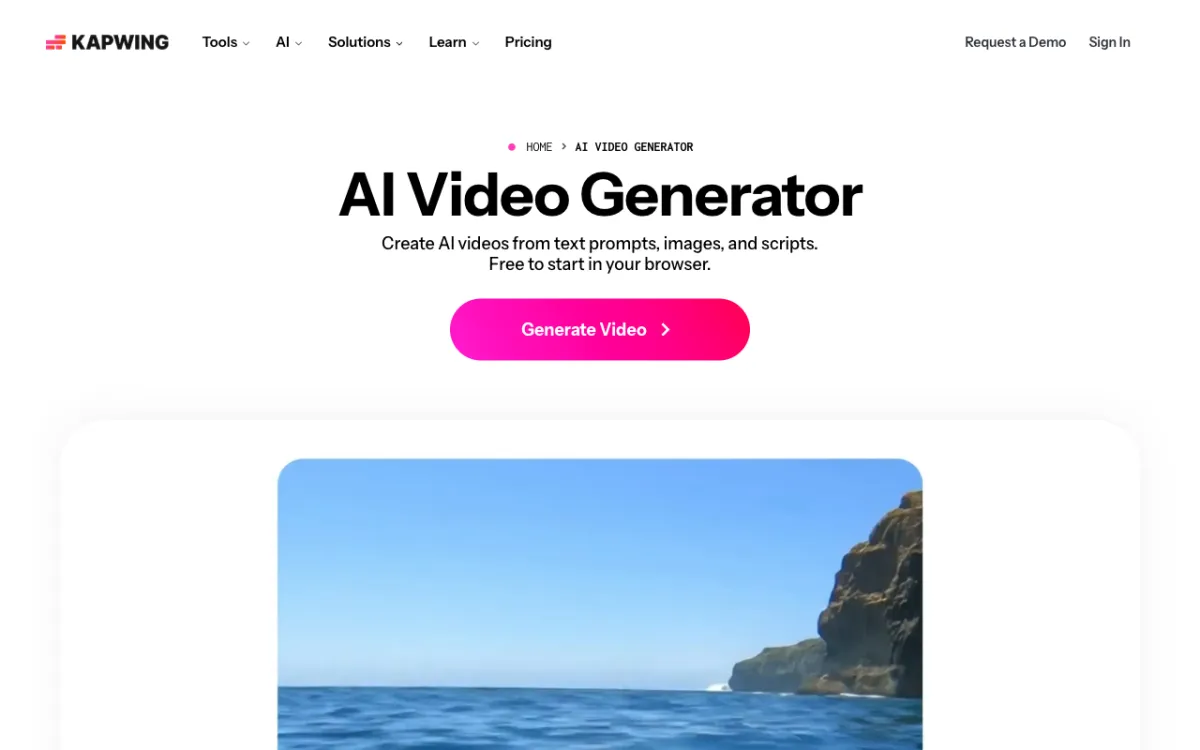 Kapwing AI video generator: give Kai a prompt, script, article or PDF, then keep editing on the timeline.
Kapwing is a browser video editor with an AI assistant, Kai, that turns prompts, scripts, articles and PDFs into multi-scene AI videos, from $16 a month billed yearly. It’s the closest to InVideo’s new agent-led direction, with a simpler plan.
Kai can improve your prompt, build a storyboard of scenes and shots, and pick a model such as Seedance 2.5, Veo 3 or Kling for each one. You review the plan before anything renders.
Then you finish in Kapwing’s editor, with subtitles, voiceovers, stock assets and brand kits. Pro exports at up to 4K with no watermark.
Pros
- Prompt, script, article or PDF to a multi-scene video
- Storyboard review before generation
- Full editor with subtitles and unlimited stock assets on Pro
- 4K export and 2-hour projects on Pro
Cons
- Generative scenes, not a big licensed stock library like Pictory’s
- Credits are shared across subtitles, dubbing and AI generation
- The free plan watermarks exports, caps them at 720p and 4 minutes
- Voice cloning needs the $50 Business plan
Best for: Creators who want AI-generated scenes plus a capable editor, without InVideo’s credit tiers.
Pricing: Free (watermark, 720p). Pro $24/month or $16/month billed yearly, 1,000 credits. Business $64/month or $50/month billed yearly, 4,000 credits. Enterprise custom (kapwing.com/pricing, checked October 2026).
InVideo alternatives compared
| Tool | Script or prompt to video | Visuals | AI voices | Edit control | Watermark-free from | Max export |
|---|---|---|---|---|---|---|
| Vidwip AI Studio | Shot by shot on one timeline | AI shots on 16 models, or your footage | 190+ voices, 74 languages | Full multi-track editor | Free to start, no watermark | 1080p |
| Pictory | Script, URL, PPT, prompt | 5M to 18M Getty and Storyblocks videos | ElevenLabs, metered | Scene editor | $25/mo billed yearly | 1080p |
| Fliki | Prompt, script, blog URL | Stock plus AI clips | 2,000+ voices, 80+ languages | Scene editor | $21/mo billed yearly | 1080p |
| Zebracat | Idea, text, blog, audio | Stock plus AI scenes | Standard or premium voices | Limited free edits | $23/mo billed yearly | 1080p |
| VEED | Topic or script | AI, stock or your media | Voices and avatars | Full editor | $12/user/mo billed yearly | 1080p on Creator |
| Synthesia | Prompt, script, file, URL | Avatars, AI B-roll, Getty and Pexels | 1,000+ voices, 140+ languages | Slide-style editor | $29/mo | 1080p |
| Lumen5 | Blog, article, document, script | 50M+ stock on Starter | 1,000+ voices | Template editor | $19/mo billed yearly (720p) | 1080p on Starter |
| Kapwing | Prompt, script, article, PDF | AI scenes plus stock assets | Text to speech | Full editor | $16/mo billed yearly | 4K on Pro |
| InVideo AI (baseline) | Prompt to agent-built video | Premium stock capped, plus AI models | ElevenLabs and MiniMax voices | Agentic timeline editor | $9/mo | 4K from Pro |
We checked that every tool above is still operating and selling plans in October 2026.
How to choose the right InVideo alternative
You want every scene made for your script. Pick Vidwip AI Studio. Voice the script, generate each shot, add word-timed subtitles and export in 1080p with no watermark.
You want InVideo’s old stock-footage flow back. Pick Pictory. Paste a script or a blog URL and get stock scenes, a voice and captions.
Your channel lives on narration. Pick Fliki for 2,000+ voices and voice cloning.
You post faceless Shorts every day. Pick Zebracat, which suggests ideas and schedules the posts.
You want to edit after the AI draft. Pick VEED, or Kapwing if you also want generative scenes and 4K.
Your video needs a presenter. Pick Synthesia for avatar-led training in 140+ languages.
You turn articles into branded social videos. Pick Lumen5.
For the full workflow behind these tools, read our faceless video generator guide.
For tools with a real free tier, see our ranking of free faceless video generators. If two picks above are on your shortlist, our VEED alternatives and Synthesia alternatives guides compare them in more depth.
The verdict
InVideo AI is still a capable tool, but it’s no longer the cheap stock-footage script-to-video app many creators signed up for. It’s a credit-based agentic editor now, with premium stock capped per month.
Pictory is the closest swap for the old InVideo, and Fliki wins on voices. Zebracat suits daily faceless Shorts, VEED and Kapwing suit creators who want a real editor, Synthesia suits avatar training, and Lumen5 suits branded business content.
Vidwip AI Studio takes a different route: no stock library and no one-prompt video, but every scene is generated for your script, voiced in 74 languages and subtitled to the word on one timeline. If your faceless videos keep looking like everyone else’s, that’s the trade worth making.
Try it at app.vidwip.com. Free to start, no credit card; AI shots need a paid plan, and AI Studio exports carry no Vidwip watermark.