
Vidwip AI Studio is the pick for word-timed subtitles in 94 languages, with 16 video models on the same timeline and no watermark on any plan. Kapwing is the closest like-for-like VEED alternative: same browser editor, 4K export and SRT download from $16 per member per month billed annually. Descript wins for talking-head edits, and CapCut and Clipchamp for free social cuts.
The best VEED alternatives give you the same thing VEED does: a browser editor, auto subtitles and AI tools, without installing anything. They differ on subtitle accuracy, how many languages you can translate into, how long an export can be, and what each extra seat costs.
That last one matters more than it looks. VEED’s pricing page bills per seat: Creator is $10 per user per month billed yearly, or $20 billed monthly, and Pro is $21 billed yearly or $44 monthly (checked October 2026). A three-person team on monthly Pro pays $132 a month before anyone exports a frame.
VEED’s prices vary by region and visit, so check the figure you’re shown.
This post ranks eight VEED alternatives on the four things people leave VEED over: subtitles, translation, export limits and per-seat price. Every price was checked on the vendor’s own pricing page in October 2026.
Why people look for VEED alternatives
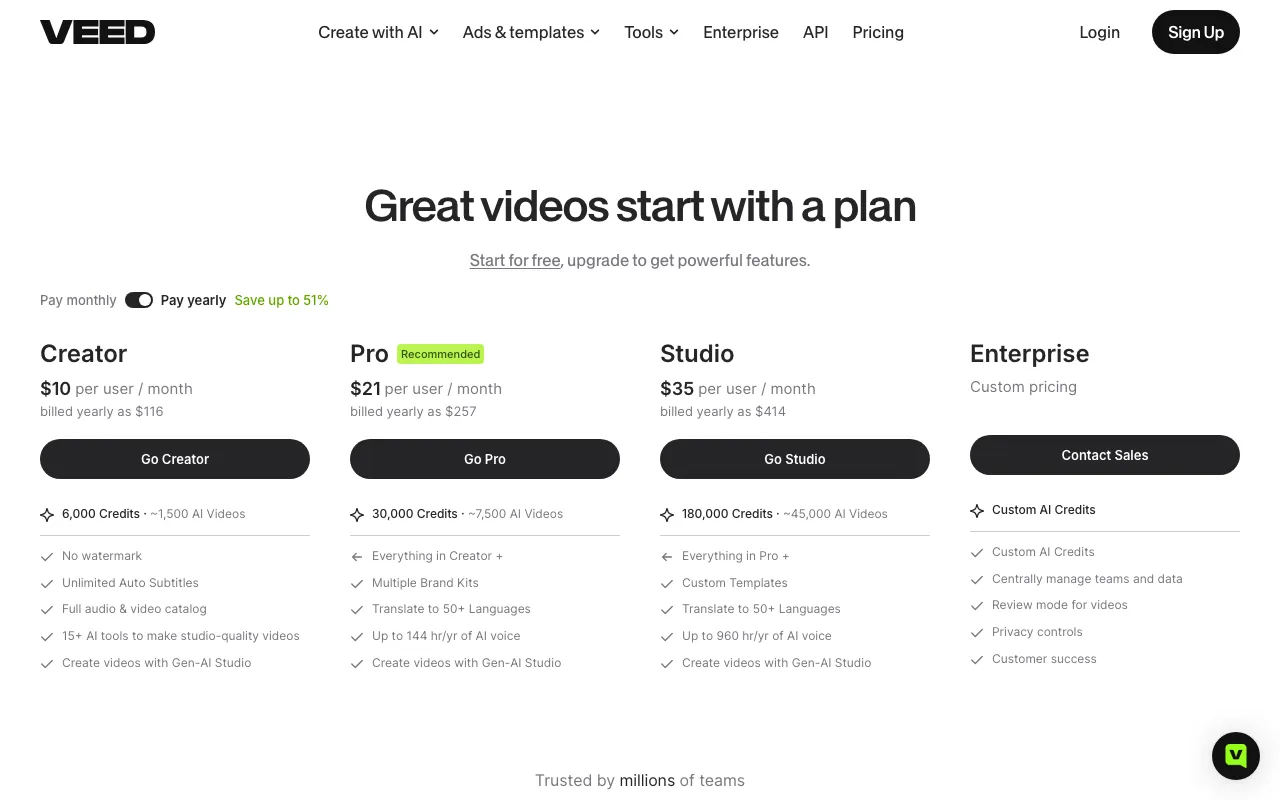 VEED’s plans as of October 2026: priced per user, with AI credits and translation minutes that don’t roll over.
VEED is a capable editor. Its subtitles are fast, it downloads SRT, VTT and TXT files, and it bundles avatars, voice and AI generation under one login.
The friction is in the fine print. VEED caps “unlimited” subtitles at a 50-hour-per-month fair-use limit, counts every translated minute against your plan, and doesn’t roll unused minutes over.
Translation into 50+ languages starts on Pro, not Creator. And there’s no free trial on paid plans unless you’re an enterprise buyer with three or more seats.
If you’ve hit one of those walls, here’s what to check in an alternative:
- Subtitle accuracy and editing. Word-level timing, speaker changes, and how fast you can fix a misheard name.
- Translation. How many languages, and whether translation burns a separate minute allowance.
- Export limits. Resolution, maximum length, monthly export minutes and watermark.
- Seat price. Per-editor pricing doubles your bill when a second person joins.
Capterra’s VEED alternatives page lists dozens of options. The eight below are the ones worth your time in 2026.
1. Vidwip AI Studio
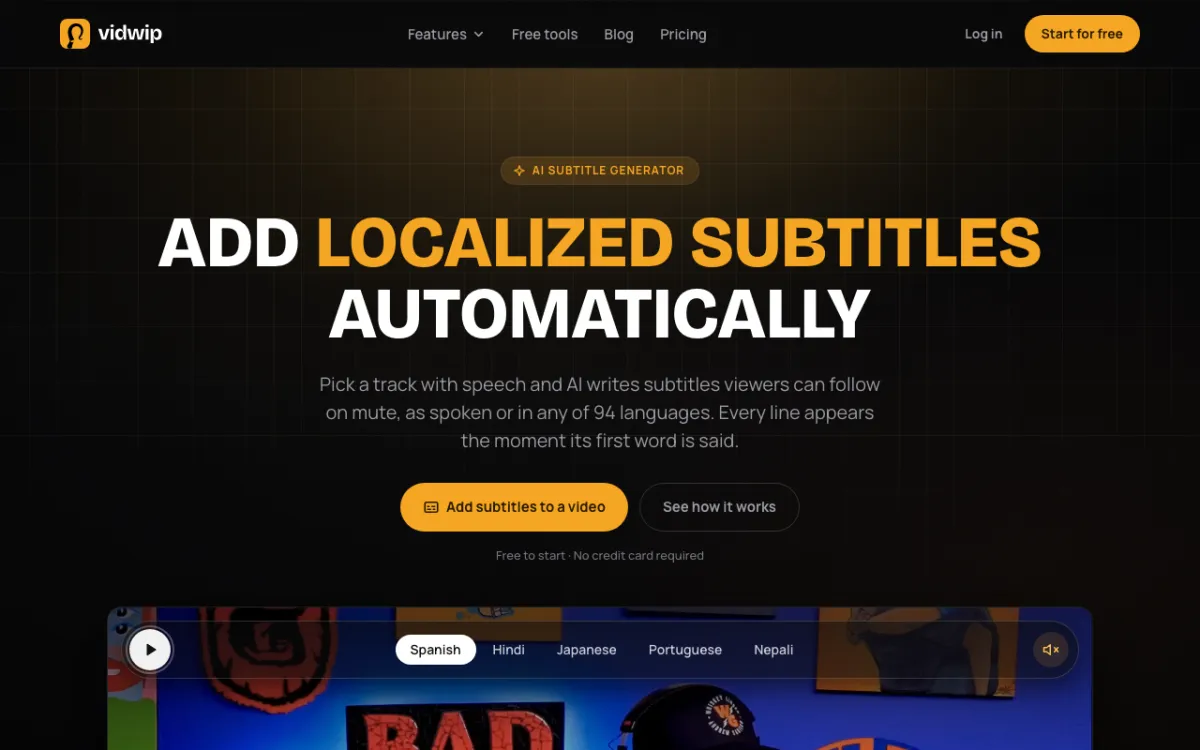 Vidwip AI Studio — a browser timeline with word-timed subtitles and 16 video models on the same tracks.
Vidwip AI Studio times subtitles to the word. ElevenLabs Scribe v2 gives every word its own start and end, so each line appears the moment its first word is said.
The AI subtitle generator lives inside the editor. Pick a track, keep subtitles as spoken or translate them into one of 94 languages, and each translated line keeps its original timing.
Lines break at sentence ends, speaker changes and 0.8-second pauses, and as-spoken lines stay within 42 characters. You click any caption to retype it, and 8 of the 13 looks highlight each word as it’s spoken.
The editor around the subtitles is a real multi-track timeline. You trim, split and ripple delete across video and audio tracks, then generate shots on 16 video models, including Veo 3.1, Kling 3.0 Pro and Seedance 2.5, straight onto your tracks.
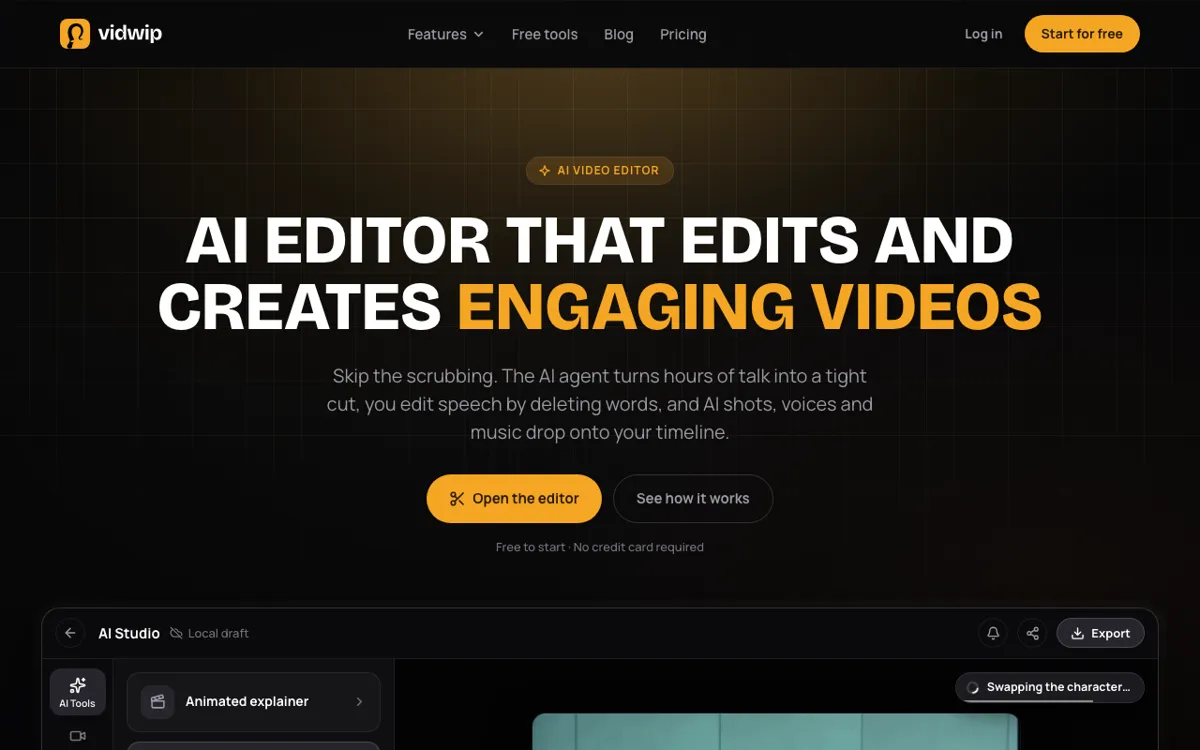 AI Studio: generate a shot, voice or music bed and it lands on your timeline next to your footage.
Edit video reads up to 2 hours of talk across 24 clips and lays a rough cut from one brief. You can also cut speech by deleting words in the transcript, much like Descript.
Pros
- Subtitles timed to every word with ElevenLabs Scribe v2, up to 30 minutes per transcript
- Translate subtitles into 94 languages without retiming a line
- 16 video models and 9 image models generate straight onto the timeline
- Edit video turns up to 2 hours of talk into a trimmable rough cut
- Import your own SRT or VTT file up to 5 MB and burn it in
- No watermark on exports, on any plan
Cons
- Subtitles burn into the video; there’s no SRT or VTT download
- Export tops out at 1080p, with no 4K
- Projects save to your studio, but editing and export run in the tab, with no live co-editing or comments
- No AI avatars and no transitions, and only four starter templates
Best for: Creators who want accurate, translated subtitles and AI-generated shots in the same browser timeline. If your goal is a full dub rather than subtitles, AI Video Dubbing re-voices every speaker in up to 94 languages.
Pricing: Free to start, no credit card. Starter $25/month for 2,500 credits. Pro $99/month for 10,000 credits. Enterprise custom (see plans).
2. Kapwing
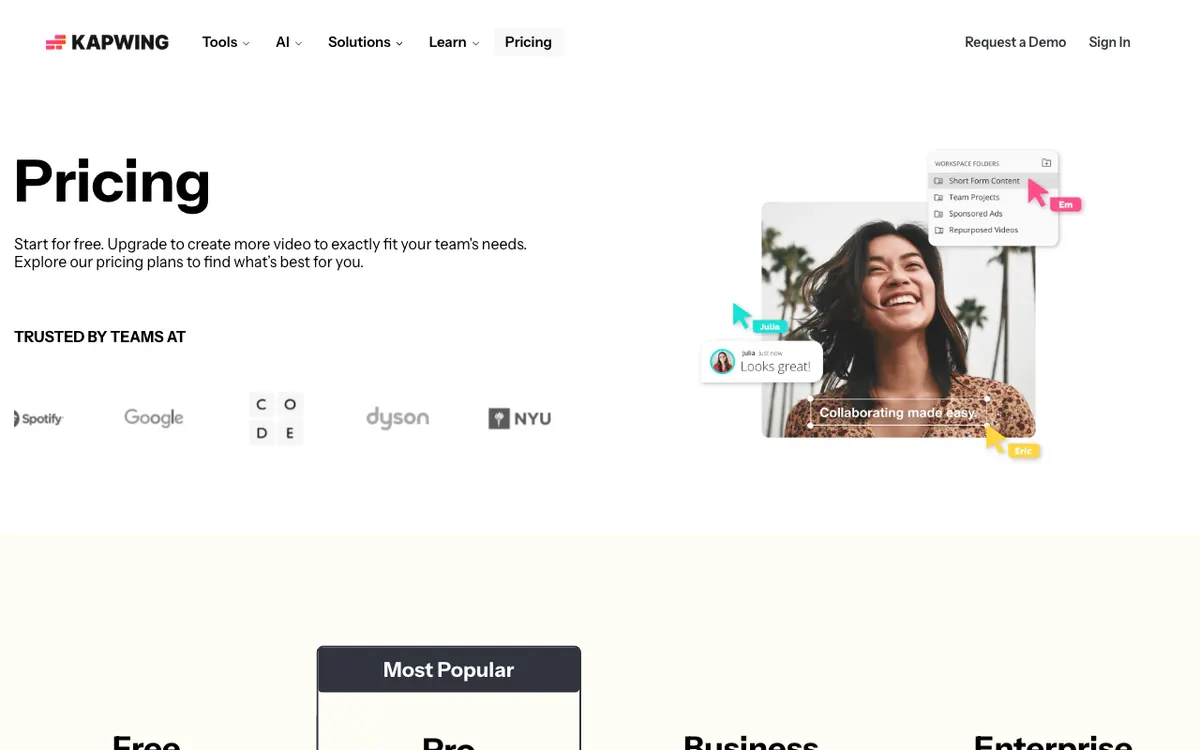 Kapwing — browser editor with auto subtitles, translation and 4K export.
Kapwing is a browser video editor for marketing and social teams, offering auto subtitles, translation and 4K export from $16 per member per month billed annually. It’s the closest match to VEED in feature set and feel.
The Pro plan includes up to 1,000 minutes of auto subtitles and 500 minutes of auto-translation a month. Kapwing translates subtitles to and from 100+ languages and downloads them as SRT or VTT.
Exports run up to 120 minutes in 4K with no watermark on paid plans. Business adds voice clones, lip sync and 2,000 translation minutes a month.
Pros
- 4K export and 120-minute projects on Pro, with an unlimited monthly export cap
- 1,000 subtitle minutes and 500 translation minutes a month on Pro
- SRT, VTT and TXT transcript downloads
- Real-time collaboration and a shared workspace on every paid plan
Cons
- Free plan exports carry a watermark, top out at 720p and stop at 4 minutes
- Dubbing is capped at 50 minutes a month on Pro
- Pro jumps from $16 to $24 a month if you don’t pay annually
Best for: Marketing teams who want a like-for-like VEED replacement with a bigger translation allowance.
Pricing: Free (720p, watermark). Pro $16/month billed annually or $24 monthly. Business $50/month billed annually or $64 monthly (checked October 2026).
3. Descript
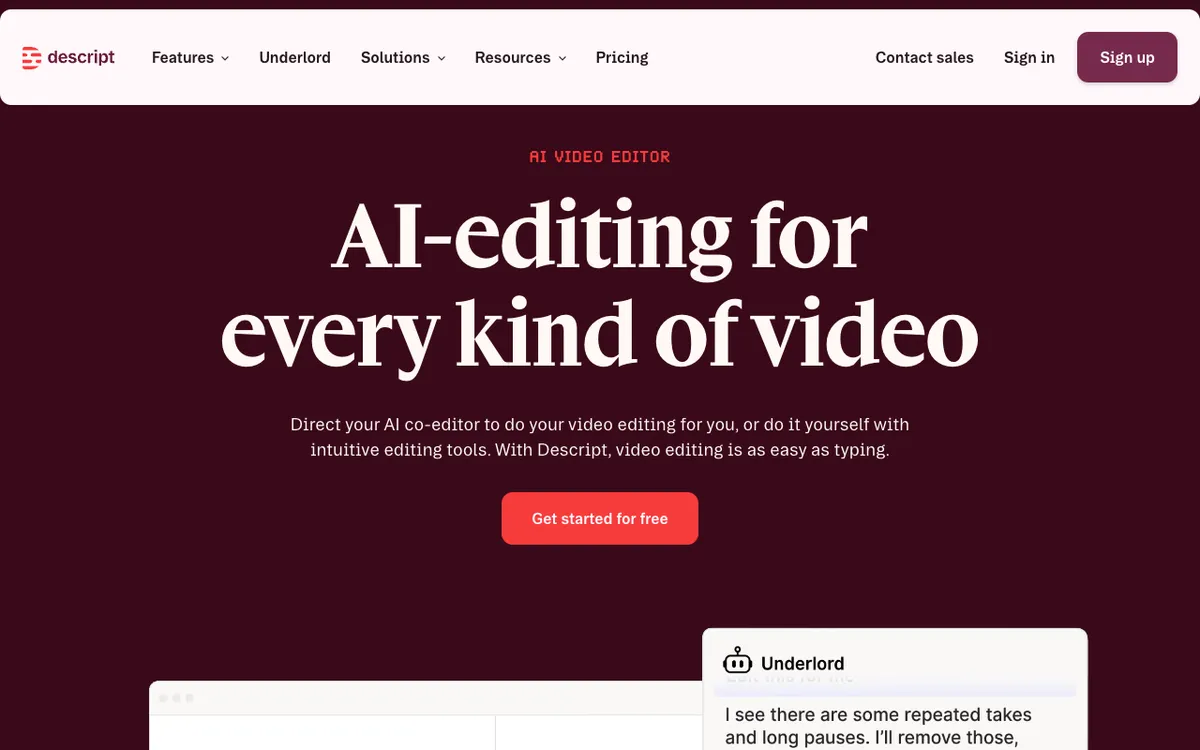 Descript — edit video by editing its transcript.
Descript is a text-based video editor for podcasters and talking-head creators, offering transcript editing, AI dubbing and caption translation from $16 per seat per month billed annually. You delete a word in the transcript and the video cuts with it.
Transcription covers 25 languages. Caption translation reaches 61 languages, and audio dubbing reaches 30.
Its AI co-editor, Underlord, removes filler words, long pauses and retakes on request. That’s faster than any timeline-first editor for interview and podcast footage.
Pros
- Edit by transcript: cut words, and the picture follows
- Underlord AI handles filler words, retakes and rough cuts
- Caption translation into 61 languages, dubbing into 30
- Up to 4K export on Creator and Business
Cons
- Transcription supports 25 languages, fewer than most tools here
- Hobbyist caps export at 1080p and 10 media hours a month
- The interface is built for speech; it’s slower for music-driven or B-roll cuts
Best for: Podcasters, YouTubers and course creators whose video is mostly people talking.
Pricing: Free (720p, watermark, 60 media minutes). Hobbyist $16/month billed annually or $24 monthly. Creator $24 or $35. Business $50 or $65 (checked October 2026).
4. CapCut
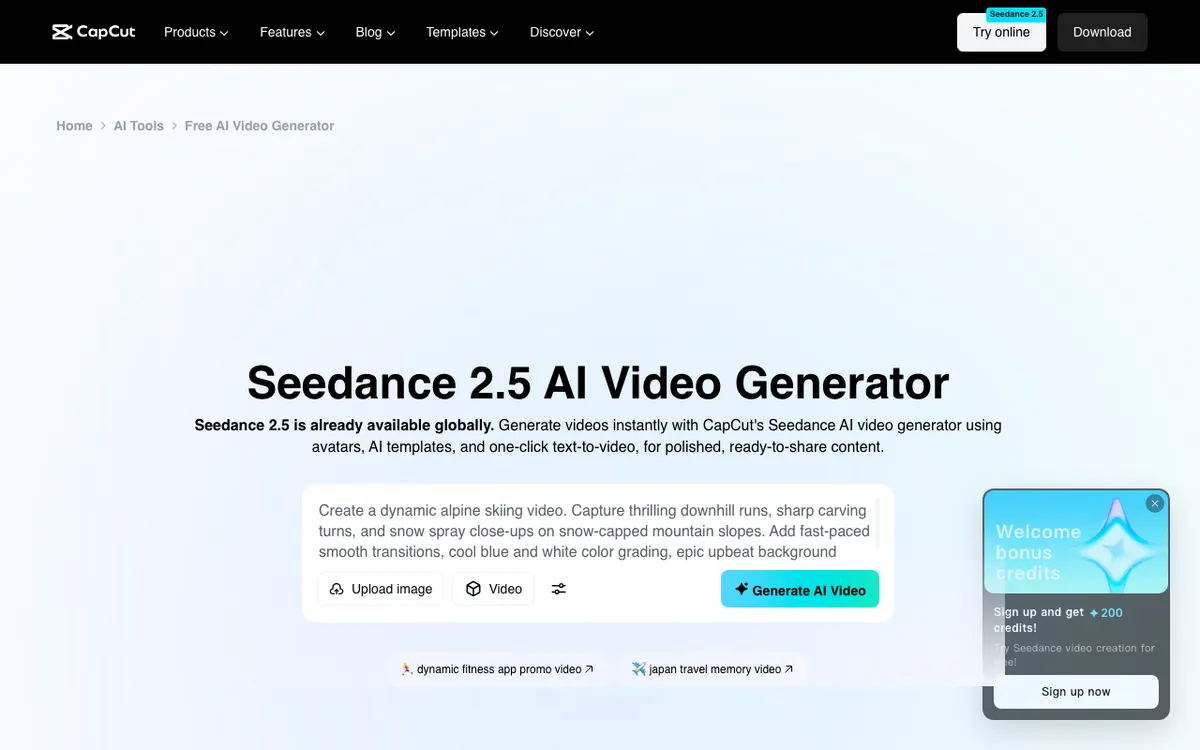 CapCut — short-form editor with templates, auto captions and AI generation.
CapCut is a short-form video editor for TikTok, Reels and Shorts creators, offering templates, auto captions and Seedance video generation from $14 a month. It runs in the browser, on desktop and on phones.
Auto captions detect the spoken language and can be translated into a target language. The template library is the biggest reason people switch: you drop footage into a trending format and post.
CapCut’s pricing page notes that prices shown are for reference, and your final price appears after you sign in.
Pros
- Huge template library built around trending short-form formats
- Auto captions with language detection and translation
- Seedance 2.5 and Seedance 2.0 Mini generation built in
- Teams plan lists $6.50 per seat per month
Cons
- Built for vertical short-form; long-form timelines feel cramped
- The caption tool page doesn’t document SRT export
- Final pricing only shows after sign-in, so budgeting takes an extra step
Best for: Solo creators posting short vertical video every day.
Pricing: Free plan. Pro $14/month, Ultra $79/month, Teams $6.50 per seat per month, as displayed (checked October 2026).
5. Clipchamp
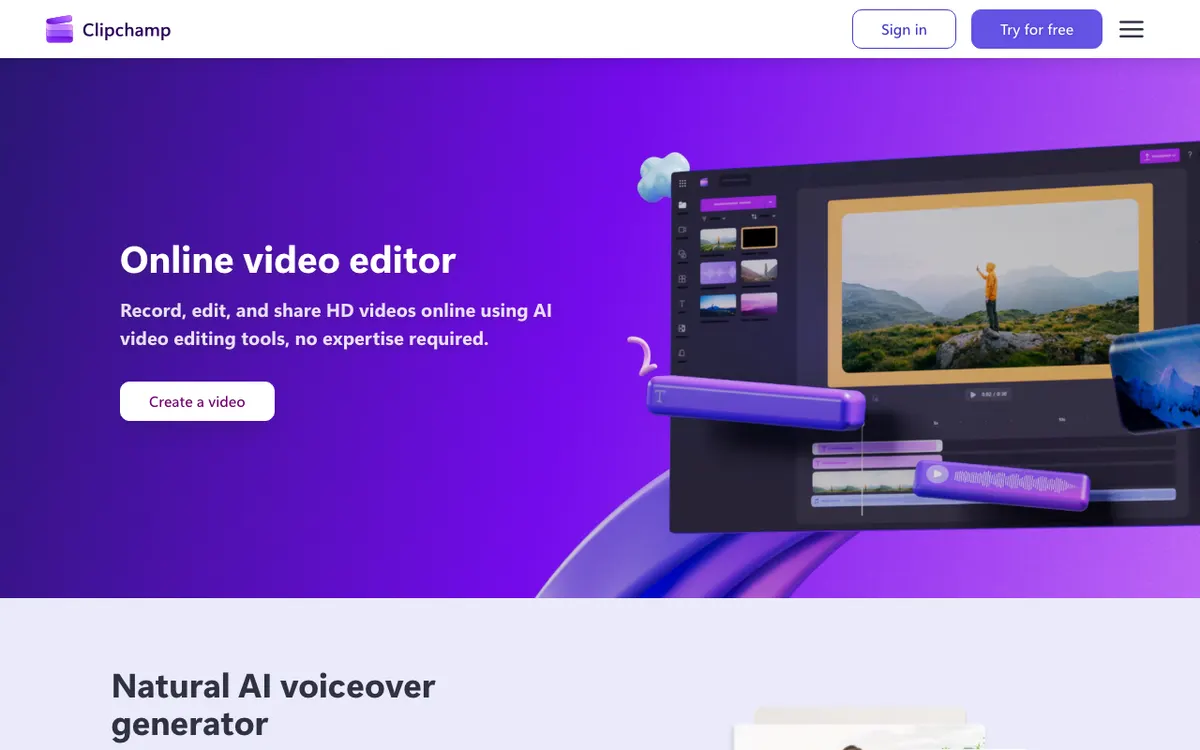 Clipchamp — Microsoft’s browser editor, free at 1080p.
Clipchamp is Microsoft’s online video editor for beginners and Windows users, offering watermark-free 1080p export on its free plan. That’s the most generous free tier in this list.
Autocaptions transcribe in many languages and download as an SRT file from the captions tab. Microsoft processes the audio through Azure, which matters if your company has data rules.
Premium features, including 4K export and premium stock, now come with a Microsoft 365 Personal or Family subscription rather than a separate Clipchamp plan.
Pros
- Free exports at up to 1080p with no watermark
- Autocaptions with SRT download
- Screen, camera and voice recorder built in
- Premium bundled into Microsoft 365, which many people already pay for
Cons
- 4K and premium stock need Microsoft 365
- No subtitle translation tool documented alongside autocaptions
- Fewer AI tools than VEED, Kapwing or Descript
Best for: Anyone who wants a free, watermark-free editor for simple cuts and captions.
Pricing: Free (1080p, no watermark). Premium via Microsoft 365 Personal at $9.99/month or Family at $12.99/month (checked October 2026).
6. Flixier
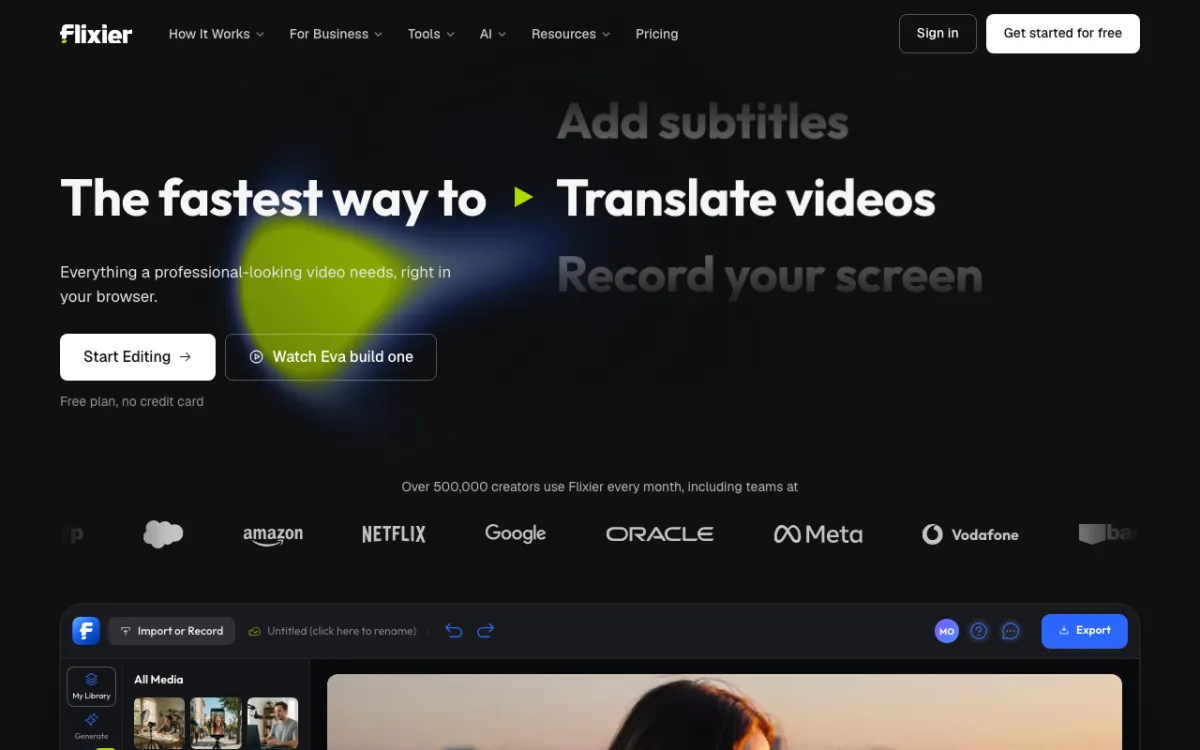 Flixier — cloud-rendered browser editor with subtitles and translation.
Flixier is a cloud-rendered video editor for teams on modest hardware, offering auto subtitles, subtitle translation and 4K export from $19 per seat per month. Rendering happens on Flixier’s servers, so an old laptop exports as fast as a new one.
Subtitles download as SRT, VTT, TXT, ASS and more. Flixier’s own pages cite anything from 40+ to 130+ translation languages, so check the current list in the app.
The catch is metering. Starter caps you at 60 export minutes and 120 subtitle minutes per seat a month.
Pros
- Cloud rendering keeps exports fast on any machine
- Wide subtitle export formats: SRT, VTT, TXT, SUB, ASS
- Creator plan unlocks unlimited exports and 4K
- Free plan needs no credit card
Cons
- Starter caps export at 60 minutes and 1080p per seat a month
- Free plan allows 10 export minutes and 5 subtitle minutes a month, with a watermark
- Translation minutes are a paid add-on on Creator and Business
Best for: Teams who edit on mixed hardware and want server-side rendering.
Pricing: Free (720p, watermark). Starter $19, Creator $39, Business $69 per seat per month billed monthly (checked October 2026).
7. HeyGen
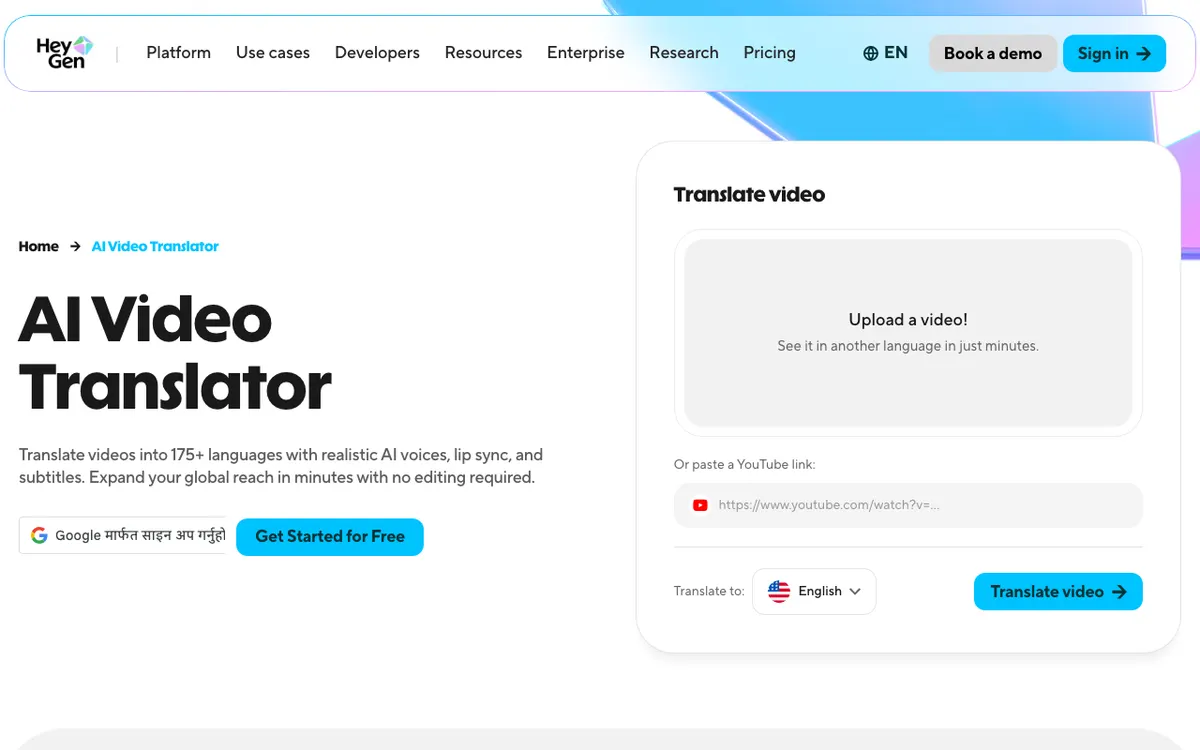 HeyGen — AI avatars and video translation in 175+ languages.
HeyGen is an AI avatar platform for marketers and trainers, offering stock and custom avatars plus video translation in 175+ languages and dialects from $29 a month. If you used VEED mainly for its avatars, HeyGen goes much deeper.
It has an AI studio editor, but it isn’t a general-purpose timeline editor. You script an avatar, translate it and export.
Pro adds 4K export and lets you edit and proofread the translation script before it’s voiced.
Pros
- 500+ stock avatars and a free custom avatar
- Translation into 175+ languages and dialects with voice cloning on paid plans
- Videos up to 30 minutes on Creator and Pro
- Translation proofreading on Pro
Cons
- Not a full replacement for VEED’s general editing tools
- Free plan caps you at 3 videos a month, up to 1 minute each
- Credit-based plans make heavy avatar use expensive
Best for: Teams making avatar-led training, sales and localized explainer video. Our HeyGen alternatives post covers the rest of the avatar field.
Pricing: Free (3 videos/month). Creator $29/month. Pro $49/month (checked October 2026).
8. Riverside
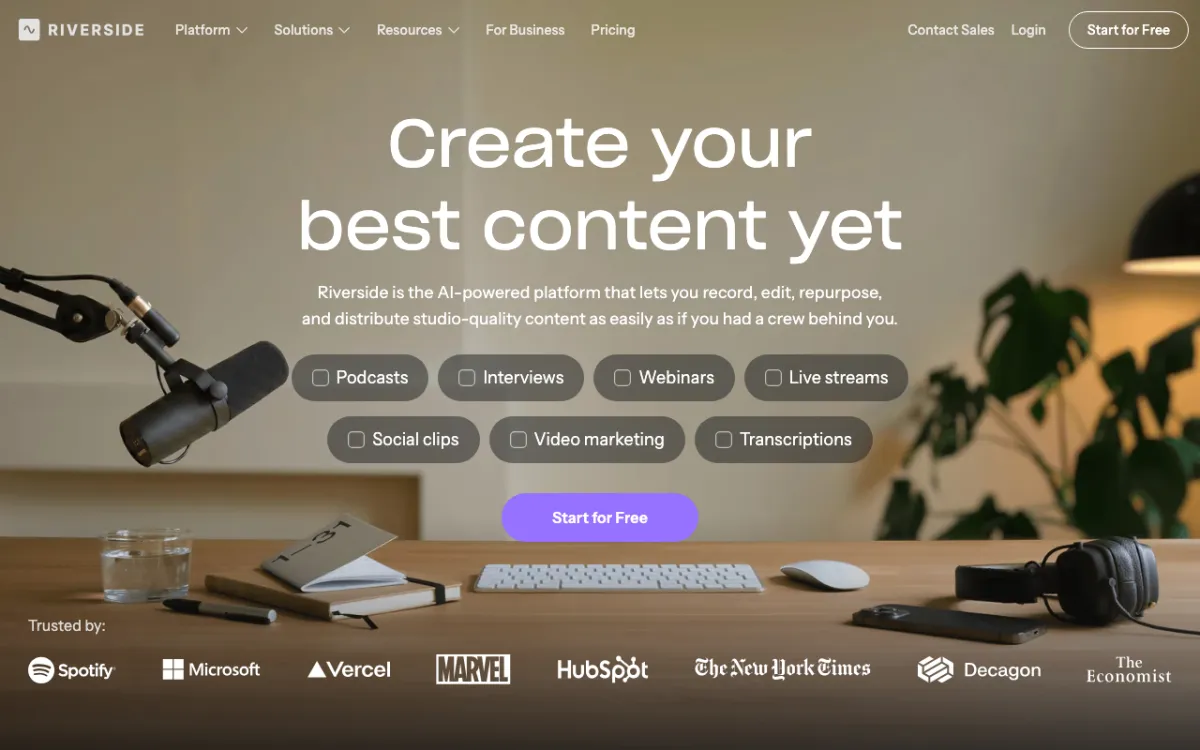 Riverside — remote recording, text-based editing and Magic Clips.
Riverside is a recording-first platform for podcasters and interviewers, offering 4K remote recording, text-based editing and unlimited transcriptions from $24 a month billed yearly. VEED records too, but Riverside captures each guest locally, so a bad connection doesn’t ruin the take.
After the call, you edit by transcript, remove silences and filler words, and cut Magic Clips for social. There’s no watermark on paid plans.
Pros
- Local recording up to 4K video and 48 kHz audio per guest
- Unlimited text-based editing and transcriptions on Pro
- Magic Clips and AI show notes for repurposing
- Podcast hosting and publishing built in
Cons
- Built around recording sessions; editing uploaded footage is secondary
- The pricing page lists a 14-day trial rather than a free plan
- Live streaming and webinars push you to $34 to $79 a month
Best for: Podcasters and interview shows who record remote guests and edit in the same tool.
Pricing: Pro $24/month billed yearly or $29 monthly. Grow $34 or $39. Webinar $79 or $99. These are US prices, and Riverside shows lower prices in some regions (checked October 2026).
VEED alternatives compared
| Tool | Subtitle files | Translation | Max export (paid) | Free plan watermark | Starting paid price |
|---|---|---|---|---|---|
| VEED (baseline) | SRT, VTT, TXT | 50+ languages on Pro | Plan-dependent | Yes | $10/user/mo yearly, $20 monthly |
| Vidwip AI Studio | Burned in; SRT/VTT import | 94 languages, timing kept | 1080p | No | $25/mo (2,500 credits) |
| Kapwing | SRT, VTT, TXT | 100+ languages, 500 min/mo on Pro | 4K, 120 min | Yes | $16/member/mo yearly, $24 monthly |
| Descript | Caption export | 61 caption, 30 dub languages | 1080p (Hobbyist), 4K (Creator) | Yes | $16/seat/mo yearly, $24 monthly |
| CapCut | Not documented | Caption translation | Not stated | Not stated | $14/mo, Teams $6.50/seat |
| Clipchamp | SRT | Not documented | 4K with Microsoft 365 | No (1080p free) | $9.99/mo via Microsoft 365 |
| Flixier | SRT, VTT, TXT, ASS | Add-on minutes | 1080p (Starter), 4K (Creator) | Yes | $19/seat/mo |
| HeyGen | Not compared | 175+ languages | 1080p (Creator), 4K (Pro) | Yes | $29/mo |
| Riverside | Transcripts | Not compared | 4K recording | No free plan | $24/mo yearly, $29 monthly |
Prices checked on each vendor’s pricing page in October 2026.
How to choose the right VEED alternative
You need translated subtitles that land on the word, and AI shots in the same edit. Pick Vidwip AI Studio. Scribe v2 times every word, 94 languages keep that timing, and 16 video models fill the gaps on the same timeline. For transcripts outside an editor, see our AI video transcription tools comparison, and for multi-model generation, our Higgsfield alternatives ranking.
You want VEED without the translation squeeze. Pick Kapwing. You get 500 translation minutes on Pro instead of VEED’s Pro-only 50+ languages, plus 4K and SRT downloads.
Your video is mostly people talking. Pick Descript or Riverside. Descript edits any footage by transcript; Riverside is better when you record remote guests yourself.
You need free and watermark-free. Pick Clipchamp for 1080p exports at no cost. CapCut is the alternative if you live in short-form templates.
You used VEED for avatars. Pick HeyGen, and read our AI video dubbing tools ranking if translation matters more than the avatar.
Final verdict
If subtitles are the reason you’re leaving VEED, start with Vidwip AI Studio. Every line is timed to the word in 94 languages, and the shots, voice and music you need land on the same timeline.
Kapwing is the closest like-for-like swap: same browser workflow, bigger translation allowance, 4K export. Descript wins for spoken content, and Clipchamp is the best free pick.
Start free at app.vidwip.com, no credit card needed.