
The free faceless video generators split cleanly: the ones that automate the most stamp a watermark on the export, and the ones that export clean make you assemble the video yourself. CapCut and Clipchamp both export watermark-free at 1080p but will not write the video for you. Fliki is the only true script-to-video generator here with a permanent free plan, and it caps you at 3 credits a month, one minute per export, at 720p with its watermark burned in.
TL;DR
Every free faceless video generator falls into one of two camps, and the split is the whole story.
The tools that automate the most — one prompt, one finished video — watermark the export, cap it at a minute, or publish no free limits at all. The tools that export clean at 1080p make you assemble the video yourself.
Four tools, every limit checked against the vendor’s own page in September 2026:
- CapCut — best free route to something you can actually publish. No monthly export cap, text to speech built in, and exports come out clean if you build from scratch. Its AI video generator is credit-metered; the editor is not.
- Microsoft Clipchamp — the most honest free tier of the four. Up to 1080p, watermark-free exports, free stock assets, AI text to speech. Slowest to produce volume.
- Fliki — the only true script-to-video generator here with a permanent free plan. 3 credits a month, 1 minute per export, 720p, Fliki watermark, 300 voices across 80+ languages.
- invideo AI — the best prompt-to-video output of the four, and the least transparent. Its pricing page lists no free plan at all; paid starts at $17/month billed yearly ($200/year) for 750 credits.
Pick Clipchamp if you want a clean file with no surprises, CapCut if you want the bigger effects and template library, and Fliki only to test whether script-to-video suits your niche before you pay for it.
What a free faceless video generator actually gives you
The category name oversells the automation. A faceless video needs a script, footage, narration, captions and a cut — and no free tool does all five well.
So judge a free tier on five numbers, not on the feature grid.
Watermark. The single question that decides whether you can publish. Some tools stamp every free export; others only stamp projects that use paid assets.
Clip-length cap. A generous monthly allowance is meaningless when each export is capped at 60 seconds.
Export resolution. 720p reads as low-effort on a TV or a desktop feed. 1080p is the floor for anything you want monetized.
Monthly ceiling. Credits, minutes or videos — know which unit you are spending and how fast it drains.
Stock library depth. Free tiers share the same general royalty-free pools. That is why faceless channels in the same niche run identical footage.
Rankings below are by what you can publish for free, not by how many features the marketing page lists.
1. CapCut — best free route to a publishable faceless video
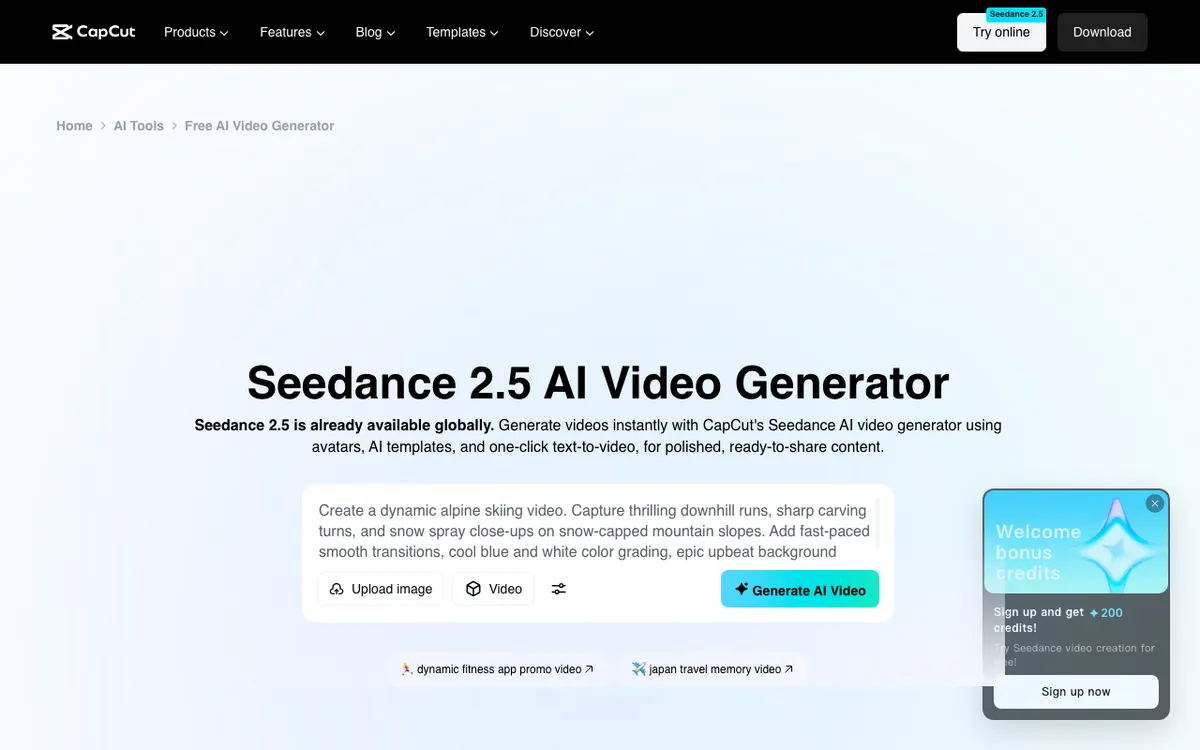 CapCut — free editor with text to speech, plus a separate credit-metered AI video generator
CapCut is the most practical free tool on this list because nothing meaningful is metered. You get a full multi-track editor, text to speech, a large template and effects library, and no monthly export ceiling.
It is not a generator in the prompt-in, video-out sense. You paste your script, generate the voiceover, drop clips onto the timeline and cut to the audio.
The watermark rule is the part people get wrong. CapCut’s own help page says a watermark appears when a template includes an ending clip, a stock asset requires attribution, or the default outro is left in the export — and that “creating a project from scratch usually avoids watermarks.”
CapCut does ship a genuine generator too. Its AI video generator page runs Seedance 2.5 text-to-video and offers 200 bonus credits on sign-up, which is a trial allowance rather than a monthly grant.
Pros
- No monthly cap on editing or exporting on the free plan
- Text to speech, captions and a deep effects library at no cost
- Exports come out clean when the project uses only free assets
- The largest template ecosystem of any free editor, which is a real speed advantage for short-form
Cons
- Not prompt-to-video: you write the script and cut the timeline yourself
- Anything marked Pro in the template, effects, font or music library carries over into the export
- The Seedance AI generator runs on credits, not the free editor allowance
- Template-built videos look like other template-built videos
Best for: Creators who want a clean, publishable file for free and do not mind editing. Pricing: Free plan with no export ceiling. CapCut’s own comparison page lists Pro at $19.99/month or $179.99/year (checked September 2026).
2. Microsoft Clipchamp — the free tier with the fewest asterisks
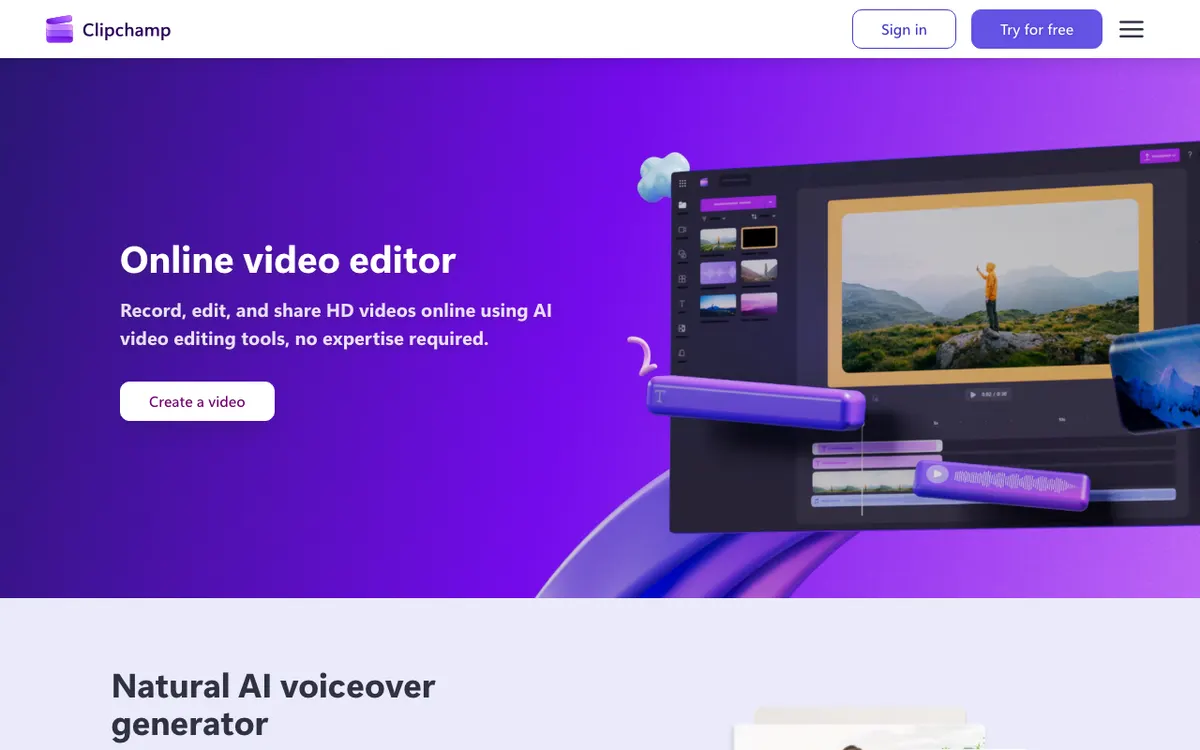 Microsoft Clipchamp — free 1080p exports with AI text to speech built in
Clipchamp is the free faceless video generator alternative with the least fine print. Microsoft’s pricing page states the free plan gives you up to 1080p HD resolution, watermark-free video exports and free stock assets.
That combination is rarer than it sounds. Most free video tools trade resolution for watermark removal, or gate 1080p behind a subscription.
Text to speech is built into the editor rather than sold as a separate AI product, and Microsoft’s support documentation covers voice selection plus pitch and pace controls across a long language list.
The trade-off is throughput. Clipchamp is a competent editor with a modest asset library, not a content engine — producing five faceless videos a week here is a grind.
Pros
- Watermark-free 1080p exports on the free plan, stated on Microsoft’s own pricing page
- AI text to speech with pitch and pace control, included free
- Auto-captions and a straightforward timeline that new editors pick up quickly
- Backed by Microsoft, so the free tier is unlikely to be quietly narrowed next quarter
Cons
- No prompt-to-video generation at all — every video is assembled by hand
- Free stock library is thinner than CapCut’s; the deeper library is premium
- Premium features come bundled with Microsoft 365 rather than sold as a standalone creator plan
- Slowest of the four for producing volume
Best for: Anyone who wants a clean 1080p file with no watermark surprises. Pricing: Free plan with 1080p watermark-free exports. Premium features are included with Microsoft 365 Personal and Family (checked September 2026).
3. Fliki — the only real generator with a permanent free plan
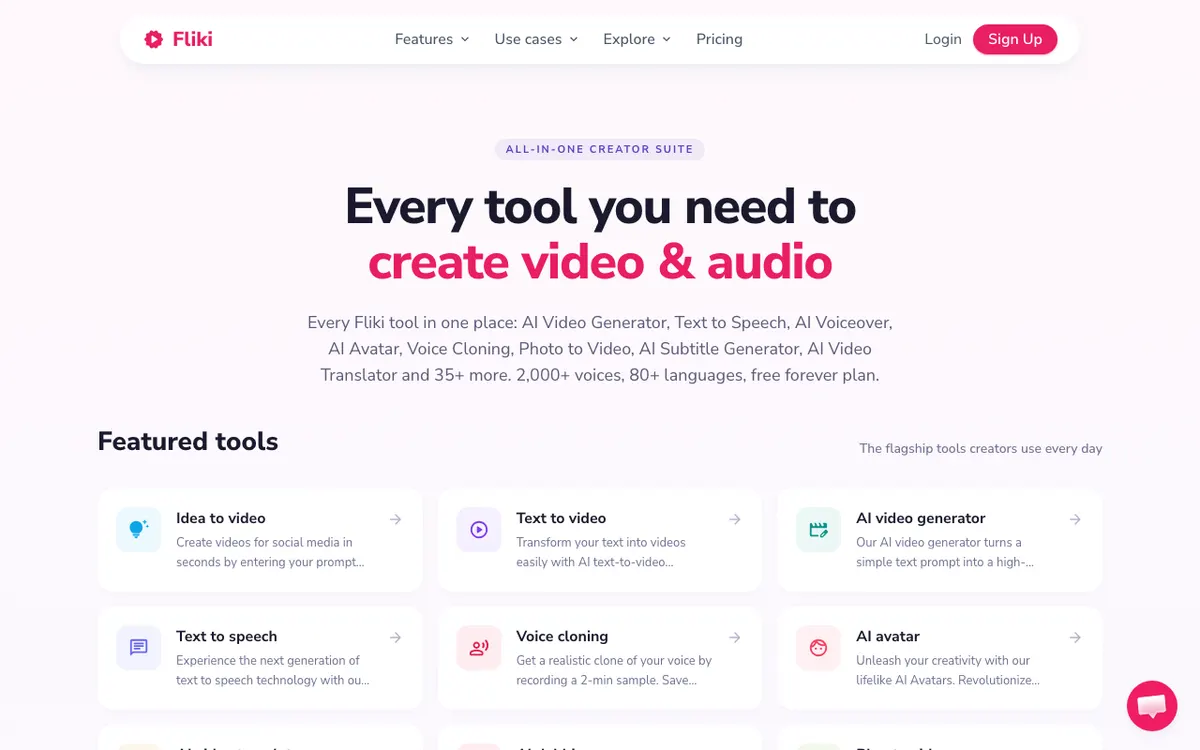 Fliki — script-to-video generation with a free forever plan and a hard one-minute cap
Fliki is what most people picture when they search for a faceless video generator: paste a script or a prompt, pick a voice, and it splits the text into scenes, matches stock footage and narrates it.
The free plan is real and permanent. It is also small.
Fliki’s pricing page puts the free tier at 3 credits per month, a maximum export length of 1 minute, 720p output, a Fliki watermark, 50 scenes and 300 voices across 80+ languages (checked September 2026).
Read that as three one-minute drafts a month, watermarked, at a resolution you would not publish. It is a competent trial of the workflow, not a production tool.
Paid tiers scale the ceiling rather than the features: Basic adds 720 credits a year, 1080p and videos up to 5 minutes; Standard moves to 2,160 credits a year and 15-minute videos; Premium reaches 7,200 credits a year, 40-minute videos and 2,000+ voices. Fliki’s pricing page localises currency by region, so check the figure it shows you rather than a price quoted in someone else’s post.
Pros
- Genuine script-to-video: scene splitting, footage matching and narration in one pass
- 300 voices across 80+ languages on the free plan, which is unusually generous for a free tier
- Fastest path from a blank page to a rough faceless draft
- Free plan is permanent, not a 7-day trial
Cons
- 1-minute export cap on free makes anything longer than a Short impossible
- 720p and a burned-in watermark on every free export
- 3 credits a month runs out in one sitting
- Auto-matched stock is generic — the same clips recur across channels in the same niche
Best for: Testing whether script-to-video suits your niche before paying for it. Pricing: Free forever at 3 credits/month, 1-minute cap, 720p, watermarked. Paid tiers priced in local currency on Fliki’s pricing page (checked September 2026).
4. invideo AI — the best output, and the least transparent free tier
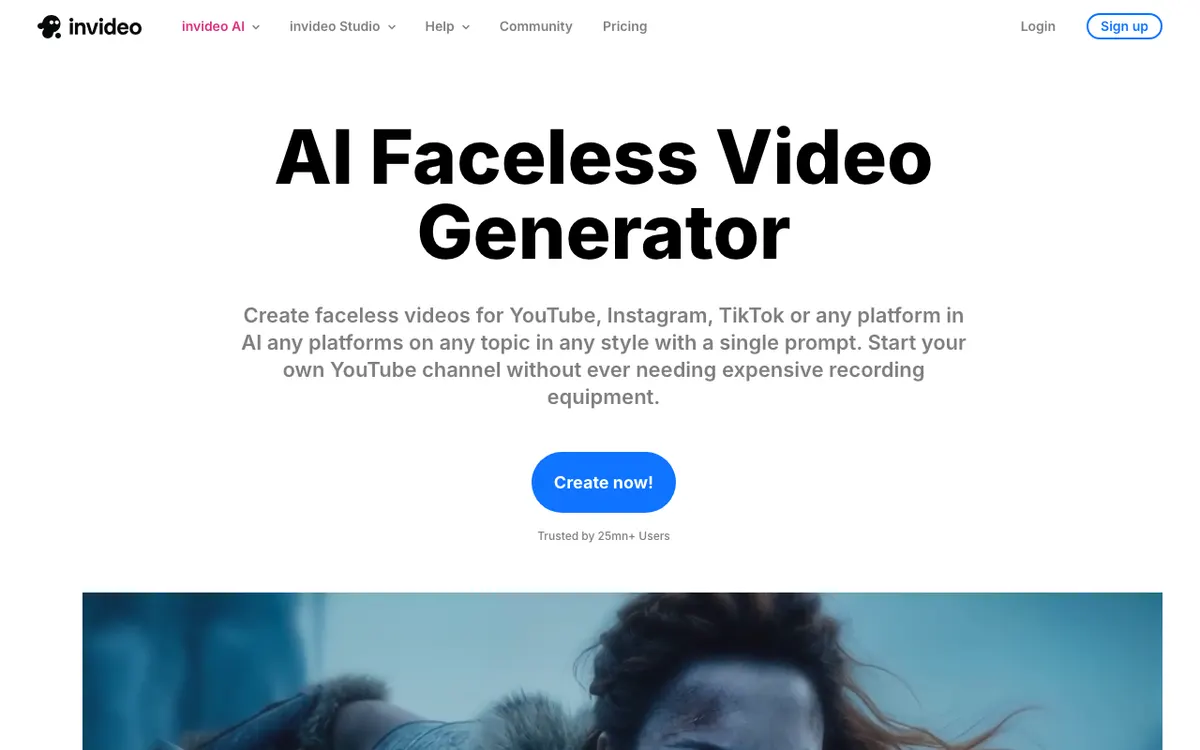 invideo AI — prompt-to-video for faceless channels, marketed as free with no published free limits
invideo AI produces the most finished-looking result of the four. One prompt gets you a script, scene breakdown, stock footage, voiceover, music and captions, and you refine it by typing edits in plain language.
Its faceless video generator page pushes a “Make faceless videos for free!” button. Its pricing page, checked September 2026, lists no free plan at all — no free row, no free limits, no watermark policy.
That gap matters. Every other tool here publishes what free buys you; invideo makes you sign up to find out, and third-party write-ups disagree with each other about the weekly cap and the export resolution.
What is published: Plus at $17/month billed yearly ($200/year) for 750 credits a month, 100 iStock media and unlimited exports without watermark. Above it, Max at $85/month for 3,900 credits, Generative at $170/month for 8,000, and Elite at $900/month for 42,500.
The “unlimited exports without watermark” line on every paid tier tells you what free exports look like.
Pros
- Best generated output of the four — pacing, scene matching and music sit closest to hand-edited
- Plain-language editing: “make the intro shorter” actually works
- iStock media included on paid plans rather than sourced from the same free pools everyone uses
- Handles long-form as comfortably as Shorts
Cons
- No free plan documented on the pricing page, so free limits are unknowable before sign-up
- Watermark-free export is explicitly a paid feature
- Credit accounting is opaque next to a straight minutes allowance
- $200 a year is a real commitment for a channel that has not proven itself yet
Best for: Creators ready to pay for prompt-to-video quality, once the channel earns it. Pricing: No free plan listed. Plus $17/month billed yearly at $200/year (checked September 2026).
Free faceless video generators compared
| Tool | Free plan | Length cap (free) | Resolution (free) | Watermark (free) | Writes the video? | Paid from |
|---|---|---|---|---|---|---|
| CapCut | Yes, no export ceiling | None | Full editor export | Only with Pro assets or the default outro | No | $19.99/mo |
| Clipchamp | Yes, no export ceiling | None | Up to 1080p | No | No | Bundled with Microsoft 365 |
| Fliki | Yes, 3 credits/month | 1 minute | 720p | Yes | Yes | Local currency, see pricing page |
| invideo AI | Not listed on pricing page | Not published | Not published | Paid removes it | Yes | $17/mo billed yearly |
All figures checked against each vendor’s own pages in September 2026.
Two more you will see recommended — and why they are not here
Pictory shows up on nearly every “free faceless video generator” list. Its pricing page has no free plan — only a free trial, with Starter at $29/month month-to-month (200 video minutes, 100 AI credits) or $25/month billed annually (checked September 2026). A trial is not a free tier.
The second group is the template farm: a wave of near-identical sites promising free faceless videos in one click. They publish no limits, share the same stock pools, and the export is usually watermarked or gated behind a sign-up wall you only discover after generating. If a tool will not tell you its free ceiling before you sign up, treat that as the answer.
How to choose
You want a clean file and hate editing. Clipchamp. 1080p, no watermark, stated on Microsoft’s own page, and the learning curve is an afternoon.
You want speed and template variety. CapCut. Build from scratch, avoid Pro-locked assets, export clean, and repeat with no monthly ceiling.
You want to know whether script-to-video works for your niche. Fliki’s free plan, for three one-minute drafts. Judge the scene matching and the voices, then decide.
You are already publishing and revenue is coming in. invideo AI, on a paid plan. The output quality gap is real, and free is not where you will experience it.
You are producing in more than one language. Start from the narration, not the visuals — see our roundup of free AI video dubbing tools for what multi-language output costs before you commit to a workflow.
The narration is what separates watchable from spam
Look at any faceless channel that works and the visuals are ordinary. Stock footage, a Ken Burns pan, captions.
What holds attention is the narration: a script written about what is actually on screen, read in a voice that does not sound like a screen reader. Auto-matched stock plus a flat text-to-speech read is precisely the profile that fails a monetization review — and no amount of free footage fixes it. If you are comparing voices, our ranking of free AI video voiceover tools and the wider AI video voiceover generator roundup cover where each one stops.
For that one component, Vidwip’s AI Video Voiceover is worth knowing about: it watches footage you already have, writes the narration scene by scene, and voices it from 190+ AI voices in 74 languages. It is not a faceless video generator — it does not source stock footage, pick a topic or cut a video, and you still assemble the result in CapCut or Clipchamp.
Vidwip is free to start with no card, then meters at 60 credits per finished minute. Free-plan renders carry a small Vidwip badge, and paid plans have no watermark.
Final verdict
There is no free tool that writes, sources, narrates, captions and exports a publishable faceless video. Anyone claiming otherwise is describing a watermarked 720p minute.
The realistic free stack is two tools: something that produces good narration, and a free editor that exports clean. Clipchamp is the safest editor half of that pair, CapCut the fastest.
Fliki earns its free plan as a test bench — three drafts is enough to learn whether auto-matched stock suits your niche. invideo AI earns its price once a channel is actually earning, and not before.
And once the pipeline runs, the bottleneck moves off the generator entirely. It becomes topic selection and script quality — which is also why free AI commentary generators and free transcription tools end up in the same workflow: writing better narration, and getting accurate captions onto it, matter more than which generator assembled the visuals.
If you are publishing to YouTube specifically, the free tiers get judged on different terms — render counts, length caps and watermark policy per upload — and free faceless YouTube video generators ranks them on exactly that. For tools that install rather than run in a browser, faceless video generator apps covers the phone and desktop builds.