
Vidwip is the best Maestra alternative if you want dubbing and subtitles from one account on one credit plan: AI Video Dubbing re-voices every speaker in up to 94 languages from $2.40 per minute per language, and the AI Subtitle Generator times every word with ElevenLabs Scribe v2 and translates into 94 languages. Happy Scribe wins on subtitle files and accuracy, ElevenLabs on raw dubbing cost, and Rask AI on lip sync.
Maestra does a lot: transcription, subtitles, voiceover and dubbing in 125+ languages, all from one editor. The catch is that it sells each job as its own plan, so the best Maestra alternatives are the tools that give you subtitles and dubs without stacking three subscriptions.
This post ranks seven of them. Every competitor price was checked on the vendor’s own pricing page in October 2026.
TL;DR — the best Maestra alternatives at a glance
- Vidwip — dubbing in every speaker’s own voice plus word-timed AI subtitles, both in up to 94 languages, on one credit plan from $25/month.
- Rask AI — the lip sync pick, 135+ languages, SRT export, from $39/month for 25 minutes.
- VEED — the editor pick, auto subtitles from $10 per user/month billed yearly, dubbing and translation on Pro.
- Happy Scribe — the subtitle accuracy pick, 150+ languages, human proofreading at 99%, from $17/month. No dubbing.
- ElevenLabs — the cheapest dubbing per minute, about $0.55 on Creator, with Scribe speech-to-text on the same credits.
- Descript — transcript-first editing with captions and AI dubbing in 30 languages, from $24/month.
- Kapwing — budget subtitles and dubbing in one browser editor, from $24/month.
Why people look for Maestra alternatives
Maestra is a capable tool. It transcribes in 125+ languages, lets you fix the transcript and translation in one editor, and adds voice cloning and lip sync on its higher tiers.
Three things push people to look elsewhere.
First, the pricing is split by job. Transcription, Subtitles and Voiceover each have their own plan ladder on maestra.ai/pricing, and the headline prices are billed annually.
Second, the subtitle and dub allowances don’t share a pool. Subtitles Basic is $39/month for 360 minutes, and Voiceover Basic is another $39/month for 120 minutes of stock-voice dubbing.
Third, cloned voices start at Voiceover Premium ($79/month for 100 minutes), so keeping the speaker’s own voice costs about $0.79 a minute before you add subtitles (checked October 2026).
If you subtitle and dub the same videos, that’s two bills for one workflow.
What to look for in a Maestra alternative
Rank these four before you compare tools. They decide whether the switch saves you anything.
| Factor | What it means | Why it matters |
|---|---|---|
| Subtitle accuracy and timing | How close the AI transcript is, and whether lines start on the spoken word | Late or wrong captions are worse than none for muted viewers |
| Subtitle styling and export | Fonts, word highlight, burn-in, and SRT/VTT files | Social clips need burned-in style; broadcast and YouTube want files |
| Voice quality | A clone of the original speaker vs a stock voice | Viewers came for the person on screen |
| Cost per finished minute | Plan price divided by the minutes it actually buys, per language | Dubbing bills per target language, so this compounds fast |
New to dubbing? Our AI video dubbing guide explains how transcription, translation and voice cloning fit together.
1. Vidwip — best Maestra alternative for dubbing and subtitles in one place
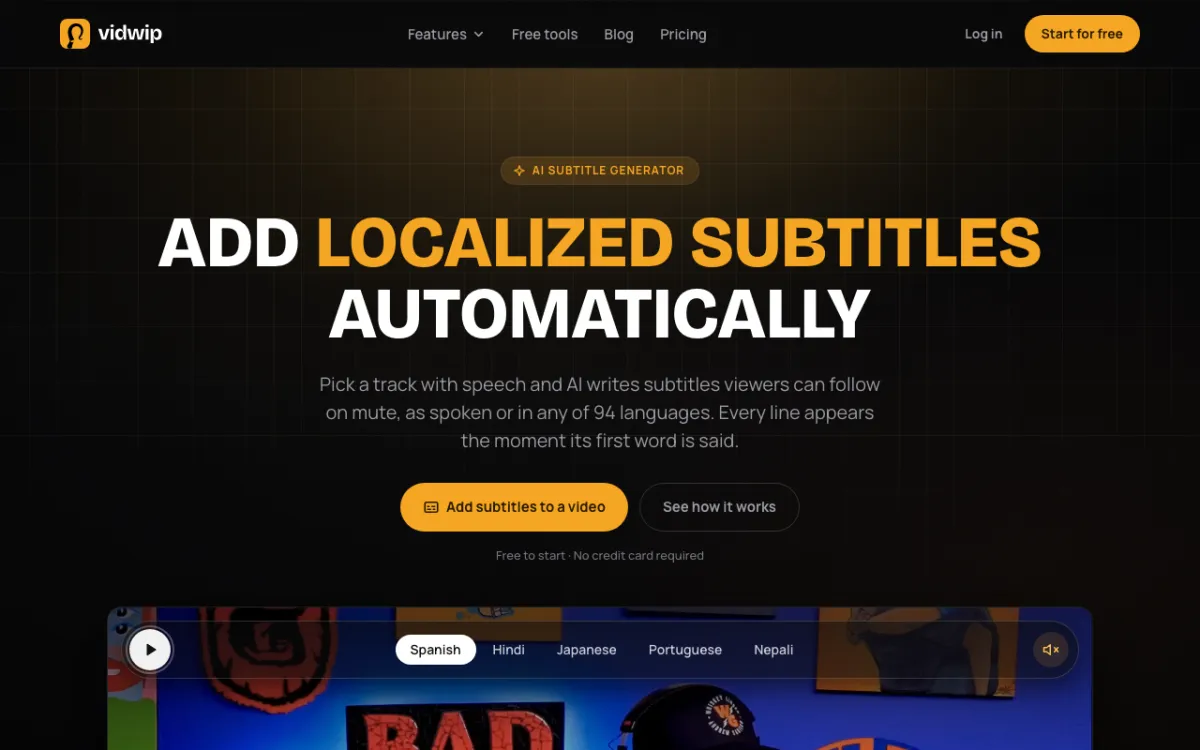 Vidwip AI Subtitle Generator — subtitles timed to every spoken word, as spoken or in 94 languages.
Vidwip is an AI creative studio for creators and marketing teams that dubs video in every speaker’s own voice and adds word-timed subtitles, both in up to 94 languages, on one credit plan from $25/month. It covers the two jobs most people buy Maestra for, without separate subscriptions.
Dubbing. AI Video Dubbing transcribes your video, translates it and re-voices each speaker in a clone of their own voice. The background music and sound stay under the new dialogue.
You pick the engine on every run. ElevenLabs Dubbing v1 is the default, with 29 languages, and v2 (Advanced) covers 94 and handles background noise and multiple speakers.
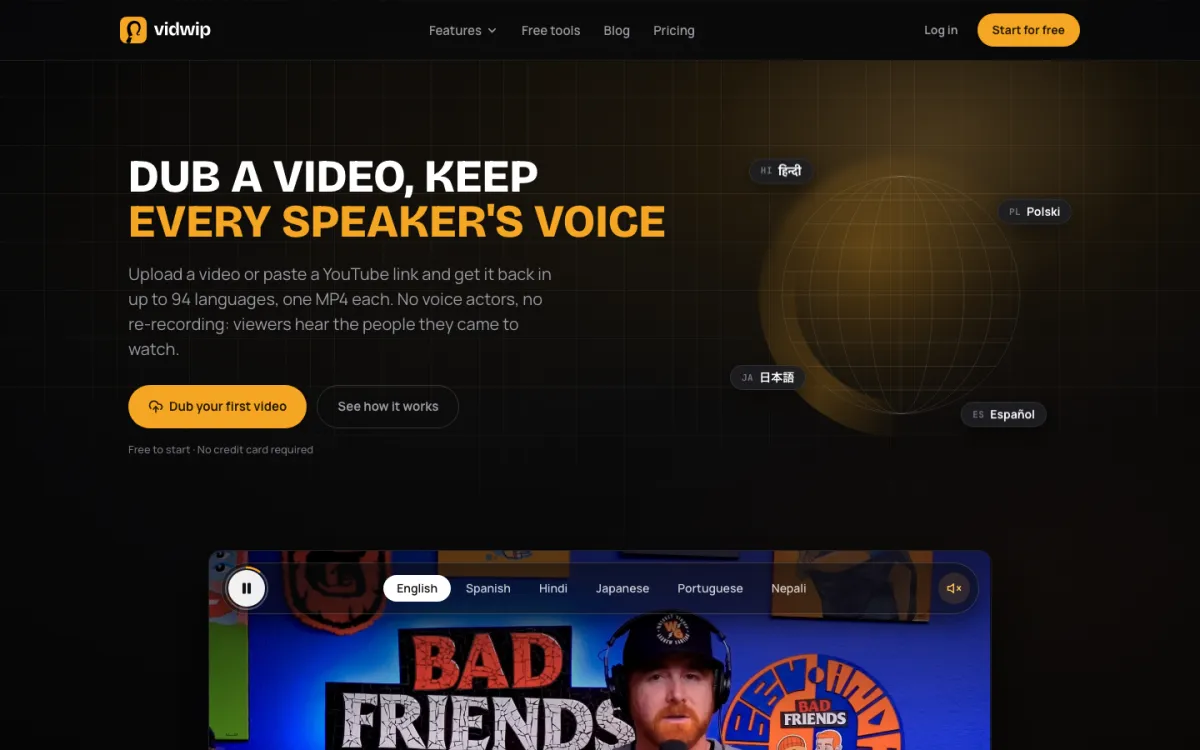 Vidwip AI Video Dubbing — one MP4 back per language, every speaker in their own voice.
Subtitles. The AI Subtitle Generator runs on ElevenLabs Scribe v2. It detects the spoken language, gives every word its own start and end time, and labels speakers so a new line starts when someone else talks.
Keep the lines as spoken, or pick one of 94 languages and DeepSeek V4 Flash translates them line for line on the original timing. As-spoken lines stay within 42 characters and 6 seconds on screen.
Styling is where it beats Maestra for social video. You get 13 subtitle looks, 8 of which highlight each word as it’s spoken, plus 10 fonts, Shadow, Outline or Box, and Top, Middle or Bottom placement.
You can also turn on translated subtitles inside a dub. Vidwip burns captions synced to the new voice into the picture, in 8 styles.
Pros
- Dubbing and subtitles on one credit balance, with no separate transcription or voiceover plan
- Every speaker cloned from the video itself, so there’s no stock narrator
- Up to 94 languages for both dubbing (v2) and subtitle translation
- Word-level timing from ElevenLabs Scribe v2, so lines start on the first spoken word
- 13 subtitle looks, 8 with word-by-word highlight
- No watermark on any dub, on any plan
- Several languages per dubbing run: up to 5 on Starter, 10 on Pro
Cons
- No SRT or VTT download: subtitles burn into the export at up to 1080p
- No lip sync: the original picture is kept and only the audio changes
- You can’t edit the translation before a dub is voiced
- No glossary for names or terms; check proper nouns before export
- Each subtitle transcript covers up to 30 minutes of a clip
Best for: Creators and marketing teams who dub and subtitle the same videos and want one tool and one bill. Pricing: Free to start, no credit card. Starter $25/month (2,500 credits), Pro $99/month (10,000 credits). Dubbing is 240 credits ($2.40) per minute per language on v1 and 600 credits ($6.00) on v2. See pricing.
2. Rask AI — best Maestra alternative for lip sync
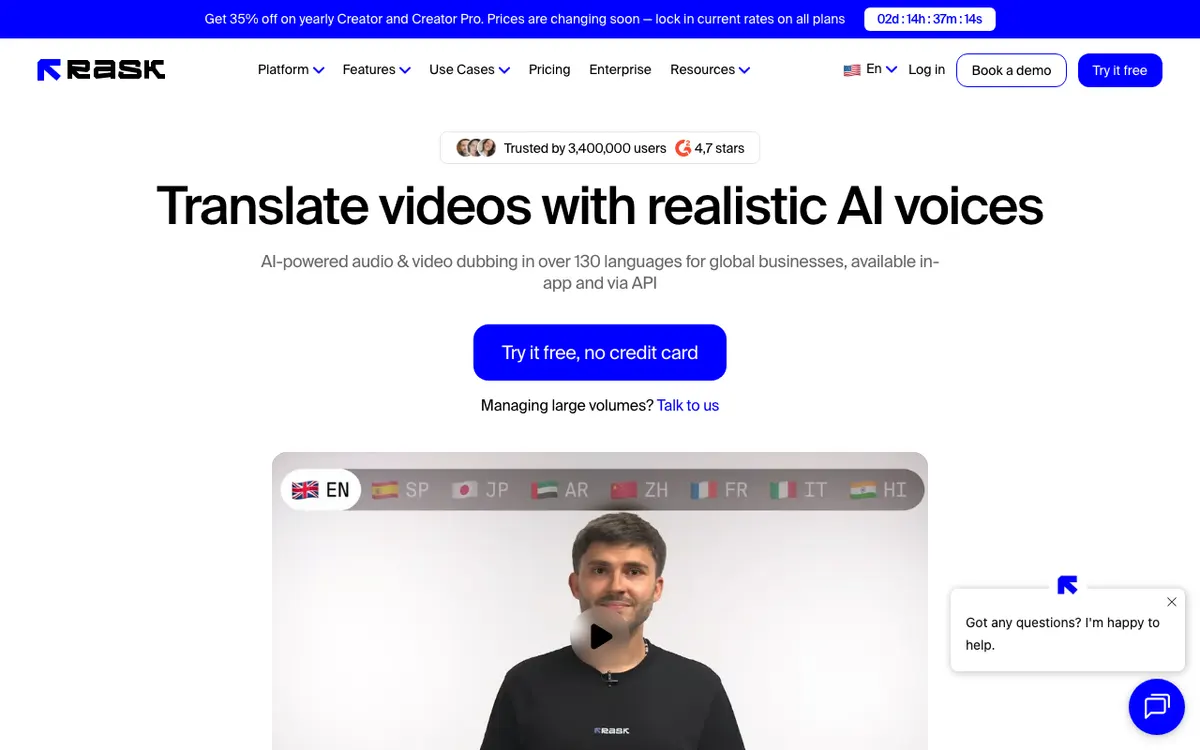 Rask AI — video translation with voice cloning, lip sync and SRT export.
Rask AI is a video localization tool for creators and media teams that translates into 135+ languages, clones voices in 32 of them, and adds lip sync from $99/month. It’s the closest like-for-like swap for Maestra’s dubbing side.
You edit the translation before you export, generate subtitles and download them as SRT. Lip sync re-times the mouth to the new language, which Maestra only offers on Business.
Pros
- Lip sync included from Creator Pro, with an Enhanced beta mode
- 135+ translation languages
- Edit the transcript and translation before you export
- SRT import and export included
Cons
- Minutes run out fast: Creator is 25 minutes a month, about $1.56 a minute
- Voice cloning covers 32 languages, not all 135+
- Extra minutes cost $3 each
- Enhanced lip sync uses 3 minutes of allowance per minute of video
Best for: Talking-head video where viewers see the speaker’s mouth in close-up. Pricing: Creator $39/month (25 minutes), Creator Pro $99/month (100 minutes, lip sync), Business $249/month (250 minutes); annual billing from $28/month (rask.ai/pricing, checked October 2026).
Want more options on this side? See our ranking of Rask AI alternatives.
3. VEED — best Maestra alternative for editing and subtitles together
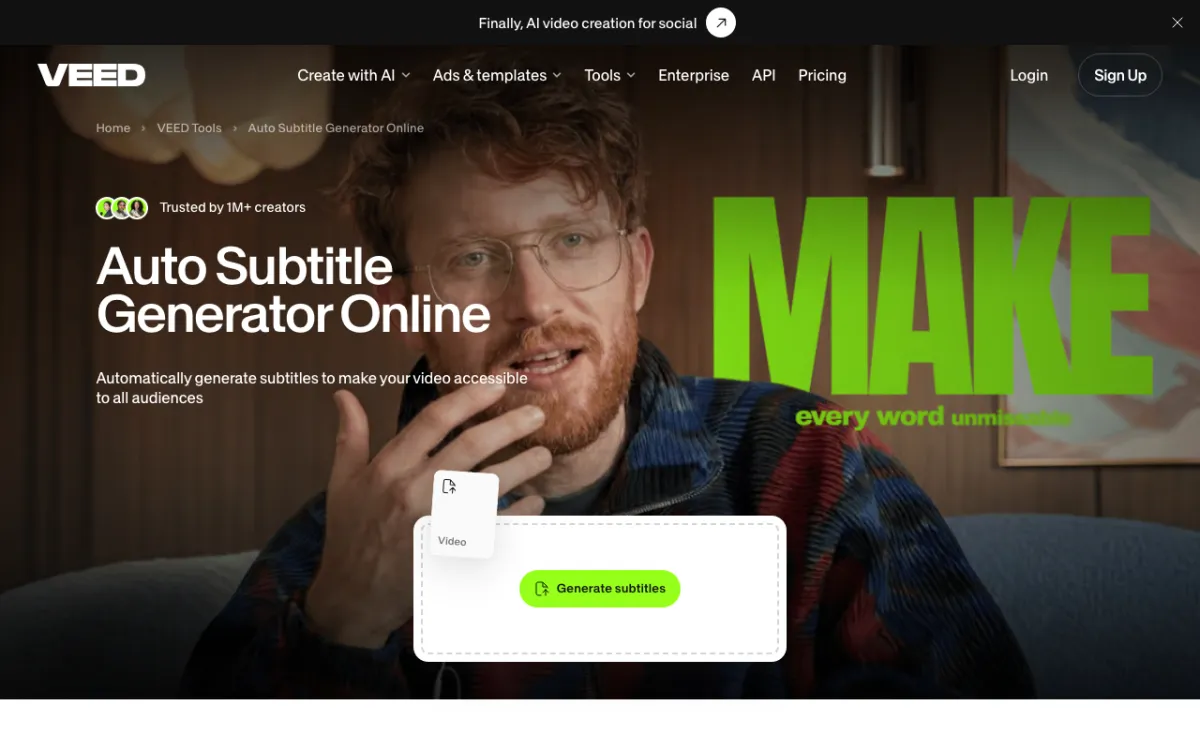 VEED — a browser video editor with auto subtitles, translation and AI dubbing.
VEED is a browser video editor for social and marketing teams that includes auto subtitles from $10 per user/month billed yearly, with translation and AI dubbing on Pro. It suits you if Maestra felt like a transcription tool when you wanted an editor.
Subtitles land on the timeline, where you style them with brand kits and burn them in or export .srt, .vtt and .txt files. Dubbing clones the original voice or uses stock voices, with an optional lip sync setting.
Pros
- Auto subtitles on every paid plan, unlimited on Pro under a 50-hour monthly fair use limit
- Full video editor around the subtitles: trim, resize, brand kits
- Dub in the original speaker’s cloned voice or a stock voice
- SRT, VTT and TXT subtitle downloads
Cons
- Dubbing and translation into 50+ languages need Pro, not Creator
- Billed per seat, so a team multiplies the price
- Translation minutes are metered per language and don’t roll over
- The headline prices are yearly; paying monthly forfeits a discount of up to 51%
Best for: Social and marketing teams who want subtitles, edits and dubs in one browser editor. Pricing: Creator $10 per user/month billed yearly ($116/year), Pro $21 per user/month billed yearly ($257/year), Studio $35 per user/month billed yearly (veed.io/pricing, checked October 2026).
4. Happy Scribe — best Maestra alternative for subtitle accuracy
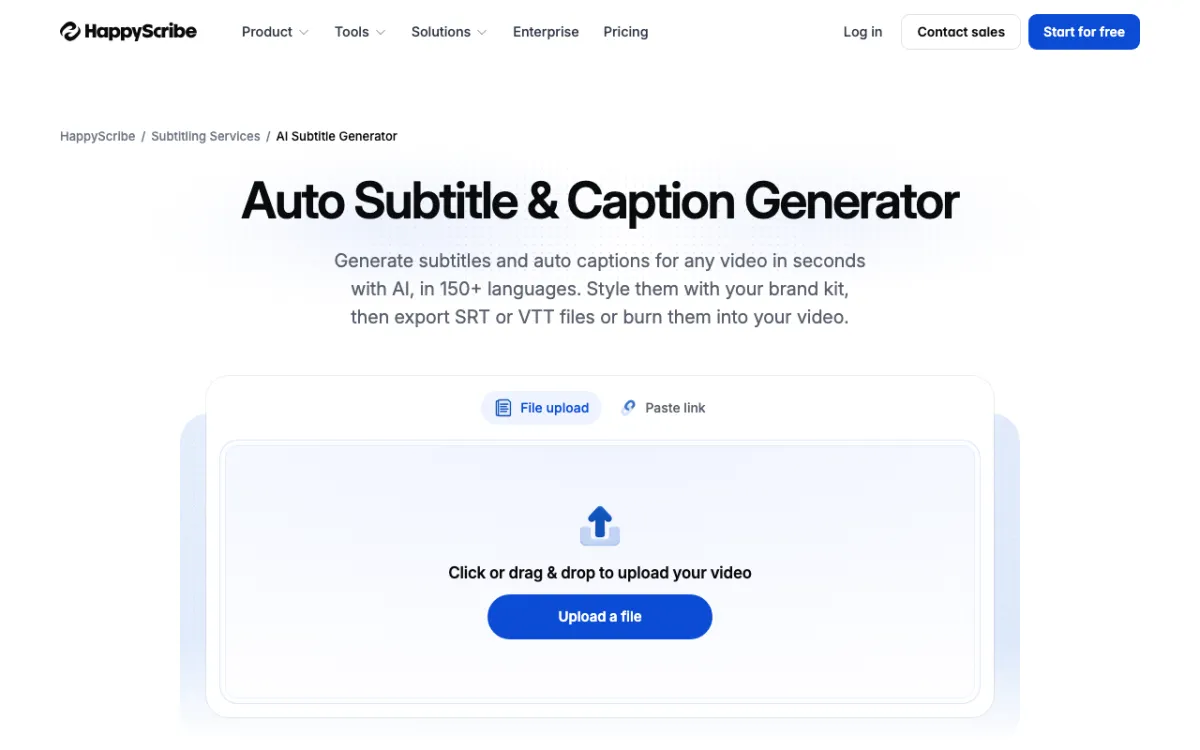 Happy Scribe — AI and human subtitles in 150+ languages, exported as files or burned in.
Happy Scribe is a transcription and subtitling platform for media and education teams that generates AI subtitles in 150+ languages and offers human proofreading at up to 99% accuracy, from $17/month. It replaces Maestra’s transcription and subtitle plans, not its dubbing.
Its own page rates AI subtitles at 85–95% accurate. When that isn’t enough, you order a human pass from $2 a minute.
Export formats are the widest here: SRT, VTT, STL, TXT, and project files for Premiere, Final Cut Pro and Avid. You can also burn styled captions in with a brand kit.
Pros
- 150+ transcription languages, 80+ for AI translation
- Human proofreading at up to 99% accuracy, from $2 a minute
- The most export formats on this list, including broadcast STL
- Cheap AI minutes: about $0.14 a minute on Basic, $0.20 for extras
Cons
- No AI dubbing or voiceover at all
- Human proofreading covers 65+ languages, fewer than AI
- Seat limits: Basic is one user
Best for: Subtitle-heavy teams that need files for broadcast, YouTube or an NLE, and don’t dub. Pricing: Basic $17/month (120 minutes), Pro $29/month (600 minutes), Business $89/month (6,000 minutes); annual from $8.50/month (happyscribe.com/pricing, checked October 2026).
5. ElevenLabs — cheapest Maestra alternative for dubbing per minute
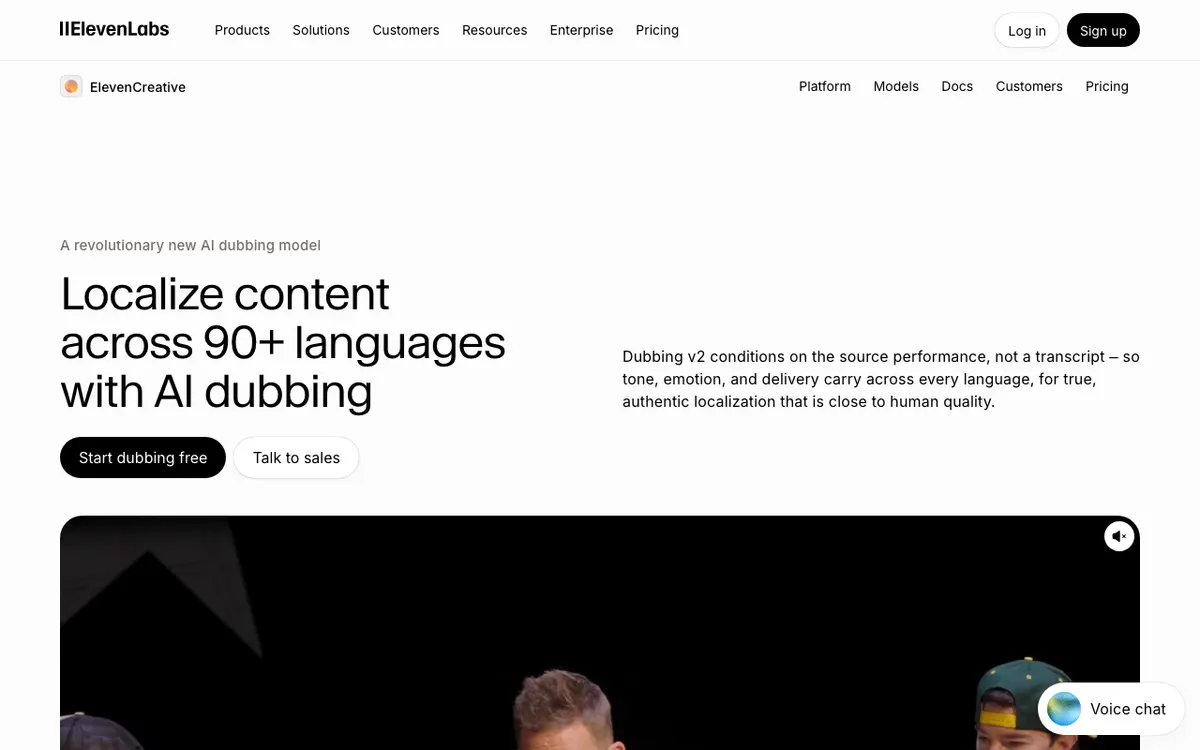 ElevenLabs — automatic dubbing and Dubbing Studio, plus Scribe speech-to-text on the same credits.
ElevenLabs is a voice AI platform for creators and developers that dubs video in 90+ languages and transcribes speech with Scribe, from $6/month. It’s the engine behind several tools on this list, Vidwip included, sold direct.
Every product shares one credit pool. Automatic dubbing without a watermark costs 3,000 credits a minute, so the $22 Creator plan’s 121,000 credits buy about 40 minutes, roughly $0.55 a minute.
Dubbing Studio lets you edit lines before the final render, at 10,000 credits a minute without a watermark. Speech-to-text costs 330 credits a minute.
Pros
- The lowest watermark-free dubbing price here, about $0.55 a minute on Creator
- Dubbing v2 covers 90+ languages and accents
- Scribe transcription on the same credit balance
- Dubbing Studio for line-level edits when a script must be right
Cons
- No subtitle styling or burn-in workflow built for social video
- Lower-cost dubs carry a watermark unless you pay the higher credit rate
- Studio dubbing is about 3x the cost of automatic dubbing
- One shared credit pool makes it easy to burn dubbing minutes on other products
Best for: High-volume dubbing of clean narration where cost per minute matters most. Pricing: Starter $6/month (30,000 credits), Creator $22/month (121,000), Pro $99/month (600,000); annual billing is 10 months’ price (elevenlabs.io/pricing, checked October 2026).
For more voice-first options, see our ElevenLabs alternatives ranking.
6. Descript — best Maestra alternative for transcript-based editing
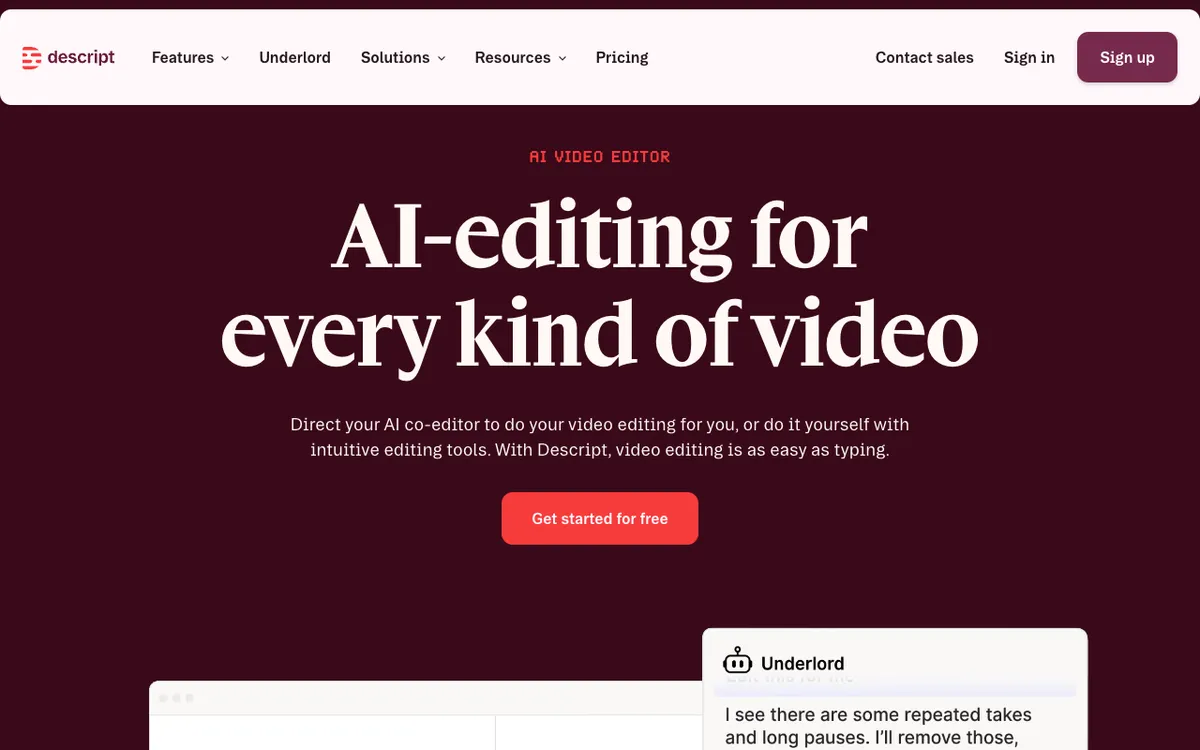 Descript — edit video by editing the transcript, then caption, translate and dub it.
Descript is a transcript-based video editor for podcasters and video teams that transcribes in 25 languages, translates captions into 61 and dubs into 30, from $24/month. It’s the pick if Maestra’s editor was the part you liked.
You cut video by deleting words in the transcript. Captions come from the same transcript, so fixes flow straight into the subtitles.
Pros
- Edit video by editing text, with captions built from the same transcript
- Caption translation into 61 languages
- AI dubbing into 30 languages on every paid plan
- Media hours, not minutes: 10 hours a month on Hobbyist
Cons
- Transcription covers 25 languages, far fewer than Maestra’s 125+
- Dubbing and translation draw on a monthly AI credit allowance
- Natural-sounding AI speakers for dubbing are Business only
- Translation proofreading is Business only
Best for: Podcasters and video teams who edit by transcript and add captions or dubs as a final step. Pricing: Hobbyist $24/month ($16 annual), Creator $35/month ($24 annual), Business $65/month ($50 annual), per person (descript.com/pricing, checked October 2026).
7. Kapwing — budget Maestra alternative for subtitles and dubbing
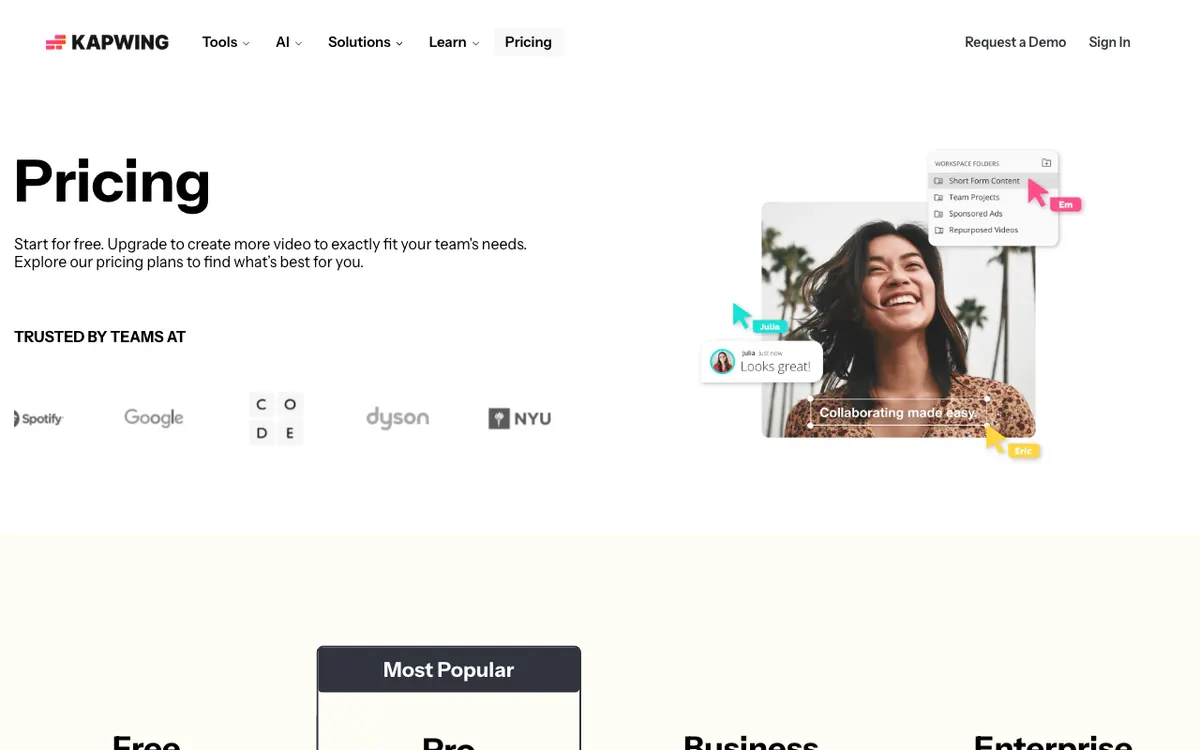 Kapwing — a browser editor with auto-subtitles, translation and dubbing minutes on every paid plan.
Kapwing is a browser video editor for social teams that bundles up to 1,000 minutes of auto-subtitling and 50 minutes of dubbing a month for $24/month. It’s the cheapest way on this list to get both jobs from one plan.
Dubbing covers 40+ languages and translation 60+. Lip sync and custom voice clones need Business.
Pros
- Subtitles, translation and dubbing on one plan
- About $0.48 a dubbed minute on Pro, if all 50 minutes are used
- SRT and VTT downloads, plus transcript export
- 4K export and no watermark on paid plans
Cons
- Free exports carry a watermark, cap at 720p and 4 minutes
- Custom voice clones and lip sync are Business only ($64/month)
- Only 50 dubbing minutes a month on Pro
Best for: Small social teams who want cheap subtitles and occasional dubs in one editor. Pricing: Pro $24/month ($16 annual), Business $64/month ($50 annual) (kapwing.com/pricing, checked October 2026).
Maestra alternatives compared
Entry paid plan is the cheapest monthly path to both subtitles and dubbing where the tool offers both. All competitor prices checked October 2026.
| Tool | Subtitles | Subtitle files | Dubbing | Keeps speaker’s voice | Lip sync | Languages | Entry paid plan |
|---|---|---|---|---|---|---|---|
| Maestra (baseline) | Yes | Yes | Yes | Premium and up | Business | 125+ | $39/month per job (annual) |
| Vidwip | Word-timed, 13 looks | Import only (burned in) | Yes | Yes, every speaker | No | Up to 94 | $25/month |
| Rask AI | Yes | SRT | Yes | Yes (32 languages) | Creator Pro and up | 135+ | $39/month |
| VEED | Yes | SRT, VTT, TXT | Pro | Yes or stock | Optional | 50+ (translation) | $10/user/month (yearly) |
| Happy Scribe | Yes, plus human | SRT, VTT, STL, NLE | No | — | — | 150+ | $17/month |
| ElevenLabs | Transcripts | — | Yes | Yes | No | 90+ | $6/month |
| Descript | Yes | Yes | Yes (30 languages) | Not stated | No | 25 (transcription) | $24/month |
| Kapwing | 1,000 min | SRT, VTT | 50 min | Business | Business | 40+ (dubbing) | $24/month |
Dubbing bills per target language everywhere. Three languages means three times the minutes.
How to choose the right Maestra alternative
- You dub and subtitle the same videos: pick Vidwip. One credit plan covers both, every speaker keeps their own voice, and subtitles are timed to every word.
- You need subtitle files for broadcast or an NLE: pick Happy Scribe. Nothing else here exports STL and Avid projects or offers human proofreading.
- Mouths are in close-up: pick Rask AI. Lip sync is the reason to pay its per-minute rate. Our guide to AI video dubbing with lip sync explains when it’s worth it.
- You dub hours of clean narration: pick ElevenLabs for the lowest cost per minute.
- You want an editor first: pick VEED, Descript or Kapwing.
Only need transcripts? Start with our list of free AI video transcription tools before paying for anything.
What none of these tools fix yet
AI translation still misses idioms, product names and jokes. If a line matters, read it before it ships.
Voice clones also thin out on short or noisy speech. Give the tool clear audio, and on Vidwip pick the Advanced engine for noisy footage or several speakers.
The verdict
Maestra is still a solid all-rounder if you live in its editor. But most people searching for Maestra alternatives want one thing: subtitles and dubs from the same upload, without three plans.
That’s where Vidwip wins. AI Video Dubbing puts every speaker in their own voice in up to 94 languages from $2.40 per minute per language, and the AI Subtitle Generator times every word with ElevenLabs Scribe v2.
It’s free to start, no credit card, at app.vidwip.com.