
Zencastr's free Vibecastr plan records 4K at 48kHz WAV with unlimited transcription — it beats Riverside's free tier on every technical spec. Descript is the strongest editor once you've recorded. StreamYard wins when you need to stream live at the same time. If you want to produce episodes from written content without recording, Vidwip AI Podcast Generator creates multi-host audio in 74 languages from a paste.
Riverside built its reputation on one thing: separate local tracks from each participant, recorded at full quality even if someone’s connection drops mid-interview. That’s hard to beat for remote podcasting. But the platform has grown expensive at the tiers that unlock its best features, and the free plan’s 2-hour one-time grant disappears fast. That’s why so many podcasters end up comparing Riverside alternatives.
You might be looking for something with a better free plan, stronger AI editing, cheaper live streaming, or a way to produce podcast content without scheduling a recording at all.
This list covers seven tools — ranked by how well they serve the job Riverside does, with honest limits on each one.
TL;DR — Riverside alternatives at a glance
| Tool | Best for | Starting price |
|---|---|---|
| Vidwip AI Podcasts | AI episode generation from written content | Free to start |
| Zencastr | Best free remote recorder — 4K, WAV, unlimited transcription | Free (Vibecastr plan) |
| Descript | Best editor — delete words to cut video | Free (60 min/mo) |
| StreamYard | Live streaming + recording simultaneously | $18.99/mo |
| Async (Podcastle) | AI video models bundled with podcast studio | Free (1hr lifetime) |
| Restream | Multistreaming to 30+ channels | Free (2 channels) |
| Zoom | Familiar fallback — no dedicated multi-track | Free (40-min limit) |
What makes a strong Riverside alternative
Not every tool on this list does the same thing Riverside does. Before choosing, decide which part of the workflow matters most:
- Local recording quality — Do you need separate 48kHz WAV tracks per participant, or does a mixed stereo recording work?
- AI editing — Transcript-based cuts, filler word removal, eye contact correction, and AI-generated clips cut post-production time.
- Transcription — How many languages, how accurate, and is it included or metered?
- Live streaming — Some tools record and stream simultaneously; others are recording-only.
- Price per feature tier — Riverside’s watermark-free tier starts at $29/mo. Several alternatives on this list beat that.
1. Vidwip AI Podcast Generator
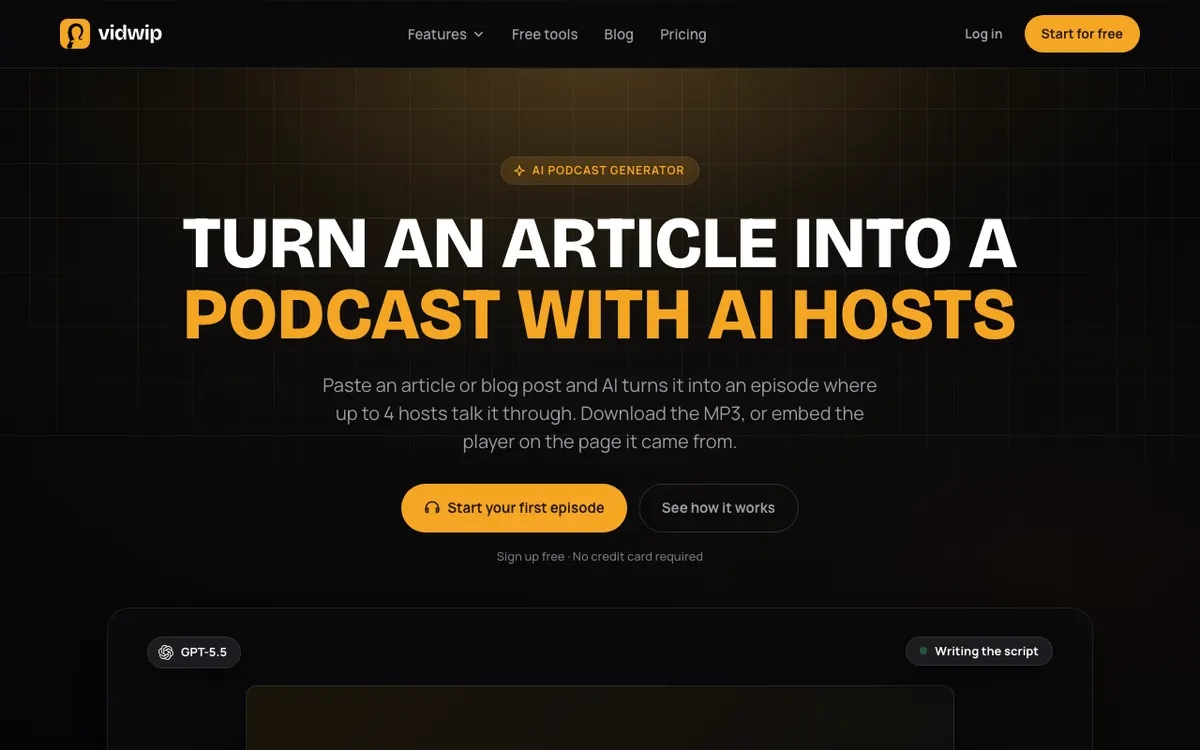 Vidwip AI Podcast Generator — creates voiced podcast episodes from pasted text, no recording required
Vidwip’s AI Podcast Generator is not a remote recording tool. It doesn’t invite guests, capture separate tracks, or stream live. What it does is a different job entirely: you paste a blog post, article, script, or brief, cast up to 4 AI hosts, and it produces a voiced podcast episode in 74 languages using 190+ ElevenLabs voices.
For solo creators, SaaS teams, and publishers who produce podcast-style audio from existing written content, this replaces the scheduling, recording, and editing loop entirely. You don’t need to book guests, fight with audio levels, or spend two hours editing one hour of conversation.
The output is a complete MP3 or embed-ready episode — not a transcript or a clip. Each host gets a distinct voice, and the dialogue structure comes from your source material. Vidwip also has AI Clipping to extract shorts from any video you already have.
Pros
- Produces a voiced episode from a text paste in minutes — no recording sessions
- 74 languages with 190+ voices; cast multiple distinct hosts per episode
- Works from any source: blog posts, interview transcripts, Google Docs, raw notes
- Free to start with no credit card required; production rate is $1.20 per finished minute
Cons
- Not a remote recording tool — cannot capture live conversations with real guests
- No live streaming or multistreaming
- Podcast scripts are generated, not editable line-by-line after creation
Best for: Content creators and publishers who want to turn written material into podcast episodes without recording.
Pricing: Free to start, no credit card. Starter $25/month (2,500 credits). Pro $99/month (10,000 credits). AI Podcast episodes cost 120 credits per finished minute ($1.20/min).
2. Zencastr
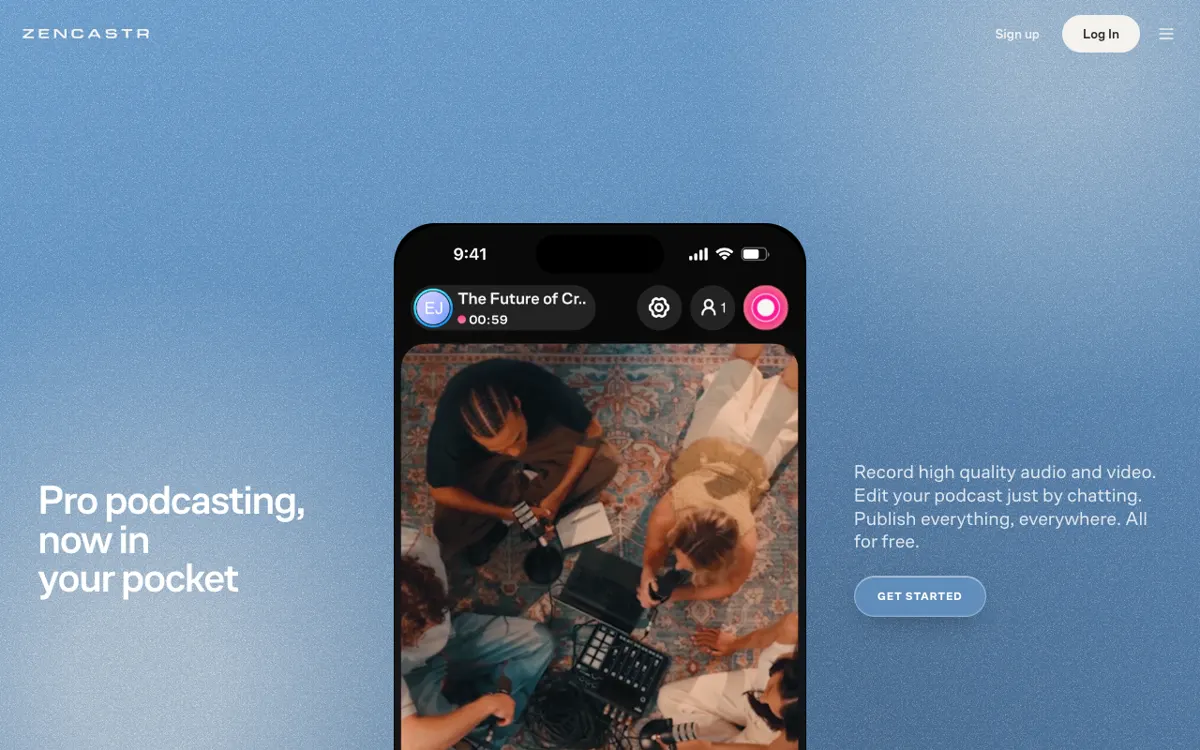 Zencastr — the Vibecastr free plan records 4K at 48kHz WAV with unlimited cloud transcription
Zencastr is the strongest free alternative to Riverside in 2026. Its free “Vibecastr” plan records up to 6 participants at 4K video and 48kHz WAV audio — higher than Riverside’s free 720p ceiling. It includes unlimited separate audio and video track recording, automatic cloud backups, unlimited transcription in 10 languages, and text-based editing with AI tools like filler word removal, eye contact correction, and animated captions.
Riverside’s free plan gives a 2-hour one-off recording grant. Zencastr’s free plan has no stated monthly recording cap — you get separate track recording, unlimited cloud storage, and a full AI editing suite without paying anything.
The Producer plan exists but its pricing wasn’t displayed on the page at time of writing (checked October 2026) — check zencastr.com/pricing for current rates. The feature grid suggests Producer adds more podcast hosting, analytics, and live streaming tools.
Pros
- Free Vibecastr plan records 4K / 48kHz WAV with unlimited transcription — beats Riverside free on every spec
- Separate local tracks per participant with progressive upload
- Text-based editing, filler word removal, and animated captions on the free tier
- 10 transcription languages included; no credit limits on the free plan
Cons
- Producer plan pricing not published on the website; hard to compare paid tiers
- Limited to 10 transcription languages; Descript covers 25
- Live streaming is limited to 1080p on the free plan
Best for: Podcasters who want professional separate-track recording without paying anything, and creators comparing Riverside’s free tier.
Pricing: Vibecastr free (4K, 48kHz, unlimited separate tracks). Producer plan — check zencastr.com/pricing for current pricing (checked October 2026).
3. Descript
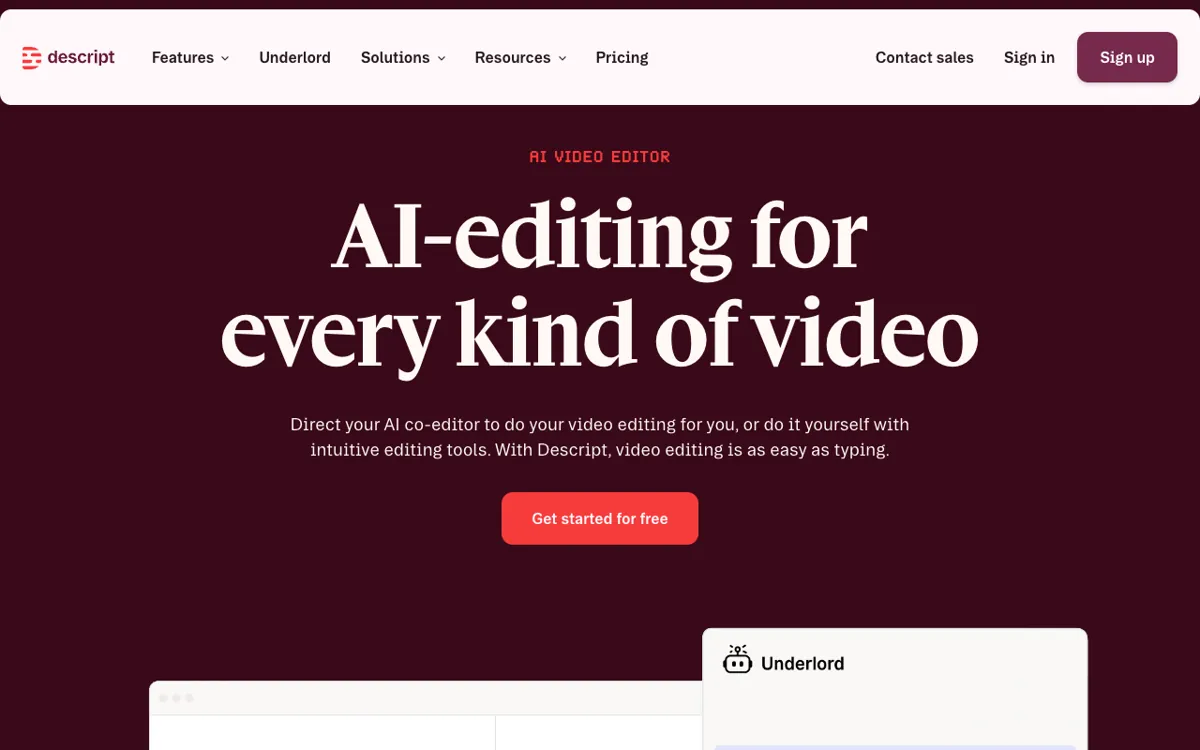 Descript — delete words in the transcript to cut the video; the strongest editor in this space
Descript does two things: record remotely via Rooms, and edit by transcript. The recording part is solid — up to 10 participants, separate cloud backup recordings per session, and screen recording with 2 simultaneous screens. But Descript’s real value is what happens after you record.
You delete words in the transcript to cut video. Filler words highlight automatically. Eye contact correction fixes where speakers looked away from the camera. Studio Sound cleans audio in one click. You can dub and translate the final video into 30 languages, or add captions in 61. The AI speech feature clones voices and can regenerate words a speaker didn’t say cleanly.
Riverside’s AI features are improving but still trail Descript’s editing depth. If your primary frustration is the time spent cutting and cleaning audio rather than the recording itself, Descript is the pick.
The Creator plan at $35/month (monthly billing) or $24/month (billed annually) gives 15 hours of recording per month, 30 hours of media storage, 800 AI credits/month, and access to the full Underlord editing suite.
Pros
- Transcript-based editing is the fastest way to cut a podcast — delete words, not waveforms
- Studio Sound, eye contact correction, and filler word removal are included on paid plans
- 25 transcription languages, caption translation in 61 languages, dubbing in 30
- 10 participants per recording session on every plan
Cons
- Recording rooms (Descript Rooms) are secondary to the editing workflow — less polished than Riverside
- Free plan limits media to 60 minutes/month with only 2 hours of recording per drive
- AI credits are metered; heavy Underlord and Studio Sound use depletes them quickly
Best for: Creators who record anywhere and want the fastest editing workflow after the session ends.
Pricing: Free (60 min/mo media, 2 hrs recording). Hobbyist $24/mo (monthly) or $16/mo (annually). Creator $35/mo (monthly) or $24/mo (annually). Prices checked October 2026.
4. StreamYard
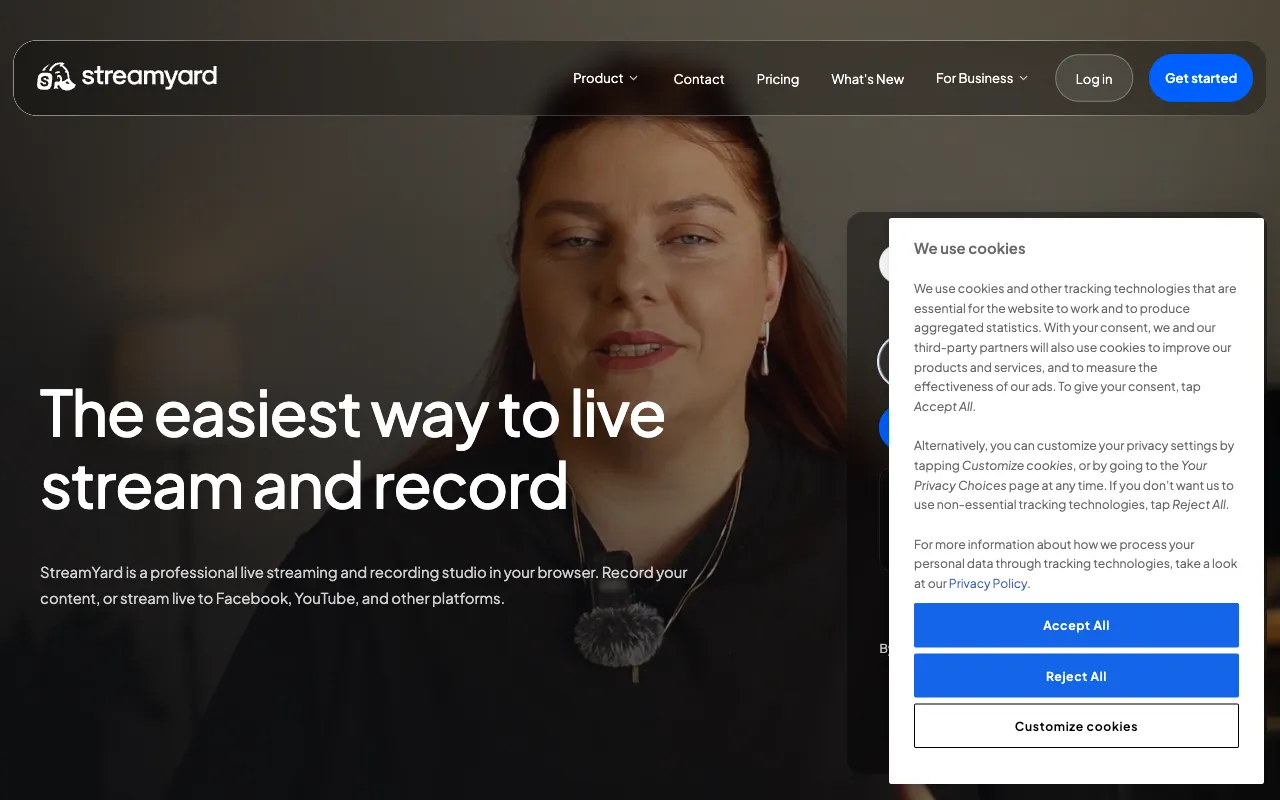 StreamYard — live streaming to multiple destinations while recording locally
StreamYard sits at the intersection of live streaming and podcast recording. Where Riverside focuses on recording quality for post-production, StreamYard’s primary audience is creators who go live first and use the recording as a backup.
The Core plan at $44.99/month unlocks what makes it useful for podcasters: no StreamYard watermark, logos and overlays, local cloud recordings, custom RTMP, AI clips, and AI backgrounds. You can stream to 3 destinations simultaneously — YouTube, LinkedIn, Twitch, and others — while recording each session. The Advanced plan at $88.99/month adds 4K local recordings and transcript downloads.
StreamYard doesn’t record separate audio and video tracks per participant by default, which is its biggest gap versus Riverside. If your post-production workflow depends on isolating each speaker’s audio, it’s the wrong tool. If you want to live stream and capture a usable recording in one step, it’s the most mature option here.
Pros
- Multistream to 3 destinations on Core while recording locally — unique in this price range
- AI clips and custom overlays/branding on Core plan
- 4K local recordings on Advanced plan
- 7-day free trial on paid plans
Cons
- No separate per-participant audio tracks — you get the mixed session recording
- Core plan ($44.99/mo) is expensive for pure recording without streaming
- Free plan caps local recordings at 2 hours per month with a StreamYard watermark
Best for: Podcasters who stream live and want the recording as a secondary output.
Pricing: Free (2 hrs/mo, watermark). Essential $18.99/mo. Core $44.99/mo. Advanced $88.99/mo. Prices checked October 2026.
5. Async (formerly Podcastle)
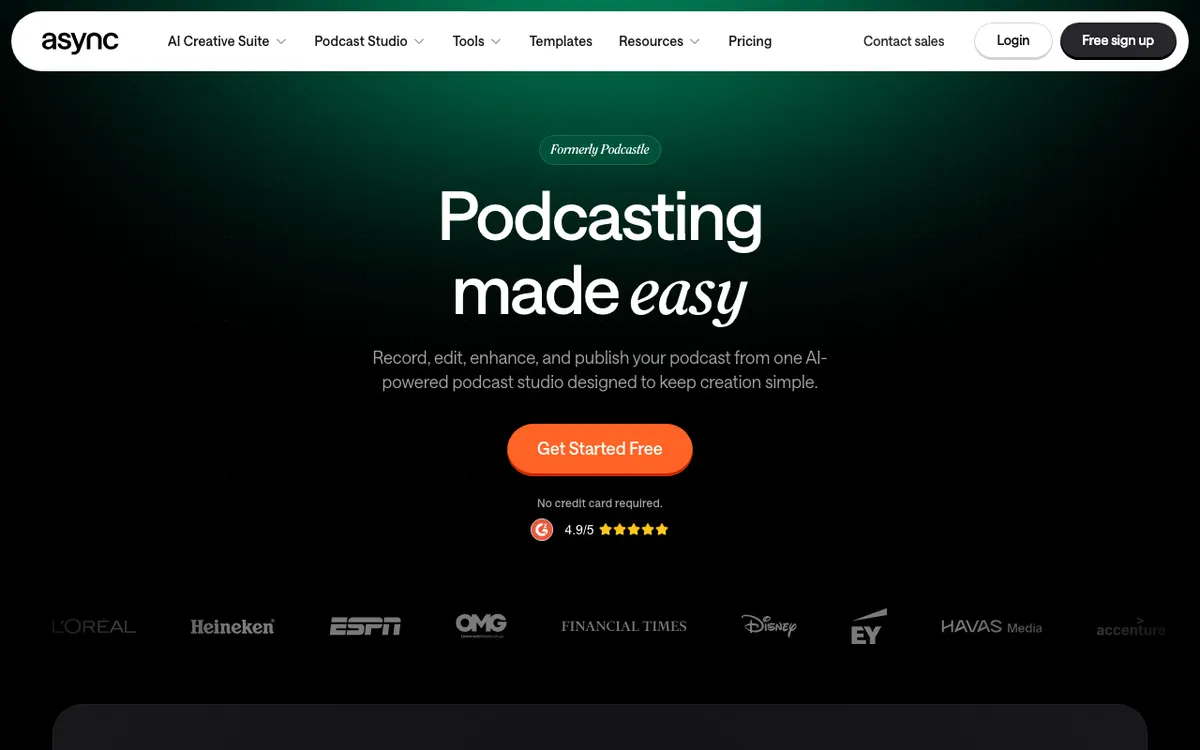 Async (formerly Podcastle) — AI video models and podcast tools under one subscription
Podcastle rebranded as Async in 2026 and expanded its product beyond audio. The platform now bundles remote recording, podcast editing, and AI video creation tools — making it the most feature-dense option here for teams that want audio and video production in one workspace.
On the recording side, Async records up to 10 participants per session with separate multitrack audio. Pro plan users get 4K video, 48kHz audio, and 25 hours of recording per month. The free tier gives only 1 hour of remote recording lifetime, which makes it unusable as a long-term free option.
The standout feature is the AI video bundle on paid plans: AI zoom, reframe, eye contact, background removal, and “Magic Dust” audio cleanup. The AI chat editor “Bumblebee” lets you edit video by describing what you want to change. The platform also supports subtitle export in 70+ languages and text-to-speech in 15+ languages.
Exact monthly prices weren’t displayed on the pricing page at the time of writing (checked October 2026) — check async.com/pricing for current rates. Yearly billing saves 40% according to the page.
Pros
- AI video models bundled: zoom, reframe, eye contact, background removal all in one plan
- 48kHz WAV separate track recording on paid tiers
- Bumblebee AI chat editor for natural-language video edits
- 70+ subtitle translation languages
Cons
- Free tier is only 1 hour lifetime — effectively a trial, not an ongoing free plan
- Monthly prices not published on the pricing page
- Rebranded recently, so some integrations and documentation are still catching up
Best for: Teams that want remote recording and AI video editing in one subscription without juggling separate tools.
Pricing: Free (1 hr lifetime recording, very limited). Paid plans — check async.com/pricing for current pricing (yearly billing saves 40%; checked October 2026).
6. Restream
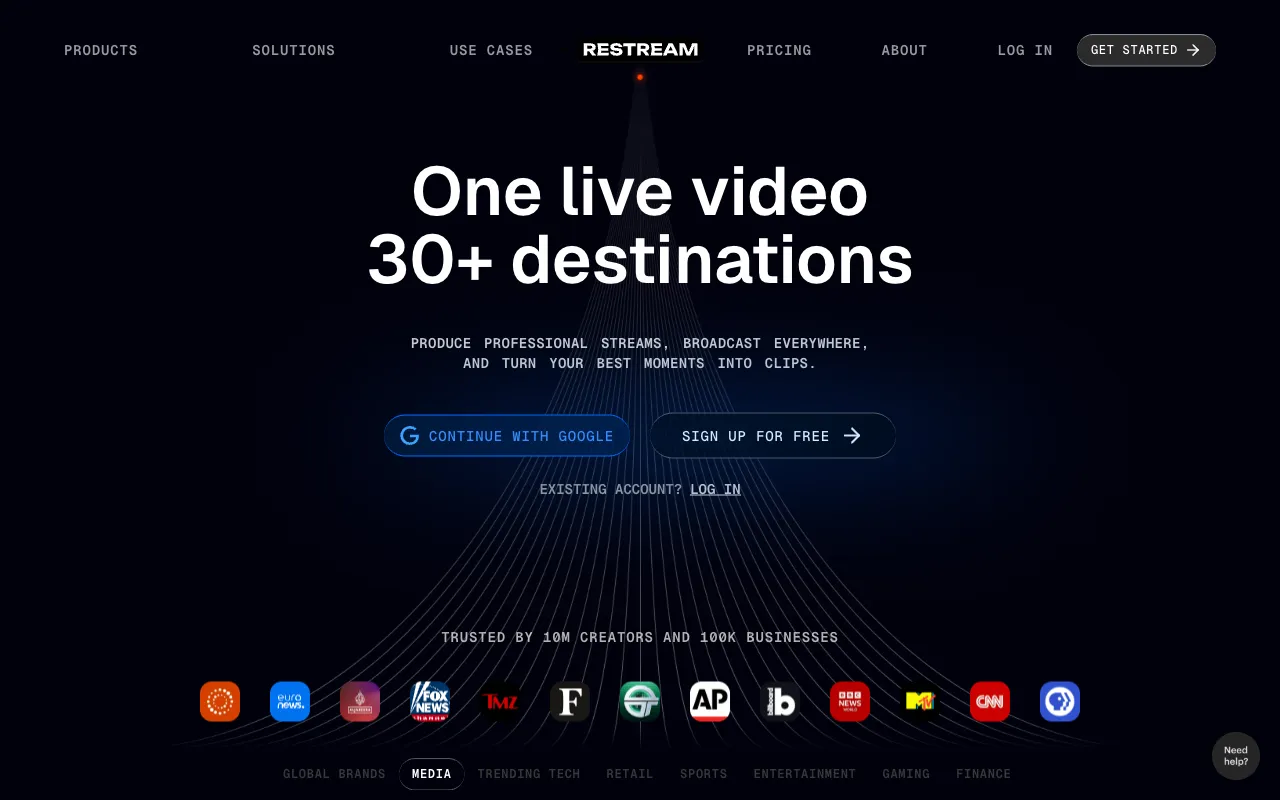 Restream — multistreaming to 30+ channels; recording and AI clips are add-ons
Restream is primarily a multistreaming hub. You send one stream to Restream and it fans it out to YouTube, Twitch, LinkedIn, Facebook, and 30+ other destinations simultaneously. Recording and podcast production are secondary features rather than the core offering.
The Standard plan at $19/month streams to 3 channels and records up to 6 hours per stream, storing recordings for 15 days. The Professional plan at $49/month adds 5 channels, Full HD 1080p streaming, and 4K local recording. Neither plan includes automatic transcription or AI clip generation in the base price — AI clips are a paid add-on starting at $19/month extra on Standard.
For pure podcast recording, Restream is the weakest option here. It doesn’t record separate tracks per participant, its AI editing suite requires extra spend, and recordings are temporary (15–30 days). If you already use it for multistreaming and want recordings as a byproduct, it works. If recording quality is your goal, every other tool on this list is better positioned.
Pros
- Multistreaming to 30+ channels in one stream — no tool matches this breadth
- $19/month Standard plan includes recording (6 hrs/stream, 15-day storage)
- Transcription in 39 languages for recordings
- Free plan streams to 2 channels forever
Cons
- No separate per-participant audio tracks — mixes everything into one recording
- AI clips require an add-on starting at $19/month extra
- Recording retention is 15–30 days only; you must download or it disappears
Best for: Creators who multistream live to many platforms and want recordings as a bonus, not a primary output.
Pricing: Free (2 channels, Restream branding). Standard $19/mo. Professional $49/mo. Business $239/mo. AI clips add-on from $19/mo extra. Prices checked October 2026.
7. Zoom
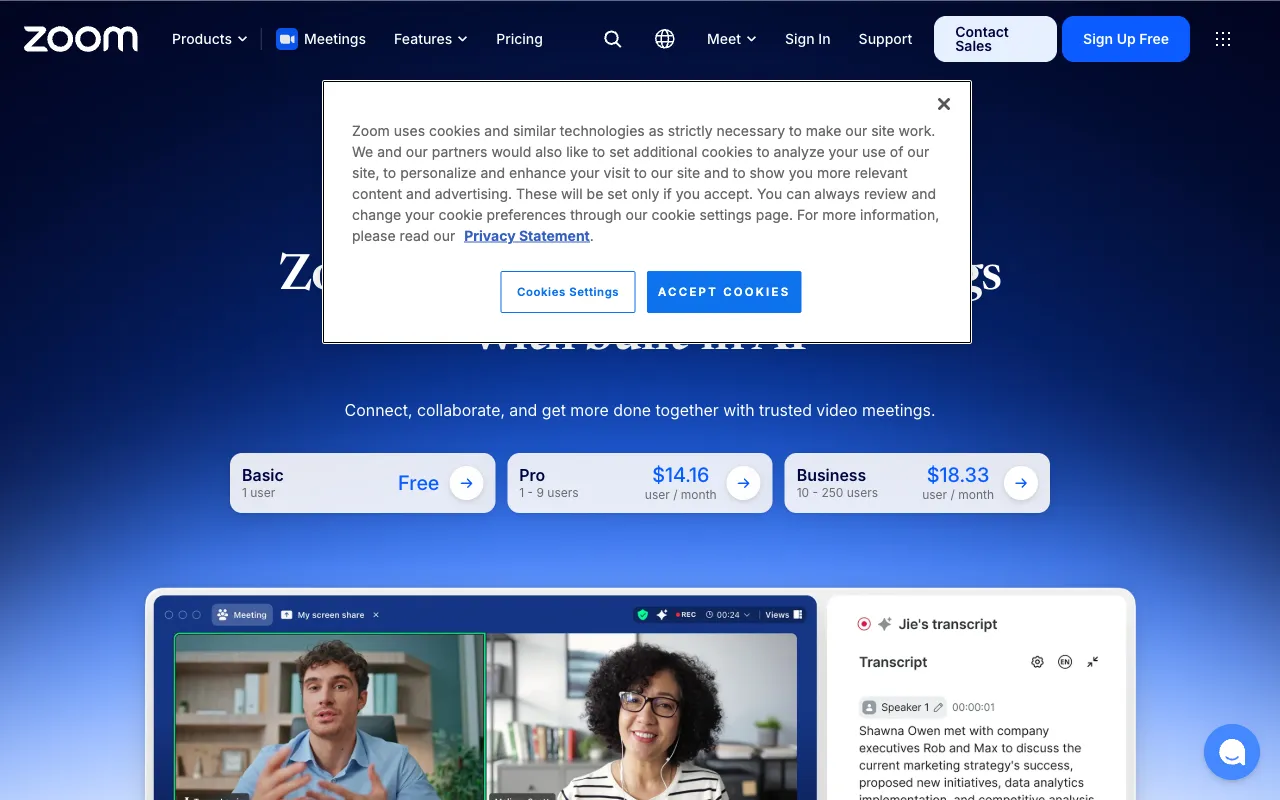 Zoom — the most familiar remote call tool; usable for podcasting but not purpose-built for it
Zoom is the fallback option — the tool your guests already have installed and don’t need to learn. It handles up to 100 participants on every paid plan, records locally and to cloud on Pro and above, and generates recording transcripts automatically.
The limitation is that Zoom records the mixed session by default, not separate tracks per participant. Advanced audio separation requires third-party tools or Zoom’s Webinars product. There’s no filler word removal, no AI clips, no eye contact correction, and no per-speaker audio cleanup. What you get is a video file of the call, and then you edit it in something else.
For podcasters who need to interview guests occasionally and can’t justify a dedicated recording subscription, Zoom Pro at $16.99/month (or $14.16/month billed annually) works. For anyone doing regular high-quality remote recording, use Zencastr (free) or Descript instead.
Pros
- Every guest already has it — zero friction for participants
- 100 participants per meeting on all paid plans
- Local + 10 GB cloud recording on Pro; transcript included
- Pro plan at $16.99/mo is cheap for occasional recording
Cons
- No separate per-participant audio tracks without additional tools
- No purpose-built podcast editing or AI cleanup features
- Free plan limits meetings to 40 minutes — disrupts recording sessions
Best for: Occasional podcasters who need their guests to join with minimal setup friction.
Pricing: Basic free (40-min meetings, local recording only). Pro $16.99/mo (monthly) or $14.16/mo (annually). Business $21.99/mo (monthly) or $18.33/mo (annually). Prices checked October 2026.
Comparison table
| Tool | Recording quality | AI editing | Transcription | Separate tracks | Starting price |
|---|---|---|---|---|---|
| Vidwip AI Podcasts | N/A (text to audio) | — | — | N/A | Free to start |
| Zencastr | 4K / 48kHz WAV | Strong (free tier) | 10 languages, unlimited | Yes | Free |
| Descript | Up to 1080p in Rooms | Best editor | 25 languages | Yes (cloud backup) | Free (60 min/mo) |
| StreamYard | 4K on Advanced | AI clips, backgrounds | Transcripts on Advanced | No (mixed recording) | $18.99/mo |
| Async | 4K / 48kHz on paid | AI video models, Bumblebee | 70+ subtitle languages | Yes | Paid (check pricing) |
| Restream | 4K on Professional | AI clips (add-on) | 39 languages | No (mixed recording) | Free (2 channels) |
| Zoom | 1080p | None | Transcripts on paid | No (mixed by default) | Free (40-min cap) |
How to choose the right Riverside alternative
Choose Zencastr if you need professional separate-track recording and want the best free option. The Vibecastr plan outperforms Riverside’s free tier on every spec — 4K, 48kHz WAV, unlimited transcription.
Choose Descript if editing is where you spend most of your time. Transcript-based cutting, Studio Sound, and AI voices make post-production faster than any other tool here.
Choose StreamYard if you live stream and want recording as a byproduct. No other tool in this price range streams to multiple destinations while recording locally and adding AI clips.
Choose Async if you want audio recording and AI video editing under one roof and don’t want to manage two subscriptions.
Choose Restream if multistreaming to 30+ platforms is your primary goal and recording is secondary.
Choose Zoom if your guests won’t install anything new and you record infrequently enough to not need separate tracks.
Choose Vidwip if you’re producing podcast content from written material — articles, transcripts, briefings, or interview notes — and want a voiced episode without scheduling a recording session.
Further reading
- 9 best Descript alternatives for AI video editing — includes a full Riverside section
- 7 best Podcastle alternatives for AI podcast production — covers Zencastr, Adobe Podcast, Cleanvoice and Wondercraft
- Opus Clip alternatives for AI video clipping — if AI clips from existing recordings are your main need
- AI video transcription tools compared — for teams focused on transcript accuracy across languages