
Vidwip AI Clipping is the best Vizard alternative when you know which moments you want: brief it in plain words and get up to 5 speaker-cropped 9:16 shorts, scored and ranked best first, with no watermark on any plan. OpusClip is the closest like-for-like swap and adds a virality score, but costs about twice as much per upload minute. Klap suits messy streams and screen shares, Riverside and Descript suit teams already recording or editing there, quso.ai bundles a scheduler, and Munch Studio is now a full social media service.
The best Vizard alternatives take the same input, a long webinar, podcast or interview, and hand back vertical shorts with captions and a crop that follows the speaker. Where they differ is how they pick moments, how they charge, and how much say you get before the render.
Vizard is a strong default. It claims 10 million+ creators and businesses on its homepage, and its Creator plan gives 600 upload minutes for $29/month.
So why look elsewhere? Usually because of clip selection, not price.
Vizard finds highlights on its own and leaves you to sort them, with no per-clip score on its pricing page.
This post ranks seven Vizard alternatives on clip picks, reframing, caption templates and real cost per upload minute. Every price was checked on the vendor’s own pricing page in October 2026.
Why people look for Vizard alternatives
Vizard’s plans are generous. Free gives 60 credits a month, and 1 credit is 1 minute of video.
Creator is $29/month, or $14.50/month billed yearly, for at least 600 credits (vizard.ai/pricing, checked October 2026).
Paid plans take uploads up to 600 minutes and 30 GB, and export in 4K, so a three-hour webinar fits in one go.
Four gaps still send people shopping:
- No ranking. The pricing page lists AI clipping and highlight keywords, but no virality or hook score per clip. You decide which short to post first.
- The free plan is a test drive. Free exports are 720p, carry a watermark, cap uploads at 60 minutes and keep files for 3 days.
- A wider product. Vizard now also sells Vizard Agent and an AI Studio. Fine if you want them, extra surface if you only clip.
- Your recordings live somewhere else. If you already record in Riverside or edit in Descript, exporting to a third tool is a wasted step.
What to look for in a long-to-short video tool
Five things decide whether a clipper saves your afternoon:
- Clip picks. Does each short have a set-up and a pay-off? Can you tell it what to find before it runs?
- Speaker reframing. On a two-person wide shot, the 9:16 crop must cut to whoever is talking. On a slide-led webinar, face tracking alone loses the slides.
- Caption templates. Word-by-word highlighted captions are standard now. Count the styles and check whether you can save a brand template.
- Ranking. A score per clip tells you what to post first. Without one, you guess.
- Cost per upload minute. Divide the plan price by the minutes it buys. That is the real price of a 60-minute episode.
1. Vidwip AI Clipping
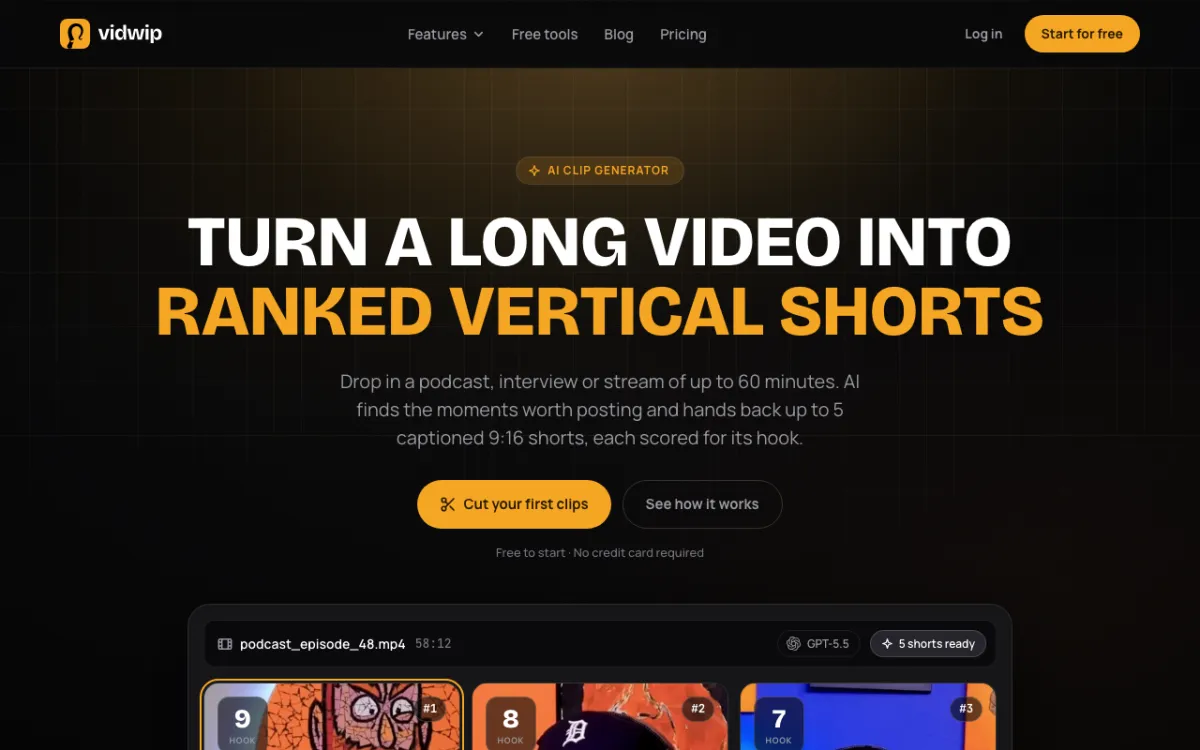 Vidwip AI Clipping — brief it in plain words, get up to 5 speaker-cropped shorts ranked best first.
Vidwip AI Clipping is the Vizard alternative for people who know which moments they want. You write a brief of up to 500 characters, such as a topic, a guest or “Get 3 funny clips from this podcast”, and the AI agent follows it first.
It reads the whole transcript and picks moments that open on a strong line and land the pay-off inside the clip. It’s told to skip sponsor reads, intros and sign-offs.
Each short comes back 1080x1920 with word-synced captions in 1 of 8 styles. Clips snap to sentence boundaries and run up to about 90 seconds, so none ends mid-word.
The crop follows the speaker. The AI agent checks a frame every 2 seconds and moves the 9:16 crop to whoever is talking, and on solo to-camera takes it jump-cuts every pause of half a second or more.
Then it ranks the set. Every clip is scored out of 10 on Flow, Hook, Interest and Engagement, and arrives best first with an AI title and a post caption with hashtags.
Pros
- A 500-character brief steers which moments it picks, before it runs
- Four scores per clip and a posting order done for you
- Speaker-tracking crop with hard cuts, plus auto jump cuts on solo takes
- No watermark on any plan, and a ready-to-paste post caption per clip
- Takes an upload or a YouTube link
Cons
- Up to 5 clips per video, one video at a time, no batch mode
- Source videos up to 60 minutes and 2 GB, against Vizard’s 600 minutes
- 9:16 only, with no square or 16:9 output
- The crop follows faces, so slide-led webinars lose what’s on screen
- No editing inside the clipper; trims happen on the AI Studio timeline
Best for: Podcasters, interview shows and webinar hosts on camera who would rather post five strong shorts than sort thirty.
Pricing: Free to start, no credit card. Starter: $25/month for 2,500 credits. Pro: $99/month for 10,000 credits. Enterprise: custom (vidwip.com/pricing).
2. OpusClip
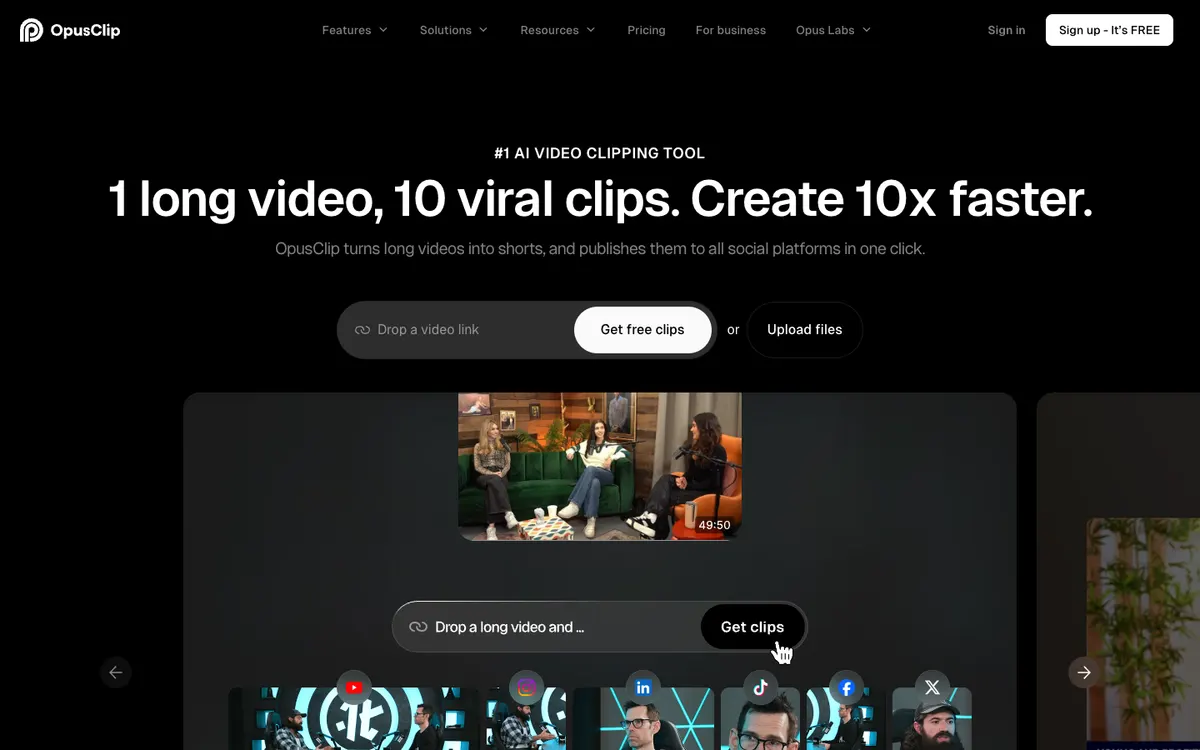 OpusClip — the best-known AI clipper, with a Virality Score on every paid plan.
OpusClip is the closest like-for-like Vizard alternative, plus a Virality Score. It finds highlights, reframes to vertical, adds animated captions and schedules the posts.
The score is the reason to switch. OpusClip ranks clips from its $15/month Starter plan, and Pro adds topic search and prompt-to-clip so you can steer the first pass.
The trade-off is cost. OpusClip bills 1 credit per imported minute, per its help center, and Pro’s 300 credits are half of Vizard Creator’s 600 for the same $29.
Pros
- Virality Score from Starter, plus reprompt clipping
- Prompt-to-clip and topic search on Pro
- 9:16, 1:1 and 16:9 on Pro, with export to Premiere Pro and DaVinci Resolve
- Social scheduler and up to 2 brand templates on Pro
Cons
- About $0.10 per upload minute on monthly billing, twice Vizard Creator
- Starter is 9:16 only and monthly only
- Free plan clips carry a watermark and must be exported within 3 days
Best for: Creators who like Vizard’s flow but want each clip scored and a prompt to aim the clipper.
Pricing: Free: 60 credits/month. Starter: $15/month, 150 credits. Pro: $29/month or $138 billed yearly, 300 credits. Business: custom. These are US list prices (opus.pro/pricing, checked October 2026). For more options in this space, see our Opus Clip alternatives roundup.
3. Klap
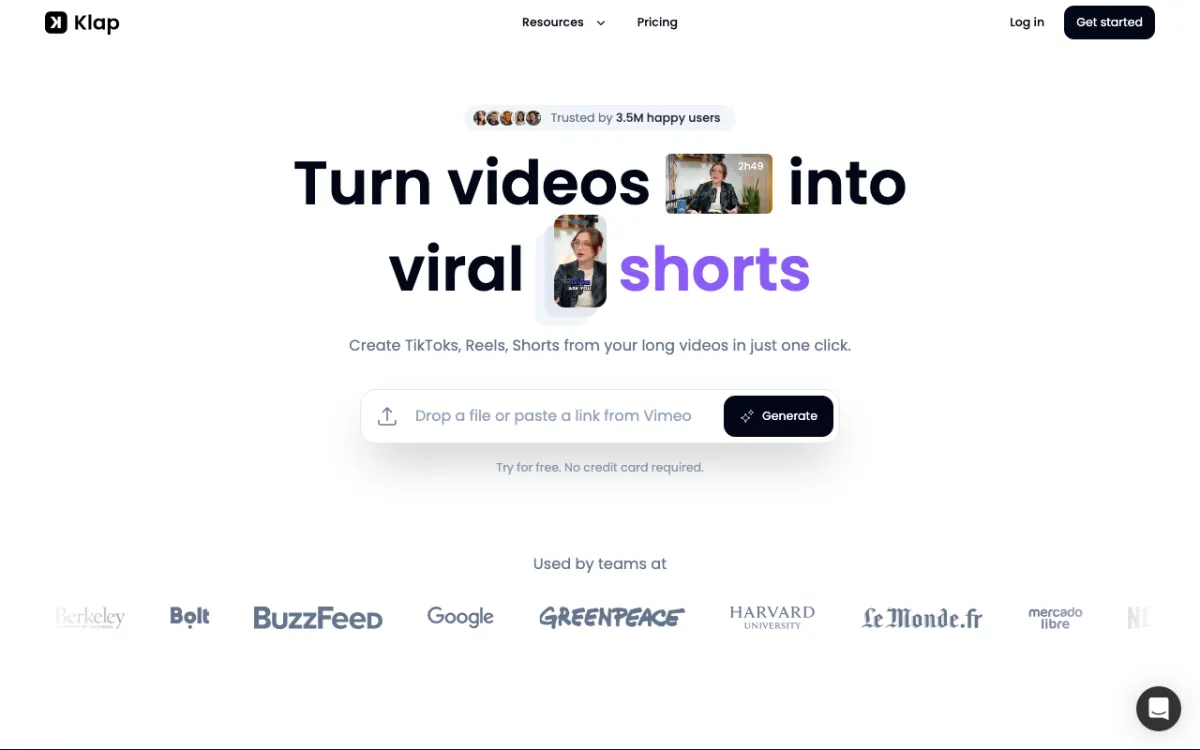 Klap — per-clip billing with AI Reframe 2 layouts for screen shares and gaming.
Klap is the Vizard alternative for footage that isn’t a clean two-shot. Its AI Reframe 2 reads each scene and applies split screen, screencast or gaming layouts.
That matters for webinars. A slide-led session needs the screen in frame, not just the presenter’s face.
Klap bills per clip, not per minute. A two-hour stream costs the same as a ten-minute one, and each clip gets a viral-potential score and an AI post caption.
Pros
- Pay for clips you keep, not minutes you upload
- Screencast and split-screen layouts handle slides and screen shares
- Viral-potential score and post caption per clip
- Transcription and editing in 52 languages, per its homepage
- API and MCP server for automated pipelines
Cons
- $29/month buys 100 clips, about $0.29 per clip
- Pricing page doesn’t list watermark, export resolution or max upload length
- No brief before clipping; you edit after
Best for: Webinar teams with slide-heavy sessions, and streamers whose footage mixes faces and screens.
Pricing: Free to try with one video and no card. Basic: $29/month or $14/month billed yearly, 100 clips. Pro: $79/month or $39/month billed yearly, 300 clips. Pro+: $189/month or $94/month billed yearly, 1,000 clips (klap.app/pricing, checked October 2026).
4. Riverside Magic Clips
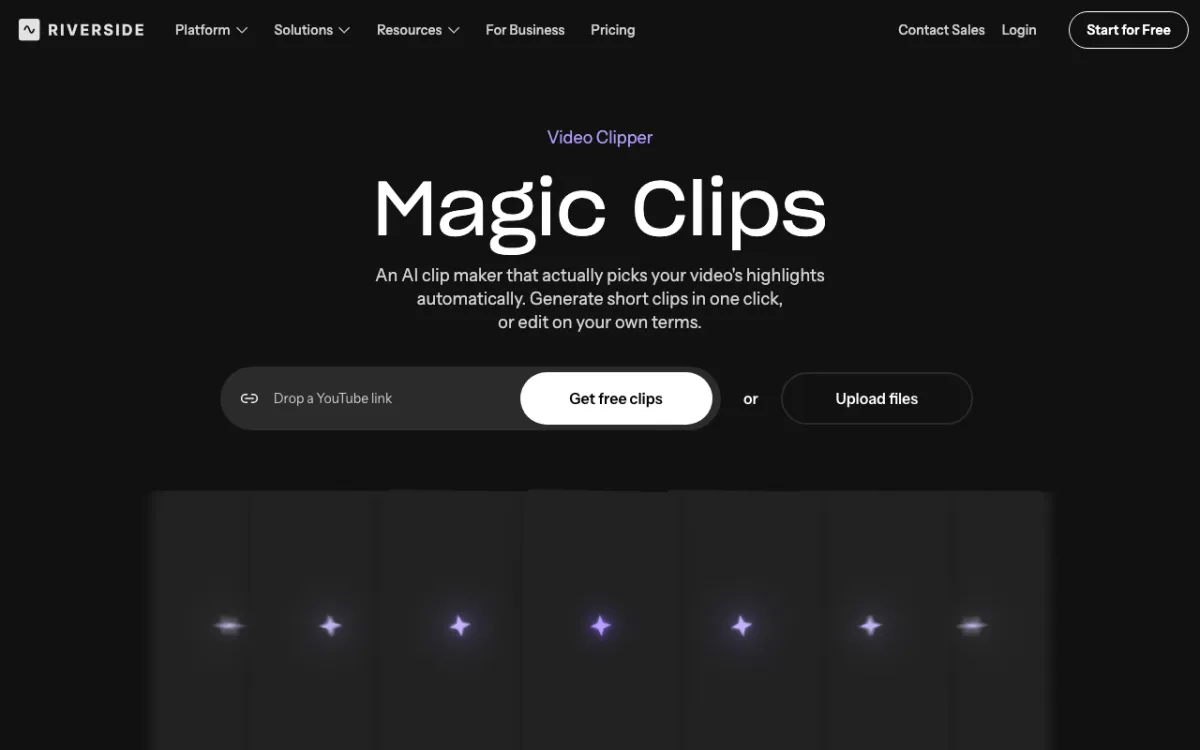 Riverside Magic Clips — highlight clips from the same tool you record in.
Riverside Magic Clips is the clipper for teams that already record podcasts or webinars in Riverside. Each guest sits on a separate track in up to 4K, so clips start from the cleanest source in this list.
Magic Clips picks highlights, adds captions and saves your ratio, layout and branding as a preset. Riverside’s pricing page says core features like Magic Clips don’t spend AI credits.
Pros
- Record, clip and publish without moving a file
- Separate tracks per guest make speaker framing easy
- Presets lock ratio, layout, branding and length for every clip
- A Webinar plan covers registration, live sessions and clipping in one tool
Cons
- Free plan exports at 720p with a Riverside watermark
- No per-clip score or plain-word brief advertised
- You pay for a recording studio even if clipping is all you need
Best for: Podcast and webinar teams who record in Riverside and want clips with no export step.
Pricing: Free: 720p, watermark, Magic Clips included. Pro: $29/month or $24/month billed yearly. Grow: $39/month or $34/month billed yearly. Webinar: $99/month or $79/month billed yearly. US prices; Riverside shows lower regional prices in some countries (riverside.com/pricing, checked October 2026).
5. Descript
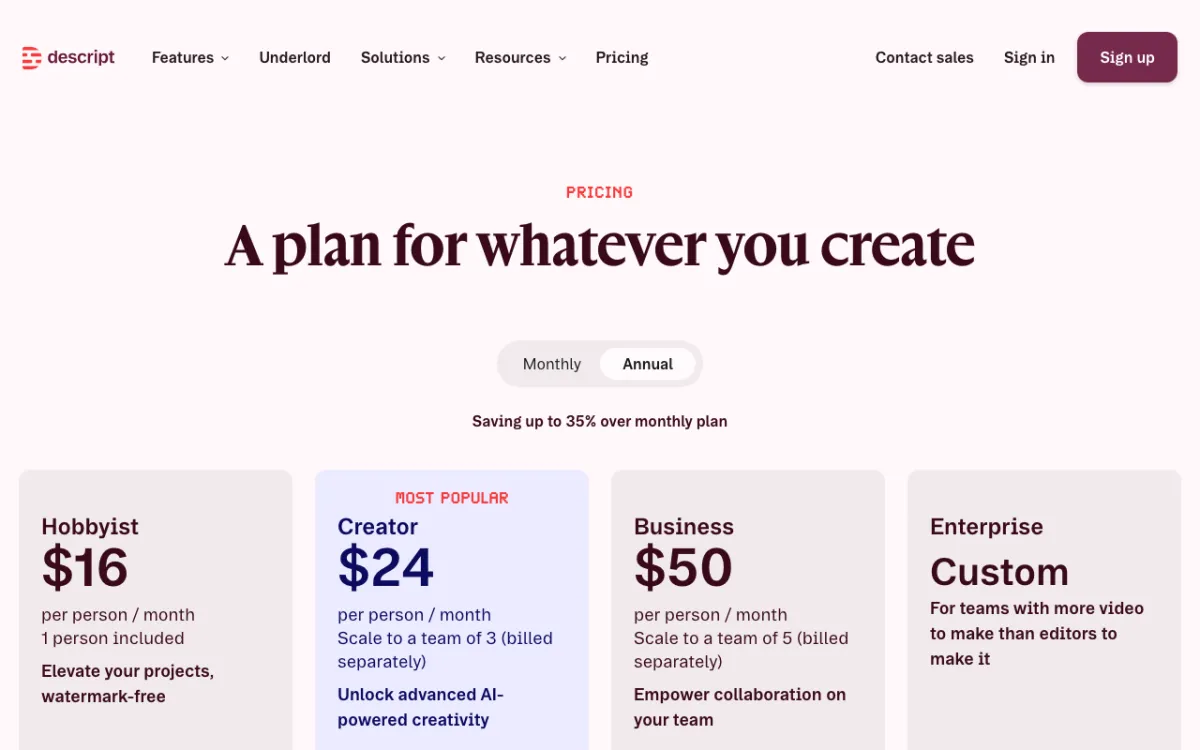 Descript — text-based video editing, with Create Clips among its AI tools.
Descript is a full text-based editor where clipping is one tool among many. Create Clips pulls short highlights from a long recording, and you then edit them like a document.
Pick it for control after the AI pass. You cut by deleting words, clean audio with Studio Sound and strip filler words without touching a timeline.
Pros
- Real editing after the clip pass: trim, rearrange, re-caption by editing text
- Studio Sound and filler-word removal on the same plan
- 10 media hours on Hobbyist, about $0.04 per minute on monthly billing
- 4K export from Creator
Cons
- Clipping is a side feature, with no per-clip score
- Media hours are shared with all your other editing
- Steeper learning curve than a one-click clipper
Best for: Editors who want the AI to rough out clips, then finish them by hand.
Pricing: Free: 1 media hour, 720p, watermark, limited Create Clips. Hobbyist: $24/month or $16/month billed annually, 10 media hours. Creator: $35/month or $24/month billed annually, 30 media hours. Business: $65/month or $50/month billed annually (descript.com/pricing, checked October 2026). For a deeper look, see our Descript alternatives guide.
6. quso.ai
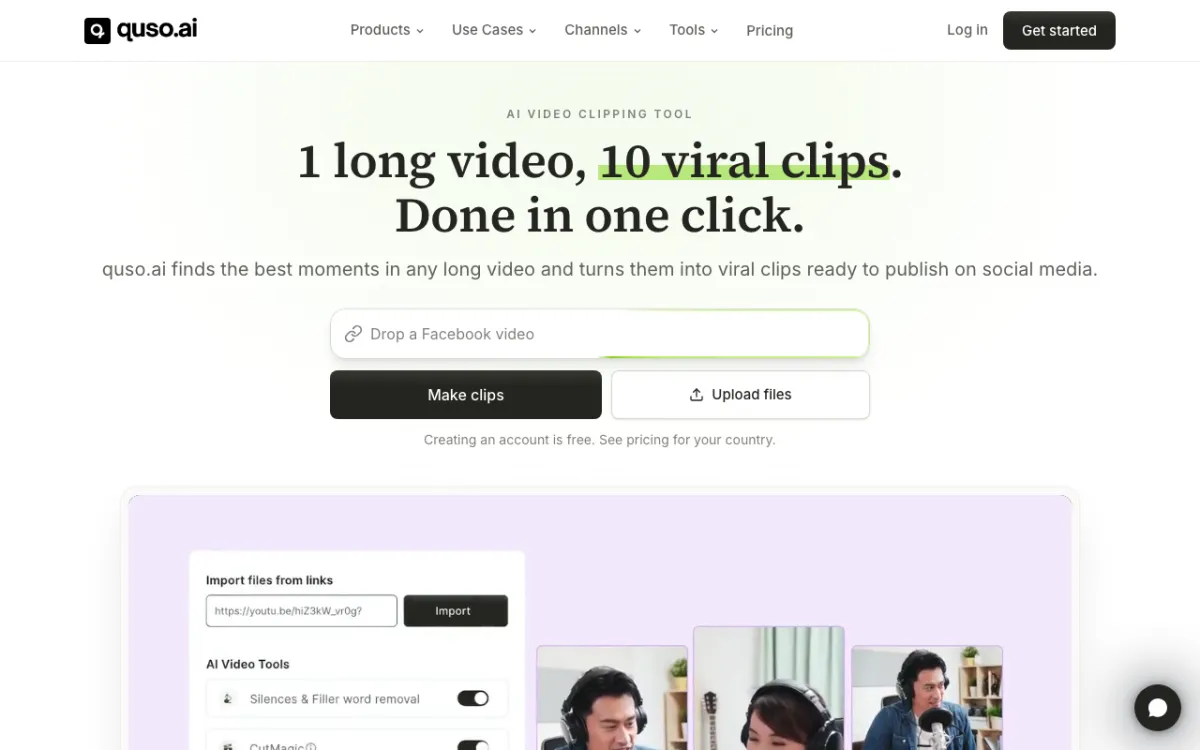 quso.ai — the tool formerly called vidyo.ai, with clipping, scheduling and analytics in one plan.
quso.ai, formerly vidyo.ai, is a clipper inside a social media suite. It finds moments, reframes and captions them, then schedules them from the same dashboard.
Like Vizard, it meters upload minutes: 1 credit is 1 minute of video, rounded up, per its help center. Edits and downloads after upload cost nothing extra.
Pros
- Exports 16:9, 9:16 and 1:1 from the cheapest paid plan
- Scheduler, content planner and analytics built in
- Free plan gives 75 credits a month, more than Vizard’s 60
- Brand kit with logos, colors and fonts on Growth
Cons
- Lite is about $0.29 per upload minute on monthly billing, six times Vizard Creator
- Free plan renders at 720p and keeps data for 7 days
- Branded templates wait until the $49/month Growth plan
Best for: Social media managers who want clipping and posting in one tool and will pay for the suite.
Pricing: Free: 75 credits/month, 720p. Lite: $29/month or $174/year, 100 credits. Essential: $39/month or $234/year, 300 credits. Growth: $49/month or $294/year, 600 credits (quso.ai/pricing, checked October 2026).
7. Munch Studio
 Munch Studio — formerly getmunch, now a done-for-you social media AI with repurposing minutes.
Munch Studio is the tool many still call Munch, rebuilt to run your social media for you. It learns your business from your website, videos and even call recordings, then plans and makes the posts.
Video repurposing survives as a monthly minute allowance. Pick it if you want clips and someone to plan the rest of the feed.
Pros
- Clips plus scripts, generated videos and a content plan in one subscription
- 500 repurposing minutes a month on Essential
- Learns from Zoom call recordings as well as finished videos
- 7-day free trial
Cons
- Clipping is no longer the product’s focus, so clip-level controls are thin
- About $0.12 per repurposing minute on monthly billing
- Pricing page doesn’t state watermark, export resolution or reframing details
Best for: Small businesses that want social media handled end to end, with clipping as one part.
Pricing: Essential: $58/month or $38/month billed annually ($456/year), 500 repurposing minutes. Premium: $85/month or $60/month billed annually ($720/year), 1,000 minutes. Multi-brand plans from $148/month (munchstudio.com/pricing, checked October 2026).
Vizard alternatives compared
| Tool | How it bills | Approx. cost per upload minute (monthly plan) | Per-clip score | Brief before clipping | Max source length | Watermark-free from |
|---|---|---|---|---|---|---|
| Vizard (baseline) | 1 credit/min | ~$0.05 (Creator) | Not listed | Highlight keywords | 600 min, 30 GB | $29/mo |
| Vidwip AI Clipping | Credits | Credit-based, free to start | Yes, 4 scores | Yes, 500 chars | 60 min, 2 GB | Free |
| OpusClip | 1 credit/min | ~$0.10 (Starter, Pro) | Yes (paid) | Pro and up | Credit-limited | $15/mo |
| Klap | Per clip | $0.29 per clip (Basic) | Yes | No | Not listed | $29/mo |
| Riverside | Plan | Not metered per minute | Not listed | No | Plan-limited | $29/mo |
| Descript | Media hours | ~$0.04 (Hobbyist) | No | No | Media hours | $24/mo |
| quso.ai | 1 credit/min | ~$0.29 (Lite) | Not listed | No | Credit-limited | $29/mo |
| Munch Studio | Repurposing min | ~$0.12 (Essential) | Not listed | No | Plan minutes | $58/mo |
All prices checked on each vendor’s pricing page in October 2026. Cost per minute divides the monthly price by the minutes or credits it buys, so annual billing roughly halves most of these.
How to choose the right Vizard alternative
- You know which moments you want: Vidwip AI Clipping. Brief it, then post the clip it ranks first.
- You want Vizard’s flow plus a score: OpusClip. Expect to pay about twice as much per minute.
- Your webinars are slide-led or your streams are messy: Klap. Screencast layouts keep the slides in frame.
- You record in Riverside or edit in Descript: stay there. Built-in clipping beats exporting to a third tool.
- You want posting and planning handled too: quso.ai for a scheduler, Munch Studio for a done-for-you feed.
Need captions in other languages? Try the AI subtitle generator.
Want the clip voiced in another language? Run it through AI Video Dubbing, or compare options in our AI video dubbing tools roundup.
If captions are the main event, our Submagic alternatives guide covers caption-first editors.
Final verdict
Vizard is still the cheapest way to push hours of webinar footage through a clipper. If minutes per dollar is all you need, stay.
If you’d rather tell the tool what to find, switch to Vidwip AI Clipping: brief it, get up to 5 speaker-cropped shorts ranked best first, and post the top one.
OpusClip is the like-for-like move with a Virality Score. Klap wins on slides and streams, and Riverside or Descript win if your recordings already live there.