
Vidwip AI Subtitle Generator is the pick when the captions themselves matter most: every word timed by ElevenLabs Scribe v2, 13 looks with 8 word-highlight styles, and translation into 94 languages, but no auto emojis or B-roll. For the full Submagic package, OpusClip and Vizard add emojis, keyword highlights and AI B-roll, Captions is the phone-first pick, CapCut is free, VEED and Zeemo export SRT files.
The best Submagic alternatives give you the same three things Submagic made popular: animated captions that pop word by word, emojis and highlighted keywords, and B-roll dropped in for you. Few rivals match all three, so this list ranks seven tools by how well they handle each.
Submagic is still live and still pitches “Edit shorts 10x faster with AI”. Its homepage claims caption styles in 123 languages at 99% accuracy, which is the vendor’s own figure, not an independent test.
The friction is the plan line. Submagic’s pricing page meters you per video and caps how long each one can be (checked October 2026).
If you only care about the captions, or you need longer videos, you can do better.
Why creators look for Submagic alternatives
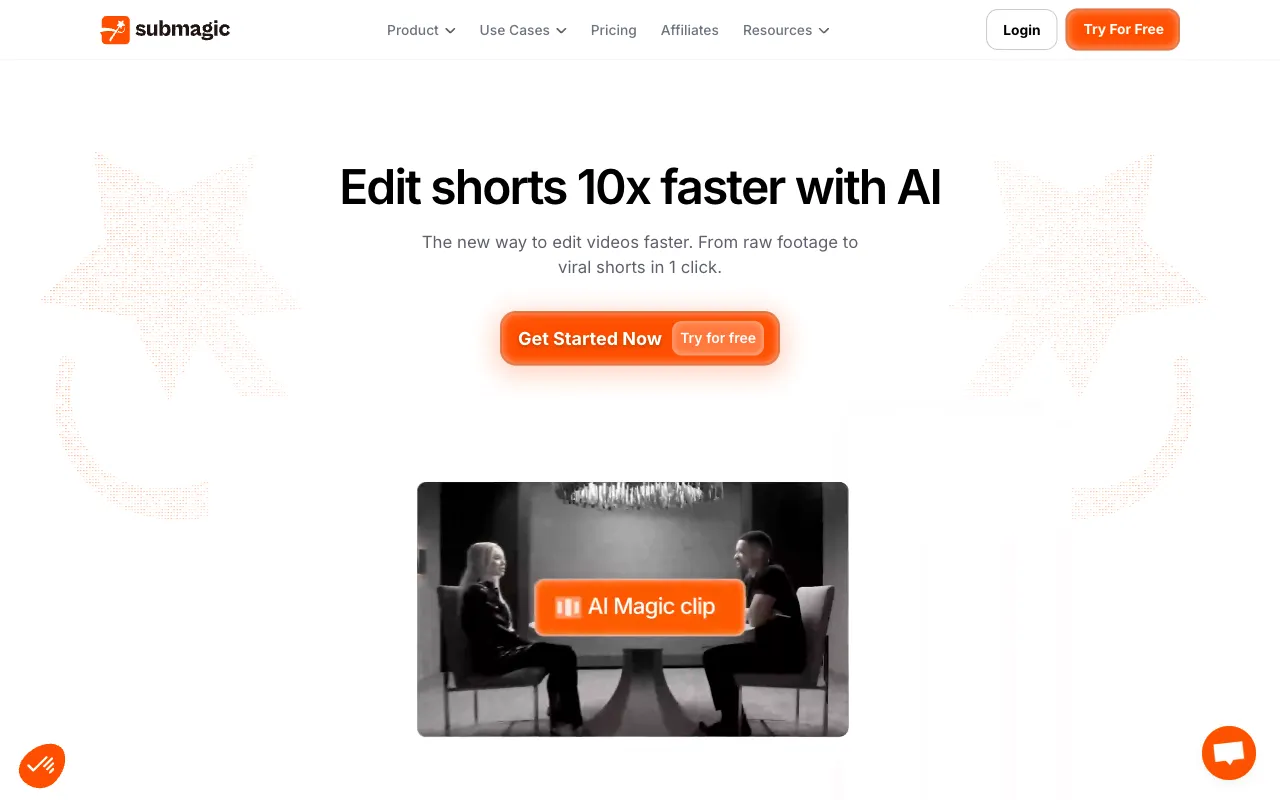 Submagic in October 2026: one-click shorts with animated captions, Magic Clips and auto B-roll.
Submagic’s plans count videos, not minutes. Here’s what each tier buys, billed monthly or yearly:
| Submagic plan | Price | Videos / month | Max length | Export |
|---|---|---|---|---|
| Starter | $19/mo or $12/mo yearly | 15 | 2 min | 1080p |
| Pro | $39/mo or $23/mo yearly | 40 | 5 min | 1080p |
| Business | $69/mo or $41/mo yearly | 100 | 30 min | 4K, 60 fps |
That works out to roughly $0.58 to $1.27 per video on Starter and Pro. Fine for a daily short, painful for a 10-minute YouTube video, which needs Business.
Captions earn their place, though. A Verizon Media and Publicis Media survey of 5,616 US adults found 69% watch video with the sound off in public, and 80% said they’re more likely to finish a video when captions are on.
So here’s what to check in an alternative:
- Caption styles. How many looks, and whether each word highlights as it’s spoken.
- Accuracy and fixes. Word-level timing, and how fast you can correct a misheard name.
- Emojis and B-roll. Auto-inserted, generated on request, or not at all.
- Languages. Captions in the spoken language only, or translated with timing kept.
- Price per video. What one finished, captioned video costs once you’re past the free tier.
Quick picks
| Pick | Best for | Starts at (paid) |
|---|---|---|
| Vidwip AI Subtitle Generator | Word-timed, word-highlight captions in 94 languages | $25/mo |
| Captions | Phone-first AI editing with 100+ caption templates | $24.99/mo (iOS) |
| CapCut | Free animated captions and templates | $14/mo |
| OpusClip | Captioned shorts with emojis and AI B-roll from long videos | $15/mo |
| VEED | Browser editor with karaoke captions and SRT export | $10/user/mo yearly |
| Zeemo | Cheap caption app with 500+ templates and SRT export | $8/mo yearly |
| Vizard | Clipping with AI emojis, keyword highlights and B-roll | $14.50/mo yearly |
Every price was checked on the vendor’s own pricing page in October 2026.
1. Vidwip AI Subtitle Generator
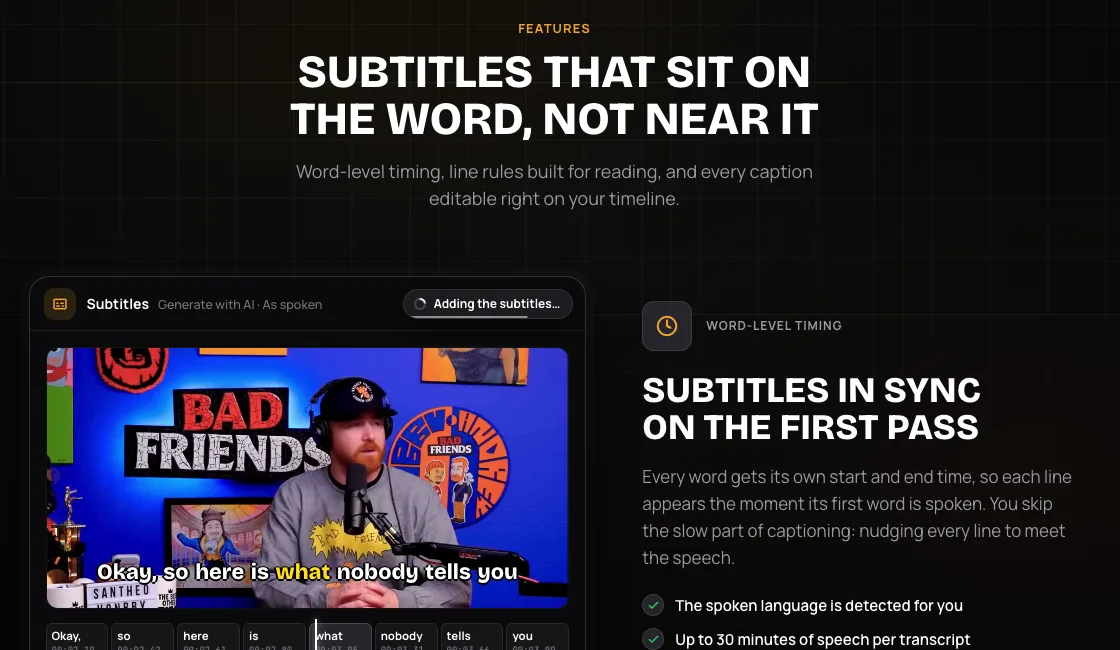 Vidwip AI Subtitle Generator — every word timed, highlighted as it’s spoken, in 94 languages.
Vidwip AI Subtitle Generator is a caption tool for short-form creators that times every spoken word and highlights it on cue, with translation into 94 languages. It’s the pick when the captions themselves are why you use Submagic.
ElevenLabs Scribe v2 transcribes the track you pick, detects the language and gives every word its own start and end time. Each line appears the moment its first word is said, so nothing drifts.
For the Submagic look, choose Create subtitles on an audio block. You get 13 looks, and 8 of them, such as Bold Yellow, Bold Green and Neon Pink, light up each word as it’s spoken.
Lines break at sentence ends, speaker changes and 0.8-second pauses. As-spoken lines stay within 42 characters and 6 seconds on screen, so viewers read them in one glance.
Translation keeps the timing. Pick one of 94 languages and each line is translated one for one, with its start and end times untouched.
What it won’t do is decorate: no auto emojis, no auto B-roll. If you want a cutaway, generate one with AI Video Generator and drop it on the timeline yourself.
Pros
- Every word timed, up to 30 minutes of speech per transcript
- 13 caption looks, 8 with word-by-word highlight
- Translate into 94 languages without retiming a line
- Click any caption to retype it, or restyle the whole set at once: 10 fonts, Shadow, Outline or Box, Top, Middle or Bottom
- Import your own .srt or .vtt up to 5 MB and burn it in
- No video-count cap and no watermark on exports
Cons
- No auto emojis or auto B-roll
- Captions burn into the video; there’s no SRT or VTT download
- Export tops out at 1080p
- Word-highlight looks need the speech on its own audio block; the quick Generate with AI path uses the plain Caption look
- No glossary for names and brand terms, so check proper nouns before you export
- Browser only, with no phone app
Best for: Creators who want accurate, word-highlighted captions, in more than one language, on a real timeline. Need shorts cut from a long talk first? AI Clipping picks the moments, and the AI Studio editor is where you caption them.
Pricing: Free to start, no credit card. Starter $25/month for 2,500 credits, or $20/month billed yearly. Pro $99/month for 10,000 credits. Enterprise custom (see plans).
2. Captions
 Captions — AI editing with 100+ caption templates, phone first.
Captions is an AI video editor for talking-head creators, offering 100+ caption templates, captions in 100+ languages and AI-generated B-roll from $24.99 a month. It’s the original phone-first rival to Submagic.
The app is still called Captions. Its parent company renamed itself Mirage in September 2025, but the product kept its name.
Max includes 500 AI credits a month for AI Edit styles and generating custom B-roll, music, sound effects and images. Unused credits roll over, up to 3x your monthly allowance.
Pros
- 100+ caption templates on paid plans
- Generates custom B-roll, music and sound effects on Max
- AI Edit styles do a full pass, not just captions
- Unused credits roll over, up to 3x the monthly grant
Cons
- Free plan gets 1 caption template and no AI credits
- Listed prices are iOS prices; check web and Android before you budget
- Transcript download only, no SRT listed
Best for: Creators who shoot and post from their phone and want AI to handle the whole edit. Our Captions app alternatives post covers its rivals for talking-head video.
Pricing: Free (1 template). Max $24.99/month for 500 credits. Frontier $69.99/month for 1,400 credits, iOS (checked October 2026).
3. CapCut
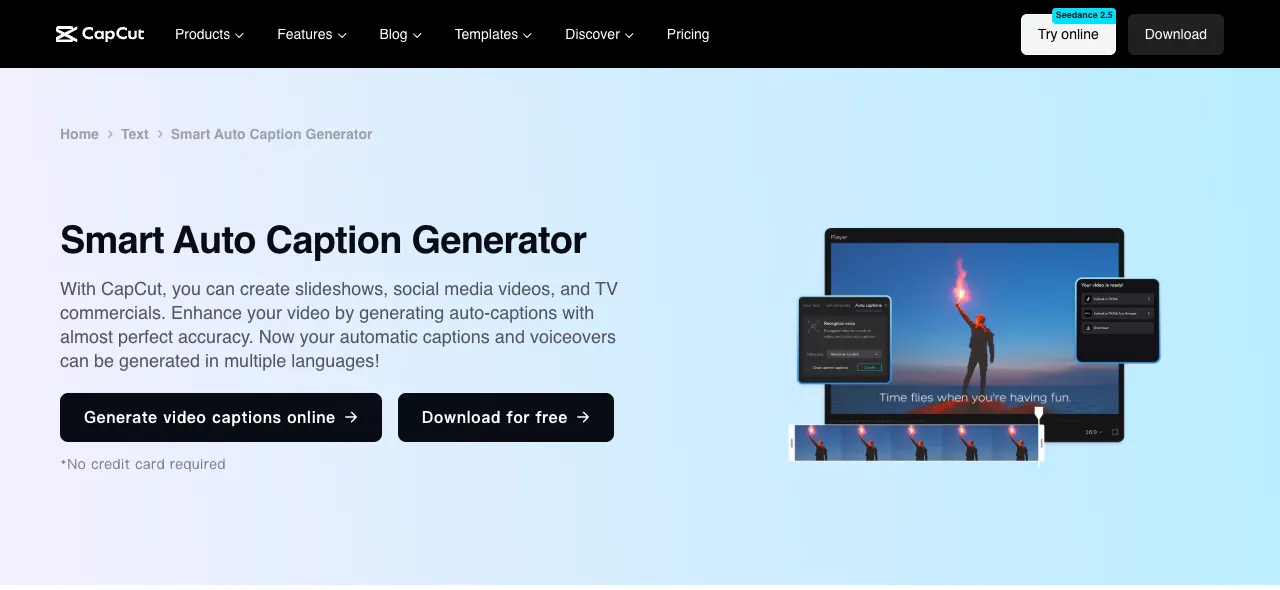 CapCut — free auto captions you can animate, on phone, desktop and web.
CapCut is a short-form video editor for TikTok, Reels and Shorts creators, offering auto captions you can style and animate on a free plan, with Pro from $14 a month. It’s the cheapest way to get Submagic-style captions.
Auto captions turn speech into text and can translate it into a target language. You then pick from caption templates and animate them to taste.
There’s no one-click emoji or B-roll pass. You build the look yourself from templates, stickers and the stock library.
Pros
- Free plan with auto captions and caption templates
- Runs on phone, desktop and web
- Pro costs $89.99 a year, less than three months of Submagic Pro billed monthly
- Huge library of trending templates
Cons
- No auto emojis or auto B-roll from captions
- No SRT export mentioned on the caption tool page
- Prices are shown “for reference only” until you sign in
Best for: Solo creators who want free animated captions and don’t mind styling by hand. See our CapCut alternatives for editors that do more.
Pricing: Free. Pro $14/month or $89.99/year. Ultra $79/month. Teams from $6.50 per seat per month, as displayed (checked October 2026).
4. OpusClip
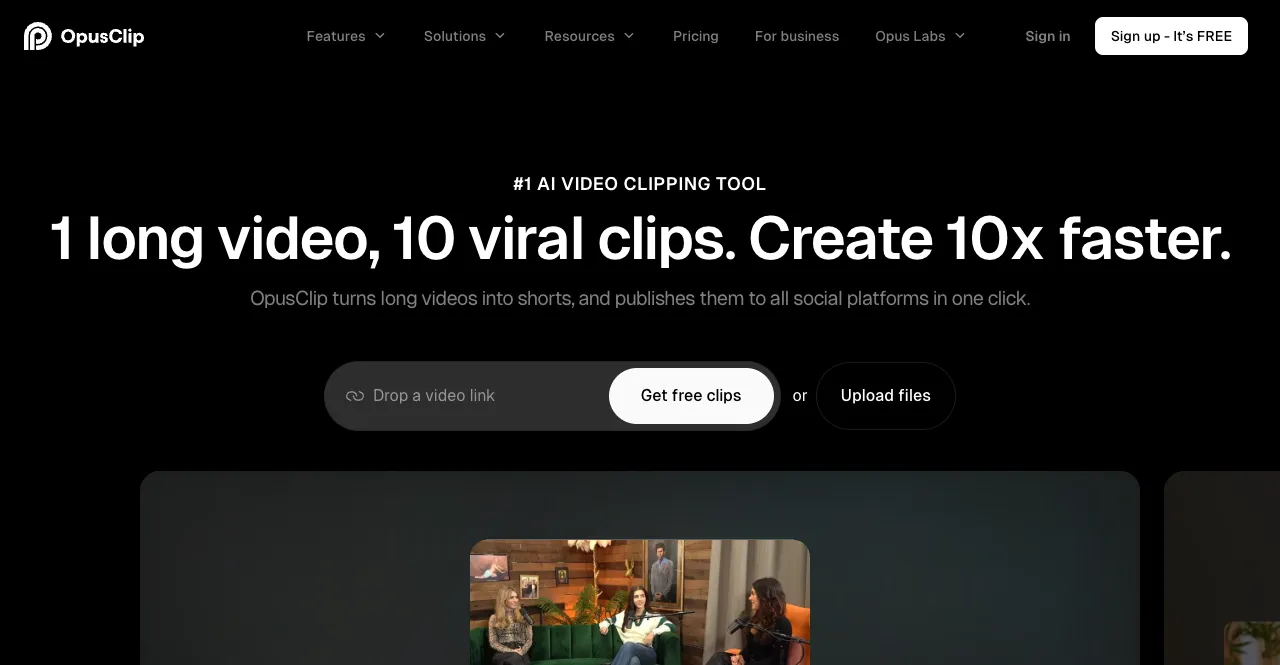 OpusClip — long videos cut into captioned shorts with emojis and B-roll.
OpusClip is an AI clipping tool for podcasters and long-form creators, offering animated captions with emoji and keyword highlights plus AI B-roll from $15 a month. It’s the closest match if you use Submagic’s Magic Clips.
You drop in a long video and OpusClip picks the moments, reframes them to vertical and captions them. The homepage claims 97% caption accuracy and support for English plus 20-plus other languages.
B-roll scales by plan. Starter gets 3 stock and 3 AI image B-roll clips a month, while Pro adds unlimited stock B-roll, 50 AI image clips a day and AI video B-roll.
Pros
- Emoji and keyword highlights on every plan, Free included
- AI and stock B-roll from Starter
- Turns one long video into many captioned shorts
- Watermark-free exports from Starter
Cons
- Free exports carry a watermark and expire after 3 days
- Starter’s B-roll allowance is small: 3 clips of each kind a month
- No SRT export listed on the pricing page
Best for: Podcasters and streamers who want a week of emoji-captioned shorts from one recording. More clippers in our OpusClip alternatives ranking.
Pricing: Free. Starter $15/month. Pro $29/month. Business custom (checked October 2026).
5. VEED
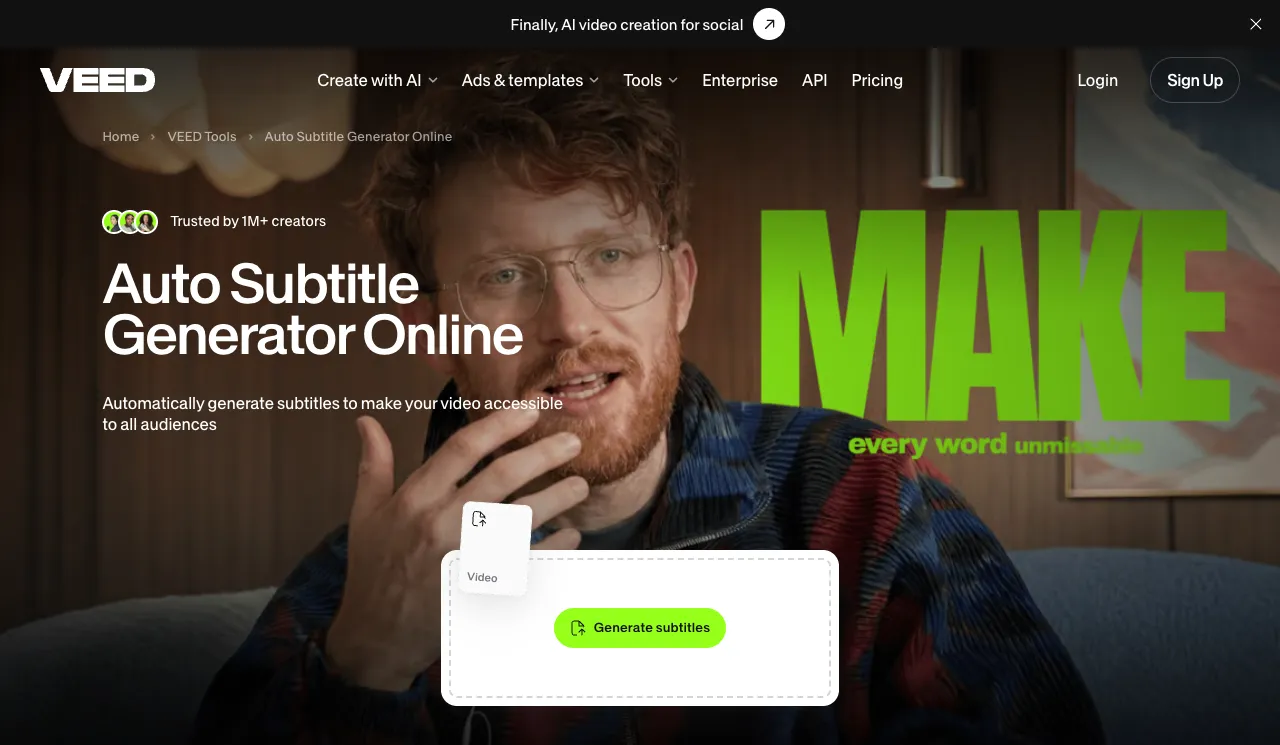 VEED — browser editor with animated subtitles and SRT, VTT and TXT downloads.
VEED is a browser video editor for marketing teams, offering auto subtitles with karaoke-style animation, word highlights and SRT downloads from $10 per user per month billed yearly. It’s the pick when you need subtitle files as well as burned-in captions.
VEED’s subtitle page claims up to 99.9% accuracy. Animation options include a box highlight, karaoke-style captions and dynamic subtitles that move with the audio.
Plans split on subtitles. Creator caps subtitles at 120 hours a year at 1080p, while Pro adds unlimited auto subtitles within a 50-hour monthly fair-use limit, 4K and translation into 50+ languages.
Pros
- Download SRT, VTT and TXT, or burn captions in
- Karaoke, box-highlight and dynamic caption animations
- No watermark on paid plans
- 4K and 50+ language translation on Pro
Cons
- Priced per seat, so each editor you add multiplies the bill
- No auto emojis documented on the subtitle page
- Translation minutes count against your plan and don’t roll over
Best for: Marketing teams that need styled captions and subtitle files from one browser editor. Our VEED alternatives post covers cheaper seats.
Pricing: Free with watermark. Creator $10/user/month billed yearly ($125/year). Pro $20/user/month billed yearly ($234/year). Enterprise custom. Monthly billing costs more, and VEED shows prices in your local currency by region (veed.io/pricing, checked October 2026).
6. Zeemo
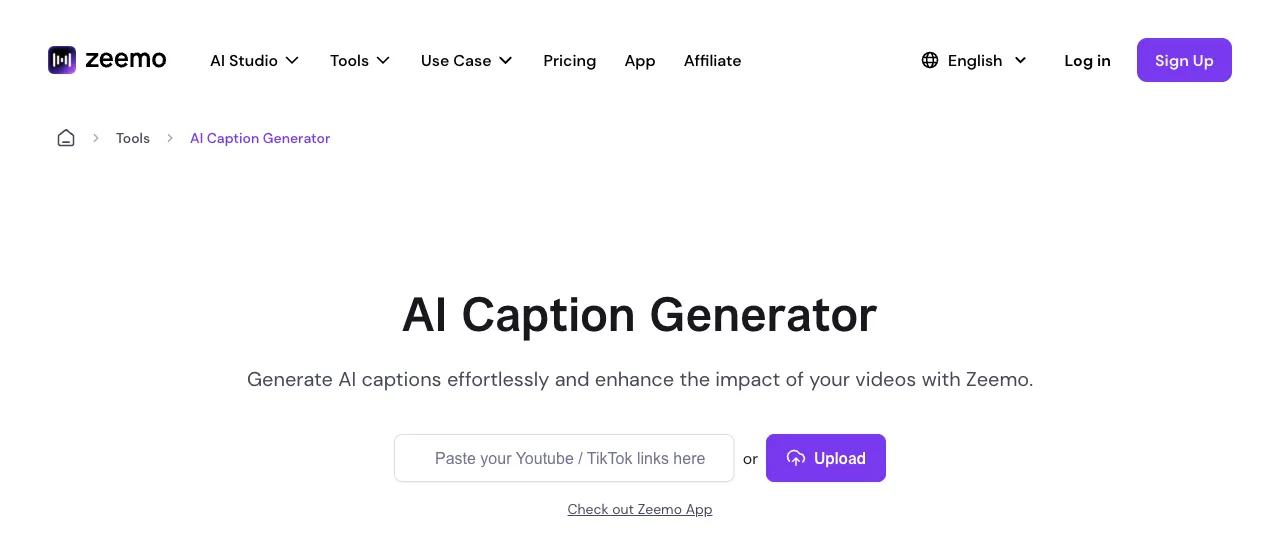 Zeemo — AI captions in 95 languages with 500+ templates and SRT export.
Zeemo is a caption app for short-form creators, offering AI captions in 95 languages, 500+ subtitle templates and SRT export from $8 a month billed yearly. It’s the cheapest paid pick on this list.
Zeemo’s caption page claims 98% accuracy and lists exports as MP4, SRT, Final Cut, TXT and ASS. Its pricing page adds translation into 124+ languages.
Zeemo has widened its pitch, too. The homepage now sells an AI studio for image and video generation, with captions as one tool among many.
Pros
- 500+ subtitle templates
- Exports SRT, ASS, TXT and Final Cut files
- Pro from $8/month billed yearly
- Web app plus iOS and Android apps
Cons
- Pro caps videos at 3 minutes and exports at 1080p; 4K and 5-hour videos need Expert
- Emojis are a separate Add Emoji tool, not part of auto captions
- No B-roll feature listed
Best for: Budget creators who want lots of caption templates and a subtitle file to go with them.
Pricing: Free (1-minute videos, 720p). Pro $8/month billed yearly. Expert $13.39/month billed yearly. Business $16.07/month billed yearly (checked October 2026).
7. Vizard
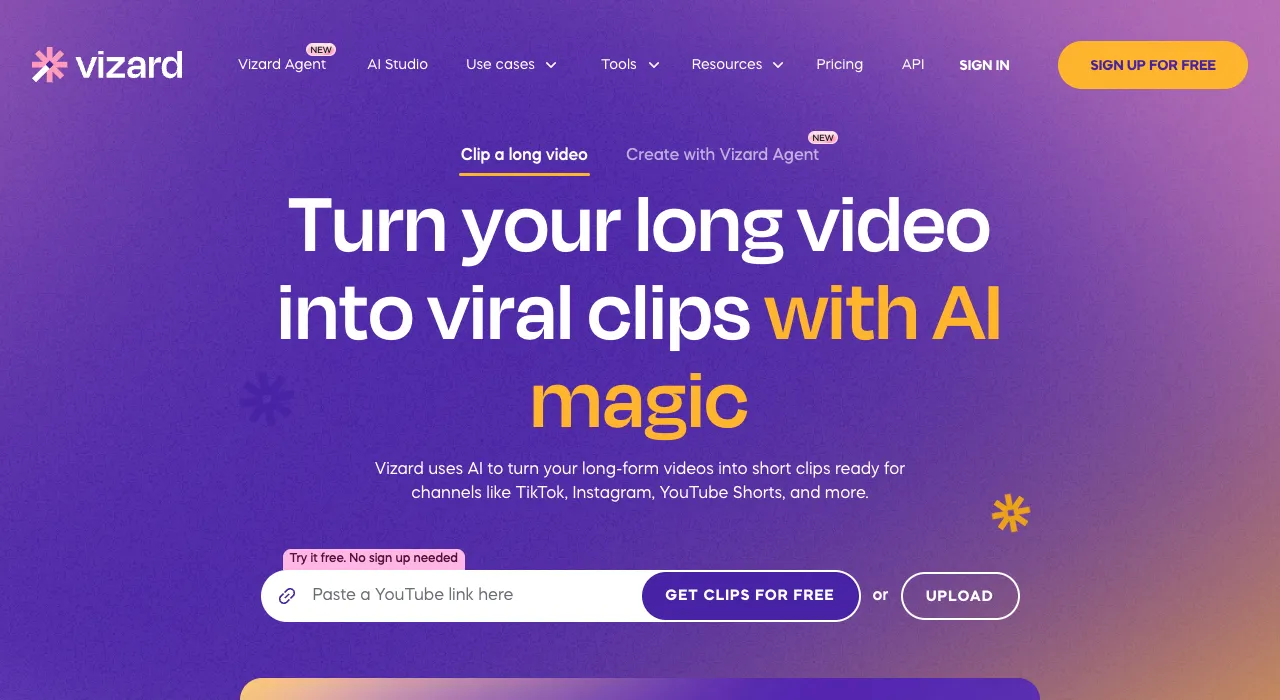 Vizard — AI clipping with AI emojis, keyword highlights and B-roll.
Vizard is an AI clipping tool for creators and marketers, offering AI emojis, highlighted keywords and AI B-roll on clips cut from long videos, from $14.50 a month billed yearly. It’s the cheaper twin of OpusClip.
You paste a YouTube link or upload, and Vizard cuts the long video into vertical clips. Its homepage says captions can be translated into over 100 languages.
Credits are minutes. One credit equals one minute of video, and Creator starts at 7,200 credits a year.
Pros
- AI emojis, keyword highlights and AI B-roll listed among its features
- SRT transcript download on paid plans
- Creator exports at up to 4K with no watermark
- Upload videos up to 600 minutes on paid plans
Cons
- Free exports at 720p with a watermark, stored for 3 days
- Clipping first; less suited to captioning a finished edit
- The pricing table doesn’t spell out which plan gets each AI feature
Best for: Creators who want Submagic-style decorated captions on clips cut from podcasts and webinars, at a lower yearly price.
Pricing: Free (60 credits/month). Creator $29/month or $14.50/month billed yearly ($174/year). Business $39/month or $19.50/month billed yearly ($234/year) (checked October 2026).
Submagic alternatives compared
| Tool | Caption styles | Word highlight | Auto emojis | Auto B-roll | Languages | Subtitle file | Starting paid price |
|---|---|---|---|---|---|---|---|
| Submagic (baseline) | Animated templates | Yes | Yes | Yes | 123 claimed | Not listed | $12/mo yearly |
| Vidwip AI Subtitle Generator | 13 looks | 8 styles | No | No | Auto-detect; translate to 94 | No (import only) | $25/mo |
| Captions | 100+ templates | Template-dependent | Not listed | Generated on Max | 100+ | Transcript only | $24.99/mo (iOS) |
| CapCut | Templates, animatable | Template-dependent | No | No | Multiple | Not listed | $14/mo |
| OpusClip | Animated | Keyword highlight | Yes | Starter and up | English + 20 more | Not listed | $15/mo |
| VEED | Karaoke, box, dynamic | Yes | No | No | 50+ translation on Pro | SRT, VTT, TXT | $10/user/mo yearly |
| Zeemo | 500+ templates | Highlights | Separate tool | No | 95 captions, 124+ translation | SRT, ASS, TXT | $8/mo yearly |
| Vizard | Brand templates | Keyword highlight | Yes | Yes | 100+ translation | SRT (paid) | $14.50/mo yearly |
Vendor-claimed accuracy, for what it’s worth: Submagic 99%, OpusClip 97%, Zeemo 98%, VEED up to 99.9%. None of these are independent tests, so run your own clip with names and jargon before you commit.
How to choose the right Submagic alternative
You care most about the captions. Pick Vidwip AI Subtitle Generator. Every word is timed, 8 of its 13 looks highlight as you speak, and 94 languages keep that timing.
You want emojis and B-roll done for you. Pick OpusClip for the broadest B-roll options, or Vizard for a lower yearly price.
You shoot and edit on your phone. Pick Captions for AI editing, or CapCut if the budget is zero.
You need a subtitle file. Pick VEED for SRT, VTT and TXT from a browser editor, or Zeemo for the cheapest plan with SRT and ASS.
You only need transcripts, not styled captions. Our free AI video transcription tools roundup covers that job.
Final verdict
Submagic is still a strong one-click shorts editor, but per-video credits and length caps add up fast. Split the jobs and you often get better captions for less.
For the captions themselves, start with Vidwip AI Subtitle Generator: words timed by ElevenLabs Scribe v2, 13 looks, 8 word-highlight styles and 94 languages on a real timeline. Try it at app.vidwip.com, free to start with no credit card.