
Vidwip AI Podcasts is the pick when you want up to 4 hosts, 74 languages and an embeddable player on your own blog, at $1.20 per finished minute. Jellypod is the closest full-studio replacement for Wondercraft, NotebookLM is the best free option, and ElevenLabs Studio gives you the most control over the finished script.
Wondercraft built its name on turning documents into AI-hosted podcasts. In 2026 it sells itself as an AI video studio for business, and podcast makers are shopping for Wondercraft alternatives that still put audio first.
This post ranks seven of them on what matters for a document-to-podcast workflow: how real the hosts sound, how much control you get over the script, and what a finished minute actually costs.
Every competitor price below was checked on the vendor’s own site in October 2026.
TL;DR — the best Wondercraft alternatives at a glance
- Vidwip AI Podcasts — up to 4 hosts, 74 languages, an embeddable player for your blog. $1.20 per finished minute.
- Jellypod — the closest full-studio replacement: 1 to 4 hosts, line-by-line script editing, RSS and video. From $25/month billed yearly.
- NotebookLM (Gemini Notebook) — free two-host Audio Overviews from your PDFs, sites and docs. No script editing.
- ElevenLabs Studio — the most realistic voices, with GenFM drafts you can edit line by line. Creator $22/month.
- HeyGen AI Podcast Generator — the pick when you need a video podcast with a lip-synced avatar host. Creator $29/month.
- ListenHub — the cheapest minutes on a paid plan, with one or two hosts. Starter $12/month.
- Podcastle (now Async) — for shows you record yourself, with AI voices, editing and hosting. From $11.99/month billed yearly.
Why people look for Wondercraft alternatives
Wondercraft’s homepage now leads with AI video, avatars and guided business-video workflows. Podcasts are still listed, and a banner advertises an editable NotebookLM-style “Convo Mode”, but its old podcast generator page returned a not-found screen when we checked.
The pricing has moved with it. Wondercraft’s plans start at $25 a month ($21 billed yearly) for 1,000 credits, shared across video, avatars, images, music and voice (checked October 2026).
That is a fine deal if you want a video studio. It is a harder sell if all you need is a show built from this week’s newsletter.
Demand for that show is real. Edison Research’s Infinite Dial 2026 found 58% of Americans aged 12 and older, about 167 million people, listened to a podcast in the last month, an all-time high.
What to look for in an AI podcast generator
Host count. Most tools stop at two voices. If you want a panel, a roundtable or an interview with two guests, you need a tool that seats 3 or 4 hosts.
Script control. Some tools let you edit every line before it’s voiced. Others write and voice in one run and let you steer with instructions. Decide which you need before you pay.
Grounding. A podcast built from your article should not invent statistics. Check whether the tool keeps the hosts on your source material.
Where the episode lives. An MP3 download, a share link, an embeddable player, an RSS feed or a YouTube video are all different jobs. Pick the tool that ends where your listeners are.
Cost per finished minute. Divide the plan price by the minutes it actually buys. A cheap plan you only use twice a month can cost more per episode than a per-minute rate.
1. Vidwip AI Podcasts — best for putting a podcast on your own blog
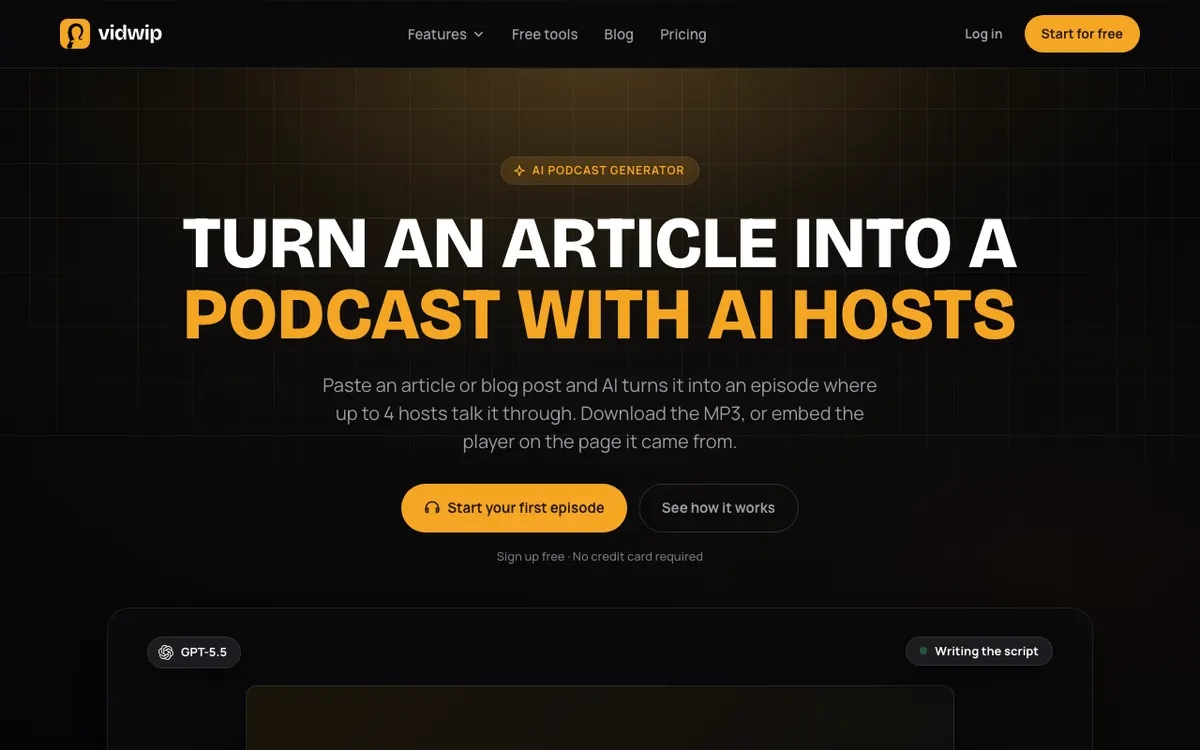 Vidwip AI Podcasts — paste an article and get an episode with up to 4 hosts in 74 languages.
Vidwip AI Podcasts is a text-to-podcast tool for content marketers and newsletter writers, turning pasted writing into an episode with 1 to 4 named hosts for $1.20 per finished minute.
You paste 100 to 20,000 characters of an article, notes or a transcript. You pick a language, a target length of about 5, 10, 15 or 20 minutes, and seat your hosts.
GPT-5.5 writes the script with a turn for every host, in one of 4 formats: conversation, interview, debate or lesson. ElevenLabs v3 then voices all the hosts together as one conversation, so replies sound like replies and cues like [laughs] are performed instead of read aloud.
The script is told never to invent facts, numbers, names or quotes. Where your text is silent, the hosts wonder aloud rather than make claims, which matters when the source is a policy doc or a product launch.
The finished episode is a 192 kbps MP3. Share & embed gives you a public link and an iframe player in a light or dark look, so readers press play on the post the episode came from, with no podcast hosting account.
Save your hosts, voices, style, moods, music and a word-for-word intro and outro as one of up to 20 templates. Episode 12 then opens just like episode 1.
Pros
- Up to 4 named hosts per episode, each with their own voice from 190+
- 74 languages, with the script written directly in that language rather than translated from English
- Grounded script that stays on your source text
- Embeddable player and public share link, so you don’t need a hosting service to publish on your site
- Pay per finished minute: 120 credits, or $1.20
Cons
- Pasted text only: no PDF upload or URL import, so copy the text out first
- No line edits before voicing. You steer with an Instructions field of up to 1,000 characters
- No RSS feed. To reach Spotify or Apple Podcasts, upload the MP3 to your host
- Audio only. For a video version, you lay the MP3 on the AI Studio timeline yourself
- 190+ voices, against Jellypod’s 3,300+, and no voice cloning
Best for: Content marketers, founders and newsletter writers who want a listen version embedded on every post.
Pricing: 120 credits ($1.20) per finished minute, so a 5-minute episode is about 600 credits. Sign-up is free with no credit card, and paid plans start at $25/month for 2,500 credits (see pricing).
2. Jellypod — best full-studio replacement for Wondercraft
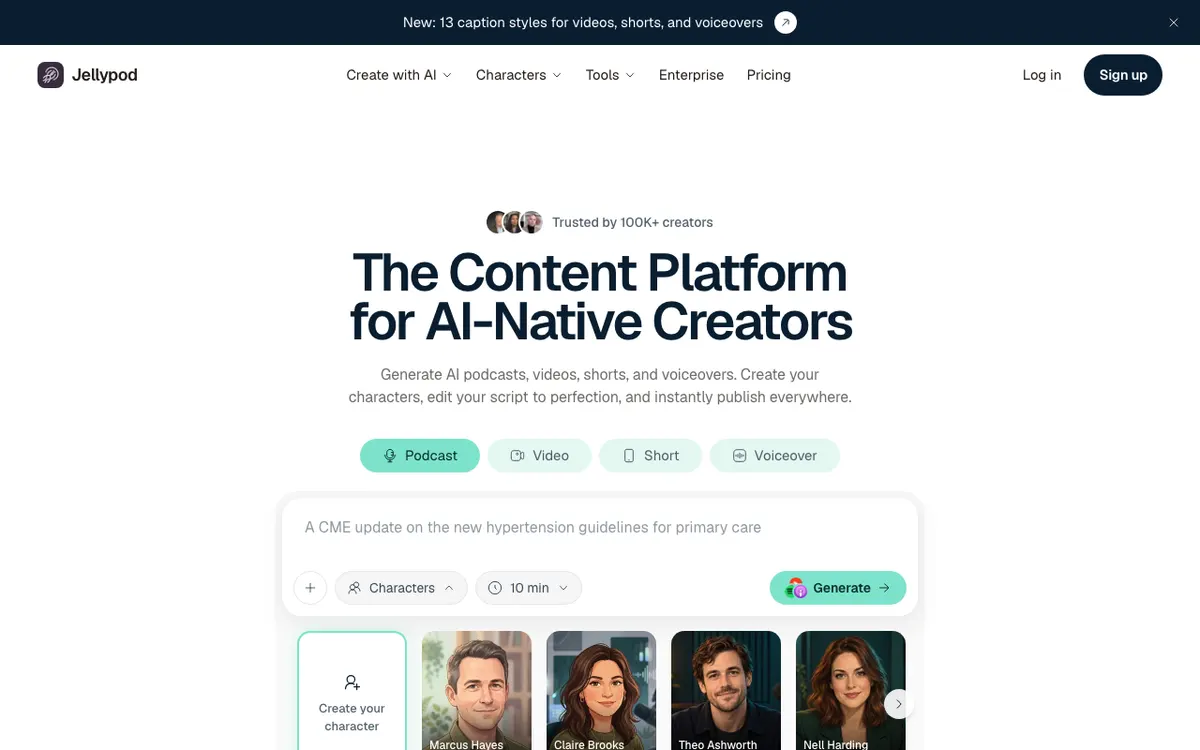 Jellypod — AI podcasts, video and shorts from a topic, PDF, URL or notes.
Jellypod is an AI podcast studio for creators who want to run a recurring show, with 1 to 4 AI hosts, script editing and RSS publishing from $25 a month billed yearly.
It is the tool that most resembles Wondercraft’s old podcast workflow. You start from a topic, PDF, slide deck, article, notes or URL, and Jellypod drafts an episode for a cast of named AI characters.
The Script Editor lets you change any line and regenerate any segment before you publish. A Pronunciation Guide fixes the brand names AI voices usually trip on.
Every podcast gets a website and an RSS feed you can submit to Spotify, Apple Podcasts and YouTube. Paid plans add AI video, shorts with 13 caption styles, and scheduled publishing.
Pros
- 1 to 4 hosts, from a library of 3,300+ voices in 121 languages
- Line-level script editing and segment regeneration
- Accepts PDFs, URLs, slide decks and notes, not just pasted text
- RSS feed and podcast website built in
- Voice cloning and voice design from a description
Cons
- Starter caps podcast episodes at 60 minutes and video at 15 minutes
- Free episodes carry a “Made with Jellypod” watermark and a short sponsor mention
- The pricing page is unclear on whether Starter removes Jellypod branding
- A yearly commitment for the headline price
Best for: Creators running a weekly AI-hosted show who want editing, hosting and distribution in one place.
Pricing: Free with 500 one-time credits. Starter $25/month billed yearly for 5,000 credits, Creator $50/month, Business $125/month (checked October 2026). Narration costs 30 credits a minute, so Starter buys about 166 minutes, roughly $0.15 a minute.
3. NotebookLM (now Gemini Notebook) — best free option
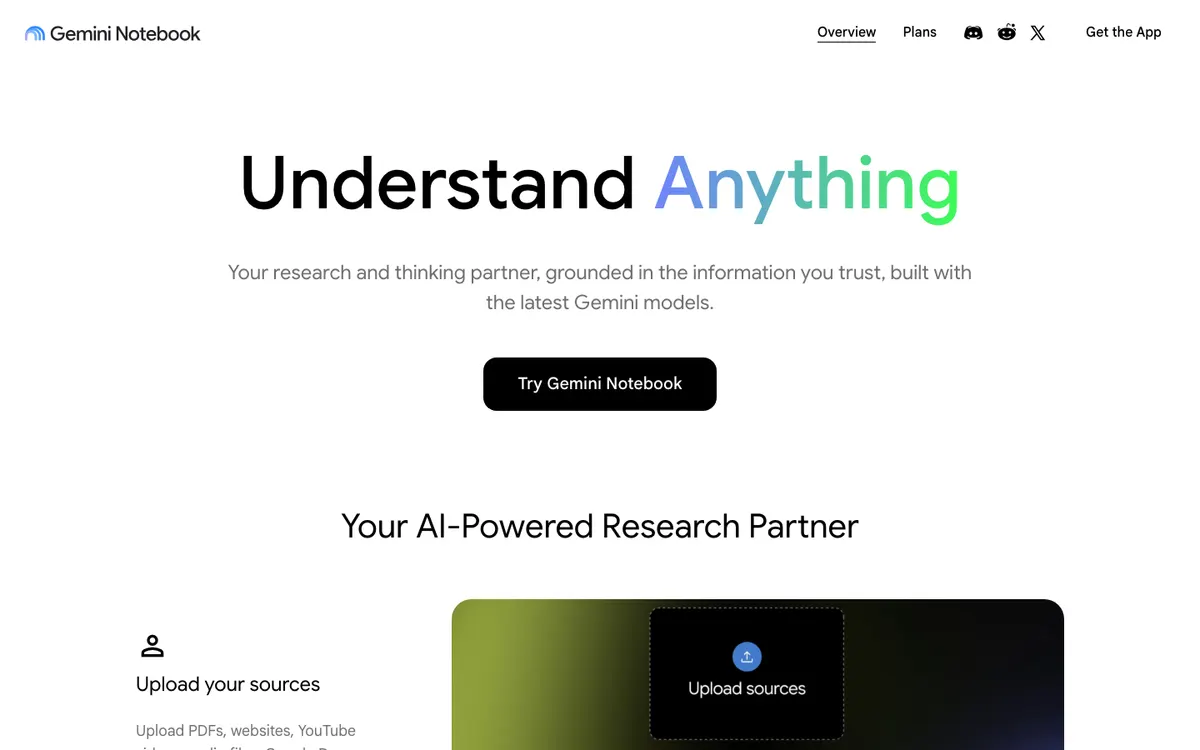 NotebookLM — Google’s research notebook that turns your sources into two-host Audio Overviews.
NotebookLM is Google’s free research notebook, now branded Gemini Notebook, and its Audio Overviews turn your uploaded sources into a two-host podcast-style conversation at no cost.
You add PDFs, websites, YouTube videos, audio files or Google Docs, up to 50 sources per notebook on the free plan. Then you generate an Audio Overview in one of four formats: Deep Dive, Brief, Critique or Debate.
The hosts sound natural and stay close to your sources. Audio Overviews reportedly work in more than 80 languages, according to Android Authority.
The catch is control. You can steer the focus with a prompt, but you can’t edit the script line by line, add a third host or brand the intro.
Pros
- Free, with standard daily limits on Audio Overviews
- Takes PDFs, sites, YouTube links and Docs directly
- Four formats, from a 1–2 minute Brief to a long Deep Dive
- Strong grounding: the conversation sticks to your sources
Cons
- Two hosts only
- No line-level script editing or saved intros and outros
- No publishing tools: no RSS, no embeddable player
- Length controls are limited outside Deep Dive
Best for: Students, researchers and teams who want to listen to their own documents, not publish a show.
Pricing: Free. Google AI Plus ($9.99/month) doubles the limits and Google AI Pro ($19.99/month) gives four times the standard limits (checked October 2026).
4. ElevenLabs Studio — best for voice realism and script control
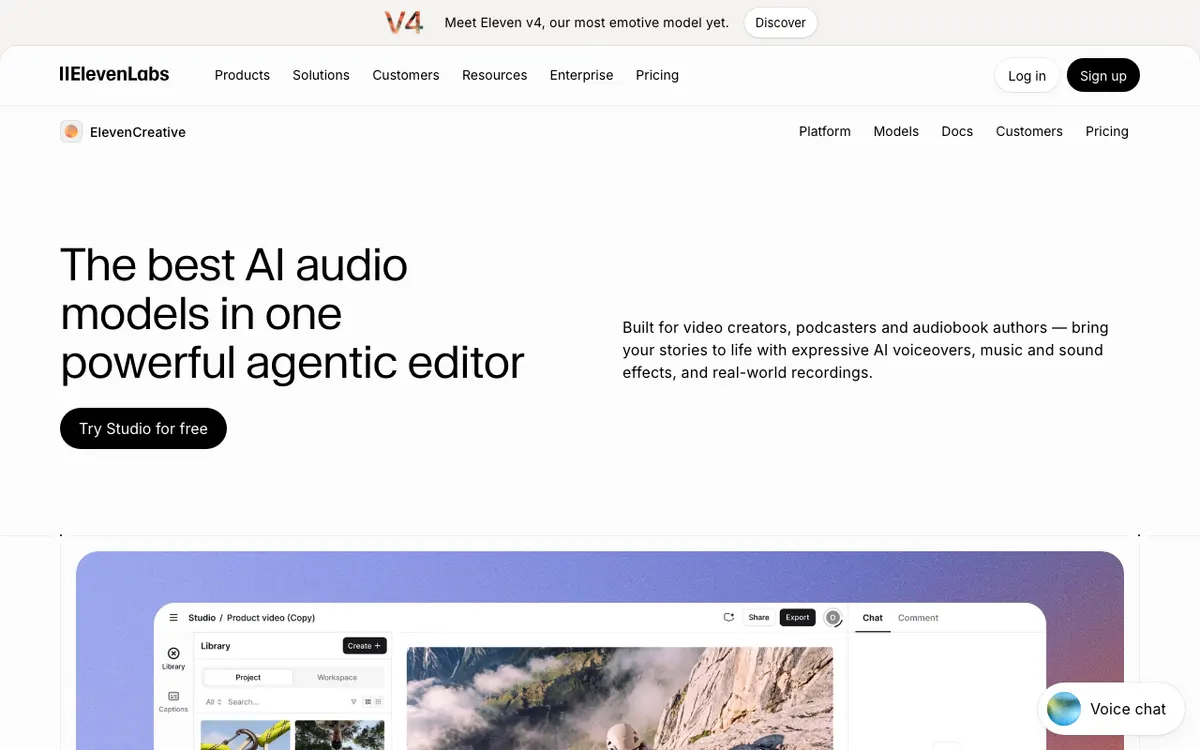 ElevenLabs Studio — an audio and video editor with GenFM podcast drafts.
ElevenLabs Studio is an AI audio editor for podcasters and audiobook authors, and its GenFM project type turns your content into a two-host podcast you can edit before export, from $22 a month on Creator.
Pick “GenFM podcast” when you start a project and import your content. Studio drafts a conversation between two AI co-hosts in any of 32 languages.
Then it behaves like an editor. According to ElevenLabs, you can edit the transcript, replace or add speakers, and export the audio.
Voice quality is the reason to be here. ElevenLabs makes the voice models other tools license, including the v3 model Vidwip uses for its hosts.
Pros
- The most realistic voices on this list, with the newest models first
- Editable transcript after the draft, with speakers you can swap
- 32 languages for GenFM podcasts
- Music, sound effects and captions in the same editor
Cons
- GenFM drafts start with two co-hosts
- Credits are shared with every other ElevenLabs tool and drain fast on long episodes
- Free plan is about 10 minutes a month, with limited Studio projects
- No built-in podcast hosting or RSS
Best for: Producers who want ElevenLabs voices and are happy to edit the draft by hand.
Pricing: Free (10,000 credits, about 10 minutes). Starter $6/month, Creator $22/month for about 121 minutes, Pro $99/month (checked October 2026; first-month discounts were running). Creator works out to about $0.18 a minute.
5. HeyGen AI Podcast Generator — best for video podcasts with an avatar
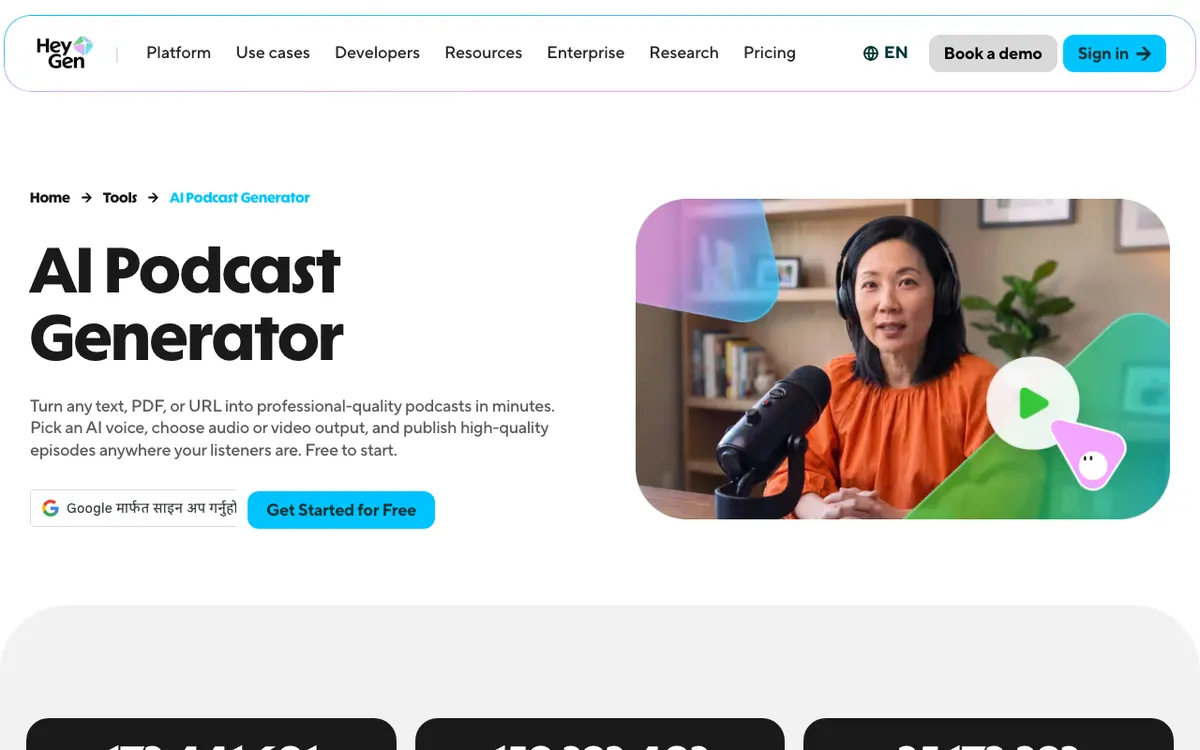 HeyGen — text, PDF or URL to an audio or avatar video podcast.
HeyGen’s AI Podcast Generator is a text-to-podcast tool for marketing and training teams that need a video version, rendering one or two hosts as an MP3 or as an MP4 with a lip-synced avatar.
Paste a script, upload a PDF or share a URL, and HeyGen drafts the episode outline. You choose one or two voices from 300+, or clone your own from a 30-second clip.
The output is the differentiator. You can ship an MP3, or an MP4 with an AI avatar host for YouTube, then cut short clips from it.
HeyGen claims 177+ languages and dialects, which is the widest count here. If you need help choosing an avatar tool more broadly, our HeyGen alternatives roundup covers that market.
Pros
- Audio and avatar video from the same draft
- PDF and URL input
- 300+ voices and 30-second voice cloning
- 177+ languages and dialects
Cons
- One or two voices per episode
- Credits are shared with HeyGen’s avatar and translation tools
- No podcast hosting or RSS
- Overkill if you only need audio
Best for: Teams that need a YouTube-ready video podcast with an on-screen host.
Pricing: Free for up to 3 videos a month. Creator $29/month ($24 billed yearly), Pro from $49/month (checked October 2026).
6. ListenHub — best budget AI podcast generator
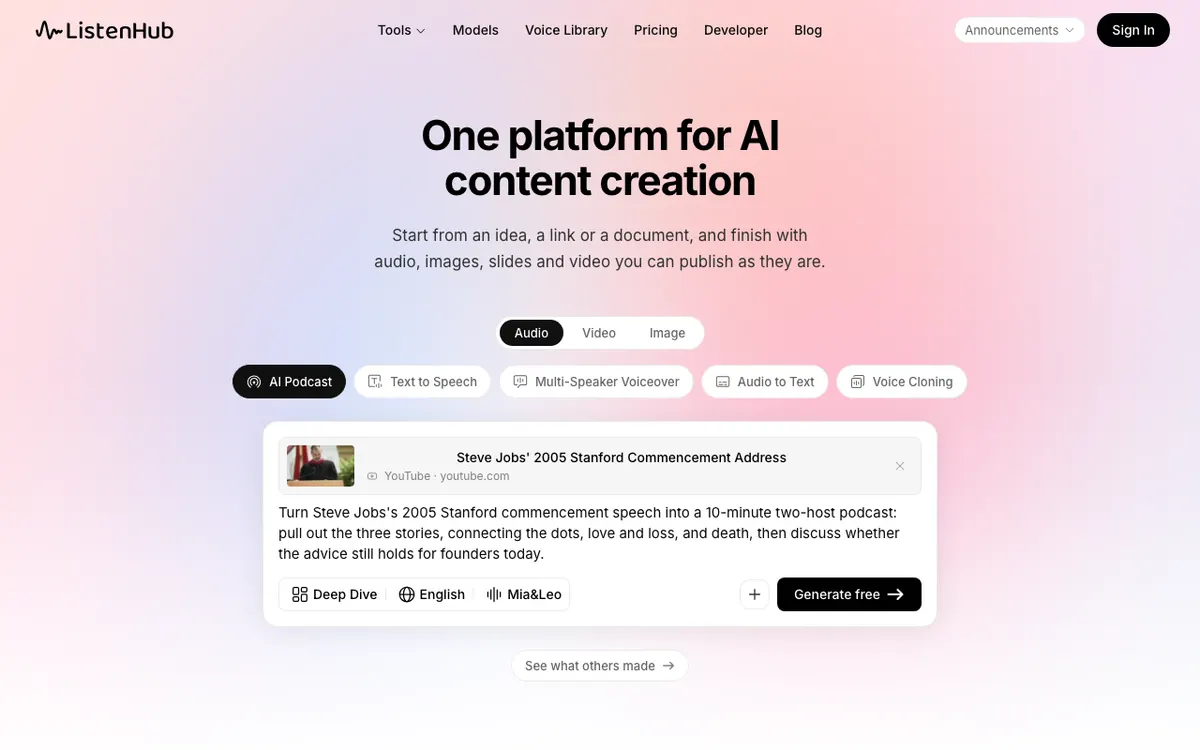 ListenHub — a topic, link or document to a one- or two-host show.
ListenHub is an AI content platform for solo creators that turns a topic, link or document into a one- or two-host podcast, with the cheapest paid minutes on this list.
You pick a format, a quick digest, a deep dive or a debate, and cast hosts from the voice library or a voice you cloned. Script, casting and voiceover happen in one run.
The same credits cover images, slides and video, so one account handles a few kinds of content. Official voices and cloning cover 12 languages.
Pros
- About 5 hours of podcasts on the $12 Starter plan
- Takes links, including YouTube, and documents
- Host voices from the library or your own cloned voice
- Free credits on sign-up, no card
Cons
- One or two hosts only
- 12 languages, far fewer than most tools here
- Free usage keeps ListenHub branding; paid plans remove it
- Little public detail on script editing
Best for: Solo creators who want lots of episode minutes on a small budget.
Pricing: Free credits on sign-up. Starter $12/month for 1,200 credits and about 5 hours of podcasts, Basic $24/month, Pro $49/month (checked October 2026). Starter works out to about $0.04 a minute.
7. Podcastle (now Async) — best for shows you record yourself
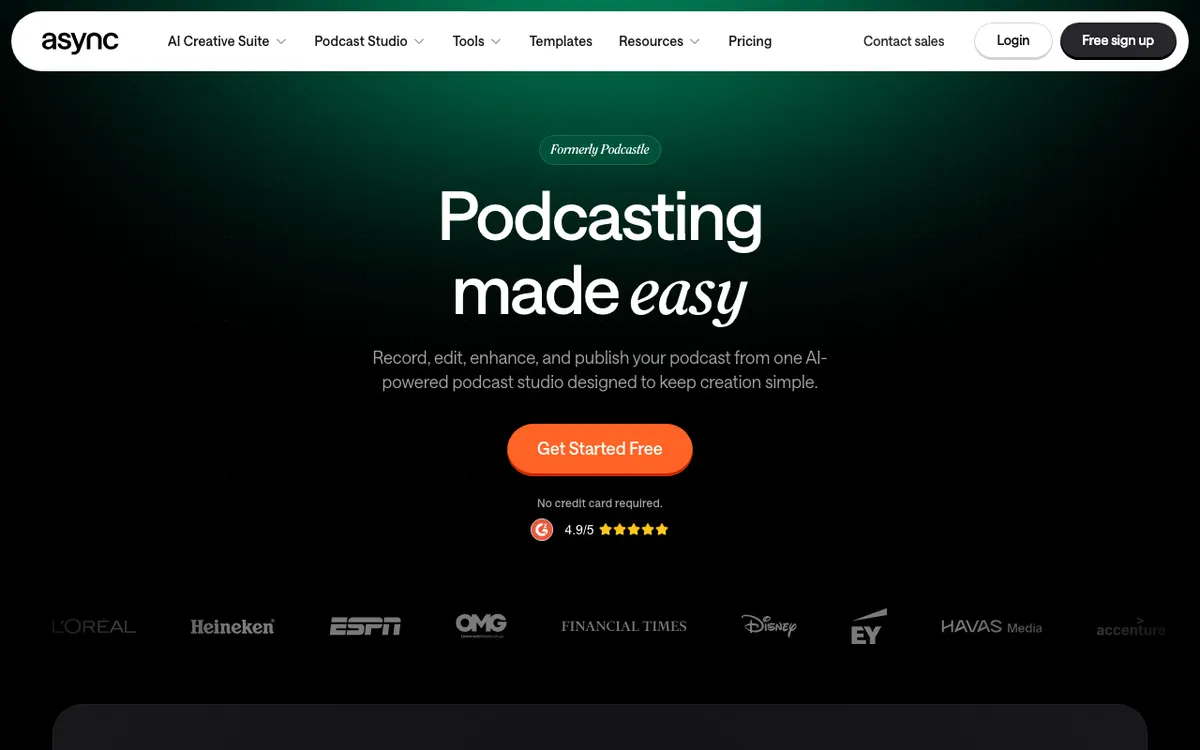 Async, formerly Podcastle — record, edit, enhance and publish from one studio.
Podcastle, now Async, is a podcast recording and editing studio for hosts who still talk into a mic, with AI voices, audio cleanup and hosting from $11.99 a month billed yearly.
It does not write an AI-hosted episode from your document. Its podcast tools are a recording studio for you and your guests, an audio and video editor, AI cleanup and a hosting page that publishes to the major podcast apps.
AI voices fill the gaps. You can voice an intro, a correction or a full narrated segment with text to speech, from 1,000+ voices in 15+ languages.
Pros
- Remote recording, editing and hosting in one tool
- AI audio cleanup: noise reduction, silence removal and Magic Dust
- Publishing to major podcast networks from a hosted show page
- Up to 2 hours of text to speech on Essentials
Cons
- No document-to-podcast generator with AI hosts
- You write every line the AI voices read
- AI subtitles are English only on Essentials and Pro
- Free plan’s text to speech is about 15 minutes, lifetime
Best for: Podcasters who record their own show and want AI voices and cleanup on top.
Pricing: Free. Essentials $11.99/month, Pro $23.99/month, Teams $49.99 per creator per month, all billed yearly (checked October 2026).
Wondercraft alternatives compared
| Tool | Hosts per episode | Languages | Script control | Where it publishes | Entry price | Approx. cost per minute |
|---|---|---|---|---|---|---|
| Vidwip AI Podcasts | 1–4 | 74 | Instructions, templates | MP3, share link, embed player | Free sign-up; $25/mo for 2,500 credits | $1.20 |
| Jellypod | 1–4 | 121 | Line edits, regenerate | RSS, website, video | $25/mo (yearly) | ~$0.15 |
| NotebookLM | 2 | 80+ | Prompt only | In-app audio | Free | $0 within limits |
| ElevenLabs Studio | 2 to start | 32 | Editable transcript | Audio export | $6/mo | ~$0.18 on Creator |
| HeyGen | 1–2 | 177+ | Draft refinement | MP3 or avatar MP4 | $29/mo | Credit-based |
| ListenHub | 1–2 | 12 | One-run generation | Audio, share | $12/mo | ~$0.04 |
| Podcastle (Async) | You record | 15+ (TTS) | You write it | Hosting, podcast apps | $11.99/mo (yearly) | ~$0.10 TTS |
| Wondercraft | Not stated | Not stated | Timeline editor | Video and audio | $25/mo | Credit-based |
Prices are entry plans checked October 2026. Per-minute figures divide the plan price by its stated minutes and assume you use every one.
How to choose the right Wondercraft alternative
- You want a listen version on every blog post: Vidwip. The embeddable player and the 4-host cast are built for exactly that, and you skip a hosting service.
- You run a recurring show on Spotify and Apple Podcasts: Jellypod. Script editing, RSS and a show website come in one plan.
- You just want to hear your own documents: NotebookLM. It’s free and the hosts are good.
- You care most about voice realism and want to edit every line: ElevenLabs Studio.
- You need a video podcast for YouTube: HeyGen, for the avatar host.
- You publish a lot and spend little: ListenHub, as long as 12 languages and two hosts are enough.
- You record your own voice: Podcastle (Async), with AI voices for the patches.
If you already have a recorded podcast and need it in another language rather than a new episode, that’s a dubbing job. Vidwip AI Audio Dubbing re-voices every speaker in their own voice, and our AI video dubbing tools comparison covers the wider market.
For single-narrator scripts, an AI video voiceover generator is a simpler fit than a podcast tool. And if your source is a long PDF you mainly want to read faster, start with a free AI PDF summary generator.
Final verdict
Wondercraft is still a capable studio, but it’s now a video studio first. If you want audio first, there are better fits.
Vidwip AI Podcasts wins if the episode belongs on your own site: up to 4 hosts, 74 languages, a grounded script and an embeddable player at $1.20 per finished minute. Jellypod wins for a full show with editing and RSS, and NotebookLM wins on price for private listening.
Paste your latest post into Vidwip, cast your hosts, and embed the episode where your readers already are.