
Only two of these six actually write the commentary from your footage. ElevenLabs has the best voices and the biggest free allowance, but bans commercial use on free. CapCut is the best free end-to-end route for gameplay clips. Vidwip is free to start with no credit card, and is the only one that watches the video and writes the commentary. Free-plan renders carry a small Vidwip badge, and paid plans have no watermark.
TL;DR
A free AI commentary generator is only worth the sign-up if it does two things: write commentary that matches what is on screen, and let you publish the result. Most tools in this category do neither.
They are text-to-speech boxes with a sports-announcer voice preset. The free tier hands the export back with a watermark on it.
Six tools, tested, with pricing checked September 2026:
- ElevenLabs — best voices, biggest free allowance: 10,000 credits a month, roughly 10 minutes of speech. No commercial rights on free, and attribution required. You write the script.
- CapCut — best free end-to-end route: editor, text-to-speech, auto-captions, 1080p export, no monthly cap on basic TTS. Watermark only if you keep a Pro-locked template.
- Vidwip — free to start with no credit card, and the only tool that writes and voices: full 190+ voice library on the free plan, with a small Vidwip badge on free renders and none on paid.
- VEED — fastest sports-announcer read, worst free terms: watermark on every export, 720p ceiling, 10-minute cap, 1,000 characters per project.
- Writecream — the only one that needs no account at all. Gives you a commentary script and an audio file. No video.
- StoryShort — the most purpose-built product here, and the least transparent: its pricing page lists no free plan at all, starting at $23/month.
Pick ElevenLabs to judge voice quality, CapCut to finish a gameplay clip without paying anyone, and Vidwip when you want the AI to write the commentary instead of you.
What a free AI commentary generator actually gives you
“Commentary generator” covers three different products, and vendors are happy to let you find out which one you signed up for after you sign up. Sort them before you compare anything else.
Text-to-speech with an announcer voice. You write every word; the tool reads it in an excited register. ElevenLabs and VEED’s sports announcer tool are both this. The voice is the product.
Script generators. You describe a match, a clip, or a topic, and AI writes commentary text. Writecream is this. It never sees your footage, so the words are plausible rather than accurate.
Footage-aware commentary. The AI watches the video, decides what happened, writes lines about it, and voices them. StoryShort and Vidwip are the only two here that do this, and it is the only version of the category that saves you real work.
Then check four numbers on the free tier, in this order:
Watermark policy. A watermarked clip is fine for judging output and useless for posting. This is the line between a trial and a free plan, and half of these tools blur it deliberately.
Monthly ceiling. Credits, minutes, characters, or video count — every vendor picks a different unit, which makes the comparison table below more useful than any single vendor page.
Commercial rights. The best free voices in the category come with the strictest licence. ElevenLabs free output is not licensed for monetized content, and that catches people after they have published.
Per-project caps. VEED limits its sports announcer tool to 1,000 characters per project, which is roughly 90 seconds of speech. A monthly allowance means nothing if a single job cannot use it.
1. ElevenLabs — the best commentary voices, with the strictest free licence
 ElevenLabs — the voice layer most other commentary tools quietly resell.
ElevenLabs is a text-to-speech platform, not a commentary generator, but it wins on the dimension that matters most in this category: voice realism. Its Voice Library carries purpose-built e-sports commentator and announcer voices with the pacing and breath control that make hype reads land.
It is also the engine underneath a surprising number of “AI commentary” startups. When a smaller tool advertises “10+ professional AI voices,” those voices are frequently ElevenLabs’ — you are paying a markup for a script wrapper.
The free plan gives 10,000 credits a month, which works out to roughly 10 minutes of generated speech. That is the largest genuinely free voice allowance in this list.
The licence is where it bites. Free-tier output carries no commercial rights and requires attribution to ElevenLabs.
If your commentary is going on a monetized channel, the free plan is an audition, not a workflow.
Pros
- The most realistic commentary and announcer voices available at any price
- 10,000 free credits a month, about 10 minutes of speech
- Voice Library includes dedicated e-sports and sports announcer presets
- Fine-grained control over pacing, emphasis, and emotional intensity
- API access, so it slots into an existing pipeline
Cons
- No commercial rights on the free tier, and attribution is mandatory
- Pure text-to-speech — you write every word of the commentary yourself
- No video handling at all; you sync the audio in an editor afterwards
- Credits burn fast on longer scripts
Best for: Judging how good AI commentary can sound, and for anyone who already has a script and an editor. Pricing: Free — 10,000 credits/month, no commercial use. Starter $6/month for 30,000 credits (checked September 2026 on elevenlabs.io/pricing).
2. CapCut — the best free path from raw clip to posted commentary
 CapCut — a full editor, text-to-speech, and auto-captions, all on the free plan.
CapCut is the pragmatic answer for gameplay clips, reaction edits, and anything headed for TikTok or Shorts. It is the only tool here where you can cut the footage, generate the voice, burn the captions, and export at 1080p without paying anything.
The text-to-speech is basic next to ElevenLabs. The voices are serviceable rather than broadcast-grade, with no announcer-specific tuning.
For fast-paced clip commentary over gameplay, serviceable is usually enough.
The watermark rule is narrower than most write-ups suggest. CapCut does not stamp plain edits.
It watermarks when you keep a Pro-locked template or effect in the project, or export certain AI-generated clips. A manual edit with text-to-speech comes out clean.
What CapCut will never do is write the commentary. You type the script, or you paste one in from somewhere else.
Pros
- Complete free workflow: edit, voice, caption, export at 1080p
- No fixed monthly cap on basic text-to-speech
- Auto-captions on the free plan, which matters for muted autoplay
- Commercial use permitted on standard exports
- Enormous template and sound-effect library
Cons
- Voices are noticeably flatter than ElevenLabs on excited reads
- No AI script writing — you supply every line
- Pro-locked templates and effects stamp a watermark on export
- 1 GB free cloud storage
- Pricing varies by platform, which makes the real cost of upgrading hard to pin down
Best for: Gameplay and reaction commentary you want finished and posted the same evening, without a subscription. Pricing: Free — 1080p export, basic TTS. Pro around $19.99/month, though it lists lower through some app stores (checked September 2026).
3. Vidwip — the only tool here that watches the footage and writes the commentary
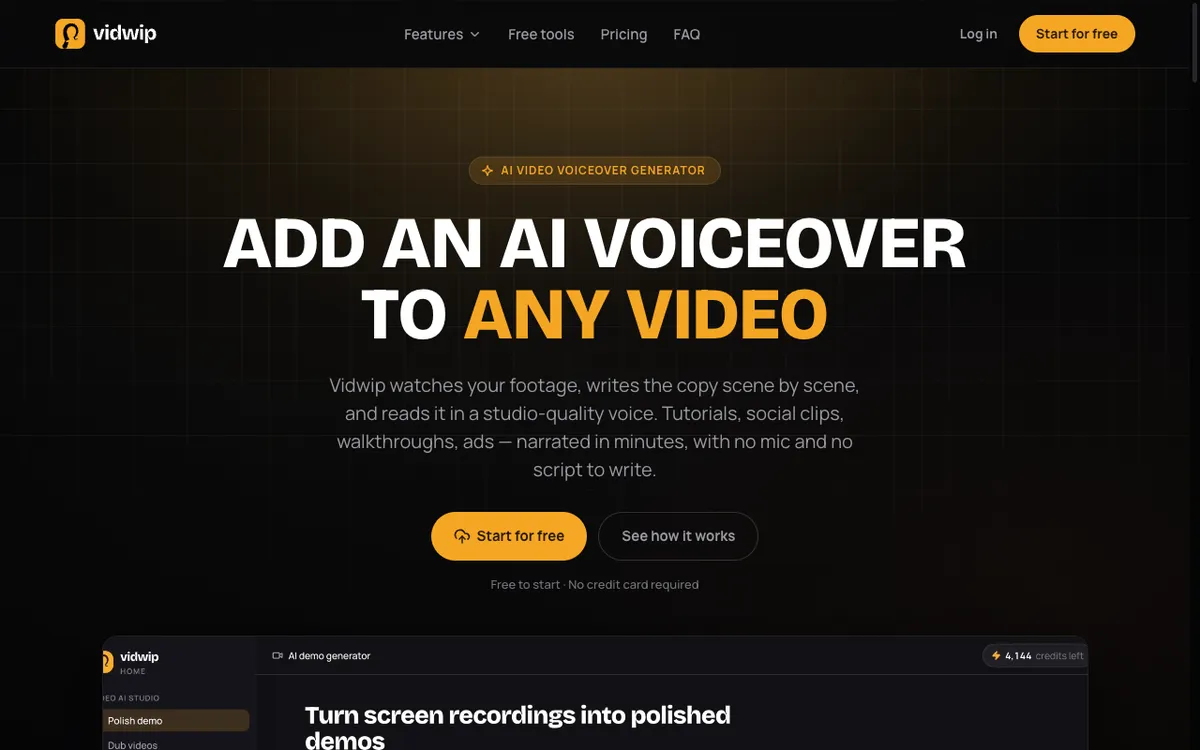 Vidwip — upload a clip and the AI watches it, writes the copy scene by scene, then voices it.
Vidwip’s AI Video Voiceover inverts the usual order. Instead of asking you for a script, it watches the footage — what is on screen, what changes, and in what order — then writes the narration about that, and reads it in a studio-quality voice.
For commentary work over gameplay, b-roll, or a screen capture, that is the step everyone else leaves to you. You steer it before the render with a written brief, a voice and a language.
The script can’t be edited line by line once it’s written. To change a line, you sharpen the brief and render again.
Vidwip is free to start, with no credit card. After that, finished narration meters at 60 credits per minute.
What free accounts do not lose is the part most competitors gate. The same 190+ voices, the same 74 languages, and the same models arrive on the free plan as on paid.
Free-plan renders carry a small Vidwip badge, and every plan exports up to 1080p. Paid plans drop the badge, add credits and batches, and run more renders at once: 4 on Starter, 10 on Pro, 1 on Free.
Upload takes MP4, MOV, or WebM up to 2 GB, or a pasted link, and most renders finish in under 5 minutes. It is not a sports-commentary specialist: there is no play-by-play mode, no crowd-noise mixing, and no scoreboard awareness.
Pros
- AI watches the video and writes the commentary — no script required from you
- No watermark on paid plans, and only a small Vidwip badge on free renders
- Free accounts get the full 190+ voice library in 74 languages
- Save the brief, voice and music as a template for the next clip
- Transparent metering at 60 credits per minute, or $0.60 a finished minute
- No commercial-use restriction on free output
Cons
- The free start covers a short clip, not a posting schedule
- Built for demos, tutorials, and social clips, not play-by-play sports
- No built-in video editor for cutting the clip first
- No line-by-line script edits; a fix means a new render
- Exports top out at 1080p, and batches need a paid plan (up to 5 videos on Starter, 10 on Pro)
Best for: Commentary over footage you already have, where you want the AI to do the writing as well as the reading. Pricing: Free to start, no card, small Vidwip badge on free renders. Starter $25/month for 2,500 credits, Pro $99/month for 10,000. Full breakdown on the pricing page.
4. VEED — quickest sports announcer read, harshest free terms
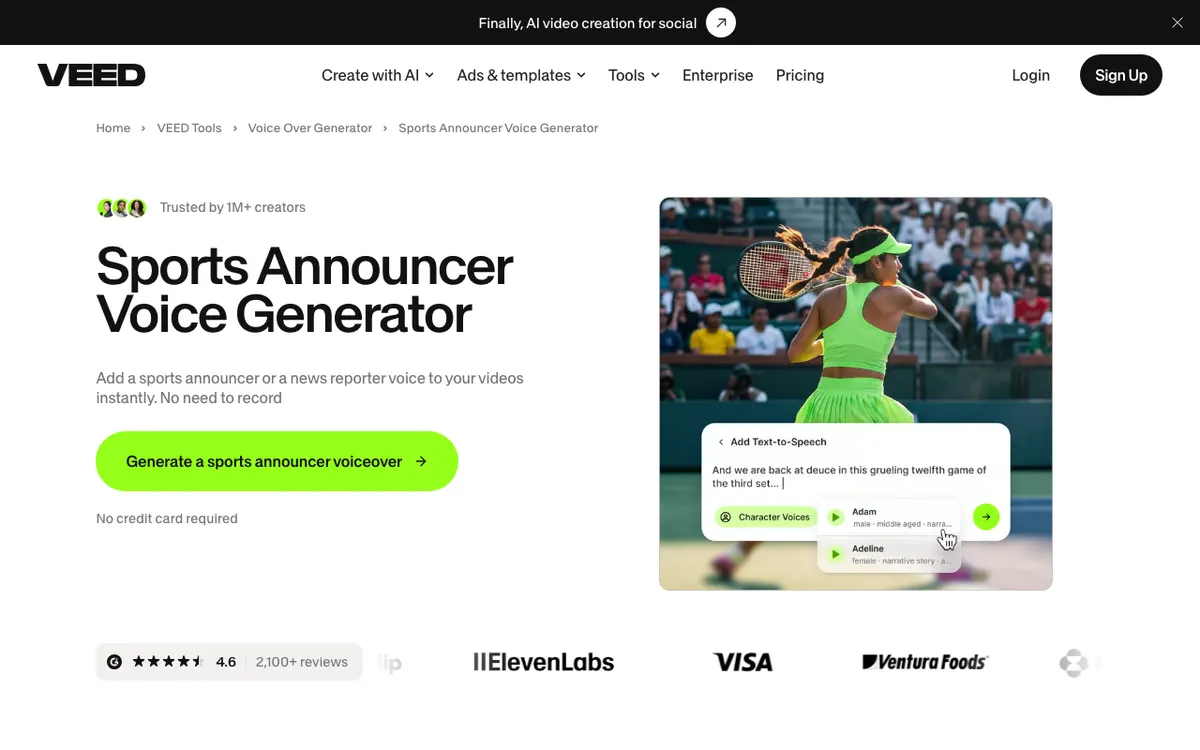 VEED’s Sports Announcer Voice Generator — paste text, pick a voice, get an announcer read.
VEED ships a dedicated Sports Announcer Voice Generator, and it is the fastest way to hear what your commentary sounds like in an announcer register.
Paste text, pick a voice, generate. No account needed to preview.
It sits inside a full browser editor, so you can drop the audio onto a timeline, add captions, and export in one place. That combination is genuinely useful.
The free plan is the problem. VEED watermarks every free export, caps resolution at 720p and length at 10 minutes, and limits AI features to roughly 30 minutes of source video a month.
The announcer tool itself takes 1,000 characters per project — about 90 seconds of speech.
720p is a real cost for commentary over gameplay or a UI capture, where small on-screen detail is the reason the clip exists.
Pros
- Purpose-built sports announcer and news reporter voice presets
- Full browser editor around it — timeline, captions, export
- Preview voices with no account
- Large template and asset library
Cons
- VEED watermark on every free export, with no way to remove it on free
- 720p ceiling and a 10-minute export cap on the free plan
- 1,000 characters per project on the announcer tool
- Roughly 30 minutes of AI processing per month on free
- You still write the commentary yourself
Best for: Auditioning announcer voices fast, and for teams already paying for VEED as their editor. Pricing: Free — watermarked, 720p, 10-minute exports. Lite $19/month, Pro $49/month, both cheaper billed annually (checked September 2026 on veed.io/pricing).
5. Writecream — a free AI commentary generator with no account required
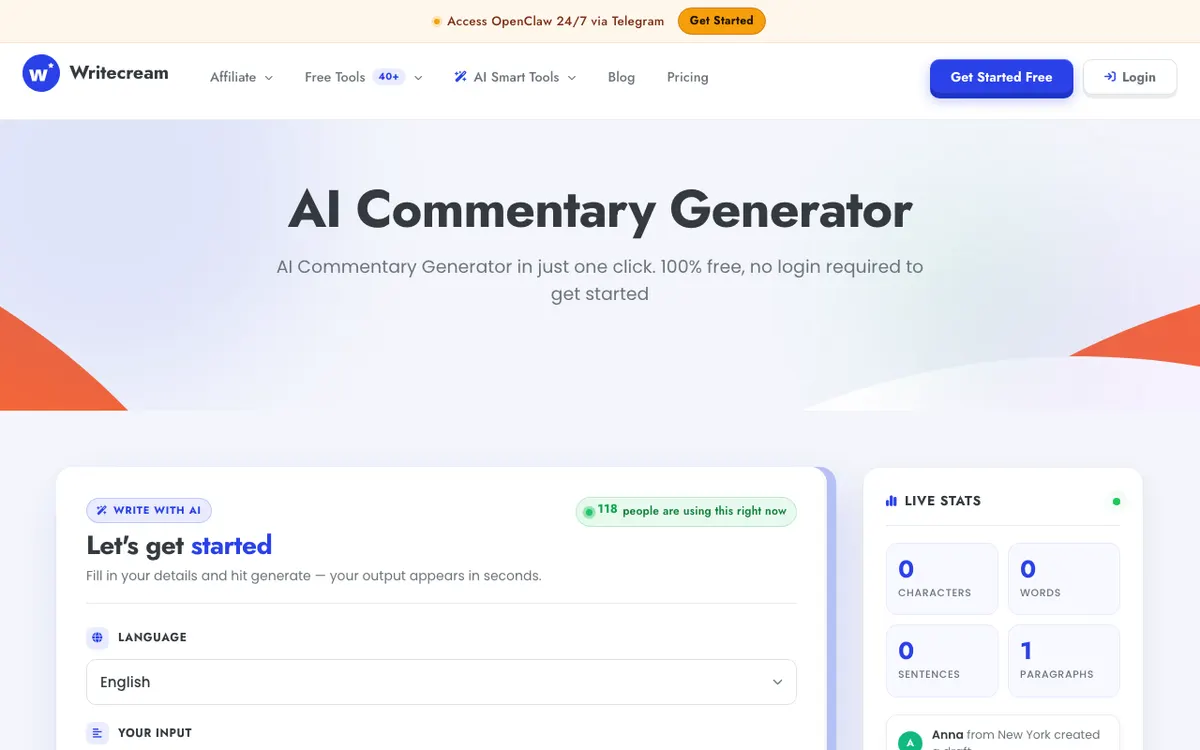 Writecream — describe the scene, get commentary text and a downloadable audio file.
Writecream is the one tool here that asks for nothing — no email, no card, no account.
You describe what you want commentary on, and it writes the script and offers an audio download.
That makes it the fastest way to get words — a hype intro for a highlight reel, an analytical read over a replay, a mock play-by-play for a script you will re-voice properly later.
It also never sees your footage. The commentary is written from your text prompt, so it describes what you told it happened rather than what actually happened.
For a clip with specific moments, expect to edit heavily.
The voice quality is a step below ElevenLabs and roughly level with CapCut. A free Writecream account adds 10,000 words a month and content history; the no-login version is capped by whatever a single generation produces.
Pros
- No login, no card, no account — genuinely free to try
- Produces commentary script text and a downloadable audio file
- Useful as a script starting point for any other tool on this list
- Bundled with 40+ other writing tools on a free account
Cons
- Never sees your video, so commentary is generic to the prompt
- Voice quality trails ElevenLabs clearly
- No video output — you place the audio yourself
- Free-tier limits are stated loosely and are easy to hit
Best for: Drafting commentary copy in 30 seconds, then taking it somewhere with a better voice engine. Pricing: Free with no login. Free account adds 10,000 words/month; paid Pro tiers add history and higher limits (checked September 2026).
6. StoryShort — the most purpose-built, the least transparent about free
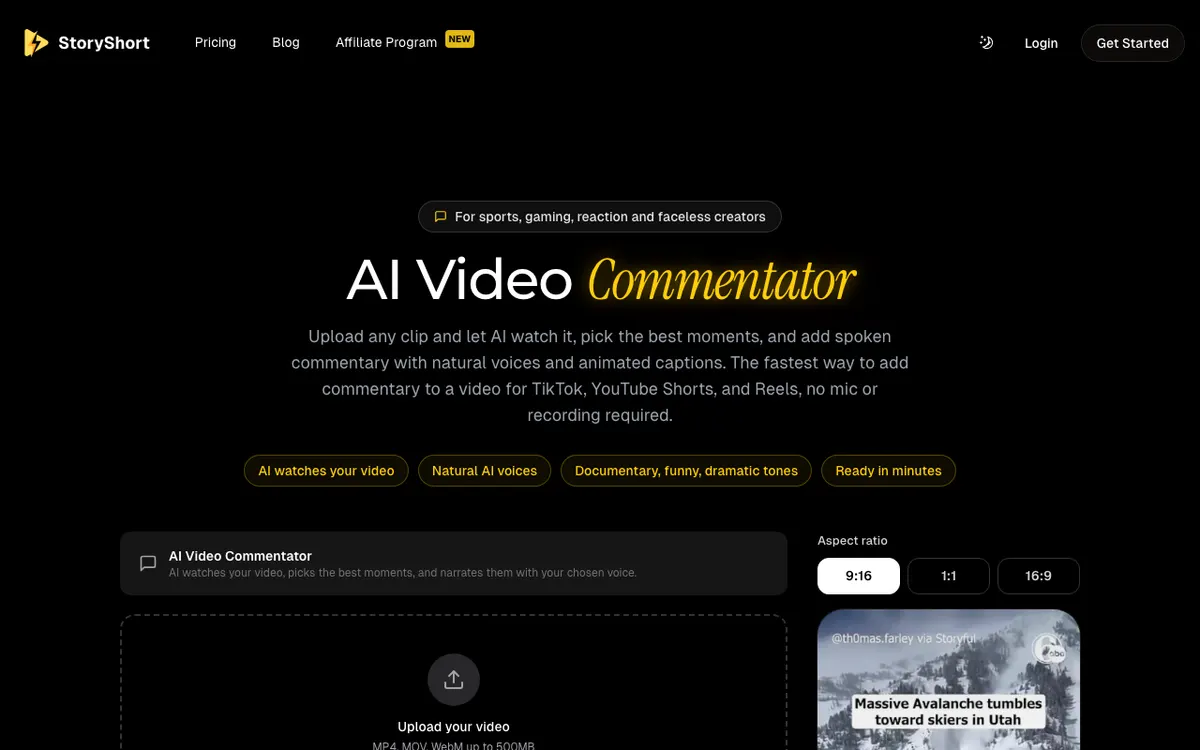 StoryShort’s AI Video Commentator — built specifically for sports, gaming, reaction, and faceless creators.
StoryShort’s AI Video Commentator is the closest thing in this roundup to a product designed for exactly this job. Upload a clip, the AI watches it, picks the best moments, and narrates them with animated captions.
It offers tone presets — documentary, funny, dramatic, engaging — and outputs at 9:16, 1:1, or 16:9.
The tool page says “start for free, no credit card required.” Its pricing page tells a different story: four plans, starting at Starter for $23/month with 400 credits, and no free plan listed anywhere on it. “No watermark” appears as a feature of the paid plans.
That gap is why it ranks last in a post about free tools, not because the product is weak. Uploads cap at 500 MB, which is a real constraint for longer gameplay captures.
If it fits your workflow, treat it as a paid tool with a trial rather than a free one, and confirm the free allowance yourself before you plan around it.
Pros
- Purpose-built for sports, gaming, reaction, and faceless commentary
- AI watches the clip and selects moments, not just narrates a script
- Tone presets and animated captions built in
- Three aspect ratios for vertical and horizontal output
Cons
- No free plan listed on the pricing page, despite “free” messaging on the tool page
- Free allowance and watermark policy are both undocumented
- 500 MB upload cap
- Entry plan at $23/month is the steepest first step here
Best for: Creators producing commentary shorts at volume who are ready to pay for it. Pricing: No free plan listed. Starter $23/month for 400 credits, up to Ultra at $117/month (checked September 2026 on storyshort.ai/pricing).
Free AI commentary generators compared
| Tool | Free allowance | Writes the script? | Watermark on free | Commercial use on free | First paid tier |
|---|---|---|---|---|---|
| ElevenLabs | 10,000 credits/mo (~10 min) | No — TTS only | Audio only, attribution required | No | $6/mo |
| CapCut | No fixed TTS cap, 1080p | No — TTS only | Only on Pro-locked assets | Yes, standard exports | ~$19.99/mo |
| Vidwip | Free to start, no card | Yes — watches footage | Small Vidwip badge | Yes | $25/mo |
| VEED | ~30 min AI/mo, 1,000 char/project | No — TTS only | Yes, every export | Paid plans | $19/mo |
| Writecream | No login required | Yes — from a prompt | Audio only | Check terms | Paid Pro tiers |
| StoryShort | Not listed | Yes — watches footage | Not documented | Paid plans | $23/mo |
Pricing and limits checked September 2026. Vidwip figures come from its published rate of 60 credits per minute of narration.
How to choose the right free AI commentary generator
If you want the best possible voice, start with ElevenLabs. Nothing else is close. Just budget $6/month before you publish anything monetized, because the free licence does not cover it.
If you want a finished, posted clip tonight and zero spend, use CapCut. It is the only tool here that takes you from raw footage to a captioned 1080p export without a paid step, as long as you avoid Pro-locked templates.
If writing the commentary is the part you dread, use Vidwip or StoryShort. They are the only two that watch the footage and write from it. Vidwip’s free tier is small but complete: full voice library and no commercial restriction. Free renders carry only a small Vidwip badge. StoryShort’s free tier is not documented, so plan on paying.
If you only need words, use Writecream. Generate the script for free with no account, then voice it in ElevenLabs or CapCut. Two free tools stitched together beat one paid one for this specific job.
If sports play-by-play is the whole use case, none of these is a perfect fit. VEED gives you the announcer voice, Writecream gives you the script, and you assemble. Dedicated sports-commentary products exist but tend to hide their free limits the way StoryShort does.
A note on stacking: the cheapest workable free pipeline in 2026 is Writecream for the script, ElevenLabs for the read, and CapCut for the edit and captions. It costs nothing and takes about fifteen minutes per clip.
Two catches. ElevenLabs’ free licence rules out monetized output, and nothing in that chain ever looks at your footage — you are still the one deciding what to say about it.
What to check before you commit to any of them
Run the same four checks on any tool you find that is not on this list.
Does it watch the video, or just read your text? The marketing language is nearly identical either way. Look for whether the upload step comes before or after the script step.
What is the per-job cap, not just the monthly one? VEED’s 1,000-character project limit is the clearest example of a monthly number that means less than it looks.
Is the free tier metered or degraded? Metered means you get the real product in smaller quantity. Degraded means watermarks, lower resolution, or fewer voices. Metered is almost always the better deal for evaluating quality.
Where does the licence stop? ElevenLabs is explicit that free output is not for commercial use. Several tools are not explicit at all, which is worse.
If your commentary work overlaps with narrated tutorials or demos, the same tooling questions come up in our roundups of free AI video voiceover tools and AI video voiceover generators. For workflows that start from a transcript instead of raw footage, free AI video transcription tools covers the step before this one, and AI product demo video makers covers the same narration problem for software walkthroughs.
Final verdict
There is no free AI commentary generator that does everything. There is a free stack that does most of it.
For voice quality alone, ElevenLabs wins and it is not close — as long as your project is not monetized. For a complete free workflow with no upgrade prompt, CapCut is the practical answer for gameplay and reaction clips.
For the specific thing the category promises and rarely delivers — AI that watches your footage and writes the commentary rather than reading yours — Vidwip’s AI Video Voiceover is the pick here that gives free accounts the real product: the same 190+ voices, the same 74 languages, and no commercial-use restriction. Free renders carry a small Vidwip badge, which paid plans drop. The trade is the allowance: the free start covers a short clip, not a channel.
For match footage specifically, how to generate AI sports commentary for any highlight clip walks the full workflow, and the AI cricket commentary generator guide covers ball-by-ball pacing and the terms text-to-speech mangles.
Test it against the clip you actually care about, not a sample. The free tier exists for exactly that.