
Vidwip is the best AI SaaS demo video generator for teams that ship weekly — a screen recording becomes a narrated demo in under 5 minutes at $0.60 per finished minute, and a saved template turns a UI change into one re-record and one re-render. Supademo is the pick if your demos have to survive constant UI churn, and Synthesia if the demo is really onboarding content.
TL;DR
- Vidwip — best for teams shipping weekly. Screen recording in, narrated demo out in under 5 minutes at $0.60 per finished minute. Free-plan renders carry a small Vidwip badge, and paid plans have no watermark.
- Trupeer — best raw polish. Zooms, cursor smoothing, and studio-grade b-roll from a raw capture, in 120+ languages. $40/month for watermark-free exports.
- Clueso — best for docs teams. One recording becomes a video and a step-by-step help article. Free tier gives 10 minutes of exports a month.
- Guidde — best for volume. Capture a workflow, get a step-by-step video with AI voiceover in 50+ languages. Free plan covers 25 videos, watermarked.
- Supademo — best when the UI changes constantly. Interactive click-through demos captured as discrete steps, so one screen can be re-captured instead of the whole demo.
- Synthesia — best for onboarding and training. Avatar-led video in 160+ languages, with the strongest brand controls of anything here.
What makes an AI SaaS demo video generator different
A general AI video tool assembles footage. An AI SaaS demo video generator narrates footage that already exists — your product, doing the thing.
That distinction decides everything downstream. If the tool invents visuals, it cannot show your actual dashboard, and a prospect watching a stock-footage “demo” learns nothing about your software.
So the criteria for this category are narrow and specific:
- Script quality. Does the AI read what is on screen and write about it, or does it hand you a blank box to type into?
- Voice realism. A synthetic read with wrong emphasis on a technical term is worse than silence.
- Captions. Most demo video plays start muted in a feed, an email, or a docs page.
- Staying current. Your product changes. The demo has to keep up or it becomes a liability.
That last one is the criterion nobody prices in, and it is where most of these tools quietly differ.
Length matters too. Wistia’s 2026 State of Video report, built on more than 13 million videos, found that videos under a minute average a 52% engagement rate, and product videos specifically average 50%. Whatever you build, keep it short.
The re-record tax nobody quotes you
Every demo video in this category has an expiry date, and it is the date you next ship a UI change.
Rename a button, move a nav item, restyle a modal — and a demo that was accurate on Monday is subtly wrong by Friday. Prospects notice. Support tickets follow.
There are three ways a tool handles this, and they are not equally good:
Re-record the whole thing. The default for any tool where video is the atomic unit. Cheapest per demo, most expensive per year.
Re-record the screen, keep the script. Tools that hold the narration as editable text let you fix wording without touching audio, and swap footage without rewriting the script. This is the middle path, and it is where Trupeer and Clueso sit.
Vidwip sits next to it. You re-record the screen and keep the saved brief and template, and the AI rewrites the narration for the new footage.
Re-capture one step. Step-based interactive tools store each screen separately, so a changed modal is one capture, not a rebuild. Supademo and Guidde work this way.
Pick based on how often you ship. A team on a quarterly release cadence can ignore this entirely. A team shipping every sprint cannot.
1. Vidwip
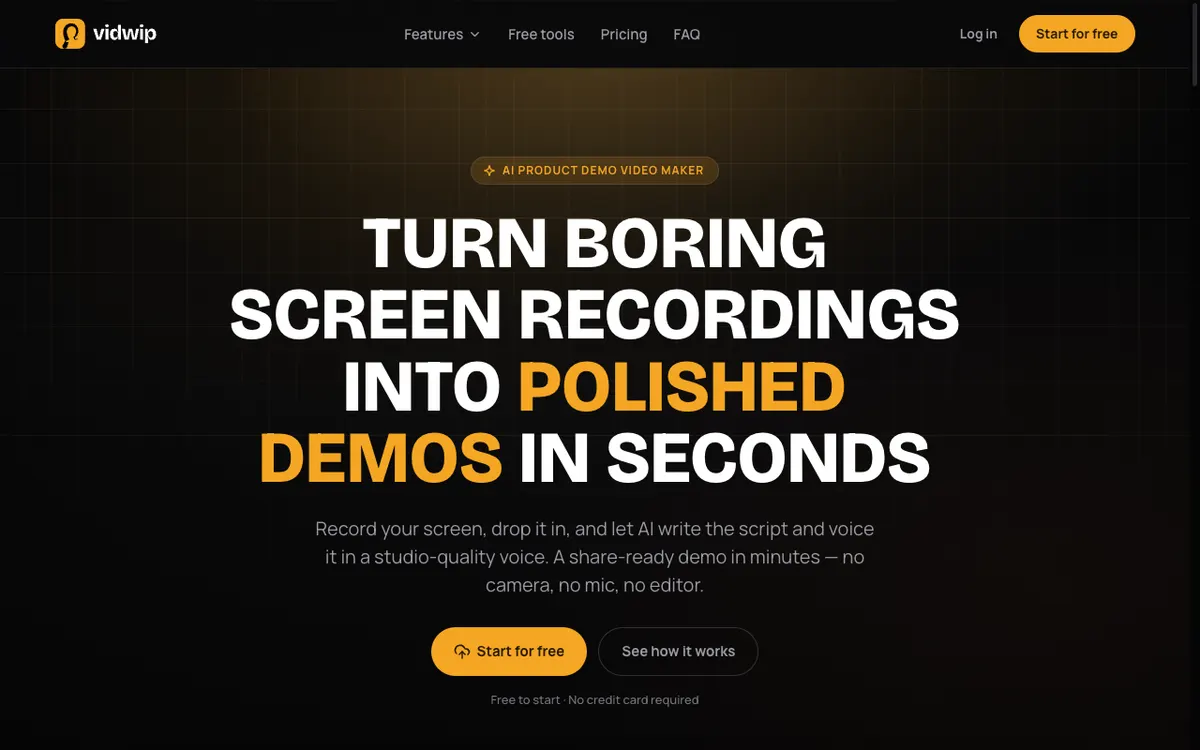 Vidwip — screen recording in, narrated SaaS demo out
Vidwip is an AI SaaS demo video generator that takes a raw screen recording and returns a narrated demo, with the script written from what the AI sees on screen. There is no prompt box and no template to fill in.
You drop in an MP4, MOV, or WebM up to 2 GB — or paste a link. The AI Demo Polisher reads the recording, drafts a scene-by-scene script, and voices it in the voice you pick.
Most demos render in under 5 minutes. That number is the whole argument for teams on a weekly release cadence: a feature that ships Tuesday can have a demo out Wednesday morning.
You steer the script before the render with a written brief, a voice and a language. It can’t be edited line by line afterwards, so a wording fix means a new render, which still costs minutes rather than a re-record session.
Voices come from a library of 190+ in 74 languages, and exports carry burned-in captions. If the same demo has to run in another market, AI Video Dubbing re-voices it from the same account at 240 credits per minute per language on the v1 model.
Pricing is the clearest here because it is metered per minute rather than per seat. A finished minute of demo costs 60 credits, and 1 credit is $0.01 — so $0.60 a minute, or $1.80 for a three-minute walkthrough.
Pros
- Writes the script from your footage — no blank page, no prompt engineering
- Under 5 minutes from upload to finished demo on most recordings
- 190+ voices in 74 languages, all available on the free tier
- Burned-in captions on export, plus a one-click share link
- No watermark on paid plans, and only a small corner badge on free-plan renders
- Transparent per-minute cost: $0.60 per finished minute
Cons
- The free start is small: enough for one short narrated demo, not a release cadence
- Batches (up to 5 demos on Starter, 10 on Pro) need a paid plan, and exports top out at 1080p
- No line-by-line script edits; a wording fix means a new render
- It narrates footage you record — it does not build click-through interactive demos or avatar presenters
- You still capture the screen recording yourself
Best for: SaaS teams that ship often and need a narrated demo the same day the feature lands. Pricing: Free to start, no credit card, with a small badge on free renders. Starter $25/month for 2,500 credits (about 41 minutes of demo), Pro $99/month for 10,000. See pricing for the full breakdown.
2. Trupeer
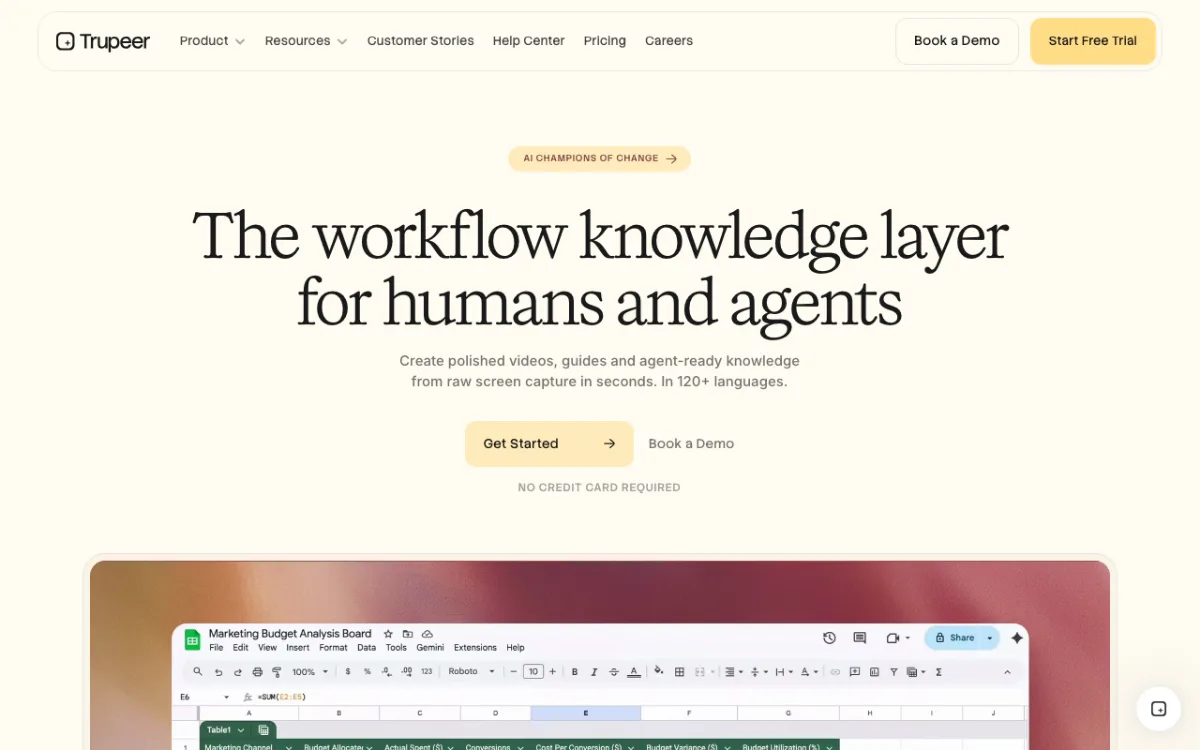 Trupeer — raw screen capture into studio-grade video and docs
Trupeer turns a raw screen capture into a video that looks like someone spent a day in an editor. Its pitch is “polished videos, guides and agent-ready knowledge from raw screen capture in seconds. In 120+ languages.”
The visual layer is the differentiator. Auto-zooms follow the cursor, motion is smoothed, and the output has a produced feel that plain screen recordings never get on their own.
It also generates a written guide alongside the video from the same capture, which matters if your demos double as help-center content.
The free plan gives 1,000 AI credits a month and caps recordings at 5 minutes, with a watermark on exports. Watermark-free exports start on Pro.
Watch the annual pricing on this one. Trupeer’s Pro plan is $40/month billed monthly and lists at $49/month on the annual plan as displayed on their pricing page (checked September 2026), so read the toggle before you commit.
Pros
- Strongest automatic visual polish in this list — zooms, cursor smoothing, clean framing
- Video and written guide generated from a single capture
- 120+ languages for voiceover and translation
- Real free tier with 1,000 monthly AI credits
Cons
- Watermark on all free exports
- Free recordings capped at 5 minutes
- Pricing display is confusing — the annual per-month figure reads higher than the monthly one
- Custom voice and avatar cloning are Enterprise-only
Best for: Marketing teams that want a produced look without opening an editor. Pricing: Free plan with 1,000 credits/month. Pro $40/month, Scale $199/month, Enterprise custom (checked September 2026).
3. Clueso
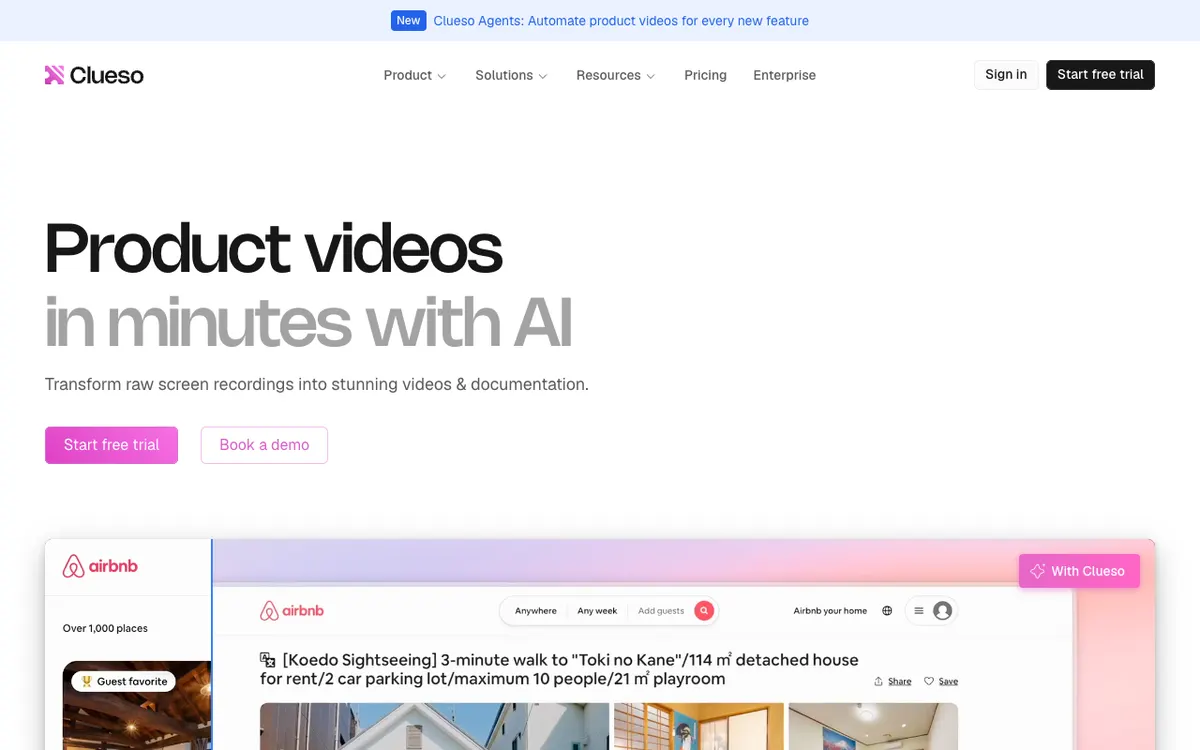 Clueso — one recording, two outputs: video and documentation
Clueso is the pick when your demo and your documentation are the same job. One screen recording produces a polished video and a step-by-step article, and you maintain both from one source.
The article side is more serious than it sounds. Output exports as rich text, Markdown, or HTML, and an “article co-pilot” lets you revise it by chat instead of editing paragraphs by hand.
On the video side you get AI voiceover replacing your recorded audio, auto-zoom, captions, blur masking for sensitive data, and resizing for different aspect ratios. Editing is transcript-first: you “add, remove, or tweak sentences and pronunciations” and the voiceover follows.
Translation covers voiceover, captions, and documentation in one action across roughly 39 languages — eight headline languages plus 31 more.
The free tier is honest but tight: 10 minutes of video exports a month, watermarked. Solo removes the watermark at $40/month billed yearly.
Pros
- Video and help article from a single recording, kept in sync
- Transcript-first editing — change the sentence, the voiceover updates
- Blur masking for customer data in recordings, which most competitors skip
- One-click translation across voiceover, captions, and docs together
Cons
- Export budgets are annual on paid tiers — 3 hours a year on Solo, 6 on Business — which is restrictive for high-volume teams
- Free tier watermarks exports and caps you at 10 minutes a month
- Voice cloning is Enterprise-only
- No per-minute pricing, so cost per demo depends on how much of the annual budget you burn
Best for: Documentation and support teams that publish a video and an article for every workflow. Pricing: Free with 10 min exports/month. Solo $40/month billed yearly, Business $120/month billed yearly, Enterprise custom (checked September 2026).
4. Guidde
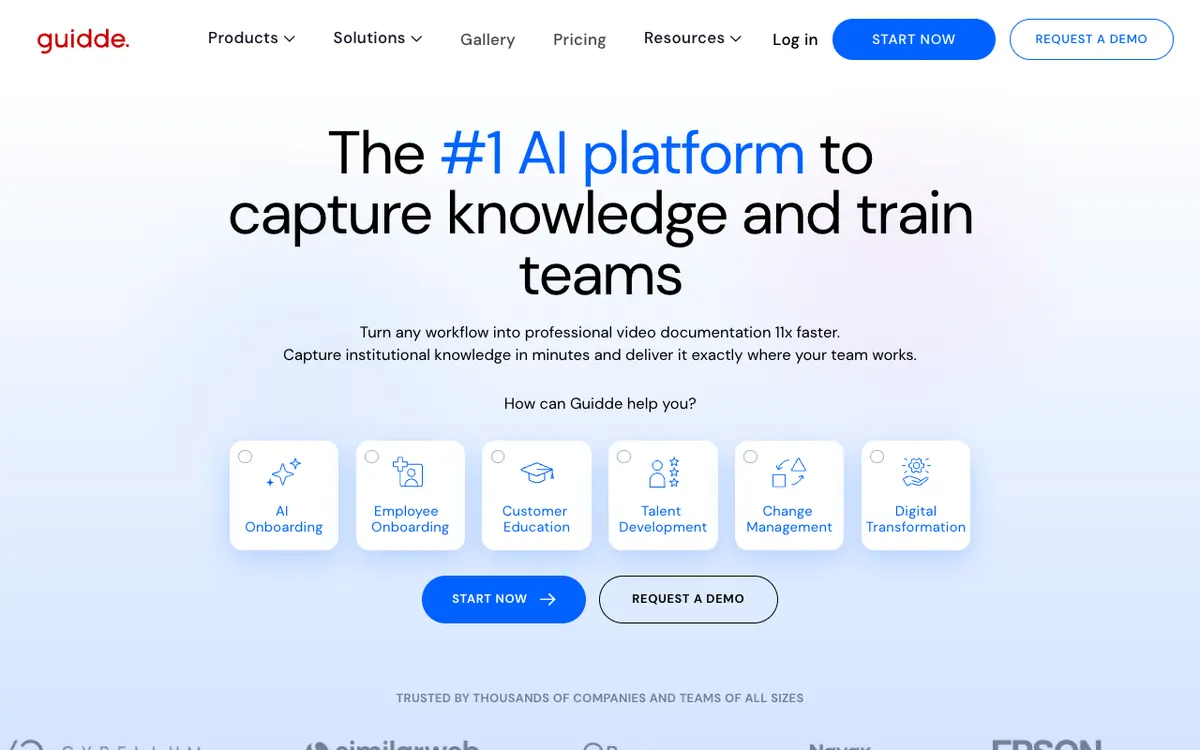 Guidde — capture a workflow, get step-by-step video documentation
Guidde is built for volume rather than polish. Its Magic Capture extension records a workflow, and Guidde converts it into a structured step-by-step narrative script automatically.
That structure is the reason it belongs on a list about stale demos. Because each step is a discrete unit with its own screen and script line, correcting a workflow after a UI change means fixing the affected steps rather than rebuilding the video.
Voiceover comes from a library Guidde describes as “over 200 different voices and languages,” with auto-translation into 50+ languages for global teams. The editor lets you adjust scripts, audio, and design, and embed interactive links inside a guide.
Output is flexible: video, PowerPoint, or PDF on paid plans, which makes it useful for enablement decks as well as demos.
The free plan allows up to 25 how-to videos, watermarked. Worth noting: removing the Guidde watermark requires a paid tier, and Guidde’s own pricing page attaches watermark removal to the paid tiers rather than Free.
Pros
- Fastest capture-to-published-guide flow here for internal documentation
- Step-based structure makes a single-screen fix cheap
- Exports to video, PPT, and PDF from the same source
- Generous free plan at 25 videos
Cons
- Output is documentation-grade, not marketing-grade — this is not the tool for a website hero demo
- Watermark on the free plan
- The largest voice libraries (400+ voices, premium voices) are Enterprise-gated
- Desktop and mobile app access sits on Business, not Pro
Best for: Support, enablement, and internal training teams documenting a lot of workflows quickly. Pricing: Free for up to 25 videos. Pro $29/month ($19/month annual), Business $59/month ($39/month annual), Enterprise custom (checked September 2026).
5. Supademo
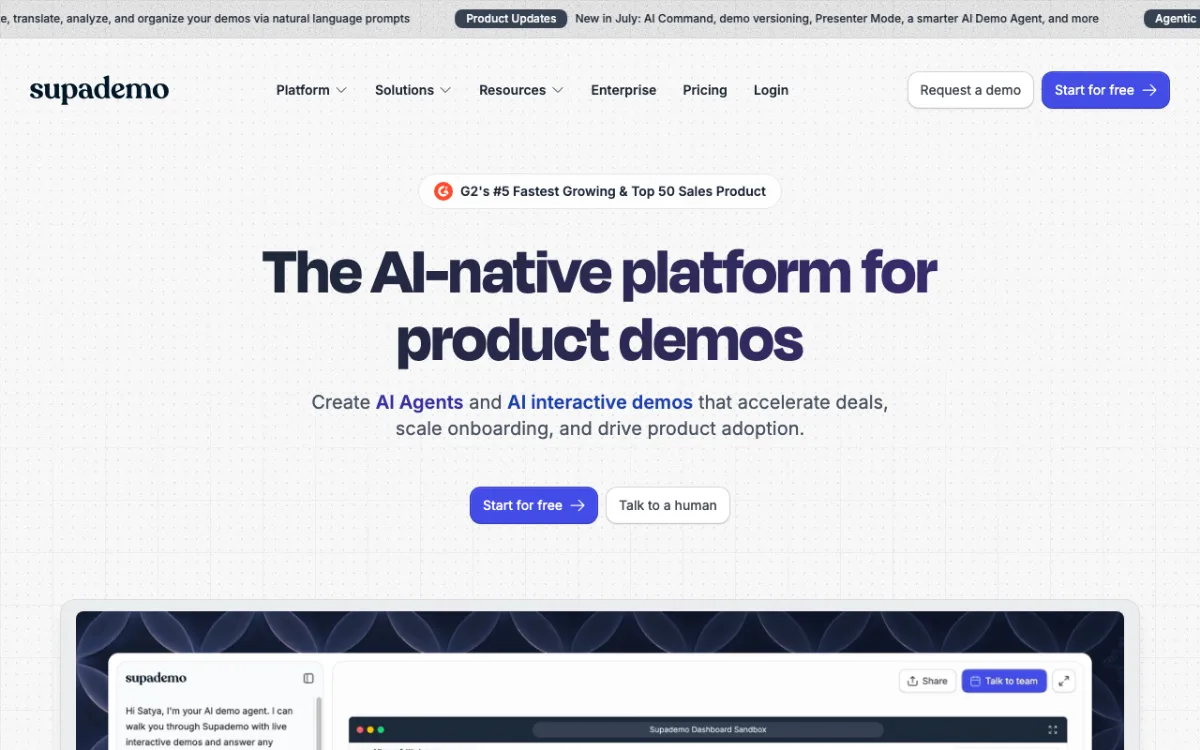 Supademo — interactive click-through demos captured step by step
Supademo is the one tool here that mostly is not a video generator, and that is exactly why it makes the list. It builds interactive click-through demos where the viewer drives, plus video recordings alongside them.
The staleness argument favors it heavily. A demo is a sequence of captured screens with hotspots, so a changed modal is one re-capture, and Supademo’s own product updates advertise demo versioning and natural-language commands to “update, translate, analyze, and organize your demos.”
Interactivity also changes what the demo does. Branching and variables let a single demo fork by persona, so a prospect from finance and a prospect from engineering see different paths through the same product.
The free plan is unusually usable: 5 guided interactive demos, 50 video recordings at 4K, and unlimited demo views for external viewers on every plan including Free. Supademo displays a G2 badge for “#5 Fastest Growing & Top 50 Sales Product” on its homepage.
The catch is price. Scale is $50/month per creator, and Growth jumps to $450/month — the steepest step-up on this list.
Pros
- Best answer to product churn: re-capture one step instead of rebuilding
- Branching and variables let one demo serve multiple personas
- Free plan includes 4K video recordings and unlimited external views
- Share as link, embed, video, or PDF from one source
Cons
- Interactive demos are not videos — they do not work in an email, an ad, or a YouTube upload
- Growth tier at $450/month is a hard jump from Scale
- Analytics, branching, and Supademo AI are all above the free tier
- AI voice cloning starts at Growth
Best for: Sales and product-marketing teams whose demos change as often as the product does. Pricing: Free for 5 guided demos and 50 recordings. Scale $50/month ($38/month annual), Growth $450/month ($350/month annual), Enterprise custom (checked September 2026).
6. Synthesia
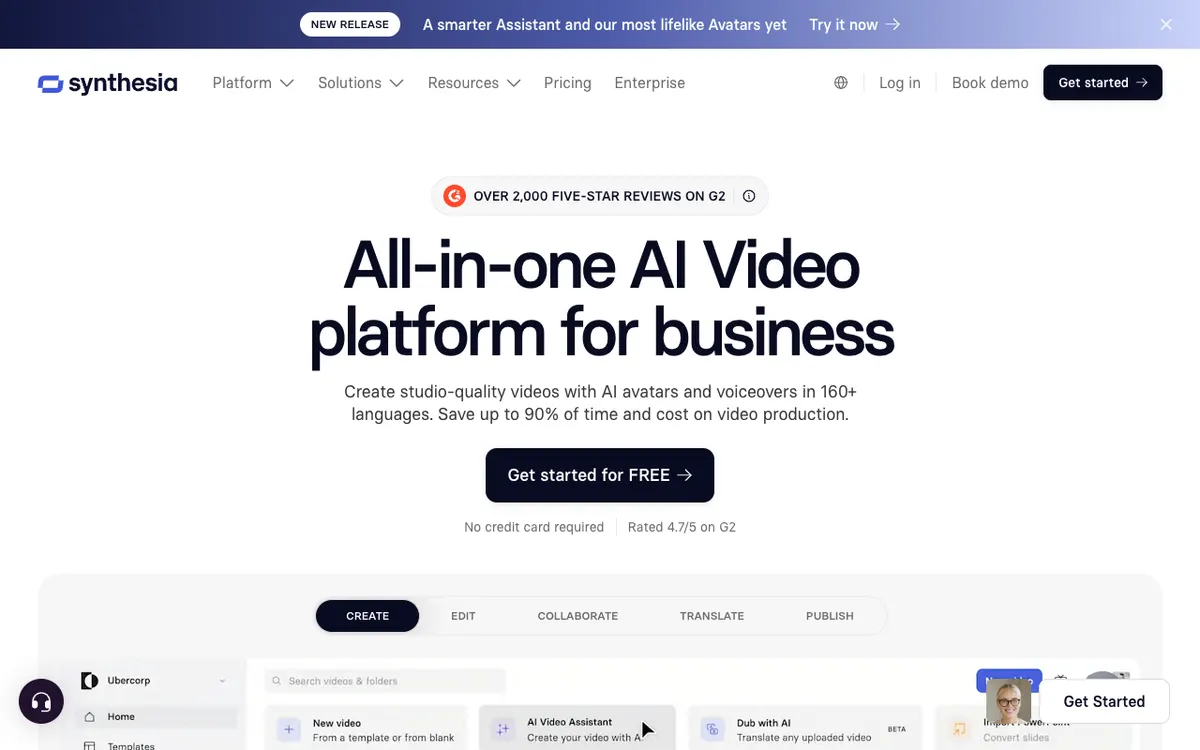 Synthesia — avatar-led AI video with the deepest brand controls
Synthesia is the outlier: it does not record your product at all. You write a script, pick an avatar, and it renders a presenter-led video you can drop screenshots and recordings into.
For a pure product demo that is the wrong shape — the avatar occupies screen real estate the interface should own. For onboarding, training, and internal enablement it is the strongest tool here, because a consistent presenter creates continuity across a series that screen recordings never do.
Brand control is the real moat. Brand kits, templates, and shared workspaces let marketing lock a look that a sales rep cannot accidentally break, which matters more at 200 videos than at 20.
Coverage is broad: 160+ languages and voices on every plan, and avatar counts scaling from 9 on free Basic to 180+ on Creator. Synthesia carries a 4.7 out of 5 rating on G2 across the largest review volume in the category.
The free Basic plan gives 1,200 credits a month, good for up to 10 minutes of video, and keeps the Synthesia logo on the output. All plans export at Full HD 1920×1080.
Pros
- Deepest brand and template controls of anything on this list
- 160+ languages and voices on every plan, including free
- 180+ avatars on Creator; personal avatars from Starter up
- Highest volume of validated reviews in the category
Cons
- Not a product demo tool — you supply the screen content yourself
- Free Basic plan keeps the Synthesia logo on every video
- Full HD ceiling; no 4K export on any listed plan
- A UI change means new screen captures and a re-render of the whole video
Best for: Onboarding, training, and enablement video where a consistent presenter matters more than the interface. Pricing: Basic free with 1,200 credits/month. Starter $29/month ($18/month annual), Creator $89/month ($64/month annual), Enterprise custom (checked September 2026).
AI SaaS demo video generators compared
| Tool | Best for | Free tier | Entry paid price | Watermark on free | Fixing a demo after a UI change |
|---|---|---|---|---|---|
| Vidwip | Weekly release cadence | Free to start, no card | $25/mo (2,500 credits) | Small Vidwip badge | Re-record the changed screen; render again from the saved brief and template |
| Trupeer | Produced visual polish | 1,000 credits/mo, 5-min cap | $40/mo | Yes | Re-capture and re-generate the video |
| Clueso | Video plus documentation | 10 min exports/mo | $40/mo billed yearly | Yes | Edit the transcript; re-record for visual changes |
| Guidde | High-volume documentation | 25 videos | $29/mo ($19 annual) | Yes | Fix the affected steps only |
| Supademo | Products that change constantly | 5 demos, 50 recordings | $50/mo ($38 annual) | Not stated | Re-capture the single changed step |
| Synthesia | Onboarding and training | 1,200 credits/mo (~10 min) | $29/mo ($18 annual) | Yes, Synthesia logo | New screen captures plus a full re-render |
All prices checked September 2026 against each vendor’s own pricing page.
How to choose the right AI SaaS demo video generator
Five questions settle it faster than a trial spreadsheet.
How often do you ship? Weekly or faster, optimize for regeneration speed and per-minute cost — Vidwip or Supademo. Quarterly, buy on polish instead.
Is the demo a video or an experience? Videos go in emails, ads, landing pages, and YouTube. Interactive demos go on a pricing page or in a sales follow-up. Supademo does the second; everything else does the first.
Who writes the script? If you want the AI to write it from your footage, that is Vidwip, Trupeer, Clueso, and Guidde. Synthesia expects a script — or a first draft from its assistant.
Does the demo need to exist in other languages? Synthesia leads at 160+, Trupeer claims 120+, Vidwip covers 74 with 190+ voices, Guidde covers 50+, Clueso roughly 39.
What is your real monthly volume? Per-minute pricing wins below about 40 minutes a month. Above that, seat pricing on Guidde or Clueso usually costs less — until the annual export budgets bite.
One more thing worth checking before you commit: whether the tool’s voices actually hold up on your product’s vocabulary. Our ranking of AI video voiceover generators breaks down voice realism across platforms, and the free AI video voiceover tools list covers what you can test without paying.
Final verdict
For most SaaS teams, Vidwip is the right default. It is the only tool here that publishes a per-minute rate, renders most demos in under 5 minutes, and lets you judge the real output on the free plan, with only a small corner badge, before deciding anything.
Pick Supademo instead if your demos are click-through experiences and your UI moves constantly. Pick Synthesia if what you are really building is onboarding content with a presenter.
Clueso and Guidde are documentation tools that happen to output video, and they are excellent at that — just do not expect a marketing-grade demo from either. Trupeer is the polish pick if the produced look is the point.
If you want to see what the output sounds like before committing a card, the free tier is the test. Vidwip is free to start with no credit card — enough to run one short feature walkthrough end to end, with a small badge in the corner.
If you want the steps rather than the shortlist, how to create a software demo with AI in under 5 minutes takes one raw screen recording to a narrated demo, with the limits you hit along the way.
Related reading: our broader ranking of AI product video generators covers tools that generate footage rather than narrate it, and if captions are your priority, the AI video transcription tools comparison and the free transcription tools list cover what produces clean caption files.