
Seven tools say their free exports carry no watermark: Vidwip AI Clipping, CapCut, Edits by Instagram, Clipchamp, VN, Adobe Express and Canva. Vidwip's 100 free credits are granted once and cover one clip from a 2-minute video; the rest are free editors with their own catches, such as template end clips or premium assets.
Finding an ai reel maker free of watermarks is harder than it looks, because the word “free” on a landing page rarely tells you what happens at export. We compared Vidwip, CapCut, Edits, Clipchamp, VN, Adobe Express and Canva on what each vendor says about free exports, captions and limits.
Only tools whose own page says free exports are clean made the list, and every price was checked in November 2026. We did not run these tools ourselves, so the catches below come from vendor pages and help articles.
Quick picks
| Want | Use |
|---|---|
| Reels cut automatically from one long video | Vidwip AI Clipping |
| Full editor with captions on desktop and phone | CapCut |
| Editing on your phone and posting to Instagram | Edits by Instagram |
| Browser editor, 1080p, no watermark on free | Clipchamp |
| Free mobile and desktop editor with 150+ templates | VN Video Editor |
| Templates in a browser | Adobe Express or Canva |
Which ai reel maker free plans are really watermark-free?
Most free plans fail at export, not at signup. Opus Clip, Kapwing and Vizard all let you try the tool, then stamp or restrict the result.
Here is what each vendor’s own page said when we checked it:
- Opus Clip lets you post one clip a day for free, up to 1080p. Its animated caption templates are marked “with watermark” and watermark-free export is a paid feature, starting at $15/month.
- Kapwing gives unlimited exports with a watermark, up to 4 minutes at 720p. Pro is $16.
- Vizard gives 60 credits a month at 720p and lists “No watermark” as a paid Creator feature.
- invideo AI listed only paid plans when we checked, starting at $4 per seat per month on annual billing.
That is why this list has 7 tools, not 8. Those four did not pass the watermark test, so we left them out of the numbered ranking.
1. Vidwip AI Clipping
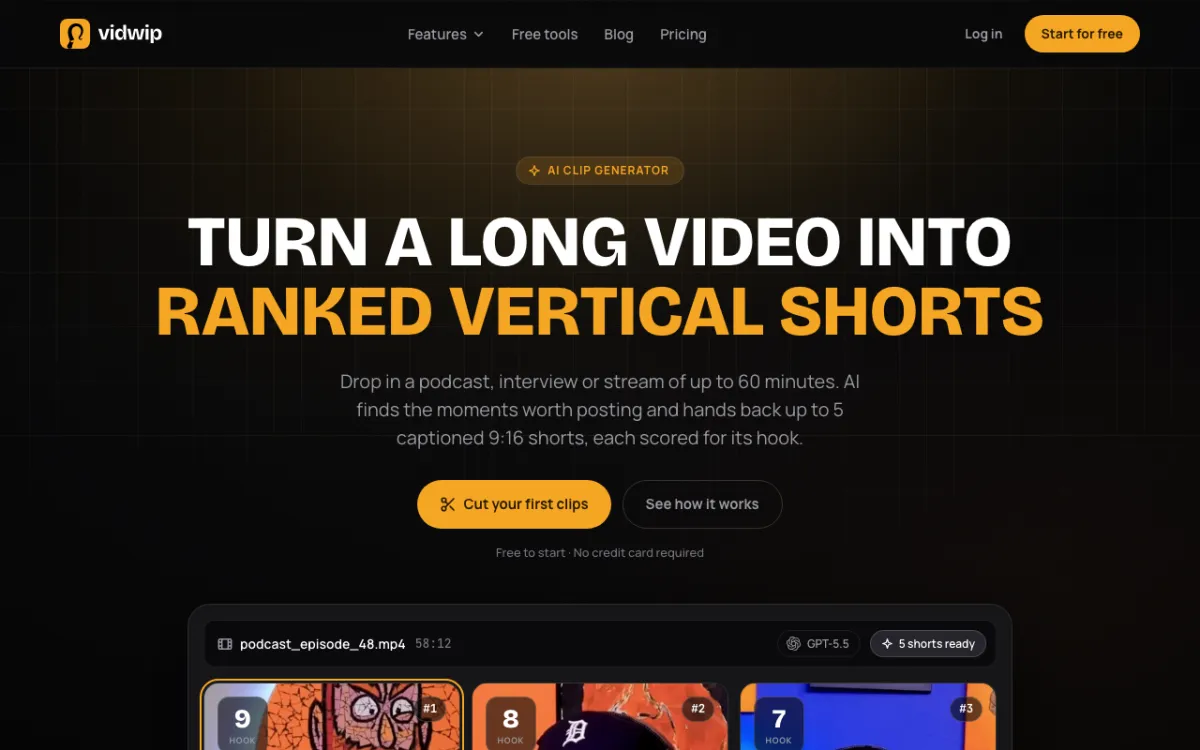 Vidwip AI Clipping — turns a long talking video into ranked 9:16 shorts
Vidwip AI Clipping reads everything said in a podcast, interview or stream, picks up to 5 moments, crops them to the speaker and burns in captions. It is the only tool here that finds the reels for you.
Every clip is a 1080 x 1920 MP4 with no watermark on any plan. You get a score out of 10, a title and a post caption with hashtags for each short.
New accounts get 100 credits, granted once with no credit card, not every month.
Clipping costs 0.5 credits per source second plus 30 credits per short, so a 5-minute video with 3 shorts costs 240 credits, and a 3-minute video with 5 shorts costs 240 as well.
A full 60-minute episode costs 1,800 credits for the source alone, so the free grant is a trial, not a free plan.
Pros
- No watermark on any plan, with 8 caption styles burned in word by word
- Picks moments from what is said and ranks them best first
- Crop follows whoever is speaking
Cons
- The 100 credits are a one-time grant, so a recurring free tier is not what you get
- Takes a talking video only: no photos, no mixed-media reels
- You can’t edit a clip inside the clipper. Trim it on the AI Studio timeline instead
- 9:16 only, up to 60 minutes of source, up to 5 shorts
Best for: Podcasters and streamers who already have the long video Pricing: 100 credits once, no credit card. See pricing for paid plans.
2. CapCut
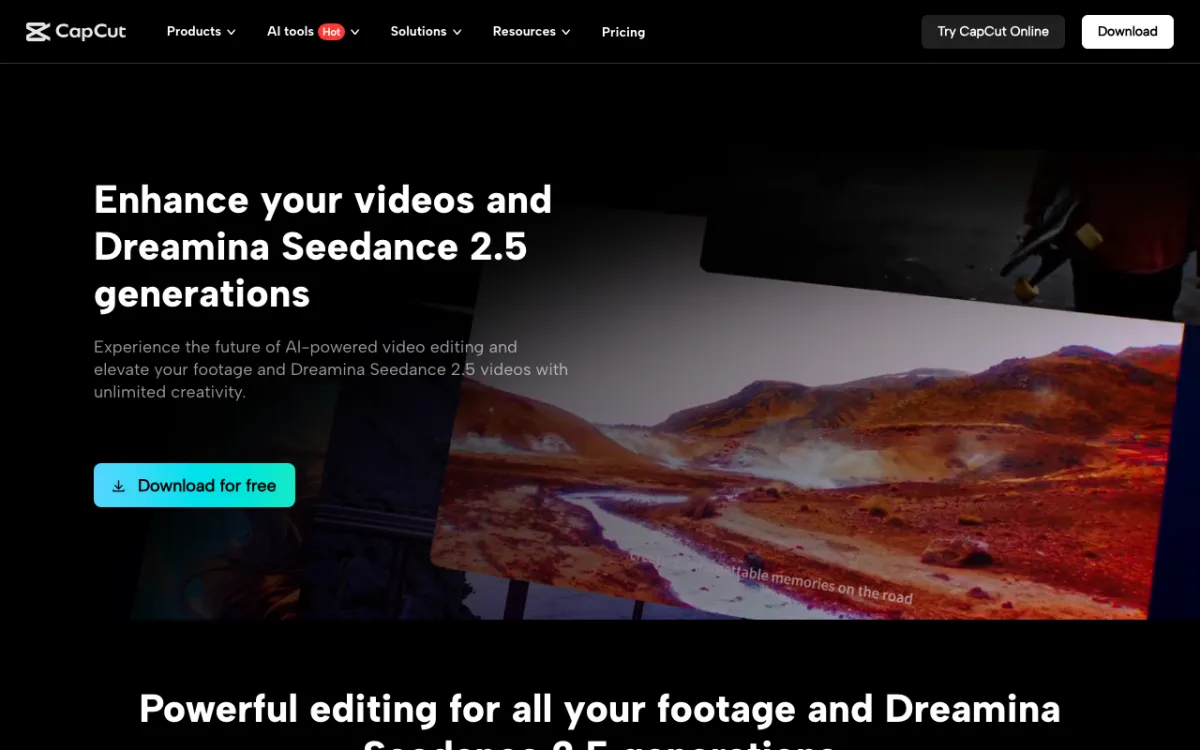 CapCut — free desktop, mobile and online editor
CapCut is the usual starting point for Reels, TikTok and Shorts editing, with templates, auto captions and effects. Its free plan is listed at $0 with free templates and basic editing tools.
On watermarks, CapCut’s help page says “In most cases, CapCut allows watermark-free exports.” The catch is that some templates add a CapCut ending clip, and some built-in elements may carry branding, so you delete the outro before you export.
CapCut’s pricing page did not say which plan includes auto captions or what the free resolution cap is. Check an export before you build a workflow on it.
For other options, see our CapCut alternatives.
Pros
- Templates, effects and a full timeline on the free plan
- Runs on desktop, phone and in a browser
- Vendor help says watermark-free exports are the normal case
Cons
- Template projects can add an ending clip you must delete
- Free resolution and caption limits are not stated on the pricing page
Best for: Creators who want a full editor, not an automatic one Pricing: Free at $0; Pro and Ultra are paid (checked November 2026)
3. Edits by Instagram
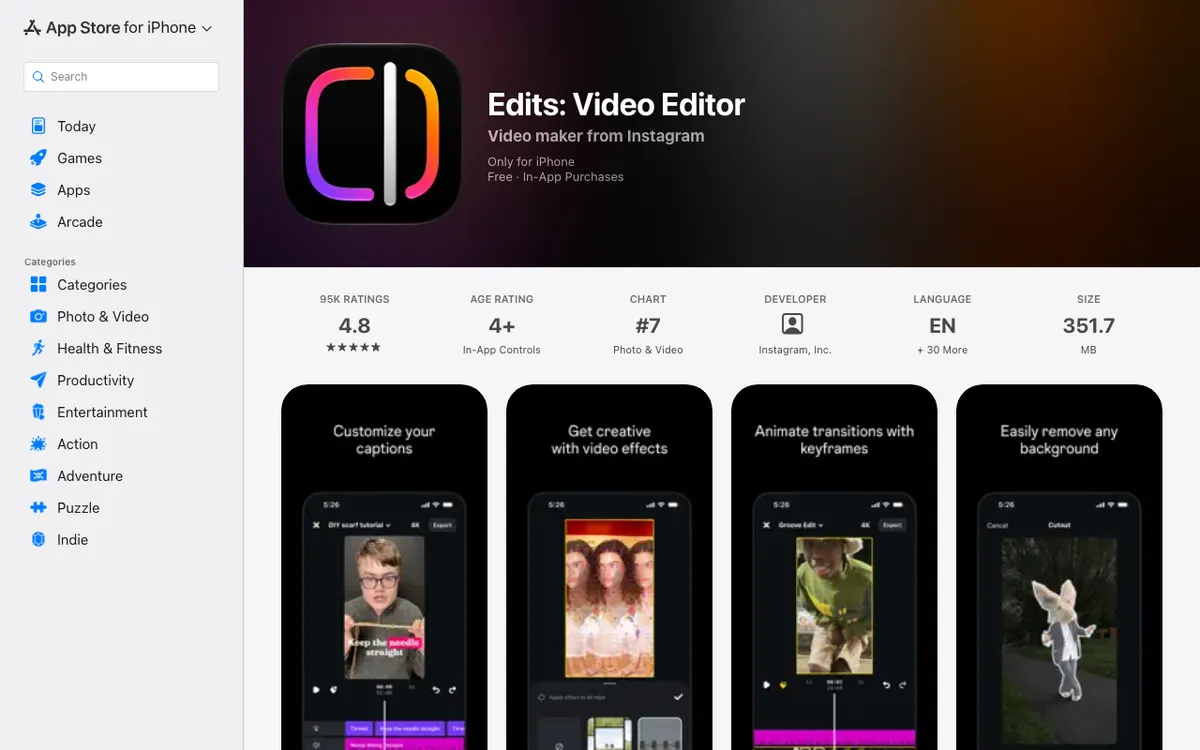 Edits: Video Editor — Instagram’s own video app
Edits is a video maker from Instagram, Inc. The App Store listing says it is free with in-app purchases and that you can “export your videos in 4K with no watermark.”
It generates captions automatically and lets you restyle them. The listing says templates made from Reels keep their video effects.
The App Store listing says iPhone and iOS 16.3 or later, with no iPad version. It is on Android too, per its Google Play listing, and we could not confirm a web version.
Pros
- Built by Instagram for Reels, with auto captions
- Vendor says exports are 4K with no watermark
- Free to download
Cons
- No iPad version listed, and no web version we could confirm
- Some features sit behind in-app purchases, and we could not read which ones
Best for: Phone users posting straight to Instagram, an easy ai reel maker for instagram free of cost Pricing: Free with in-app purchases (App Store, checked November 2026)
4. Clipchamp
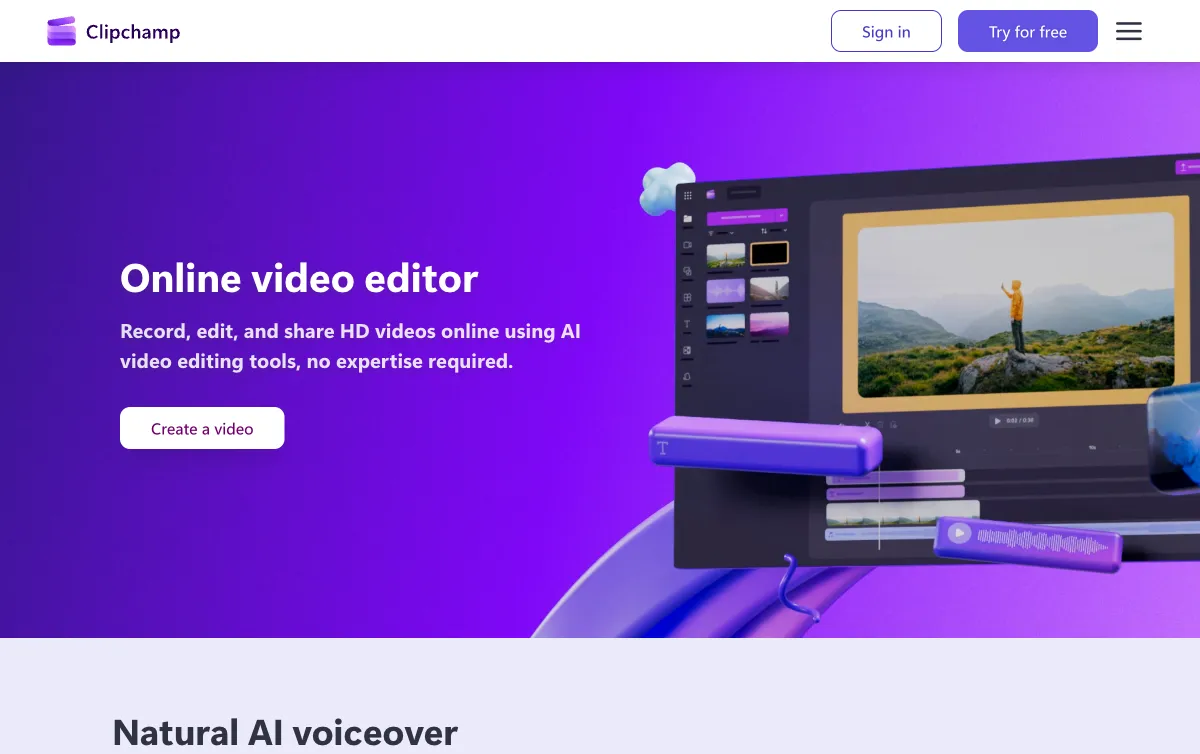 Clipchamp — Microsoft’s browser editor with AI tools
Clipchamp is the clearest browser option, which makes it the best ai reel maker online free on this list for people who do not want to install anything. Its pricing page says free plans export up to 1080p with no watermark.
The free plan includes AI subtitles, AI voiceover and silence removal. Premium raises the ceiling to 4K and comes with Microsoft 365 Personal and Family, though the page gave no price.
See our Clipchamp alternatives if you outgrow it.
Pros
- Free exports are 1080p with no watermark, per the pricing page
- AI subtitles and silence removal on the free plan
- Works in the browser
Cons
- Premium pricing is not listed on the pricing page
- No automatic clip picking
Best for: Browser-only editing on a Windows or Mac laptop Pricing: Free; Premium comes with Microsoft 365 (checked November 2026)
5. VN Video Editor
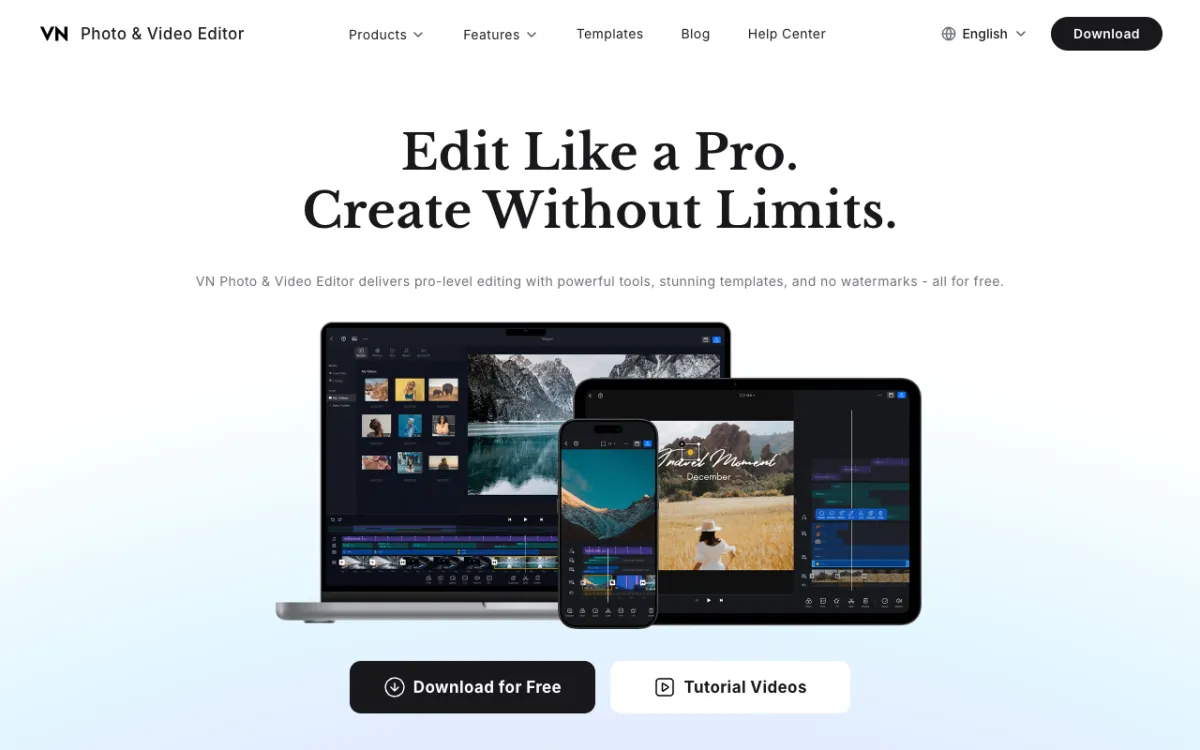 VN Photo & Video Editor — free on iOS, Android, Mac and Windows
VN says it delivers “powerful tools, stunning templates, and no watermarks - all for free.” Its page lists auto captions and 150+ free templates.
Downloads cover iOS, Android, Mac and Windows. The page mentions no browser version, so it is not an online tool.
We could not read any paid tier on VN’s page, so we can’t say what the free plan leaves out.
Pros
- Vendor states no watermarks, free
- Auto captions and 150+ free templates
- Phone and desktop apps
Cons
- No browser version mentioned
- Paid tiers and free limits not stated on the page we read
Best for: Phone editors who want a template-driven free app Pricing: Free (vendor homepage, checked November 2026)
6. Adobe Express
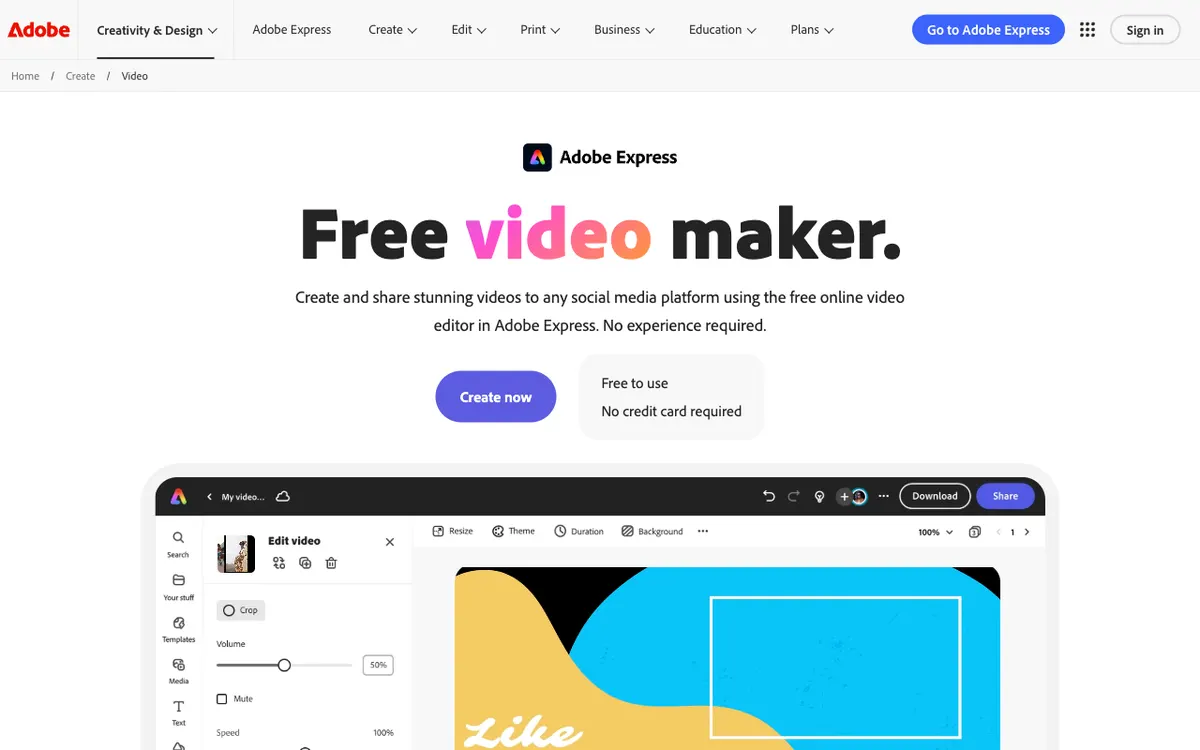 Adobe Express — free video maker in the browser
Adobe Express headlines “Crop, trim, add effects, and export watermark-free.” Its pricing page lists a free plan at US$0 with no credit card, 100,000+ templates and free video up to 30 minutes.
Premium is US$9.99 a month. One third-party guide says premium assets marked with a crown can add a watermark, and we could not confirm that on Adobe’s own pages, so keep to the free library.
Adobe’s pages did not say whether auto captions are on the free plan.
Pros
- Free plan, no credit card, large template library
- Vendor headline says export is watermark-free
- Runs in a browser
Cons
- Auto captions on the free plan were not confirmed
- Crown (premium) assets may complicate free exports
Best for: Template-led reels you build in a browser Pricing: Free; Premium US$9.99/month (checked November 2026)
7. Canva
 Canva — free online video editor
Canva is a template-first editor that suits quick Reels from photos and clips. Canva’s help center says free accounts can export MP4 up to 30 minutes at a maximum 1920 x 1080.
Its watermark rule is about content, not the plan. Canva’s pages say premium elements carry a watermark until purchased, and a Pro clip in a free account can be cleared with a $1 Pro Content License.
Canva’s help pages returned an error when we opened them directly, so this comes from search excerpts of those pages. Check the crown icons before you export.
Pros
- Large template library and a simple editor
- Free MP4 export up to 1080p
- Free-only content exports without a watermark, per Canva’s help excerpts
Cons
- Any premium element can put a watermark on the export
- Canva’s help pages blocked our direct read, so the rules are less certain than the rest
Best for: Designers who already live in Canva Pricing: Free; paid price not checked
Comparison table
| Tool | Free export | Auto captions | Where it runs | Catch |
|---|---|---|---|---|
| Vidwip AI Clipping | 1080 x 1920, no watermark | Yes, 8 styles | Browser | 100 credits once; talking video only |
| CapCut | “Most cases” watermark-free | Listed, plan not stated | Desktop, phone, web | Template end clips |
| Edits by Instagram | 4K, no watermark (App Store) | Yes | iPhone, Android | No iPad or confirmed web version |
| Clipchamp | 1080p, no watermark | Yes, AI subtitles | Browser | Premium for 4K |
| VN Video Editor | No watermarks (vendor) | Yes | iOS, Android, Mac, Windows | No browser version |
| Adobe Express | Watermark-free (vendor) | Not stated | Browser | Premium assets |
| Canva | 1080p MP4 up to 30 min | Not stated | Browser | Premium elements watermark |
How to choose
- You have a long video of people talking: start with Vidwip AI Clipping. See AI reel maker from video for the full workflow.
- You want to mix photos and clips: use a full editor. Our guide to AI reel makers for photos and videos covers that.
- You edit on your phone: Edits, CapCut or VN.
- You work in a browser: Clipchamp first, then Adobe Express or Canva.
- You want ranked clip picks from an existing channel: see Opus Clip alternatives.
Run one short export before you commit to any of them. The watermark rules above come from vendor pages, and vendors change them.
Sources: CapCut help center, Clipchamp pricing and Adobe Express pricing, all read in November 2026.