
Vidwip AI Studio is the pick when your photos should move: it turns a photo into an AI shot with image-to-video, then lays it beside your clips with music and captions on one timeline. CapCut and Canva are better at beat sync, Edits and Clipchamp at free 1080p to 4K export, and InShot at quick phone edits.
An AI reel maker from photos and videos takes a pile of stills and short clips, puts them in one vertical timeline, and adds music, transitions and captions. The differences are how well each one syncs to the beat, whether a photo can actually move, and what the export costs you.
We compared Vidwip, CapCut, Canva, Edits by Instagram, InShot, Adobe Express and Clipchamp from vendor pages and App Store listings, with prices checked in November 2026. We did not run each one ourselves, and we say where a figure could not be verified.
Quick picks
| Want | Use |
|---|---|
| A photo that turns into a moving AI shot | Vidwip AI Studio |
| Template reels cut to the beat | CapCut |
| Beat markers inside a design tool | Canva |
| Free 4K export from the Instagram team | Edits by Instagram |
| Fast edits on your phone | InShot |
| Photo slideshow with pan and zoom, in a browser | Adobe Express |
| A free AI first draft from photos and clips | Clipchamp |
What to look for in an AI reel maker from photos and videos
Three things separate these tools. Check them before you pick.
- Beat sync. Does it cut your photos and clips to the music for you, or only show beat markers?
- Photo motion. Does a photo get a pan and zoom, or does AI generate real movement from it?
- Export and watermark. Resolution, frame rate and whether the free plan stamps the video.
Reels are vertical, so every tool here needs to export 9:16. Mixed media is the hard part: a stills-heavy reel looks flat unless the photos move.
1. Vidwip AI Studio
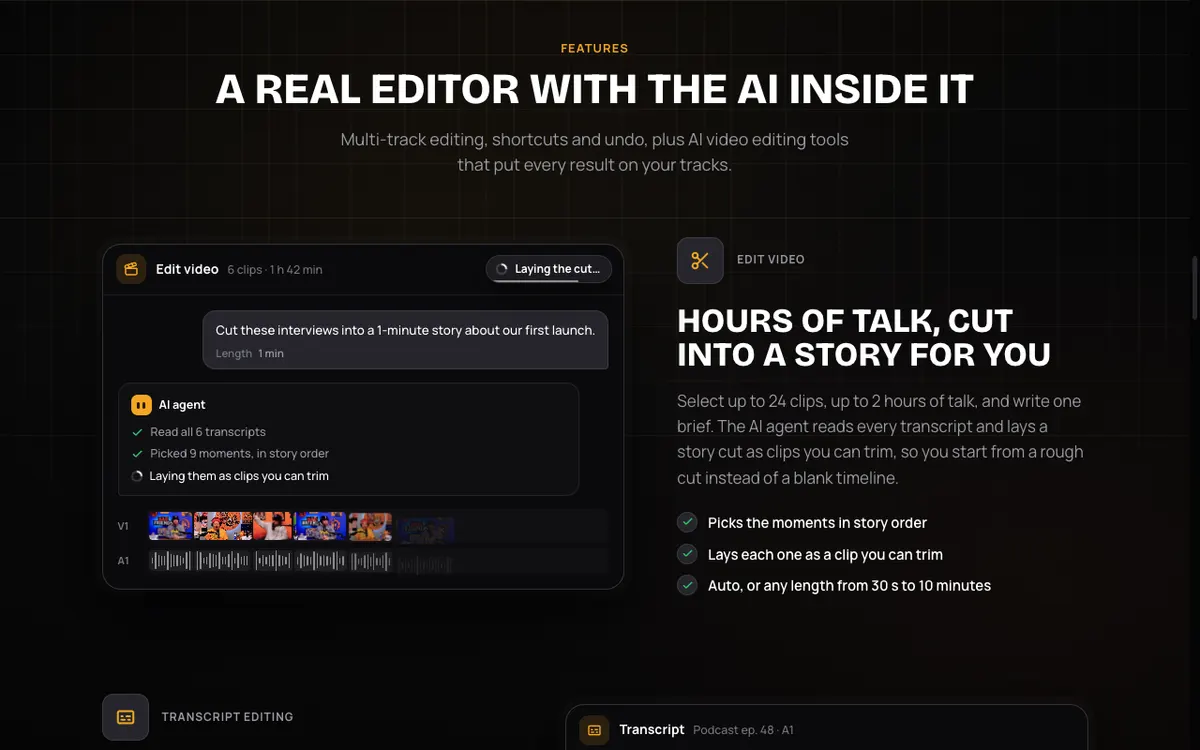 Vidwip AI Studio — a multi-track editor with AI tools that put every result on your timeline.
Vidwip AI Studio is a browser video editor that turns a photo into a moving AI shot and drops it on the same timeline as your clips. You bring in photos, video, audio and subtitle files, then add music and captions without leaving the tab.
The photo step is the point. The AI Video Generator does image-to-video on 16 models, including Kling 3.0, Veo 3.1 and Seedance 2.5, in shots of 1 to 30 seconds, and the shot lands in your edit.
Seedance 2.5 runs up to 30 seconds and Grok Imagine 1.5 Lite starts at one.
Costs are published. Kling 3.0 Standard is 20 credits per second, so a 5-second shot is 100 credits ($1.00).
Grok Imagine 1.5 Lite is 5 credits per second, so Starter’s 2,500 credits cover a hundred 5-second shots at most, before music and captions.
Music comes from the AI Music Generator on the same timeline, billed at 2 credits per second plus a 15-credit writer charge (checked in the November 2026 rate table). Subtitles bill at one credit per 30 seconds, so a 30-second reel’s captions cost about a credit.
Here is where it falls short. There is no automatic beat sync, no template library, and no native app: it runs in a browser.
If you want to drop twelve photos into a template and get a finished reel in a minute, CapCut or Canva is faster.
Pros
- Image-to-video turns a photo into real motion, not a zoom
- 16 video models, with per-second credit prices published on the pricing page
- Photos, clips, music and captions on one timeline, 1080p at 30 fps, no watermark on any plan
- Free to start, no credit card
Cons
- No automatic beat sync or reel templates
- Export tops out at 1080p, 30 fps
- Image-to-video needs a paid plan; the 100 free credits don’t cover it
- Browser only, no iOS or Android app
Best for: Creators who want stills to move and want AI shots, music and captions in one editor.
Pricing: Image-to-video needs a paid plan: Starter $25/month (2,500 credits) · Pro $99/month (10,000 credits).
2. CapCut
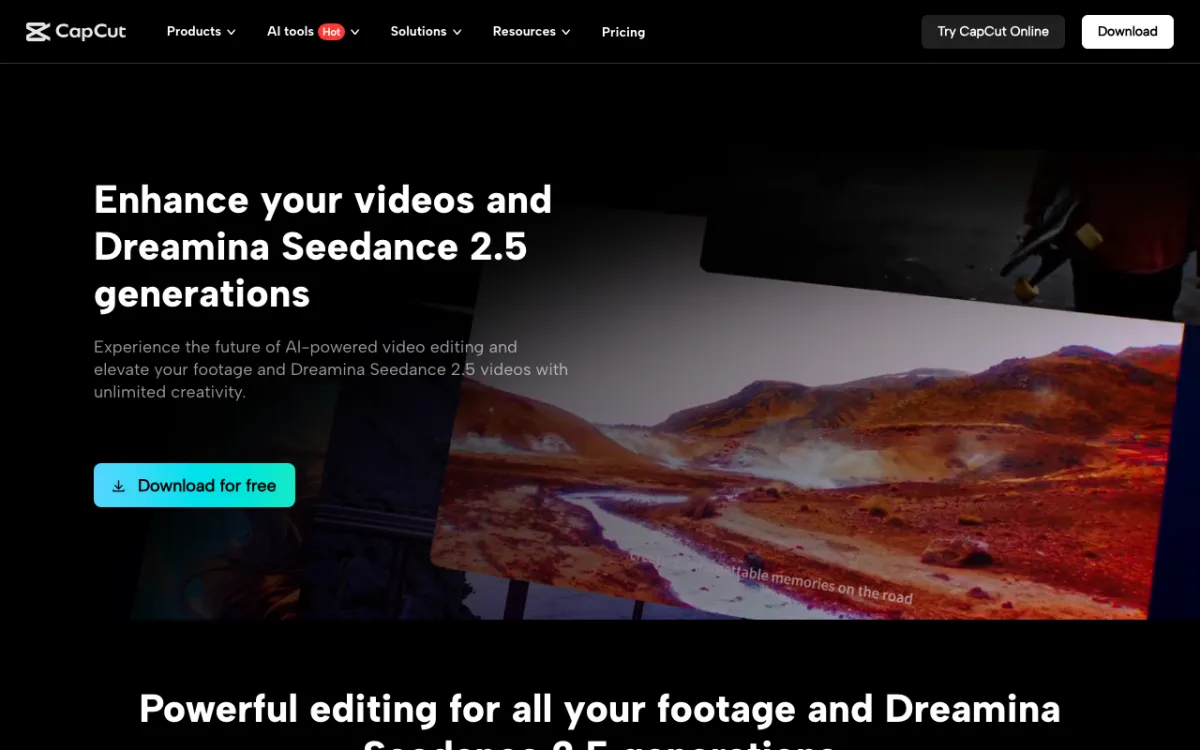 CapCut — template and beat-sync editing on mobile and desktop, with Seedance generation built in.
CapCut is the default pick for template reels cut to the beat. Its explore pages list free photo beat-sync templates where you swap in your own photos and clips and adjust the timing.
CapCut’s help center describes Auto Cut as trimming and syncing footage to a chosen track. It says Auto Cut is available on mobile and desktop but not on CapCut Web, and it notes menu names can vary by region.
CapCut also generates video. Its pricing page lists Seedance 2.0 Mini generations, up to 240 seconds at 720p on Pro.
Pros
- Large library of beat-sync templates for photos and clips
- Auto Cut on mobile and desktop
- Free plan with free templates and basic tools
Cons
- Auto Cut is not on CapCut Web
- Premium templates sit behind Pro
- Its pricing page doesn’t state free export limits, so check the app
Best for: Phone-first creators who want a template reel done fast.
Pricing: Free. Pro $14/month or $89.99/year, Ultra $79/month (checked November 2026, US).
3. Canva
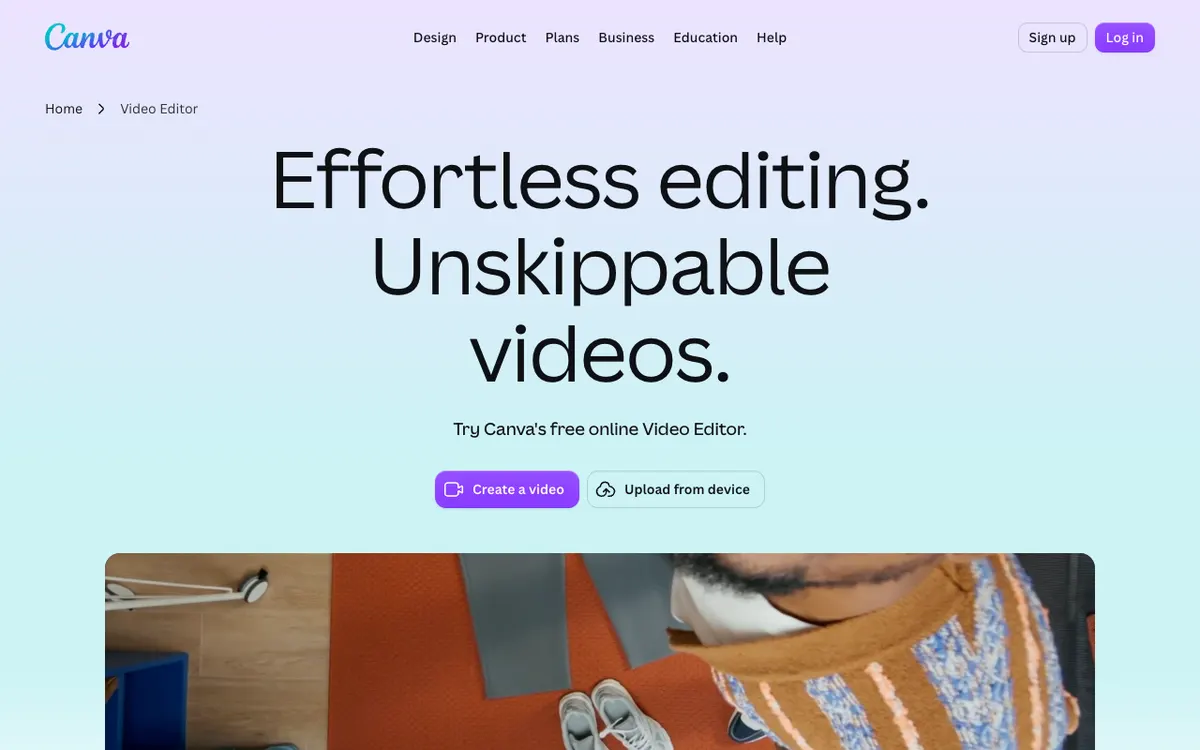 Canva’s online video editor — drag photos and clips onto pages, then add music.
Canva is the easiest browser option if you already design in it. Photos and clips share one canvas, and its Beat Sync feature snaps pages, transitions and animations to the beat.
Canva’s Help Center says Beat Sync detects beats and creates snap points on the audio track. Manual snapping is free, and the one-click Sync now button is for Pro users.
Audio must be 10 minutes or less, and it only syncs to music beats, not voice.
We couldn’t read Canva’s own pricing page from here, because it blocked our request. Third-party guides put Pro at roughly $15 per month, so treat that as unverified and check canva.com.
Pros
- Beat Sync with visible beat markers
- Photos, clips and design elements on one canvas
- Easy to learn in a browser
Cons
- One-click beat sync needs Pro
- Beat Sync works with music only, 10-minute audio limit
- Its video editor is lighter than a true timeline editor
Best for: People who already make graphics in Canva and want a reel in the same place.
Pricing: Free plan; Pro is about $15/month per third-party guides, not verified on Canva’s page.
4. Edits by Instagram
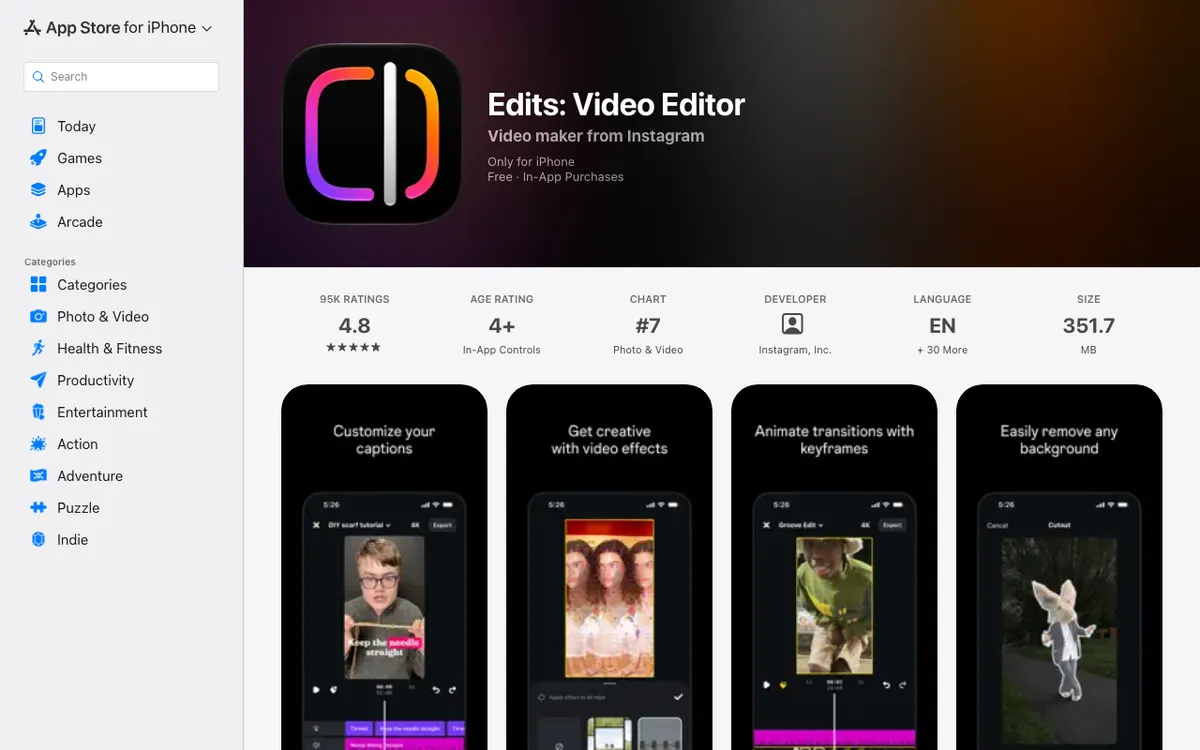 Edits — Instagram’s own video editor, listed as free on the iPhone App Store.
Edits is Instagram’s own video editor, built around reels. Its App Store listing says you can combine photos and videos, animate images with AI, generate captions, and export in 4K with no watermark.
For rhythm, the listing mentions video effects whose colors and motion match the beat of your audio. That is effect timing, not automatic cutting of your clips to the beat.
The iPhone listing says Free with In-App Purchases and gives no purchase prices. It is on Android too, per its Google Play listing, and we did not verify what the purchases unlock.
Pros
- Free to download, 4K export and no watermark per the App Store listing
- Mixes photos and clips, with AI image animation
- Auto captions with seven presets
Cons
- Beat matching is effects, not auto-cut
- Purchase prices not listed
- No iPad version on the App Store
Best for: Instagram-first creators who want free, watermark-free export.
Pricing: Free with in-app purchases (App Store listing, November 2026).
5. InShot
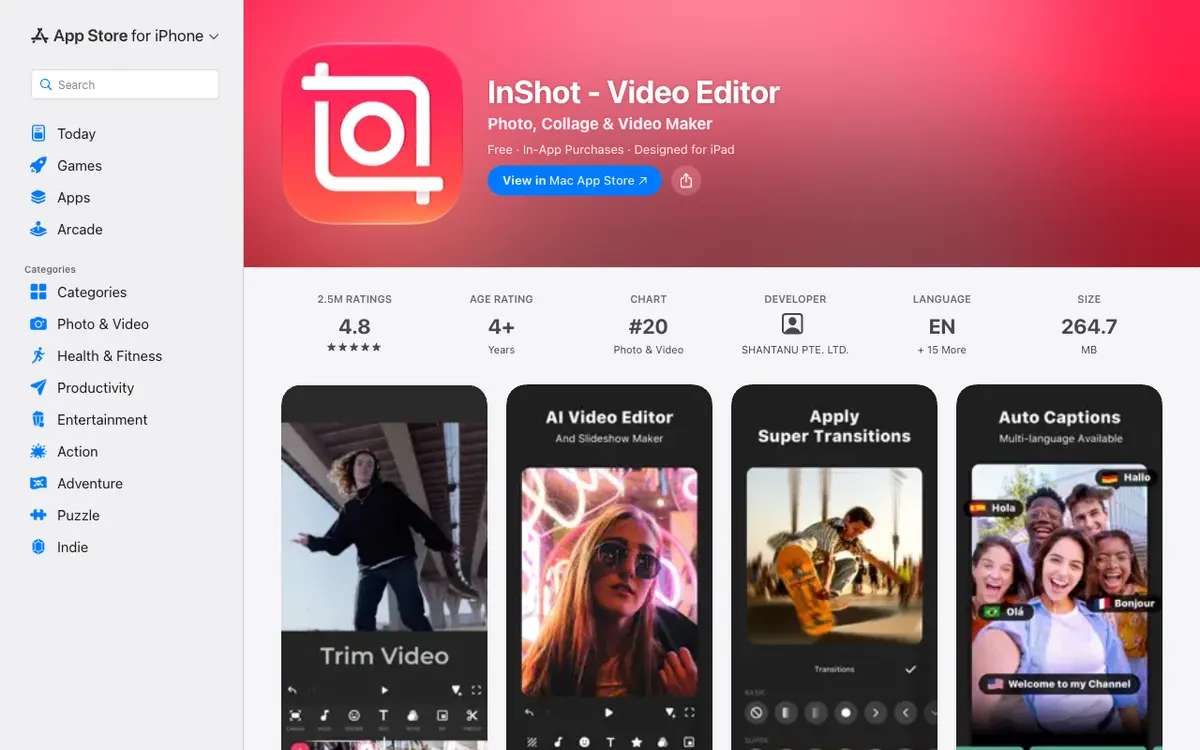 InShot — a phone editor for trims, transitions, captions and slideshows.
InShot is a fast phone editor for trimming clips, adding photos and music, and exporting. Its App Store listing covers transitions, auto captions, AI cut, collages of up to 20 photos and keyframe animation, and says it saves at 4K 60 fps.
We found no beat-sync claim on the listing, and it doesn’t mention a watermark. Third-party sources say Pro removes the InShot watermark, so check what your export shows.
Pricing varies by store and region. The US App Store listing shows Pro at $4.99 monthly, $19.99 yearly and $49.99 lifetime.
Pros
- Quick, simple phone workflow for photos and clips
- Transitions, keyframes and collages
- Low-cost Pro, including a lifetime option
Cons
- No beat sync stated on the listing
- Watermark rules not stated on the listing
- Add-on packs are charged separately
Best for: Quick phone edits when you just need photos and clips cut together.
Pricing: Free. Pro $4.99/month · $19.99/year · $49.99 lifetime (US App Store, checked November 2026).
6. Adobe Express
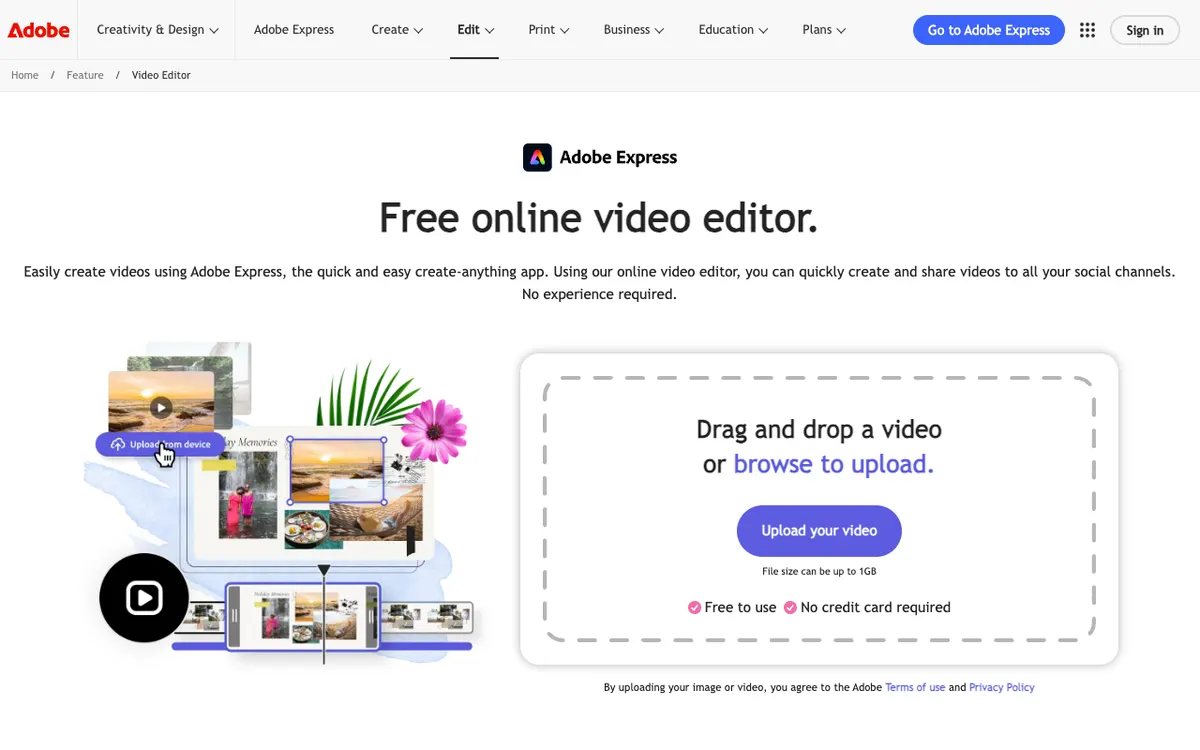 Adobe Express — a free online video editor with upload-and-edit for photos and clips.
Adobe Express is a browser editor that suits slideshow-style reels. Adobe’s pages say you can mix photos and clips in one project, use its soundtrack library or upload your own audio, and animate stills with pan-and-zoom style effects.
We found no automatic beat detection for Express in Adobe’s pages, so you line clips up to the music yourself. Firefly’s image-to-video is a separate Adobe tool, and its output is silent.
Adobe’s pricing page lists the free plan with video up to 30 minutes long, and Premium at $9.99 per month with 2-hour videos and 250 generative credits per month. It doesn’t clearly say which plan gets 4K export or whether the free plan watermarks, so verify before you publish.
Pros
- Free plan and a browser editor with no install
- Simple pan and zoom for stills
- Premium includes 250 generative credits monthly
Cons
- No automatic beat sync found
- Photo animation is effects, not image-to-video, inside Express
- Export limits unclear on the pricing page
Best for: Slideshow-style reels built in a browser.
Pricing: Free. Premium $9.99/month (checked November 2026, US).
7. Clipchamp
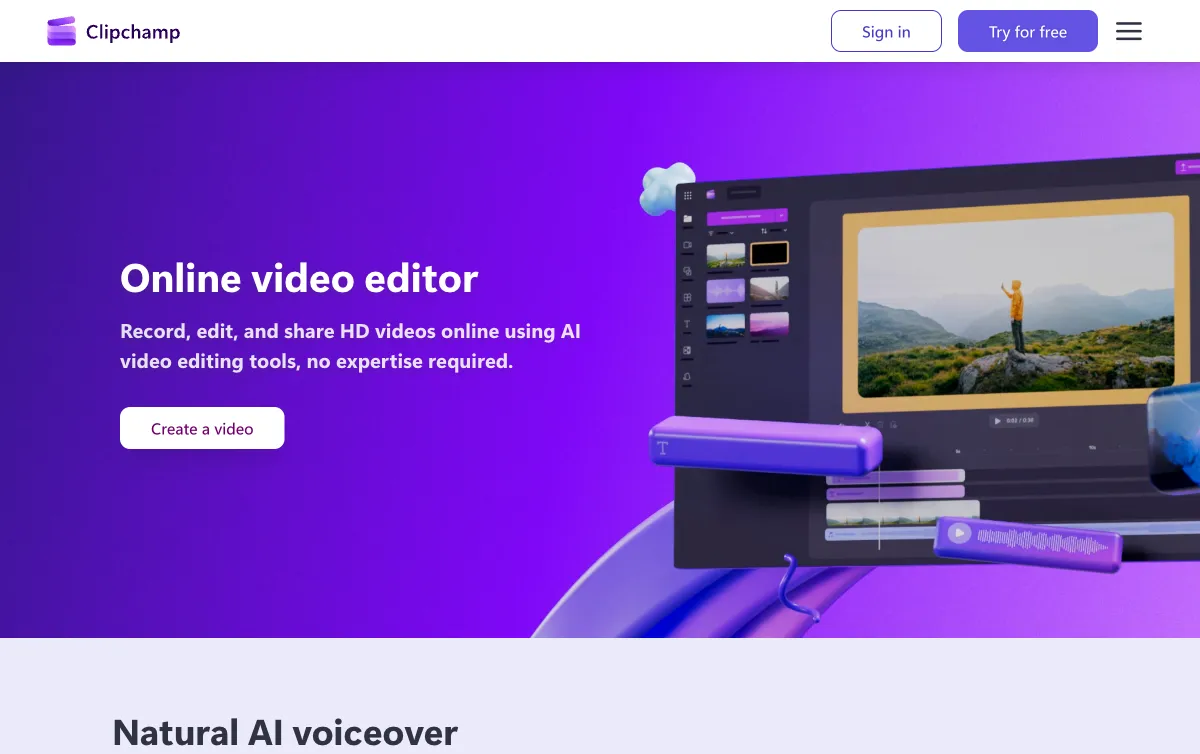 Clipchamp — Microsoft’s online video editor with a Create a video with AI flow.
Clipchamp is the best free AI first draft from a pile of media. Microsoft’s support article says Create a video with AI builds a draft from your photos and clips, picking pacing, layouts, transitions and music, and exports 1080p MP4.
You can regenerate, swap media or music, or open the timeline for precise edits. The feature is free in personal accounts and isn’t available in work and school accounts.
Clipchamp’s page says the free plan exports unlimited videos at up to 1080p with no watermark, and that 4K needs a premium plan included with Microsoft 365 Personal or Family. The page doesn’t list a price.
Pros
- AI first draft from photos and clips, with music chosen for you
- Free 1080p export, no watermark per Clipchamp
- Easy timeline for fixes
Cons
- 4K needs Microsoft 365
- Not available on work and school accounts
- Pricing not listed on the page we read
Best for: A free, quick first cut with music already picked.
Pricing: Free for 1080p. 4K via Microsoft 365 Personal or Family (price not listed on Clipchamp’s page).
Comparison table
| Tool | Photo motion | Beat sync | Export | Price (checked November 2026) |
|---|---|---|---|---|
| Vidwip AI Studio | Image-to-video on 16 models | No automatic sync | 1080p, 30 fps, no watermark | $25 and $99 plans |
| CapCut | Templates; AI generation | Auto Cut, beat templates | Not stated on pricing page | Free; Pro $14/mo |
| Canva | Animations | Beat Sync; one-click is Pro | Not verified | Free; Pro about $15/mo (third-party) |
| Edits | AI image animation | Beat-matched effects | 4K, no watermark | Free, in-app purchases |
| InShot | Keyframes | None stated | 4K 60 fps | Pro $4.99/mo, $19.99/yr |
| Adobe Express | Pan and zoom effects | None found | Unclear on page | Free; Premium $9.99/mo |
| Clipchamp | Effects | AI picks music | 1080p free, 4K with Microsoft 365 | Free |
How to choose
- Your photos should move: choose Vidwip AI Studio, the only tool here where a still becomes an AI-generated shot you can place beside your clips.
- You want a template reel in minutes: use CapCut or Canva.
- You want free export without a stamp: use Edits or Clipchamp.
- You edit on your phone: use InShot, Edits or CapCut.
For footage-only reels, see AI reel maker from video, or the free reel makers and their limits. Other editors are covered in CapCut alternatives and best AI video editors.
Sources
Prices and features were read on CapCut’s pricing page, Adobe’s Express pricing page, Canva’s Help Center, Microsoft’s Clipchamp support, and the App Store listings for Edits and InShot.