
Vidwip AI Clipping turns a podcast, interview or stream up to 60 minutes into up to 5 ranked 1080 x 1920 reels with word-by-word captions and no watermark on any plan. Opus Clip and Vizard are the closest full-workflow rivals, Klap suits many clips and smart layouts, Submagic and CapCut lean on captions and editing, and quso.ai adds scheduling. Free tiers elsewhere watermark or cap exports; Vidwip's 100 free credits are a one-time grant.
An AI reel maker from video watches a long recording, finds the moments worth posting and hands back vertical clips you can drop straight into Instagram Reels, TikTok or Shorts. The seven tools below all do that job, and they differ on how they pick moments, how they handle speakers, what the free tier really gives you and whether the export carries a watermark.
We compared Opus Clip, Vizard, Klap, Submagic, CapCut, quso.ai and Vidwip on their own pricing and feature pages in November 2026. We did not run hands-on tests, so where a page was silent we say so.
What an AI reel maker from video should do
The best AI reel maker from video does five things well:
- Moment picking. It should find clips with a hook and a pay-off, and ideally let you say what to look for.
- Speaker reframing. A 16:9 interview has to become 9:16 without cutting off whoever is talking.
- Caption styles. Word-by-word captions are standard. The number of styles and languages is not.
- Free limits. Check watermark, export resolution, how long files are kept and whether the free grant repeats.
- Cost per source minute. Long videos burn credits before you know what you got.
If your source is photos and short clips instead of one long recording, that’s a different job. See how to make a reel from photos and videos.
For free tiers across the whole category, see free AI reel makers and their real limits.
Quick picks
| Want | Use |
|---|---|
| A few ranked reels from a podcast, no watermark | Vidwip AI Clipping |
| Full clipping workflow with scheduling | Opus Clip |
| More upload minutes per dollar | Vizard |
| Many clips and layout templates | Klap |
| Captions first, editing second | Submagic |
| Free clip generator plus a full editor | CapCut |
| Virality scores and a social scheduler | quso.ai |
1. Vidwip AI Clipping
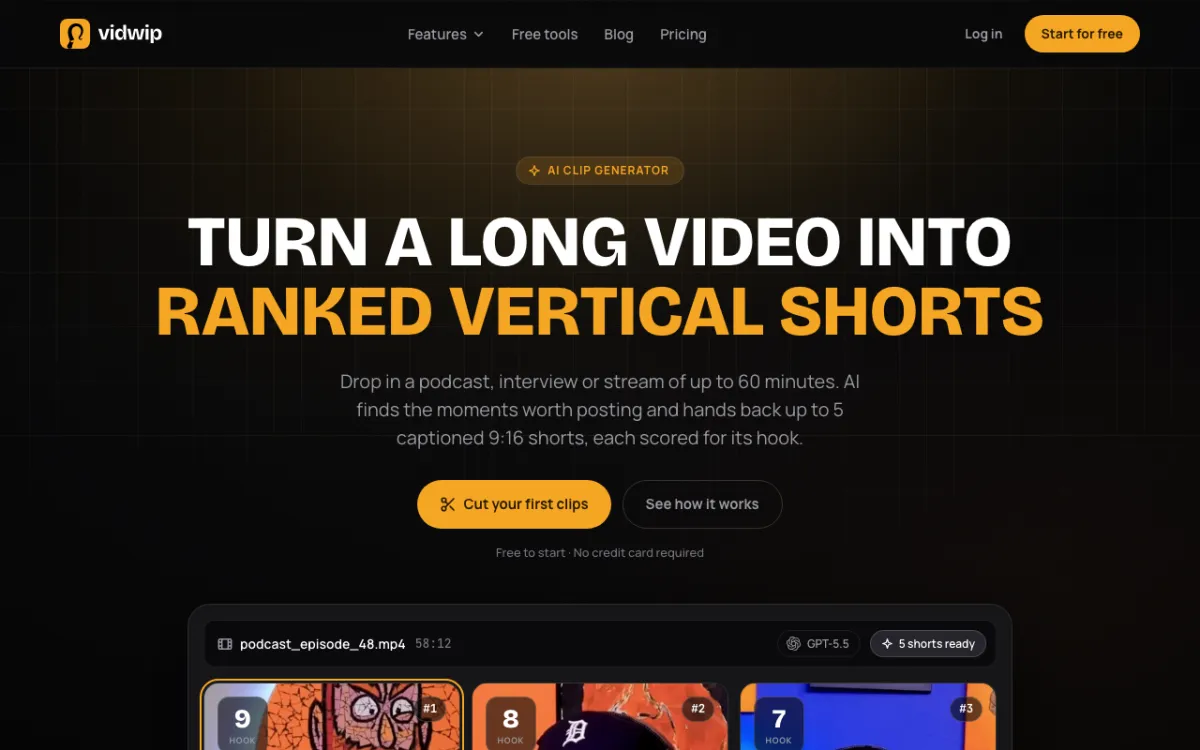 Vidwip AI Clipping — a podcast or stream up to 60 minutes in, up to 5 ranked reels out.
Vidwip AI Clipping turns a podcast, interview or stream up to 60 minutes into up to 5 ranked 1080 x 1920 reels with word-by-word captions. You pick 1 to 5 reels, and if the video doesn’t hold that many good moments you get fewer.
Whisper turns the speech into text, and GPT-5.5 picks the moments, writes the titles and post captions, and frames the speaker. You can add a brief, like a topic or a guest’s name, and each reel is scored out of 10 and returned best first.
The crop follows whoever is talking and switches when someone else takes over. Captions light up word by word in 1 of 8 styles and are burned into the MP4, and no plan adds a watermark.
Clipping bills 0.5 credits per source second plus 30 credits per reel. A 60-minute podcast cut into 5 reels is 1,950 credits, about $19.50.
Pros
- Plain-words brief steers which moments it picks
- Each reel scored and ranked, with a title and post caption
- Speaker-tracking 9:16 crop at 1080 x 1920
- No watermark on any plan
Cons
- Up to 5 reels per video, one video at a time
- 9:16 only, no square or 16:9
- No editing inside the clipper; trim on the AI Studio timeline
- Picks from what is said, not what is shown
Best for: Podcasters and interview shows that want a few strong, ranked reels per episode.
Pricing: 100 credits granted once on sign-up, no credit card, not a monthly allowance. That covers a source of about 2 minutes cut into 1 reel (0.5 x 120 + 30 = 90).
Starter $25/month for 2,500 credits, Pro $99/month for 10,000 (pricing).
2. Opus Clip
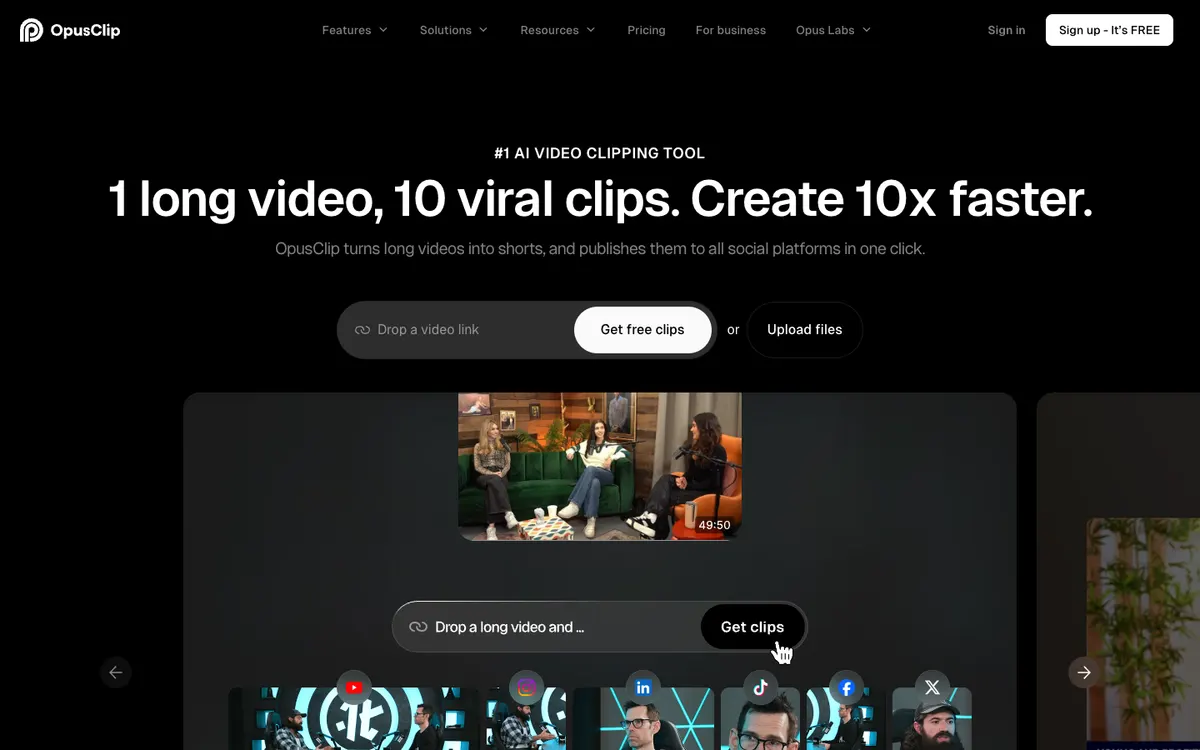 Opus Clip — clip picking, reframing and one-click publishing.
Opus Clip is the best-known clipper. Its homepage describes ClipAnything, which clips any genre and takes natural-language prompts to target a moment, and ReframeAnything, which keeps moving subjects centered with object tracking.
Plans are Free, Starter at $15/month, Pro at $29/month and a custom Business tier (opus.pro/pricing, checked November 2026). Free exports carry a watermark, files are kept for 3 days, and Starter exports 9:16 only; 1:1 and 16:9 need Pro.
The pricing page didn’t list credit allowances when we read it. The homepage says the free plan refreshes monthly with 60 credits, and the help center bills 1 credit per imported minute.
Pros
- Prompt-based clip targeting and object-tracking reframe
- Publishes to social platforms from the tool
- Watermark-free export on every paid plan
Cons
- Free plan watermarks and expires files after 3 days
- Pricing page doesn’t show credit allowances per plan
- Speaker switching isn’t named on the pages we read
Best for: Creators who want a mature clip workflow with scheduling.
Pricing: Free. Starter $15/month, Pro $29/month (checked November 2026).
3. Vizard
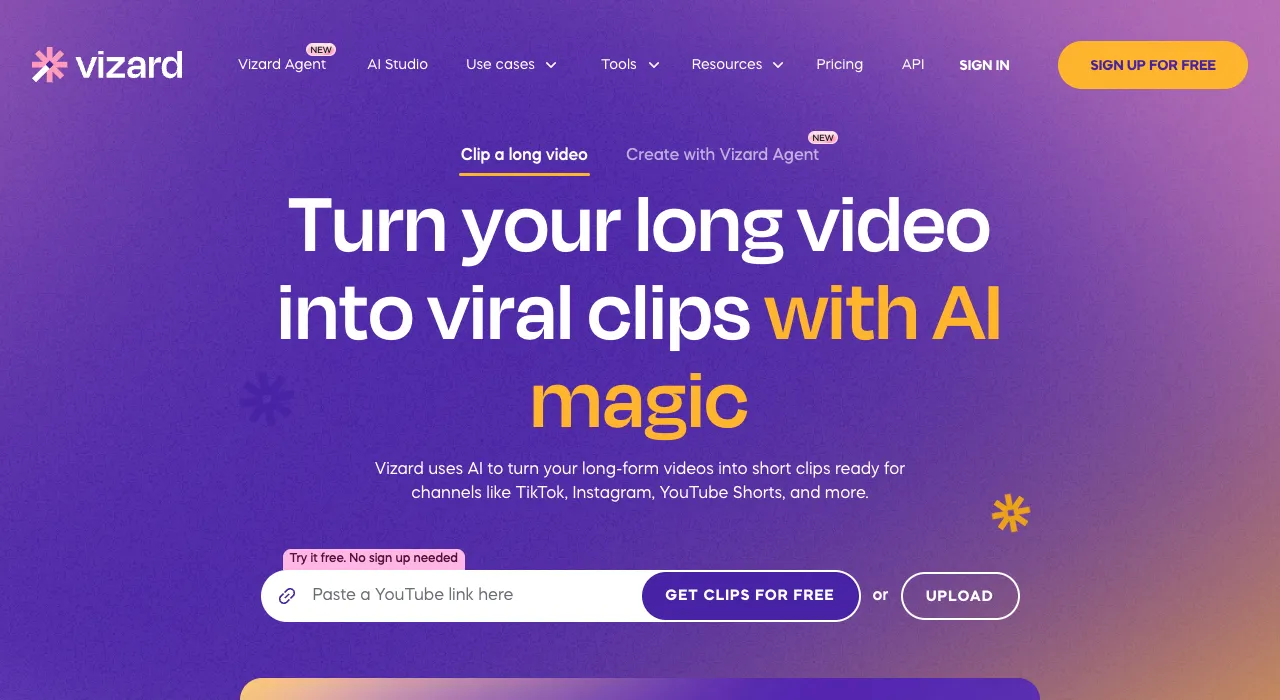 Vizard — AI clipping billed at 1 credit per uploaded minute.
Vizard bills 1 credit per minute of uploaded video. Its free plan gives 60 credits a month at 720p with a watermark and a 60-minute upload cap.
Paid plans start from 600 credits a month, export 4K, and accept uploads up to 600 minutes.
The paid price fields didn’t render when we fetched the page in November 2026, so confirm the dollar figure on vizard.ai/pricing. Our October check on a sibling post showed Creator at $29/month.
Pros
- Long uploads, up to 600 minutes on paid plans
- 4K export without a watermark on paid plans
- 600 minutes a month at the entry paid tier
Cons
- Free plan is 720p with a watermark
- Doesn’t let you brief it on what to find
- Price couldn’t be re-verified this month
Best for: Creators with long source files and a high monthly volume.
Pricing: Free (60 credits a month). Paid from 600 credits a month.
4. Klap
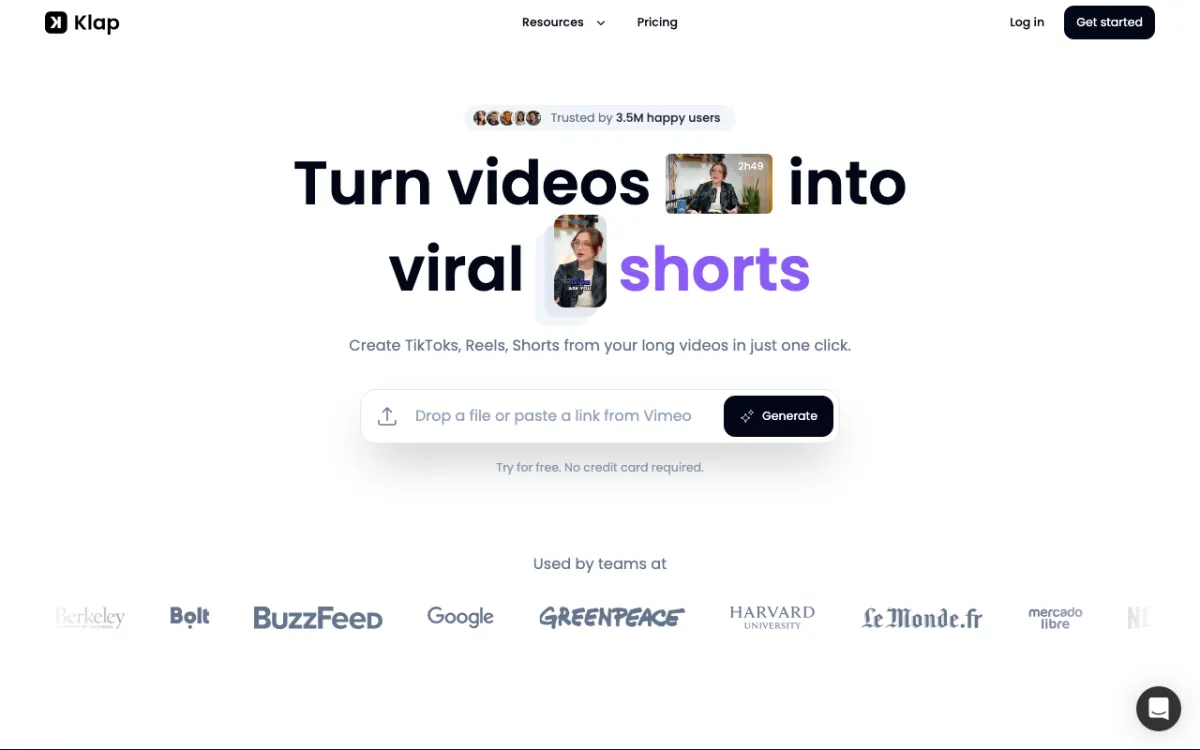 Klap — drop a file or link and get shorts, with a rule of thumb of about 5 clips per source minute.
Klap says one minute of video yields about 5 clips, scores each clip’s potential to go viral, and reframes with layouts including Split Screen, Screencasts and Gaming. It transcribes in 99+ languages and takes sources up to 3 hours on paid plans.
It meters clips, not minutes. Basic is $29/month billed monthly ($14.50 billed yearly) for 100 clips, Pro $79/month for 300, and Pro+ $189/month for 1,000 (klap.app/pricing, checked November 2026).
There is no permanent free plan: one video is free to preview, and downloading needs a paid plan.
Pros
- Per-clip virality scores and layout templates
- Sources up to 3 hours
- No watermark on paid plans
Cons
- Free trial can’t download
- Clip counts, not minutes, make cost hard to forecast
- Speaker tracking isn’t named on the pages we read
Best for: Creators who want lots of clips and split-screen or gaming layouts.
Pricing: $29/month for 100 clips, monthly billing (checked November 2026).
5. Submagic
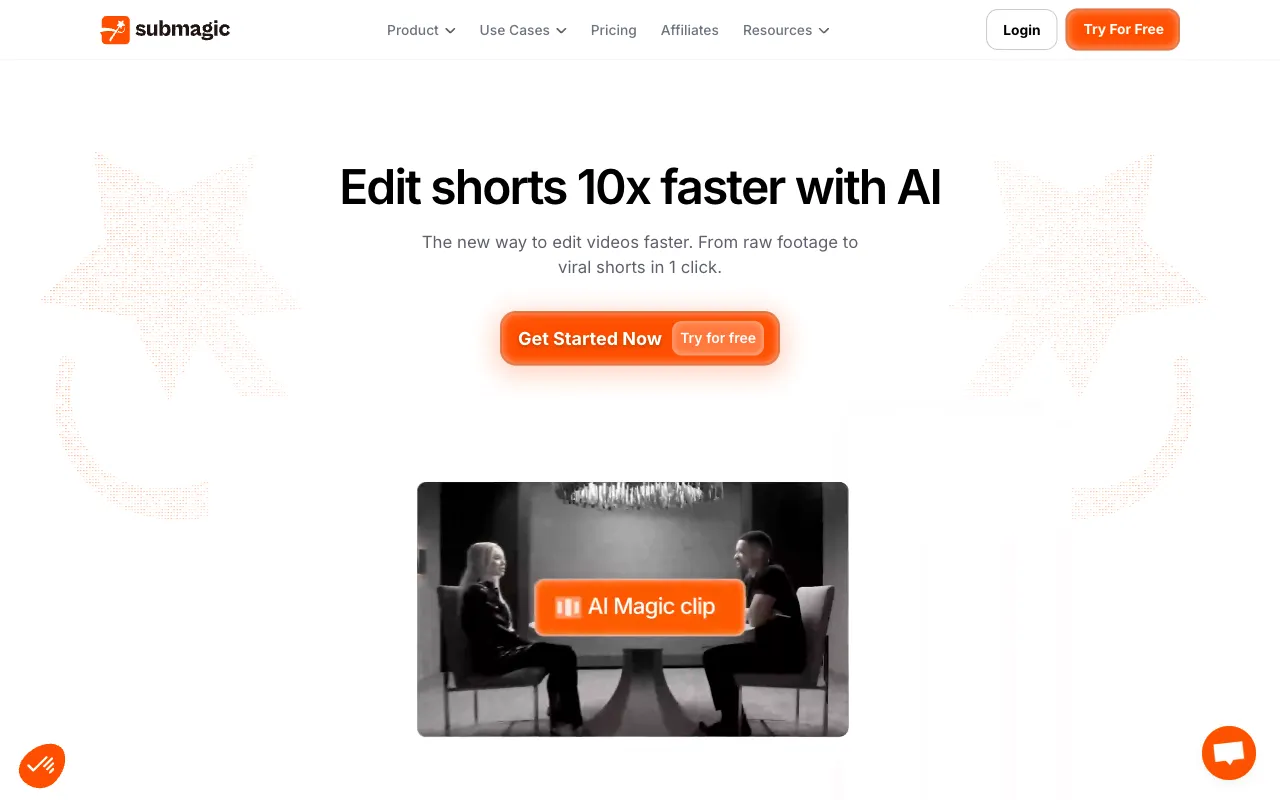 Submagic — captions in 123 languages, with Magic Clips for long video.
Submagic Magic Clips takes a pasted YouTube URL or an upload, finds key moments and says it can produce 20+ clips. Transcription covers 123 languages.
We couldn’t verify which plan includes Magic Clips. The pricing page lists Starter at $19/month, Pro $39 and Business $69, with 2, 5 and 30 minute max video length, and no mention of Magic Clips (checked November 2026).
The feature page also doesn’t describe aspect-ratio reframing.
Pros
- Strong caption tooling in 123 languages
- No watermark on listed paid plans
- Free try, no card
Cons
- Magic Clips plan and source limits not stated
- Reframing not described
- Pricing page video limits are short (2 to 30 minutes)
Best for: Creators who care most about caption polish.
Pricing: Starter $19/month, Pro $39/month, Business $69/month (checked November 2026).
6. CapCut
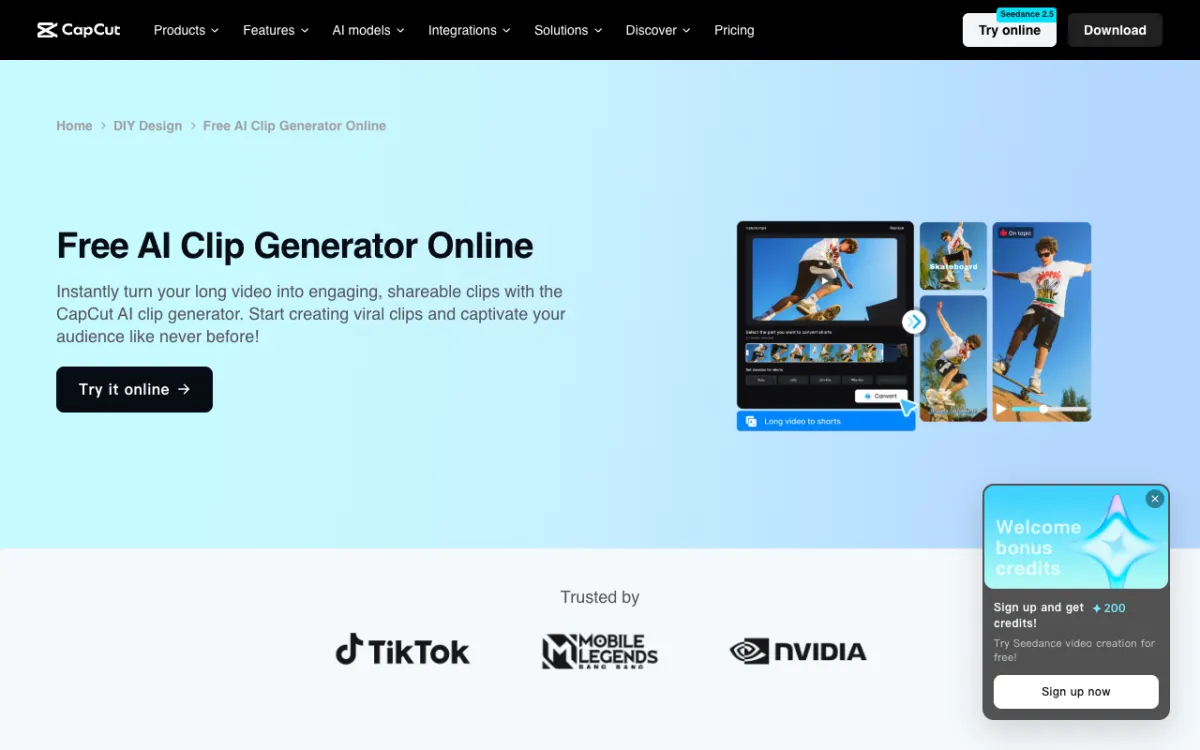 CapCut — an AI clip generator inside a full editor.
CapCut offers an AI clip generator that finds highlights in a long video, converts 16:9 to 9:16 with smart cropping and subject tracking, and adds captions. Its page states the tool is free and the FAQ says clips come out without watermarks.
It’s a marketing claim.
The page gives no input length, clip count or export limits. CapCut Pro is $14/month and Ultra $79/month, with the free tier described only as free templates and basic tools (checked November 2026).
Pros
- Clip generator sits next to a full editor
- Captions and templates
- Free to start
Cons
- No stated source length or clip limits
- Multi-speaker handling not described
- Free-tier limits are vague
Best for: Creators already editing in CapCut.
Pricing: Free to start. Pro $14/month, Ultra $79/month.
7. quso.ai
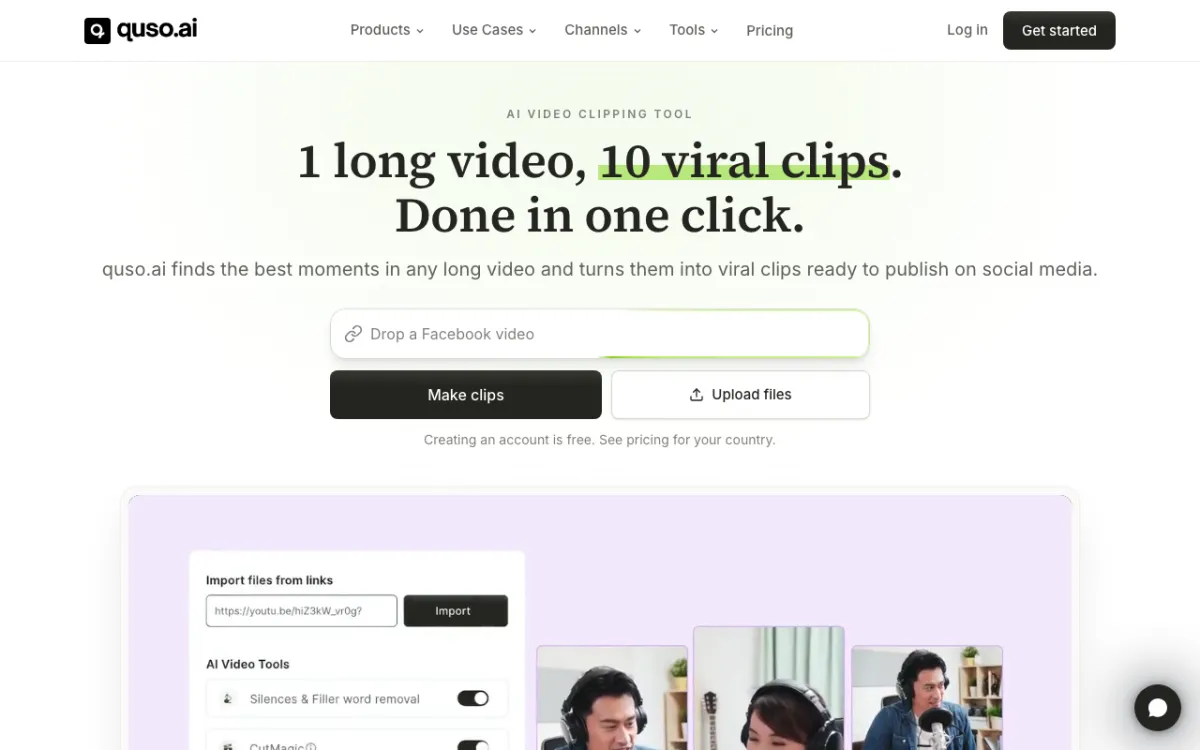 quso.ai — clip finder with virality scoring and scheduling.
quso.ai finds moments in a long video, auto-scores each by virality, reframes to vertical and adds animated word-level captions in a chosen style. Subtitles reach 99 languages.
The free plan gives 75 credits a month at 720p with a quso.ai watermark and 7 days of retention. Lite is $29/month for 100 credits at 1080p, Essential $39 for 300, Growth $49 for 600 (quso.ai/pricing, checked November 2026).
Pros
- Virality score on each moment
- Trim each clip’s start and end
- 1080p on paid plans
Cons
- Free plan is 720p with a watermark
- Source length limit not stated
- 100 credits at the entry paid tier
Best for: Creators who want scoring plus a scheduler.
Pricing: Free (75 credits/month). Lite $29/month (checked November 2026).
AI reel makers from long video compared
| Tool | Moment picking | Reframing | Free tier | Watermark | Paid from |
|---|---|---|---|---|---|
| Vidwip AI Clipping | Transcript + optional brief, ranked | Follows the speaker | 100 credits, once | None on any plan | $25/mo |
| Opus Clip | ClipAnything, prompts | Object tracking | Yes, 3-day file expiry | Free only | $15/mo |
| Vizard | AI highlights | Auto reframe | 60 credits/mo, 720p | Free only | From 600 credits/mo |
| Klap | Virality scored | Layouts, subject focus | 1 video, no download | None on paid | $29/mo |
| Submagic | Magic Clips | Not described | Free try | None on paid | $19/mo |
| CapCut | Highlights | Smart crop, tracking | Free to start | Claimed none | $14/mo |
| quso.ai | Virality scored | Auto vertical | 75 credits/mo, 720p | Free only | $29/mo |
How to choose
You want a handful of ranked reels, not thirty. Vidwip AI Clipping. You say what to look for and get up to 5 ordered best first.
You publish daily and want scheduling. Opus Clip or quso.ai.
You have hours of source footage. Vizard (600-minute uploads) or Klap (3 hours).
You edit in CapCut already. Use its clip generator and finish in the same app.
You care about free. Every free tier here except Vidwip’s watermarks or caps exports, and Vidwip’s 100 credits are a one-time grant, not monthly.
Final verdict
For long talk turned into reels, Vidwip AI Clipping is the best fit when you want a few ranked, watermark-free clips and a cost you can compute before you start. Opus Clip and Vizard are the safer choices for volume and scheduling.
Compare more tools in Opus Clip alternatives, Vizard alternatives and Klap alternatives.