
Vidwip AI Studio is the Clipchamp alternative for creators who need footage, voice and subtitles they don't have yet: it generates them on a browser timeline and exports 1080p with no watermark. For a plain free editor, Canva exports clean 1080p MP4s up to 30 minutes and CapCut has the most templates. Adobe Express adds a watermark only when you use premium assets, while Kapwing, VEED and Flixier watermark every free export.
The best Clipchamp alternatives keep what made Clipchamp useful: a free browser editor, clean exports and a stock library. What changes is the ceiling on resolution, the AI tools and where you can edit.
Clipchamp is still a solid free pick. Its free plan exports 1080p with no watermark, which is more than most rivals give you.
This post ranks seven Clipchamp alternatives for free online video editing on four things: free export limits, watermarks, auto-captions and stock media. Every price was checked on the vendor’s own pricing page in October 2026.
Why look for a Clipchamp alternative?
Clipchamp does the basics well. The reasons to leave are about what it doesn’t do.
There’s no phone version. Microsoft retired the Clipchamp iOS app in June 2026, per its support notice, and there was never an Android app. If you edit on your phone, you need something else.
4K sits behind Microsoft 365. Clipchamp’s pricing page puts 4K export, premium stock and the brand kit inside Microsoft 365 Personal and Family. Work accounts need a Copilot licence for premium features and AI video creation (checked October 2026).
No AI generation. Clipchamp gives you AI subtitles, AI voiceover and silence removal for free. It can’t generate a missing shot, so the footage you don’t have stays missing.
What to look for in a free online video editor
Free plans differ more than paid ones. Check these four limits before you move a project over.
- Export ceiling. Max resolution (720p, 1080p, 4K), max video length and monthly export minutes.
- Watermark. Some tools stamp every free export. Others only stamp it when you use a premium asset.
- Auto-captions. Monthly subtitle minutes, caption styles, and whether you can download an SRT.
- Stock media and AI. The size of the free stock library, and whether AI features need credits you don’t get for free.
1. Vidwip AI Studio
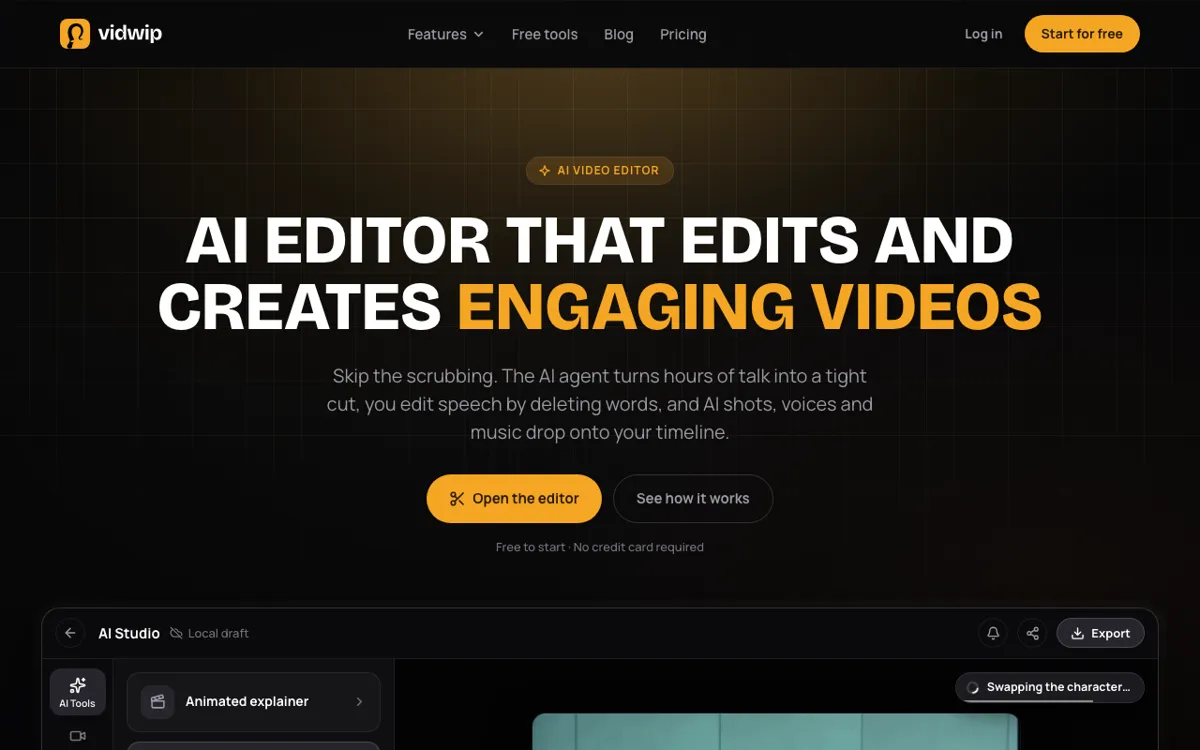 Vidwip AI Studio — a browser timeline editor that generates shots, speech and subtitles onto your tracks.
Vidwip AI Studio is a browser video editor for creators who need footage they don’t have yet. It’s free to start, with no credit card, and exports 1080p with no watermark. Generating AI shots needs a paid plan.
Like Clipchamp, it runs in a tab with nothing to install. You stack video and audio tracks, then trim, split and ripple delete with shortcuts like S to split.
The difference is what fills the gaps. Clipchamp hands you a stock library; AI Studio lets you prompt the exact shot on one of 16 video models, including Veo 3.1, Kling 3.0 Pro and Seedance 2.5, and the clip lands on your track ready to cut.
Speech works the same way. AI voiceover reads your script in 74 languages and drops the take under your video, and music and sound effects come from the same Audio drawer.
Captions are word-timed: Create subtitles lays each spoken word on the timeline as its own text clip, in 13 looks. It can translate the lines into 94 languages first.
For long footage, the Edit video agent reads up to 2 hours of talk across 24 clips and lays a rough cut from one brief. You can also cut speech by deleting words in the transcript.
Pros
- Generates missing shots on 16 video models, straight onto your timeline
- AI speech in 74 languages, plus music and sound effects, on audio tracks
- Word-timed subtitles in 13 looks, translatable into 94 languages
- No watermark on AI Studio exports, on any plan
- Projects save to your studio, and the editor runs on desktop or phone browsers
Cons
- No stock footage library; you generate shots instead of searching for them
- Export tops out at 1080p, with no 4K
- Only four starter templates, no transitions and no live co-editing
- Subtitles burn in; there’s no SRT or VTT download
Best for: Creators who outgrew Clipchamp’s stock library and want AI shots, voiceover and multilingual subtitles in one browser editor.
Pricing: Free to start, no credit card; AI shots need a paid plan. Starter $25/month (2,500 credits). Pro $99/month (10,000 credits). See Vidwip pricing.
2. CapCut
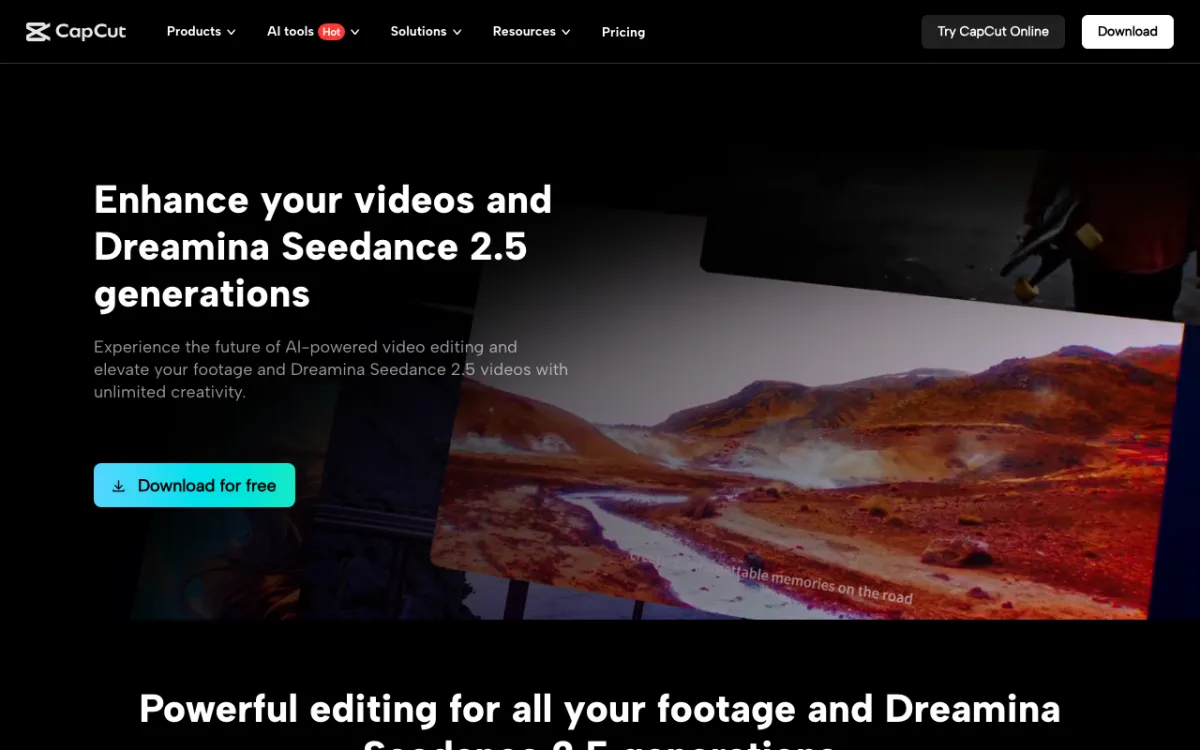 CapCut — a free editor on web, desktop and phone with trend templates and auto-captions.
CapCut is the Clipchamp alternative for social creators who want templates and trend effects. It runs in a browser, on Windows and Mac, and on iOS and Android, which covers the phone gap Clipchamp left.
The free tier is broad: auto-captions, text to speech, background removal, keyframes and a huge template library. The best AI tools, premium templates and cloud storage sit behind Pro.
Watch the export panel. CapCut’s own help centre says free accounts on the web editor may face watermarks or bitrate limits on 4K exports, and that some watermark-free exports need Pro.
Pros
- Largest free template and effects library on this list
- Web, desktop, iOS and Android apps
- Auto-captions and text to speech on the free plan
- AI generation built in on paid plans
Cons
- 4K and some watermark-free exports can need Pro
- Its terms take a broad licence over content you upload
- Availability depends on your country; it’s been blocked in India since 2020
- Pro pricing varies widely by region
Best for: Reels, TikTok and Shorts creators who want templates, effects and a phone app.
Pricing: Free. Pro $14/month or $89.99/year. Ultra $79/month. CapCut calls these reference prices and shows final prices after sign-in, so they can vary by region (capcut.com/pricing, checked October 2026).
3. Canva
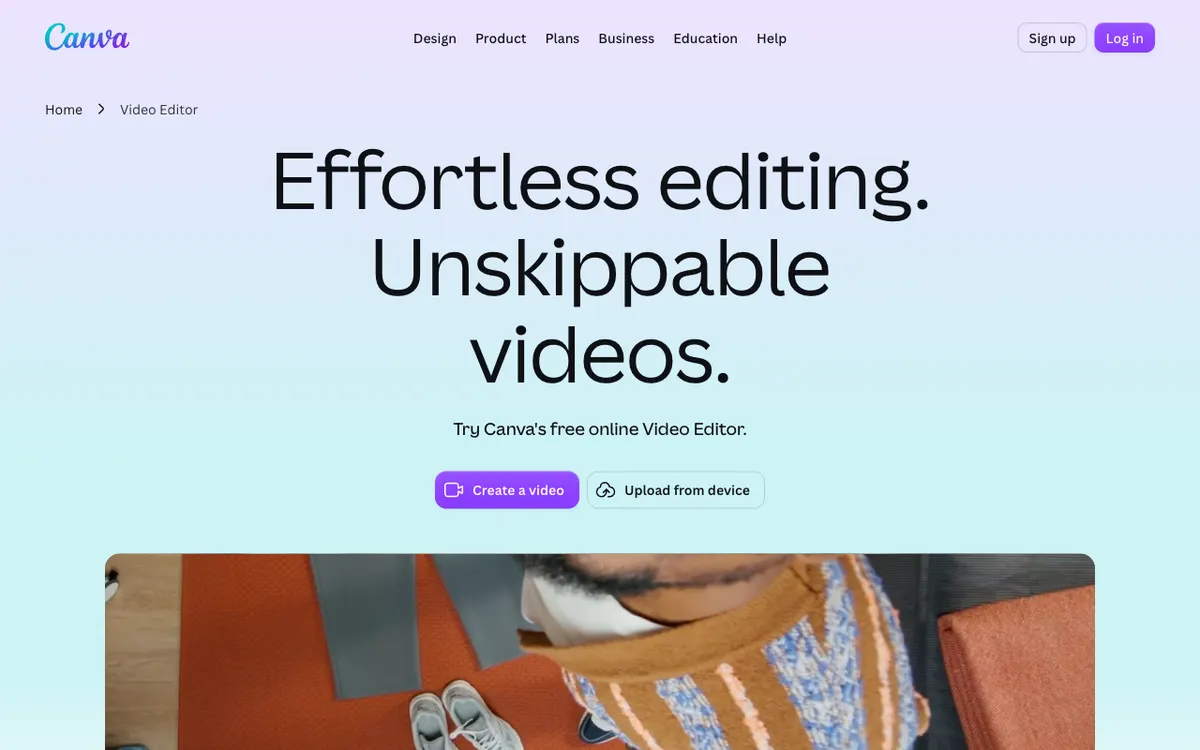 Canva — a design tool with a free video editor, millions of templates and a big stock library.
Canva is the closest free like-for-like Clipchamp alternative. Its help centre says Canva Free downloads MP4 video up to 30 minutes long at up to 1920x1080, with no watermark when you use free assets.
The free plan includes 1.6M+ templates and 4.7M+ photos, videos, graphics and audio, plus 5 GB of cloud storage. That makes it the strongest pick if you build videos from templates and stock rather than your own footage.
It’s a design tool first. The timeline is simpler than Clipchamp’s, and AI features run on a small allowance of up to 20 AI uses on the free plan.
Pros
- Clean 1080p MP4 export up to 30 minutes on the free plan
- 1.6M+ free templates and 4.7M+ free stock assets
- Same editor for video, thumbnails, social posts and slides
- Brand kit on the free plan (three colours)
Cons
- Premium assets watermark free exports until you pay
- Simpler timeline than a dedicated video editor
- Free AI allowance is small: up to 20 uses
- Canva’s annual Pro price has changed several times in 2026
Best for: Marketers and small businesses who build social videos from templates and stock.
Pricing: Free. Canva Pro US$144/year for one person, Business US$250/year per person (canva.com/pricing, checked October 2026; prices vary by region).
4. Adobe Express
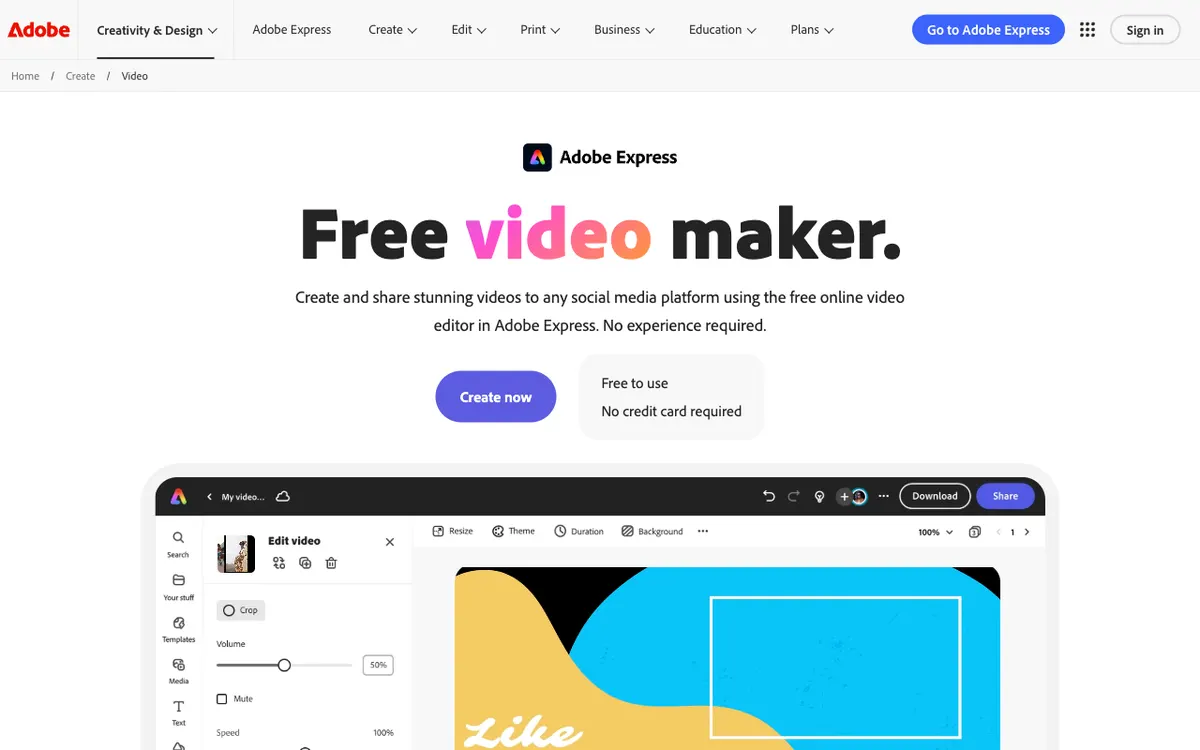 Adobe Express — Adobe’s free browser editor with Adobe Stock video, captions and templates.
Adobe Express is the Clipchamp alternative with the best free stock footage. The free plan includes 90,000+ Adobe Stock videos alongside photos and music, with no credit card required.
Free projects run up to 30 minutes, and Premium raises that to 2 hours. A watermark only appears when your design uses premium content, so free assets export clean.
The AI side is thin on the free plan: you get two lifetime uses of 5-second AI video generation. Premium adds 250 generative credits a month and 4K export.
Pros
- 90,000+ free stock videos from Adobe Stock
- No watermark unless you use premium assets
- Caption Video quick action and social templates
- Works with Photoshop and Premiere files if you already pay for Adobe
Cons
- 4K export is a Premium feature
- Free videos cap at 30 minutes
- Only two lifetime AI video generations on the free plan
- Editing controls are lighter than Clipchamp’s timeline
Best for: Creators who need free, licensed stock footage and already live in Adobe’s ecosystem.
Pricing: Free. Premium $9.99/month with 250 generative credits (adobe.com/express/pricing, checked October 2026).
5. Kapwing
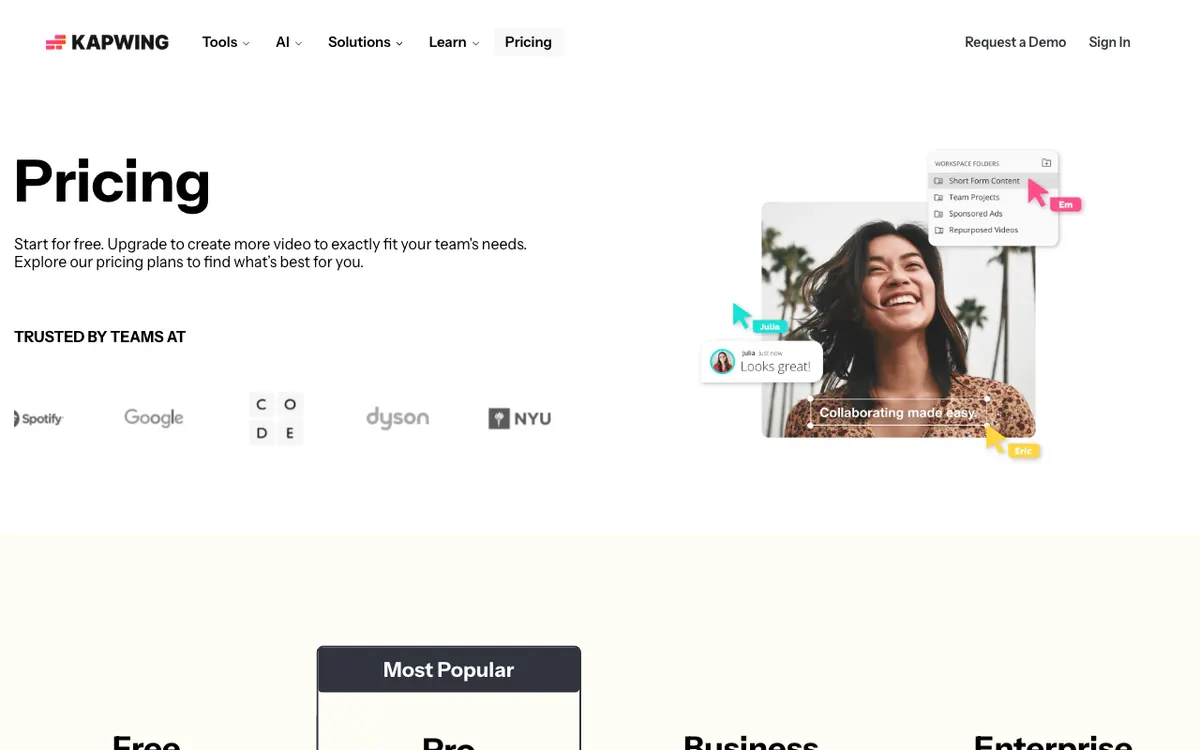 Kapwing — a collaborative browser editor with subtitles, translation and AI B-roll.
Kapwing is the Clipchamp alternative for teams who edit together. Shared workspaces let several people comment on and edit the same video in real time.
Subtitles are the strong suit: 10 free minutes a month, 1,000 on Pro and 4,000 on Business. Paid plans also add subtitle translation, text to speech, dubbing and Smart Cut.
The free plan is tight. You get 720p exports with a watermark, up to 4 minutes per video and 30 minutes of exports a month.
Pros
- Real-time collaboration in shared workspaces
- 4K export and 120-minute videos on Pro
- 1,000 subtitle minutes a month on Pro, with SRT download
- Broad AI toolkit: translation, text to speech, Smart Cut
Cons
- Free plan: 720p, watermark, 4-minute cap per video
- 30 export minutes a month on the free plan
- AI features are metered by minutes on every plan
- Heavy projects can lag in the browser
Best for: Small teams and agencies who need shared projects and subtitle-heavy video.
Pricing: Free (720p, watermark). Pro $16/month billed annually or $24 monthly; Business $50/month billed annually (kapwing.com/pricing, checked October 2026).
6. VEED
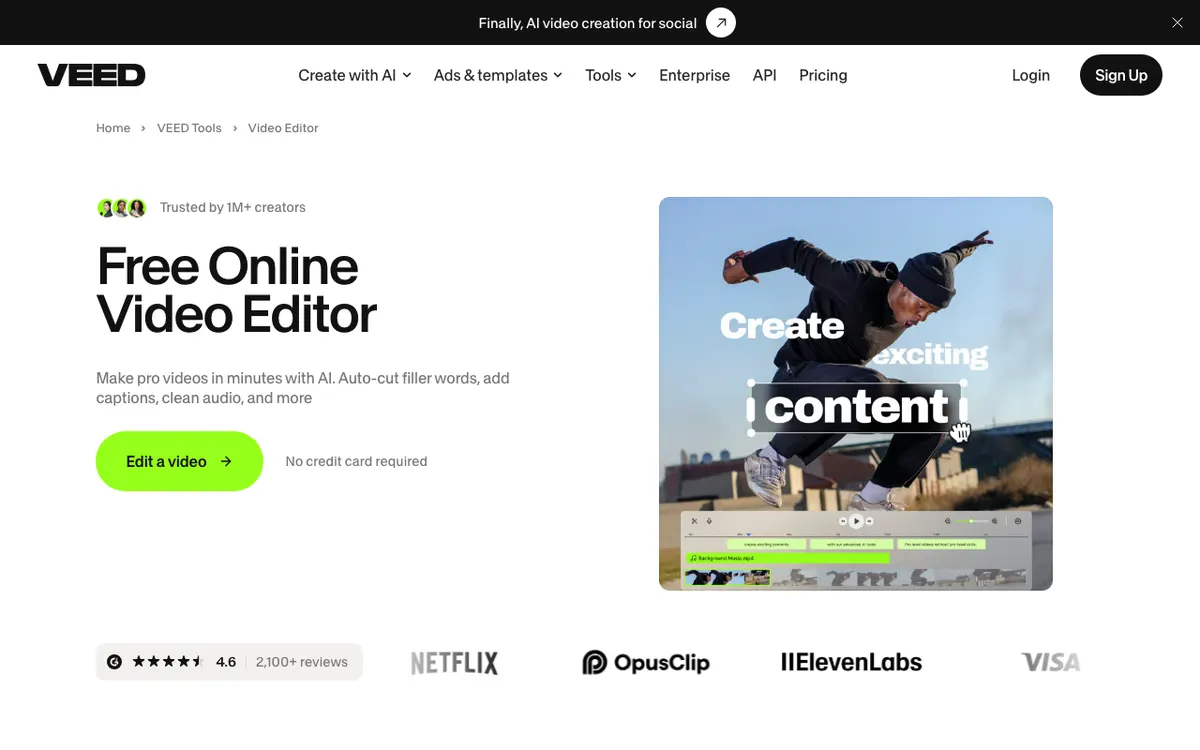 VEED — a browser editor built around auto subtitles, with AI generation and stock.
VEED is a browser editor for creators who caption every video. Paid plans include unlimited auto subtitles under a 50-hour monthly fair-use limit.
The editor covers the same ground as Clipchamp: trimming, text, stock, templates and audio cleanup. VEED adds an AI generation studio, and credits refresh at renewal without rolling over.
The free plan is for testing. Every free export carries a VEED watermark, and 4K needs the Pro plan.
Pros
- Unlimited auto subtitles on paid plans (50-hour fair use)
- Polished browser editor with templates and stock
- AI generation credits on every paid plan
- Translation on higher tiers
Cons
- Free exports carry a watermark
- Creator caps at 1080p; 4K needs Pro
- Billed per seat, so teams pay per editor
- Unused translation minutes and AI credits don’t roll over
Best for: Social teams who subtitle everything and want a polished browser editor.
Pricing: Free with watermark. Creator $125 per user per year (1080p), Pro $234 per user per year (4K). Monthly billing costs more (veed.io/pricing, checked October 2026).
7. Flixier
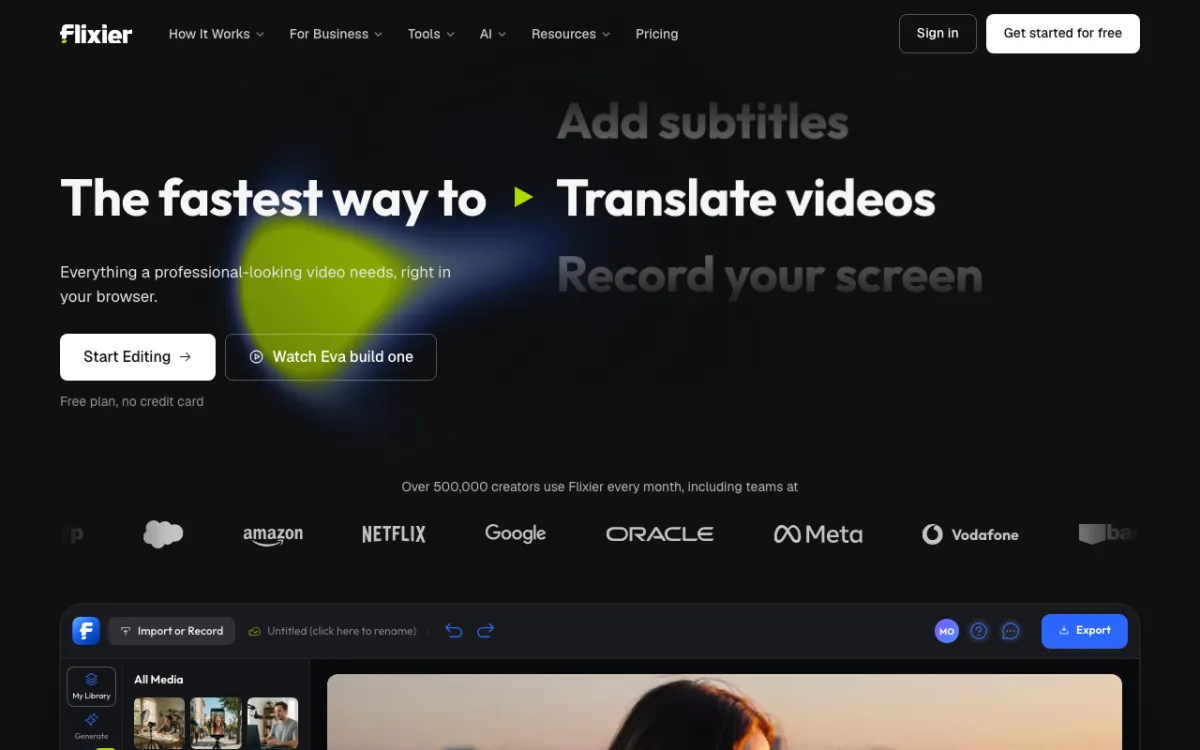 Flixier — a cloud-powered browser editor with an AI assistant called Eva.
Flixier renders in the cloud, so it stays fast on older laptops and Chromebooks. That’s its main edge over Clipchamp, which leans on your machine.
The AI assistant, Eva, can build an edit from a prompt. Creator adds edit-by-transcript and AI video generation inside the timeline.
The free plan is the smallest on this list. You get 10 export minutes a month at 720p with a watermark, 5 subtitle minutes and 500 AI credits.
Pros
- Cloud rendering keeps exports fast on weak hardware
- Eva AI assistant builds and edits from prompts
- Edit by transcript and in-timeline AI generation on Creator
- Screen recording built in
Cons
- Free plan: 720p, watermark, 10 export minutes a month
- Only 5 free subtitle minutes a month
- 1080p needs Starter at $19/month; 4K needs Creator at $39/month
- Extra AI credits are only for sale on Creator and Business
Best for: Chromebook and low-spec laptop users who need fast, cloud-rendered exports.
Pricing: Free (720p, watermark). Starter $19/month, Creator $39/month, Business $69/month, with up to 52% off yearly (flixier.com/pricing, checked October 2026).
Clipchamp alternatives compared
| Tool | Free export ceiling | Watermark on free | Auto-captions | Stock media | Paid from |
|---|---|---|---|---|---|
| Vidwip AI Studio | 1080p | No | Yes, word-timed, 94 languages | None; generate shots on 16 models | $25/mo |
| CapCut | Not published; 4K can need Pro | On some exports | Yes | Large template library | $14/mo (reference) |
| Canva | 1080p, 30 min | Only with premium assets | Yes | 4.7M+ free assets | US$144/yr |
| Adobe Express | 30 min; 4K is Premium | Only with premium assets | Caption Video | 90,000+ free stock videos | $9.99/mo |
| Kapwing | 720p, 4 min, 30 min/month | Yes | 10 min free, 1,000 on Pro | Yes | $16/mo (annual) |
| VEED | Watermarked; 4K on Pro | Yes | Unlimited on paid (50 h fair use) | Yes | $125/user/yr |
| Flixier | 720p, 10 min/month | Yes | 5 min free | Limited on free | $19/mo |
| Clipchamp (for reference) | 1080p | No | Yes | Free stock; premium with Microsoft 365 | Microsoft 365 |
All prices checked October 2026 on vendor pricing pages. Canva and CapCut list different prices in different regions.
How to choose the right Clipchamp alternative
Your edit is missing shots, a voice or a translation. Vidwip AI Studio generates them on the timeline you cut on. If you also localize finished videos, AI Video Dubbing clones each speaker’s voice into up to 94 languages.
You want a free editor that doesn’t stamp your video. Canva exports clean 1080p up to 30 minutes, and Adobe Express stays clean unless you use premium assets.
You edit on your phone. CapCut is the free pick, with templates and effects on iOS and Android. For more phone editors, see our CapCut alternatives.
You caption everything. Kapwing gives 1,000 subtitle minutes a month on Pro and SRT downloads. VEED is the other strong pick; our VEED alternatives guide compares them closely.
You’re on an old laptop or a Chromebook. Flixier renders in the cloud, so your hardware doesn’t slow the export.
If you mostly edit talking-head video by its transcript, read our Descript alternatives. For narrated stock-footage videos, see free faceless video generators.
Final verdict
Clipchamp is still one of the most generous free browser editors. Most Clipchamp alternatives beat it on one thing: templates, stock, captions, collaboration or AI.
If your edits stall because a shot, a voice or a subtitle track is missing, open Vidwip AI Studio. It’s free to start with no credit card, AI shots are on paid plans, and it exports 1080p with no watermark.
For a plain free editor, Canva is the safest switch. CapCut wins on templates and phone editing, and Kapwing wins for teams.