
Vidwip AI Studio ranks first for creators who want AI to do the boring cuts: one-line AI cuts, editing by deleting words, and 16 video models on the timeline, in a browser. Descript is the closest rival for text editing, CapCut wins on price, Premiere Pro and DaVinci Resolve are the pro timelines, and Opus Clip is for clipping long videos into shorts.
The best AI video editors in 2026 do three jobs for you: find the good parts of long footage, cut the filler and add captions. Some also generate new shots.
We compared ten of the best AI video editors on AI cutting, text-based editing, generative shots, captions and US price. Prices come from each vendor’s own page and are marked “checked November 2026”.
We did not run these tools ourselves, so every feature below is as the vendor describes it.
Best AI video editors by creator type
The right pick depends on what you make, so start here.
| If you make | Start with |
|---|---|
| YouTube videos and interviews | Vidwip AI Studio |
| Podcasts with video | Descript |
| Social clips on your phone | CapCut |
| Clips cut from long videos | Opus Clip |
| Client work and long-form | Premiere Pro or DaVinci Resolve |
| Ads that mix footage and AI shots | Vidwip AI Studio or Runway |
| Team content with shared access | Kapwing or VEED |
| Mac-only, one-time purchase | Final Cut Pro |
How we picked and ranked
We looked for tools that do real AI editing, not just a filter. That means AI that cuts, edits by transcript, or generates shots inside the edit.
We ranked on AI cutting, text editing, generative shots, captions, and what you pay in the US. We left out Sora because OpenAI closed the app on 2026-04-26.
1. Vidwip AI Studio
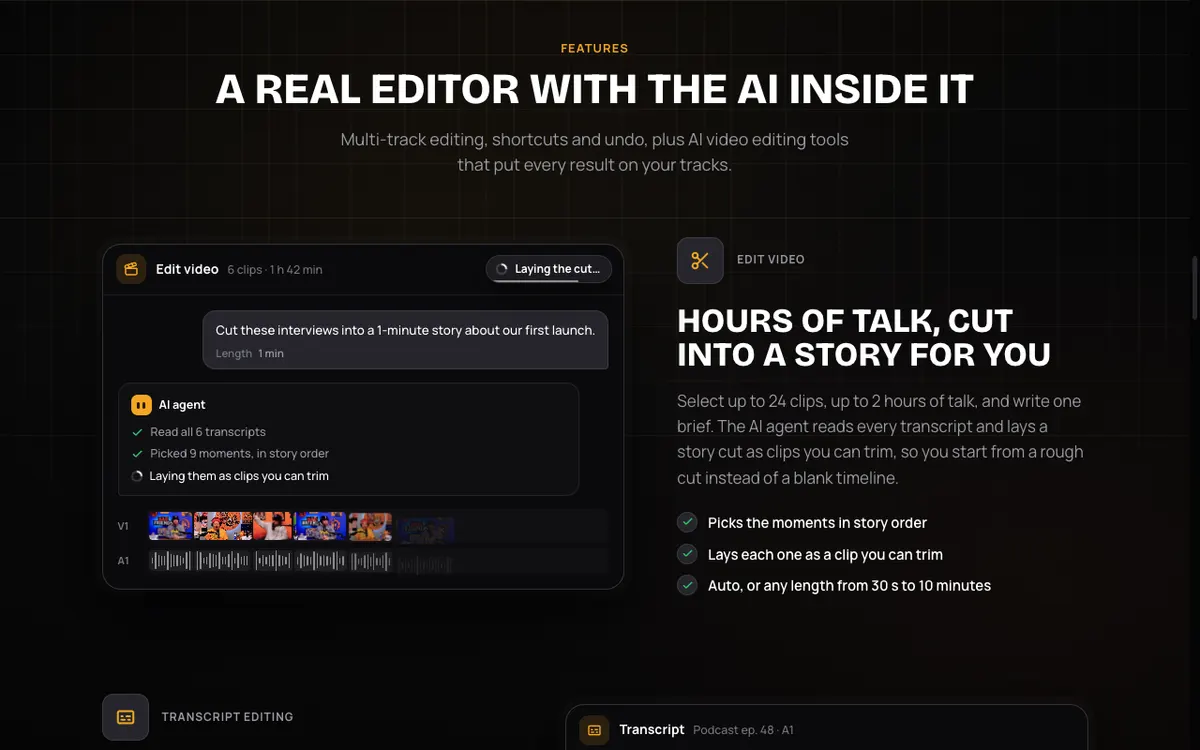 Vidwip AI Studio — write one line, and the AI agent lays a cut on your tracks.
Vidwip AI Studio is a browser video editor with multi-track video and audio, and AI built into the editing. It is our top pick because it does the boring parts first and leaves you a rough cut to trim.
The AI cut works from a brief. Select up to 24 clips, up to 2 hours of talk, write one line like “a 1-minute highlight”, and pick a length from 30 seconds to 10 minutes.
The agent reads every transcript and lays out the moments as clips you can trim.
Text editing is the second tool. You see every word with the speaker, select some, press Delete, and the picture and sound are cut together.
Undo works.
The third is generation. You can describe a new shot and Vidwip makes it in the same spot, on any of 16 video models including Veo 3.1, Kling 3.0 Pro and Seedance 2.5.
It also makes voices, music and sound effects, and runs 9 image models.
The honest limits: the AI cut works from speech, so footage where nobody talks can’t be cut this way. Export tops out at 1080p, 30 fps, with no 4K, and there is no XML export to other editors.
The math: an AI cut bills 5 credits flat, plus 1 credit per started minute of footage, plus transcripts at 1 credit per 30 seconds. A 10-minute interview is about 35 credits, so the 100-credit free grant covers roughly two of those cuts.
A 6-second Veo 3.1 Lite shot is 48 credits. Rates come from Vidwip’s pricing data, read 2026-11-06.
Pros
- AI cut from a one-line brief across up to 2 hours of footage
- Delete words to cut the video
- 16 video models and 9 image models generate shots onto the timeline
- Runs in a browser, saves your project, and exports with no watermark on any plan
Cons
- AI cut needs speech in the footage
- Export is 1080p at 30 fps, no 4K
- No native app and no XML hand-off to Premiere or Resolve
Best for: YouTube videos, interviews, podcast highlights and ads that mix your footage with AI shots. Pricing: Free to start with 100 credits granted once, no credit card. That grant does not refill. Starter $25/month, Pro $99/month.
2. Descript
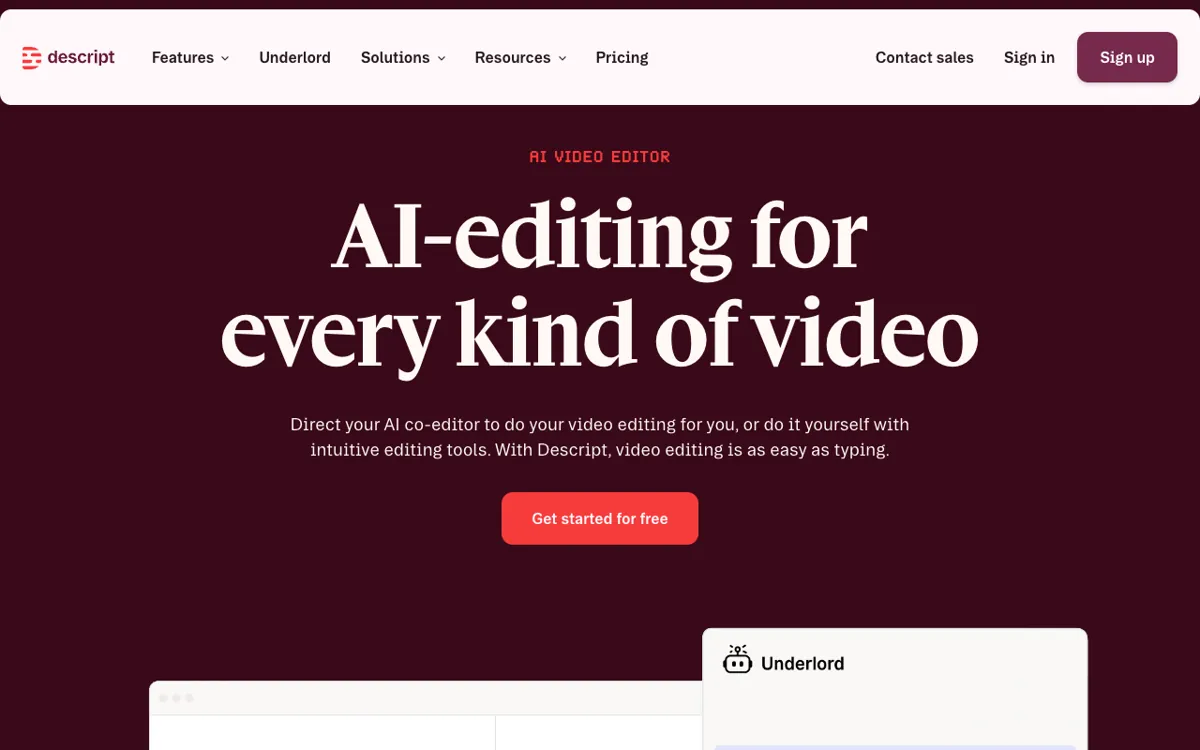 Descript — “video editing is as easy as typing”, per its home page.
Descript invented the edit-by-transcript habit, and it is still the closest rival to Vidwip. Its home page lists text-based editing, Underlord (its AI editor), one-click filler word and retake removal, Studio Sound, Eye Contact and Create Clips.
It also lists AI generation: Generate video, AI avatars and AI speech. If you edit podcasts or interviews and want voice repair, Descript is a strong first choice.
For a full comparison see our Descript alternatives post.
Pros
- Mature text-based editing with filler word and retake removal
- Studio Sound, Eye Contact and Regenerate audio tools
- Free plan for testing
Cons
- Free exports are 720p and carry a watermark
- Media hours and AI credits are capped per editor each month
Best for: Podcasters and interview editors. Pricing: Free: 60 minutes per month, 100 AI credits once, 720p. Hobbyist $24/month ($16 annual), Creator $35/month ($24 annual), Business $65/month ($50 annual). Checked November 2026 on Descript’s pricing page, which doesn’t label the two prices, so we read the lower one as annual billing.
3. CapCut
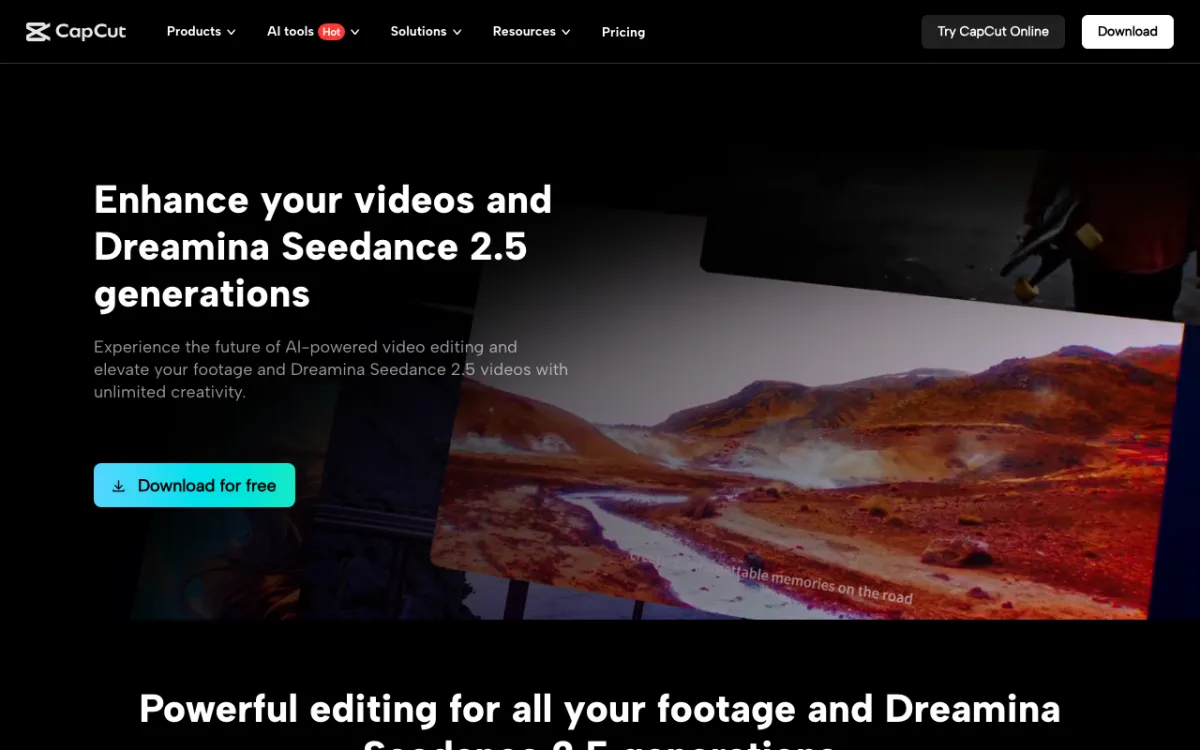 CapCut — desktop editing with Dreamina Seedance 2.5 generations, per its home page.
CapCut is the pick for short-form creators who edit on a phone or laptop. Its desktop page now pairs editing with Dreamina Seedance 2.5 generations, and it has AI tools in the nav.
The catch is clarity. CapCut’s pricing page lists “Basic editing tools” for Free but does not state free export resolution or whether free exports are watermarked, so confirm in the app before you commit.
For a head-to-head with the Adobe app, see CapCut vs Premiere Pro.
Pros
- Fast, familiar editing for vertical video
- Free plan to start
- Pro is cheap next to most rivals
Cons
- Free plan limits are not spelled out on the pricing page
- Prices shown are for reference only, and final pricing appears after sign-in
Best for: TikTok, Reels and Shorts creators. Pricing: Free. Pro $14/month or $89.99/year (checked November 2026 on CapCut’s pricing page).
4. Adobe Premiere Pro
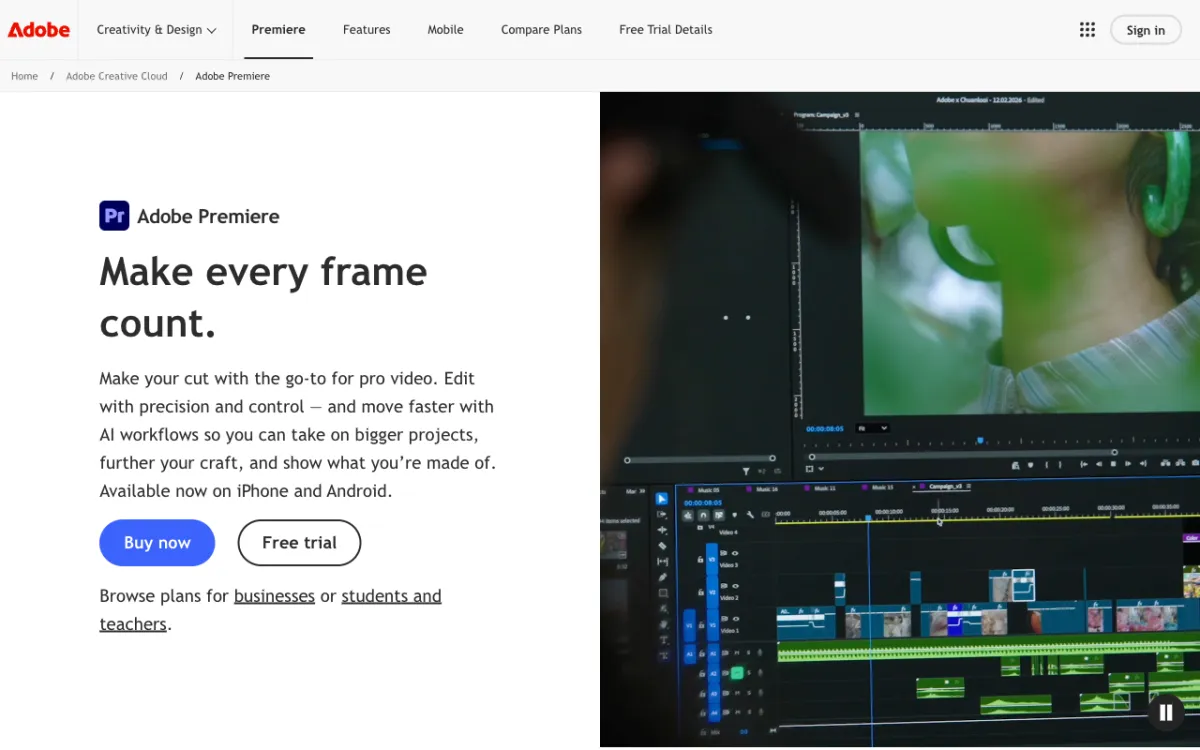 Adobe Premiere — the go-to for pro video, with AI workflows.
Premiere Pro is the industry-standard timeline, and it now has AI built in. Adobe’s text-based editing transcribes footage, and deleting text removes the matching clip from the sequence, per Adobe’s help pages.
Generative credits are the limit to watch. The Premiere plan includes 25 monthly generative credits, while Creative Cloud Pro includes 4,000.
Adobe’s plans page did not mention Generative Extend or Media Intelligence, so we are not claiming them.
Pros
- Deepest timeline and the widest plugin and workflow support
- Text-based editing with transcript deletes
- Mobile apps for iPhone and Android, per Adobe’s page
Cons
- Steepest learning curve on this list
- Only 25 generative credits on the Premiere-only plan
Best for: Client work and long-form projects where you need pro control. Pricing: Premiere $22.99/month on an annual plan billed monthly. Creative Cloud Pro $34.99/month (regularly $69.99). Checked November 2026 on Adobe’s plans page.
5. DaVinci Resolve
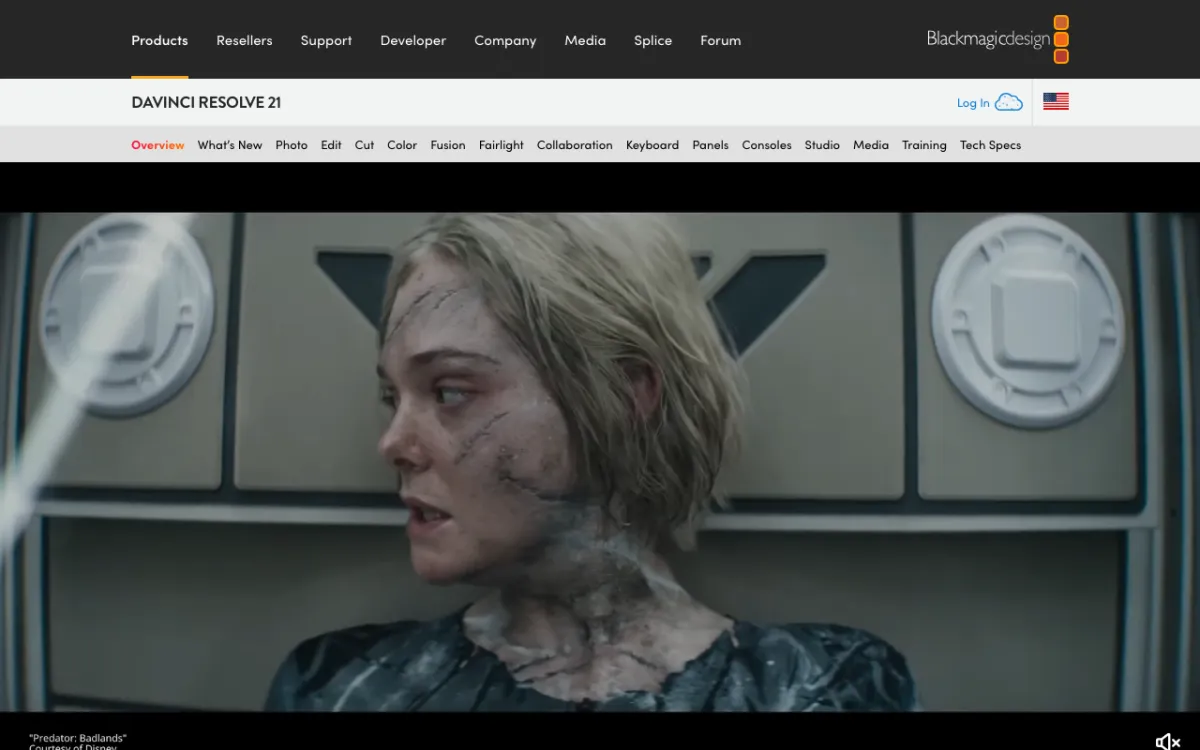 DaVinci Resolve 21 — the free edit, color and audio suite from Blackmagic Design.
DaVinci Resolve is the best value on this list because the core app is free. Its AI runs through the Neural Engine, which Blackmagic lists as facial recognition, object detection, smart reframing, speed warp retiming and super scale, plus auto color.
Studio adds more, such as AI region tracking and spatial noise reduction.
Resolve is a craft tool, not a one-line-brief tool. We could not verify a feature that cuts a video from a brief.
Pros
- A free version, with edit, color, Fusion and audio in one app
- Strong AI for tracking, reframing and color
- One-time Studio price, not a subscription
Cons
- Heavy to learn and to run
- Its AI helps with pictures, not with cutting a long talk into a story
Best for: Colorists and editors who want pro tools without a subscription. Pricing: Free. Studio $236 (marked down from $295). Checked November 2026 on Blackmagic Design’s page.
6. VEED
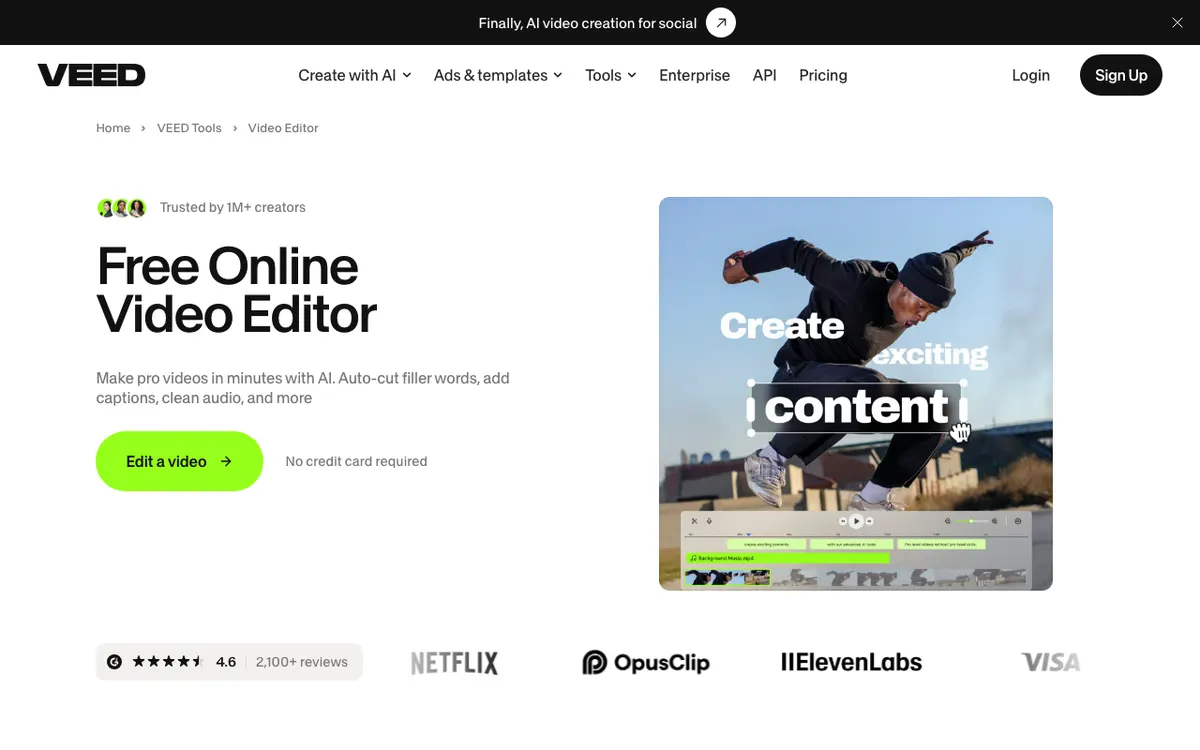 VEED — an online editor that auto-cuts filler words and adds captions.
VEED is a browser editor aimed at quick, polished social and business video. Its editor page lists auto-cut for filler words, auto subtitles, clean audio, text-based editing, AI avatars and eye contact correction.
We could not read VEED’s full pricing tiers: the pricing page loaded without plan prices. VEED’s editor page says paid plans start at $9/month billed yearly or $19/month billed monthly, and that free exports are watermarked and limited to 720p.
Check the live page before you buy. More in our VEED alternatives post.
Pros
- Wide AI toolkit in one browser tab
- Text-based editing and filler word cuts
- Subtitles in paid plans, with a stated 50-hour monthly fair-use limit
Cons
- Free exports are watermarked and capped at 720p
- Per-seat billing adds up for teams
Best for: Social video and business clips edited fast in a browser. Pricing: Free, then paid from $9/month billed yearly (checked November 2026 on VEED’s editor page; plan tiers not read).
7. Runway
 Runway — generative models for brands, agencies and studios.
Runway belongs here for generation, not for cutting a 40-minute interview. Its pricing page lists all AI video and image models, including Kling 4.0, Gen-4.5, Seedance 2.5 and Nano Banana Pro.
Runway is where to go when the shot you need doesn’t exist, and it lists Kling 4.0, which Vidwip doesn’t run. See our Runway alternatives post if you want options.
Pros
- Wide model access, including Kling 4.0 and its own Gen-4.5
- Credits-based plans
- Strong for stylized ad shots
Cons
- Plans are metered in credits, so heavy video use needs a higher tier
- Built around generating clips, not cutting long footage
Best for: Ad creatives and concept shots. Pricing: Free: 125 credits once. Standard $15/month ($12 annual, 625 credits), Pro $35/month ($28 annual, 2,250 credits), Max $95/month ($76 annual, 9,500 credits). Checked November 2026 on Runway’s pricing page.
8. Final Cut Pro
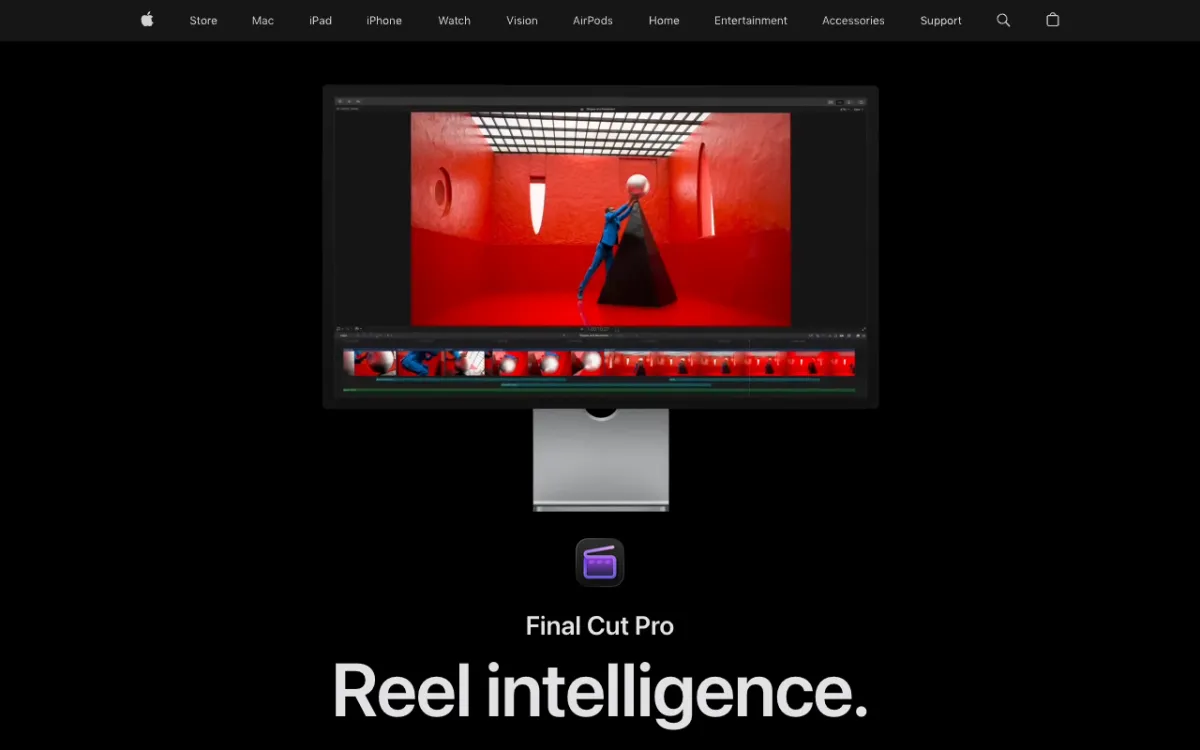 Final Cut Pro — Apple’s Mac editor with machine-learning tools.
Final Cut Pro is the Mac pick. Apple’s page lists automatic captions, Magnetic Mask, Visual Search and Transcript Search, Object Tracker, automatic reframing and Voice Isolation.
It’s fast and polished, and the one-time purchase suits people who hate subscriptions. It does not cut your video from a brief.
Pros
- Strong Mac performance and a one-time price
- Useful AI tools for masks, search and captions
- 30-day free trial
Cons
- Mac only
- No generative video listed on Apple’s page
Best for: Mac editors who want a fast, one-time-purchase NLE. Pricing: $299.99 once, or $12.99/month or $129/year for Apple Creator Studio after a 30-day trial. Checked November 2026 on Apple’s page.
9. Kapwing
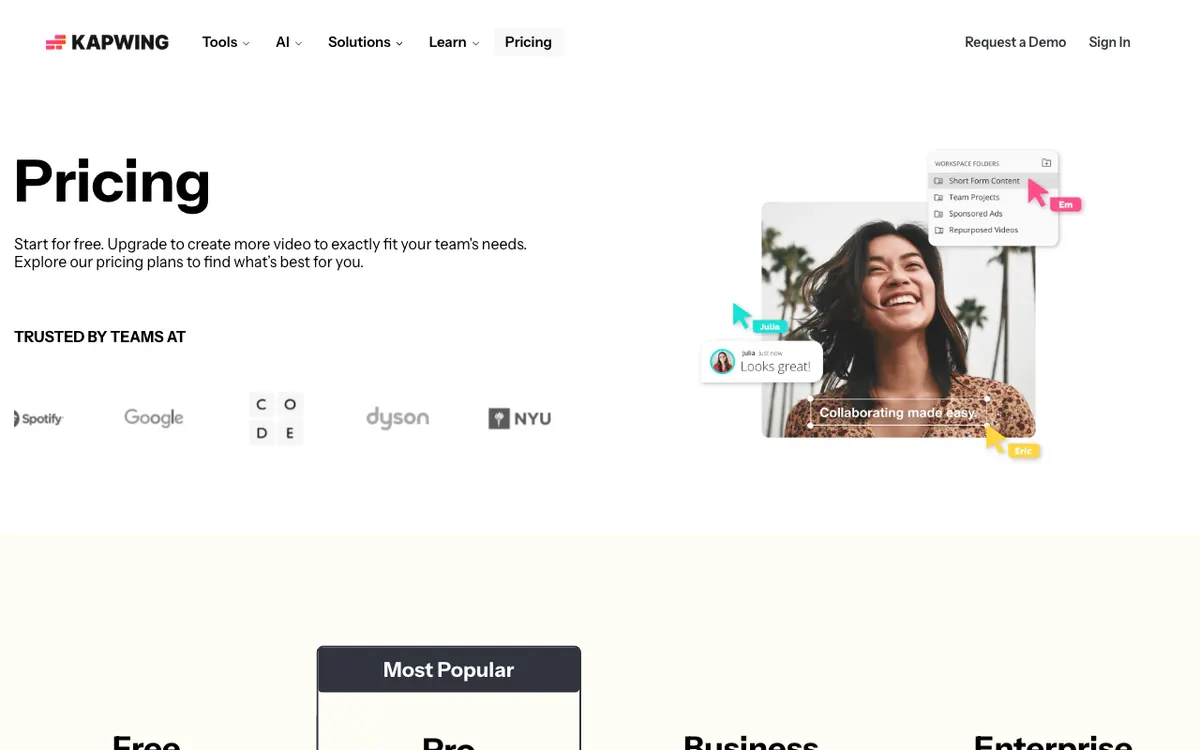 Kapwing — a browser editor built for teams.
Kapwing is a collaborative browser editor with AI credits for subtitles, dubbing, translation and clean audio. Pro lists up to 1,000 minutes of auto-subtitling per month and 50 minutes of dubbing.
The free plan is the main limit. It exports at 720p with a watermark, with a 4-minute cap per export.
See our Kapwing alternatives post for the longer take.
Pros
- Real-time team editing in a browser
- Generous subtitle minutes on paid plans
- 4K export on Pro
Cons
- Free plan: 720p, watermark, 4-minute exports
- AI features are metered by credits
Best for: Teams that want shared editing and quick captions. Pricing: Free. Pro $16/month, Business $50/month. The page did not state the billing period, so treat these as shown (checked November 2026 on Kapwing’s pricing page).
10. Opus Clip
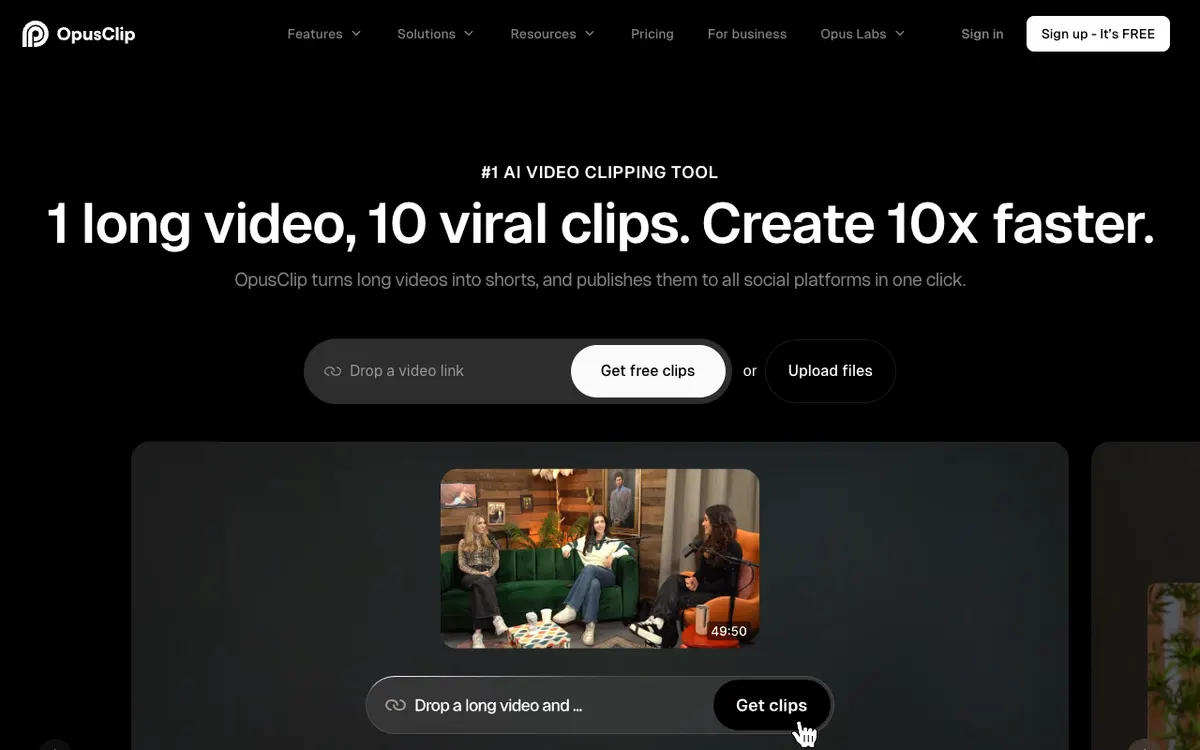 Opus Clip — turns long videos into shorts.
Opus Clip is not a timeline editor. It’s an AI clipper: you drop a long video and get short clips, and it says it can publish them to social platforms in one click.
It earns a spot because clipping is the AI edit many creators need most. If clips are all you want, compare Opus Clip alternatives and our guide to an AI reel maker from video, or try Vidwip AI Clipping.
Pros
- Built for one job: long video to shorts
- Link or file upload
- Publishing to social built in
Cons
- No full editor
- Free plan has no watermark-free export and a 3-day limit on MP4 export
Best for: Podcasters and streamers who repurpose long videos. Pricing: Free. Starter $15/month, Pro $29/month. The page did not list minutes or annual prices (checked November 2026 on Opus Clip’s pricing page).
Best AI video editors compared
| Tool | AI cut from a brief | Text-based editing | Generates shots | Platform | Free tier | Paid from |
|---|---|---|---|---|---|---|
| Vidwip AI Studio | Yes, up to 2 hours | Yes | 16 video models | Browser | 100 credits, once | $25/mo |
| Descript | Underlord | Yes | Yes | Browser and desktop | 60 min/mo, 720p | $16/mo annual |
| CapCut | Not confirmed | Not confirmed | Seedance 2.5 listed | Desktop and online | Yes | $14/mo |
| Premiere Pro | Not confirmed | Yes | Generative credits | Desktop | Trial | $22.99/mo |
| DaVinci Resolve | Not confirmed | Not confirmed | Not listed | Desktop | Yes | $236 once |
| VEED | Auto-cut filler | Yes | AI avatars | Browser | 720p, watermark | $9/mo annual |
| Runway | Not listed | Not listed | Yes, many models | Browser | 125 credits, once | $12/mo annual |
| Final Cut Pro | Not listed | Transcript search | Not listed | Mac | 30-day trial | $299.99 once |
| Kapwing | Not confirmed | Not confirmed | Not confirmed | Browser | 720p, watermark | $16/mo |
| Opus Clip | Clips only | Not listed | Not listed | Browser | Watermark | $15/mo |
“Not confirmed” means we did not find it on the vendor page we read. It does not mean the feature is missing.
How to choose the best AI video editor
You talk to camera and want fast cuts. Choose Vidwip AI Studio or Descript. Both cut by transcript, and Vidwip adds a one-line AI cut.
You edit on your phone. CapCut is the natural fit. Vidwip runs in a browser and has no native app.
You need pro control. Pick Premiere Pro or DaVinci Resolve. Resolve’s free version is the cheapest way in.
You need shots that don’t exist. Runway and Vidwip both generate. Vidwip puts them on the same timeline as your footage.
You only want clips. Use Opus Clip or Vidwip AI Clipping, which makes 9:16 shorts at 1080 x 1920 from up to a 60-minute source. See also the free AI video editors comparison and our Wisecut alternatives.
Final verdict
The best AI video editors save you time on the first cut, not just the last polish. Vidwip AI Studio leads because it combines a brief-driven cut, transcript deletes and 16 generation models in one browser tab.
Pick Descript for podcasts, CapCut for phone-first social, Premiere Pro or DaVinci Resolve for pro control, and Opus Clip for pure clipping. We ranked from vendor pages and did not run the tools ourselves.