
Vidwip is the pick if you want every speaker cloned in up to 94 languages with no watermark on any plan, from $2.40 per minute per language. ElevenLabs is the cheapest realistic dub at about $0.55 a minute. HeyGen wins when a face is on camera and the lips have to match. Rask AI covers 135+ languages for volume work, and Murf's pay-as-you-go dub starts near $0.50 a minute.
Dubverse alternatives are worth a look the moment your next video needs a language Dubverse doesn’t list, or a monthly volume its 50 credits can’t cover. Dubverse is a capable, affordable dubbing tool with real strength in Indian languages. It is also capped at 32 languages and about 12.5 dubbed minutes a month on either paid plan.
This list ranks seven tools that fix those limits in different ways. Vidwip leads because it clones every speaker and dubs into up to 94 languages with no watermark on any plan.
Every competitor price below was checked against the vendor’s own pricing page in October 2026.
TL;DR: the best Dubverse alternatives at a glance
| Tool | Best for | Languages | Starting cost per dubbed minute |
|---|---|---|---|
| Vidwip | Every speaker cloned, video or audio, no watermark | 29 (v1) or 94 (v2) | $2.40 (AI Dubbing v1) |
| ElevenLabs Dubbing | Most realistic voice on a budget | 90+ | ~$0.55 |
| HeyGen | On-camera speakers who need lip sync | 175+ on paid plans | ~$0.29 with lip sync |
| Rask AI | High-volume localization with an API | 135+ | ~$0.99 (Creator Pro) |
| Murf AI | Pay-as-you-go dubbing with no subscription | 40+ | ~$0.50 |
| Perso AI | Cheap lip-synced dubs | Up to 116, by engine | ~$0.55 (Pro) |
| Synthesia | Teams already making avatar videos | 130+ | Plan-based |
Why people look for Dubverse alternatives
Dubverse does a lot right. It’s a browser tool with dubbing, subtitles and text-to-speech in one place, no watermark on paid plans, and a low $18 entry price.
The friction shows up in four places.
Language coverage. Dubverse’s languages page headline says 60+, but the text below it says “we currently cater to 32 languages”. If your market is Vietnam, Kenya or Wales, check the list before you pay.
Monthly volume. Both paid plans include 50 credits, and dubbing costs 4 credits a minute. That’s about 12.5 minutes a month whether you pay $18 for Pro or $30 for Supreme.
Voice cloning and lip sync. Cloning is listed on Supreme, not Pro. Lip sync is listed only on Enterprise.
Video length. Pro caps a video at 60 minutes, Supreme at 150. That’s generous for most creators, but it sits behind the same 12.5-minute monthly allowance.
None of these make Dubverse a bad tool. They make it a narrow one. The seven Dubverse alternatives below each widen a different part of it.
How we ranked these Dubverse alternatives
Four things, in this order.
- Voice fidelity. Does the dub sound like the original speaker, or like a stock narrator reading a translation?
- Language coverage. How many target languages, and are they the ones you need?
- True cost per dubbed minute. Every tool here bills per minute of source media, per target language. We turned each plan into a per-minute figure.
- What comes back. Watermark, lip sync, subtitles, audio-only output, and how many languages one run can produce.
If you want the wider market rather than replacements for one tool, our ranking of the best AI video dubbing tools scores the category as a whole.
1. Vidwip: best Dubverse alternative for cloned voices in up to 94 languages
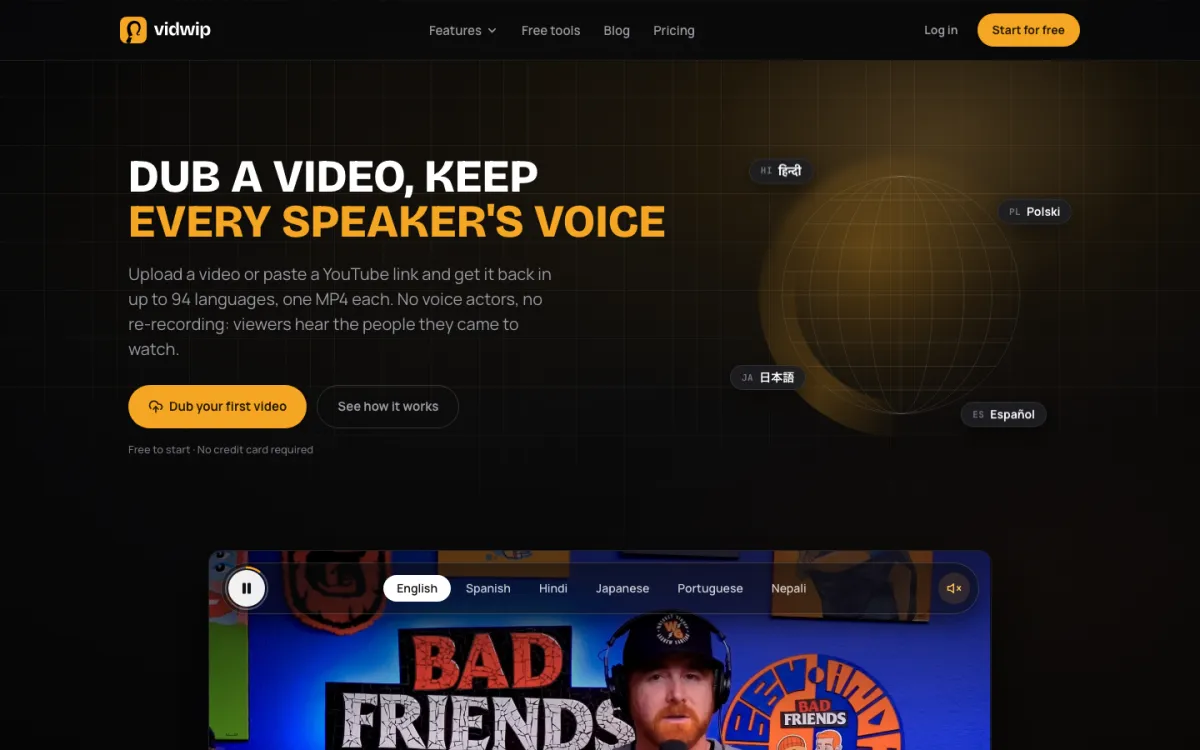 Vidwip: upload a video or paste a YouTube link, get it back in up to 94 languages, one MP4 each.
Vidwip is an AI creative studio whose AI Video Dubbing and AI Dubbing re-voice every speaker in a clone of their own voice, in up to 94 languages, from $2.40 per minute per language. It’s the most direct fix for Dubverse’s two biggest limits: language count and voice cloning on the cheaper tier.
The mechanism is simple. You upload a file, the AI transcribes it, translates it and re-voices each speaker in their own cloned voice. Background music and sound stay under the new dialogue.
You choose the engine on every run. Both run on ElevenLabs Dubbing:
- v1 (default): 29 languages, for calm narration or a quiet two-person chat. $2.40 per minute, video or audio.
- v2 (Advanced): 94 languages, including Vietnamese, Swahili and Welsh. It keeps the original performance and handles background noise and several speakers. $6.00 per minute, video or audio.
Video comes back as an MP4 with the picture untouched. Audio comes back as a 192 kbps MP3, which makes AI Dubbing a real option for podcasts and audiobook chapters, not just video.
Tick several languages in one run: 1 on Free, up to 5 on Starter, up to 10 on Pro. Each language lands as its own file. On video, you can burn translated subtitles into the picture in one of 8 caption styles.
There’s no watermark on any plan, free included. Dubverse’s free option is a 2-day trial, while Vidwip is free to start with no credit card.
Pros
- Every speaker cloned from your file automatically, on every plan
- Up to 94 target languages on the v2 engine, nearly three times Dubverse’s listed 32
- Video (MP4, MOV, WebM) or audio (MP3, M4A, WAV, OGG, FLAC) up to 2 GB and 30 minutes, or a YouTube link up to 10 minutes
- No watermark on any plan, free included
- Up to 10 languages per run on Pro, one file each
- One credit balance also covers Vidwip’s demo narration, voiceover and podcast tools
Cons
- No visual lip sync; the mouth on screen keeps its original movement
- No edit step for the translation before it’s voiced
- No voice picker; you can’t swap a speaker for a different voice
- The 94-language v2 engine costs two and a half times v1
- Base languages only, so Spanish rather than Mexican Spanish
Best for: Creators, podcasters and course teams who want their own voice in many languages without a watermark. Pricing: Free to start, no card. Starter $25/month for 2,500 credits, Pro $99/month for 10,000. 1 credit = $0.01. AI Dubbing and AI Video Dubbing are both 240 credits per minute per language on v1 ($2.40) and 600 on v2 ($6.00). See Vidwip pricing.
2. ElevenLabs Dubbing: best voice realism for the price
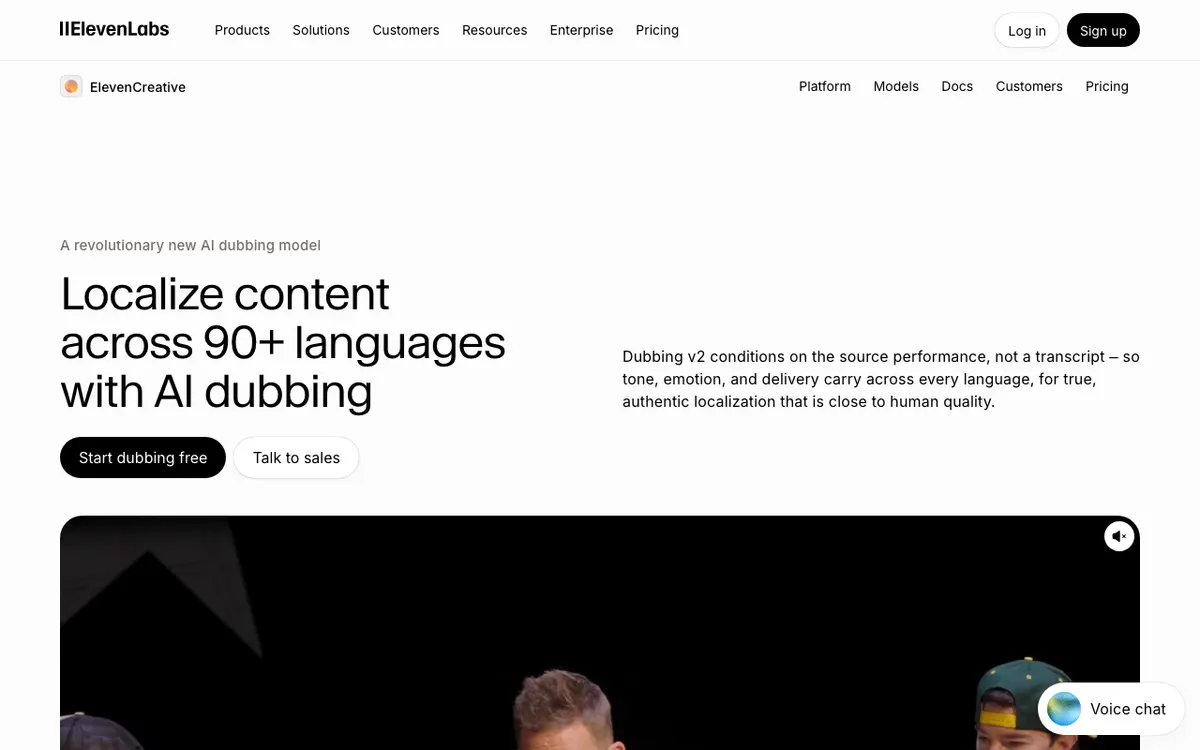 ElevenLabs: automatic dubbing and an editable Dubbing Studio, in 90+ languages.
ElevenLabs Dubbing is an AI dubbing tool for creators who want the most realistic cloned voice, covering 90+ languages from roughly $0.55 per dubbed minute. It’s the engine Vidwip itself runs on, sold direct.
Its documentation lists 94 target languages for Dubbing v2. Automatic dubbing takes files up to 1 GB and 180 minutes in the app. The editable Dubbing Studio caps at 45 minutes.
Credits are the catch. Automatic dubbing costs 3,000 credits a minute without a watermark and 2,000 with one. Dubbing Studio costs 10,000 a minute without a watermark. On the $22 Creator plan’s 121,000 credits, that’s about 40 watermark-free minutes, or 12 in Studio.
If dubbing is the only thing you do, ElevenLabs direct is cheaper per minute than Vidwip. You pay for that in credit maths shared with every other ElevenLabs product.
Pros
- The most natural cloned voices in this list
- 90+ languages, with Dubbing v2 conditioning on the original performance
- About $0.55 a minute without a watermark on the Creator plan
- Long files: up to 180 minutes per automatic dub
Cons
- No visual lip sync
- Free plan has no commercial licence, and its 10,000 credits are about 5 watermarked minutes
- Editing the script means Dubbing Studio at more than three times the credits
- Dubbing shares one credit pool with text-to-speech, music and everything else
Best for: Podcasts, voiceover and off-camera video where voice quality matters most. Pricing: Free 10,000 credits/month. Starter $6/month for 30,000 credits. Creator $22/month for 121,000 (first month discounted). Pro $99/month for 600,000 (elevenlabs.io/pricing, checked October 2026).
For a broader look at voice tools beyond dubbing, see our ElevenLabs alternatives roundup.
3. HeyGen: best when the speaker is on camera
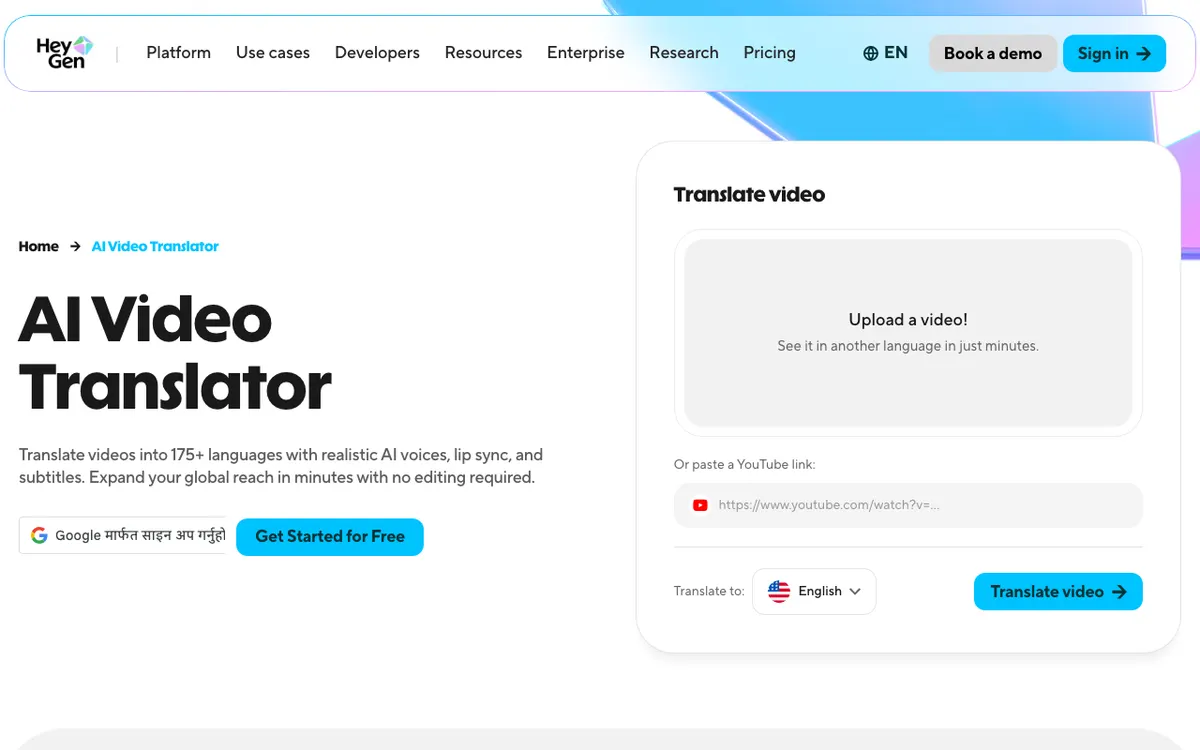 HeyGen: translate a video with voice cloning and lip sync.
HeyGen is an AI video platform whose Video Translator dubs on-camera speakers with lip sync into 175+ languages and dialects, from about $0.29 per dubbed minute. It’s the Dubverse alternative for talking heads, where Dubverse keeps lip sync behind an Enterprise contract.
HeyGen’s help centre lists three engines. Audio Only costs 4 credits a minute with no lip sync. Speed costs 6 credits a minute with lip sync for front-facing footage. Precision costs 10 credits a minute for side profiles and multi-speaker scenes.
On the $29 Creator plan’s 600 credits, that’s 100 lip-synced minutes in Speed mode or 150 audio-only minutes. You can pick up to 10 languages per job.
The language count depends on plan. Free lists 30+ languages and caps each video at 1 minute. Paid plans list 175+.
Pros
- Lip sync included on paid plans, not an enterprise add-on
- Lowest cost per minute here: about $0.29 with lip sync, $0.19 audio only
- 175+ languages and dialects on Creator and above
- Up to 10 target languages in one job
Cons
- Credits are shared with avatar video generation
- Free plan is limited to 1-minute videos and 30+ languages
- Creator and Pro cap translated videos at 30 minutes
- Cloned voice realism trails ElevenLabs on emotional delivery
Best for: Talking-head videos, ads and creator content where the presenter’s mouth is visible. Pricing: Free plan with 1-minute translations. Creator $29/month ($24/month billed yearly) for 600 credits. Pro $49/month for 1,000 credits. Business $149/month plus $20 per seat (heygen.com/pricing, checked October 2026).
4. Rask AI: best for high-volume localization
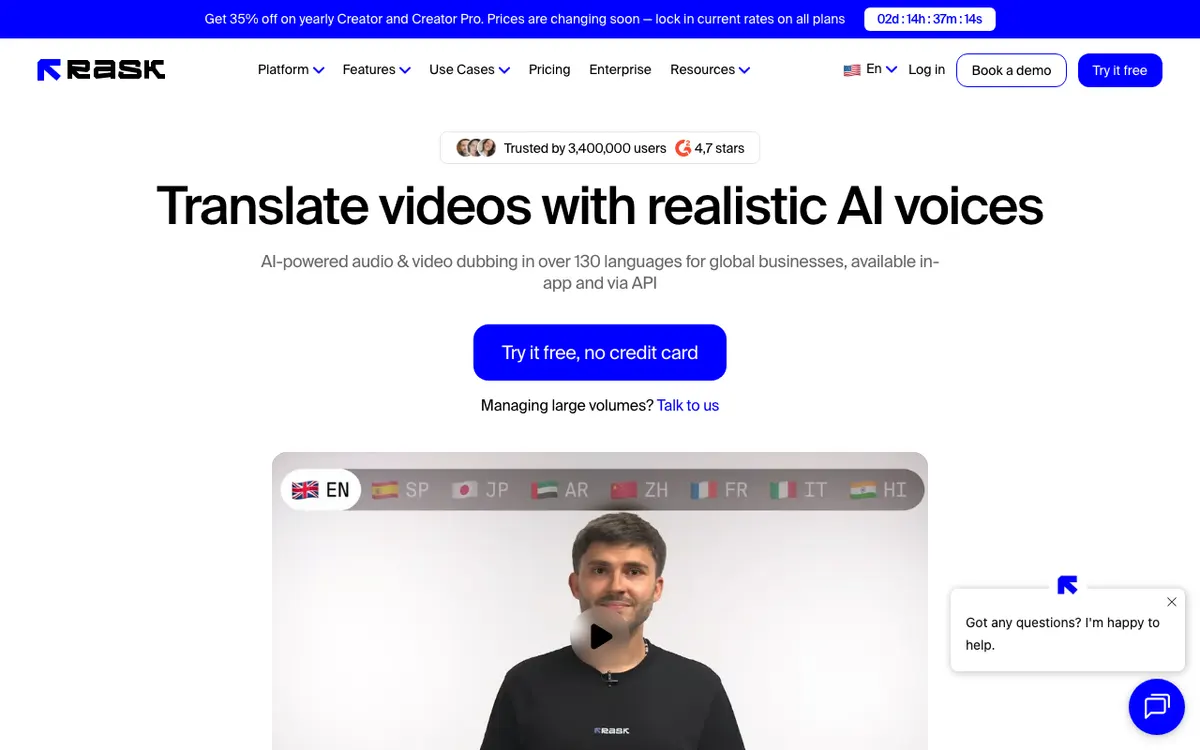 Rask AI: video and audio dubbing in 135+ languages, in-app and via API.
Rask AI is a video localization platform that dubs into 135+ languages with voice cloning in 32 and lip sync on higher tiers, from about $0.99 per minute on Creator Pro. It sells minutes instead of credits, which makes a 200-video project easy to forecast.
Rask lets you edit the translated transcript and re-dub, a step its own customer reviews single out. That’s the step Dubverse and Vidwip both skip, and it matters when product names or compliance wording have to be exact.
The headline language count is wide, but voice cloning covers 32 languages, about the same as Dubverse’s full list. Enhanced lip sync is in beta and burns 3 minutes of allowance per video minute.
Pros
- 135+ translation languages, the widest here after HeyGen
- Edit the translated transcript before you re-dub
- Minutes-based plans that map onto a localization schedule
- API access for pipeline work
Cons
- Voice cloning covers 32 languages, not all 135+
- Creator plan works out to $1.56 a minute on monthly billing
- Lip sync starts on Creator Pro
- Enhanced lip sync triples minute usage
Best for: Agencies and media teams localizing a back catalogue on a schedule. Pricing: Free trial with 3 minutes, no card. Creator $39/month ($28 billed yearly) for 25 minutes. Creator Pro $99/month ($67 yearly) for 100 minutes. Business $249/month ($167 yearly) for 250 minutes (rask.ai/pricing, checked October 2026).
5. Murf AI: best pay-as-you-go dubbing
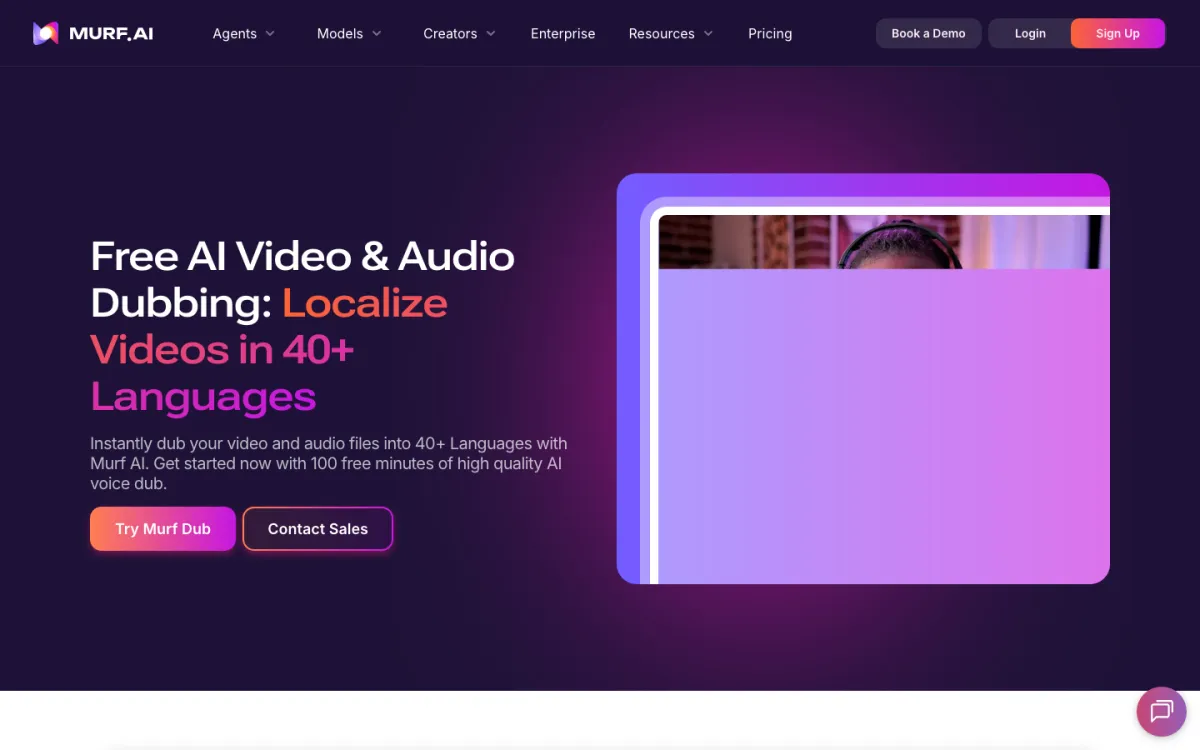 Murf AI: video and audio dubbing in 40+ languages, billed per credit.
Murf AI is a voice platform best known for studio voiceover, and its Murf Dub product dubs video and audio into 40+ languages from about $0.50 per minute. It’s the closest match to Dubverse’s dubbing-plus-voiceover bundle, without a subscription for the dubbing side.
Murf Dub costs 2 credits per minute per language. Credits start at $0.25 each on pay-as-you-go, so one dubbed minute lands near $0.50. Purchased credits come with no watermark, and the free tier gives 100 credits to test with.
Murf clones the speaker’s voice and adapts it per language. Lip sync is listed as coming soon, so on-camera speakers aren’t covered yet.
The voiceover side is a separate Studio subscription with 200+ voices. That’s useful if you also write scripts from scratch, which Dubverse handles with its text-to-speech tool.
Pros
- Pay-as-you-go dubbing with no monthly commitment
- About $0.50 per dubbed minute at the entry credit price
- Voice cloning across 40+ dubbing languages
- Native-speaker review available on Enterprise
Cons
- No lip sync yet
- Dubbing and Studio voiceover are billed separately
- Free tier output carries a watermark until you buy credits
- Up to 40 target languages per job
Best for: Teams with irregular dubbing volume who don’t want another subscription. Pricing: Dub: free 100 credits, then pay-as-you-go from $0.25 per credit at 2 credits per minute per language. Studio voiceover: Creator $19/month and Business $66/month, billed yearly (murf.ai/pricing, checked October 2026).
For voiceover-first tools, see our Murf AI alternatives list.
6. Perso AI: best budget lip-synced dubs
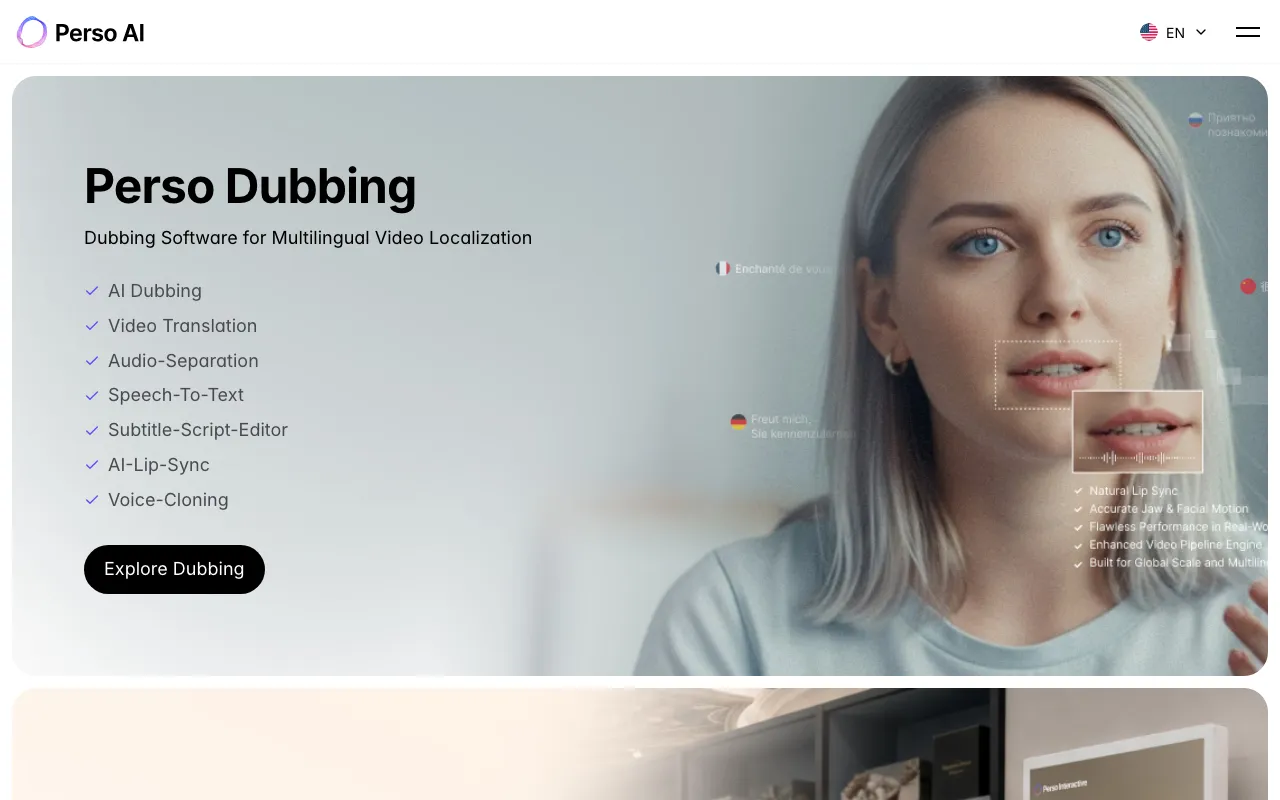 Perso AI: dubbing, lip sync, voice cloning and a subtitle-script editor in one tool.
Perso AI is a dubbing platform from ESTsoft that combines voice cloning, AI lip sync and a subtitle-script editor, from $6.99 a month. It’s the cheapest way in this list to get lip sync without HeyGen’s avatar suite around it.
Plans bundle dubbing minutes and lip-sync minutes separately. Creator at $29 includes 40 dubbing minutes and 13 lip-sync minutes. Pro at $99 includes 180 dubbing minutes on its Linnet 4 engine and 60 lip-sync minutes, about $0.55 a dubbed minute.
Language coverage depends on the engine. The pricing page lists 12, 82 and 116 supported dubbing languages across its engines, and 82 for lip dubbing.
Pros
- Lip sync on every paid plan, from $6.99 a month
- Subtitle-script editor to fix the translation before export
- About $0.55 a dubbed minute on Pro
- Watermark-free output on paid plans
Cons
- Language count varies by engine, so check yours on the pricing page
- Starter caps videos at 3 minutes and 7 dubbing minutes a month
- Lip-sync minutes are a smaller, separate allowance
- Free plan is a single generation on sign-up
Best for: Small teams that need lip-synced talking heads on a tight budget. Pricing: Starter $6.99/month (7 dubbing minutes). Creator $29/month (40 minutes). Pro $99/month (180 minutes on Linnet 4). Up to 26% off yearly (perso.ai/en/pricing, checked October 2026).
7. Synthesia: best if you already make avatar videos
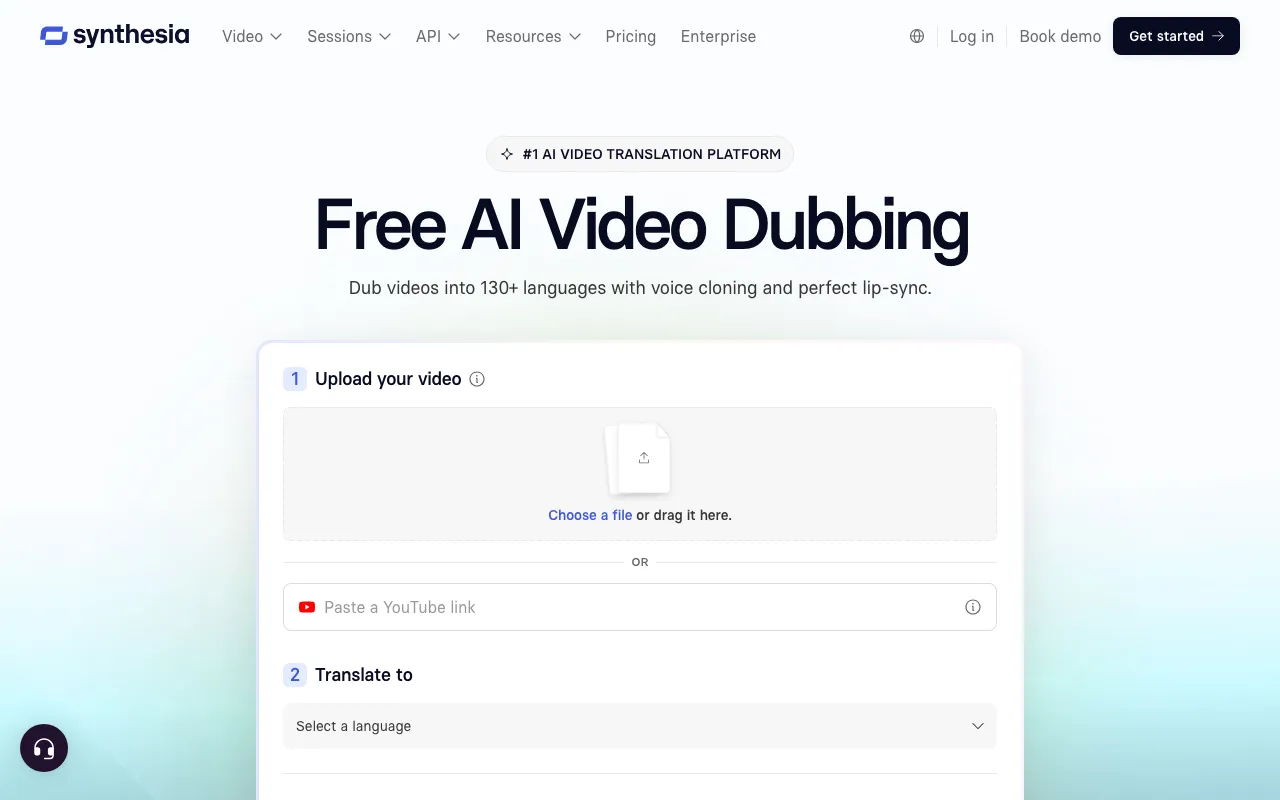 Synthesia: AI dubbing with voice cloning and lip sync, inside an avatar video platform.
Synthesia is an AI avatar video platform whose dubbing feature clones each speaker and lip-syncs them into 130+ languages, with a free first minute. It earns a place for training and L&D teams who already build videos there.
Its dubbing page says it “automatically detects multiple speakers and clones each voice separately”, and lip-syncs anyone speaking on screen. It also handles regional variants and right-to-left scripts.
The numbers need a second look. The dubbing page says 130+ languages, while the pricing page lists 70+ dubbing output languages on self-serve plans and 140+ on Enterprise. Dubbing minutes are metered per plan on top of a free allowance.
Pros
- Multi-speaker detection with a separate clone per voice
- Lip sync for anyone speaking on camera
- First minute free, with cloning and lip sync included
- Sits beside avatars, templates and a video editor your team may already use
Cons
- Language counts differ between the dubbing and pricing pages
- Dubbing minutes are a small add-on to plans built around avatar video
- Overkill if you only need to dub existing footage
- Pricing is less transparent per dubbed minute than any other tool here
Best for: Training and L&D teams localizing videos already made in Synthesia. Pricing: Basic free. Starter $29/month ($18/month billed yearly). Pro $89/month ($64/month billed yearly). Enterprise custom (synthesia.io/pricing, checked October 2026).
Dubverse alternatives compared side by side
All figures per minute of source media, per target language. Checked October 2026.
| Tool | Entry paid plan | Effective cost per dubbed minute | Voice cloning | Lip sync | Languages | Watermark-free free tier |
|---|---|---|---|---|---|---|
| Dubverse (baseline) | $18/mo, 50 credits | ~$1.44 (Pro), ~$2.40 (Supreme) | Supreme only | Enterprise only | 32 listed | 2-day trial |
| Vidwip | $25/mo, 2,500 credits | $2.40 (v1), $6.00 (v2) | Yes, every speaker | No | 29 (v1), 94 (v2) | Yes |
| ElevenLabs | $6/mo, 30,000 credits | ~$0.55 (Creator) | Yes | No | 90+ | No |
| HeyGen | $29/mo, 600 credits | ~$0.29 lip sync, ~$0.19 audio only | Yes | Yes | 175+ paid, 30+ free | No |
| Rask AI | $39/mo, 25 minutes | ~$1.56 (Creator), ~$0.99 (Creator Pro) | 32 languages | Creator Pro and up | 135+ | 3-minute trial |
| Murf AI | Pay as you go | ~$0.50 | Yes | Coming soon | 40+ | No |
| Perso AI | $6.99/mo, 7 minutes | ~$1.00 (Starter), ~$0.55 (Pro) | Yes | Yes | Up to 116 by engine | One generation |
| Synthesia | $29/mo | Plan-based | Yes | Yes | 70+ self-serve, 140+ Enterprise | First minute free |
Two things the table hides. HeyGen’s and ElevenLabs’ credits are shared with their other products, so those per-minute figures assume the whole pool goes to dubbing. And Vidwip’s figure is the same on every plan, because 1 credit is always $0.01.
How to choose the right Dubverse alternative
Answer these in order. The first “yes” usually decides it.
- Is a face talking to camera? You need lip sync. Pick HeyGen, or Perso AI on a tighter budget. Our guide to AI video dubbing with lip sync covers when it’s worth paying for.
- Do your speakers need to sound like themselves? Pick Vidwip or ElevenLabs. Vidwip if you want no watermark on any plan, audio-only MP3 output and one balance for other tools; ElevenLabs if you only dub and want the lowest per-minute rate.
- Is your language outside Dubverse’s 32? Check Vidwip’s v2 (94), Rask AI (135+) or HeyGen (175+) against your exact list.
- Is the translation compliance-sensitive? Pick Rask AI or Perso AI, which let you edit the script before export.
- Is your volume irregular? Pick Murf’s pay-as-you-go dub or Vidwip’s flat credit rate over a minutes plan you have to keep feeding.
Multiply minutes by target languages before you compare anything. A 10-minute video in five languages bills as 50 minutes on every tool here.
Where AI dubbing still trips up
No tool on this list fixes three things for you.
Names and numbers drift. Product names, prices and dates get translated when they shouldn’t. Watch the first 30 seconds of every dub before publishing.
Crosstalk confuses every engine. Overlapping speakers produce the weakest dubs on all seven tools. Clean source audio matters more than the tool.
Lip sync looks odd up close. It holds at a medium shot and wobbles in tight framing. For many videos, a clean audio dub reads as more professional.
New to how the pipeline works? How AI video dubbing works walks through transcription, translation, voice and timing stage by stage. Testing on a budget? See free AI video dubbing tools ranked on their real limits.
Final verdict
Dubverse is a fair pick for Hindi and other Indian languages on an $18 budget. Once you need more languages, more minutes or your own voice on the cheaper tier, switch.
Vidwip for every speaker cloned in up to 94 languages, video or audio, from $2.40 per minute per language, with no watermark on any plan.
ElevenLabs for the most realistic voice at about $0.55 a minute, if dubbing is all you do.
HeyGen when the speaker is on camera and the lips have to match.
Rask AI for a 135+ language back catalogue with an API and an editable transcript.
Murf AI for pay-as-you-go dubbing near $0.50 a minute.
Perso AI for lip sync on a small budget, and Synthesia if your team already lives there.
Want to hear your own voice in another language? Start free at app.vidwip.com, no credit card, and dub a short clip into one language to judge the quality yourself.