
Vidwip AI Voiceover is the best Murf AI alternative when the read goes under a video: it voices up to 5,000 characters in 74 languages and drops the mastered track straight on your timeline. ElevenLabs is the strongest standalone voice studio, with 10,000+ voices, audio-tag direction and commercial rights from $6/month. WellSaid wins for English corporate e-learning that lives or dies on pronunciation, and Descript wins when the voiceover gets edited alongside the video.
Murf AI built its name on one promise: paste a script, get a clean voiceover, skip the booth. It still delivers, but plenty of e-learning, explainer and ad teams now shortlist Murf AI alternatives before they renew.
The reasons are concrete. Murf’s Creator and Business plans include one editor seat each, the free plan blocks downloads and commercial use, and newer expressive models have raised the bar on how human a read can sound.
This guide ranks eight Murf AI alternatives on four things you can act on: voice realism, pronunciation control, commercial rights and true per-seat price. Every price was checked on the vendor’s own pricing page on October 17, 2026.
What Murf AI costs today
Murf is a text-to-speech studio with 200+ voices in 30+ languages, and its pricing page says it is used by 300+ of the Fortune 2000. Here is what each Studio plan gets you on murf.ai/pricing (checked October 17, 2026).
| Plan | Price | Voice generation | Editor seats | Commercial rights |
|---|---|---|---|---|
| Free | $0 | 10 minutes, no downloads | 1 | No |
| Creator | $19/mo billed annually ($228/yr) | 24 hours a year | 1 | Yes |
| Business | $66/mo billed annually ($792/yr) | 96 hours a year | 1 | Yes, business license |
| Enterprise | Custom | Unlimited | Custom (5+) | Yes |
Two details matter most. The pronunciation library is personal-only below Enterprise, and a second editor seat means an Enterprise conversation.
What to look for in a Murf AI alternative
Voice realism under direction. A good voice reading flat copy isn’t enough. Look for emotion or style control that holds over a 5-minute module, not just a 10-second demo.
Pronunciation control. E-learning dies on mispronounced product names and acronyms. Check for a pronunciation dictionary, and check whether your team can share it.
Commercial rights by plan. Several free tiers here forbid commercial use or require attribution. Know which plan unlocks a clean license before you voice a paid ad.
Per-seat price. A $24 plan billed per person is $72 a month for three writers. Work out the real number for your team size.
1. Vidwip AI Voiceover — best Murf AI alternative when the voice goes under a video
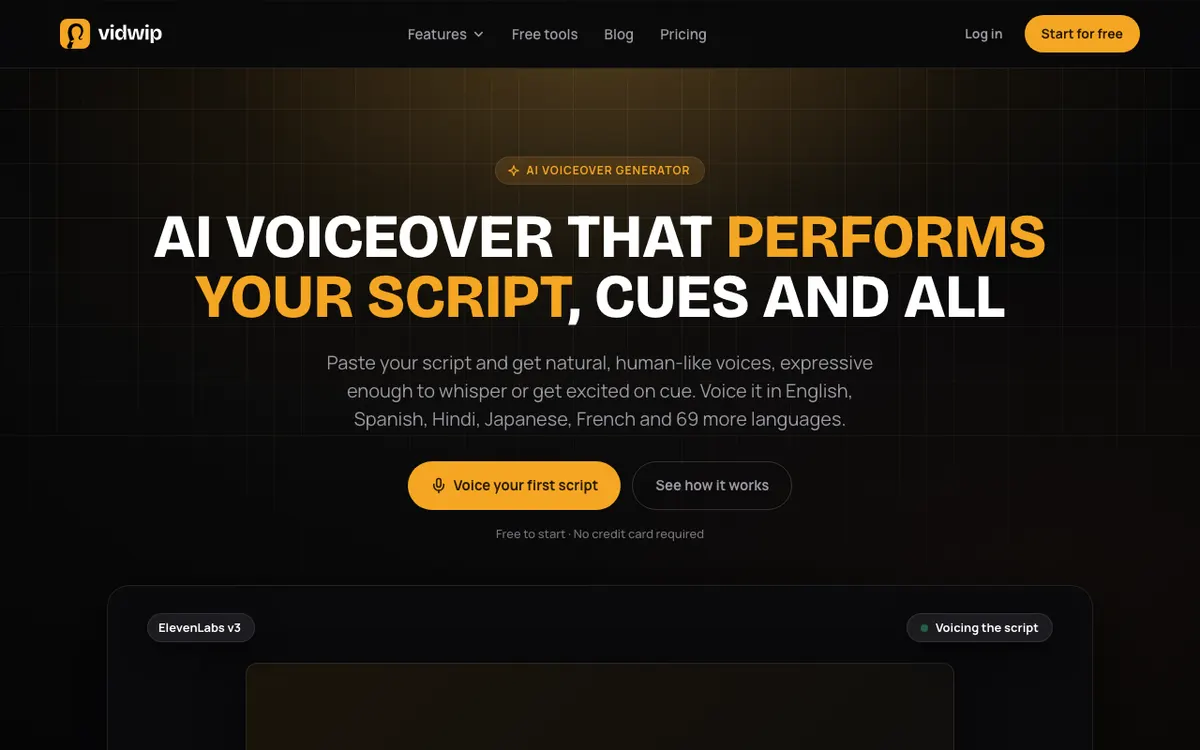 Vidwip AI Voiceover — script to speech in 190+ voices and 74 languages, placed on your timeline.
Most Murf voiceovers end up under a video. Vidwip AI Voiceover skips the export-and-import step: you paste up to 5,000 characters of script, about 5.5 minutes of speech, pick a voice and a language, and the take lands on the AI Studio timeline.
ElevenLabs v3 performs the read, so cues like [warmly] or [whispers] are acted, not spoken. Pick one of 74 languages and GPT-5.5 translates the script first, keeping your tags, names and brand spellings.
Every track comes back as one MP3 mastered to -14 LUFS. Your voice and language stay selected between tracks, so a 12-lesson course keeps one narrator.
It’s a narrower tool than Murf on purpose. There’s no cloning and one voice per track, and you can’t regenerate a single sentence: fix the script and generate a new track.
Pros
- Up to 5,000 characters per track, voiced in 74 languages
- 190+ voices native to 23 languages, and any voice can read all 74
- Audio tags direct the delivery; a blank line adds a pause
- Mastered MP3 placed on the timeline under your video, no import
- Free to start, no credit card
Cons
- 190+ voices, fewer than Murf or WellSaid and far fewer than ElevenLabs’ 10,000+
- No voice cloning or custom voices
- No line-level regeneration; changes mean a new track
- MP3 output only
Best for: Explainer, ad and course creators who want the voiceover and the video in one place, in more than one language. Pricing: Free to start, no credit card. Starter $25/mo (2,500 credits). Pro $99/mo (10,000 credits). Enterprise custom (vidwip.com/pricing, checked October 17, 2026).
If you’d rather not write the script at all, AI Video Voiceover watches your footage and writes the narration for you. Our AI video voiceover generator roundup compares that approach with the script-first tools in this list.
2. ElevenLabs — best standalone voice studio
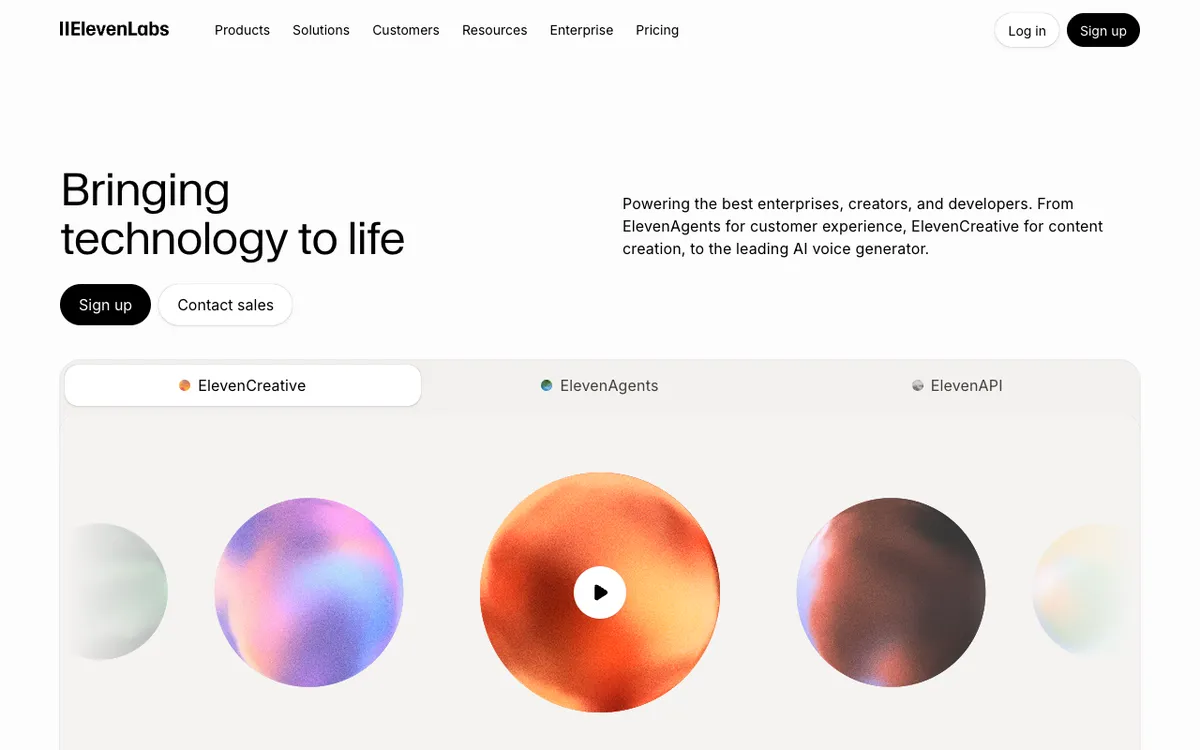 ElevenLabs — expressive text to speech with a 10,000+ voice library and audio-tag direction.
ElevenLabs is an AI voice platform for creators and teams, offering the most realistic stock and cloned voices in this list from $6/month. If Murf sounds a touch too polished, this is where you go.
The Eleven v3 model reads audio tags like [whispers] or [sighs] as direction, not words, and supports 70+ languages per its text-to-speech page. Pronunciation dictionaries handle brand names and jargon.
The catch is breadth. ElevenLabs is also an agents platform and an API, so the studio can feel busy when all you want is a narration track.
Pros
- Most natural-sounding voices here, with audio tags for emotional delivery
- 10,000+ voices in the library, plus instant voice cloning from Starter
- Commercial license on every paid plan, starting at $6/month
- Pronunciation dictionaries for product names and technical terms
Cons
- Free plan includes no commercial license
- Credit-based pricing takes some math: about 121 minutes a month on Creator
- Eleven v3 caps a single generation at 5,000 characters
- A lot of product surface if you only need voiceover
Best for: Explainer and ad teams that want the most human read and are fine importing audio into their editor. Pricing: Free (about 10 min/month, no commercial license). Starter $6/mo. Creator $22/mo (about 121 min). Pro $99/mo (about 600 min) (elevenlabs.io/pricing, checked October 17, 2026).
3. WellSaid — best for English corporate e-learning
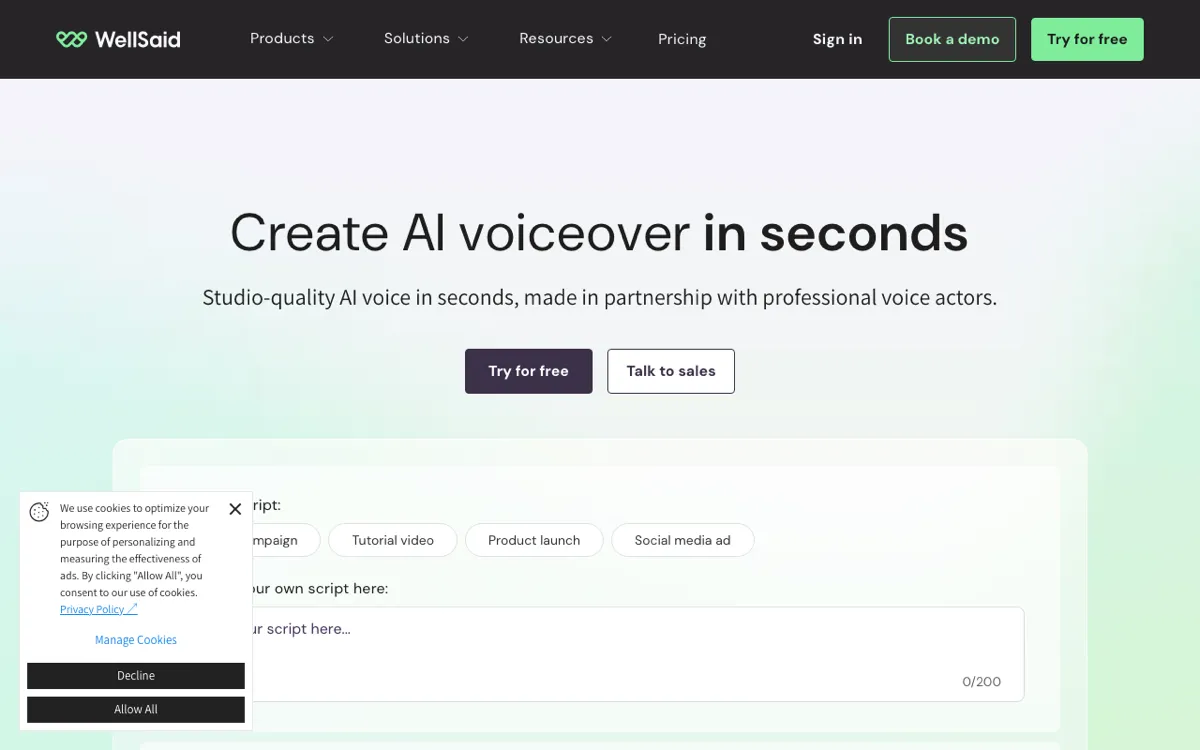 WellSaid — curated voice actors and team pronunciation tools for training content.
WellSaid is an AI voice platform for corporate L&D teams, offering 280+ voices built from licensed voice actors, from $10/month billed annually. It is the closest match to Murf’s original e-learning buyer.
Its edge is pronunciation. The pricing page lists smart phonetic suggestions, custom pronunciations, Oxford Dictionary US and UK pronunciation, and a shared pronunciation library under team tools.
The limit is language. Self-serve plans include English voices only, and other languages plus translation sit on Enterprise.
Pros
- Full commercial rights on every paid plan
- Shared pronunciation library, which Murf keeps personal below Enterprise
- Up to 48 kHz export on Pro and WAV export on Business
- Unlimited generation on paid plans; you pay for downloaded minutes
Cons
- English-only voices below Enterprise
- Starter’s 20 downloaded minutes a month runs out fast on a course
- Business is $160 per user per month, billed annually only
- Free trial has no commercial rights
Best for: English-language L&D teams where every acronym has to be said the same way across 40 modules. Pricing: Starter $19/mo or $10/mo billed annually (20 min/month). Pro $49/mo or $33/mo billed annually (180 min/month). Business $160/user/mo, annual only, 1–5 seats (wellsaid.io/pricing, checked October 17, 2026).
4. Descript — best when you edit voice and video together
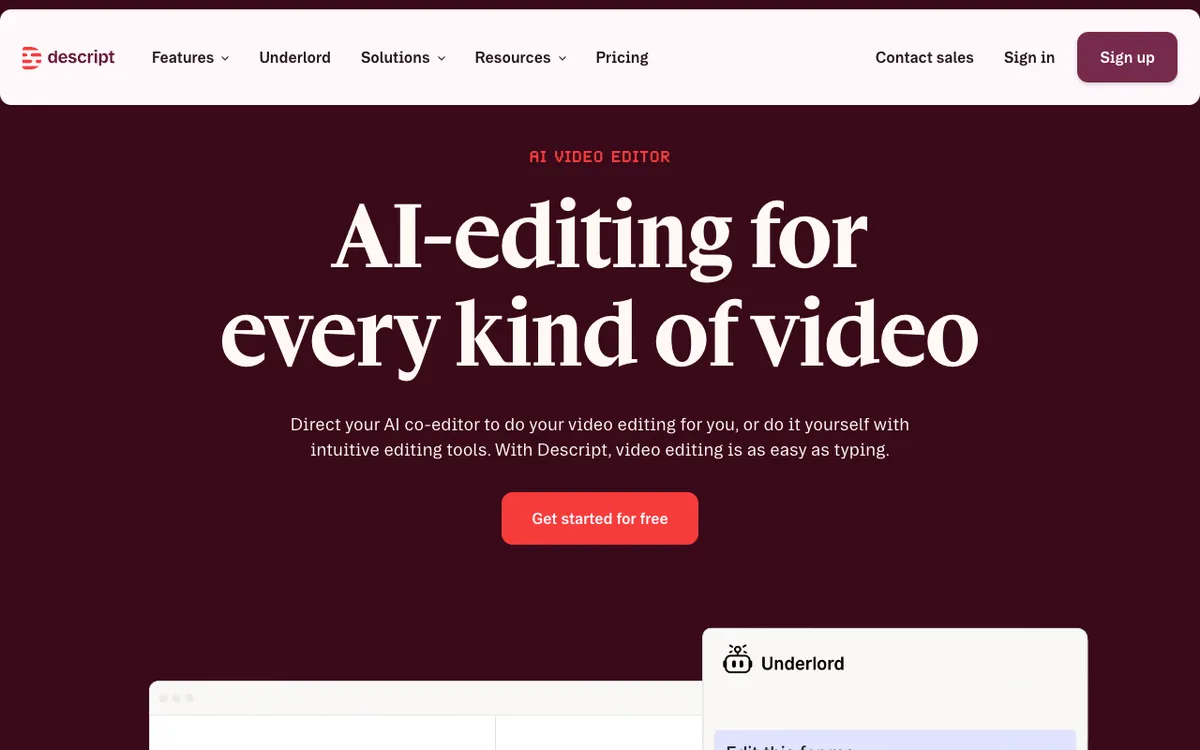 Descript — edit video by editing text, with stock AI speakers and voice cloning built in.
Descript is a text-based video and audio editor for creators and teams, offering AI speech and voice cloning from $16 per person per month billed annually. It isn’t a pure voice studio, and that’s the point.
You fix a line by retyping it in the transcript, and the AI voice regenerates in place. For explainer videos that change every sprint, that beats re-exporting a Murf track and re-syncing it.
Voice choice is narrow next to a dedicated tool: 25+ stock AI speakers on Hobbyist and Creator, 60+ on Business.
Pros
- Voiceover, edit and export in one tool, no import step
- Correct a line by typing; the voice regenerates in place
- Text to speech and voice cloning included on every paid plan
- Media minutes cover your recordings too, not just generated speech
Cons
- Far fewer stock voices than ElevenLabs or WellSaid
- Priced per person, so a 3-person team pays three times
- AI credits are shared with every other AI feature in the editor
- Overkill if you only need an MP3
Best for: Explainer and product-video teams who rewrite scripts often and want the voice to follow the edit. Pricing: Free (limited). Hobbyist $24/person/mo or $16 billed annually. Creator $35 or $24 billed annually. Business $65 or $50 billed annually (descript.com/pricing, checked October 17, 2026).
5. Typecast — best for emotional reads in ads and explainers
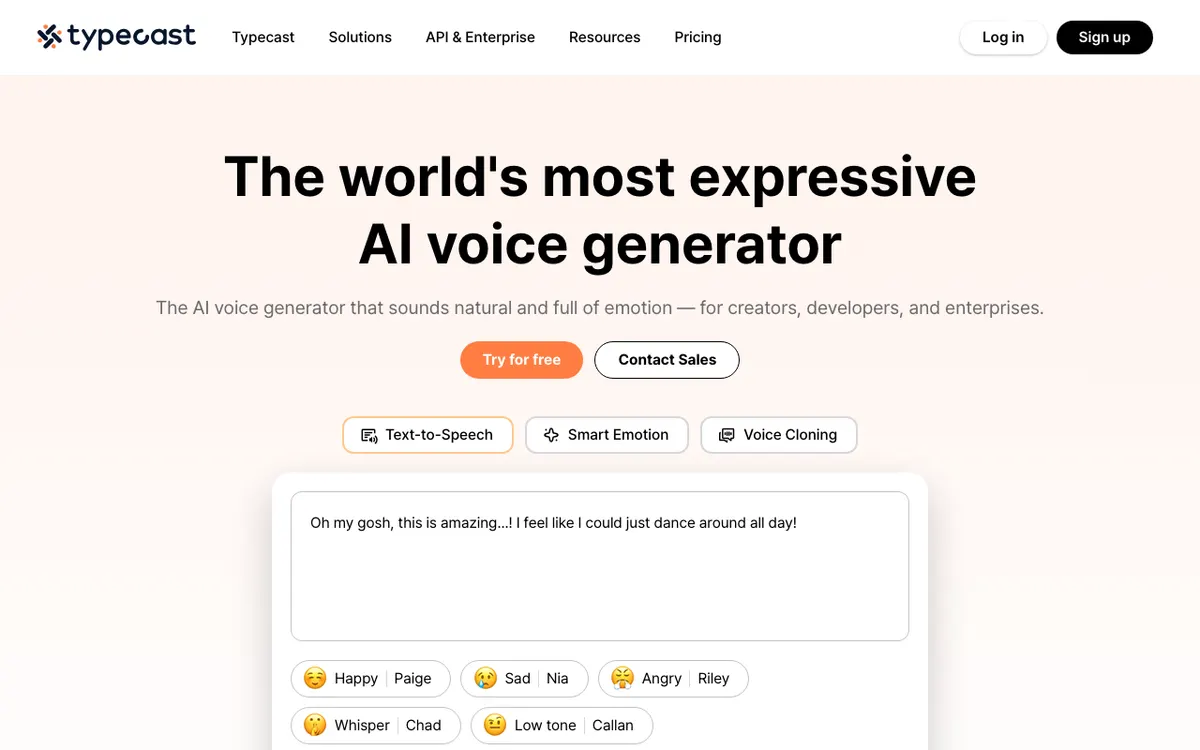 Typecast — voice characters with Smart Emotion that reads the surrounding sentences.
Typecast is an AI voice generator for creators and marketers, offering 600+ voice characters in 35+ languages from $5/month. Its voices are cast as characters (Happy Paige, Whisper Chad), which makes picking a tone fast.
Smart Emotion sets the delivery from the sentences around each line, and the editor adds pitch, intensity and speed controls. For a 30-second ad that needs energy, it gets there with less tuning than Murf.
Its homepage doesn’t describe a pronunciation dictionary. For dense technical training, test your hardest terms first.
Pros
- Smart Emotion picks delivery from context, line by line
- Character-based voice casting is quick for ad and social work
- Cheapest paid entry here at $5/month with a commercial license
- Pitch, emotion, intensity and speed controls in the editor
Cons
- Free credits are a one-off 3,000 (about 5 minutes) and require attribution
- No pronunciation tooling described on the homepage
- Monthly minutes are modest: about 90 on the $29 Pro plan
- Character voices can feel too performed for formal training
Best for: Ad and social teams that want an emotional, characterful read without coaching a model line by line. Pricing: Free (3,000 lifetime credits). Basic $5/mo (about 35 min). Plus $19/mo. Pro $29/mo (about 90 min). Business $69/mo (about 250 min) (typecast.ai/pricing, checked October 17, 2026).
6. Fish Audio — best value for high-volume voiceover
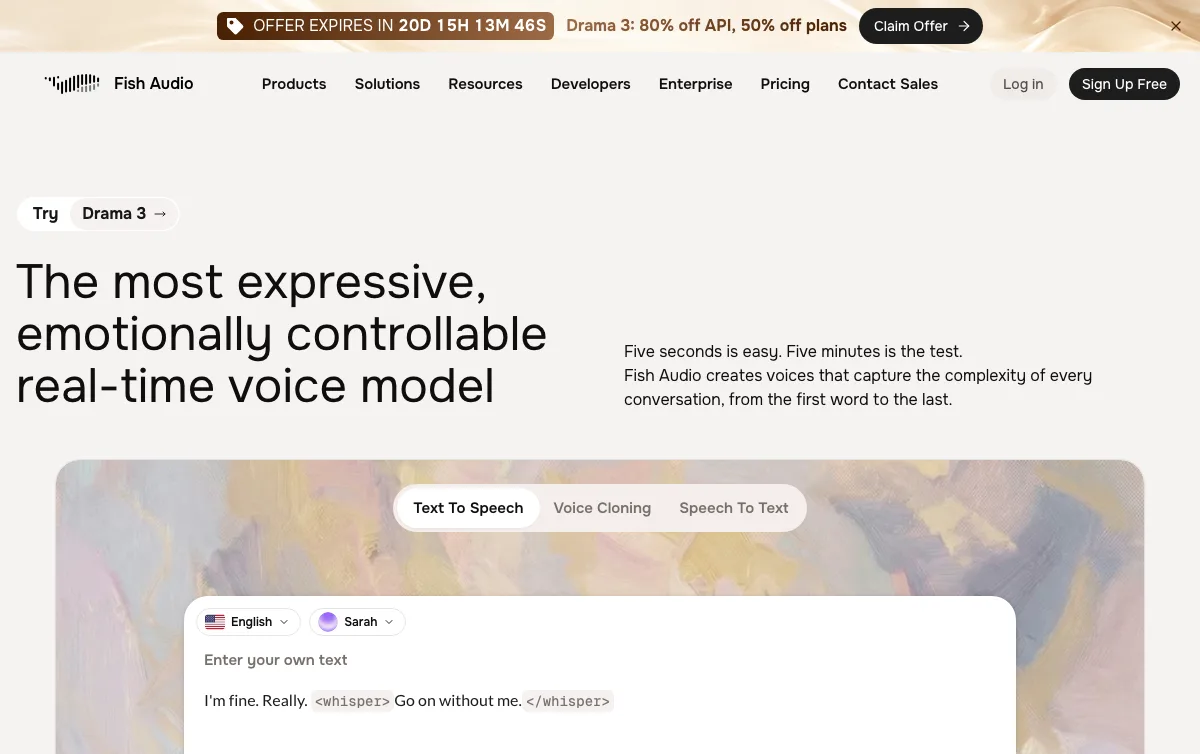 Fish Audio — text to speech and voice cloning with large monthly allowances.
Fish Audio is a text-to-speech and voice-cloning platform for creators, offering up to 200 generated minutes a month from $11/month. On minutes per dollar, nothing else in this list comes close.
Plus also includes 10 private voice slots, 1 professional voice slot and up to 15,000 characters per generation. Pro adds 3 team seats and about 1,620 minutes for $75 a month.
The trade-off is polish. It is built for creators and developers, not for L&D governance, and the pricing page lists no languages per plan.
Pros
- About 200 minutes a month on the $11 Plus plan
- Commercial use allowed from Plus
- 3 team seats included on Pro, not billed per head
- Voice cloning and Voice Design on paid plans
Cons
- Free plan is personal, non-commercial use only
- No supported-language list on the pricing page
- Fewer team and compliance tools than WellSaid or Murf Enterprise
- Public community voices vary a lot in quality
Best for: Creators and small studios voicing a lot of content on a tight budget. Pricing: Free (8,000 credits, about 7 min). Plus $11/mo ($132 billed annually, about 200 min). Pro $75/mo (about 1,620 min, 3 seats) (fish.audio/plan, checked October 17, 2026).
7. Speechify Studio — best if your team already uses Speechify
Speechify Studio is the creation side of Speechify, sold separately from the Speechify reading app. It suits teams that already know the brand and want voiceover in the same account.
We couldn’t verify its pricing live. Speechify’s pricing page blocked our automated check on October 17, 2026, so no screenshot or current price appears here.
The last independent snapshot we found, from PriceMyAI (verified June 2026), lists Studio Starter at $19/month and Studio Creator at $49/month. Treat those as a starting point and confirm on Speechify’s site before you buy.
Pros
- Familiar brand for teams already on Speechify’s reading app
- Free tier to test the editor
- Separate creation product, so you aren’t paying for reading features
Cons
- Studio and Premium (reading) are separate products, and it’s easy to buy the wrong one
- Current pricing could not be verified on October 17, 2026
- Third-party snapshots list modest generation allowances on Starter
Best for: Teams already inside the Speechify ecosystem who want one vendor. Pricing: Not verified live. PriceMyAI lists Starter $19/mo and Creator $49/mo (June 2026).
8. Microsoft Clipchamp — best free Murf AI alternative
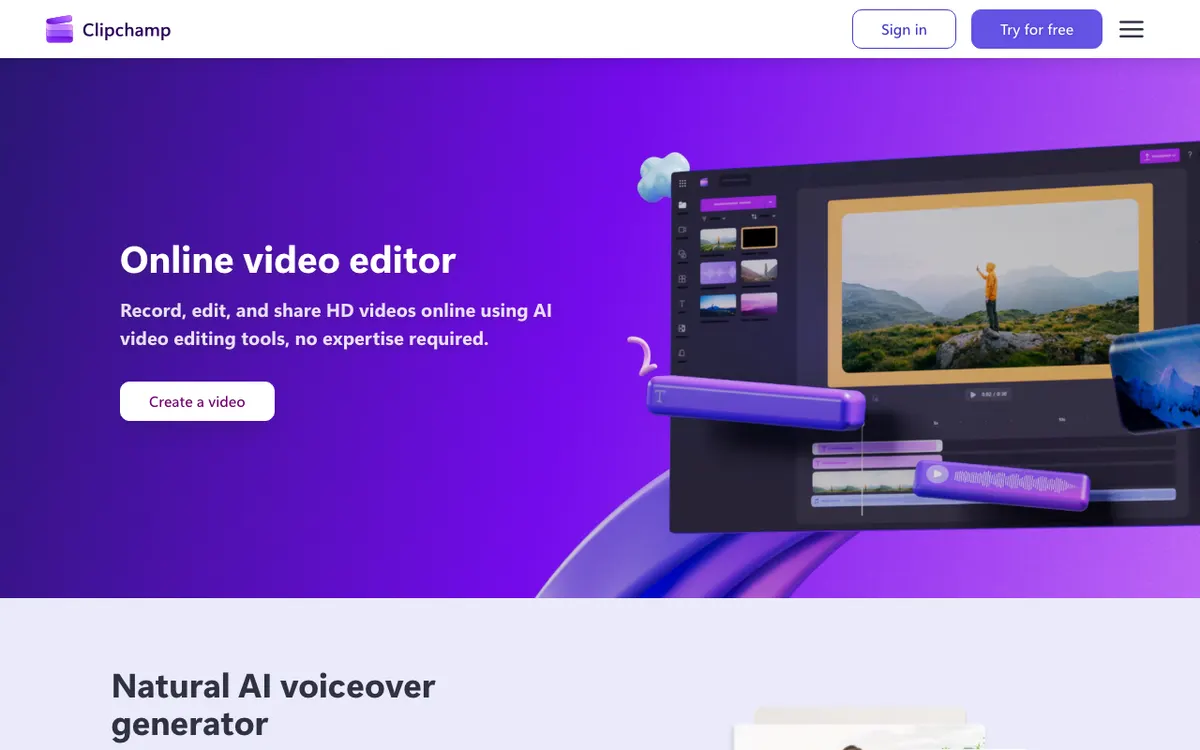 Microsoft Clipchamp — browser video editor with free AI voiceover on the timeline.
Clipchamp is Microsoft’s browser video editor, offering AI voiceover with pitch and pace control on a free plan that exports watermark-free up to 1080p. If budget is zero, start here.
The voice sits straight on the timeline beside your footage, so a quick explainer goes from script to export in one tab. Premium, which adds 4K, comes with Microsoft 365 Personal and Family.
Don’t expect Murf-level direction. Clipchamp doesn’t publish voice or language counts for text to speech, and there’s no pronunciation library.
Pros
- Free plan includes AI voiceover and watermark-free 1080p exports
- Voice lands on the same timeline as the video
- Pitch and pace controls per clip
- Premium bundled with Microsoft 365 Personal and Family
Cons
- No published voice or language counts for text to speech
- No pronunciation dictionary or emotion control
- Commercial terms for AI voices aren’t spelled out on the text-to-speech page
- Voices are noticeably less expressive than ElevenLabs or Typecast
Best for: Solo creators and small teams making short explainers on no budget. Pricing: Free. Premium included with Microsoft 365 Personal and Family (clipchamp.com/pricing, checked October 17, 2026).
A note on LOVO
LOVO (Genny) is usually on Murf shortlists, and it was on ours. LOVO, Inc. filed for Chapter 7 liquidation on May 27, 2026, Bloomberg Law reported, and lovo.ai and genny.lovo.ai are offline.
You can’t sign up for it, so it’s not in the ranking. If you used LOVO, the tools above are where most of its users moved.
Murf AI alternatives comparison table
| Tool | Voices / languages | Pronunciation control | Commercial rights from | Seats | Paid from |
|---|---|---|---|---|---|
| Murf AI | 200+ / 30+ | Personal library below Enterprise | Creator | 1 editor (Enterprise 5+) | $19/mo annual |
| Vidwip AI Voiceover | 190+ / 74 | Audio tags, exact spelling | See plans | Account | Free / $25/mo |
| ElevenLabs | 10,000+ / 70+ (v3) | Pronunciation dictionaries | Starter | Per plan | $6/mo |
| WellSaid | 280+ / English (self-serve) | Custom + shared library | Starter | 1–5 on Business | $10/mo annual |
| Descript | 25+ stock / multiple | Edit text to fix | Hobbyist | Per person | $16/person annual |
| Typecast | 600+ / 35+ | Not described | Basic | Not stated | $5/mo |
| Fish Audio | Community + cloned / not listed | Not described | Plus | 3 on Pro | $11/mo |
| Speechify Studio | Not verified | Not verified | Not verified | 1 on Starter (third-party) | Not verified |
| Clipchamp | Not published | Pitch and pace only | Not stated | Microsoft account | Free |
How to choose the right Murf AI alternative
Voiceover always ends up under a video? Choose Vidwip AI Voiceover. The track lands on the timeline in any of 74 languages, and you can dub the finished video into more languages from the same account.
Want the most human voice? Choose ElevenLabs. Eleven v3 with audio tags is the most expressive model in this list, and commercial rights start at $6/month.
Building English e-learning at scale? Choose WellSaid. A shared pronunciation library keeps 40 modules consistent, which Murf only offers on Enterprise.
Rewriting scripts every week? Choose Descript. Fixing a line by retyping it beats re-exporting and re-syncing a track.
Voicing short ads with energy? Choose Typecast for Smart Emotion, or Fish Audio if minutes per dollar matter more.
Final verdict
Murf is still a solid studio, but its one-seat plans and locked-down free tier push growing teams elsewhere. The right replacement depends on where the voice ends up.
If it sits under a video, start with Vidwip AI Voiceover. The script is voiced in any of 74 languages and lands on your timeline with no import step.
If you need a standalone audio file, go with a dedicated voice studio. ElevenLabs is the strongest all-rounder, WellSaid is the e-learning specialist, and Descript is the editor’s choice.
Want to compare dubbing tools too? See our AI video dubbing tools comparison, the free AI video voiceover tools roundup, or our Synthesia alternatives guide for avatar-led training.