
The best FlexClip alternative depends on whether you need templates or AI generation. Canva has the biggest template library with a genuinely free video export, Clipchamp gives you 1080p watermark-free for nothing, and Animoto is the pick for slideshow-style marketing video with Getty stock. Vidwip AI Studio skips templates entirely: you brief it, it generates the shots, adds voiceover in 74 languages and exports in 1080p.
FlexClip makes quick marketing videos easy: pick a template, swap in your text and stock clips, and export. These seven FlexClip alternatives do that job with bigger template libraries, stronger AI tools or a free plan without a watermark.
We compared Vidwip, Canva, Clipchamp, Animoto, InVideo AI, Renderforest and VEED on templates, AI features, stock media and the price of a watermark-free export, using US prices checked in October 2026.
TL;DR — which FlexClip alternative should you use?
| Tool | Best for | Free watermark-free? | Paid from |
|---|---|---|---|
| Vidwip AI Studio | AI-generated shots + voiceover | Yes | $25/mo |
| Canva | Template library + design assets | Yes | $12/mo (annual) |
| Clipchamp | 1080p exports for free | Yes | Included with M365 |
| Animoto | Slideshow-style marketing video | No (720p watermarked) | $9/mo (annual) |
| InVideo AI | AI script-to-video + stock clips | No free plan listed | $9/mo ($4 annual promo) |
| Renderforest | Logo animations + brand intros | No (watermarked) | $9/mo (annual) |
| VEED | Video editing + auto subtitles | Yes (limited) | $10/mo (annual) |
Why look beyond FlexClip?
FlexClip is a solid starting point for quick marketing videos: 4,000+ templates, a built-in stock library and a handful of AI tools. But its free tier is tight — 720p, one stock asset per project, a watermark on every export, and a 12-project cap. The Plus plan at $11.99/month (annual) removes those limits, but by then you’re paying the same as Canva Pro, which has far more.
The tools below cover the real alternatives: from AI-generated video that skips templates entirely to free editors that export clean 1080p without a subscription.
1. Vidwip AI Studio
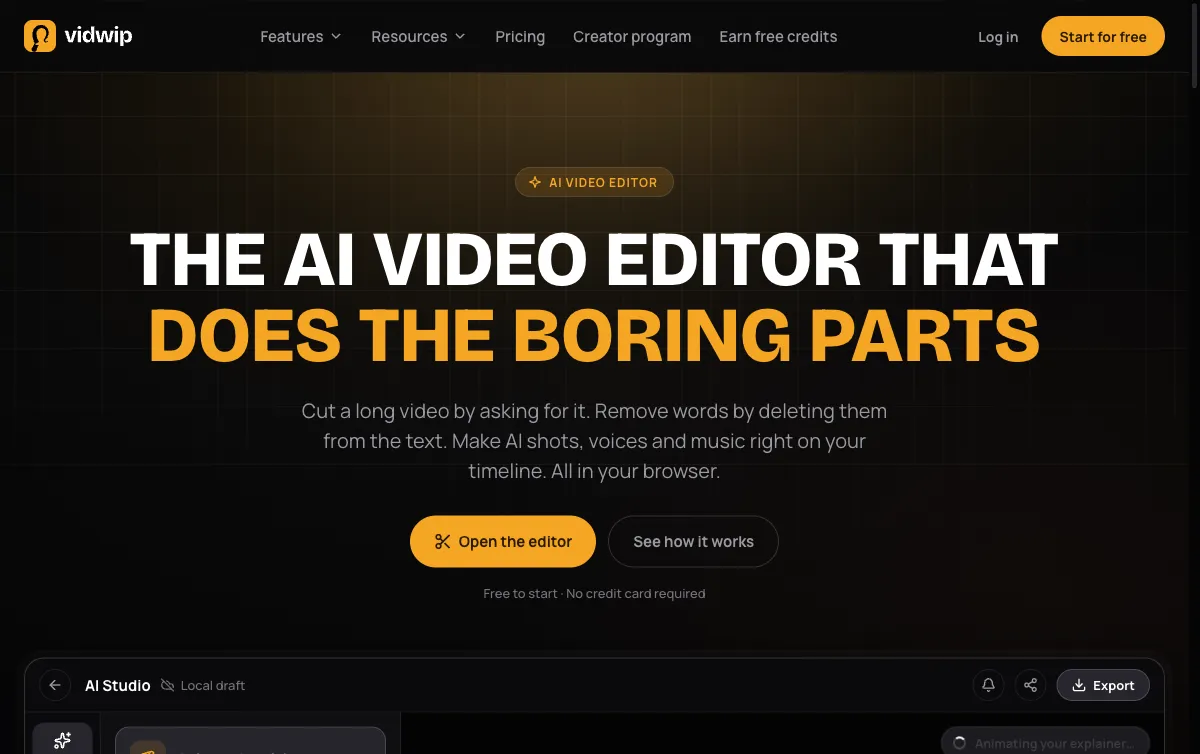 Vidwip AI Studio — AI video, voiceover and music on one browser timeline
Vidwip AI Studio doesn’t have a template library. Instead, you write a brief, choose the tone and format, and the AI generates the video shots, writes and voices the narration, scores the music and assembles everything on a browser timeline you can trim and rearrange. Every export ships without a watermark — on the free plan and every paid plan.
The AI Voiceover library has 190+ voices native to 23 languages, and the speech engine covers 74 languages. If you’re making a product promo for multiple markets, you generate one video and re-voice it in French, Spanish, Japanese — same timeline, different language track. FlexClip’s AI voiceover is limited to a handful of preset voices with no language switching built into the same project workflow.
Export tops out at 1080p. There is no brand kit or custom font upload — Vidwip is a generative production tool, not a design canvas.
Pros
- AI generates shots from a text brief, no template library needed
- 190+ voices, 74 languages, no additional charge per language
- No watermark on any plan, free or paid
- Browser-based, no install, projects save as you work
Cons
- No template library — you start from a brief, not a pre-made layout
- No built-in stock footage browser (AI generates the shots)
- No brand kit, custom fonts or logo upload
- 1080p export ceiling
Best for: Marketing teams and solo creators who want AI-generated video and multilingual voiceover without starting from a template.
Pricing: Free to start, no credit card. Starter $25/month (2,500 credits), Pro $99/month (10,000 credits). See the full credit rates and plan breakdown. (Checked October 2026)
2. Canva
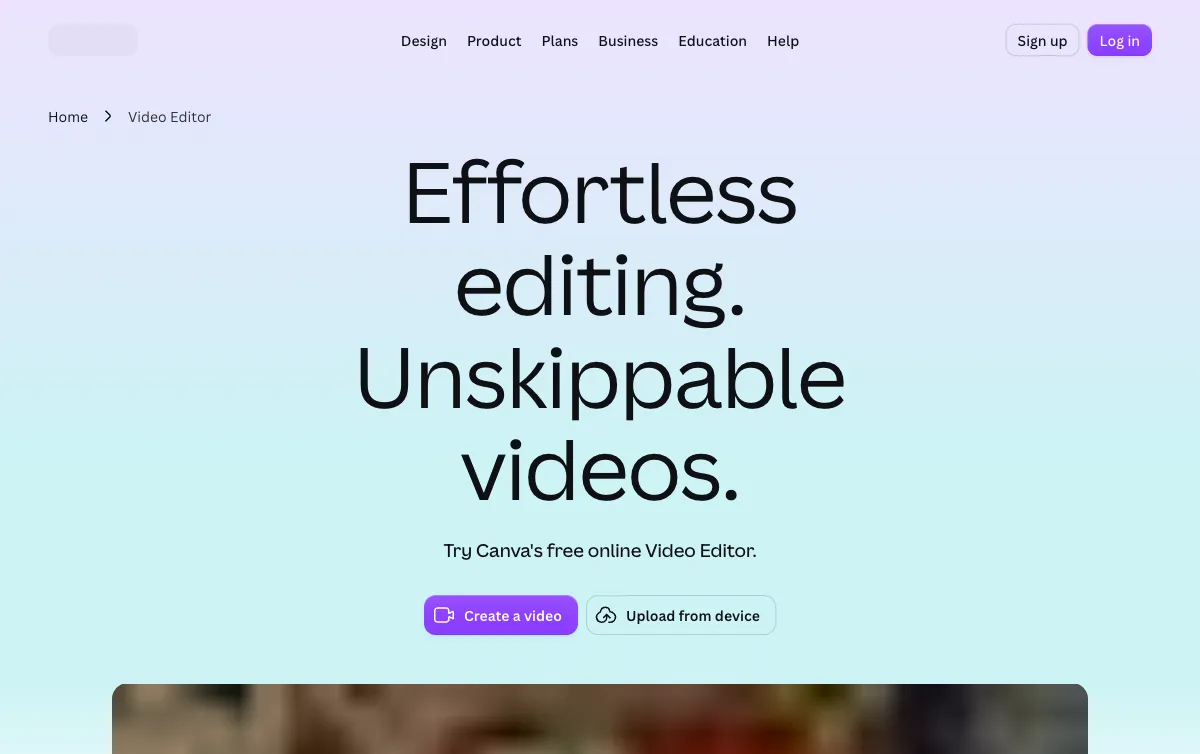 Canva — the largest template library for marketing video
Canva is the most direct swap for FlexClip’s template-based workflow. The template library is enormous — hundreds of thousands of video templates across every format (16:9, 9:16, 1:1, 4:5). You pick a template, drop in your text and logo, swap out the stock footage and export. No watermark on the free plan. Unlimited exports.
The free tier is genuinely useful for video. You get a wide selection of free templates, access to a stock library of Canva-licensed photos and videos, and clean exports at up to 1080p. You just can’t access the premium template variants, Getty images, or the brand kit.
Canva Pro adds the full premium template library, 100 million+ Shutterstock photos and videos, a brand kit with fonts and color palettes, and the Background Remover. At $12/month (annual billing), it’s nearly identical in price to FlexClip Plus.
One limit: Canva is a design tool that does video, not a video production tool. Its timeline is linear and simple — cuts and fades only. You won’t find audio ducking, multi-track mixing or speech-to-text editing here.
Pros
- Hundreds of thousands of video templates, by far the widest selection of any tool here
- Free tier exports video without a watermark and without caps on exports
- Brand kit (Pro) lets you lock colors, fonts and logos across the whole team
- Works as a full design suite, not just video
Cons
- Timeline is basic — no multi-track audio, no text-based editing, no voiceover recording in the timeline
- Premium stock (Getty, Shutterstock) requires Pro or higher
- No AI video generation — video content is template-driven or uploaded
Best for: Designers and marketing teams who already live in Canva and want to turn designs into short social videos.
Pricing: Free (no watermark). Pro $12/month (annual, $144/year) or $18/month. Business $20.83/month (annual, $250/year) or $25/month per person. (Checked October 2026)
3. Clipchamp
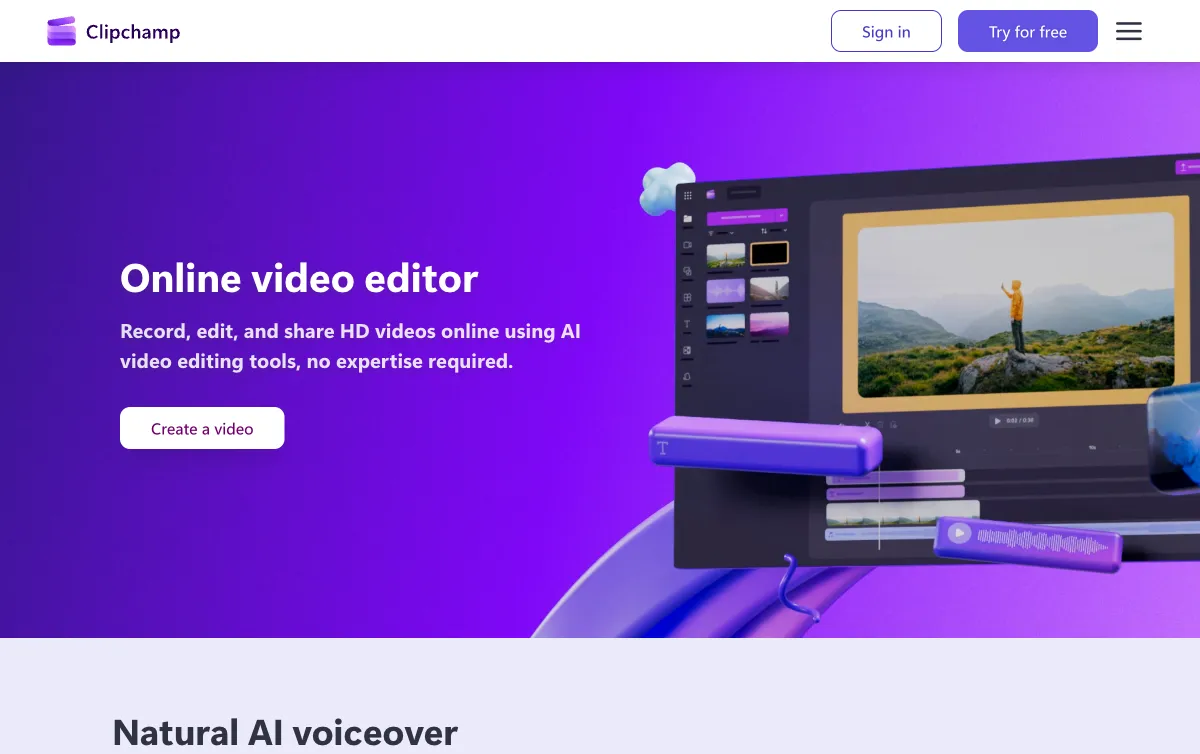 Clipchamp — free 1080p exports with no watermark, Microsoft-native
Clipchamp is the free 1080p answer to FlexClip’s watermarked free tier. You sign in with a Microsoft account, create a video, export at 1080p and download — no watermark, no export limit, no subscription. It’s built into Windows 11 and available in the browser.
The editor is a proper multi-track timeline: video tracks, audio tracks, overlays, transitions and text. It’s not as polished as Canva’s UI, but the fundamentals are solid for cutting clips, adding music and overlaying text.
The template library is smaller than Canva or FlexClip, and the free stock library is limited. Clipchamp Premium, which adds 4K export, premium stock assets and a brand kit, is included with Microsoft 365 Personal ($9.99/month) or Family ($12.99/month) — you’re not buying a video tool separately, you’re getting it bundled with Office.
AI features are more limited than FlexClip: Clipchamp offers a text-to-speech tool and autocaptions, but no AI video generation, text-to-video or one-click script generation.
Pros
- True 1080p exports with no watermark on the completely free plan
- Multi-track timeline with audio tracks, overlays and transitions
- Built into Windows 11 — zero setup for Windows users
- Premium unlocked via Microsoft 365, which most business users already pay for
Cons
- Smaller template library than FlexClip or Canva
- Limited free stock library — premium stock requires the M365 bundle
- No AI video generation or text-to-video
- Weaker on mobile — desktop-first experience
Best for: Windows users and Microsoft 365 subscribers who want clean 1080p exports without a separate video tool subscription.
Pricing: Free (no watermark, 1080p). Premium included with Microsoft 365 Personal ($9.99/month or $99.99/year). (Checked October 2026)
4. Animoto
 Animoto — slideshow-style marketing video with Getty stock on paid plans
Animoto specialises in one thing FlexClip only approximates: turning a stack of photos and short clips into a polished slideshow-style marketing video. Real estate listings, product launches, customer testimonials — Animoto’s templates are tuned for that rhythm. You add your media, pick a template, choose music from its library of 3,000+ licensed tracks (on Professional) and hit export.
The free plan is 720p with an Animoto watermark — the same constraint as FlexClip’s free tier. Basic ($9/month annual) removes the watermark and upgrades to 1080p. Professional ($19/month annual) adds 4K, a voiceover tool, 1 million+ licensed Getty photos and videos, screen and webcam recording together, and video analytics. At that price point, you’re getting a meaningful stock library upgrade.
There is no AI video generation. Animoto is strictly a template-and-upload tool. You supply the media; it handles the assembly.
Pros
- Slideshow-style templates tuned for social media and marketing (real estate, events, product)
- 3,000 licensed music tracks on Professional; 50 on free
- Getty stock (1M+ photos and videos) on Professional — no separate stock subscription
- Voiceover recording tool on Professional
Cons
- Free and Basic plans export with a watermark (free) or without (Basic)
- No AI video generation — you supply the footage
- Basic plan has no logo/colors customisation and no brand kit
- Professional Plus (team plan) jumps to $39/month annual — steep for small teams
Best for: Marketers making slideshow-style videos from existing photos and clips, particularly real estate, events and product marketing.
Pricing: Free (720p, watermarked). Basic $9/month (annual) or $19/month. Professional $19/month (annual) or $29/month. (Checked October 2026)
5. InVideo AI
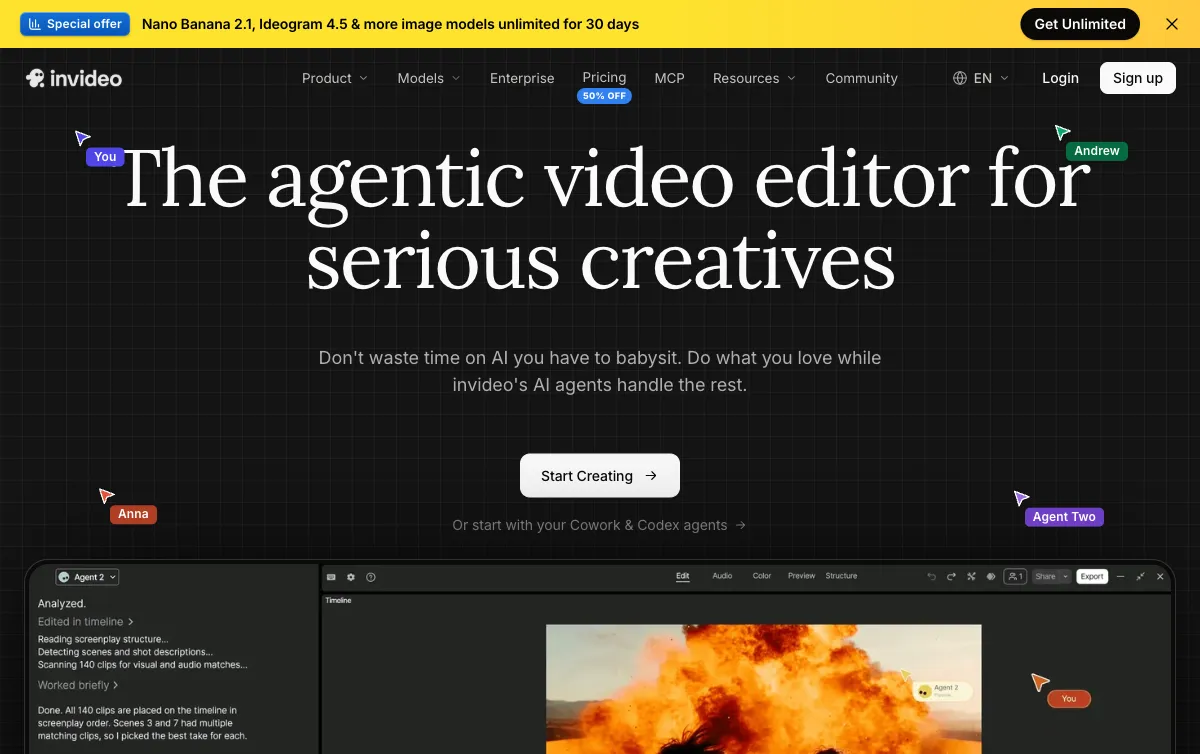 InVideo AI — AI script-to-video with 16M+ stock clips and a multi-track editor
InVideo AI is the most direct AI-powered FlexClip alternative. You type a prompt or paste a script, pick a template style and the AI selects stock footage, writes scene text, adds music and assembles the video. The resulting clip is editable — you can swap shots, change text, re-cut scenes and adjust the narration through a multi-track timeline.
The stock library is huge: 16 million+ clips, 8 million+ images and a large music library. Where FlexClip gives you 5 stock videos per project (on Plus), InVideo AI’s AI picks from the full pool on every generation.
Plans are credit-based. Basic gives 190 AI generation credits per seat per month — enough for light use — while Pro (1,000 credits) and Ultra (3,000 credits) suit daily publishing. There is no clearly advertised free plan; the pricing page shows paid tiers only.
The trade-off is complexity. InVideo AI has more moving parts than FlexClip: templates, an AI editor, a full timeline, a script editor and team seats. There is a learning curve that FlexClip deliberately avoids.
Pros
- AI assembles video from a text prompt, choosing stock footage to match each scene
- 16M+ stock clips, 8M+ images — significantly more than FlexClip’s library
- Full multi-track timeline you can edit after AI generation
- Team plans with guest seats on Pro and Ultra
Cons
- No clearly advertised free tier (unlike Canva, Clipchamp, VEED)
- Credit system requires planning — Basic’s 190 credits/month runs out quickly
- More complex than FlexClip; steeper learning curve for quick one-off videos
- AI-selected stock can miss the mark — manual swaps are often needed
Best for: Content creators who want to go from prompt to finished marketing video using AI-selected stock footage.
Pricing: Basic $9/month per seat ($4 billed annually on a 50% off promotion), 190 credits a seat each month. Pro $30/month ($15 annually), 1,000 credits. Checked October 2026 on invideo.io/pricing.
6. Renderforest
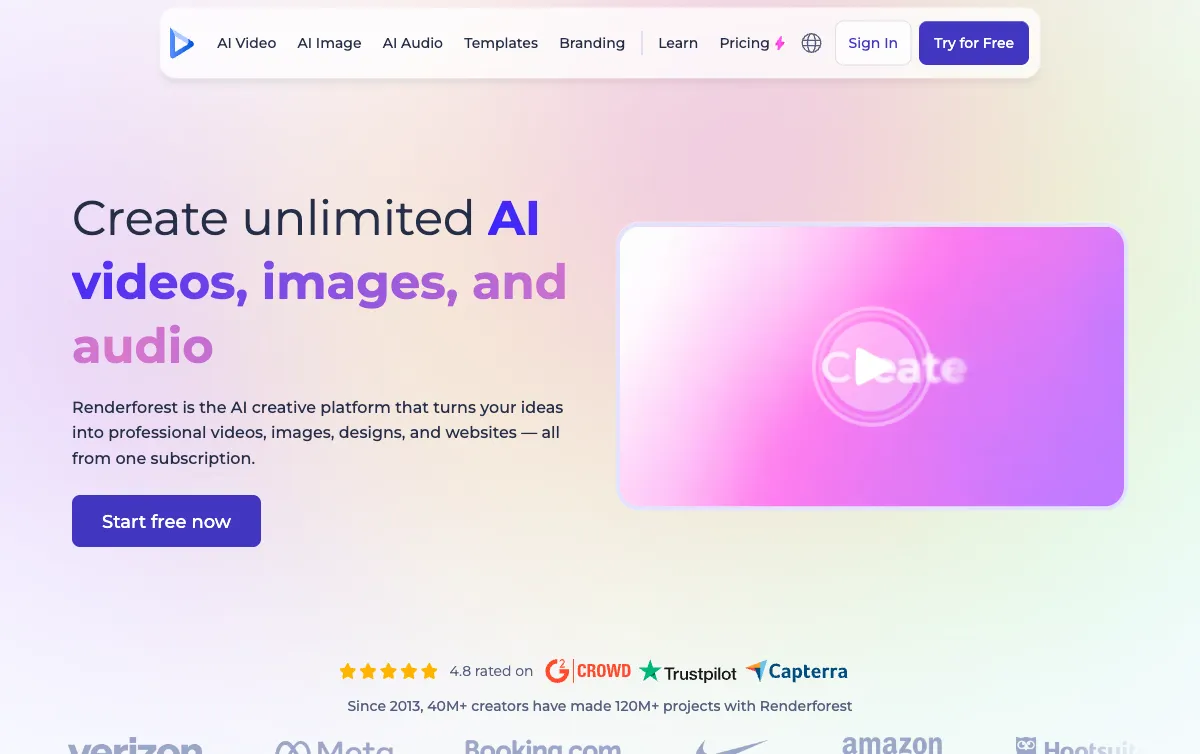 Renderforest — template-heavy video maker strongest on logo animation and brand intros
Renderforest fills the gap FlexClip leaves open for animated brand content: logo reveals, kinetic typography intros, explainer animations and motion-graphics templates. If you need a professional-looking logo animation for your YouTube channel or a branded intro for your product demo, Renderforest has specific templates built for that job — not just generic social video layouts.
The free plan gives you test credits to try the platform, but exports carry a Renderforest watermark and render at low quality. Lite ($9/month annual) gives 9,600 credits per year and HD720 exports. Pro ($19/month annual) unlocks 1080p, 28,800 credits and access to stock footage, music and photos through its built-in library.
Beyond video, Renderforest also builds websites and branding kits — if you want a logo, brand kit and explainer video all from one platform, it’s a capable option.
AI tools include an AI video generator and an AI image tool, though these are secondary to the template library.
Pros
- Strong template library for logo animation, kinetic intros and explainer-style motion graphics
- Website builder and branding kit in the same platform
- Pro plan includes stock footage and music library
- 4K export on Business ($39/month annual)
Cons
- Free tier watermarks exports and limits quality significantly
- Not the best pick for simple social media clips — Canva or Clipchamp are faster
- Credit system limits output volume at lower tiers (9,600 credits per year on Lite)
- AI generation tools are secondary to the template workflow
Best for: Creators who need logo animations, branded video intros and motion-graphics templates rather than social slideshow videos.
Pricing: Free (watermarked, limited credits). Lite $9/month (annual) or $15/month. Pro $19/month (annual) or $39/month. (Checked October 2026)
7. VEED
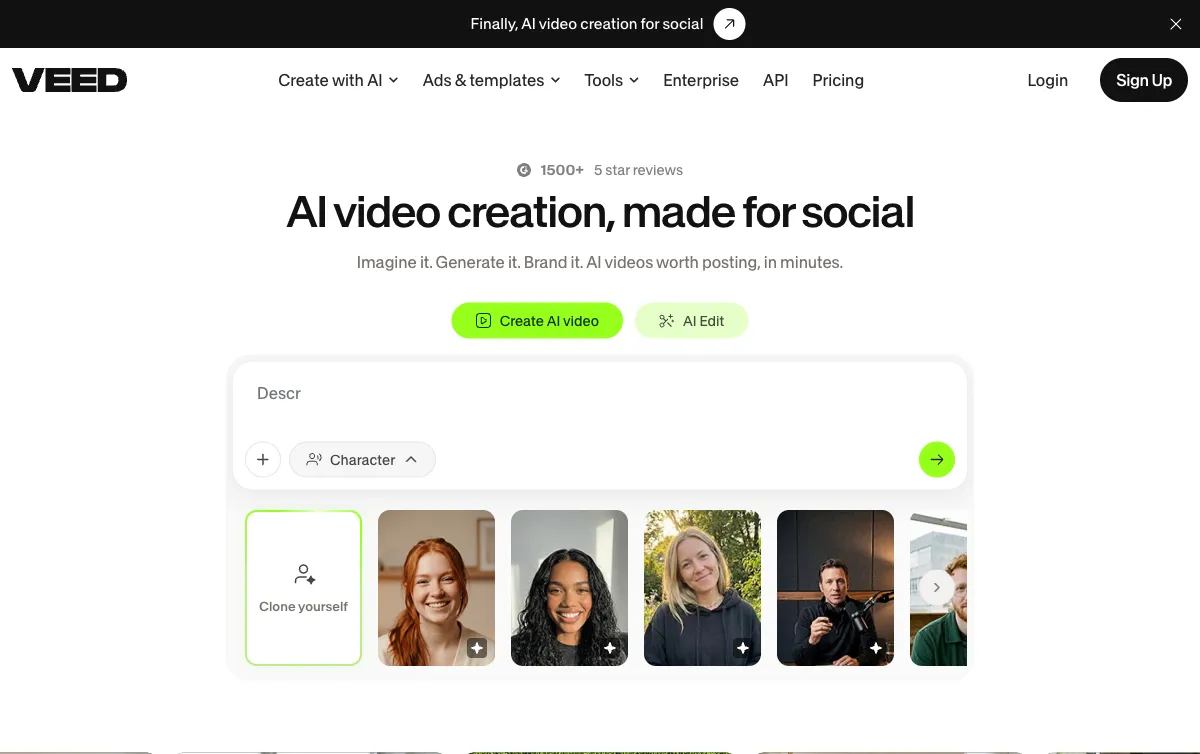 VEED — online video editor with auto subtitles, 50+ language translation and a Gen AI studio
VEED is the most capable pure online editor in this list. Where FlexClip focuses on templates and quick creation, VEED is a production-grade browser editor: multi-track timeline, auto subtitles in 50+ languages, AI voice generation, screen recording, brand kits and a Gen AI Studio that generates and remixes video content from prompts.
The free tier exports without a watermark and includes unlimited auto subtitles — a genuine differentiator over FlexClip’s free tier. Creator ($10/month annual) adds 6,000 credits, no watermark (also on free), audio and video catalogs and 15+ AI tools. Pro ($21/month annual) adds multiple brand kits, 30,000 credits and 144 hours of AI voice per year.
Where VEED stands apart in this list: subtitle and caption workflows. If you’re making talking-head marketing videos that need on-screen captions for social media, VEED’s auto-subtitle accuracy and export quality are strong. FlexClip has caption tools, but they’re not the product’s focus.
Pros
- Auto subtitles and translation to 50+ languages — strongest in this list for captions
- Free tier: no watermark, unlimited auto subtitles
- Gen AI Studio generates and remixes video from text
- Screen recording, voiceover recording and audio editing in one tool
Cons
- Creator plan ($10/month annual) is pricier than Animoto Basic or InVideo Basic as an entry point
- Gen AI Studio adds complexity — simple template users may find it overwhelming
- AI video generation quality is weaker than dedicated generators
Best for: Creators making social or marketing videos that need accurate auto-subtitles, captions and 50+ language translation.
Pricing: Free (no watermark, limited features). Creator $10/month (annual, $116/year). Pro $21/month (annual, $257/year). (Checked October 2026)
FlexClip alternatives compared
| Tool | Template library | AI video gen | Stock media | Free watermark-free | Paid from |
|---|---|---|---|---|---|
| FlexClip | 4,000+ templates | Yes (basic) | Yes (1/project free) | No | $11.99/mo annual |
| Vidwip AI Studio | None — AI-generated | Yes (full) | AI-generated | Yes | $25/mo |
| Canva | 700k+ templates | No | Yes (Pro: premium) | Yes | $12/mo annual |
| Clipchamp | Limited | No | Limited free | Yes (1080p) | M365 bundle |
| Animoto | Slideshow templates | No | Getty on Pro | No | $9/mo annual |
| InVideo AI | AI-selected from 16M clips | Yes | 16M+ clips | No free plan | $9/mo ($4 annual promo) |
| Renderforest | Motion graphics heavy | Yes (limited) | Stock on Pro | No | $9/mo annual |
| VEED | Template library + Gen AI | Yes | Full catalog | Yes (limited) | $10/mo annual |
How to choose the right FlexClip alternative
You want the biggest template library: Canva. Nothing comes close on volume, and the free tier exports without a watermark.
You need free 1080p exports with no watermark: Clipchamp. The only tool here that gives clean 1080p for nothing.
You’re making slideshow-style marketing videos from your own photos: Animoto. Its templates are built for that job, and Professional gets you into Getty’s stock library.
You want AI to generate the video from a brief: Vidwip AI Studio. You write the brief, it generates the shots, voices it in up to 74 languages and exports in 1080p. No templates, pure generation.
You need a prompt-to-stock-video pipeline: InVideo AI. The AI picks from 16 million clips, assembles them to your script and hands you a timeline to edit.
You need a logo animation or brand intro: Renderforest. Specialized motion-graphics templates beat every general-purpose tool here for that job.
Your marketing videos need captions and subtitles: VEED. Auto subtitles in 50+ languages, built into the editor, with no third-party export step.
Related posts
- 8 Best Kapwing Alternatives for Team Video Editing
- 8 Best InVideo AI Alternatives for Script-to-Video
- 7 Best Lumen5 Alternatives for Blog-to-Video Marketing
- 7 Best Fliki Alternatives for AI Voiceover Videos