
Vidwip AI Studio is the pick when your team wants AI shots, voiceover and music on the same browser timeline, with one shared studio and credits instead of seat fees. Descript is the best Kapwing alternative for live co-editing and comments, Canva Business for brand-locked marketing teams, and Clipchamp for free 1080p exports with no watermark.
The best Kapwing alternatives keep what teams like about Kapwing, a browser editor with a shared workspace, and fix what pushes them away. For most teams that’s the seat bill, the 4-minute free export cap, or a missing AI tool they now pay for elsewhere.
Kapwing’s pricing page bills Pro at $16 per member per month on annual billing, or $24 billed monthly. Business is $50 or $64 per member (checked October 2026).
A five-person team on monthly Pro pays $120 a month. On monthly Business it pays $320.
This post ranks eight Kapwing alternatives for team video editing on four things: shared workspaces and collaboration, AI tools, brand kits, and what each extra seat really costs. Every price was checked on the vendor’s own pricing page in October 2026.
Why teams look for Kapwing alternatives
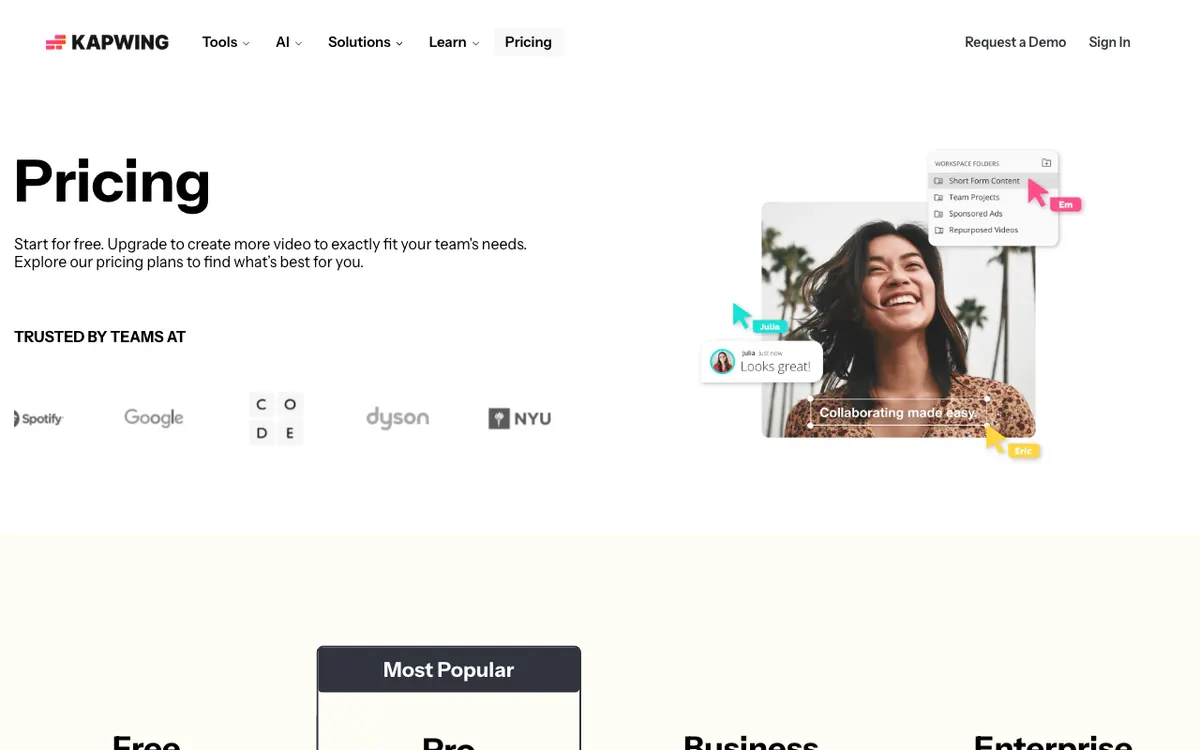 Kapwing’s plans as of October 2026: priced per member, with a 720p, 4-minute, watermarked free tier.
Kapwing is a good editor. It runs in the browser, exports in 4K on Pro, and gives your team a shared workspace, a Brand Kit, and real-time collaboration.
The friction is in the limits. The free plan exports only 4 minutes at 720p with a watermark, and keeps projects for 3 days.
On Pro, AI tools run on minute allowances: 1,000 subtitle minutes, 500 translation minutes, and 50 minutes each of dubbing and text to speech a month. Voice clones and lip sync need Business.
If you’ve hit one of those walls, here’s what to check in a Kapwing alternative:
- Team workspace. Shared projects, roles, and how you invite people.
- Collaboration. Live co-editing, comments and review links.
- AI tools. Subtitles, voice, generation, and whether they burn a separate allowance.
- Brand kit. Logos, fonts and colors, plus template locking if you have a brand team.
- Seat price. Per-editor pricing grows with every hire.
AlternativeTo’s Kapwing page lists dozens of options, from Premiere Pro to iMovie. The eight below are the browser-first tools worth a team’s time in 2026.
1. Vidwip AI Studio
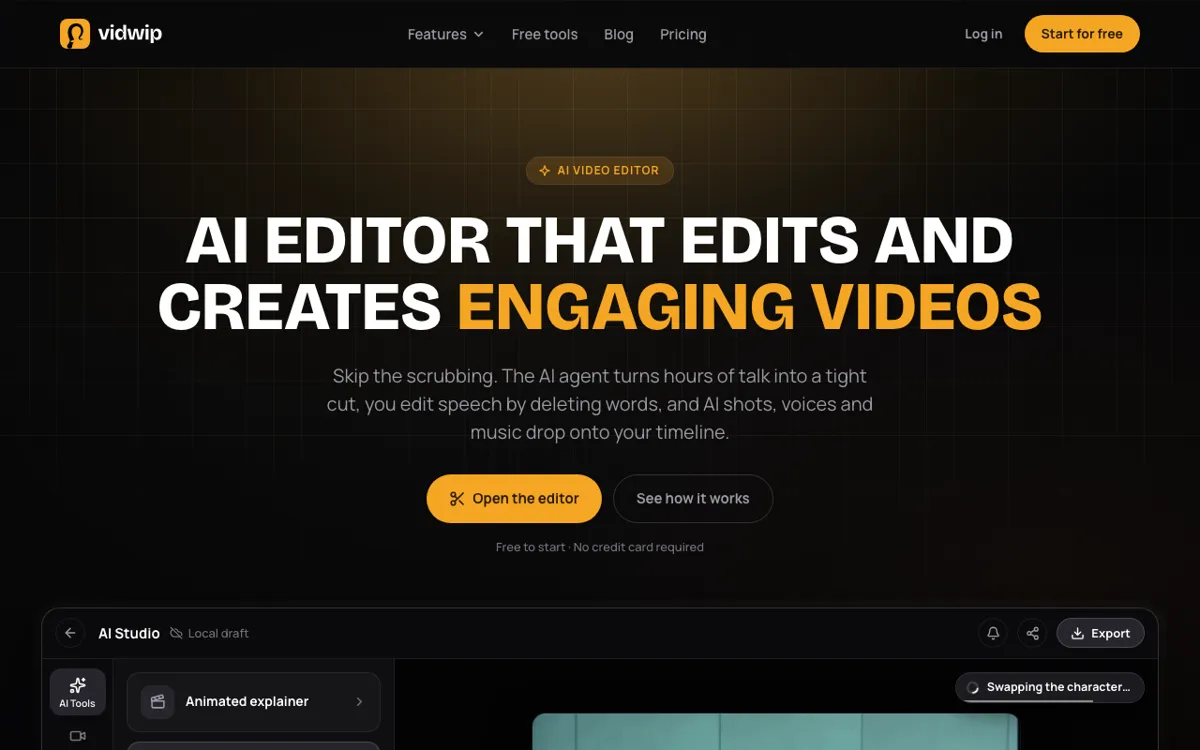 Vidwip AI Studio — a multi-track browser editor where AI shots, voiceover and music land on your tracks.
Vidwip AI Studio is a browser video editor for teams who mix their own footage with AI-generated shots, voice and music. Everything you generate lands on the same multi-track timeline, so nothing goes through a downloads folder.
You trim, split and ripple delete across video and audio tracks. Then you prompt a shot on one of 16 video models, including Veo 3.1, Kling 3.0 Pro and Seedance 2.5, and it lands on your timeline next to your footage.
Voiceover and music come from the Audio drawer. Generate Speech in 190+ voices across 74 languages, a 10 to 180 second music bed, or sound effects, straight onto a track.
For talk-heavy footage, Edit video reads up to 2 hours of talk across 24 clips and lays a rough cut from one brief. You can also cut speech by deleting words in the transcript, and add subtitles timed to each word or translated into 94 languages.
For teams, Vidwip works by studio. You invite people as admins or members, saved AI Studio projects live in the shared studio, and everyone draws on the same plan’s credits.
There’s no per-seat fee. A five-person studio pays the same plan price as a solo creator.
Pros
- AI video on 16 models, speech, music and sound effects generate straight onto the timeline
- Shared studio with admin and member roles, and saved projects the whole team can open
- Credits pooled per studio, with no per-seat pricing
- Edit video turns up to 2 hours of talk into a trimmable rough cut
- Word-timed subtitles in 94 languages
- No watermark on AI Studio exports, on any plan
Cons
- No live co-editing and no comments on a cut
- No brand kit and no locked templates
- Export tops out at 1080p, with no 4K
- Editing and export run in the browser tab, so a 40-second cut takes 40 seconds to export
Best for: Small teams who want AI shots, voiceover and music in the same edit, without paying for every seat. If you need a whole video re-voiced in another language, AI Video Dubbing keeps each speaker’s own voice in up to 94 languages.
Pricing: Free to start, no credit card. Starter $25/month for 2,500 credits. Pro $99/month for 10,000 credits. Enterprise custom (see plans).
2. VEED
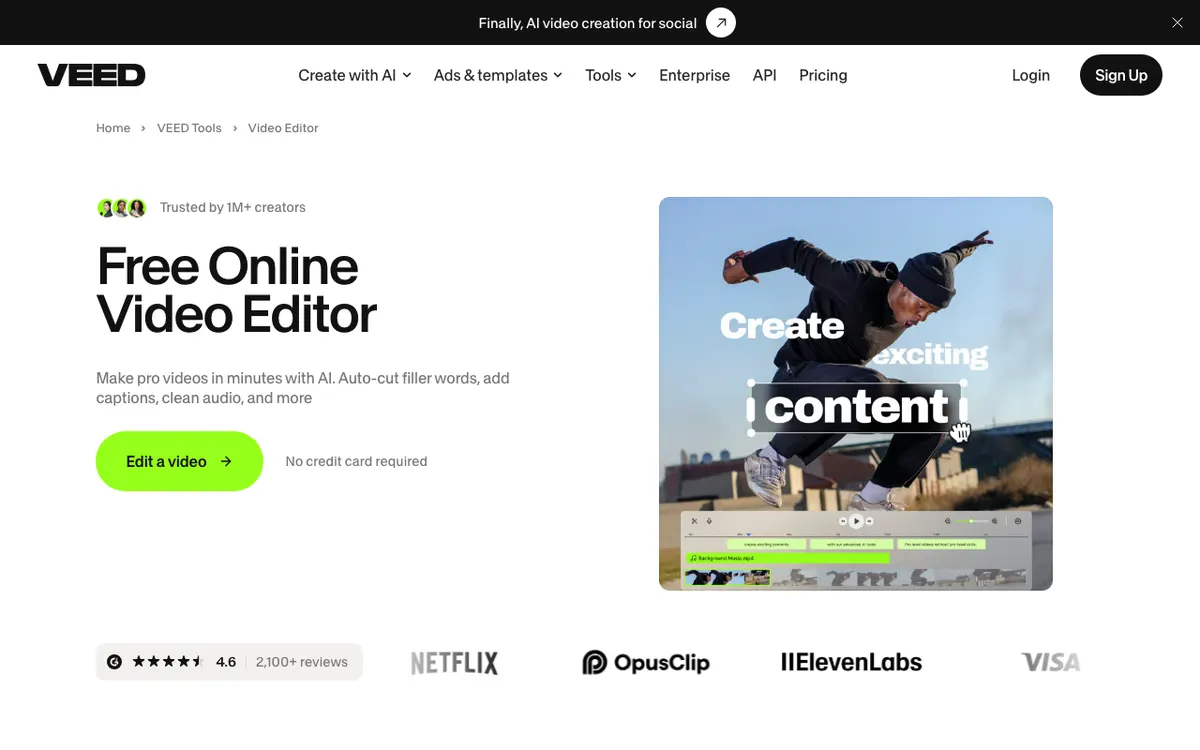 VEED — the browser editor closest to Kapwing in feel and feature set.
VEED is a browser video editor for marketing and social teams, offering auto subtitles, translation, brand kits and AI generation from $10 per user per month billed yearly. It’s the most like-for-like Kapwing swap on this list.
Pro adds 4K export, translation into 50+ languages, multiple brand kits and unlimited auto subtitles, within a 50-hour monthly fair-use limit. Credits cover AI video and image generation and don’t roll over.
VEED bills per seat and charges you when you invite a user. Central team management and review mode sit on Enterprise.
Pros
- Familiar browser editor with fast, accurate auto subtitles
- 4K export and 50+ translation languages on Pro
- Multiple brand kits on Pro
- AI video and image generation built in
Cons
- Per-seat billing, charged the moment you invite someone
- Review mode and central team management are Enterprise only
- Prices vary by region, and VEED tests prices on its Pro plan
Best for: Marketing teams who want Kapwing’s workflow with a bigger AI toolbox. Our VEED alternatives ranking covers its own limits in depth.
Pricing: Free (watermark). Creator $10 and Pro $20 per user per month billed yearly ($125 and $234 a year). Monthly billing costs more, and VEED shows prices by region (veed.io/pricing, checked October 2026).
3. Canva
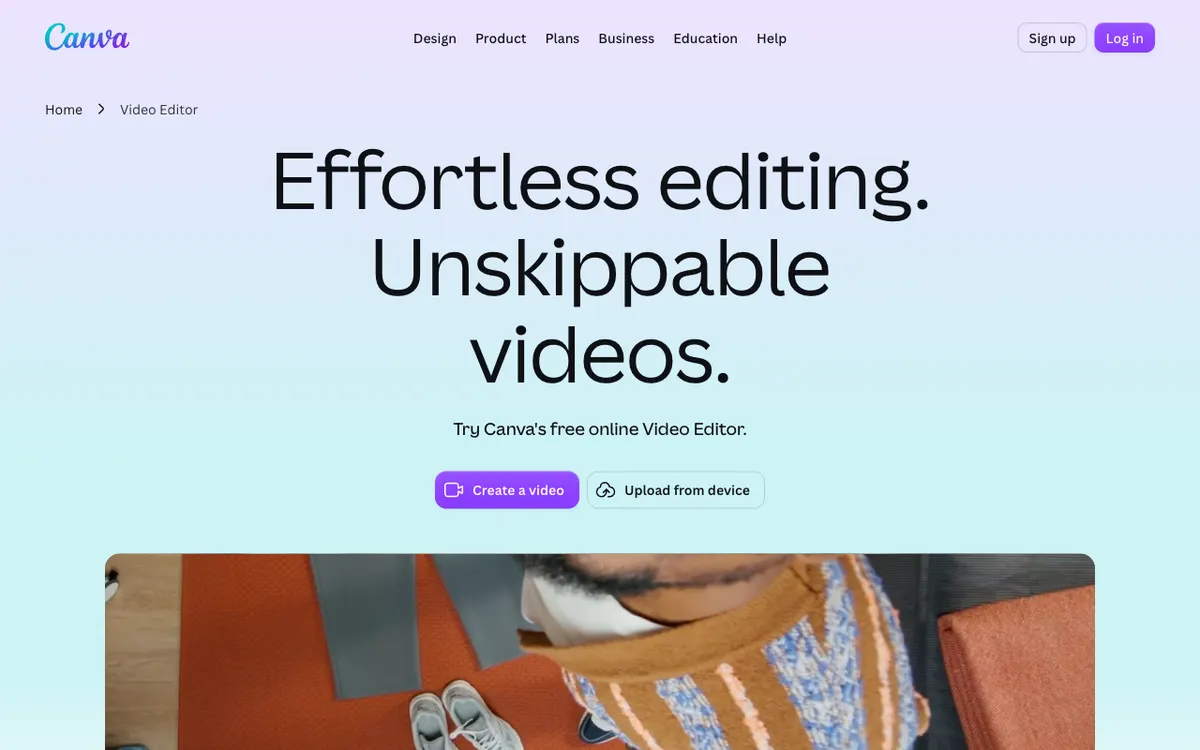 Canva — templates, brand kits and a simple video timeline in one design tool.
Canva is a design platform for marketing teams, offering a template-led video editor, brand kits and real-time co-editing from US$144 a year for Pro. If your team already makes social graphics in Canva, its video editor is the shortest path.
The catch for teams: Pro is a one-person licence. To work together you need Business, at $250 per person per year or $25 billed monthly, and you pay only for members who accept an invite.
Business includes up to 100 brand kits with approvals. That’s the strongest brand control here outside Adobe.
Pros
- Huge template library for social, ads and presentations
- Real-time co-editing and comments on shared designs
- Up to 100 brand kits with approvals on Business
- Pay only for members who accept an invite
Cons
- The video timeline is simple next to Kapwing or Descript
- Pro is single-person, so teams pay Business prices
- AI uses come from a monthly allowance, and heavier use needs the AI Pass add-on
Best for: Brand and social teams who make video alongside graphics and decks.
Pricing: Free plan. Pro US$144/year for one person. Business US$250 per person per year. These are US prices; Canva shows regional prices in some countries (canva.com/pricing, checked October 2026).
4. Descript
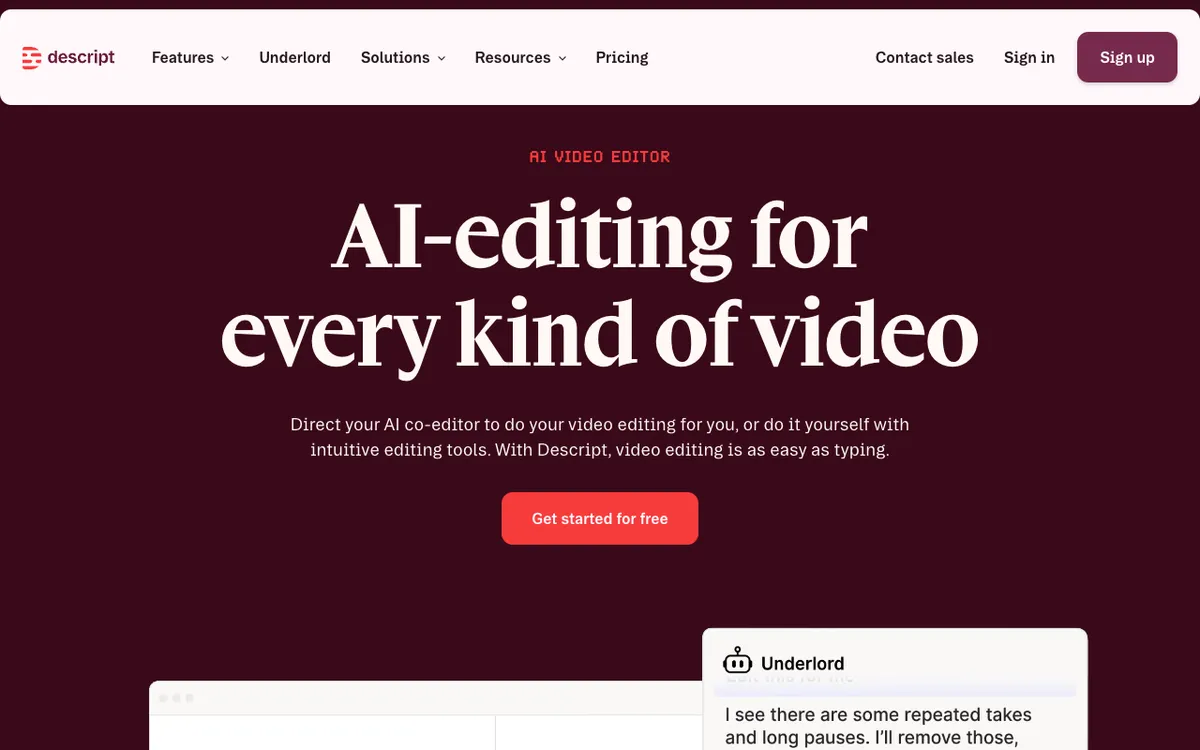 Descript — edit video by editing its transcript, with comments on every plan.
Descript is a text-based video editor for podcast, YouTube and course teams, offering transcript editing, live collaboration and AI dubbing from $16 per person per month billed annually. You delete a word in the transcript, and the video cuts with it.
Commenting and live collaboration are on every plan, including Free. That makes Descript the best Kapwing alternative when your team reviews cuts together.
Its AI editor, Underlord, removes filler words and retakes on request. Business adds Brand Studio, a team layout pack, plus a transcription glossary.
Pros
- Live collaboration and comments on every plan
- Edit by transcript, with Underlord for filler words and retakes
- Caption translation into 61 languages and dubbing into 30
- 4K export on Creator and Business
Cons
- Creator caps at 3 seats and Business at 5, so bigger teams go to Enterprise
- Transcription covers 25 languages
- Built for speech; music-driven or B-roll cuts are slower
Best for: Teams whose video is mostly people talking. Our Descript alternatives post covers the trade-offs.
Pricing: Free (720p, watermark). Hobbyist $16/person/month billed annually or $24 monthly. Creator $24 or $35. Business $50 or $65 (checked October 2026).
5. Clipchamp
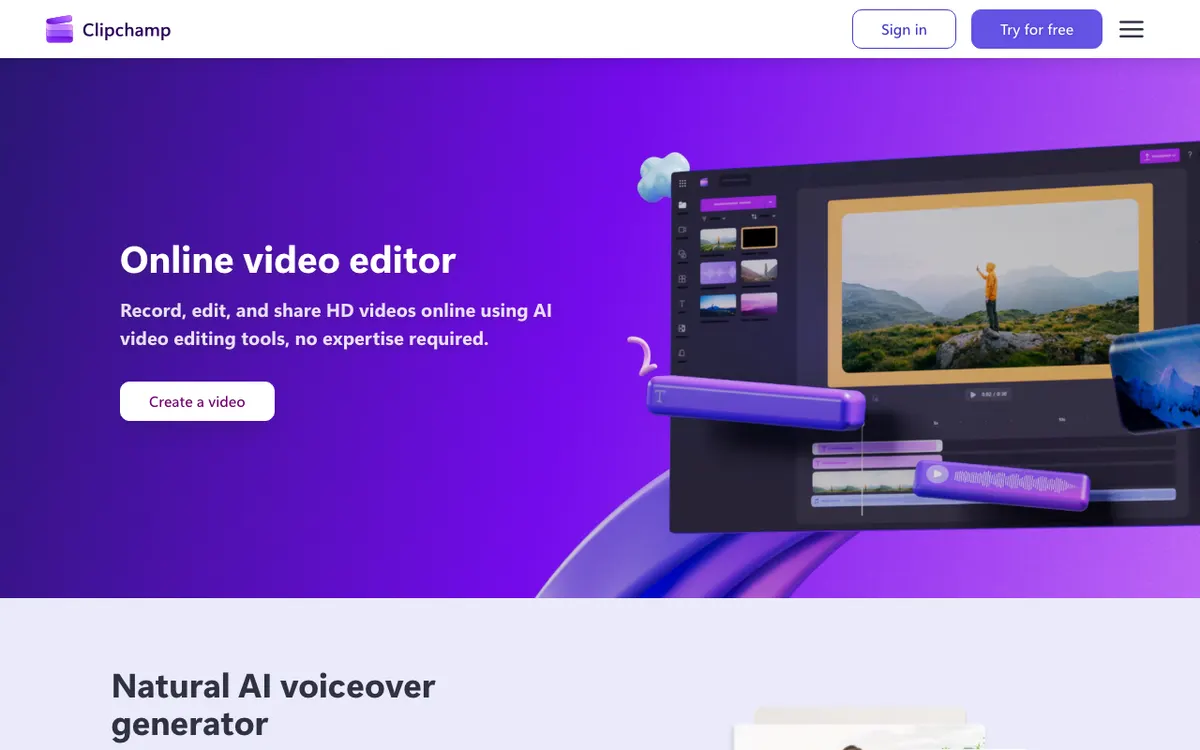 Clipchamp — Microsoft’s browser editor, free at 1080p.
Clipchamp is Microsoft’s online video editor for beginners and Microsoft 365 teams, offering watermark-free 1080p exports on its free plan. That beats Kapwing’s 720p, 4-minute free tier by a wide margin.
AI subtitles, voiceovers and silence removal are free. 4K exports, premium stock and the brand kit come with a Microsoft 365 Personal or Family subscription.
For work accounts, Clipchamp is included in some Microsoft 365 business and education licences. Premium features and AI video creation there need a Copilot licence.
Pros
- Free exports at up to 1080p with no watermark
- AI subtitles, voiceover and silence removal on the free plan
- Included in many Microsoft 365 business licences
- OneDrive backup for your content
Cons
- Brand kit covers one brand on Premium
- No real-time co-editing documented, unlike Kapwing or Descript
- Work-account AI features need a Copilot licence
Best for: Teams already on Microsoft 365 who need a simple, free editor.
Pricing: Free (1080p, no watermark). Premium via Microsoft 365 Personal at $9.99/month or Family at $12.99/month (checked October 2026).
6. Flixier
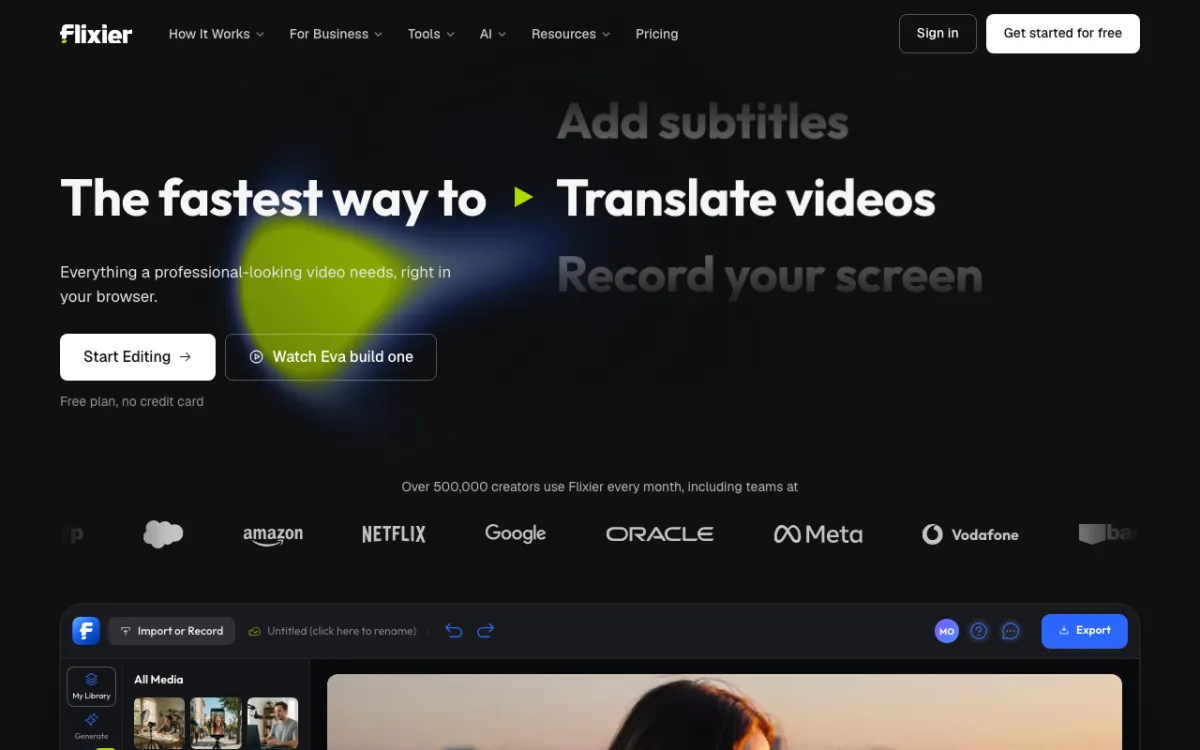 Flixier — cloud-rendered browser editor with unlimited collaborators on Creator.
Flixier is a cloud-rendered video editor for teams on mixed hardware, offering unlimited collaborators, a brand kit and AI editing from $39 per seat per month on Creator. Rendering runs on Flixier’s servers, so an old laptop exports as fast as a new one.
Creator unlocks the team features: unlimited collaborators, Brand Kit, 4K, unlimited exports, and edit by transcript. Its AI assistant, Eva, edits on request and generates AI video in the timeline.
Starter is cheaper at $19 per seat, but it caps you at 60 export minutes and 120 subtitle minutes per seat a month.
Pros
- Cloud rendering keeps exports fast on any machine
- Unlimited collaborators and Brand Kit on Creator
- Eva edits on request and generates video in the timeline
- Subtitle exports in SRT, VTT, TXT and more
Cons
- Team features start at $39 per seat, above Kapwing Pro
- Starter caps exports at 60 minutes and 1080p per seat
- Free plan allows 10 export minutes a month, at 720p with a watermark
Best for: Teams with mixed hardware who want server-side rendering and AI editing.
Pricing: Free (720p, watermark). Starter $19, Creator $39, Business $69 per seat per month billed monthly (checked October 2026).
7. Adobe Express
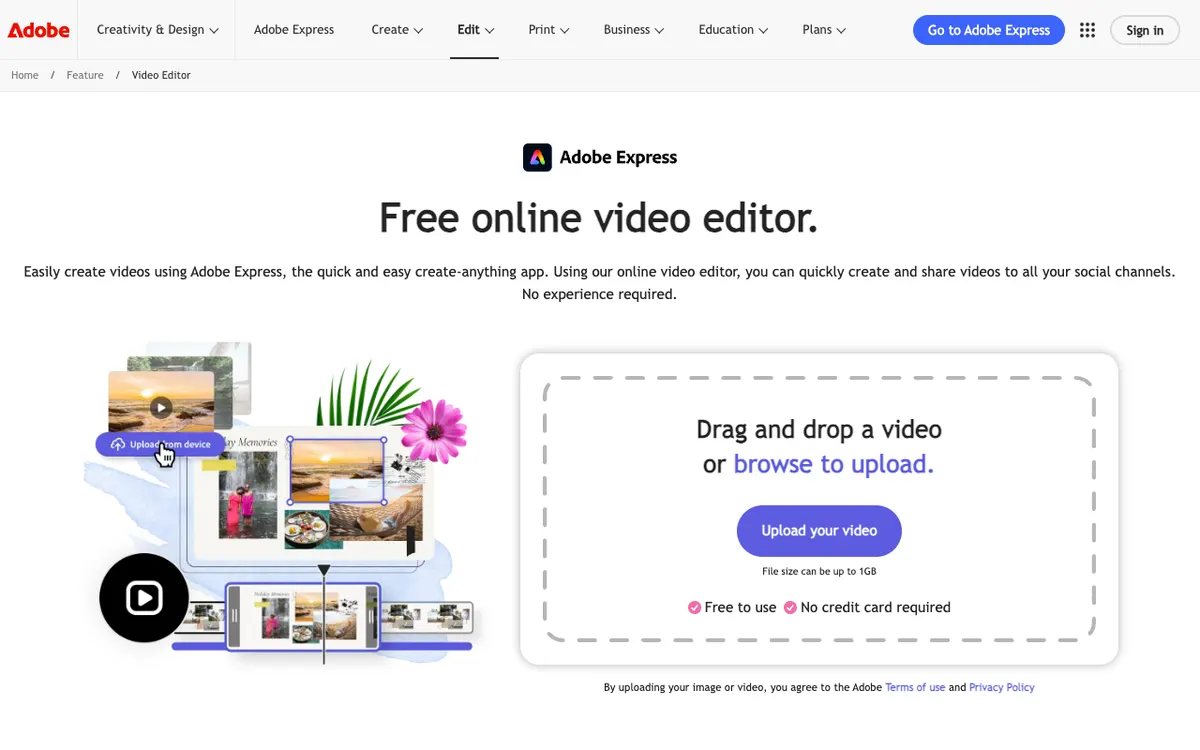 Adobe Express — quick video, graphics and brand controls, with Firefly built in.
Adobe Express is a quick-create design and video app for marketing teams, offering brand kits, template locking and Firefly AI from $7.99 per license per month on Teams. It’s the cheapest per-seat team plan on this list.
Teams includes brand kits, brand controls and template locking, so a brand lead can stop edits to logos and fonts. Each user gets 250 Firefly generative credits a month.
Video projects run up to 2 hours on paid plans, and 30 minutes on Free.
Pros
- Lowest team seat price here, with a first-year discount
- Brand controls and template locking on Teams
- 250 Firefly credits per user per month
- Video projects up to 2 hours on Premium and Teams
Cons
- The video editor is basic; it’s built for short social clips
- Teams needs at least 2 seats and an annual commitment
- Collaboration centers on shared templates, not live co-editing a timeline
Best for: Brand-led teams already on Adobe who make short social video.
Pricing: Free plan. Premium $9.99/month. Teams $7.99 per license per month, or $4.99 in the first year, billed monthly on an annual plan with a 2-seat minimum (checked October 2026).
8. WeVideo
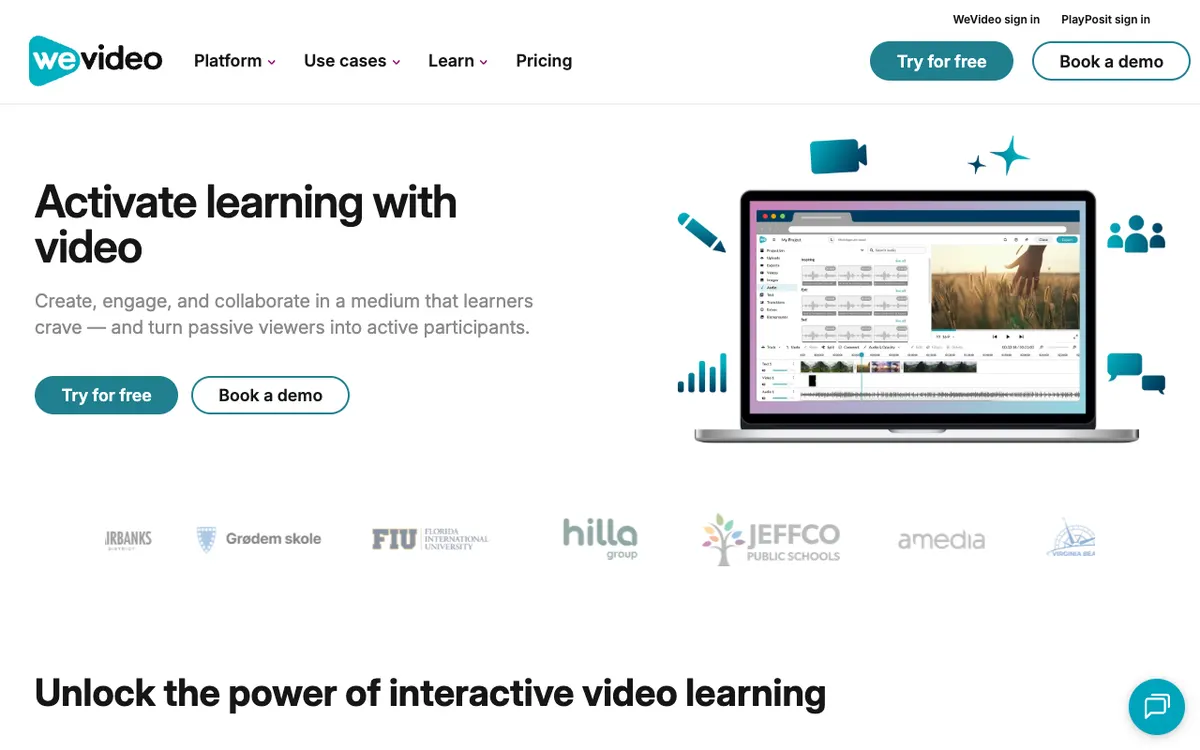 WeVideo — cloud video editor with real-time collaboration, now aimed at learning.
WeVideo is a cloud video editor for schools and small teams, offering real-time collaboration, shared projects and 4K export from $36.99 a month for Business billed annually. It has shipped collaborative browser editing for longer than most tools here.
Business covers teams of 3 or fewer, with real-time collaboration, shared projects and assets, and custom templates. Teams is a 3-seat licence at $624 a year.
WeVideo now leads with education and interactive video, and its classroom plans are priced per seat for schools.
Pros
- Real-time collaboration and shared projects on Business and Teams
- 4K export from the Unlimited plan up
- Brand management with logo, colors and up to 3 fonts
- Per-seat education pricing for schools
Cons
- Business covers 3 users at most
- Free exports stop at 480p and 5 publishing minutes a month
- Fewer AI tools than Kapwing, VEED or Flixier
Best for: Schools and small teams who want a proven collaborative timeline.
Pricing: Free (480p). Unlimited $7.99/month billed annually. Business $36.99/month billed annually. Teams $624/year for 3 seats (checked October 2026).
Kapwing alternatives compared
| Tool | Team workspace | Live co-editing | Brand kit | Max export (paid) | Free plan watermark | Team price |
|---|---|---|---|---|---|---|
| Kapwing (baseline) | Shared workspace | Yes | Pro and up | 4K | Yes | $16/member/mo yearly, $24 monthly |
| Vidwip AI Studio | Shared studio, admin and member roles | No | No | 1080p | No | From $25/mo per studio, no seat fee |
| VEED | Per-seat workspace | Review mode on Enterprise | Multiple on Pro | 4K (Pro) | Yes | $10/user/mo yearly |
| Canva | Business team | Yes, with comments | Up to 100 on Business | Not compared | Not compared | $250/person/yr |
| Descript | Up to 5 seats on Business | Yes, every plan | Brand Studio on Business | 4K (Creator) | Yes | $16/person/mo yearly, $24 monthly |
| Clipchamp | Microsoft 365 work accounts | Not documented | One brand on Premium | 4K with Microsoft 365 | No (1080p free) | Included in some Microsoft 365 business plans |
| Flixier | Unlimited collaborators on Creator | Not stated | Creator and up | 4K (Creator) | Yes | $39/seat/mo for team features |
| Adobe Express | Teams plan | Shared templates | Brand controls, template locking | Not compared | Not compared | $7.99/license/mo, 2-seat minimum |
| WeVideo | Business (up to 3) and Teams | Yes | Brand management | 4K | Free is 480p | $36.99/mo yearly for up to 3 users |
Prices checked on each vendor’s pricing page in October 2026. Canva and VEED show regional prices in some countries.
How to choose the right Kapwing alternative
You want AI shots, voiceover and music inside the edit, without seat fees. Pick Vidwip AI Studio. 16 video models, 190+ voices and a music generator land on one timeline, and your studio shares one plan’s credits. For a full multi-model comparison, see our Higgsfield alternatives ranking.
You review cuts together, live. Pick Descript. Live collaboration and comments come on every plan, and transcript editing is fastest for talking-head footage.
Brand control matters most. Pick Canva Business or Adobe Express Teams. Canva gives you up to 100 brand kits with approvals; Adobe Express locks templates for less per seat.
You need free and watermark-free. Pick Clipchamp for 1080p exports at no cost. Our CapCut alternatives post covers more free editors for short-form.
You want Kapwing, just different. Pick VEED for the same browser workflow with more AI, or Flixier if cloud rendering and unlimited collaborators matter.
If your team mainly cuts long videos into social clips, our Opus Clip alternatives comparison ranks the repurposing tools.
Final verdict
For a team that wants to edit, generate and voice in one place, start with Vidwip AI Studio. AI shots, speech, music and word-timed subtitles all land on one browser timeline, and the whole studio shares one plan’s credits instead of paying per seat.
Descript wins for live co-editing and comments. Canva and Adobe Express win for brand control, and Clipchamp is the best free Kapwing alternative.
Start free at app.vidwip.com, no credit card needed.