
The best Lumen5 alternative depends on what you need beyond blog-to-video. Vidwip turns pasted article text into an animated 9:16 explainer with a voiceover in 74 languages and shares projects across a studio with no per-seat price, but has no URL import, stock library or brand kit. Pictory and Fliki are the closest URL-to-video swaps, Visla is the cheapest team pick, Canva suits teams already designing there, InVideo AI suits prompt-led editing, and Synthesia suits presenter-led video.
You publish a blog post, and the social team wants a video of it by Friday. Lumen5 alternatives promise the same shortcut Lumen5 made famous: drop in an article, get a branded video with a voiceover and captions, and post it everywhere.
Lumen5 still does that job well. It gets expensive and awkward when more than one person needs to log in, when you want 1080p on the cheapest plan, or when stock footage makes every post look the same.
This guide ranks seven Lumen5 alternatives for marketing teams that turn blog posts into social video. Each is judged on article import, brand templates, AI voiceover and seat pricing, with every price checked on the vendor’s own US pricing page in October 2026.
What Lumen5 does, and why teams look for Lumen5 alternatives
 Lumen5: blogs, articles and documents turned into stock-footage video with AI voices.
Lumen5 is a blog-to-video platform for marketing and comms teams. You paste a post, it summarizes the text into scenes, pairs each scene with stock media, and you finish the video from 100+ templates.
Lumen5 says over 5,000,000 companies use it, and it holds a 4.6/5 rating on Capterra.
Pricing, from lumen5.com/pricing (checked October 2026):
- Free: 5 videos a month, 720p, 2-minute cap, Lumen5 outro
- Basic: $29/month, or $19/month billed yearly. Unlimited videos at 720p, 240 AI voice minutes a year
- Starter: $79/month, or $59/month billed yearly. 1080p, 1 brand kit, 720 AI voice minutes a year
- Pro: $199/month, or $149/month billed yearly. 3 brand kits, custom fonts, watermark upload, 3 workspaces
- Team: custom pricing, the only plan with multiple users
Marketing teams look for Lumen5 alternatives for four reasons:
- Every self-serve plan is one user. The pricing table lists “Single user” from Free to Pro, so a second marketer means the custom Team plan.
- 1080p costs $59 a month or more. Free and Basic export at 720p.
- AI voice minutes are metered by the year. Basic includes 240 minutes a year, about 20 a month.
- Stock scenes repeat. Two posts on one topic often pull the same clips.
What to look for in a Lumen5 alternative
Judge each tool on the parts of the blog-to-video job your team actually repeats.
| Criterion | Why it matters for blog-to-video |
|---|---|
| Article or URL import | Decides whether you paste a link or rewrite the post as a script |
| Brand kit and templates | Locks logos, fonts and colors across a weekly series |
| AI voiceover | Social video is watched on mute and with sound, so captions and voice both count |
| Seat pricing | A content team of three can triple the bill on per-user plans |
| Export resolution and watermark | 720p or a vendor watermark rules a plan out for paid social |
| Scene source | Stock, generated or drawn scenes decide how original the video looks |
1. Vidwip
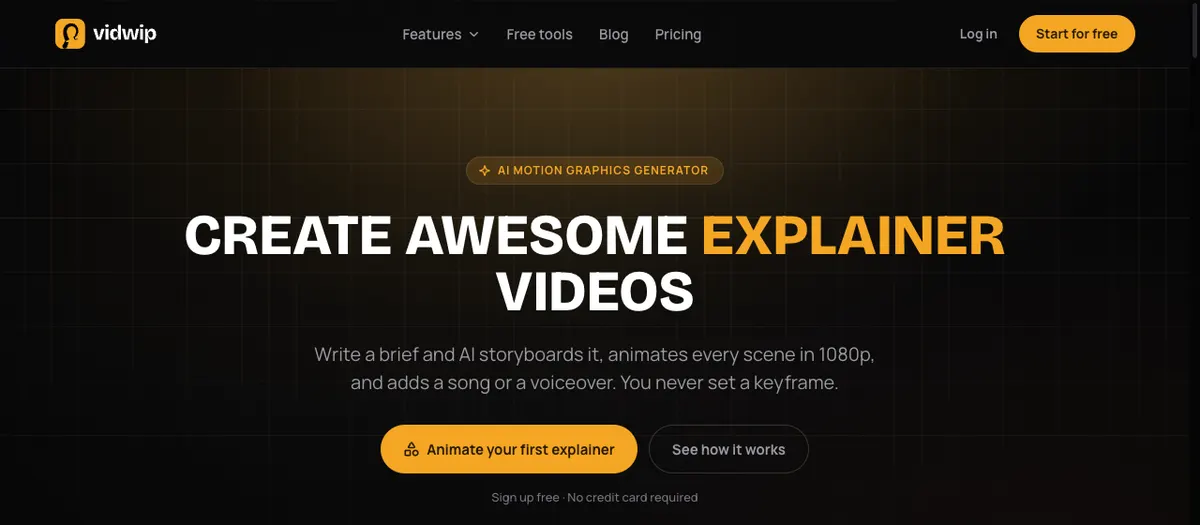 Vidwip AI Motion Graphics: paste a brief, and AI storyboards it, animates every scene in 1080p and adds a voiceover or a song.
Vidwip is an AI creative studio that turns pasted article text into an animated explainer with a voiceover, then lets your team caption, trim and share it from one studio. It draws every scene instead of matching stock clips, and it’s free to start with no credit card.
Blog to video: AI Motion Graphics. You paste the post, or the part of it you want to promote, as a brief of 20 to 4,000 characters. The AI agent storyboards it into timed scenes and animates each one in one of 85 styles, from Kinetic Typography to Infographic Motion, at 1080p and 30 fps.
Pick 9:16 for Reels, Shorts and TikTok, 1:1 for the feed or 16:9 for YouTube and LinkedIn. Films run 30 seconds, 1, 3 or 5 minutes.
For sound, pick Voiceover and one of 190+ voices. Paste your own script to have it spoken as written, or let the AI agent write one, in any of 74 languages.
This is the big difference from Lumen5. On-screen text is set as real type, so headlines, stats and product names appear exactly as you wrote them, and two posts on one topic never share the same stock clip.
Captions and edits: AI Studio. Each scene lands as its own block in AI Studio, a browser timeline editor. Add word-timed subtitles for viewers on mute, translate them into any of 94 languages, and reorder or trim scenes before you export.
Long talk to shorts: AI Clipping. If your post started life as a webinar or podcast, AI Clipping cuts a recording of up to 60 minutes into up to 5 captioned 9:16 shorts, ranked best first.
Teams. Plans belong to a studio, not a seat. You invite teammates as members or admins, and they share the studio’s projects and credits, with no per-seat price. Only the owner manages billing.
Projects save to your account, and AI Studio offers four starter templates. AI Motion Graphics, AI Studio and AI Clipping exports carry no Vidwip watermark on any plan.
Pros
- Scenes drawn for your post, not matched from a stock library everyone shares
- 85 animation styles, with on-screen text set as real type at 1080p
- 9:16, 1:1 and 16:9 from the same brief
- Voiceover in 190+ voices and 74 languages, subtitles translated into 94
- Studio plans with no per-seat price: invited members share projects and credits
- No Vidwip watermark on AI Motion Graphics, AI Studio or AI Clipping exports
Cons
- No URL or article import: you paste the text yourself, up to 4,000 characters per brief, so a long post needs trimming to its key section
- No brand kit, so logos, fonts and colors aren’t locked across videos
- No stock footage or photo library, so live-action b-roll has to be generated or uploaded
- No brand templates or approval workflow, and team roles stop at owner, admin and member
- Export tops out at 1080p, with no 4K
- Only four starter templates in AI Studio, and no priority render on any plan
- The free sign-up credits don’t stretch to a full explainer on AI Motion Graphics’ default model
Best for: Content marketers who want each post turned into an original animated explainer with a voiceover, shared across a small team, and who can live without URL import, stock footage or a brand kit.
Pricing: Free to start, no credit card (AI Motion Graphics is sign up free). Starter $25/month for 2,500 credits, Pro $99/month for 10,000 credits, Enterprise custom (see Vidwip pricing, checked October 2026).
2. Pictory
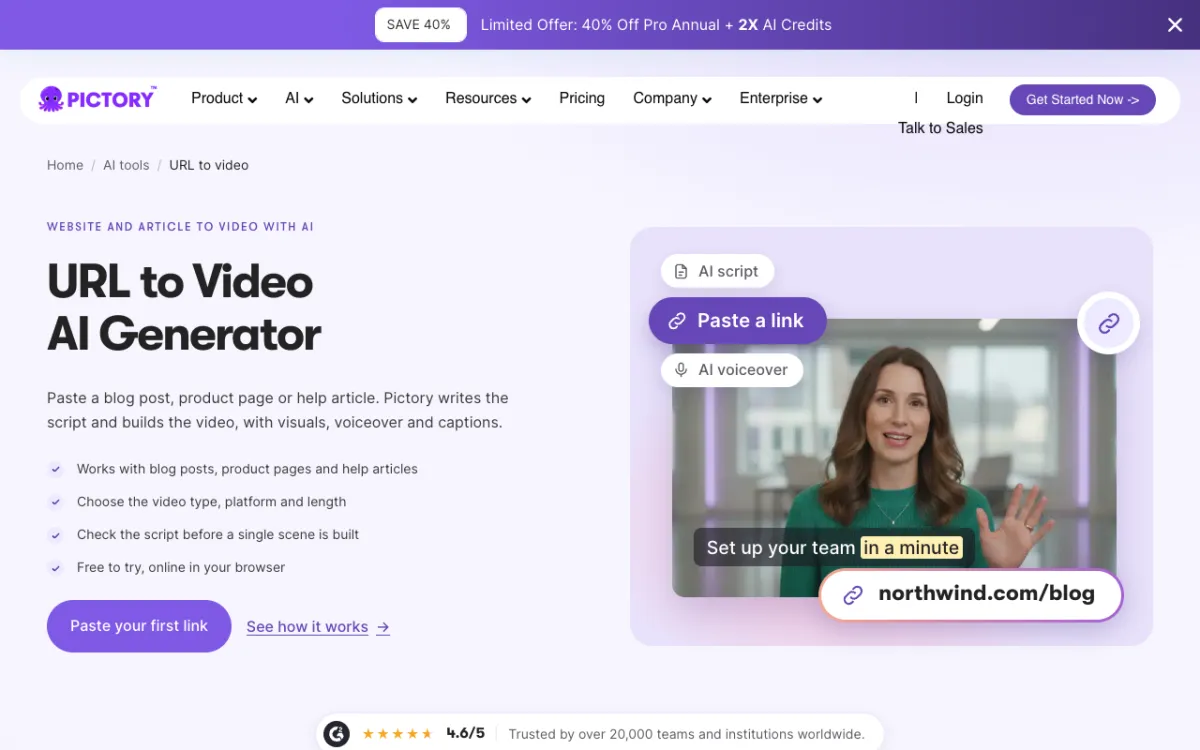 Pictory: paste a link, and it writes the script and builds the video with visuals, voiceover and captions.
Pictory is a text-to-video platform that turns a blog post, product page or help article URL into a stock-footage video with an AI voiceover and captions, from $25 a month billed yearly. It’s the closest like-for-like Lumen5 alternative.
The workflow mirrors Lumen5’s. Paste a link, choose the video type, platform and length, and check the script before a single scene is built.
Pictory pulls ahead on voices and stock. Starter includes 720 minutes a year of ElevenLabs voices in 29 languages and 5 million Getty Images and Storyblocks videos, and Pictory 2.0 added AI avatars in March 2026.
Pictory shows a 4.6/5 G2 rating on its URL-to-video page and says over 20,000 teams use it.
Pros
- Paste a blog, product page or help article URL and review the script first
- A brand kit from Starter: 1 on Starter, 5 on Professional, 10 on Team
- ElevenLabs voices in 29 languages on every paid plan
- 1080p on every paid plan
- Team plan adds a shared workspace for assets and projects
Cons
- Starter and Professional are 1 user each, and Team starts at 3+ users for $119/month billed yearly
- URL and script videos cap at 30 minutes, or 5 minutes on the trial
- AI credits for avatars and generated video are small on Starter
- Stock-matched scenes can still look generic
Best for: Content teams that want a straight Lumen5 swap with better voices and a URL importer. Our Pictory alternatives guide compares it with the rest of the text-to-video field.
Pricing: 14-day free trial (15 video minutes). Starter $29/month or $25/month billed yearly (1 user). Professional $59/month or $35/month billed yearly during a promotion (1 user). Team $199/month or $119/month billed yearly (3+ users). Enterprise custom (pictory.ai/pricing, checked October 2026).
3. Visla
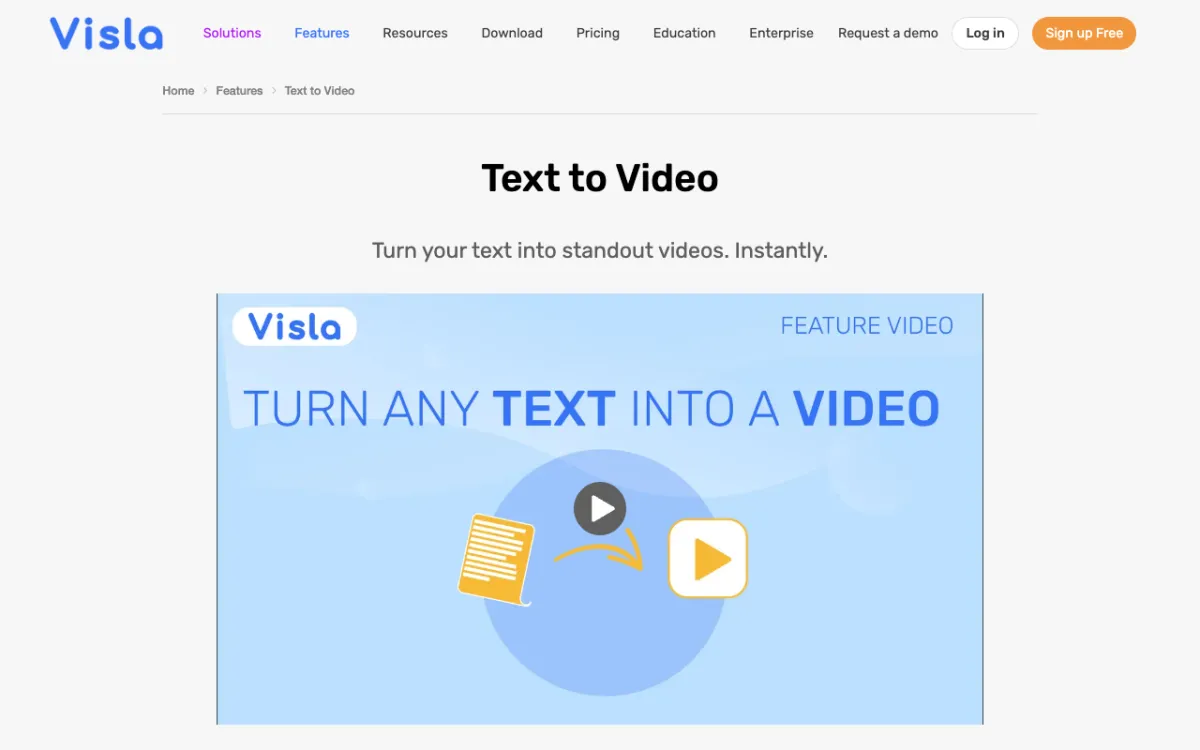 Visla: text, scripts and webpages turned into stock-footage video, edited together in shared workspaces.
Visla is an AI video platform for business teams that turns text, scripts and webpages into stock-footage videos with AI voiceover, from $15 a month billed yearly. It’s the cheapest Lumen5 alternative for a team that edits together.
Paste up to 10,000 characters of text, or point it at a webpage. Visla rewrites the text as a video script, pairs it with stock footage, an AI voiceover and music, and leaves every scene editable.
Collaboration is the reason to pick it. Workspaces with roles, sharing and comments come on every tier, and Pro lists co-editing with unlimited editors.
Pros
- Webpage to video and text to video, with an AI script rewrite
- Workspaces, roles and comments on every plan, and unlimited editors on Pro
- 1080p even on Free, and 4K export on Business
- 2 million Storyblocks videos on Pro, 16 million+ with Getty Images on Business
Cons
- The full brand kit, with intro, outro and logo overlays, sits on Business
- Free exports carry a Visla watermark, and Free users can’t buy extra credits
- Credits meter creation, so long or AI-heavy videos cost more
- Its text-to-video page lists seven supported languages: English, Italian, French, Portuguese, Spanish, German and Dutch
Best for: Marketing teams of three or more that want shared editing without paying per seat.
Pricing: Free (watermark). Pro $22/month or $15/month billed yearly (10,000 credits a month). Business $59/month or $39/month billed yearly (20,000 credits a month). Enterprise custom (visla.us/pricing, US prices from Visla’s billing API, checked October 2026).
4. Fliki
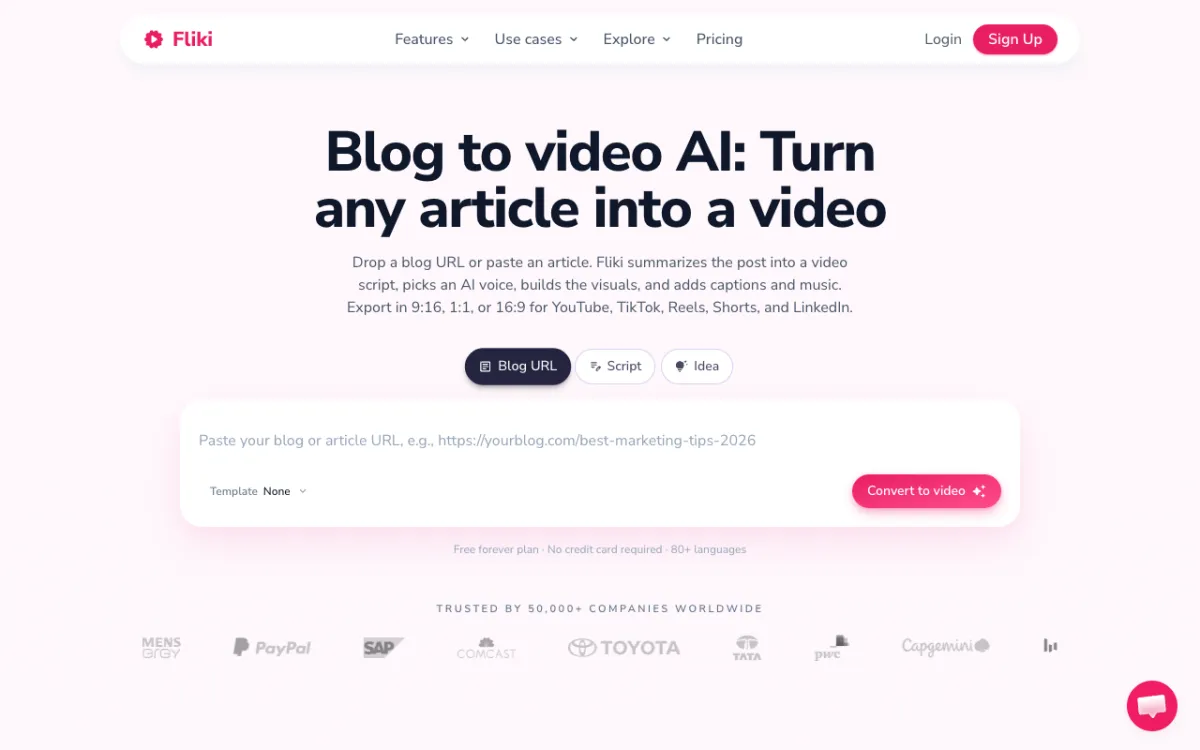 Fliki: drop a blog URL, and it summarizes the post, picks an AI voice and adds captions and music.
Fliki is a text-to-video and text-to-speech tool that turns a blog URL, script or idea into a voiced video in 80+ languages, with a free forever plan. It’s the voice-first Lumen5 alternative.
The blog flow is direct. Drop a URL or paste the article, and Fliki summarizes it into a script, picks an AI voice, builds visuals and adds captions and music, ready in 9:16, 1:1 or 16:9.
Voices are the draw. Fliki’s library runs into the thousands, with voice cloning on paid plans, and it says 50,000+ companies use it.
Pros
- Blog URL, script and idea to video in one box
- 80+ languages and a large AI voice library
- 1080p on paid plans
- One brand kit on Standard, several on Premium
Cons
- Priced per user, so a team pays for each seat
- Free exports carry a Fliki watermark at 720p
- The pricing table marks blog post to video as limited
- The pricing page shows local currency, so the price you see depends on your region
Best for: Solo marketers and educators who care most about voice choice and language reach. Our Fliki alternatives guide compares it with other voice-led video tools.
Pricing: Free forever (720p, watermark). Standard $28/month or $21/month billed yearly (180 credits a month), Premium $88/month or $66/month billed yearly (600 credits a month), Enterprise custom, all per user. These are US prices; Fliki shows local currency elsewhere (fliki.ai/pricing, checked October 2026).
5. Canva
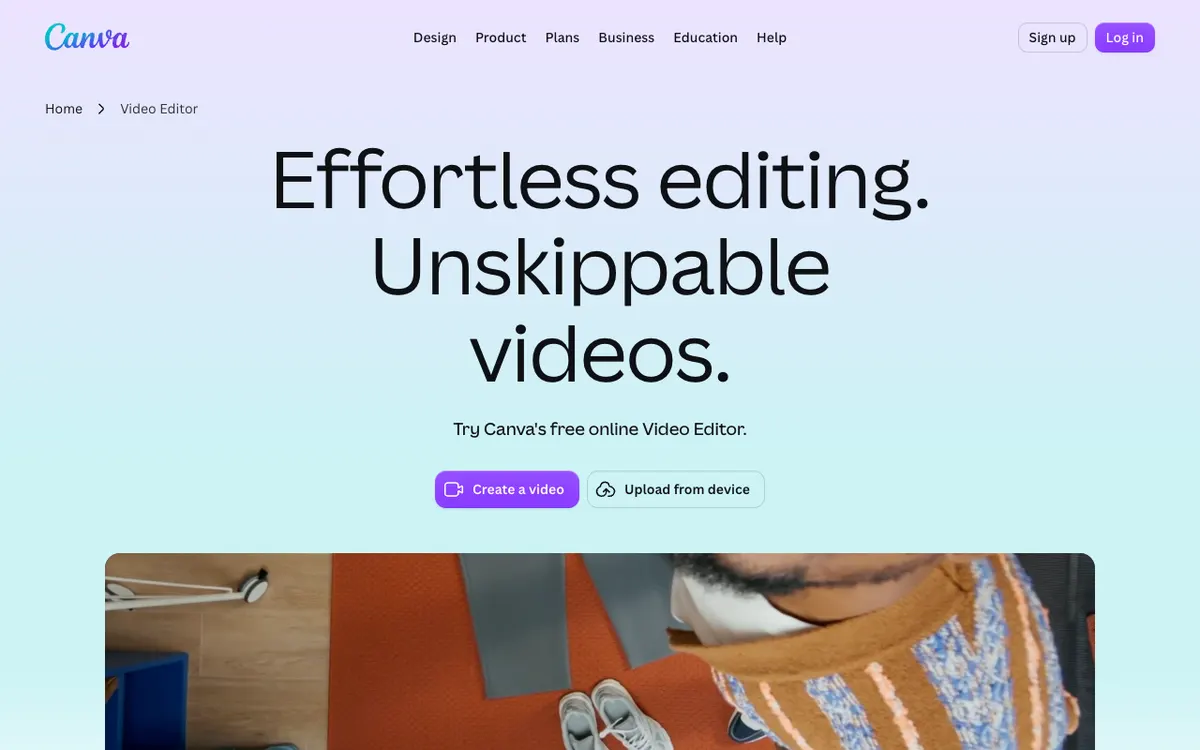 Canva Video Editor: templates, brand kits and AI tools in the design app your team already uses.
Canva is a design platform with a template-led video editor, brand kits and team approvals, with a free plan. It’s the Lumen5 alternative for marketing teams that already make every other asset in Canva.
There’s no article or URL importer on its video editor page. You start from a trending social template, or drop in clips with a quick prompt and let Magic Video assemble a social-ready cut.
Brand control is where Canva wins. Business includes 100 brand kits with approvals, so a social team can work from locked brand assets across video, graphics and decks.
Pros
- Trending social templates for TikTok, Reels and YouTube Shorts
- Brand kits: 5 on Pro, 100 with approvals on Business
- Magic Video, background removal, auto-captions and recorded voiceovers
- 141M+ premium photos, videos, graphics and audio on Pro and up
Cons
- No blog or URL to video: you rewrite the post into scenes yourself
- Business is priced per person, so seats add up
- AI tools draw on a shared allowance, with heavier tools using more of it
- Prices on the pricing page change by region
Best for: Social teams that live in Canva and want brand-locked video next to their graphics.
Pricing: Free plan. Pro US$144/year for one person. Business US$250 per person per year. These are US prices; Canva shows regional prices in some countries (canva.com/pricing, checked October 2026).
6. InVideo AI
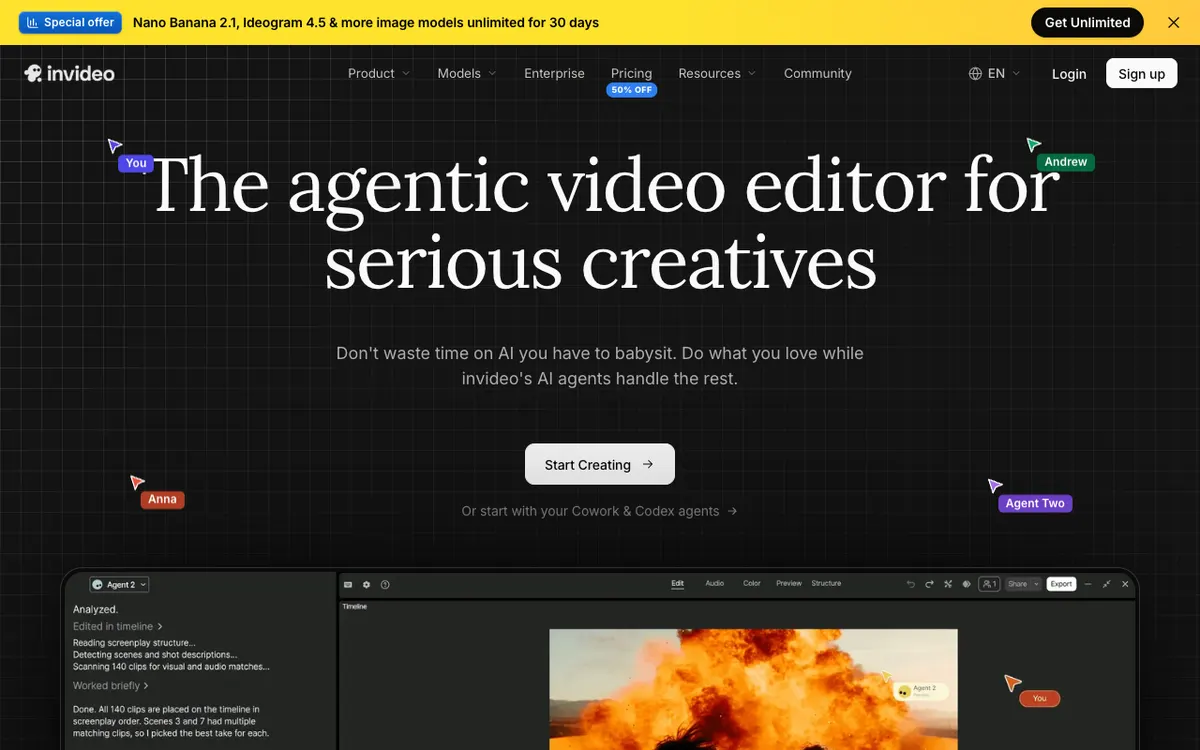 invideo: an agentic video editor where AI agents storyboard, cut and match clips for you.
InVideo AI is an agentic video editor where AI agents write, storyboard and edit from a script or idea, from $9 per seat a month. It’s the pick if you’d rather direct the edit in plain English than accept a template.
Paste your post as the script, and the agent storyboards it, matches stock or generated clips, and applies one instruction across the whole timeline.
Teams are built in. Pro includes 10 free guest seats and Ultra 20, each with 190 credits.
Pros
- Plain-English editing: describe a change and the agent applies it to every shot
- Storyboarding from a script or idea, plus an AI script co-writer
- Generative video models alongside premium stock
- Per-seat plans with free guest seats on Pro and Ultra
Cons
- No blog URL input listed on its site
- Credits are shared across agents and models, so cost per finished video varies
- No brand kit listed on its pricing page
- Basic has no guest seats and no 4K
Best for: Marketers who want an AI editor to do the heavy lifting from a script. Our InVideo AI alternatives guide covers the tools that compete with it.
Pricing: Basic $9 per seat/month (190 credits). Pro $30 per seat/month (1,000 credits). Ultra $80 per seat/month (3,000 credits). Annual billing is about half price (invideo.io/pricing, checked October 2026).
7. Synthesia
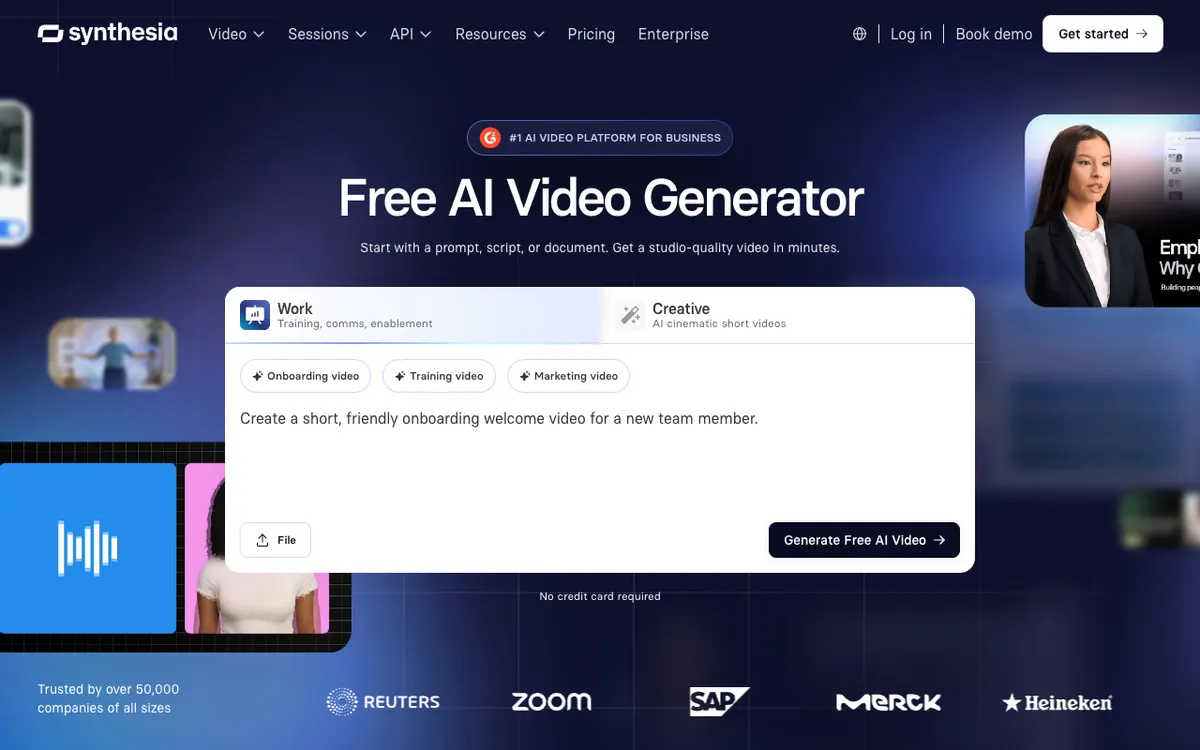 Synthesia: a prompt, script, document or link becomes an avatar-led video.
Synthesia is an AI avatar video platform that turns a script, document or webpage into a presenter-led video in 140+ languages, from $18 a month billed yearly. It’s the Lumen5 alternative when you want a human face, not stock b-roll.
Synthesia’s AI Assistant takes URLs and files (PowerPoint, PDF, Word or text, up to 10 MB each) on paid plans, then drafts a script you review before it renders, per Synthesia’s docs.
The output suits explainers, product updates and thought-leadership clips more than fast social cuts. Synthesia says 2M+ users create videos with it.
Pros
- URL and document import through the AI Assistant
- 140+ languages for voice and avatars
- Free Basic plan with 10 minutes of video a month
- Guests on paid plans: 3 on Starter, 5 on Pro
Cons
- One editor on every self-serve plan
- Applying a brand kit’s colors, fonts and logo to motion graphics is Enterprise only
- Free videos carry a Synthesia watermark
- A talking presenter is the wrong look for most blog-promotion clips
Best for: Marketing and comms teams that want a presenter to deliver the post. Our Synthesia alternatives guide compares the avatar field.
Pricing: Basic free (10 minutes a month, watermark). Starter $29/month or $18/month billed yearly. Pro $89/month or $64/month billed yearly. Enterprise custom (synthesia.io/pricing, checked October 2026).
Lumen5 alternatives compared
| Tool | Article or URL import | Scenes | Brand kit | Seats | Max export | Starting paid price |
|---|---|---|---|---|---|---|
| Vidwip | Paste text, up to 4,000 characters | Drawn in 85 styles | None | Studio members share credits, no per-seat price | 1080p | $25/mo |
| Pictory | Blog, product page or help article URL | Stock, Getty and Storyblocks | 1 to 10 by plan | 1 user, Team 3+ users | 1080p | $25/mo billed yearly |
| Visla | Webpage or text up to 10,000 characters | Stock, Storyblocks and Getty | Full kit on Business | Unlimited editors on Pro | 4K on Business | $15/mo billed yearly |
| Fliki | Blog URL, marked limited on its pricing table | Stock, AI clips | 1 on Standard, several on Premium | Per user | 1080p | $28/user/mo |
| Canva | None | Templates and stock | 5 on Pro, 100 on Business | Per person on Business | Not listed | US$144/yr |
| InVideo AI | None listed | Stock plus generative models | Not listed | Per seat, guest seats on Pro | 4K on Pro | $9/seat/mo |
| Synthesia | URL and documents, paid plans | Avatars | Enterprise for motion graphics | 1 editor plus guests | Not listed | $18/mo billed yearly |
| Lumen5 (baseline) | Blog post or script | Stock, 50M+ from Starter | 1 on Starter, 3 on Pro | Single user below Team | 1080p from Starter | $19/mo billed yearly |
Prices come from each vendor’s US pricing page or billing API, checked October 2026. We also checked that every tool above is still operating and selling plans in October 2026.
How to choose the right Lumen5 alternative
You want each post to become an original animated clip. Pick Vidwip AI Motion Graphics. Paste the post’s key section as the brief, pick 9:16 and a style, and add a voiceover in any of 74 languages.
You want a straight URL-to-video swap. Pick Pictory for ElevenLabs voices and brand kits, or Fliki for voice choice and language reach.
Three or more people edit the same videos. Pick Visla for unlimited editors on Pro, or Vidwip for a studio with no per-seat price.
Brand lock matters more than speed. Pick Canva Business for brand kits and approvals.
You want to direct the edit in plain English. Pick InVideo AI, and budget for credits that vary by model.
You want a presenter on screen. Pick Synthesia.
For more on text-to-video, see our Pictory alternatives and Steve AI alternatives guides. If you’re building a channel around narrated video, read our faceless video generator guide.
The verdict
Lumen5 is still a quick way to turn a blog post into a stock-footage video. These Lumen5 alternatives win where it falls short: seats, voices, brand control or originality.
Pictory and Fliki are the closest swaps, Visla is the best value for a team, Canva owns brand control, InVideo AI suits agent-led editing, and Synthesia suits presenter video.
Vidwip takes a different route. There’s no URL import, no stock library and no brand kit, but a pasted post becomes a drawn 1080p explainer with a voiceover in 74 languages, shared across your studio without a per-seat price.
Try it at app.vidwip.com. Sign up free, no credit card.