
The best Kaiber alternatives in 2026: Neural Frames for audio-reactive music videos with full autopilot, Deforum for free stylized animations, Krea for LoRA-trained consistent visuals. Vidwip pairs its AI Music generator (10 s to 3 min, 16 styles) with 16 video models and a full timeline editor — a workflow Kaiber doesn't offer.
Kaiber built its following on audio-reactive visuals and its Transform tool — feed it a song and an image, and it spins out a music video that pulses to the beat. That aesthetic made it a favorite among musicians and visual artists, and it’s why people searching for Kaiber alternatives usually want the same look with more control.
But the list of reasons to look elsewhere is growing. Kaiber runs its own proprietary model, so you can’t swap in Kling, Veo or Seedance when Kaiber’s output doesn’t match your vision. There’s no timeline editor to take you from generation to finished cut. And the alternatives have caught up fast.
These seven tools cover the same space — stylized videos, music-first workflows, audio sync — and most of them do at least one thing better. Every price below was checked on the vendor’s own site in October 2026.
TL;DR — quick picks
| # | Tool | Best for | Audio sync | Paid from |
|---|---|---|---|---|
| 1 | Vidwip AI Studio | AI music + video on one timeline | Manual cut-to-beat | From $25/mo |
| 2 | Neural Frames | Full music video autopilot | Built-in beat sync | $39/month |
| 3 | Runway | High-quality stylized clips | None | $15/month |
| 4 | Pika | Short social clips + effects | iOS-only Soundtrack | $10/month |
| 5 | Luma Dream Machine | Photorealistic scenes, transparent pricing | None | $30/month |
| 6 | Deforum | Free Stable Diffusion animation | Via Parseq | Free |
| 7 | Krea | Stylized AI video with LoRA | None | Free tier / $9/month |
1. Vidwip AI Studio
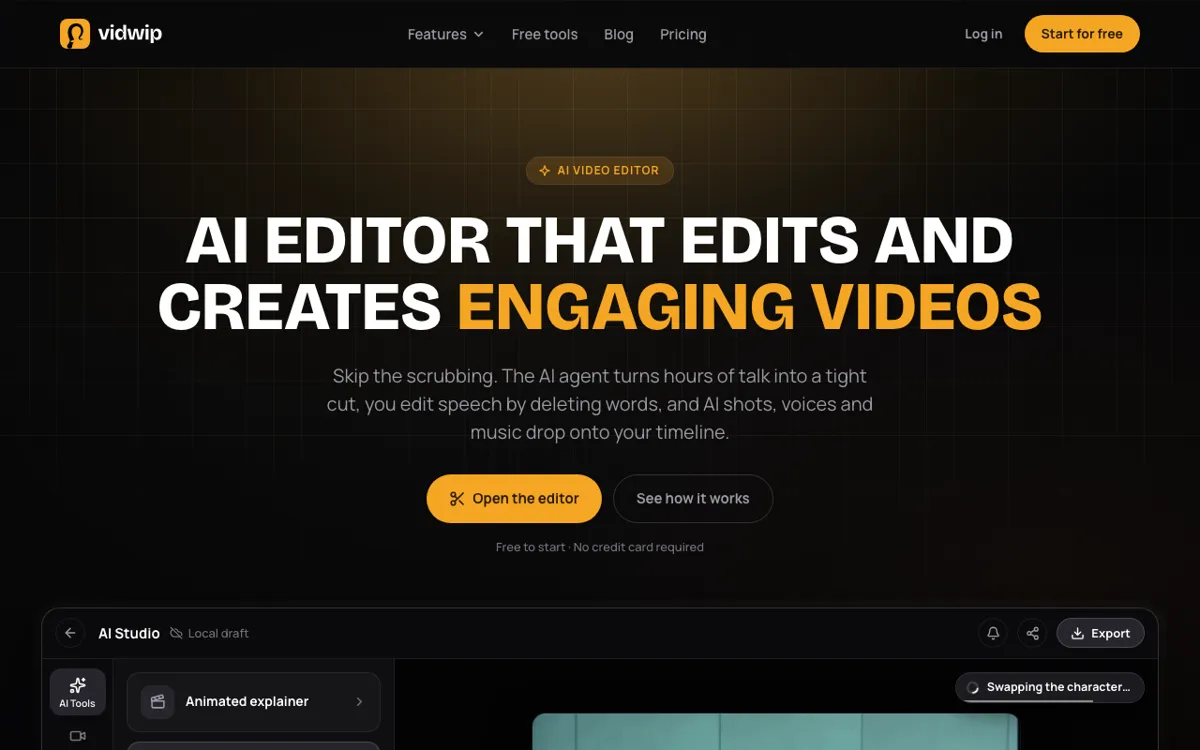 Vidwip AI Studio — timeline editor with 16 video models, AI voiceover, AI music and captions
Vidwip isn’t trying to be Kaiber. Where Kaiber auto-syncs visuals to a music track, Vidwip gives you every tool the workflow needs and lets you assemble it yourself: generate shots on 16 video models, compose an original song with AI Music, add a voiceover, cut everything on a multi-track timeline, and export.
The music piece is what sets it apart. AI Music writes original songs from 10 seconds to 3 minutes in 16 styles — pop, lo-fi, orchestral, hip-hop and more — with lyrics in 32 languages, and the track lands on your timeline as an editable audio clip. You’re not style-transferring someone else’s song. You own the output.
For visual generation, you get 16 models in a single tab: Veo 3.1, Kling 3.0 Pro, Seedance 2.5, Hailuo 3, Wan 3.0 and more, all pulling from the same credit balance. Every generated clip lands on the timeline. Fix a weak shot by regenerating it in place — nothing else moves.
Pros
- 16 video models (Veo 3.1, Kling 3.0 Pro, Seedance 2.5 and more) under one plan
- AI Music composes original songs from 10 s to 3 min, lyrics in 32 languages, 16 styles
- Full timeline editor with text editing, AI cut, captions and voiceover in the same tab
- Projects save as you work, reopen any time
- Free to start, no credit card
Cons
- No automated audio reactivity — you sync clips to music by cutting manually
- Export tops out at 1080p (no 4K)
- AI Music and video shots draw from the same credit pool, so a long song leaves fewer credits for shots
Best for: creators who want to build a music video from scratch — original song, AI-generated shots, real editorial control — without jumping between apps.
Pricing: free to start, no credit card. Starter $25/month (2,500 credits). Pro $99/month (10,000 credits). Checked October 2026.
2. Neural Frames
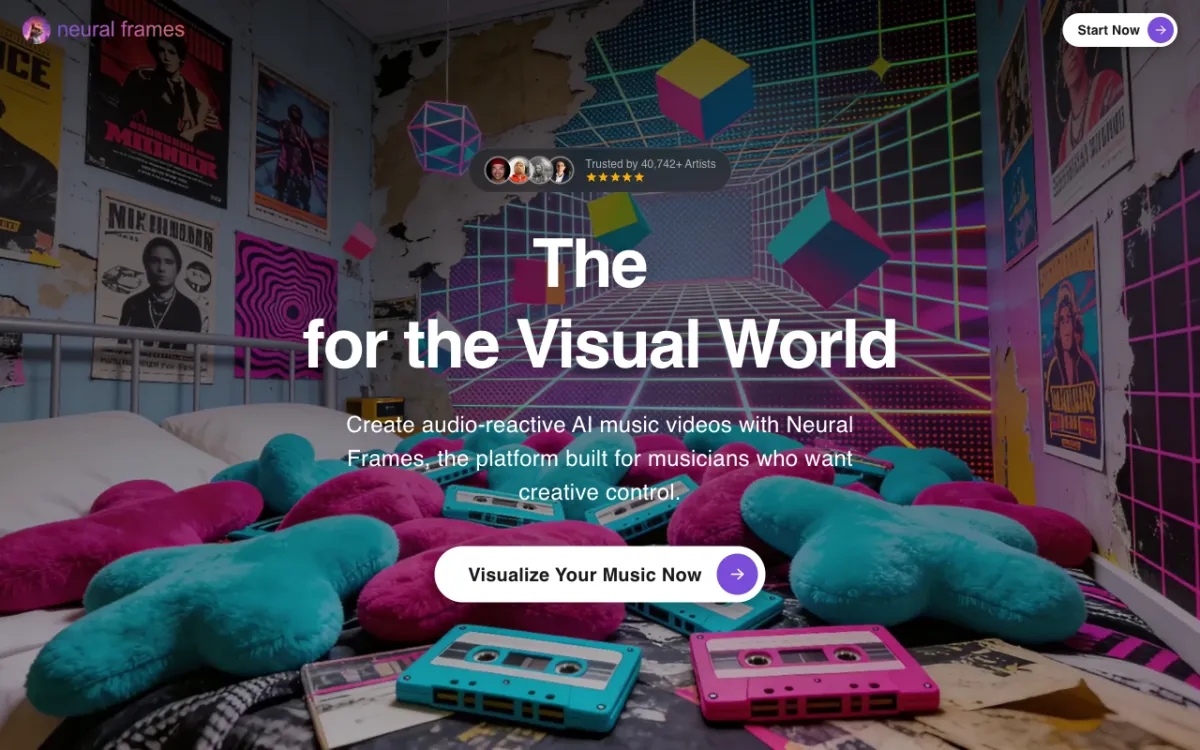 Neural Frames — AI music video generator with built-in audio sync and Autopilot
Neural Frames is the closest thing to a dedicated Kaiber replacement. It was built specifically for music video creation, not just general AI video, which means audio reactivity isn’t a feature bolted on — it’s the whole product.
The flagship workflow is Autopilot: give it a song and a text prompt, and it generates a full music video synced to the beat and melody. The visuals pulse with the music, not just on the loudest hits but across the frequency curve. It also has a Short-Form Studio for 9:16 content and a manual mode for frame-by-frame control if you want to direct each scene.
Ten AI models, 1080p and 4K upscaling depending on plan, and unused credits roll over up to 300% of your monthly allocation. The free tools (audio-to-video converter, album cover generator) don’t cost credits. There’s no free generation tier.
Pros
- Built for music videos, not adapted from a general video tool
- Autopilot generates a full beat-synced video from a song and a prompt
- Audio reactivity tied to frequency, not just loudness
- Credits roll over up to 300% — good for bursts of production
- Failed generations don’t cost credits
Cons
- No free generation tier — the cheapest plan is $39/month ($26 billed annually)
- Ten models vs. 16 on Vidwip or a multi-vendor platform
- Primarily stylized/psychedelic output; less suited to photorealistic scenes
- No built-in timeline editor — exports a finished video file
Best for: musicians and visual artists who want a complete beat-synced music video from a prompt and a song file.
Pricing: Neural Knight $39/month ($26 billed annually, 2,400 credits). Neural Ninja $99/month ($66 annually, 7,200 credits). Neural Nirvana $299/month ($199 annually, 24,000 credits). Checked October 2026.
3. Runway
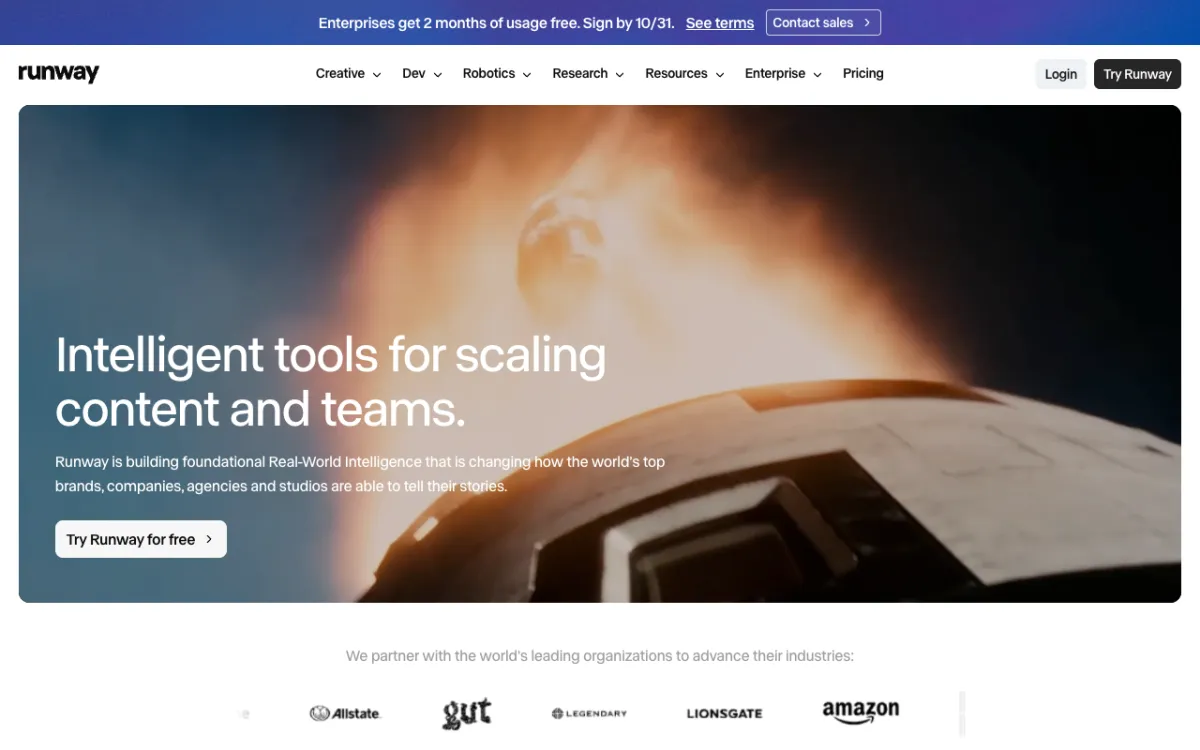 Runway — Gen-4.5 video generation with style frames and motion brush
Runway doesn’t do audio reactivity. What it does do is produce some of the most visually consistent AI video on the market — which matters for music videos where the aesthetic needs to hold across 30+ shots.
Gen-4.5 is the headline model, with strong motion physics, camera coherence and style-consistent generation. Multi-motion brush lets you paint different movement directions onto different parts of a frame, which is how Runway users direct camera moves and character action without a physical shoot. Style presets let you lock in a look — hand-drawn, neon, film grain — and carry it across generations.
The credit math is tight. A 5-second Gen-4.5 clip costs 60 credits. On the Standard plan ($15/month, 625 credits), that’s 10 clips a month. The Pro plan at $35/month (2,250 credits) makes sustained production viable. See our Runway alternatives post for a deeper breakdown.
Pros
- Gen-4.5 output is among the strongest in terms of consistency and motion quality
- Multi-motion brush for fine-grained directorial control
- Style presets for a consistent visual identity across scenes
- No watermarks on paid plans
Cons
- No audio reactivity, no beat sync
- Free tier is 125 one-time credits — gone after two Gen-4.5 clips
- No timeline editor; you generate clips and edit elsewhere
- $15/month Standard plan covers only 10 five-second clips at Gen-4.5 rates
Best for: directors and visual artists who need cinematically consistent output for a music video and are happy to cut it in a separate editor.
Pricing: Free 125 credits (one-time). Standard $15/month (625 credits). Pro $35/month (2,250 credits). Max $95/month (9,500 credits). Checked October 2026.
4. Pika
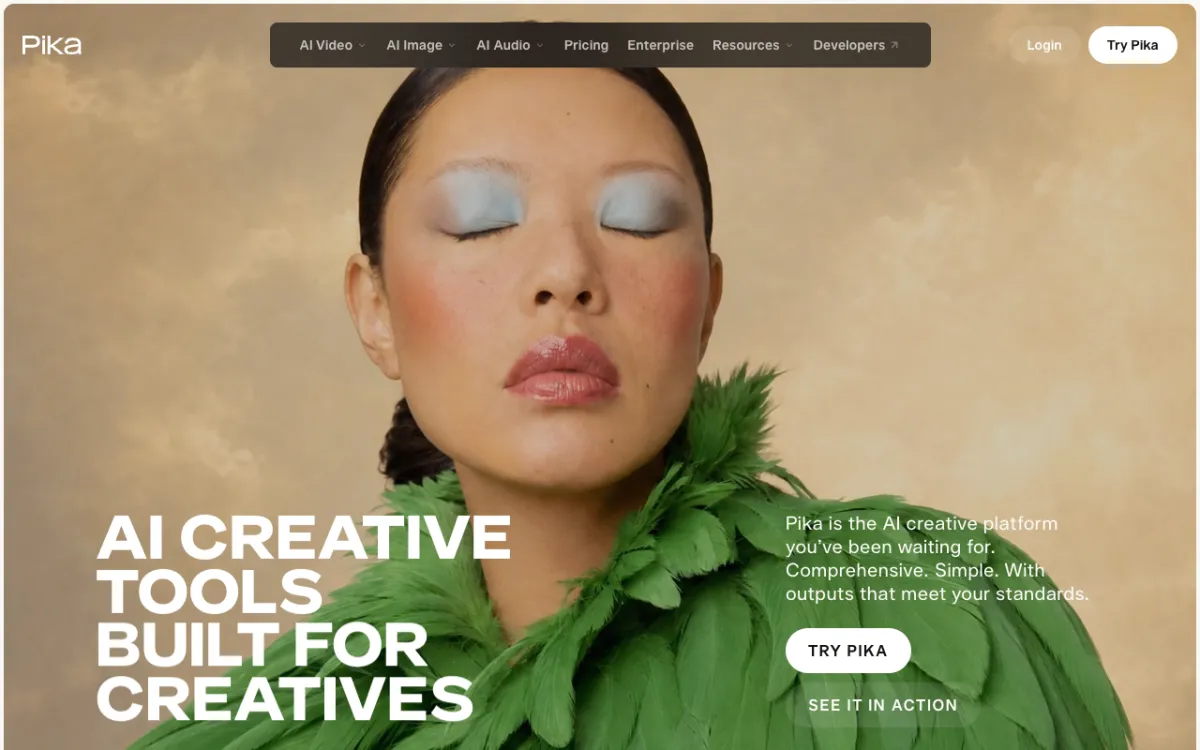 Pika — multi-model platform with Seedance 2.5, Wan 3.0 and one-tap effects
Pika relaunched in September 2026 as a multi-model platform. Seedance 2.5, Wan 3.0 and MiniMax H3 sit under its own Pika 2.5 model, and the UI surfaces them through a single interface. That model breadth, plus its effects library, is where it overlaps with Kaiber.
For music video work, the most interesting Pika feature is Pika Soundtrack — an audio-reactive mode that syncs generated visuals to a music track. The catch: Pika Soundtrack is currently iOS-only. On the web app, you generate clips and sync them yourself.
The effects side is strong. Pikaffects (Melt, Squish, Inflate, Bubble) moved to a separate iOS experiment, but the main platform still has enough style control to make stylized short clips. Wan 3.0 at 33 credits per 5-second clip is one of the cheaper generation rates on the market.
Pros
- Multi-model platform (Seedance 2.5, Wan 3.0, Pika 2.5) under one plan
- Wan 3.0 is cheap: 33 credits per 5-second clip, 27 clips per month on Starter
- Strong effects and style presets for stylized visuals
- Starter at $10/month is the lowest entry point on this list
Cons
- Pika Soundtrack (audio reactivity) is iOS-only — not available in the web app
- Pikaffects moved to a separate iOS experiment
- No free monthly credits — free plan is credit packs only
- No timeline editor
Best for: creators who make short stylized clips for social and don’t need automated beat sync.
Pricing: Free (no monthly credits, one-time pack purchases only). Starter $10/month (900 credits). Creator $35/month (3,150 credits). Fancy $95/month (8,550 credits). Checked October 2026.
5. Luma Dream Machine
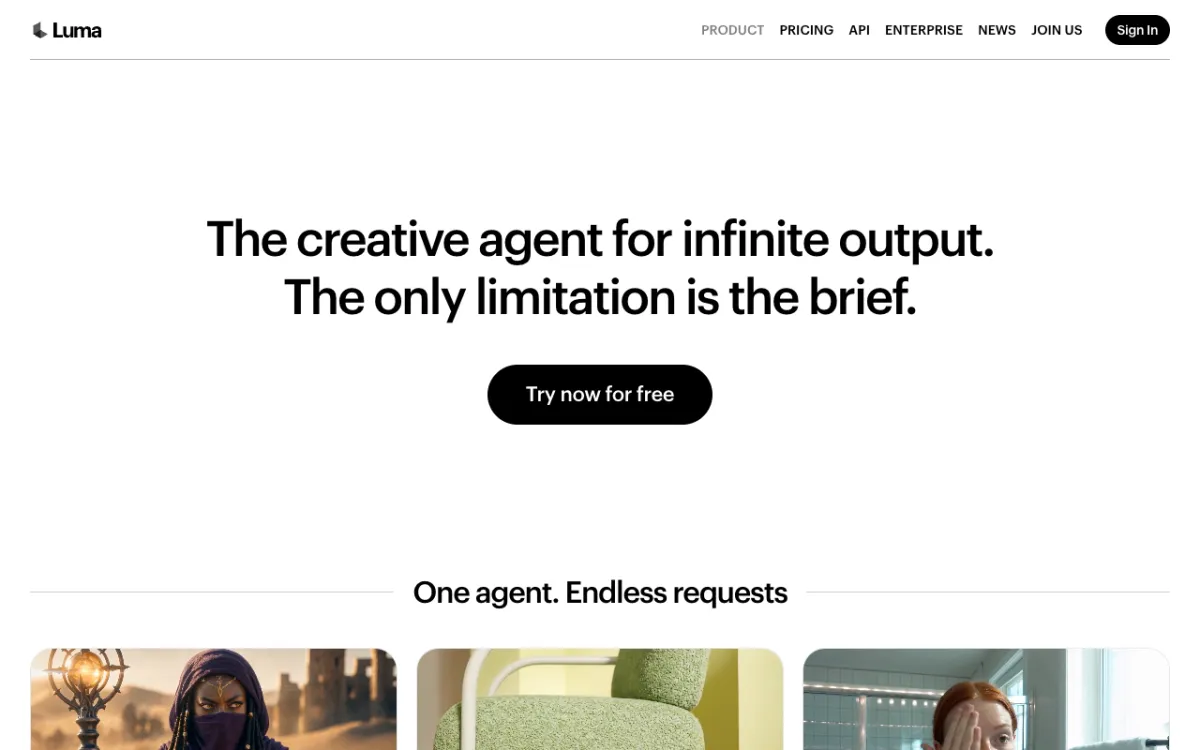 Luma Dream Machine — Ray3.14, Ray3.2, Veo 3.1 and Kling 3.0 with public per-second pricing
Luma is the opposite of Kaiber’s aesthetic: where Kaiber leans stylized and painterly, Luma pushes for photorealism. Its Ray3.14 and Ray3.2 models produce the kind of natural lighting and physical motion that makes AI-generated video look like real footage.
For music videos that want a cinematic, shot-on-film look rather than a digital-art aesthetic, that’s a genuine advantage. Luma also aggregates third-party models — Kling 3.0, Veo 3.1 and Seedance 2.5 are all accessible under a single Luma plan — with a transparent per-second pricing table that shows the cost before you generate.
There is no free plan. The Plus tier at $30/month gives 10,000 credits, which covers about 25 five-second clips at Ray3.14 1080p rates. See our Luma alternatives post if the cost is a blocker.
Pros
- Ray3.14 and Ray3.2 produce some of the most photorealistic AI video available
- Third-party model access: Kling 3.0, Veo 3.1 and Seedance 2.5 under one plan
- Transparent per-second pricing table — know your cost before you generate
- No watermark mentioned on paid plans
Cons
- No audio reactivity and no beat sync tools
- No free plan — starts at $30/month
- No timeline editor
- Photorealistic bias — not the right pick if you want Kaiber’s painterly or abstract aesthetic
Best for: directors who want photorealistic, cinematic visuals for a music video and want multi-model access under one subscription.
Pricing: Plus $30/month (10,000 credits). Pro $90/month (40,000 credits). Ultra $300/month (150,000 credits). Checked October 2026.
6. Deforum
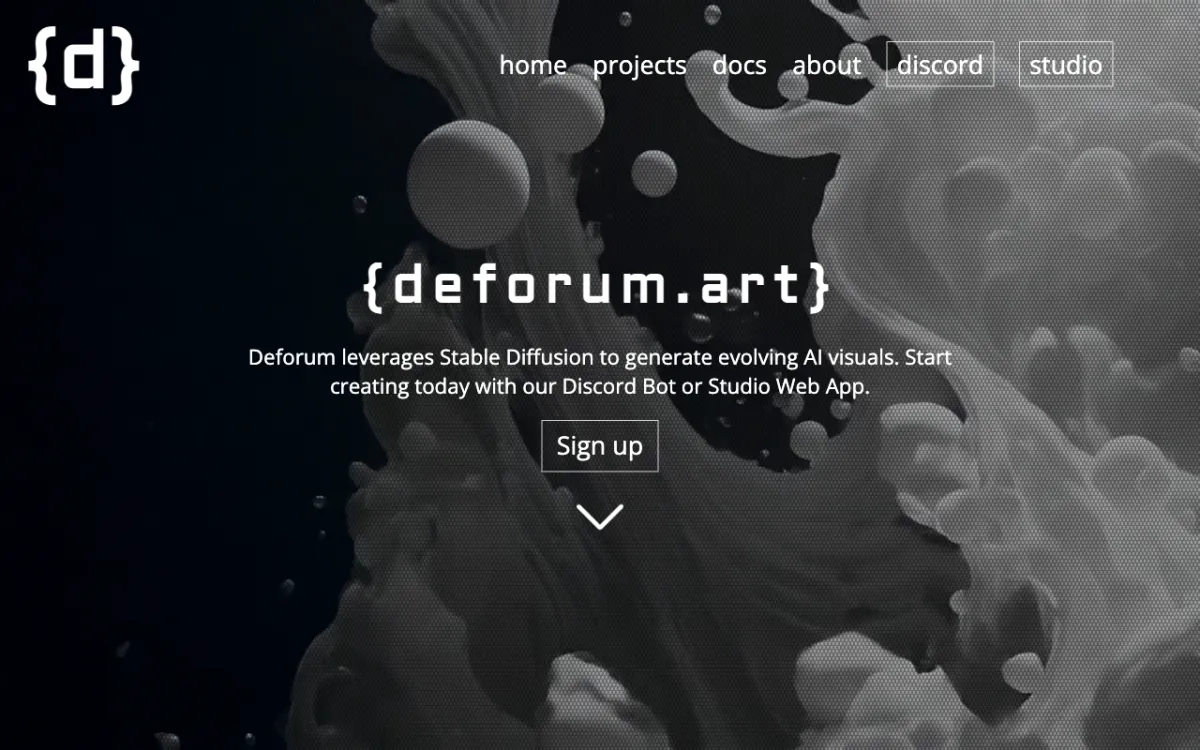 Deforum — open-source Stable Diffusion animation with Parseq for audio sync
Deforum is how AI music videos got started before Kaiber made them accessible to non-coders. It’s an animation framework for Stable Diffusion — run it through the Automatic1111 web UI extension or on Google Colab, and it generates sequences of diffusion frames with coherent camera movement and style transfer.
The audio sync comes from Deforum Parseq, a companion tool that maps music events (beats, frequency bands, vocal onsets) to generation parameters. The result is the same audio-reactive, morphing-image aesthetic that made Kaiber popular — with full control over every parameter.
The trade-off is setup time. Running Deforum locally requires a GPU and an Automatic1111 install. Google Colab makes it accessible without local hardware, but Colab session limits apply. The hosted Studio at deforum.studio exists but pricing and maintenance status were not confirmed when we checked in October 2026. If you want the classic Deforum aesthetic with no setup, Neural Frames builds on similar SD models with a proper UI.
Pros
- Free via local Stable Diffusion or Google Colab
- Full control over generation parameters — no aesthetic locked in
- Parseq enables genuine audio-reactive animation (beats, melody, frequency)
- The OG music video aesthetic — recognized look with a large community
Cons
- Steep learning curve — not viable without technical setup
- No commercial UI; no project saves, no timeline editor
- Hosted Studio pricing and availability unclear as of October 2026
- Colab sessions time out; local GPU required for sustained use
Best for: technical creators who want full control, the Stable Diffusion aesthetic, and don’t need a polished UI.
Pricing: Free via local install or Google Colab. Deforum Studio pricing not confirmed as of October 2026.
7. Krea
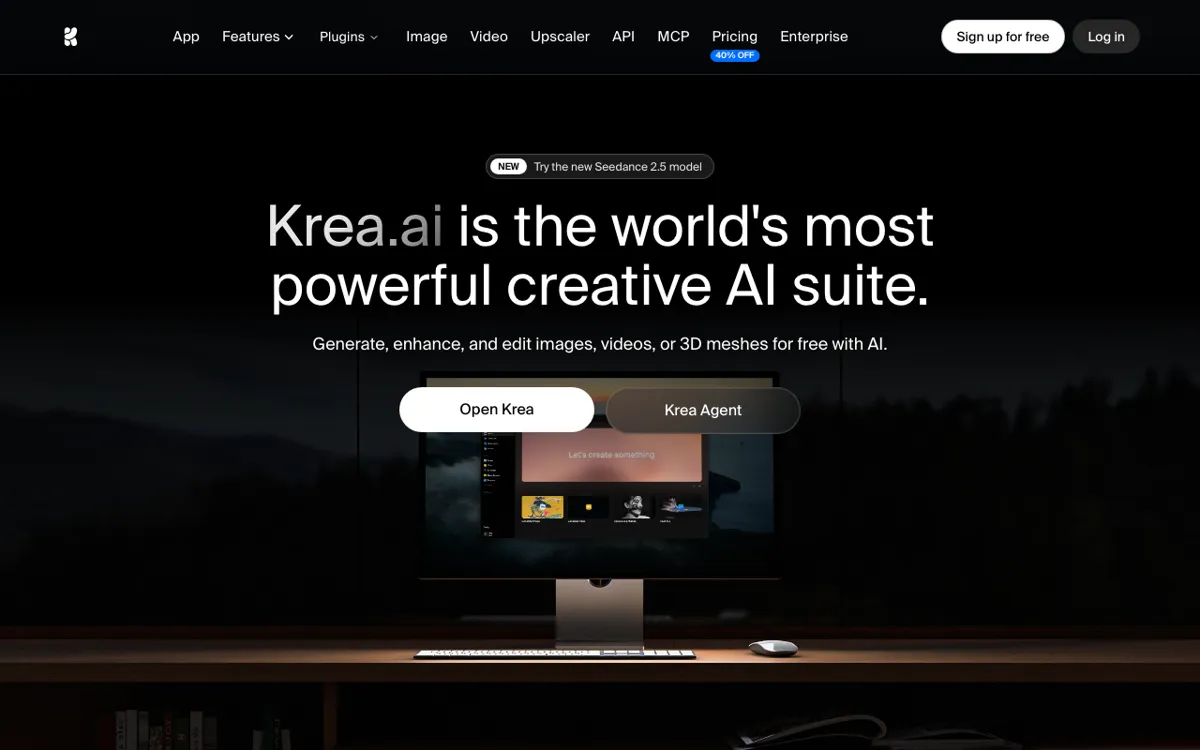 Krea — Krea 3 real-time generation, LoRA-trained consistent styles, Seedance 2.5 and Kling 3.0
Krea sits at the intersection of stylized image generation and video, which makes it a natural fit for music visuals that need a consistent, branded aesthetic across multiple scenes.
The standout feature is LoRA training: upload 50–2,000 reference images and train a custom style model. That model then runs across all your generations, so the character, color palette or visual identity you’ve designed stays locked in — shot after shot. For a music video where the visual identity is everything, that’s a real advantage over Kaiber’s more preset-based approach.
Krea also offers 100 free compute units per day that refill every morning, making it the strongest free-tier option for stylized generation on this list. The free plan has limited video model access; all video models open at the Pro tier.
Pros
- 100 free compute units per day, refills every morning
- LoRA training for consistent character and style across a music video
- Krea 3 real-time generation for rapid iteration
- Seedance 2.5 and Kling 3.0 available on paid plans
- Strong still image generation alongside video — good for album art and thumbnails
Cons
- No audio reactivity or beat sync
- All video models gated behind Pro ($35/month) on paid plans; free is limited
- No timeline editor
- Compute units don’t roll over on Basic, Pro or Max plans
Best for: visual artists who need a consistent, trained aesthetic across a music video and value a daily free credit refresh.
Pricing: Free (100 units/day, refills daily). Basic $9/month (5,000 units). Pro $35/month (20,000 units). Max $105/month (60,000 units). Annual pricing is roughly 40% lower. Checked October 2026.
Kaiber alternatives comparison table
| Tool | Audio sync | Models | Timeline editor | Free tier | Paid from |
|---|---|---|---|---|---|
| Vidwip AI Studio | Manual | 16 video models + AI music | Yes | Paid plans only | $25/month |
| Neural Frames | Beat sync (Autopilot) | 10 AI models | No | No | $39/month |
| Runway | None | Gen-4.5 + others | No | 125 credits (one-time) | $15/month |
| Pika | iOS only | Seedance 2.5, Wan 3.0 | No | Pack-only | $10/month |
| Luma | None | Ray3.14, Veo 3.1, Kling 3.0 | No | No | $30/month |
| Deforum | Via Parseq | Stable Diffusion | No | Yes (Colab/local) | Free |
| Krea | None | Seedance 2.5, Kling 3.0 | No | 100 units/day | $9/month |
How to choose
You want automated beat sync: Neural Frames or Deforum. Neural Frames is the polished UI; Deforum is free but requires technical setup.
You want the most video model choice: Vidwip AI Studio (16 models) or Luma (Ray3.14 plus Veo 3.1, Kling 3.0 and Seedance 2.5 as third-party models).
You want a full workflow — music, shots and editing in one place: Vidwip AI Studio. Compose an original song with AI Music, generate shots on 16 models, cut on the timeline, export at 1080p. No Kaiber-style beat sync, but full editorial control.
You want the cheapest short-clip option: Pika Starter at $10/month, with Wan 3.0 at 33 credits per 5-second clip, gives 27 clips per month.
You want free stylized generation every day: Krea’s 100 units per day is the strongest daily free tier. Deforum is unlimited if you have a GPU or a Colab session.
You want photorealistic cinematics, not painterly abstraction: Luma (Ray3.14) or Runway (Gen-4.5).
What makes Kaiber different — and what it doesn’t do
Kaiber’s core loop — drop a song, set a style, watch it auto-sync — is genuinely unique among consumer tools. Neural Frames gets closest. None of the tools here replicate the Transform feature (apply a style to existing footage in real time).
What Kaiber doesn’t offer: model choice beyond its own, a timeline editor, or a way to compose original music alongside the visuals. For creators who want those things, building a music video in a tool like Vidwip — original song + 16-model video generation + timeline — trades automation for control.
The best pick depends on your production style. If you want to hand the process to AI, Neural Frames. If you want to direct every shot and score it with original music, Vidwip. If you want free SD-style animation with beat sync, Deforum.
Related posts
- 9 Best Suno Alternatives for AI Song Generation in 2026
- 8 Best Udio Alternatives for AI Music With Vocals in 2026
- 9 Best Runway Alternatives for AI Video in 2026
- 7 Best Pika Alternatives for Short AI Video Clips in 2026
- Best Luma AI Alternatives in 2026