
LOVO filed for Chapter 7 liquidation in May 2026, and lovo.ai and Genny no longer load. To keep voice and edit in one tab, Vidwip AI Studio voices scripts in 74 languages straight onto a browser timeline. ElevenLabs has the most realistic voices, Typecast and Speechify the most emotion control, and Fliki the fastest script-to-stock-video path.
LOVO is gone, so if you’re comparing LOVO AI alternatives, you need a new home for your voiceovers and the videos you built around them. LOVO, Inc. filed for Chapter 7 liquidation in May 2026, and both lovo.ai and its Genny editor are offline.
Genny’s pitch was simple: AI voices and a video editor in one tab. This list keeps that bar, so every pick lets you voice a script and do something with video, not just download an MP3.
Seven tools made the cut. Each was checked live in October 2026, and every price comes from the vendor’s own pricing page with the date checked.
TL;DR: the 7 best LOVO AI alternatives
| # | Tool | Best for | Starting price (checked Oct 2026) | Voice cloning |
|---|---|---|---|---|
| 1 | Vidwip AI Studio | Voice a script and cut it on one browser timeline | Free to start · Starter $25/mo | Only in dubbing |
| 2 | ElevenLabs | Most realistic voices, biggest library | Free · Starter $6/mo | Yes (Starter+) |
| 3 | Murf AI | Timed voiceovers for training and slides | Free trial · Creator $19/mo (yearly) | Enterprise add-on |
| 4 | Speechify Studio | Emotion presets and avatars on a budget | Free · Starter $100/yr | Not listed on plans |
| 5 | Fliki | Script to stock-footage video, fast | Free · Standard $28/mo | Yes (Standard+) |
| 6 | Typecast | One-click emotion control | Free · Basic $5/mo | Yes (Basic+) |
| 7 | Descript | Editing recorded video by its transcript | Free · Hobbyist $16/mo | Yes (paid plans) |
Quick picks:
- Want voice and edit in one tab, like Genny? Start with Vidwip AI Studio.
- Want the most natural voice? ElevenLabs.
- Need fine emotion control? Typecast or Speechify Studio.
- Turning blog posts or scripts into stock-footage videos? Fliki.
- Editing your own recorded footage? Descript.
What happened to LOVO AI and Genny
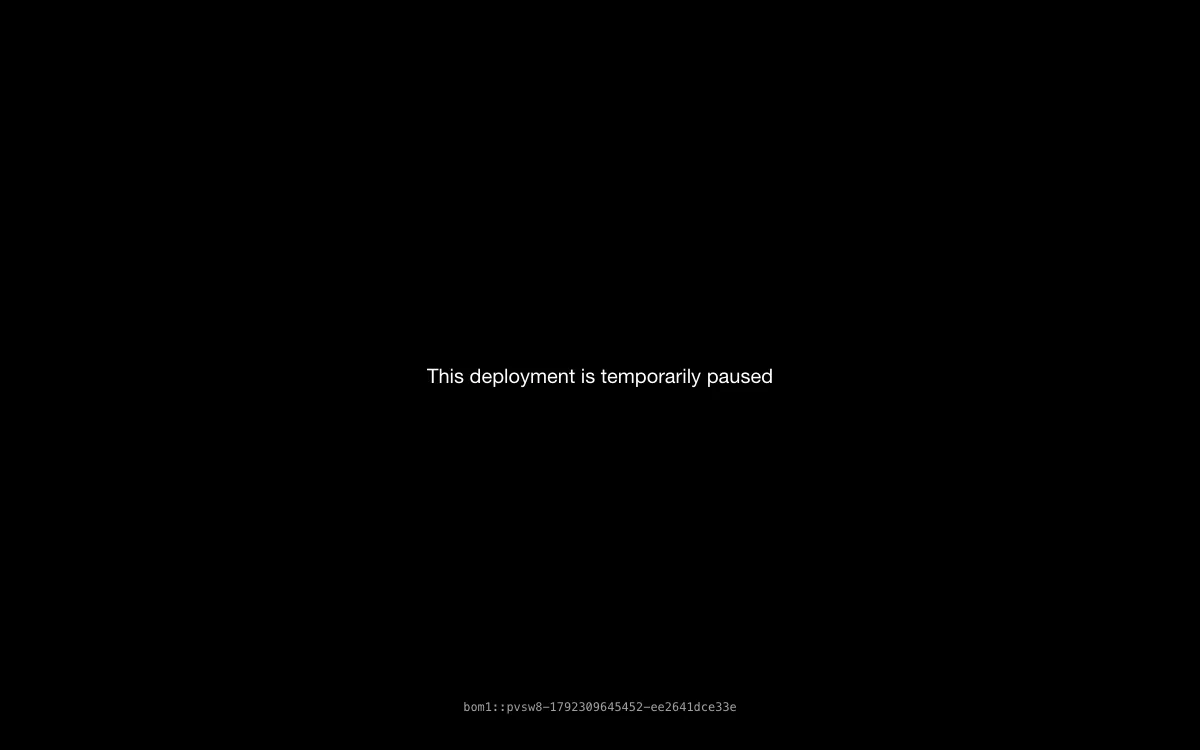 lovo.ai on October 18, 2026: an HTTP 402 error instead of the Genny app
LOVO, Inc. filed a Chapter 7 petition on May 27, 2026, in the U.S. Bankruptcy Court for the Southern District of New York (case 26-11249). Chapter 7 is a liquidation, not a restructuring.
Bloomberg Law reported that the petition listed $245,224 in assets and $17,788 in liabilities. The filing also paused Lehrman v. Lovo, the voice actors’ lawsuit over cloned voices, ahead of a June 16 hearing.
When we checked on October 18, 2026, lovo.ai and genny.lovo.ai both returned an HTTP 402 error. There’s no shutdown notice and no export tool, so treat projects and clones that lived only in Genny as lost.
What to look for in a LOVO alternative
Four things decide whether a replacement fits the way you used Genny.
Voice quality across a paragraph. One sentence always sounds fine. Listen to 30 seconds and check the breaths, pacing and how names are said.
Emotion control. Genny sold emotional delivery. Some tools here use presets, some use inline tags like [whispers], and a few do both.
What the editor actually does. “Video editor” means very different things here. It can mean a full multi-track timeline, a scene builder with stock footage, or a text-based editor for your own recordings.
Commercial rights and downloads. Several free tiers block downloads or commercial use. Check before you voice a client project.
1. Vidwip AI Studio (with AI Voiceover)
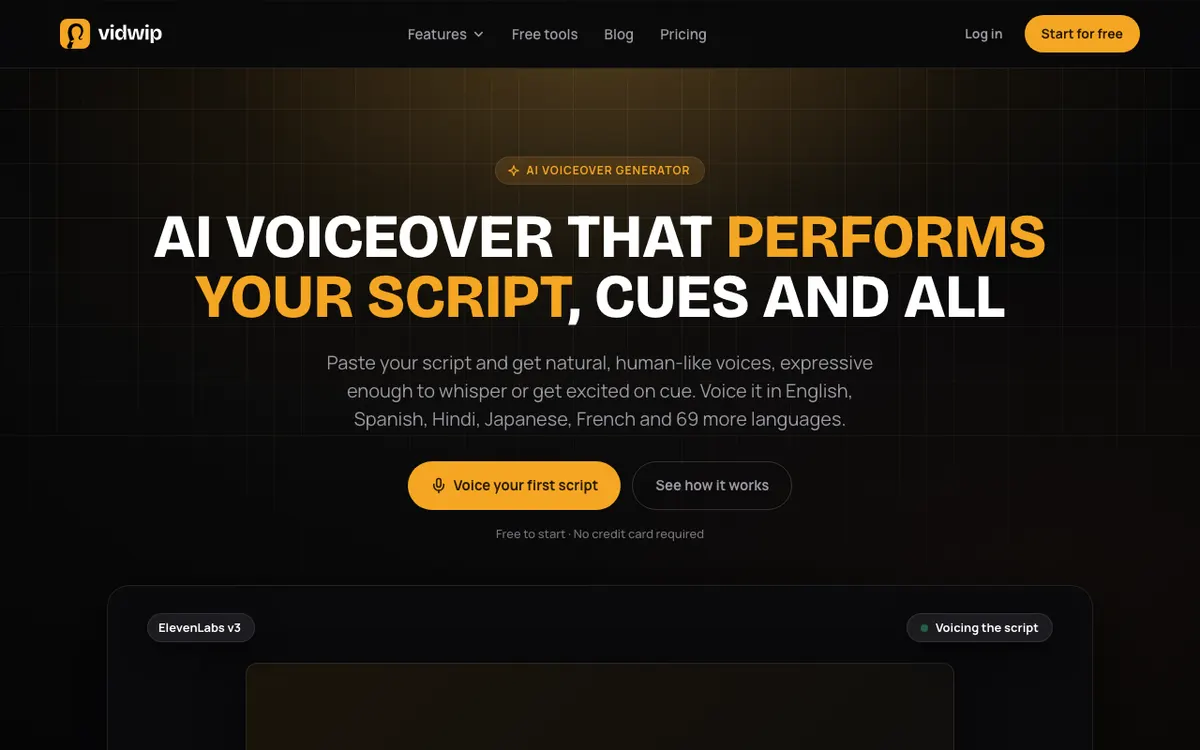 Vidwip AI Voiceover: paste a script, pick a voice, and the track lands on your AI Studio timeline
Vidwip AI Studio is a browser video editor with AI Voiceover built in, voicing scripts in 74 languages straight onto your timeline. It’s the closest match to Genny’s voice-plus-editor idea, with a multi-track timeline instead of a scene list.
You paste up to 5,000 characters, about 5.5 minutes of speech, and pick from 190+ ElevenLabs voices native to 23 languages. ElevenLabs v3 speaks it, and every voice can read any of the 74 languages.
Write a cue like [warmly] or [whispers] and the voice performs it instead of reading it out. Pick a language other than the script’s, and the AI agent translates it first, keeping your tags, names and brand spellings.
Each take is mastered to -14 LUFS and placed on the timeline as one MP3. From there you trim, split and ripple delete across video and audio tracks, add subtitles, and export at up to 1080p.
AI Studio projects save, so you can come back to an edit. If your video has no script yet, AI Video Voiceover writes one from what’s on screen and voices it.
Pros
- 74 languages, and every voice speaks all of them
- 190+ voices native to 23 languages
- Audio tags like [whispers] and [warmly] performed, not read aloud
- Voice lands on a real multi-track timeline, next to your footage
- Free to start, no credit card
Cons
- No voice cloning in voiceover (only AI Video Dubbing clones speakers)
- One voice per track, so a dialogue means one track per line
- No per-line regeneration; fix the script and render the track again
- Export tops out at 1080p
Best for: Creators, course makers and marketers who used Genny to voice and edit videos, and want both in one browser tab.
Pricing: Free to start, no credit card. Starter is $25/month for 2,500 credits and Pro is $99/month for 10,000 credits. See Vidwip pricing.
2. ElevenLabs
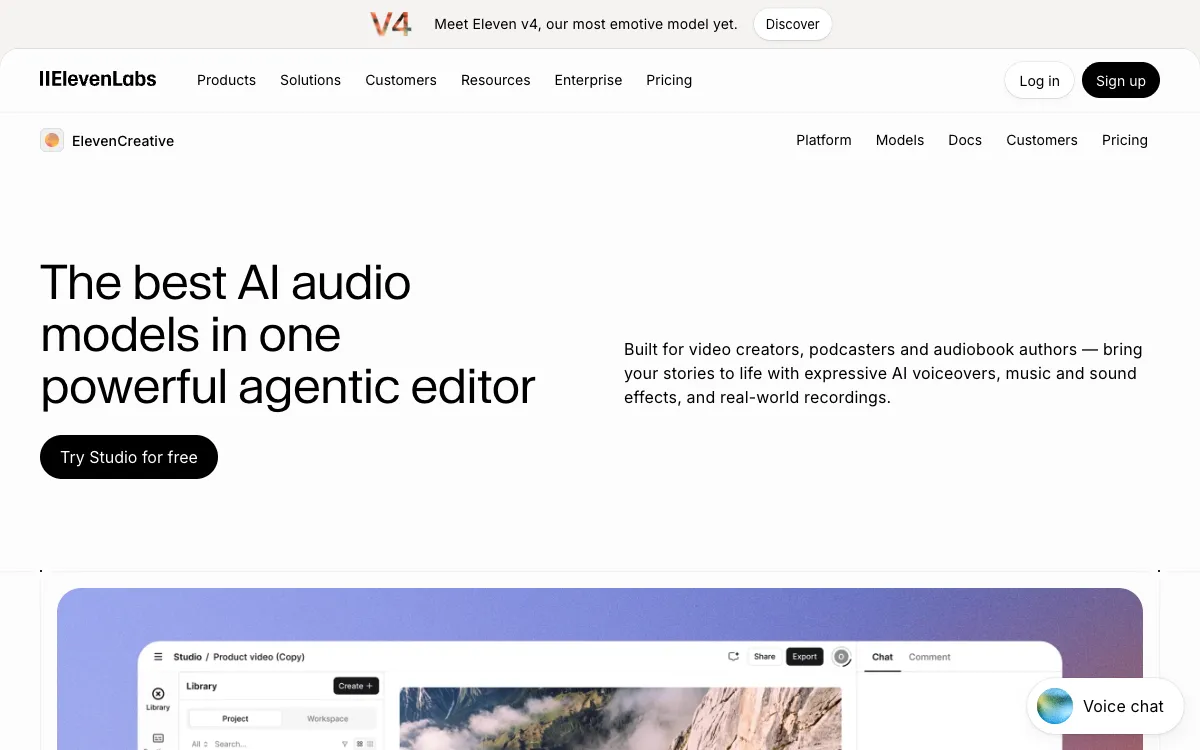 ElevenLabs Studio: voiceovers, music and sound effects in one editor
ElevenLabs is the realism pick among LOVO alternatives, with Eleven v4 and a voice library its pricing table puts at 17,000+ voices. If Genny’s voices were good enough but you wanted better, start here.
Its Studio now takes video. You upload MP4 or MOV files, trim and merge on a timeline, generate captions, and export ready-to-publish files.
The catch is price at volume. Creator costs $22/month for 121,000 credits, about 121 minutes of speech, so long narration adds up faster than on a minutes-based plan.
Pros
- Most expressive voices in this list, with Eleven v4
- Largest voice library: 17,000+ voices, per ElevenLabs
- Instant cloning from Starter; professional cloning from Creator
- One account covers TTS, dubbing, music and sound effects
Cons
- Studio lists 32 languages, fewer than the TTS models cover
- Free plan has no commercial licence
- Credit costs vary by model, so budgeting takes some maths
Best for: Creators who want the most natural voice and will pay for it. For more options, see our ElevenLabs alternatives guide.
Pricing: Free (10,000 credits/month, no commercial use), Starter $6/month (30,000 credits), Creator $22/month (121,000), Pro $99/month (600,000), Scale $299/month (1.8M). Checked October 2026 on elevenlabs.io/pricing.
3. Murf AI
 Murf AI: upload a video or images and time a voiceover to each scene
Murf AI is a voiceover studio with 200+ voices in 35 languages, built to time narration against a video or slides. It’s the most direct swap for teams that used Genny for training and explainer content.
You upload a video, images or a presentation, then time a voice block to each scene. Pitch, speed and pronunciation controls come on every paid plan, and Business adds Emphasis, Variability and Say It My Way, which matches a reference read.
Cloning is the gap. On studio plans it’s an Enterprise add-on, so you can’t rebuild a Genny clone on a self-serve plan.
Pros
- Scene-by-scene timing against an uploaded video or slides
- Canva and PowerPoint integrations
- Unlimited downloads and commercial rights on paid plans
- Yearly voice-generation hours are easy to budget
Cons
- Voice cloning only as an Enterprise add-on
- Free trial allows no downloads and no commercial use
- Not a full video editor: no multi-track cutting
Best for: L&D, training and presentation teams who want narration timed to slides or screen recordings. See our Murf AI alternatives roundup for more in this lane.
Pricing: Free (10 minutes of voice generation, no downloads), Creator $19/month billed yearly, $228/year (24 hrs/year), Business $66/month billed yearly, $792/year (96 hrs/year), Enterprise custom. Checked October 2026 on murf.ai/pricing.
4. Speechify Studio
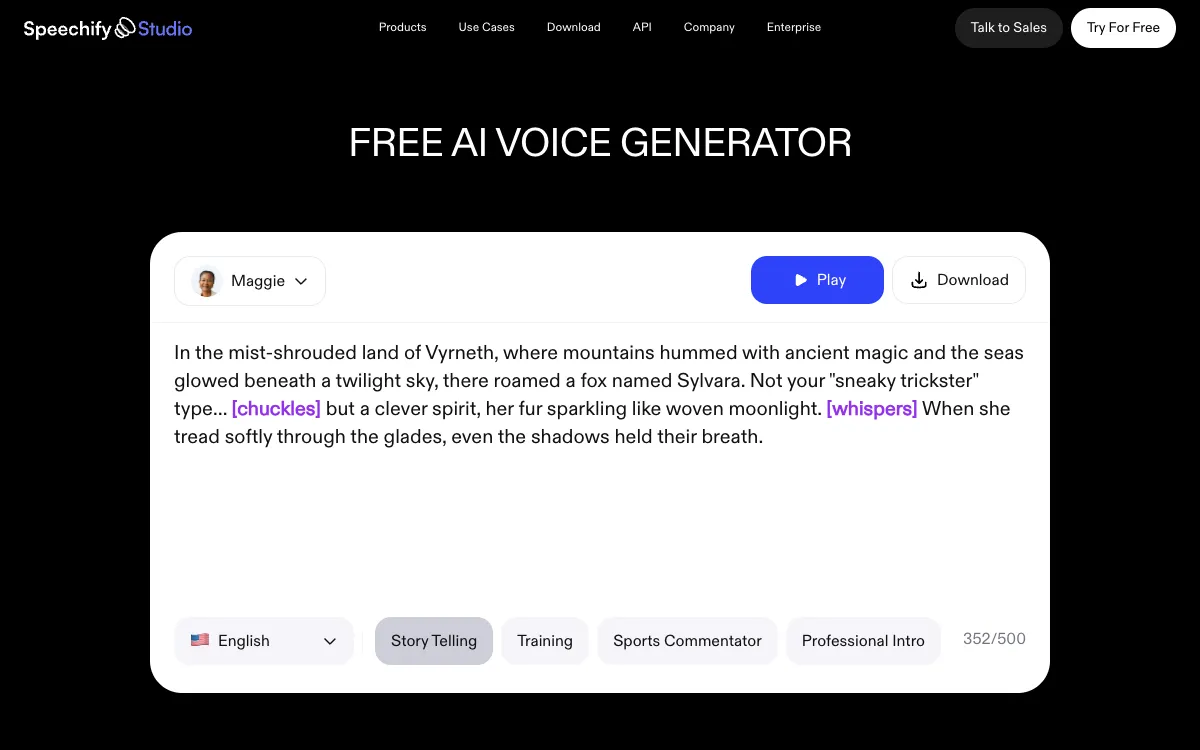 Speechify Studio: voiceover, dubbing and AI avatars in one subscription
Speechify Studio is a voiceover and dubbing suite with 1,000+ voices in 60+ languages and 13 emotion presets. It’s a separate subscription from the Speechify reading app, so don’t buy the wrong one.
The voiceover editor gives you pitch, speed, pauses and pronunciation per line, and the generator accepts tags like [whispers] and [chuckles]. Studio adds dubbing, AI avatars and a stock library of images, video and music.
Its yearly pricing is the draw. Starter is $100 a year with commercial rights, which undercuts most monthly plans here.
Pros
- 13 emotion presets plus inline tags
- 1,000+ voices across 60+ languages, per Speechify
- AI avatars and stock media included
- Yearly plans from $100 with commercial rights
Cons
- Free plan has no commercial rights and blocks MP3 downloads
- Paid plans are listed as yearly only, so there’s no cheap one-month trial
- Easy to confuse with the Speechify reader app when you subscribe
Best for: Solo creators who want emotional delivery, avatars and stock media for one low yearly price.
Pricing: Free (600 Studio credits, no commercial rights), Studio Starter $100/year (86,400 credits), Studio Creator $300/year (345,600 credits). Checked October 2026 on speechify.com/pricing-studio.
5. Fliki
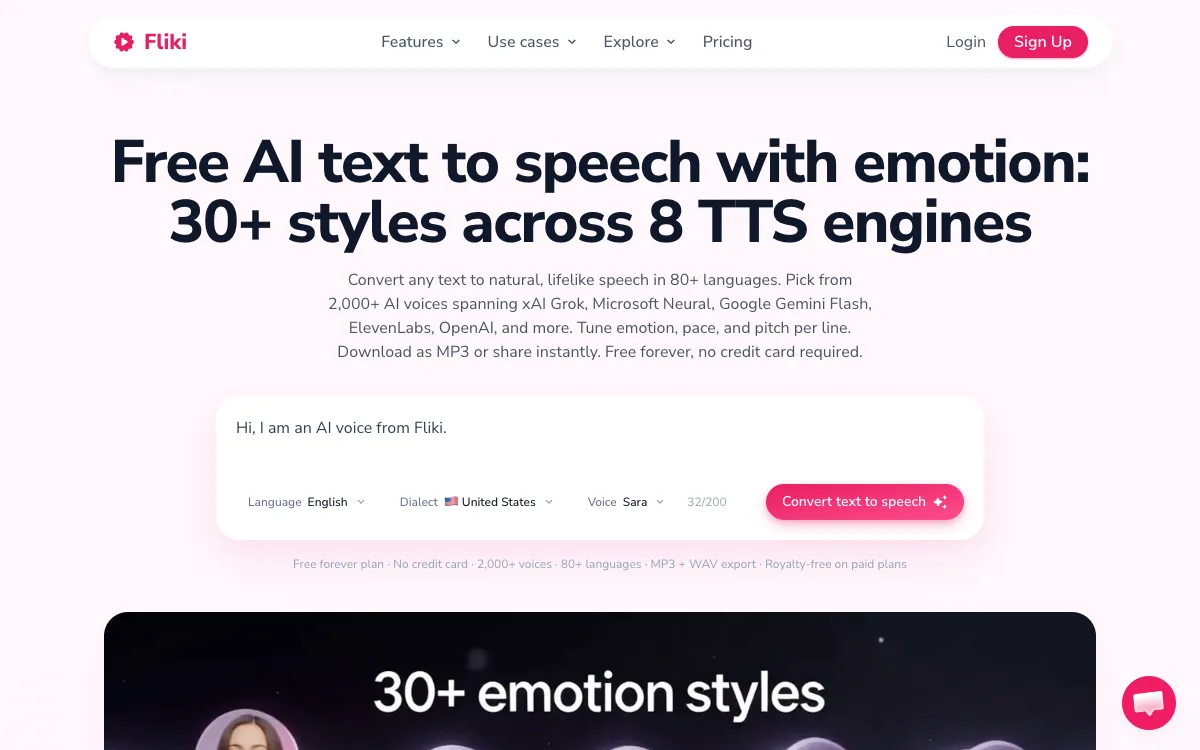 Fliki: text to speech and text to video with stock media and avatars
Fliki is a script-to-video tool with 2,000+ voices in 80+ languages, drawn from eight TTS engines including ElevenLabs, OpenAI and Google. It’s the LOVO alternative for people who used Genny to build whole videos from text.
You paste a script, blog post or slide deck, and Fliki splits it into scenes with matching stock footage and a voice. It offers 30+ emotion styles, voice cloning from Standard, and AI avatars.
The editor is scene-based, not a free timeline. That’s fast for faceless explainers and slow for anything with precise cuts.
Pros
- 2,000+ voices across 80+ languages, per Fliki
- Turns a script, blog post or PPT into a stock-footage video
- Voice cloning from the Standard plan
- 1080p exports on paid plans
Cons
- Scene editor, not a multi-track timeline
- Free plan adds a watermark and caps you at 720p
- Video length capped at 15 minutes on Standard
Best for: Marketers and faceless YouTube creators turning text into narrated stock-footage videos.
Pricing: Free (720p with watermark), Standard $28/month or $21/month billed yearly ($252), Premium $88/month or $66/month billed yearly ($792), Enterprise custom. Checked October 2026 on fliki.ai/pricing.
6. Typecast
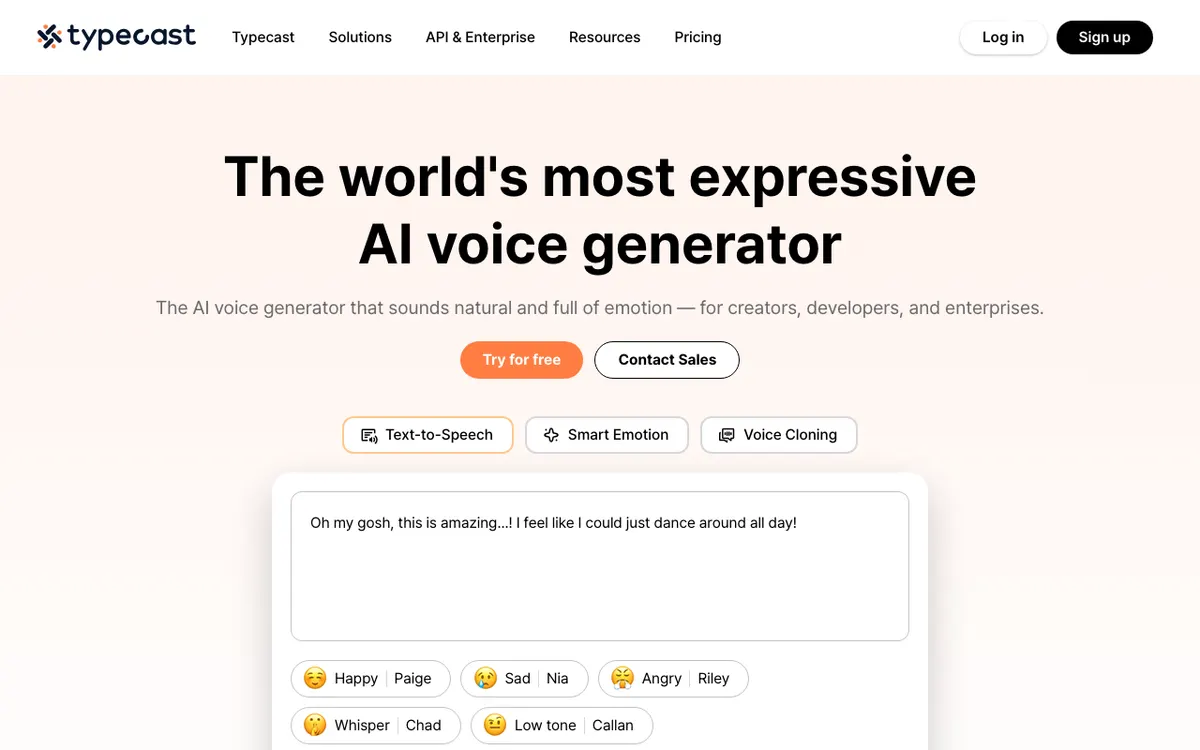 Typecast: expressive AI voices with Smart Emotion and AI avatars
Typecast is an expressive TTS studio with 600+ voices in 35+ languages, built around emotion control. Its Smart Emotion feature adjusts a line’s delivery in one click, which is the nearest thing here to Genny’s emotion menu.
Generation and playback are unlimited on every plan, and you only spend credits when you download. That suits anyone who auditions a lot of takes before picking one.
The emotion tools sit behind the Pro plan. Basic and Plus get every voice, but not Smart Emotion or the intonation controls.
Pros
- Smart Emotion and intonation controls on Pro
- Unlimited generation; credits spent only on downloads
- Instant cloning from Basic ($5/month)
- AI avatars and video export up to 4K on Plus and above
Cons
- Emotion controls start at Pro ($29/month)
- Free plan is 3,000 lifetime credits (about 5 minutes) of trial voices
- Monthly download minutes are small on the lower tiers
Best for: Storytellers and YouTubers who want precise emotional delivery on a small budget.
Pricing: Free (3,000 lifetime credits, about 5 min), Basic $5/month (about 35 min), Plus $19/month (about 50 min), Pro $29/month (about 90 min), Business $69/month (about 250 min). Checked October 2026 on typecast.ai/pricing.
7. Descript
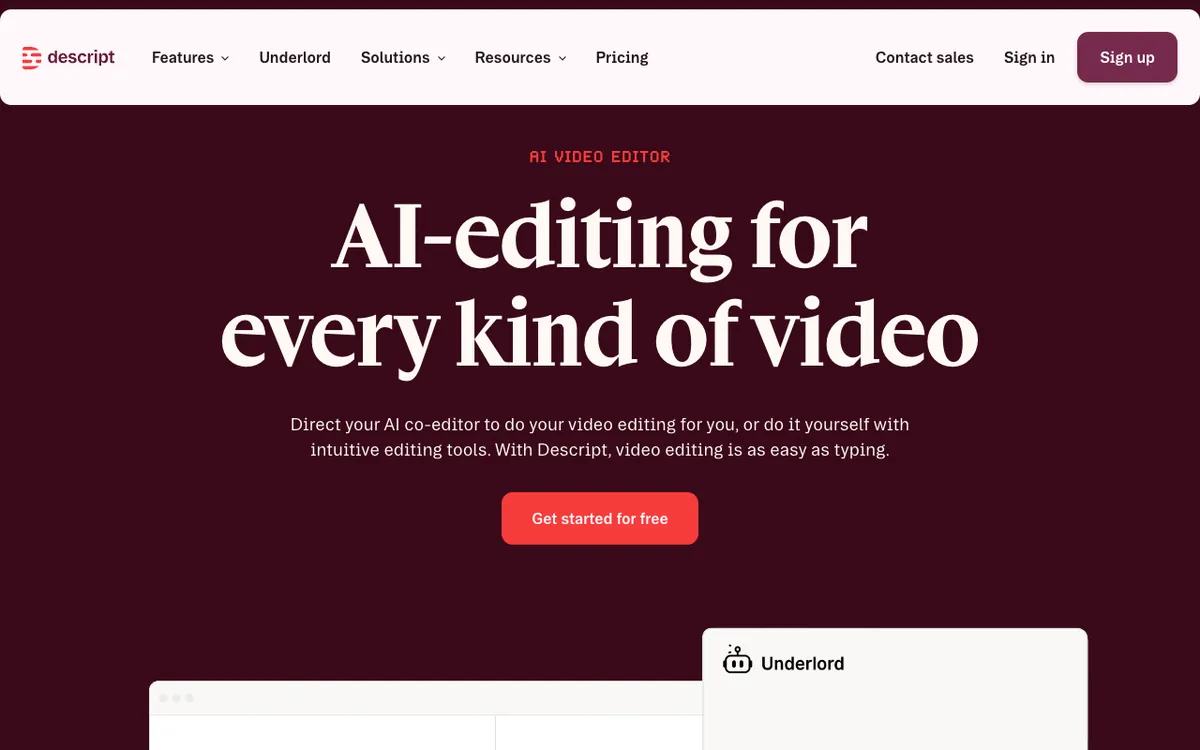 Descript: edit video by editing the transcript, with AI voices and clones
Descript is a text-based video editor with stock AI voices and voice cloning, aimed at people who record their own footage. You edit the video by editing its transcript, and AI speech fills or fixes lines.
It’s the strongest editor in this list for talking-head and screen-recorded video. Paid plans include 25+ stock voices (60+ on Business), voice clones, dubbing into 30 languages and caption translation into 61.
As a pure voiceover tool it’s lighter than the others. The voice library is small, and Descript is built to edit speech you already have.
Pros
- Edit video by deleting words in the transcript
- Voice clones on paid plans, for fixing your own lines
- Up to 4K export on Creator and Business
- Dubbing into 30 languages
Cons
- Small stock voice library (25+ on most plans)
- Free plan exports at 720p with a watermark
- Media hours and AI credits are metered per plan
Best for: Podcasters, YouTubers and teams editing recorded video who need AI voice for fixes and narration. Our Descript alternatives guide covers the rest of this lane.
Pricing: Free (1 media hour/month, 720p), Hobbyist $16–$24/person/month, Creator $24–$35/person/month, Business $50–$65/person/month; the lower figure is the annual rate. Checked October 2026 on descript.com/pricing.
LOVO AI alternatives compared side by side
| Tool | Voices | Languages | Emotion control | Video editing | Voice cloning | Paid from |
|---|---|---|---|---|---|---|
| Vidwip AI Studio | 190+ | 74 | Inline audio tags | Multi-track browser timeline, 1080p | Dubbing only | $25/mo |
| ElevenLabs | 17,000+ library | 32 in Studio | Inline tags, Eleven v4 | Studio timeline, captions | Yes | $6/mo |
| Murf AI | 200+ | 35 | Emphasis, Say It My Way (Business) | Scene timing over video or slides | Enterprise add-on | $19/mo (yearly) |
| Speechify Studio | 1,000+ | 60+ | 13 emotion presets, tags | Voiceover editor, avatars, stock | Not listed on plans | $100/yr |
| Fliki | 2,000+ | 80+ | 30+ emotion styles | Scene-based script to video | Standard+ | $28/mo |
| Typecast | 600+ | 35+ | Smart Emotion (Pro) | Avatars, up to 4K export | Basic+ | $5/mo |
| Descript | 25+ (60+ Business) | 30 dubbing | Limited | Text-based editor, up to 4K | Paid plans | $16/mo |
All figures are from each vendor’s own site, checked October 18, 2026. Voice and language counts are vendor-reported.
How to choose the right LOVO alternative
- You used Genny to voice and edit in one place: pick Vidwip AI Studio for a real timeline, or ElevenLabs Studio if voice realism matters most.
- You narrate training, slides or screen recordings: Murf AI times voice to each scene and plugs into PowerPoint and Canva.
- Emotion was the reason you chose LOVO: try Typecast Pro and Speechify Studio side by side on the same script.
- You turn text into full videos without filming: Fliki builds the scenes and stock footage for you.
- You edit your own recorded footage: Descript, with AI voices for fixes and pickups.
If you had cloned voices in Genny, find the original recordings first. The clone itself is gone, but the source audio lets you rebuild it elsewhere.
Final verdict
LOVO isn’t coming back, so pick the replacement that matches how you used it. For pure voice realism, ElevenLabs leads; for emotion presets, Typecast and Speechify Studio; for script-to-video, Fliki.
If you want Genny’s main promise, a voice and an editor in one tab, Vidwip AI Studio voices your script in 74 languages and puts it on your timeline, free to start.
For more voice tools, read our PlayHT alternatives list, since PlayHT also shut down, and the AI video voiceover guide.